Everything Forminal can do, sorted by what it is for. Open one to see what it does, with real examples.
Features
Fields
A field for every question
Twenty-seven field types cover the everyday questions and the awkward ones, such as rankings, rating grids, file uploads and payments. Email and website fields check what people type before the form can be sent, and any field can be made required.
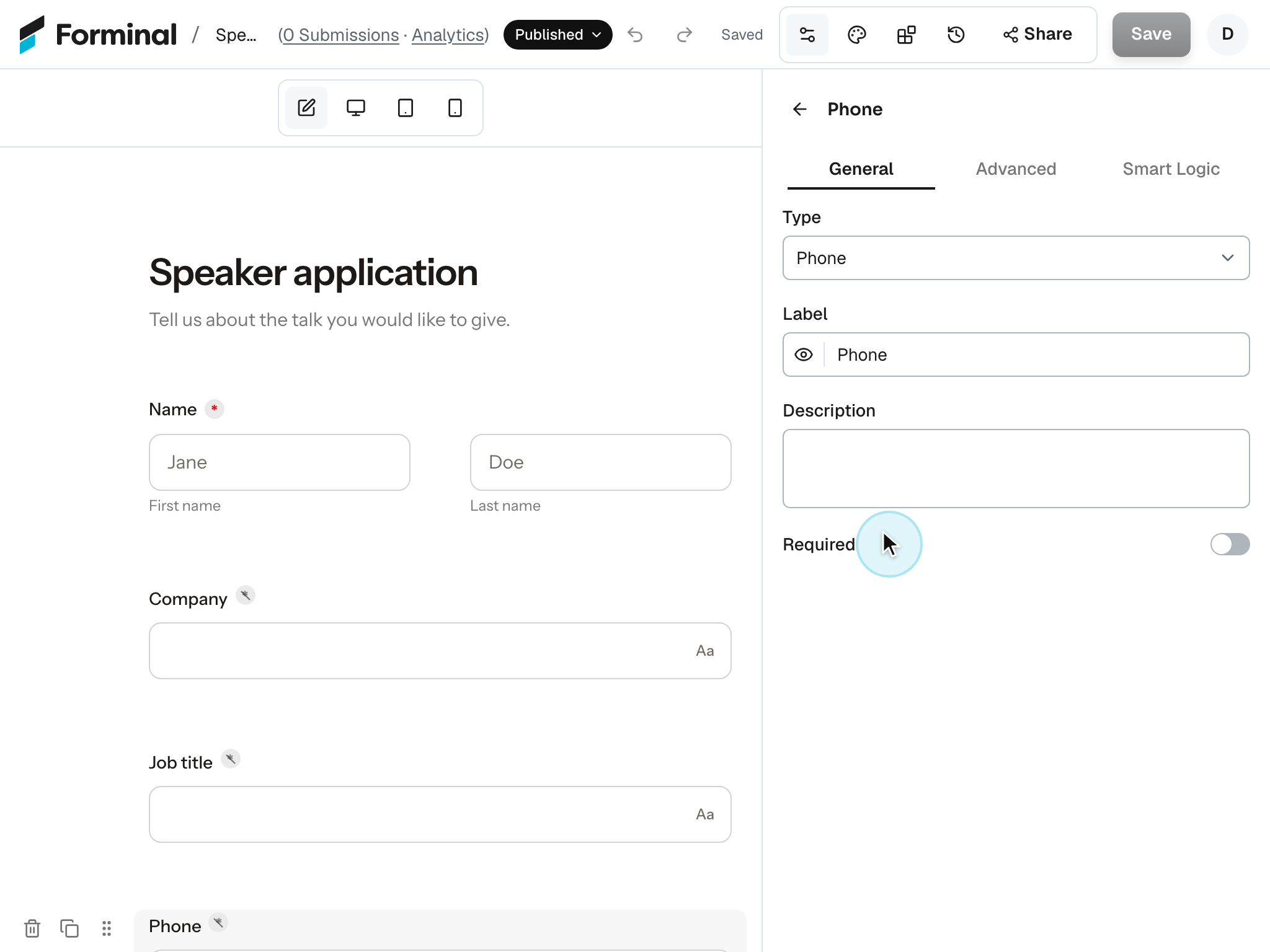
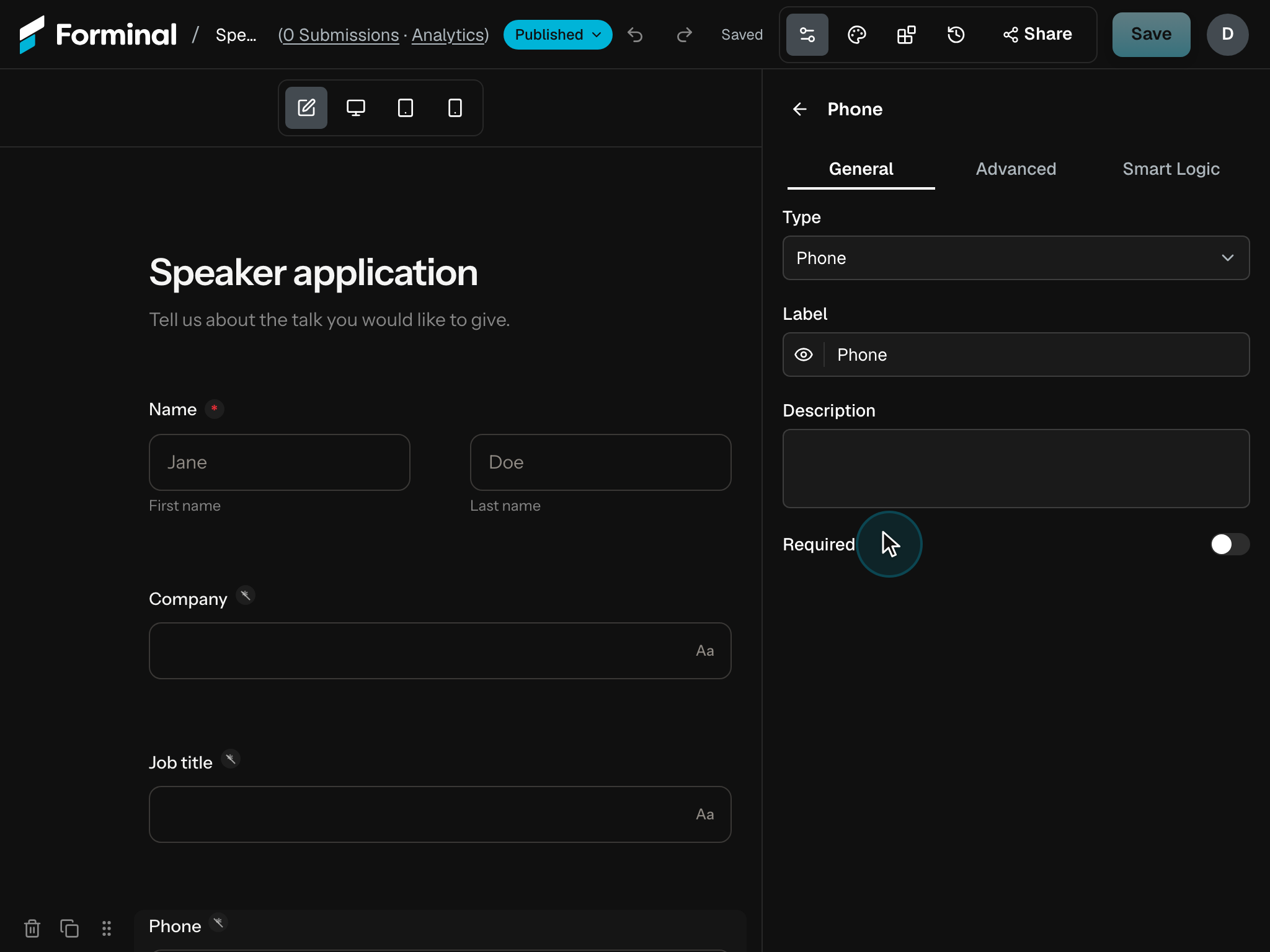
Standard Fields
Text, numbers, choices and dates for the everyday questions on any form.
Contact Fields
Ask who someone is and how to reach them, with email and web addresses checked before the form is sent.
Rating and Feedback
Stars, scores, rankings and grids for surveys and feedback forms.
Layout and Content
Split a form into pages and add text, video or a map between the questions.
Signature
People sign with a mouse or a finger, and you get the signature as an image.
File Upload
Lets people attach files to their answers, saved to your media library or your own Google Drive, whichever you pick.
Payment
Takes a payment through Stripe inside the form, as a one-time charge or on a recurring schedule.
GDPR Agreement
A required consent box, one per form and never pre-ticked, with switches to set no cookies and keep no IP, browser or country.

Advanced features
Forms that react to each answer
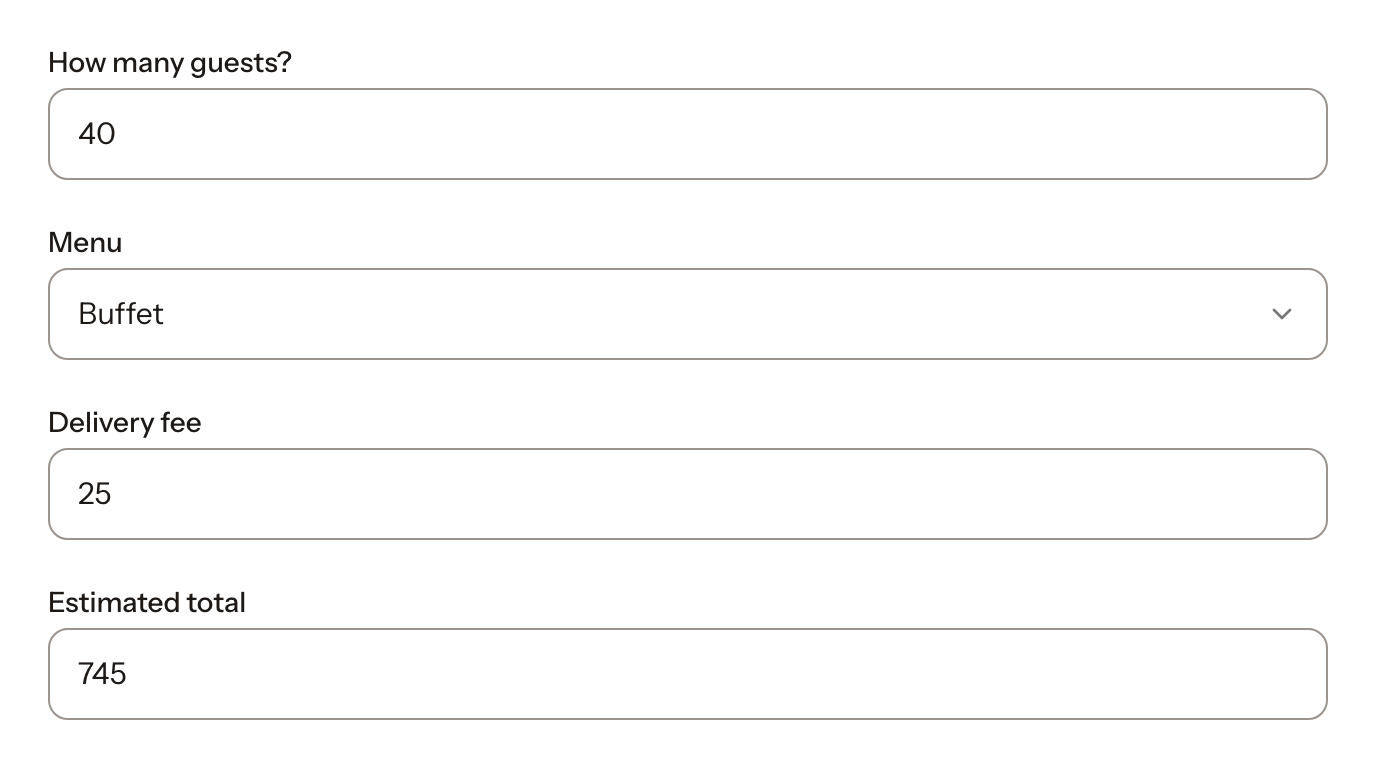
Smart Logic shows only the questions that apply, Calculations fill in totals as people type, and Answer Piping puts earlier answers into later questions. Once the form is out, Form Analytics shows where people stop, and Version History takes you back to any earlier version.
Logic and Calculations
Show only the questions that apply, and fill in totals with a formula as people answer.
Multi-Page Forms
Breaks a long form into pages and shows people how far along they are.
Sharing
Share a form by link, embed it on your site, or serve it from your own domain.
Insights
See where people drop out of a form and which campaign each submission came from.
Teams and Security
Share forms with teammates, see who changed what, and roll back to an earlier version.
Spam Protection
Keeps bot submissions away from the real ones in the background, and adds a CAPTCHA from Google, Cloudflare or hCaptcha when a form needs more.
Getting Started
Start from a template, import a form you already have, or build one before you sign up.
Inline embed
Places a form right inside a page on your site with one script tag and a frame.
Popup embed
Opens a form in a popup from any button on your site.
Customization
Make every form look like yours
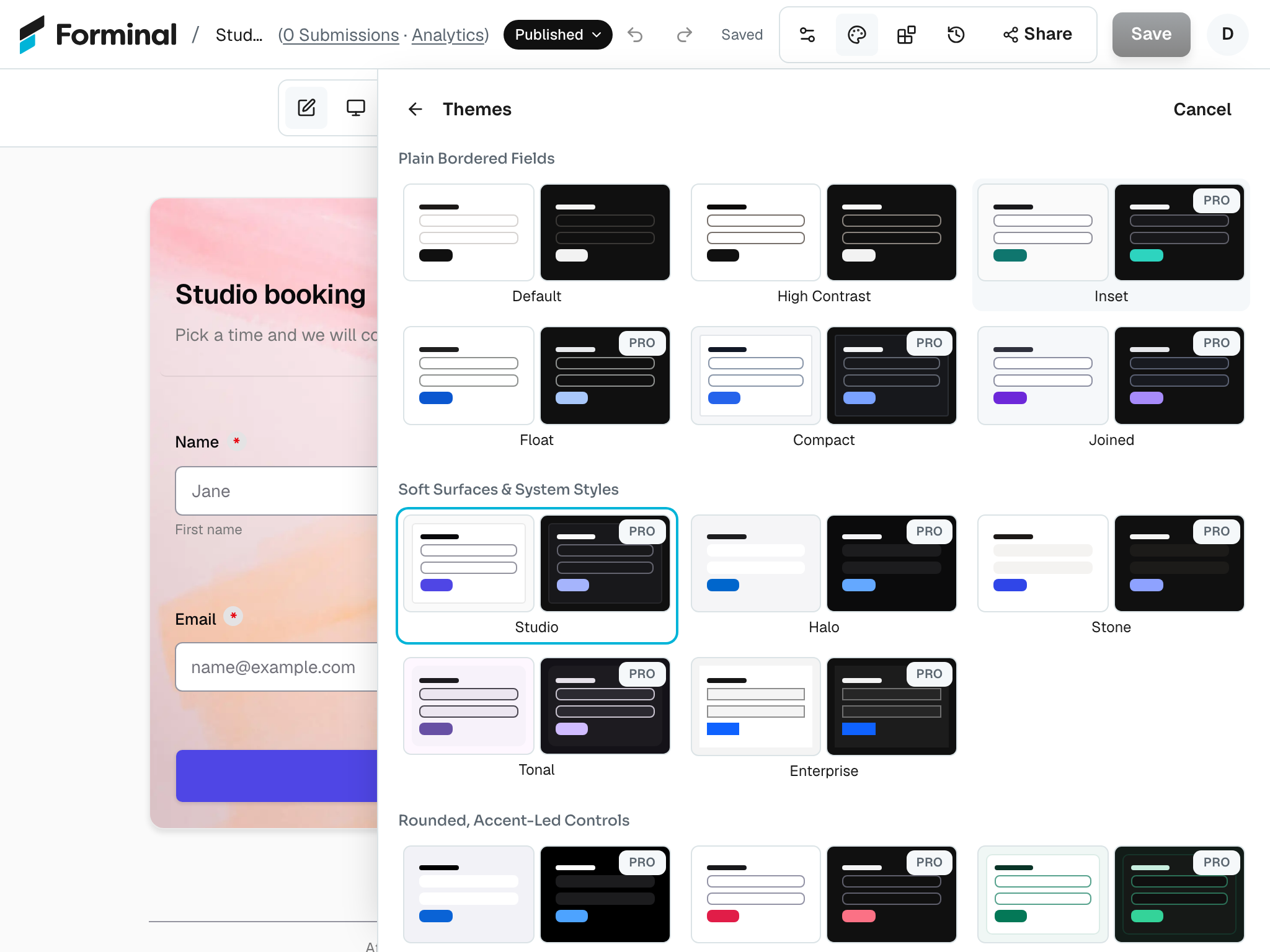
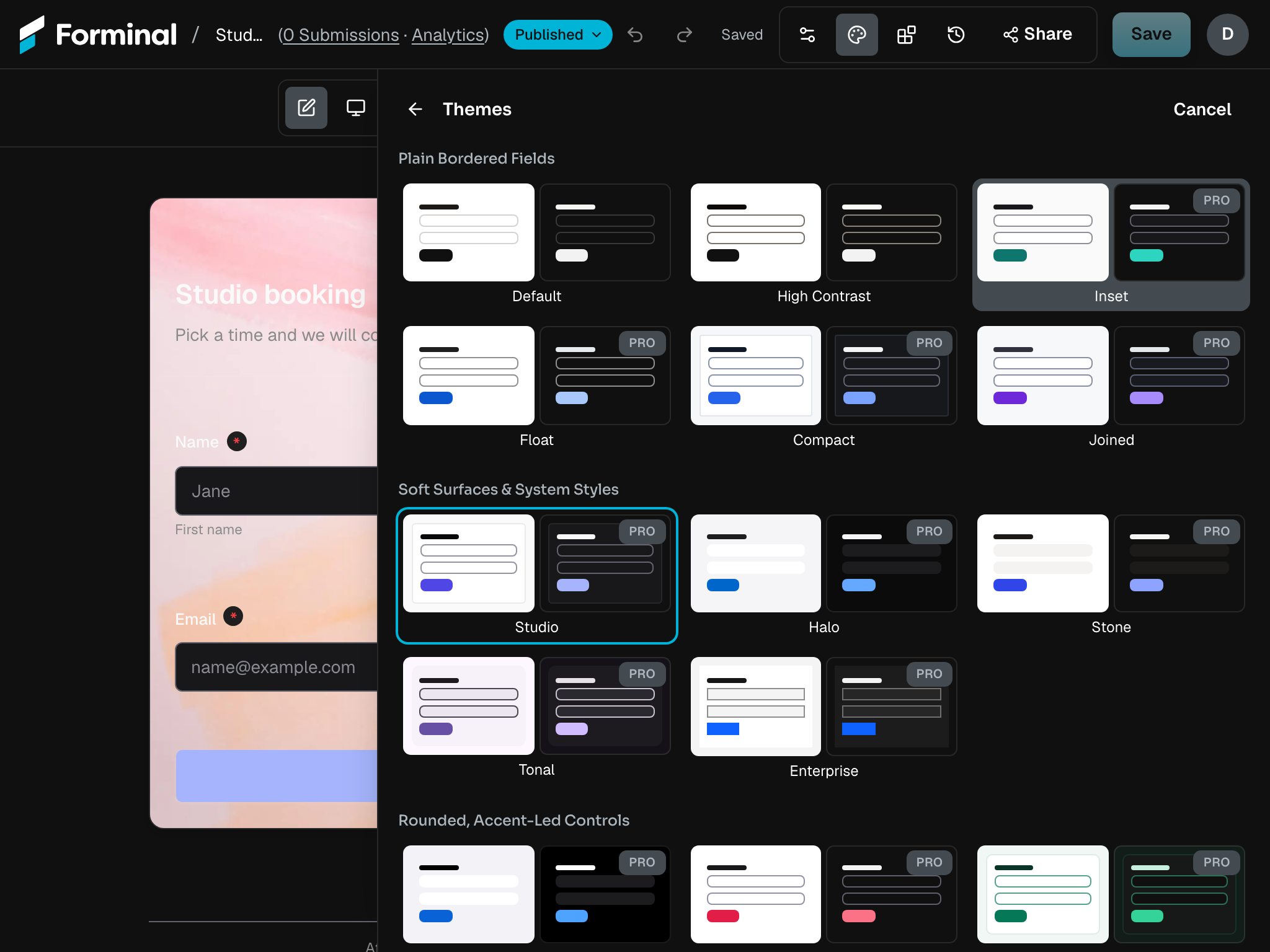
Start from one of 26 themes, each with a light and a dark look, then change the colors, fonts, logo, cover and card until the form matches your brand. Advanced Styles adjust sizes and spacing without code, and Custom CSS covers whatever is left.
Styling
Themes, fonts and colors, with finer control over sizes and spacing or your own CSS.
Layout
Add your logo and a cover, put fields side by side, and set the form on a card.
Remove BrandingPro
Hide the "Made by Forminal" line so the form carries only your brand.
Form settings
Decide what happens around the questions
Write the button label, pick a thank-you page or a redirect, and get an email for every submission. You can also keep people to one submission each, lock a form with a password, or let people save their answers and finish later.
After Someone Submits
Choose the button label and what people see once they submit, with a different page for different answers.
Notifications
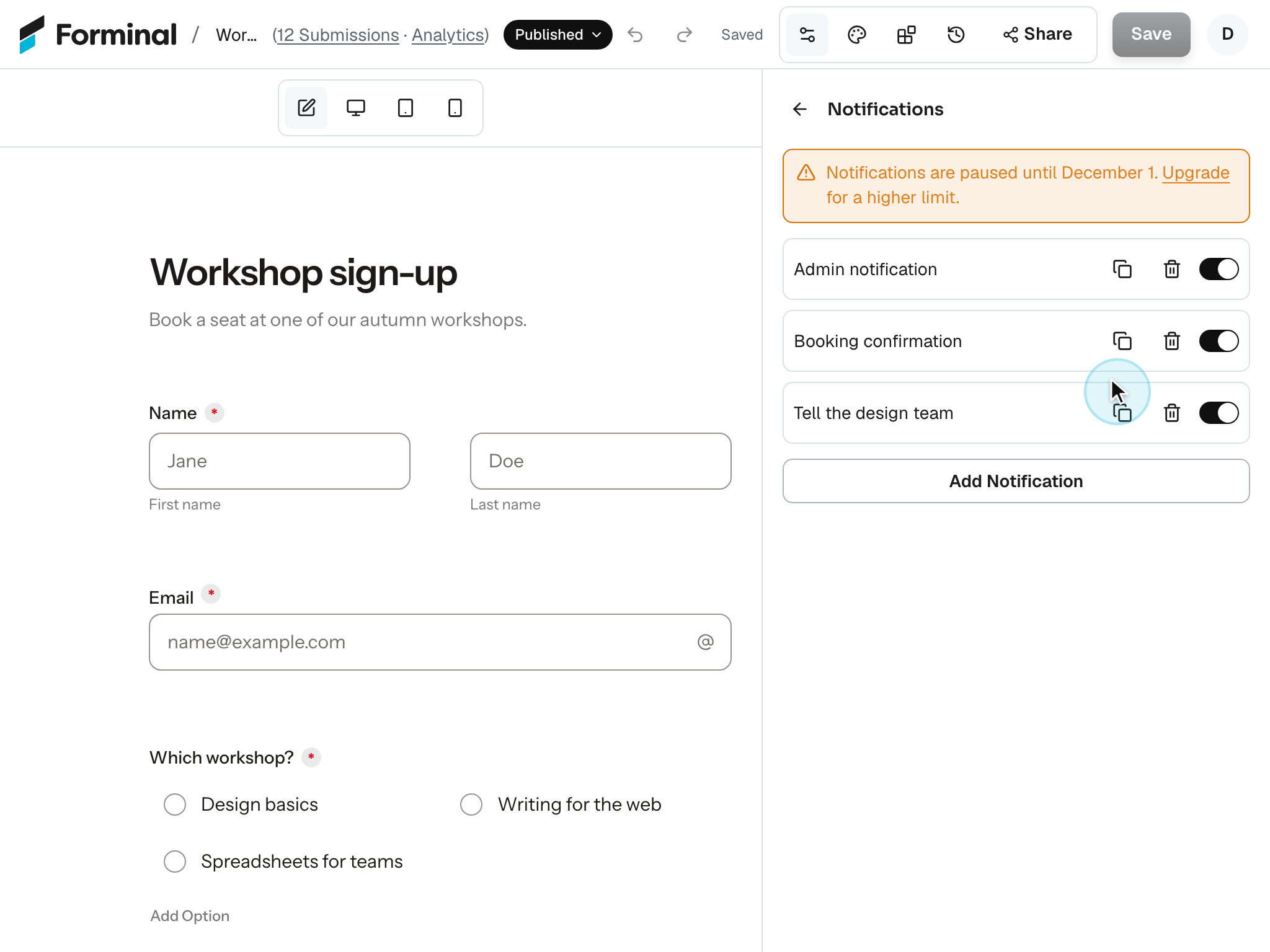
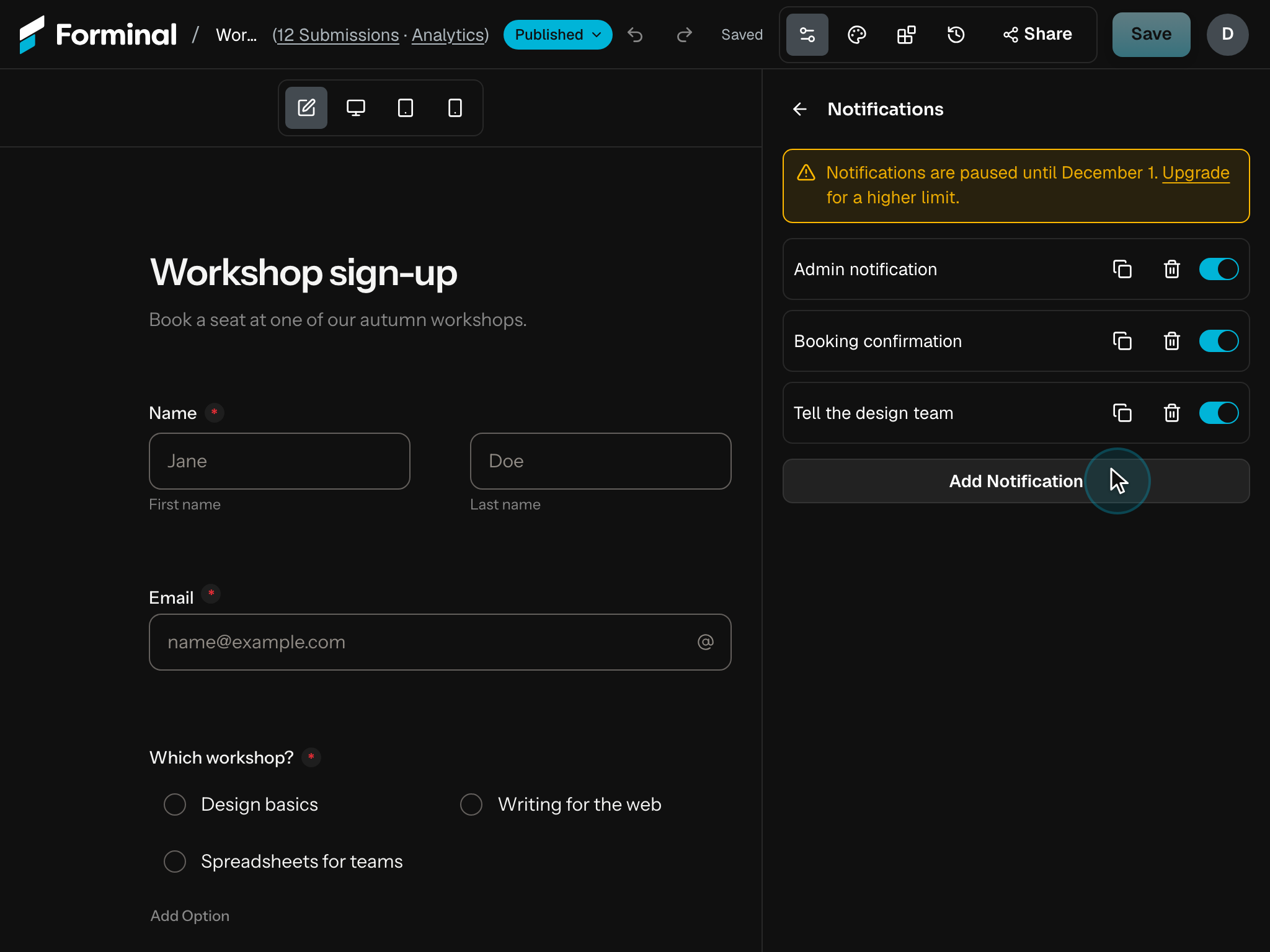
Get an email for every submission, with a PDF of the answers attached when you want one.
Who Can Respond
Keep people to one submission each, or lock a form behind a password.
Progress and Drafts
Show how far along people are, and keep what people typed if they leave before the end.
Publishing
Keep a form private until it is ready, read every submission in a table you arrange, and publish chosen ones as a page.
PDF Downloads
Download any submission as a PDF from the Submissions page, to save, print or send on.
Data and Files
Keep uploaded files in one place and delete old submissions on a schedule you set.
- Data RetentionBusiness
- Media Library
Integrations
Send submissions where you already work
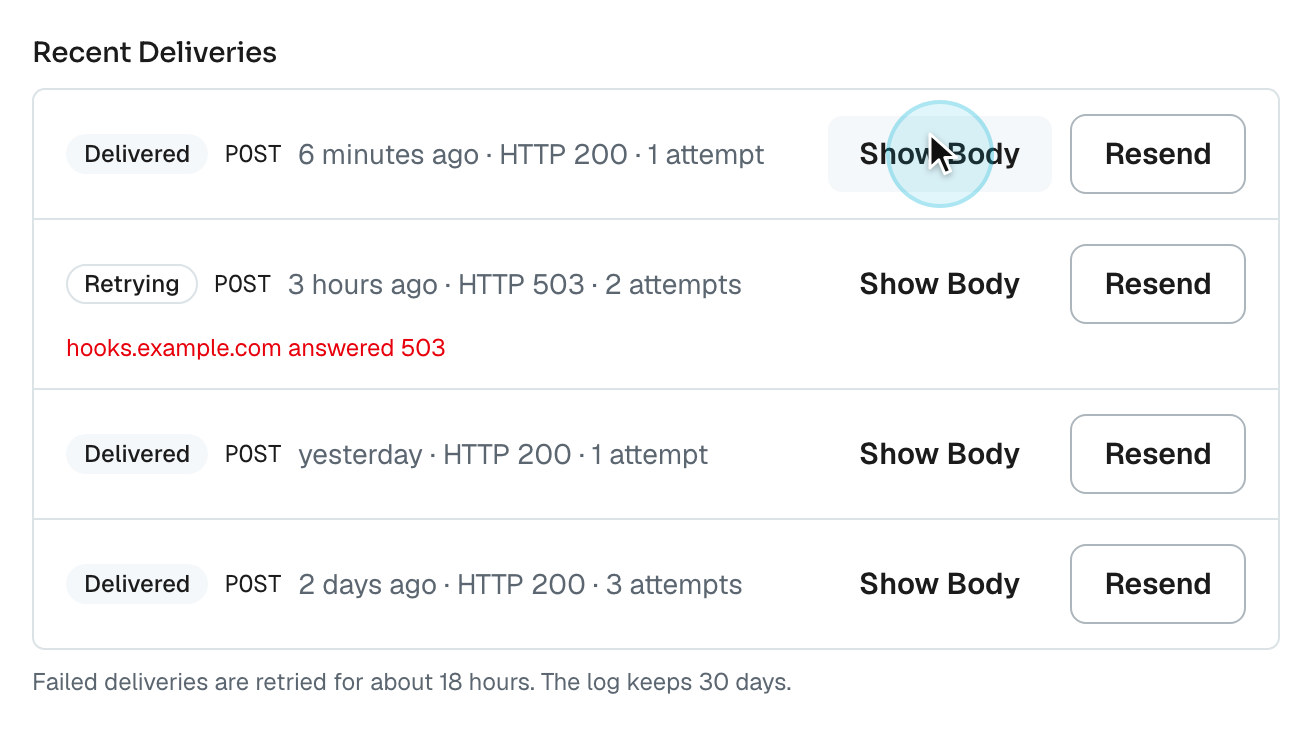
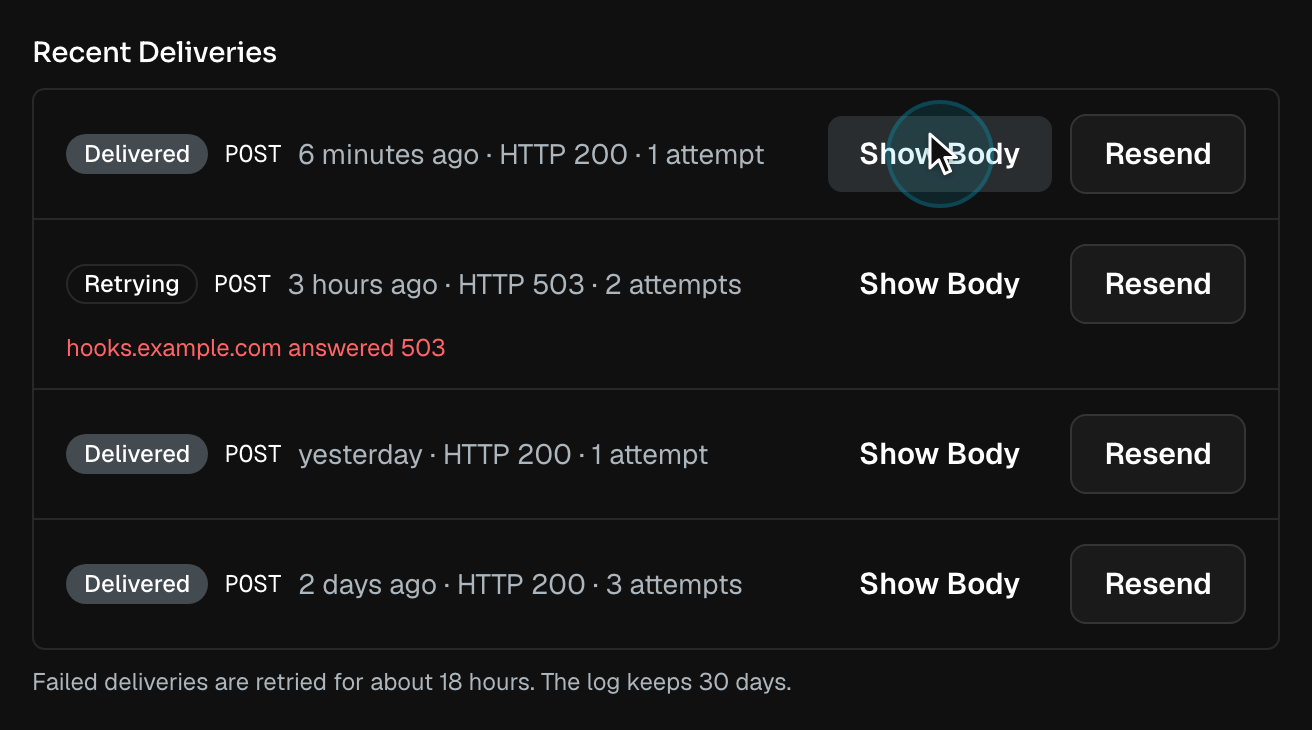
Each submission can become a row in a Google Sheet or a Drip subscriber, start a Zap or a Make scenario, or reach your own endpoint as a signed webhook. Payments go through your own Stripe account, and the REST API and CSV Export give you every submission.
Google
Add each submission to a Google Sheet and save uploaded files to your Google Drive.
Automation
Start a Zap or a Make scenario with each submission, or send it to your own URL.
Drip
Adds each person who submits your form to Drip as a subscriber, with the fields and tags you choose.
Stripe
Connect your Stripe account to take payments through your forms.
Data Out
Download submissions as a CSV, or work with forms and submissions from your own code.
AI & developers
Build forms with AI agents
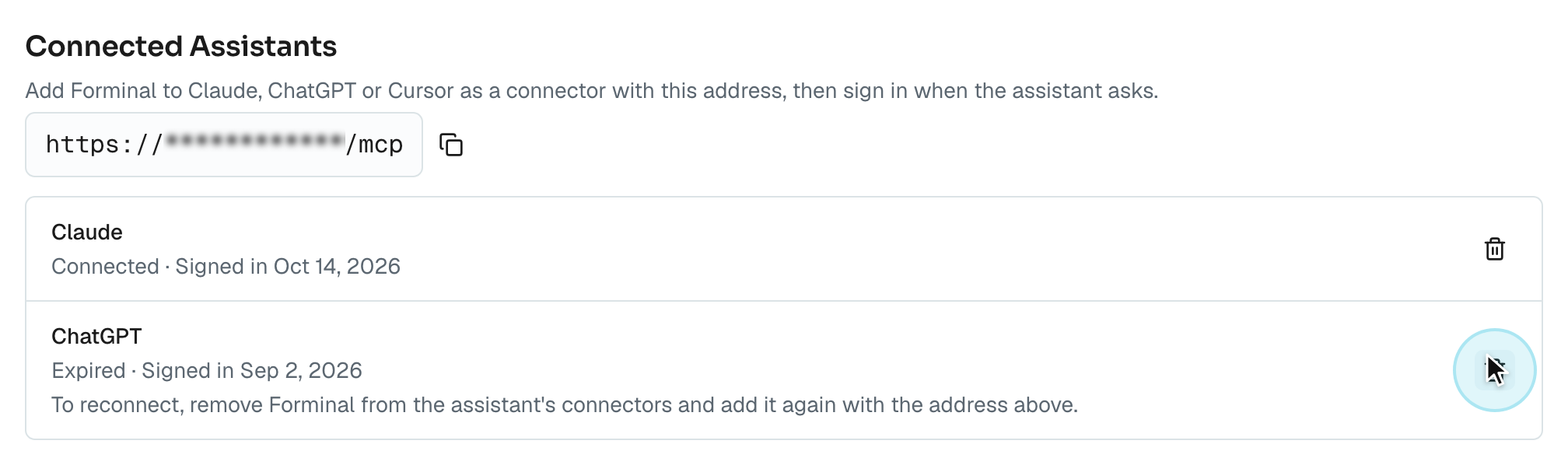
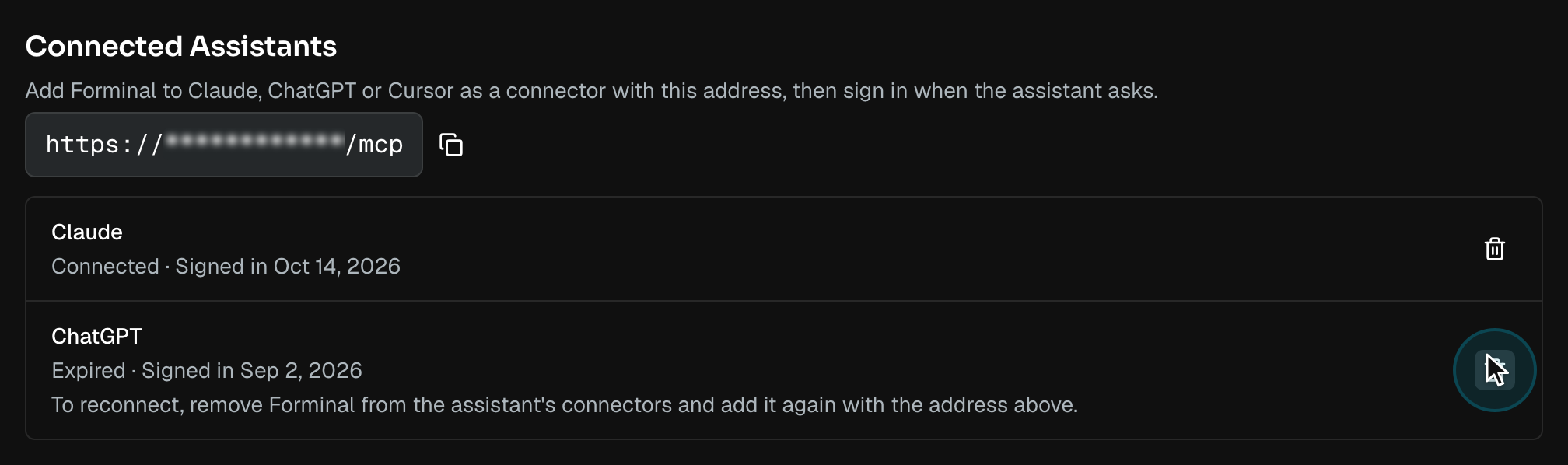
Describe a form to the assistant in the builder, or connect Claude, ChatGPT or Cursor over MCP and let them create, publish and update forms for you. The form format is a published JSON Schema, so agents and your own code can check a form before importing it.
AI Assistant
Describe a form in a sentence and the assistant builds it, changes it or answers questions about your submissions.
Agents
Let AI agents build, publish and fill in forms through MCP and WebMCP, with instructions written for them.
Form JSON Schema
The form format is published as a JSON Schema, so code and agents can check a form before importing it.
Frequently asked questions
Which features are on the free plan?
Most of them. Lite, the free plan, includes the builder, every field type, Smart Logic, multi-page forms, payments, sharing, embeds, submissions and email notifications. A feature that needs Pro or Business carries that plan’s badge here and on its page.
Can I try a paid feature before I upgrade?
You can add it to a form in the builder and see it on the canvas. The published form leaves it out until you upgrade, and the builder tells you what will not show.
Which apps does Forminal connect to?
Google Sheets, Google Drive, Drip, Make, Zapier, Stripe and webhooks are built in. Anything else can be reached through Make, Zapier, a webhook or the REST API.
Can AI build a form for me?
Yes. Describe the form to the AI assistant in the app and it adds the fields. You can also connect Claude, ChatGPT, Cursor, Gemini CLI or another MCP client to the Forminal MCP server and build forms from there.
Can I put a Forminal form on my own website?
Yes. Embed it inline in a page, open it in a popup from a button, or add a floating button or a side tab (a slider) that opens it. This works on any site that can hold a script tag, including WordPress, Webflow, Shopify, Squarespace and Wix. Every form also has a link of its own, so it works with no website at all.
Your first form is free, and so is the hundredth
No sign-up to start. Already have an account? Sign in.