Save and Resume lets people leave a long form without losing what they typed. There are two options. Remember Answers keeps their answers in their own browser, so the form is filled in again when they come back. Save and Continue Later adds a button that saves their answers on our servers and gives them a link, which they can copy or have emailed, so they can finish on any device.
Remember Answers is free on every plan. Save and Continue Later is included on Pro and Business. Both are off until you turn them on. To follow up on people who never finished, use Partial Submissions: those are for you to follow up, while save and resume lets the visitor finish.
Examples
- A long job application that people finish over two evenings.
- An intake form that asks for details people need to look up, such as an account number or a date.
- A survey someone starts on their phone and finishes at their desk.
- A short form where a closed tab shouldn’t cost anyone their answers.
Turn it on
- Open the form in the builder and select Form Settings in the top bar, or click an empty part of the canvas, so the sidebar shows the form’s settings.
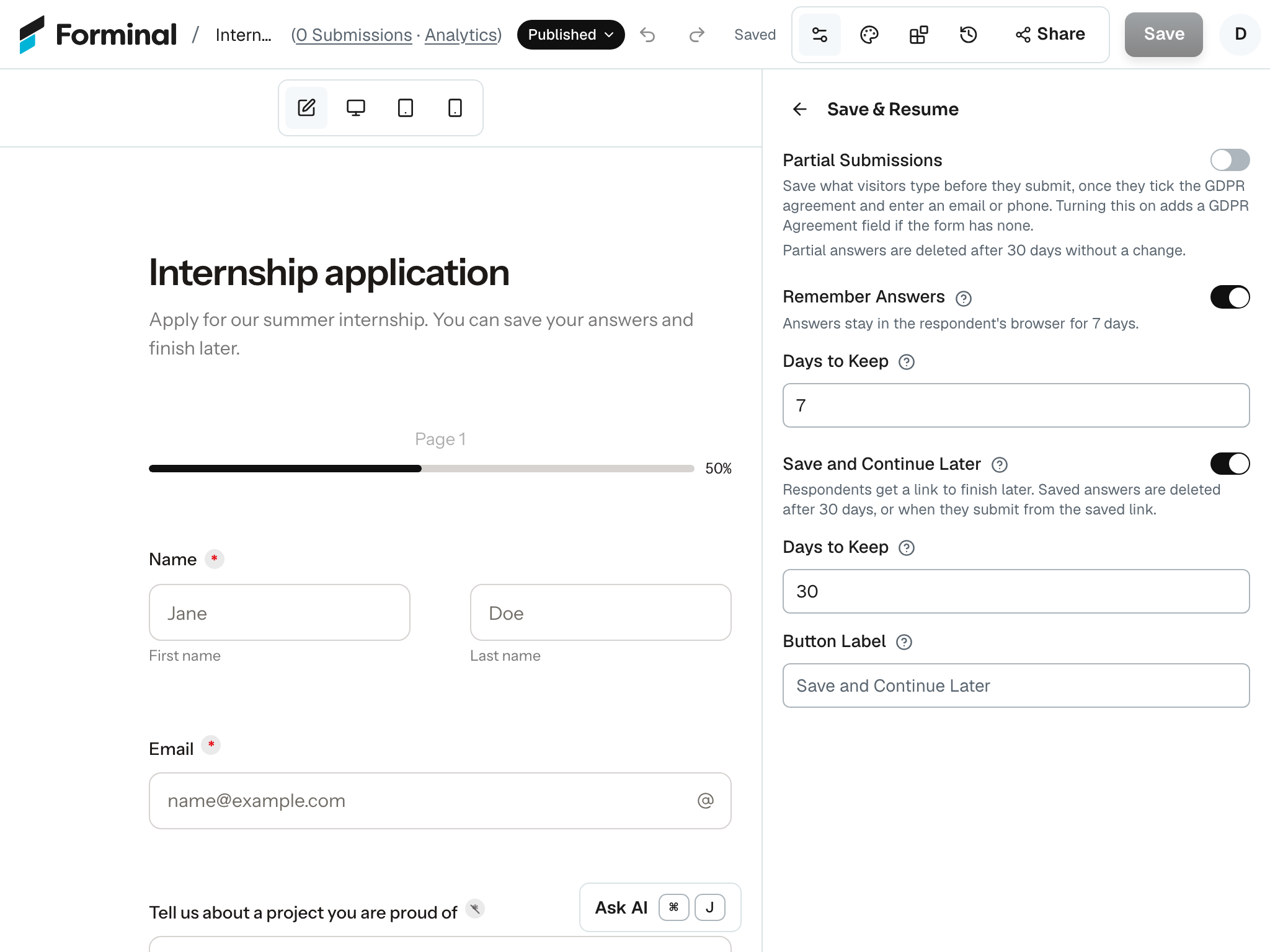
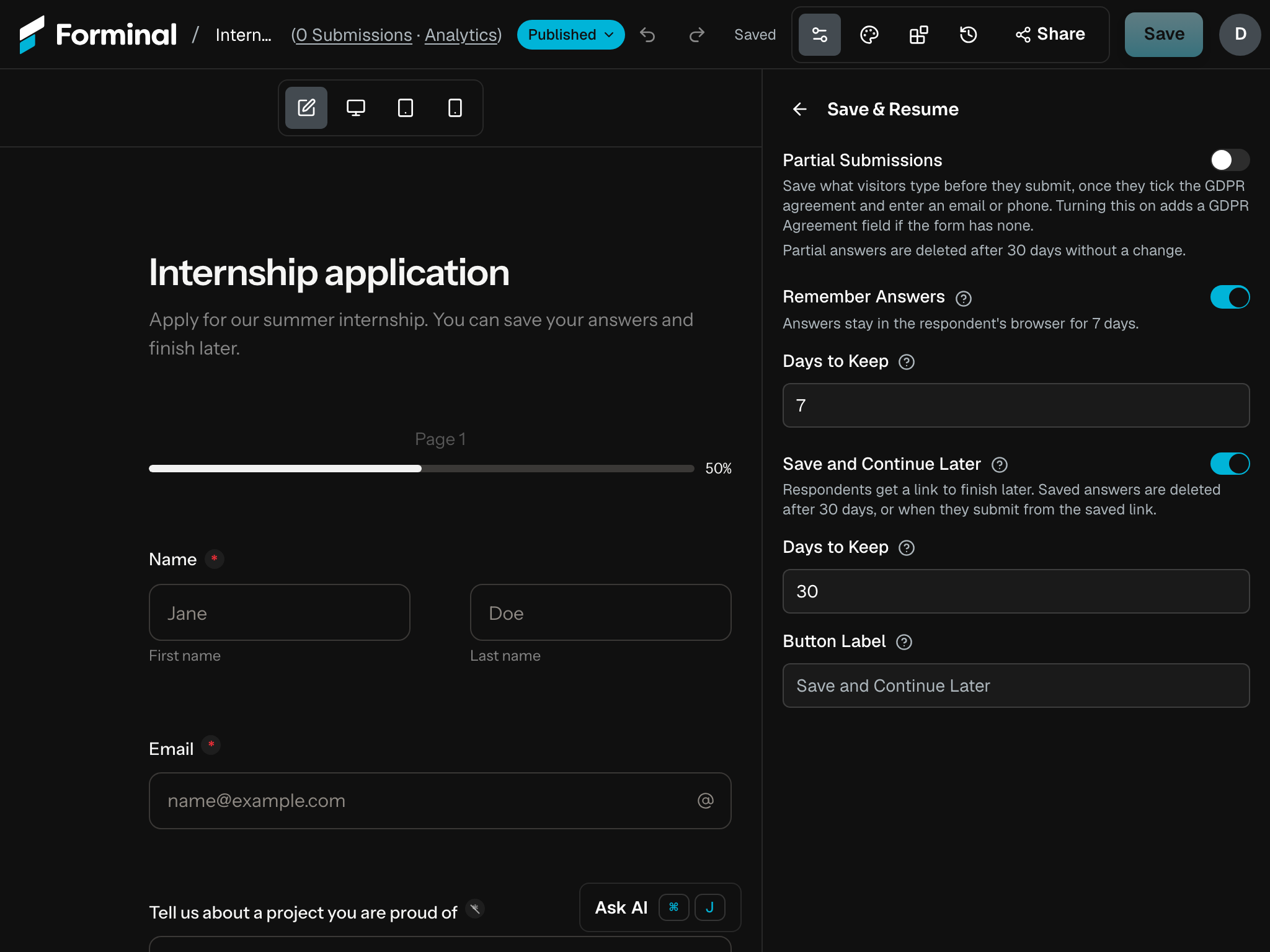
- In Form Settings, select Save & Resume.
- Switch on Remember Answers, Save and Continue Later, or both.
- Set Days to Keep for each one, and for the button, optionally a Button Label.
- Publish the form.
Remember Answers
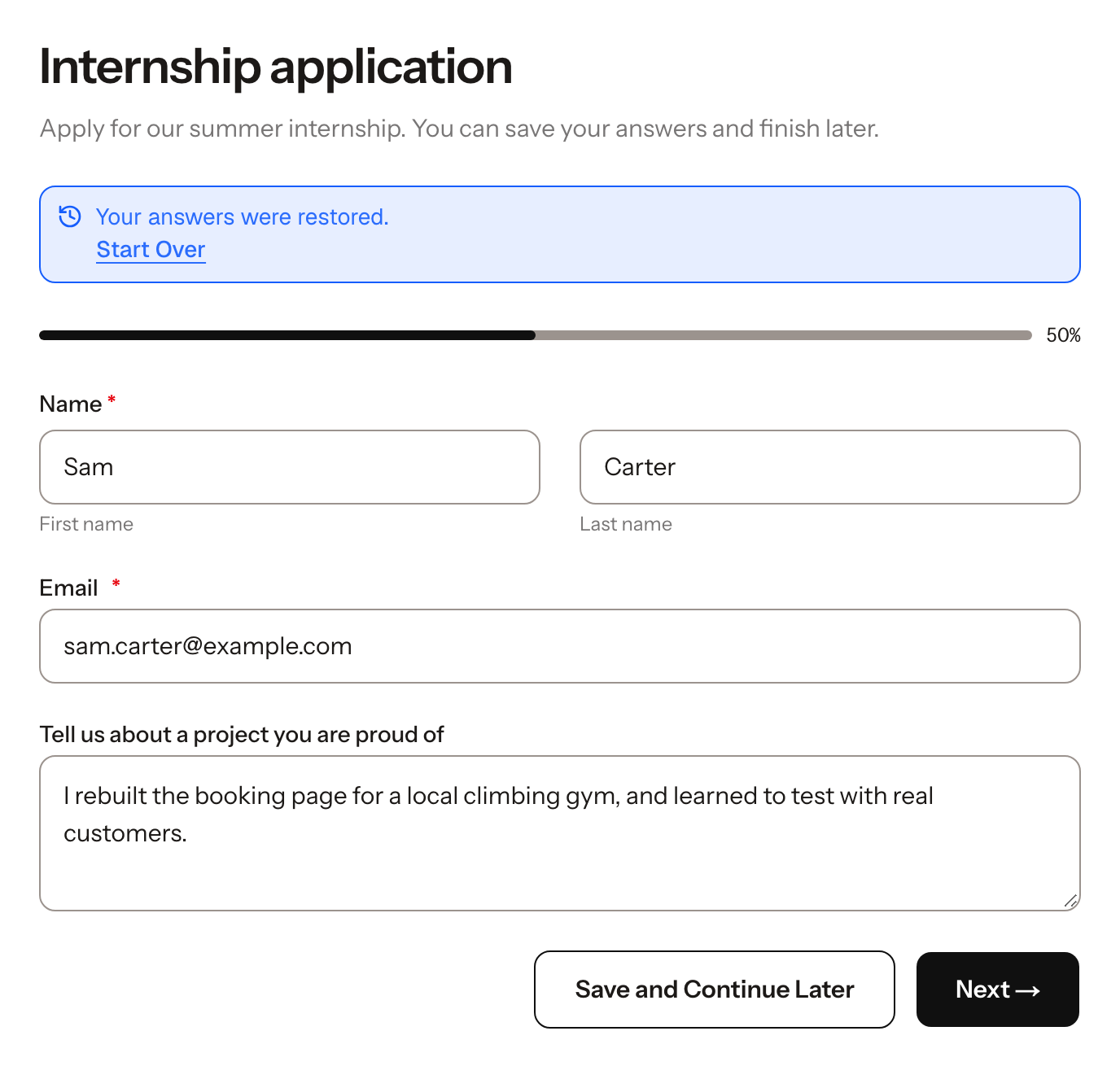
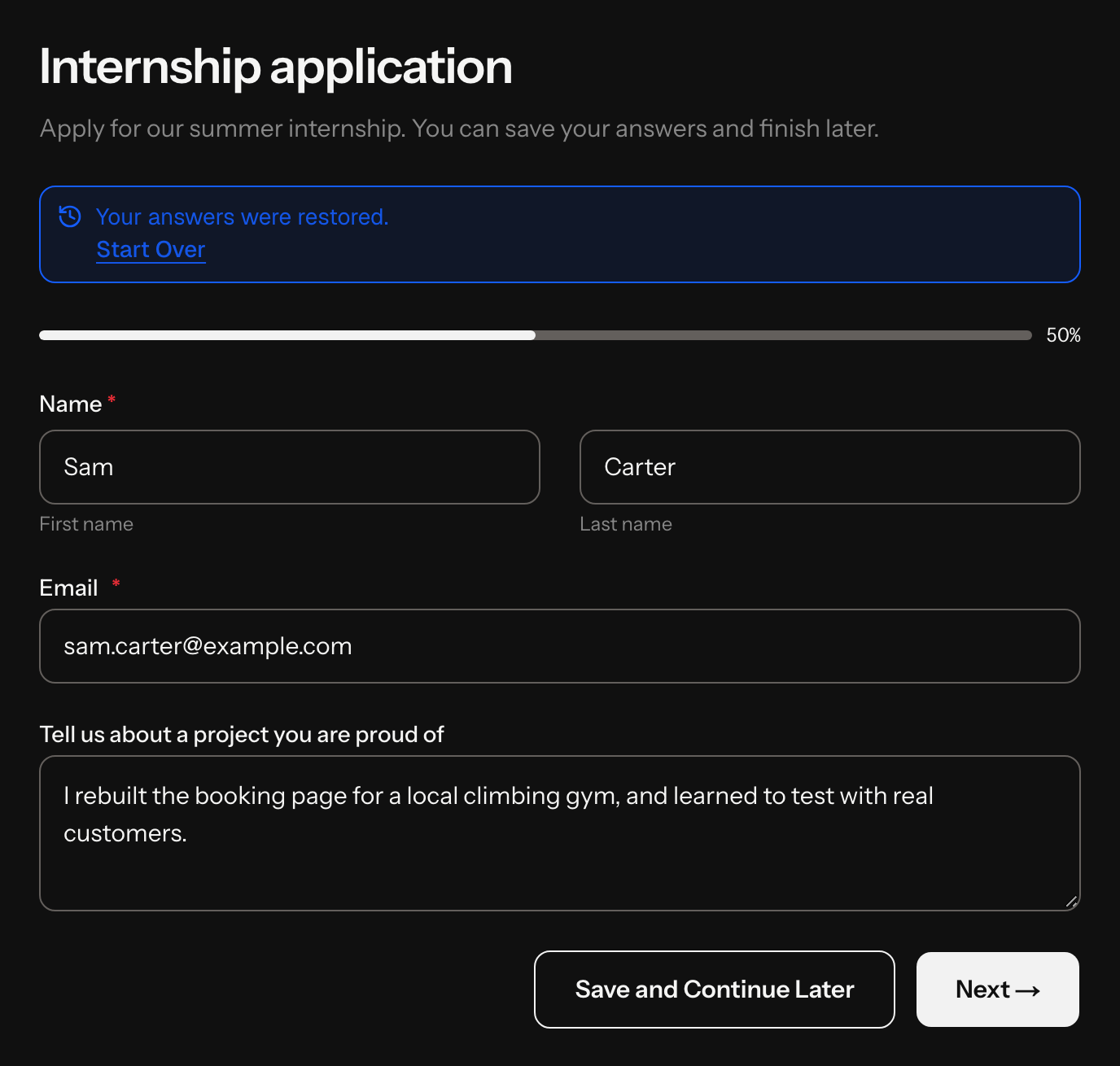
While it is on, the form saves the visitor’s answers, the page they are on and, if they saved a link, its token in their browser’s local storage. When they open the same page in the same browser, the form fills itself in again and shows “Your answers were restored.” with a Start Over button that clears everything. Nothing leaves the visitor’s device, and you never see these answers until they submit.
Days to Keep is how long the answers stay after the last change. It is 7 days by default and can be set from 1 to 90.
Save and Continue Later
While it is on, the form shows a button next to Next and Submit. Its label is “Save and Continue Later” unless you type your own in Button Label, or on the button itself in the builder, the same way you rename Submit.
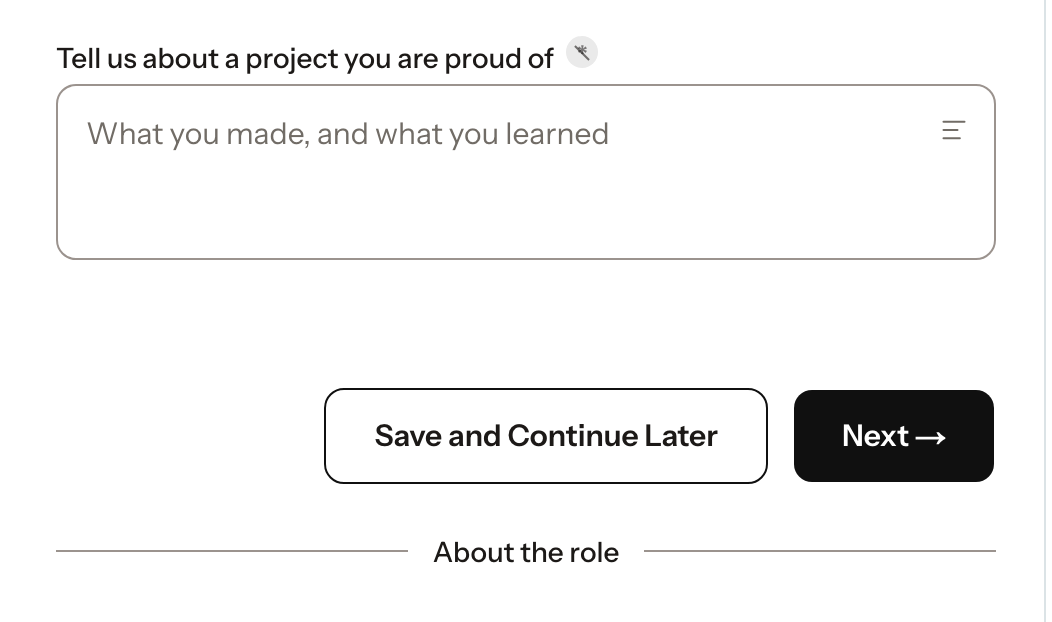
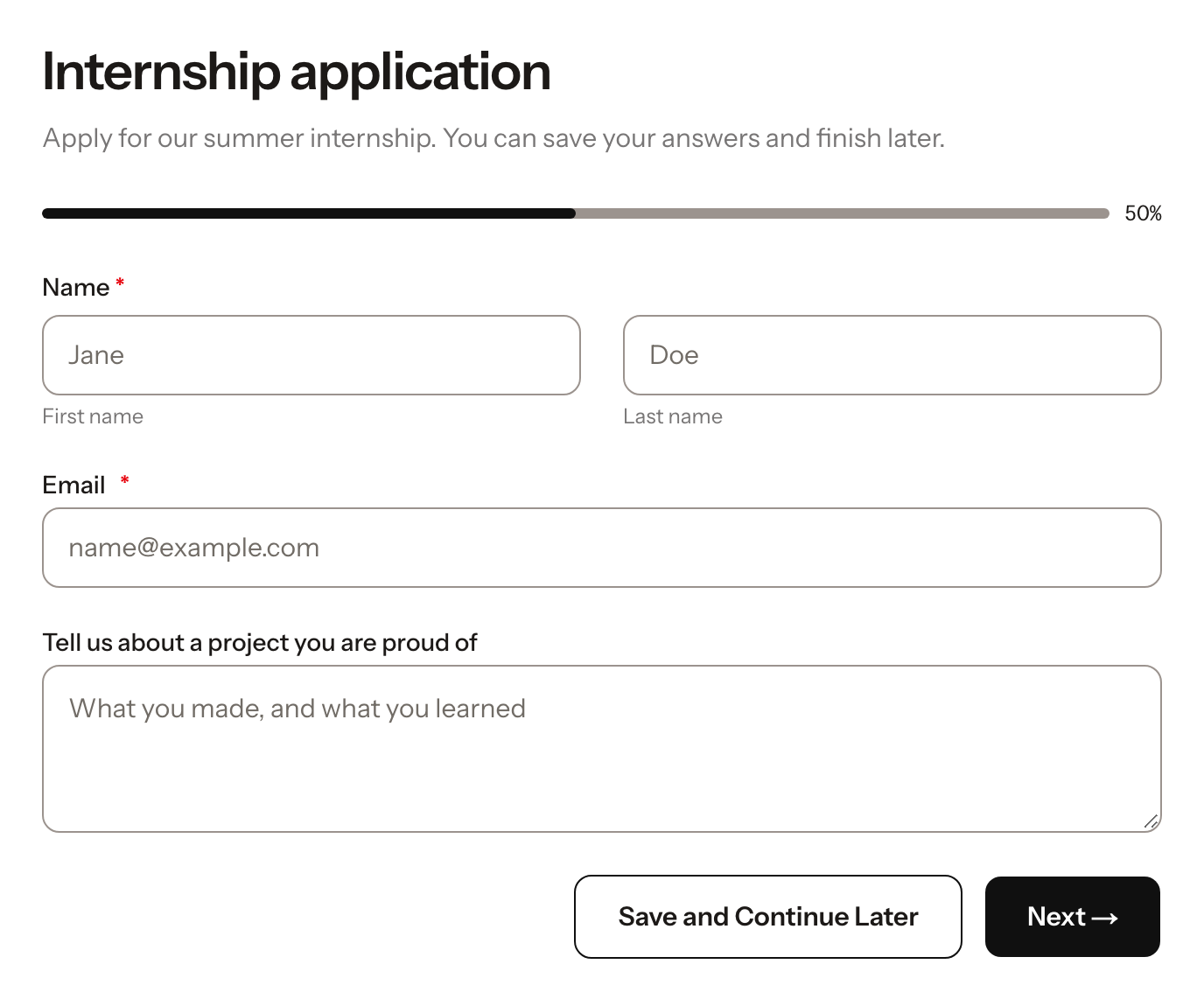
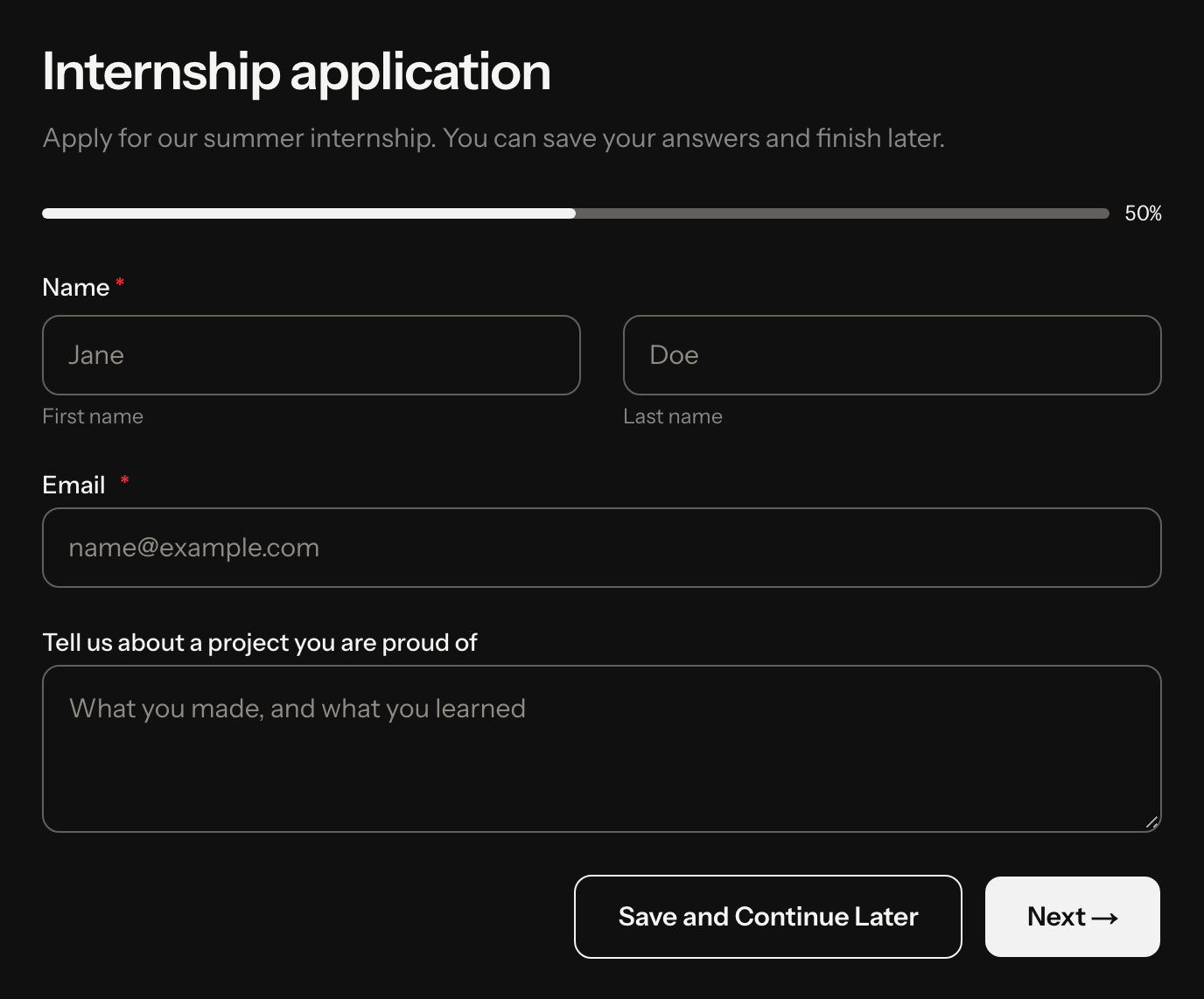
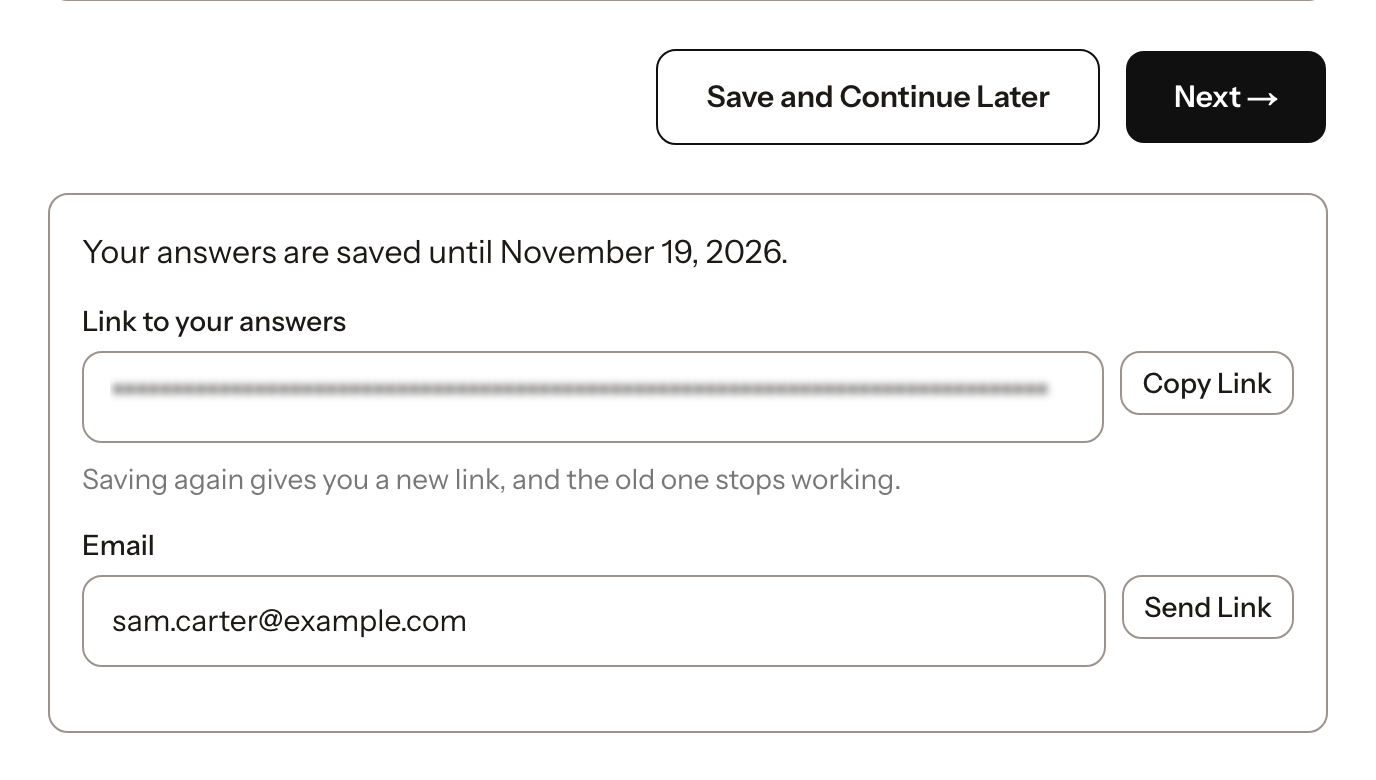
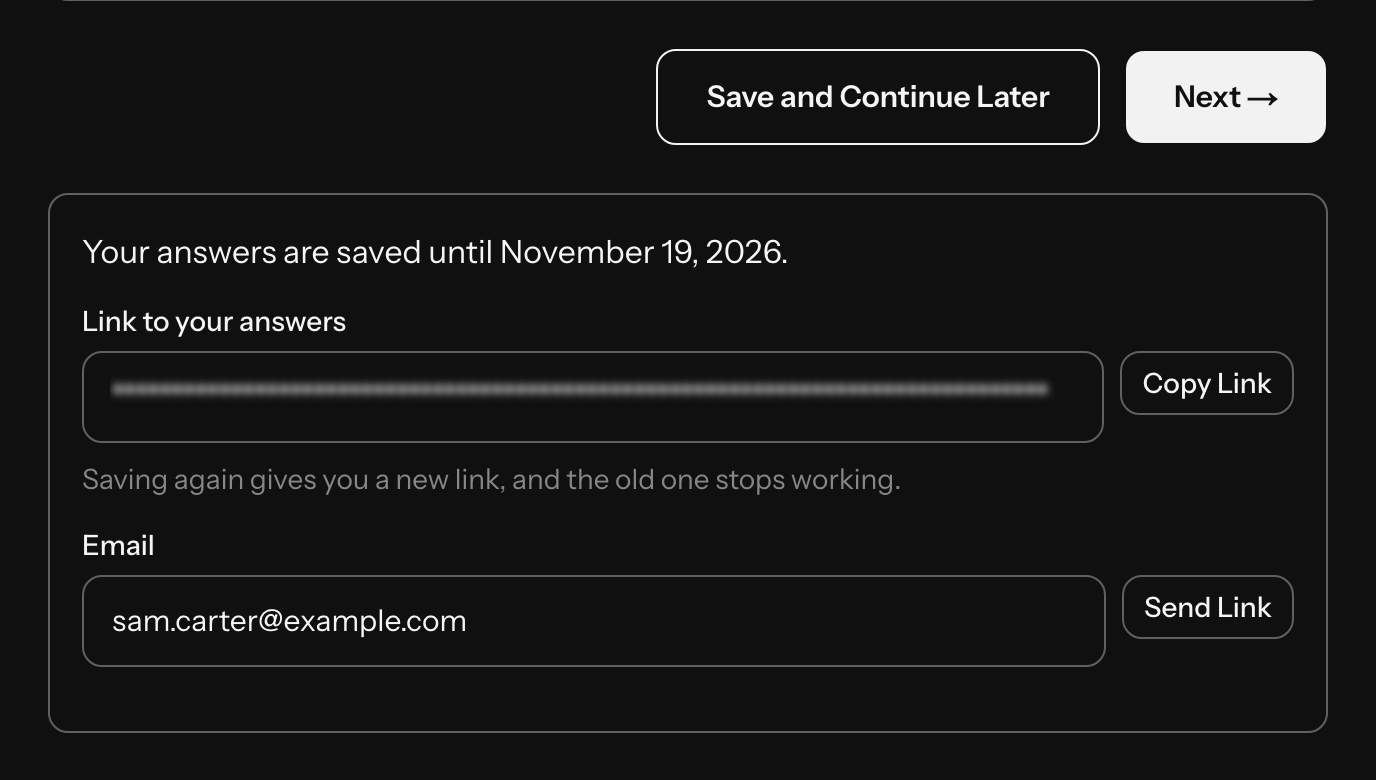
When a visitor presses it, their answers are saved on our servers and a panel opens under the buttons with:
- “Your answers are saved until” and the date they will be deleted.
- A Link to your answers box with a Copy Link button.
- The line “Saving again gives you a new link, and the old one stops working.”
- An Email box with a Send Link button, which mails the link to the address they type.
Opening the link shows the form on the page they left, with their answers filled in and the “Your answers were restored.” notice. If the form changed since they saved, the notice adds that some answers may be missing. A link that has expired, was discarded or was replaced by a later save shows “These saved answers are no longer available.”
Days to Keep is 30 by default and can be set from 1 to 90. Each save moves the date forward and gives the visitor a new link. The old link stops working, so someone who has it can’t read answers saved after it. A link the visitor emailed to themselves stops working too once they save again, and the link email says so.
What is kept, and for how long
Good to know
File uploads, signatures and payments are never saved. If the form has one, the panel tells the visitor they will need to fill it in again.
Saved answers never appear on your Submissions page, in notifications or in an integration. They are not a submission until the visitor submits.
To stop abuse, one saved draft can be emailed 3 times an hour, one IP address can request 30 emails an hour on the same form, and one form 100. One IP address can start up to 10 new saved drafts a day on the same form, and a form keeps up to 5,000 at a time. Saving again to a draft you already have doesn’t count toward either limit. Everyone on one network shares the same 10, so a busy office or classroom can reach it. Past the limit, the visitor sees “Too many drafts saved from your network. Try again later.”
A form behind a password or a country restriction asks the visitor to pass it before a saved draft opens. If you turn the setting off, or the account moves to a plan without it, the button disappears and saved links stop working until it is back on.
Frequently asked questions
What is the difference between Remember Answers and Save and Continue Later?
Remember Answers keeps answers in the visitor’s own browser, so they can only come back on the same device. Save and Continue Later stores them on our servers behind a link, so they can finish on any device.
Do saved answers count as submissions?
No. They stay out of Submissions, notifications and integrations until the visitor submits the form.
How long are saved answers kept?
For the Days to Keep you set, 30 by default and up to 90 for the button, 7 by default and up to 90 for Remember Answers. They are deleted when the visitor submits from the saved link or the same page, presses Start Over, or when the time is up.
Is Save and Continue Later on the free plan?
No. Save and Continue Later is included on Pro and Business. Remember Answers is free on every plan.
What isn’t saved?
File uploads, signatures and payments. The visitor fills those in again after they come back.
What happens to my old link if I save again?
It stops working. Each save gives you a new link, and an older one, even one you emailed to yourself, shows “These saved answers are no longer available.” Use the link from your latest save.