A Code Embed element puts a Forminal form on a Webflow page, inline or behind a button. You build the form in Forminal, copy its code, and paste it into the element.
Pick how it appears
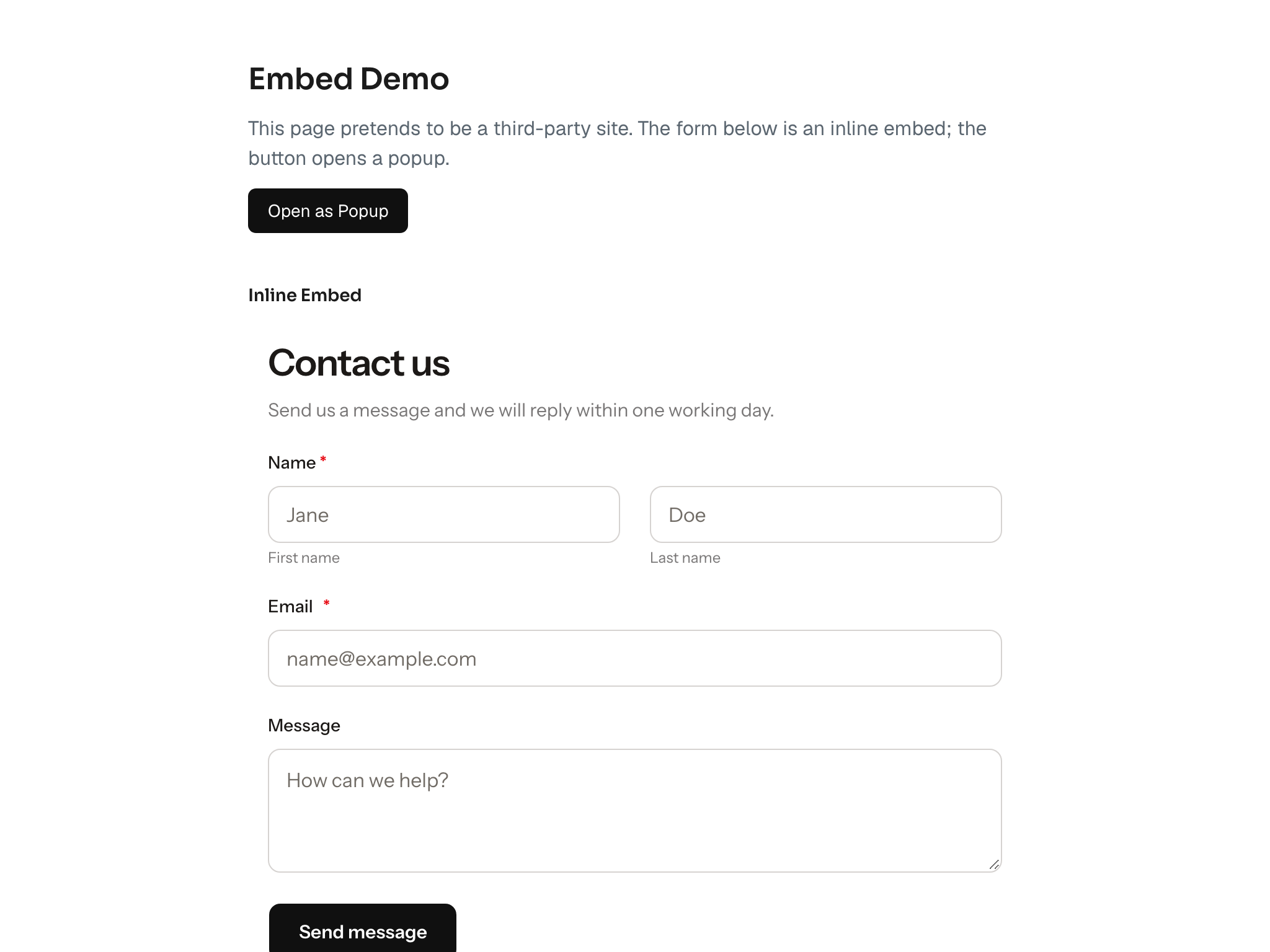
- Inline: the form sits inside the page and grows to fit what it shows.
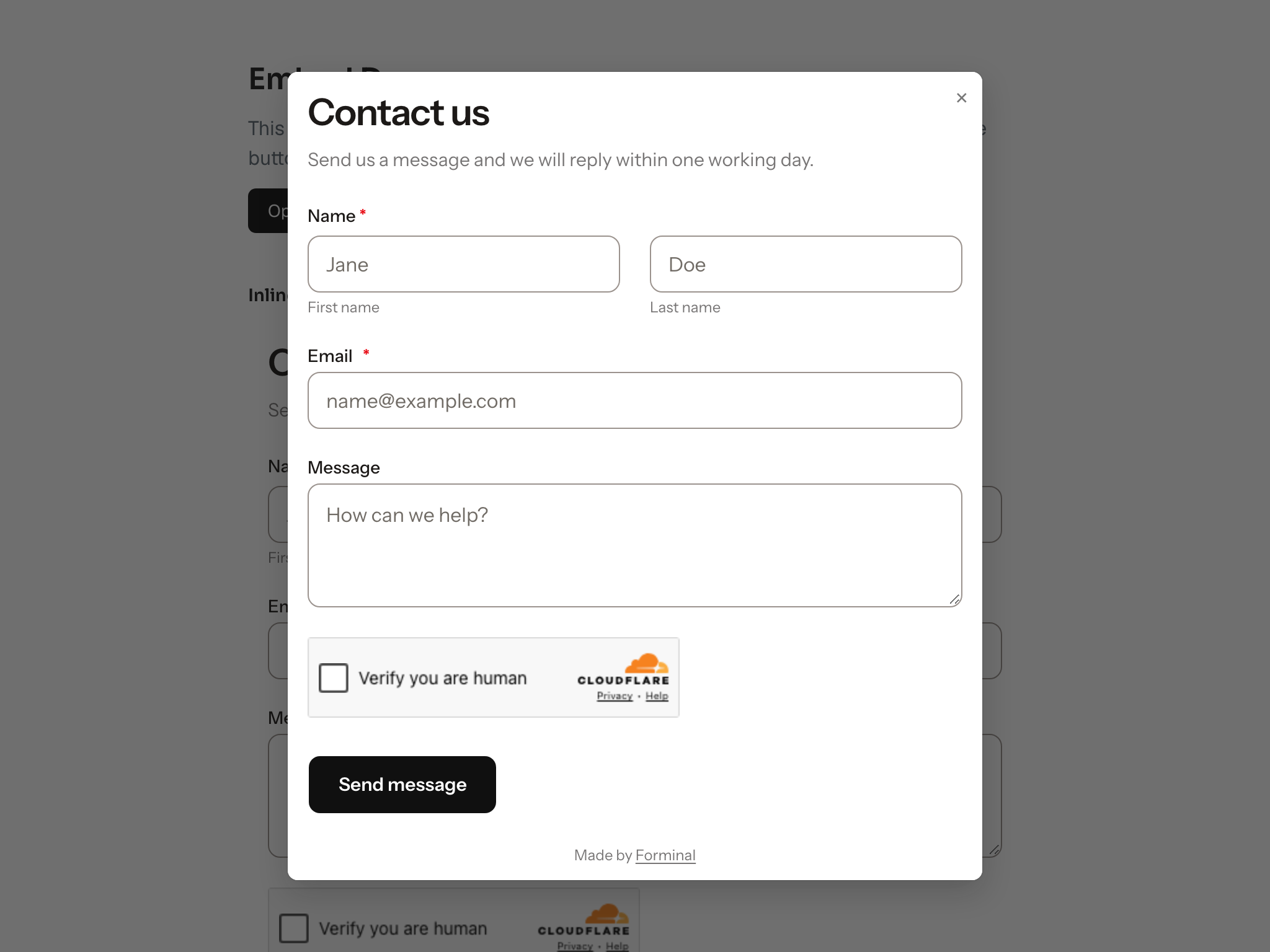
- Popup: a button on the page opens the form in a window over it.
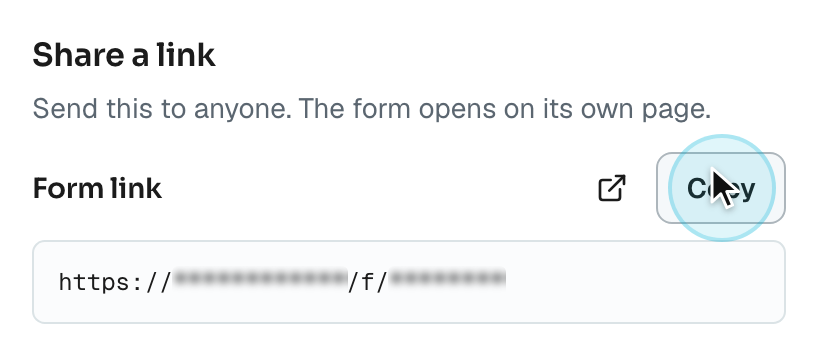
- Link: the form opens on its own page. Point a Webflow button or link at it, with no code.
Add it
- In Forminal, publish the form. On the Share panel’s Embed tab, pick Inline or Popup under Embed on Your Site, pick Webflow under Where Is Your Site Built?, and select Copy Code.
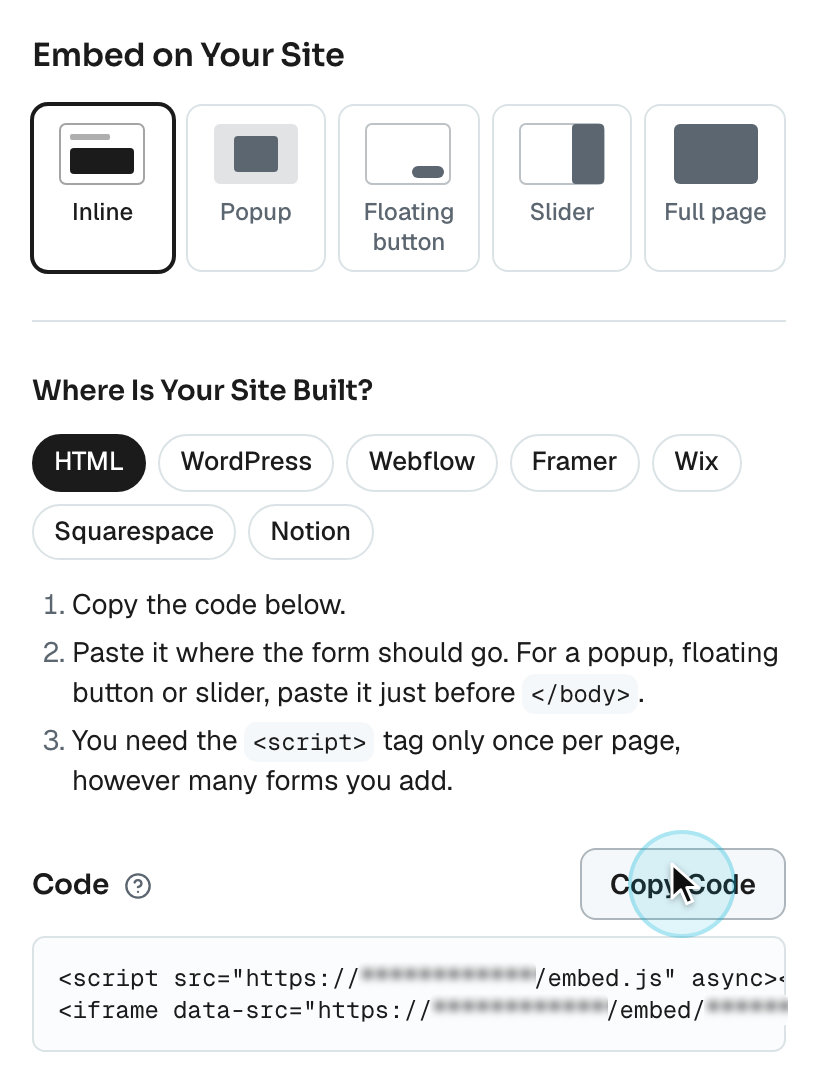
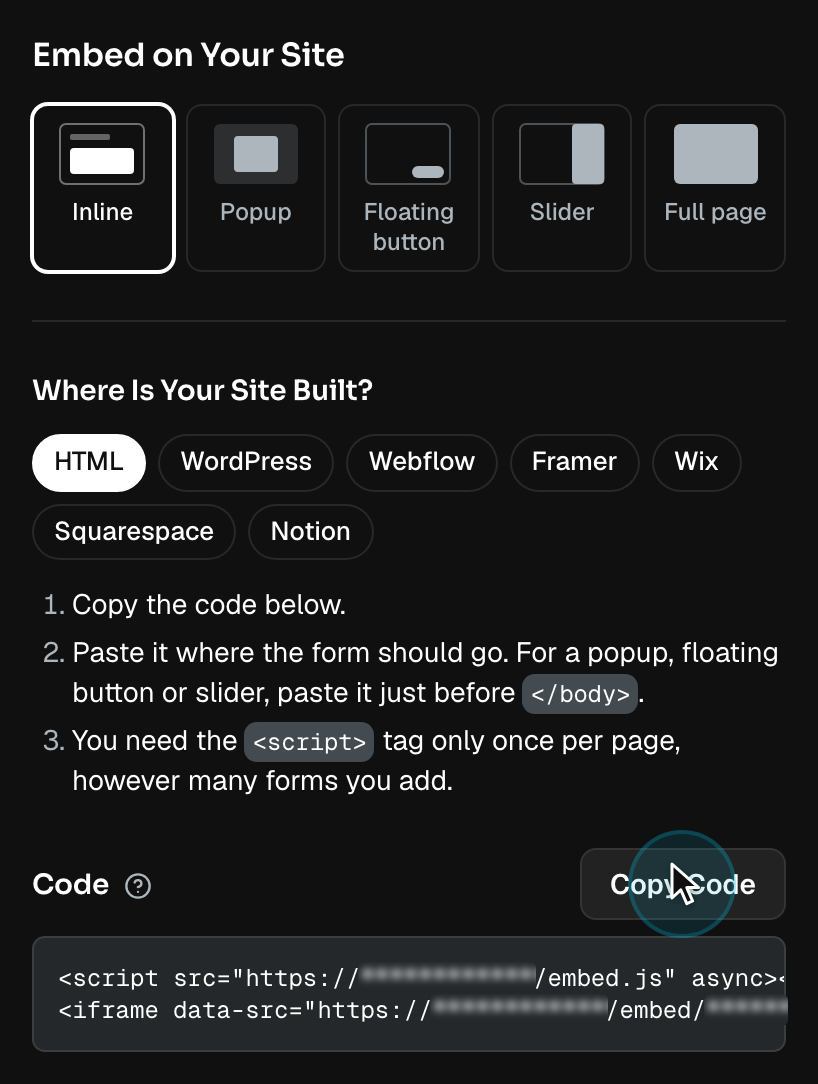
- In the Webflow Designer, open the Add panel and drag a Code Embed element, from the Advanced section, to where the form should go. A Container or Div around it sets its width.
- Paste the code from the form’s Share panel into the code editor that opens, then select Save and close.
- Publish the site. Webflow doesn’t run custom code in the Designer canvas, so the element shows as a placeholder there. Check the form in Preview mode or on the staging site, then on the published site.
For a popup, change the button text from “Open form” to your own before you save. The inline embed guide and the popup guide explain the options you can add to the code.
Plans that block code
The Code Embed element needs a paid Webflow plan: a paid site plan on the site, or a paid Workspace. On the free Starter plan, add a Button and set its link to the form’s link from the Share panel.
Answers
Submissions go to Forminal, not to Webflow’s form submissions. You read them on the form’s Submissions page, along with the page each one was sent from. Turn on notifications to get an email for each one, or connect Google Sheets to add each one as a row.
Other site builders are listed on the Integrations page.
Frequently asked questions
Can I open the popup from a button I styled in Webflow?
The popup opens from any element with the data-open attribute set to your form’s id. Add that attribute to your own button or link instead of pasting the plain button from the code.
Can my own code react when someone submits an embedded form?
The embed script fires a form:submitted event on window, with the form id in event.detail.formId, which you can send on to your own analytics.
Can the form background match my Webflow section?
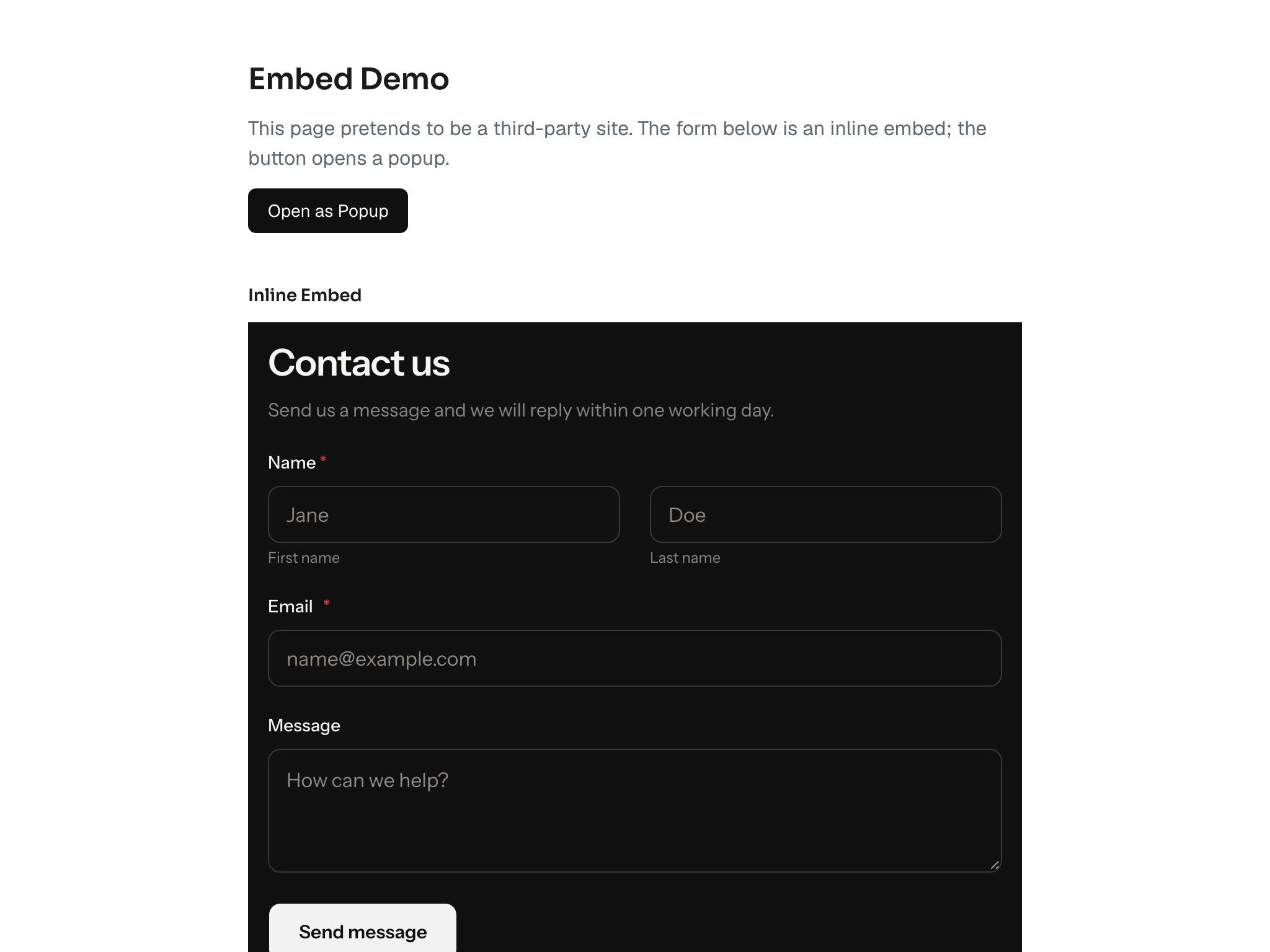
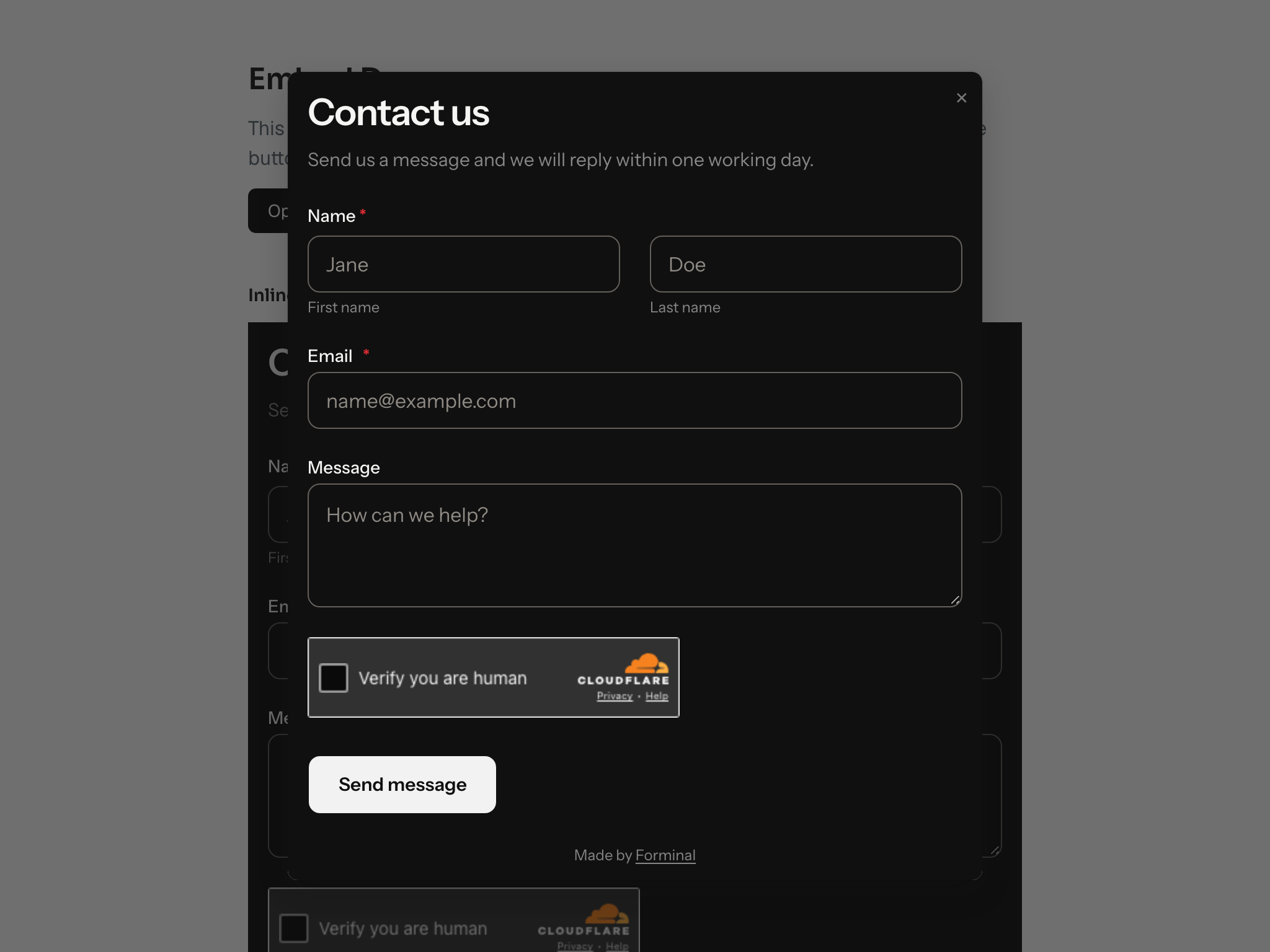
In Forminal, open Customize and turn on Transparent Background. The form’s background color drops out of an inline embed and your section shows through. A popup keeps its background.
Does the form pick up values from my Webflow page’s address?
The embed passes your page’s query string to the form, so a visit to a page ending in ?ref=ad fills a hidden field named ref.