Yes/No is a single on/off switch with your text beside it. Switched on means yes. Use it for consent, such as agreeing to terms, or for any question with only two answers.
Examples
- Accepting the terms before a booking goes through, with Required on.
- Opting in to hear about future events, left off by default.
Set it up
- In the builder, point between two fields and select Add Field. On an empty form, select Start from Scratch.
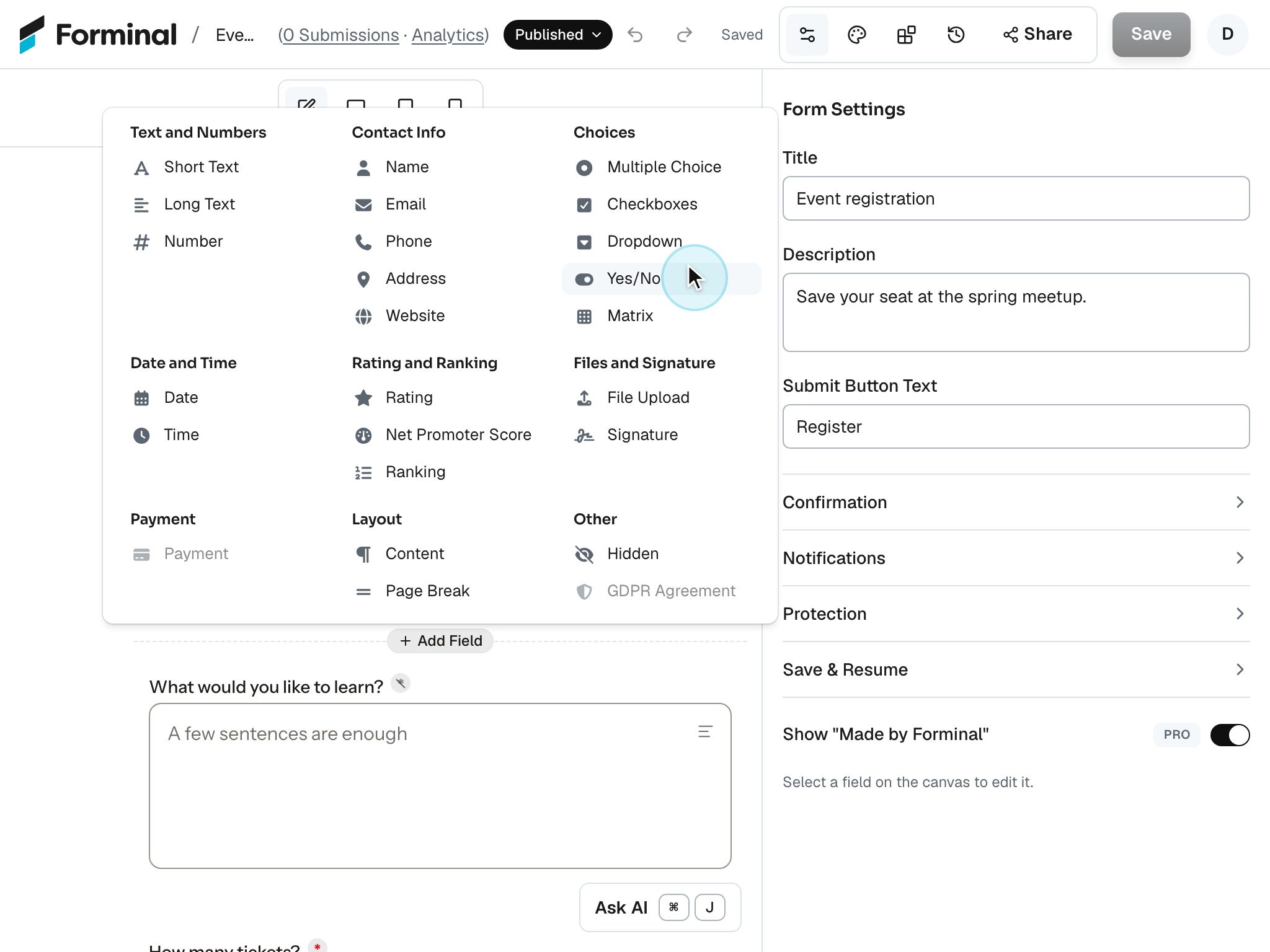
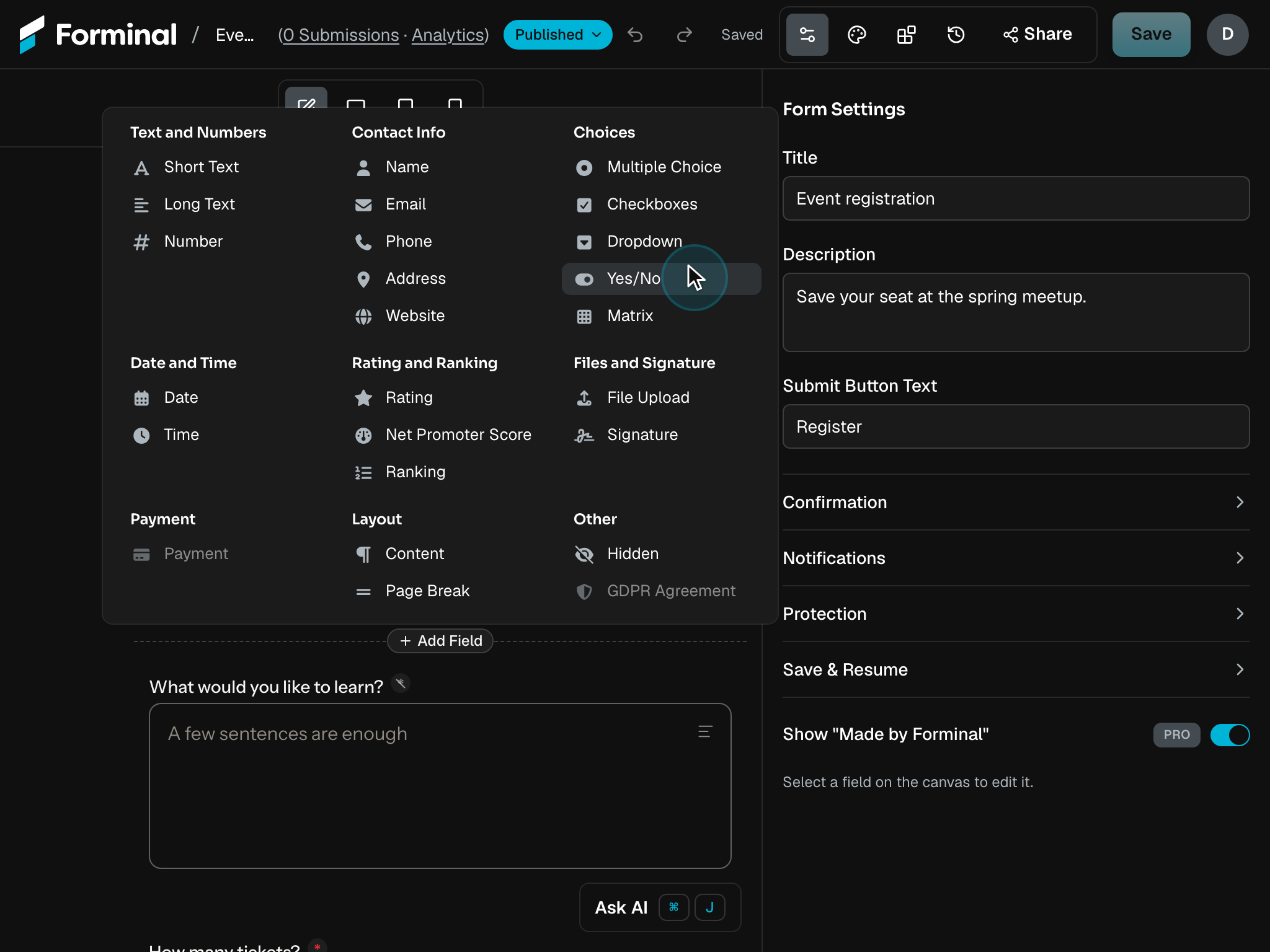
- Under Choices, select Yes/No.
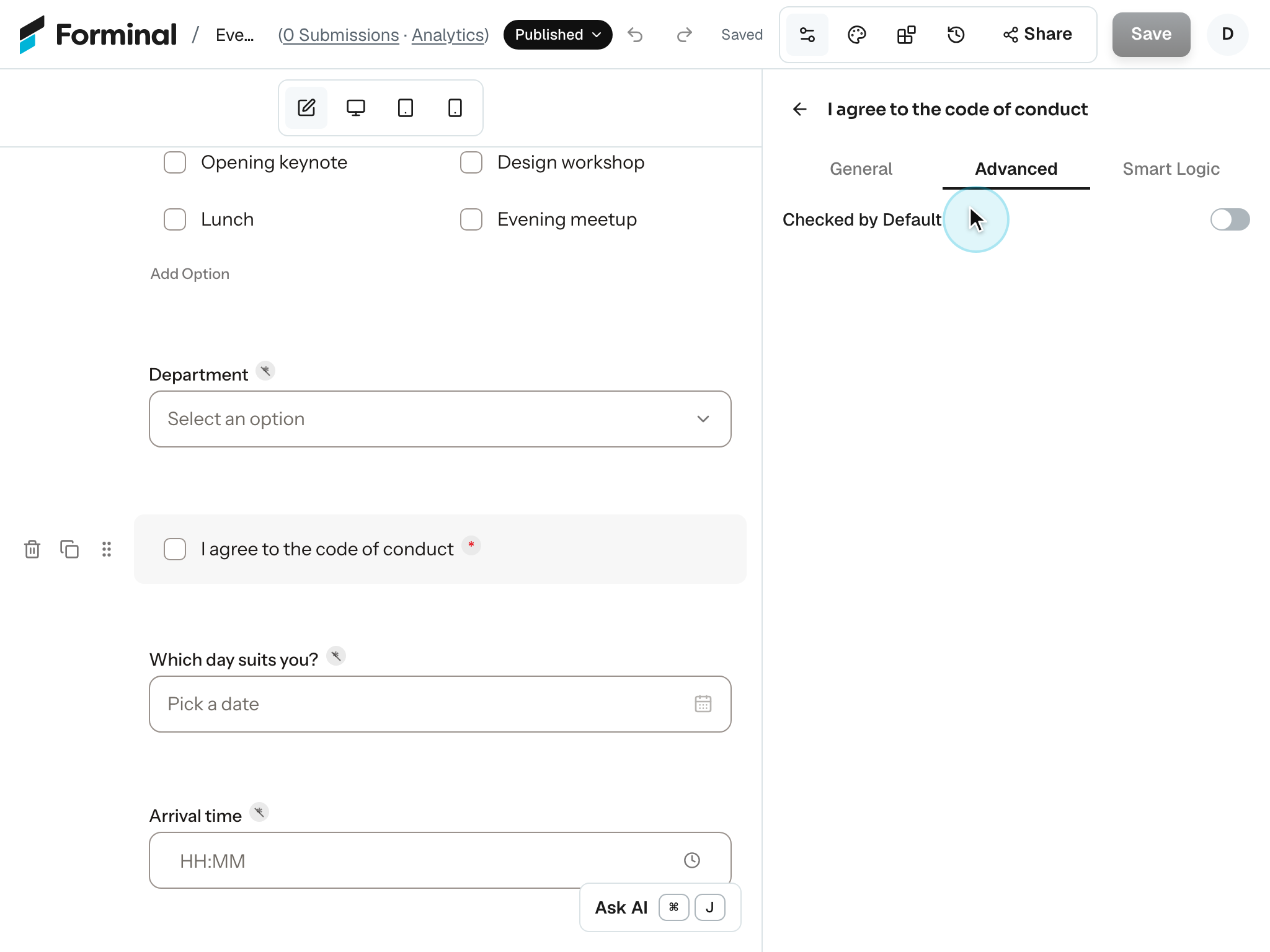
- The label starts as “I agree”. Change it on the General tab to the sentence people are agreeing to, and add a Description if you need more detail. It shows under the switch; set Description Position to Before Field to put it above.
- Turn on Required if the form must not be sent unless the switch is on.
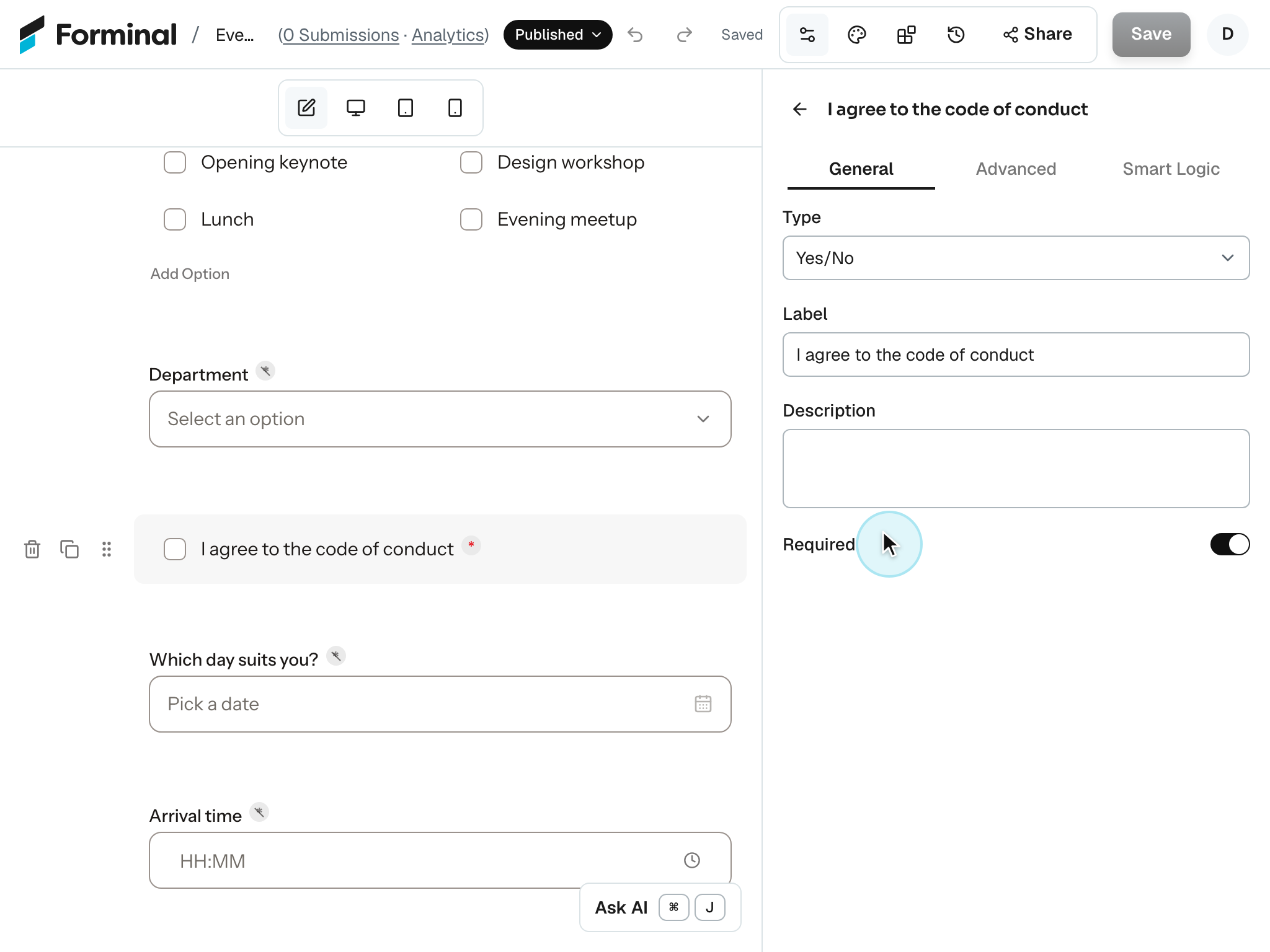
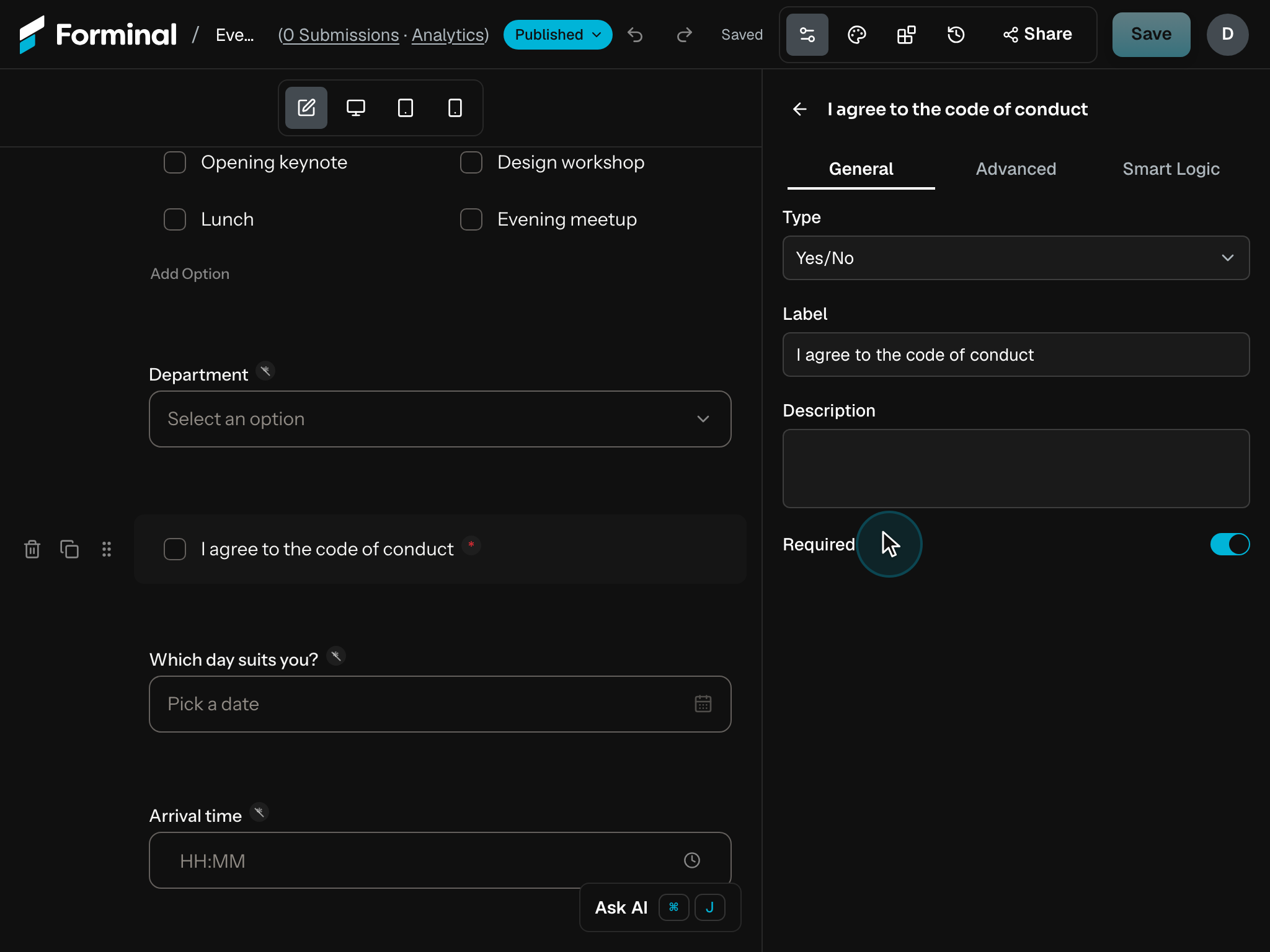
- To start the switch in the on position, turn on Checked by Default on the Advanced tab, or flip the switch on the canvas.
What people see and how answers show
People see the switch with your label to its right. If the field is required and they leave it off, they see “This box must be checked” and can’t continue.
The submissions table, the CSV export and notification emails show Yes or No. A switch left off is saved as No, so it appears in emails too rather than being left out. In Smart Logic you can show or hide fields when this answer is, or is not, Checked or Not checked.
Good to know
Yes/No has no options to edit; for a question with several possible answers, use Multiple Choice or Checkboxes. A required Yes/No can only be submitted as Yes, so don’t make it required for a real yes-or-no question where No is a valid answer.
Frequently asked questions
How do I make people accept my terms before they submit?
Add a Yes/No field with your terms as the label and turn on Required. If the switch is left off, people see “This box must be checked” and can’t continue.
Should a real yes or no question be required?
Not if No is a valid answer. A required Yes/No can only be submitted as Yes.
Is a switch left off saved in submissions?
It’s saved as No, so it shows in the submissions table, the CSV export and notification emails rather than being left out.
Can the switch start in the on position?
Turn on Checked by Default on the Advanced tab, or flip the switch on the canvas.
Can I show other fields only when someone switches it on?
With Smart Logic you can show or hide fields when this answer is, or is not, Checked or Not checked.