A Custom Liquid section puts a Forminal form on any page of your Shopify store: a contact page, a wholesale request, or feedback after an order. You build the form in Forminal, copy its code, and paste it into the section.
Pick how it appears
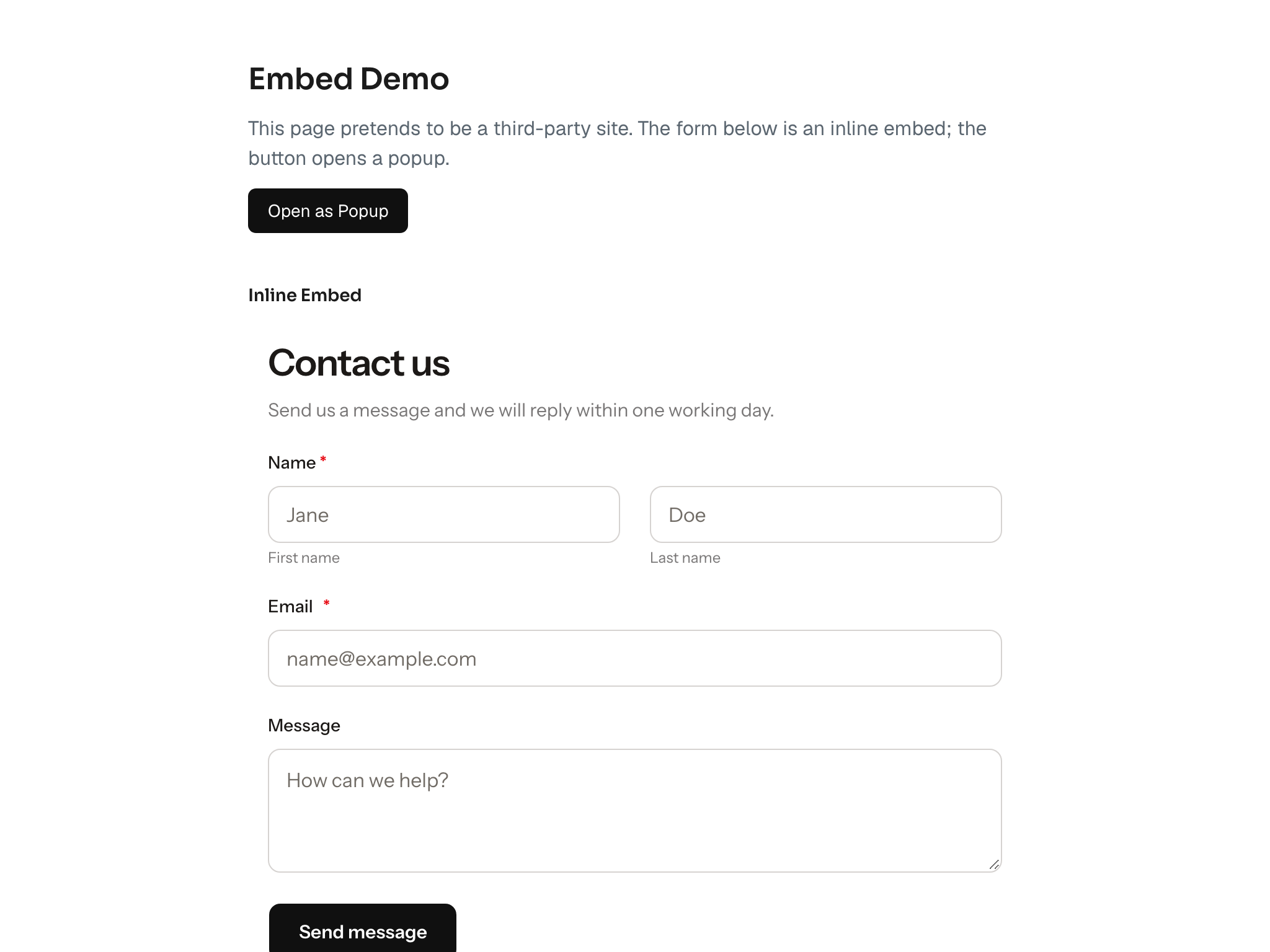
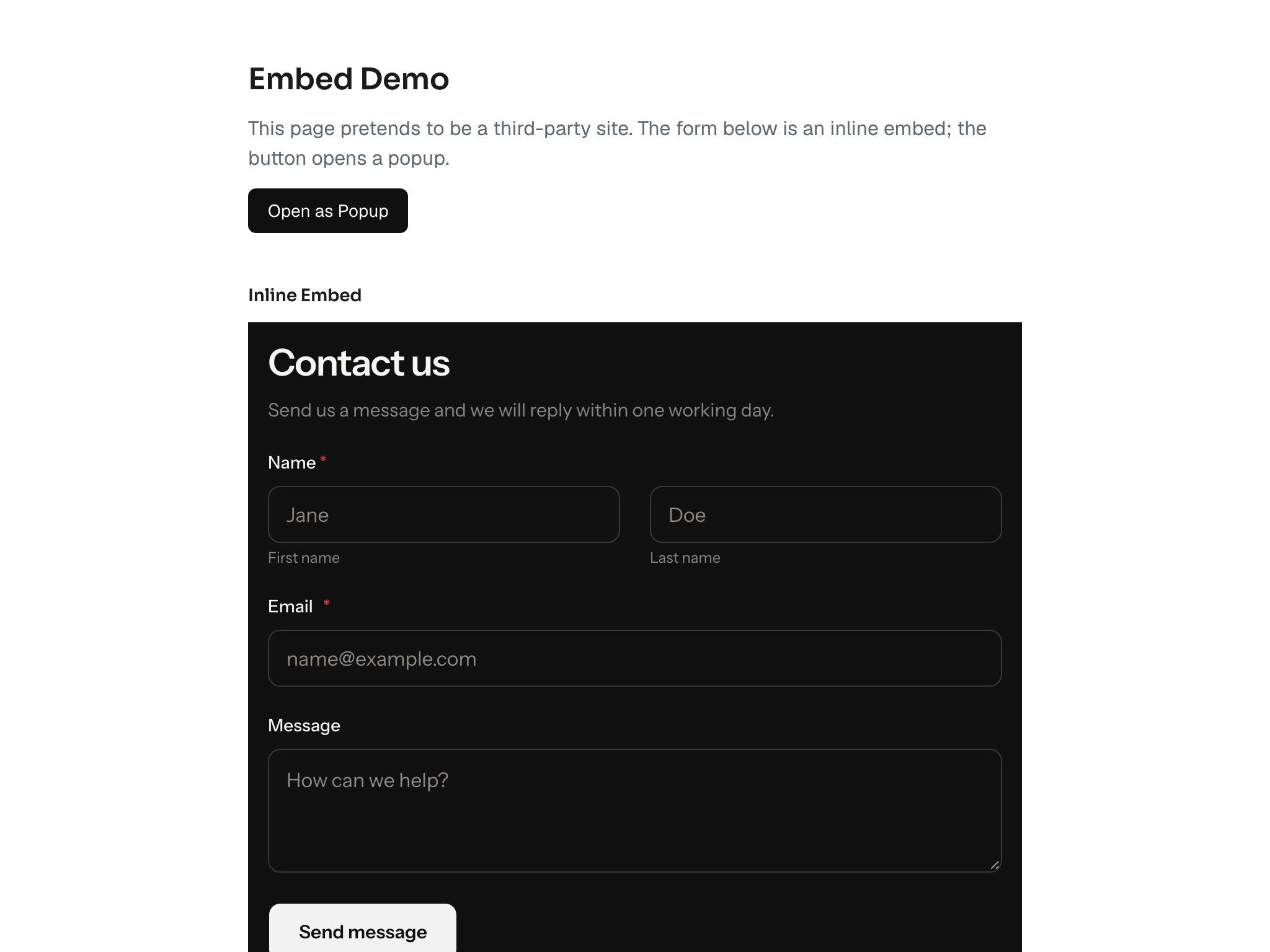
- Inline: the form sits inside the page and grows to fit what it shows.
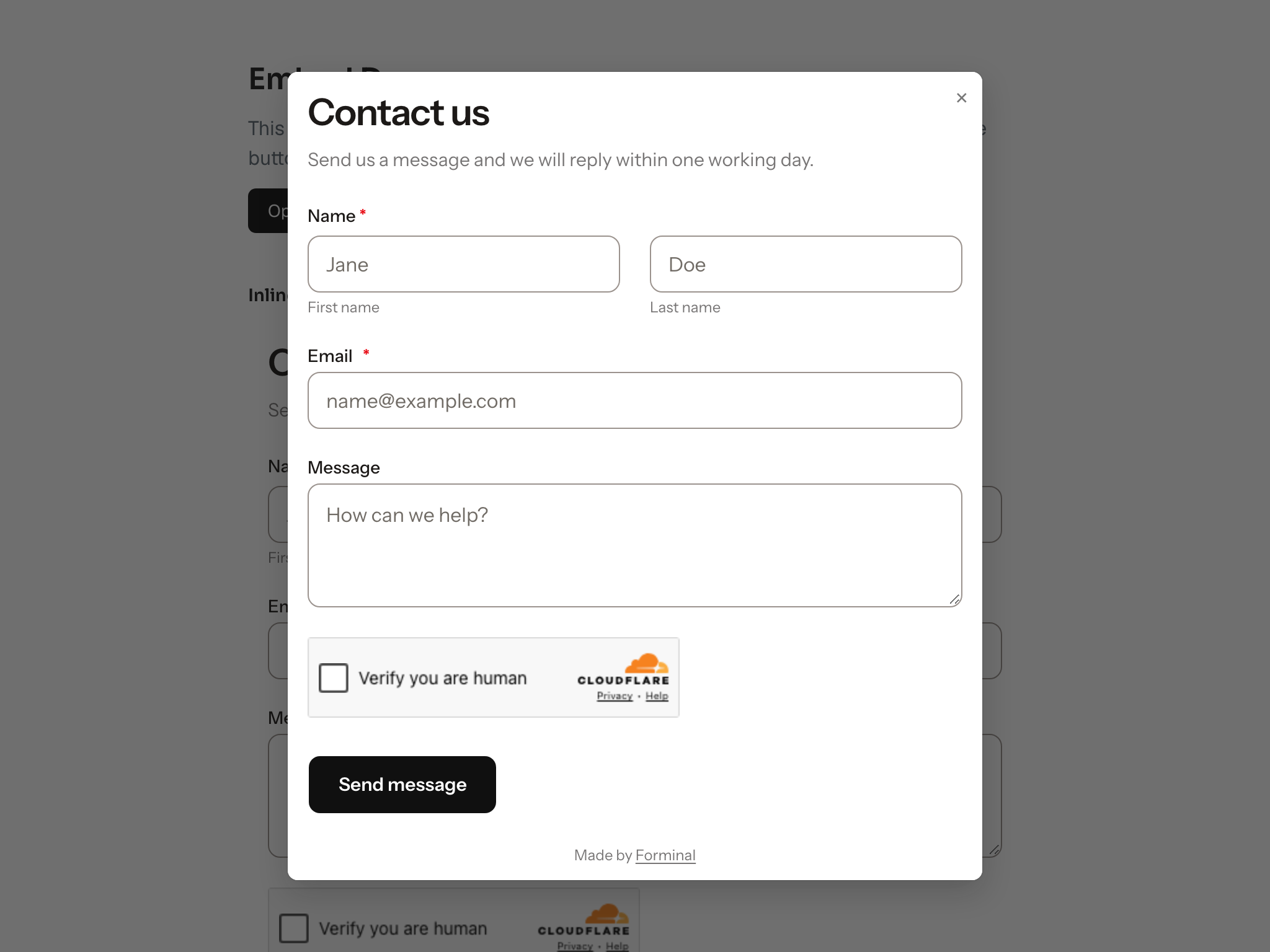
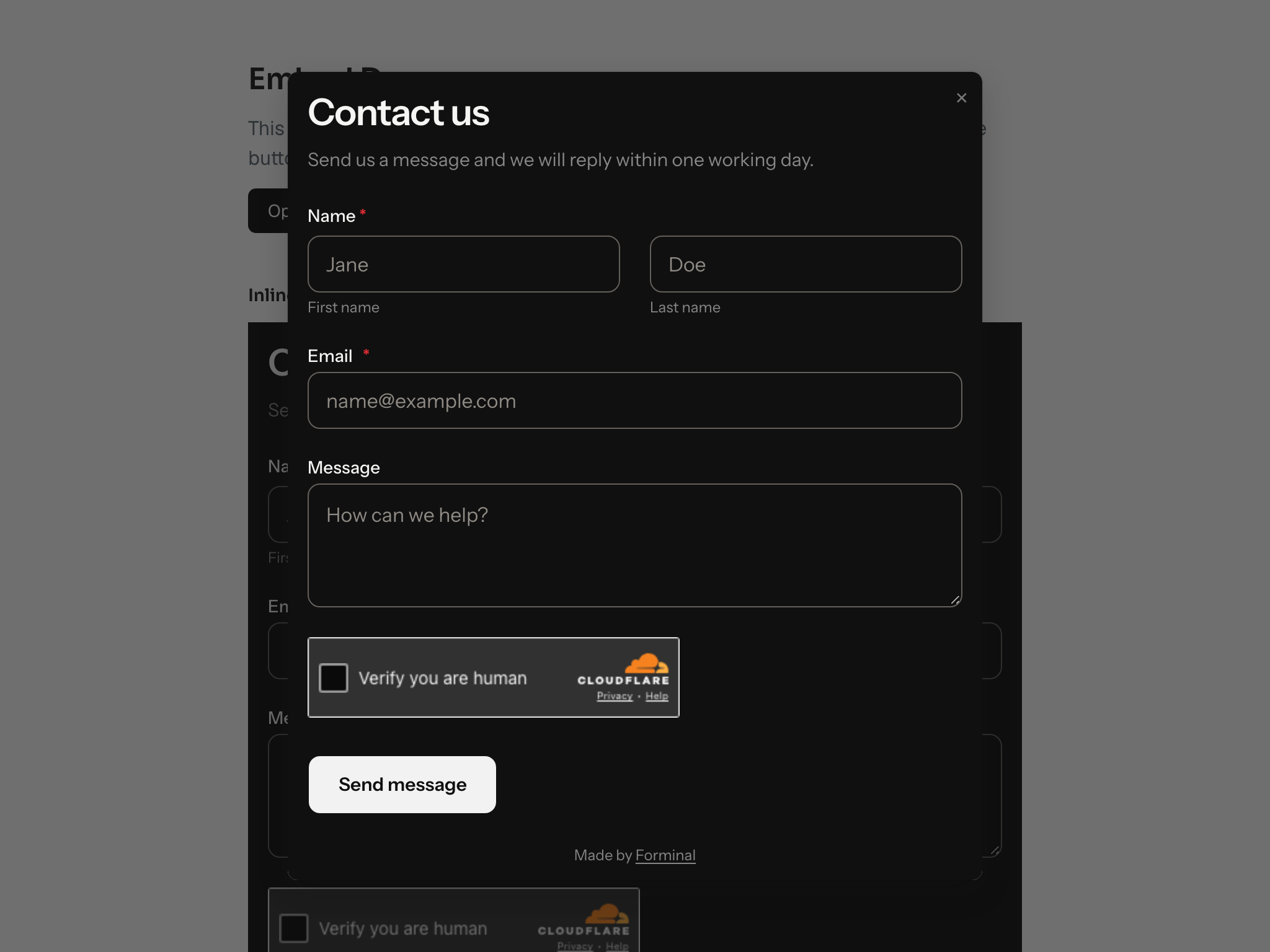
- Popup: a button on the page opens the form in a window over it.
- Link: the form opens on its own page. Add it to a menu or a button, or send it to customers by email.
Add it
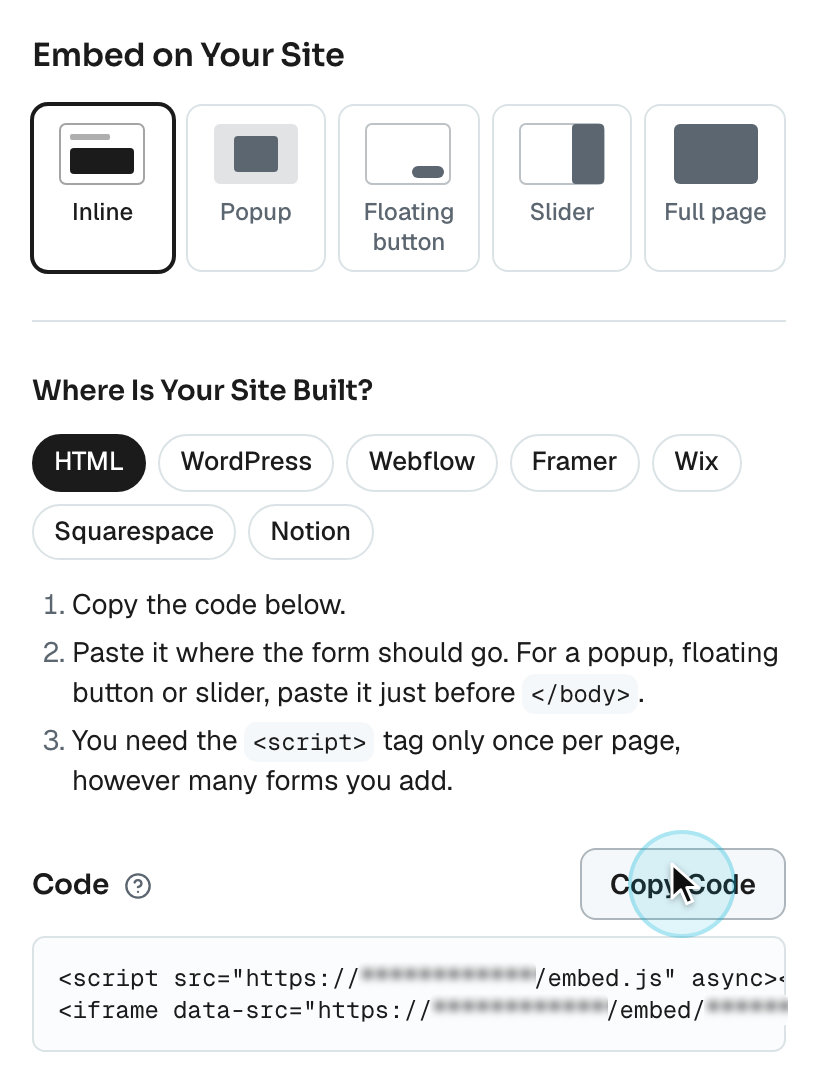
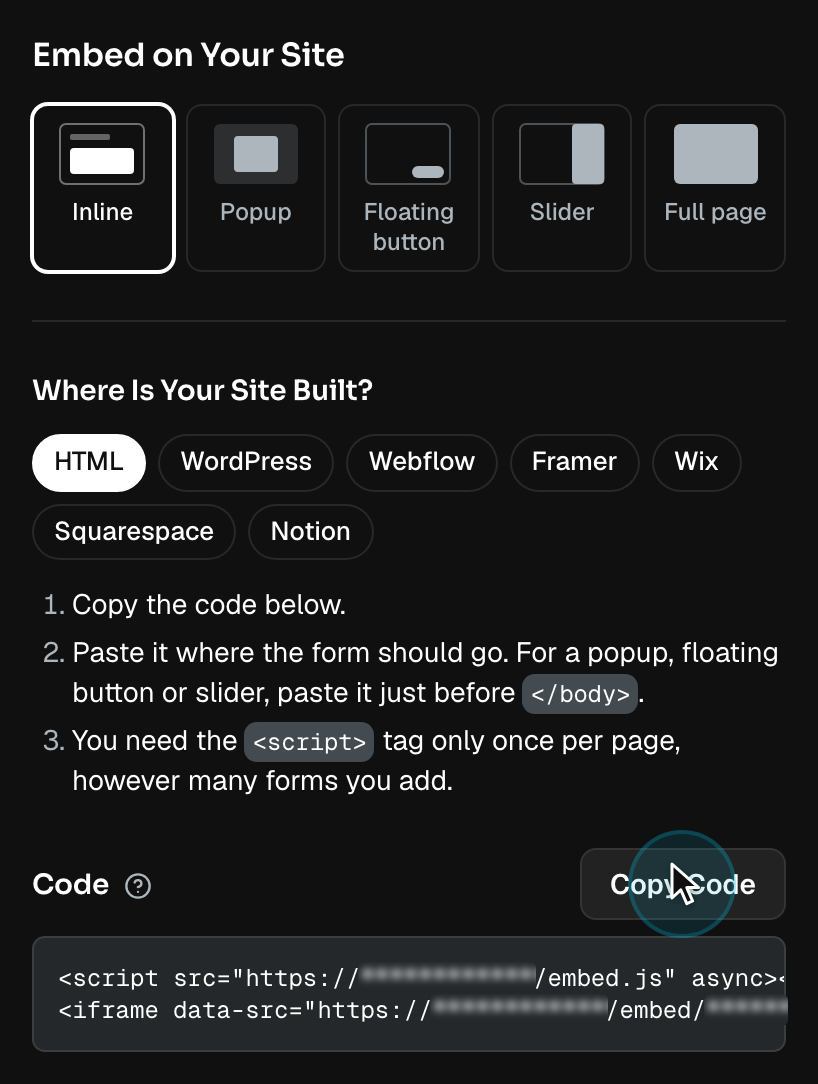
- In Forminal, publish the form. On the Share panel’s Embed tab, pick Inline or Popup under Embed on Your Site, pick HTML under Where Is Your Site Built?, and select Copy Code.
- In your Shopify admin, go to Online Store and select Edit theme next to your theme.
- Open the template the form belongs on, such as the home page or a page template, from the drop-down at the top of the editor.
- In the sidebar, select Add section and pick Custom Liquid. Search sections if you can’t see it.
- Paste the code from the form’s Share panel into the section’s Liquid code field, then select Save.
For a popup, change the button text from “Open form” to your own before you save. The inline embed guide and the popup guide explain the options you can add to the code.
Shopify’s own themes, such as Dawn and Horizon, have the Custom Liquid section. Sections depend on the theme, so if yours has none, check its documentation for a custom HTML or Liquid section, or use the link.
Answers
Submissions go to Forminal, not to your Shopify admin. You read them on the form’s Submissions page, along with the page each one was sent from. Turn on notifications to get an email for each one, or connect Google Sheets to add each one as a row.
Other site builders are listed on the Integrations page.
Frequently asked questions
Do I need a Shopify app to add a Forminal form?
No. The form goes in through a Custom Liquid section in the theme editor, or as a link on a menu item or button.
Can a Forminal form take payments on my Shopify store?
A form can charge through its own Payment field, which pays into your Stripe account, not through Shopify checkout. Inside an embed it takes card payments only.
When does an embedded form load on the page?
The inline embed loads when a visitor scrolls near it, so a form lower down the page waits until it’s needed.
Can I open the popup from my theme’s own button?
The popup opens from any element that carries the data-open attribute with your form’s id, so you can put it on a link or a styled button instead of the plain one in the code.
What happens after a customer submits the form?
The form shows your confirmation message. If you set a redirect, the whole store page goes to that address, not just the frame.