The REST API lets your own code work with your forms and their submissions. You can create, read and publish forms, search submissions, and tag them or mark them as spam. Requests and answers are JSON over HTTPS, and an OpenAPI document describes every endpoint.
Examples
- Pulling new, unread submissions into an internal dashboard every few minutes.
- Creating forms from a script, checking them against the form JSON Schema first.
Get an API key
- Open Account menu » Profile » API keys.
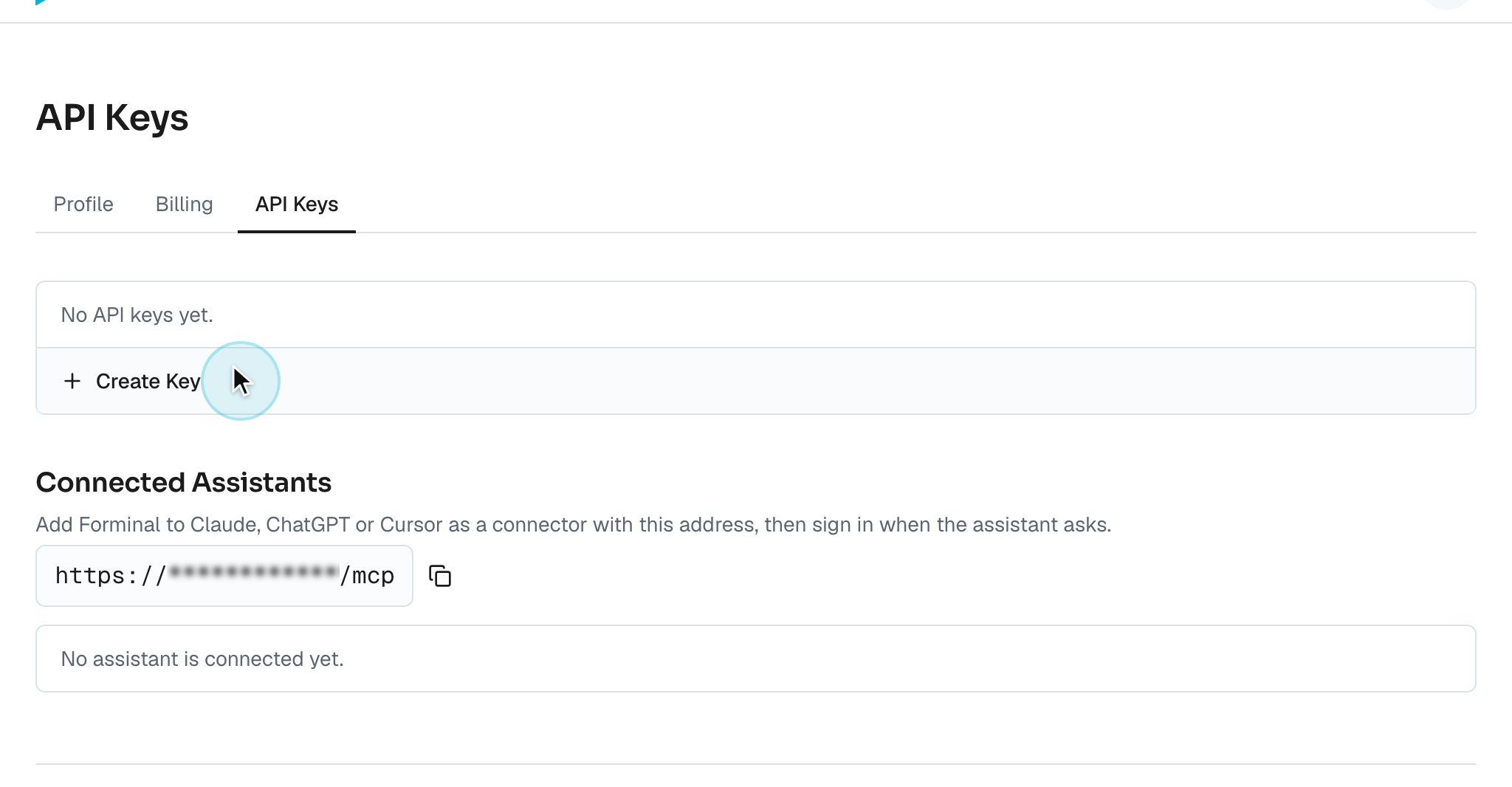
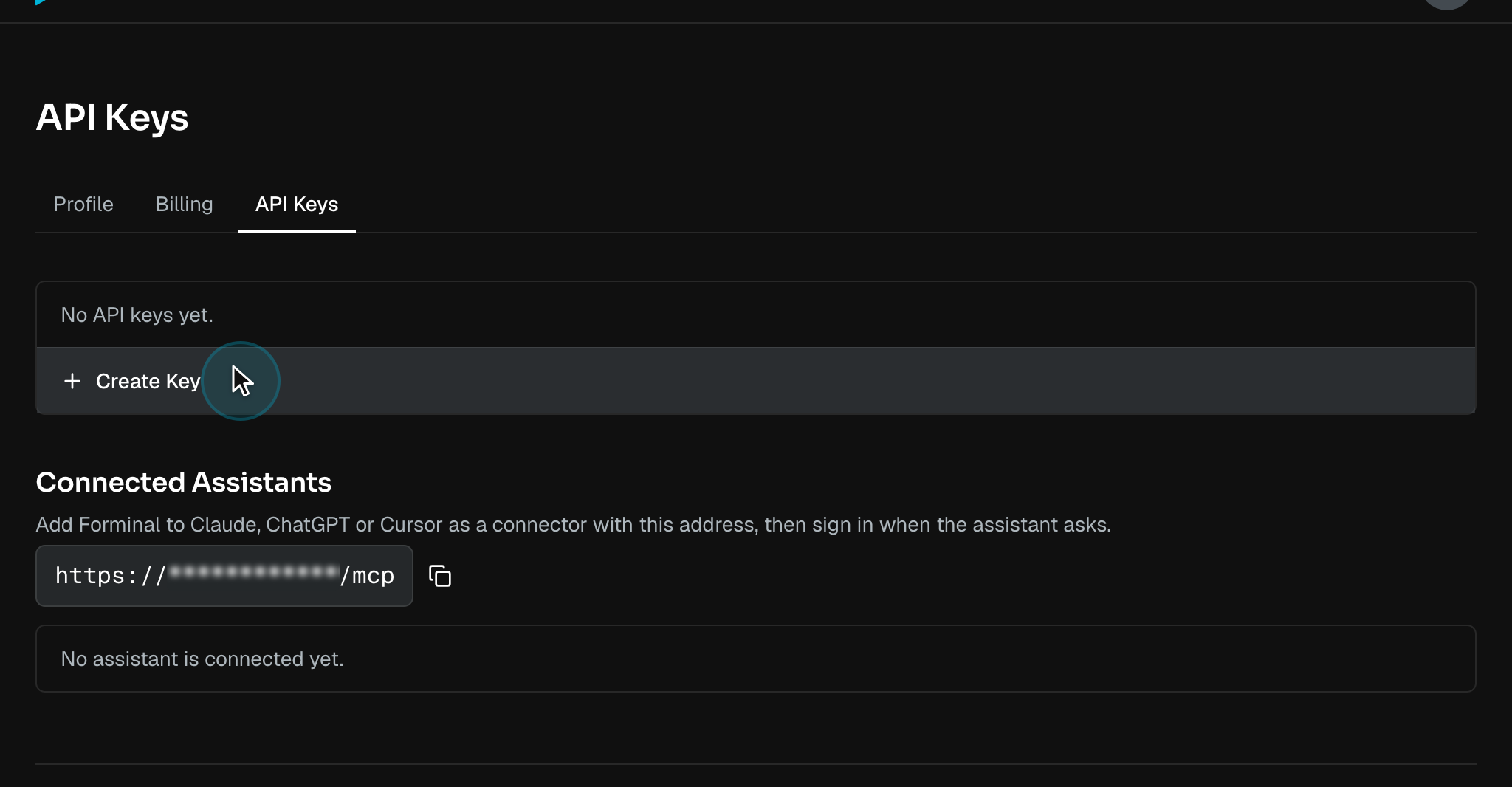
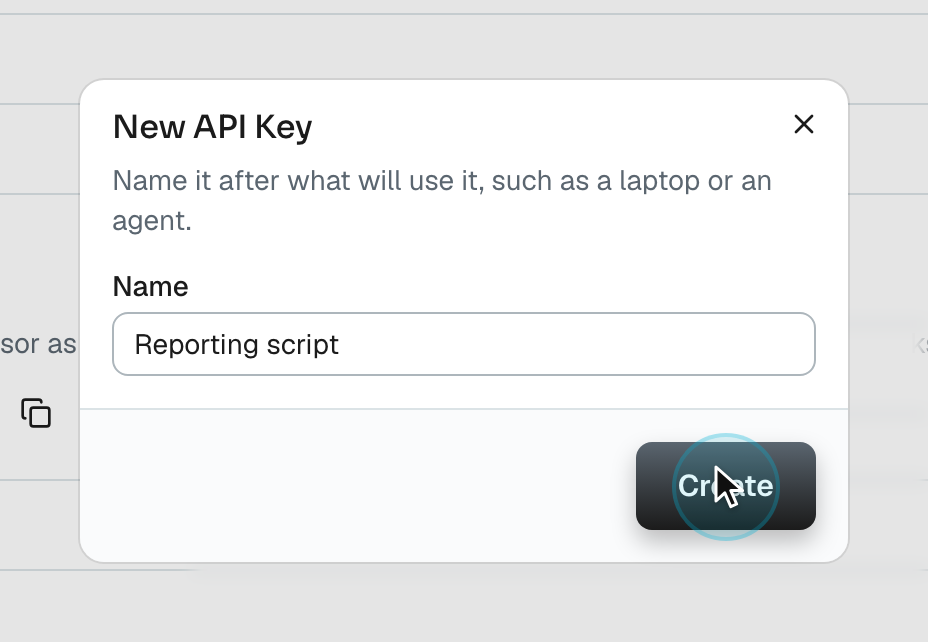
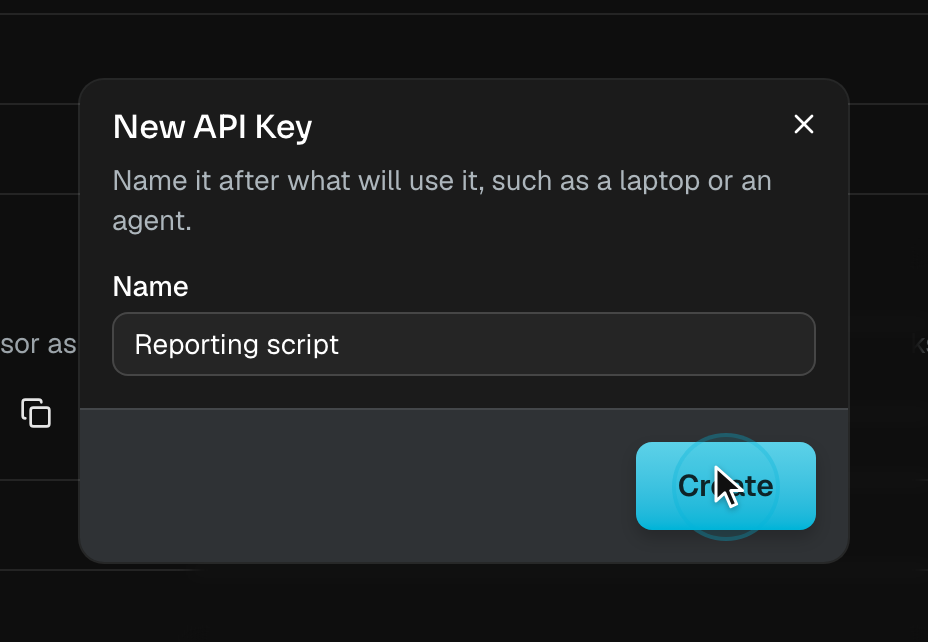
- Select Create Key, type a Name (up to 32 characters) after what will use it, such as a laptop or a script, and select Create.
- Tick I understand the key cannot be shown again and select Copy Key. Store the key somewhere safe: this is the only time the full key is shown.
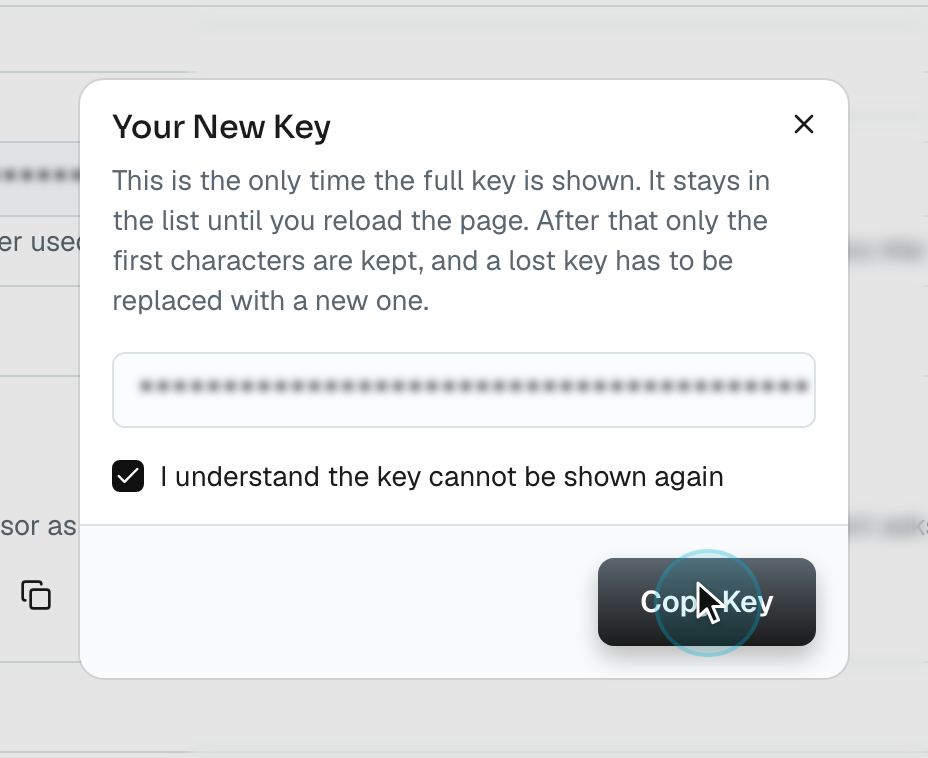
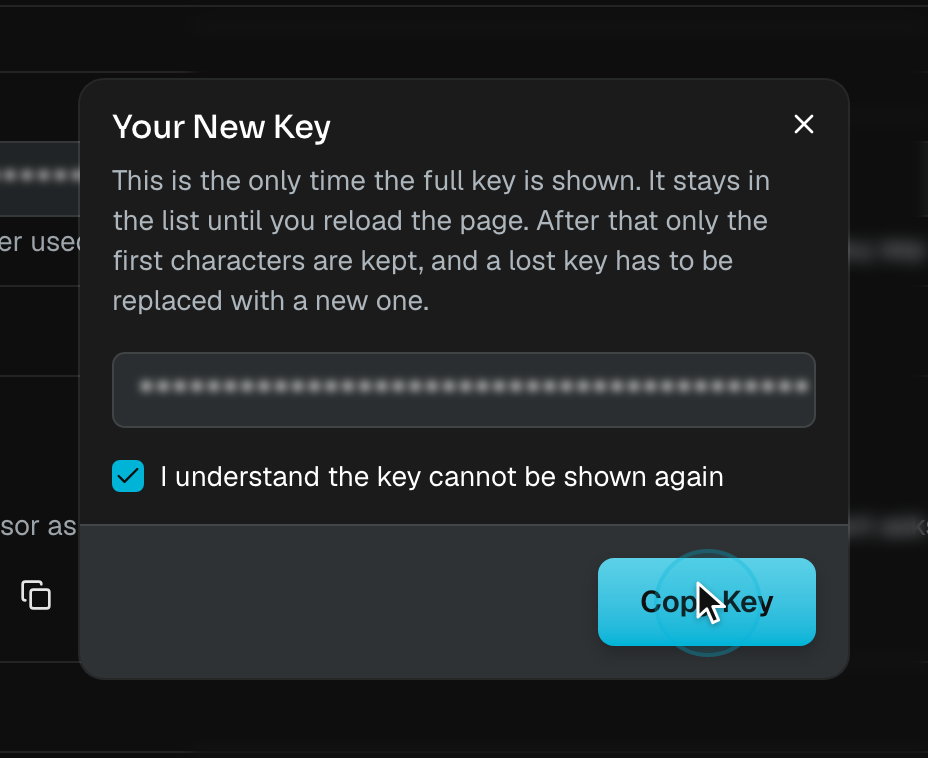
The key stays in the list until you reload the page. After that only its first characters are shown, and a lost key has to be replaced with a new one. The list shows when each key was created and last used, and Delete (the bin) next to a key removes it, which stops anything using it right away.


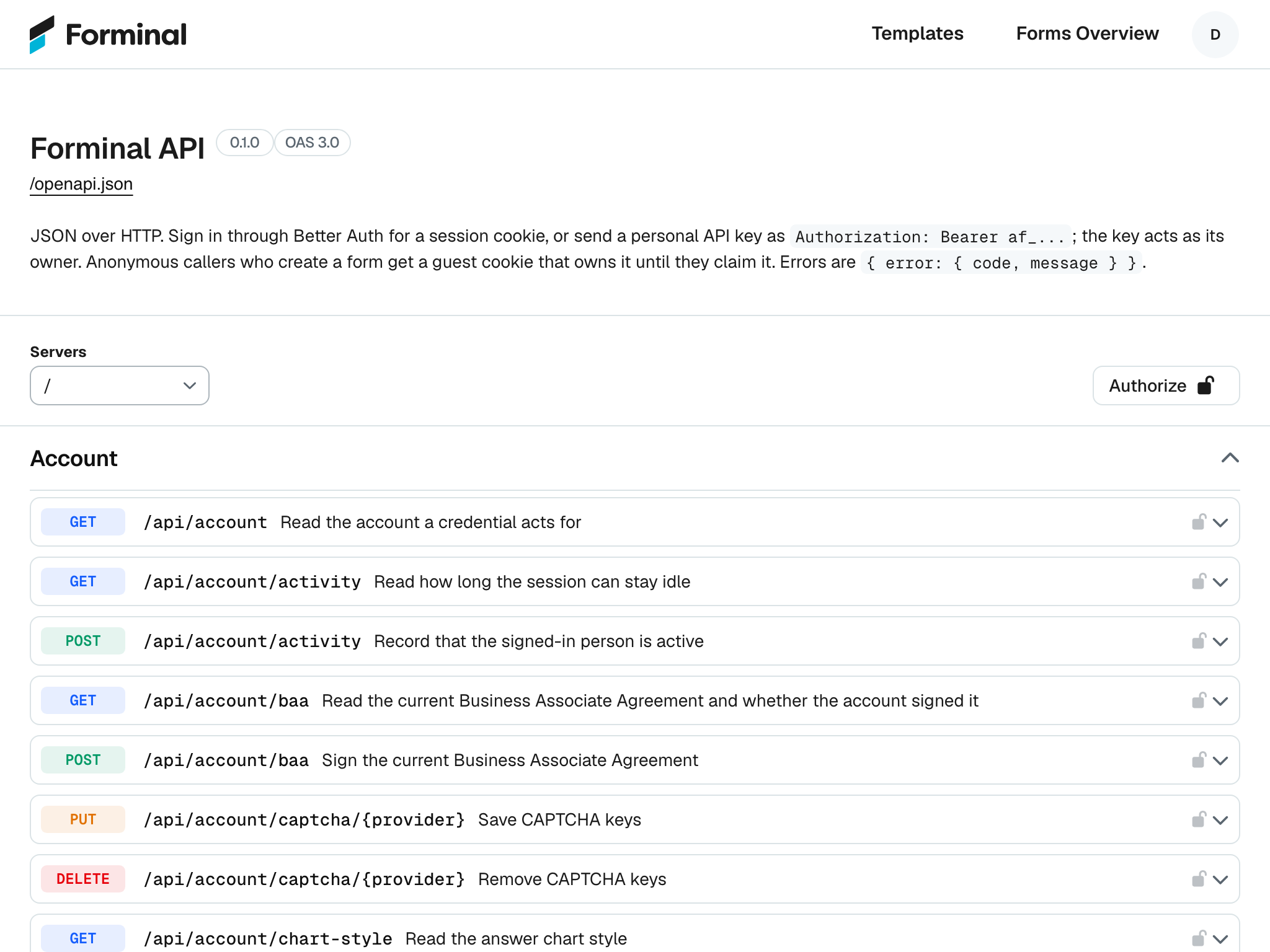
Send the key in the Authorization header as Bearer af_.... A key acts as you, so it can create, edit, publish and delete your forms and read their submissions. Keys don’t expire.
Apps that act for other people can use OAuth instead of a key. The OpenAPI document lists the authorize and token addresses, and clients register at /api/auth/oauth2/register. That’s how the Zapier and Make apps and AI assistants connect.
Make your first call
All addresses start with https://app.aw.co.ua. This lists your forms:
curl https://app.aw.co.ua/api/forms -H "Authorization: Bearer $AW_API_KEY"The answer is {"forms": [...]}, where each item has the whole form and its status. A form’s ID is also in the builder’s address, after /forms/. With it, fetch the latest submissions, 10 to a page:
curl "https://app.aw.co.ua/api/forms/FORM_ID/submissions?pageSize=10" -H "Authorization: Bearer $AW_API_KEY"That returns rows, the total that matched, counts with responses (real submissions) and spam, and the page and pageSize. Each row has its id, createdAt, tags, isSpam, readAt, durationMs, meta with the origin page, browser and UTM values (meta.utm), payment on a payment form, and data: the answers, keyed by field ID.
Filter and page through submissions
pagestarts at 1, andpageSizeis 10 to 200, 50 by default.- Newest first by default.
sorttakessubmittedAt, a field ID, or one ofutm_source,utm_medium,utm_campaign,utm_termandutm_content, anddirtakesascordesc. qsearches answers and UTM values, andfromandtoare timestamps in milliseconds.tagsis a comma-separated list of up to 10, and a row has to carry all of them.utmfilters by UTM values as a JSON object, such asutm={"campaign":["spring_sale"]}, URL-encoded in the request. Each parameter takes 1 to 20 values, and a row matches when it has any of them. With several parameters, a row has to match every one.(none)keeps rows without that parameter.unread=truekeeps unopened rows,spam=truereads the spam folder, andpaymentStatuskeeps rows whose payment has that status.
Create, change or delete a form
A call that creates, edits, publishes or deletes a form needs one more header, Forminal-Ack, with the acknowledgement code from llms.txt. The calls that need it are POST /api/forms, POST /api/forms/import, PATCH and DELETE /api/forms/FORM_ID, POST /api/forms/FORM_ID/publish, POST /api/forms/FORM_ID/revisions/REVISION_ID/restore and POST /api/workspaces/WORKSPACE_ID/forms. Reading forms and working with submissions don’t. This publishes a form:
curl -X POST https://app.aw.co.ua/api/forms/FORM_ID/publish -H "Authorization: Bearer $AW_API_KEY" -H "Forminal-Ack: <code from llms.txt>"What else you can do
- Forms: create a draft with
POST /api/forms, read one withGET /api/forms/FORM_ID, replace it withPATCH, publish it withPOST /api/forms/FORM_ID/publish, check a form without saving it withPOST /api/forms/FORM_ID/validate, and delete it. - Submissions: change the answers of one, flag it as spam or set its tags with
PATCH /api/forms/FORM_ID/submissions/SUBMISSION_ID, delete one, or mark them all read. New answers go indata, keyed by field id, and are checked by the same rules as a submit; an edited row carrieseditedAt. Download a file kept in your media library withGET /api/forms/FORM_ID/files/FILE_ID, the link its answer carries; addinline=1to show an image in the browser. - Integrations: list a form’s Google Sheets, Webhooks, Make, Zapier and Drive connections with their last delivery and last error, add a Google Sheets or webhook connection, turn them on or off, rename them, or delete them.
- Workspaces: list and create them, and invite or remove members.
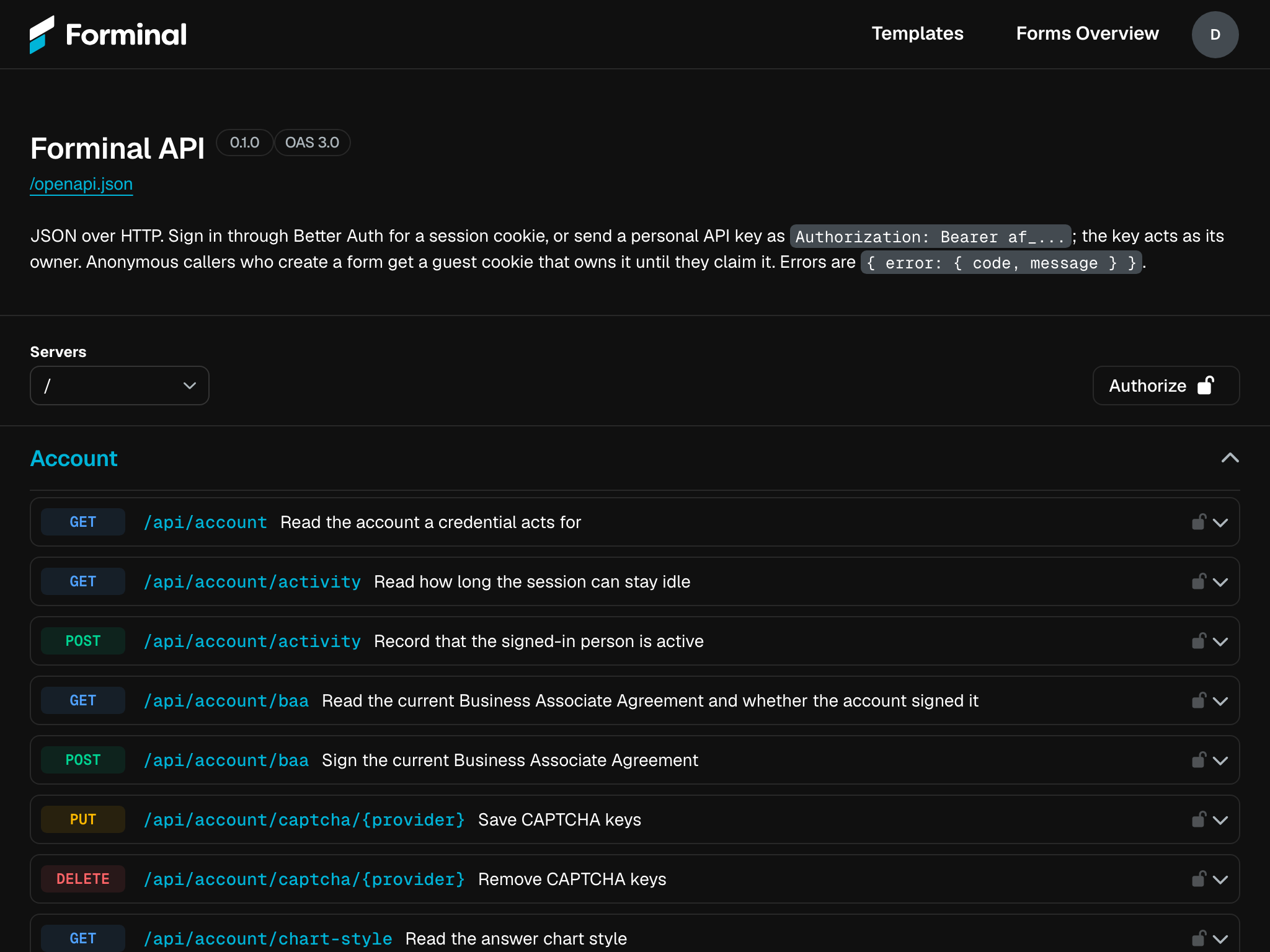
The full reference, with every field and response, is at app.aw.co.ua/docs/api. The OpenAPI document behind it is at https://app.aw.co.ua/openapi.json, and the JSON Schema for a form is at /api/forms/schema.
Errors and limits
Every error comes back as {"error": {"code": "...", "message": "..."}}, with a code such as UNAUTHORIZED, NOT_FOUND, VALIDATION, RATE_LIMITED or INSTRUCTIONS_NOT_ACKNOWLEDGED. A missing or wrong key gets 401 with “Invalid API key”. A write call without the Forminal-Ack header, or with the wrong code, gets 428 and INSTRUCTIONS_NOT_ACKNOWLEDGED, with a message that points to llms.txt. Each key can make 100 requests a minute. Past that you get 429 with “Too many requests with this API key. Try again in a minute.” and a Retry-After header.
Good to know
Replacing a form sends the whole form. If the body leaves out fields the form has, the call is refused with REPLACE_NOT_CONFIRMED and the fields it would delete, unless you add "replace": true. Answers in data are raw values, such as option IDs for choices, while the submissions table and exports show labels. A key reaches forms in workspaces shared with you only as far as your role there allows. When a form has a CAPTCHA turned on, only a browser can submit it, so the API can’t post answers to it.
Frequently asked questions
Is there a rate limit on the REST API?
Each key can make 100 requests a minute. Past that, you get a 429 answer with a Retry-After header.
Do API keys expire?
Keys don’t expire. A key works until you delete it from the API keys tab, which stops anything using it right away.
What is the Forminal-Ack header?
It carries the acknowledgement code from llms.txt, and every call that creates, edits, publishes or deletes a form needs it. Without it, or with the wrong code, the call gets 428 and INSTRUCTIONS_NOT_ACKNOWLEDGED.
Can an API key reach forms in a shared workspace?
Yes, but only as far as your role in that workspace allows.
Does the REST API need a paid plan?
The REST API is available on every plan. Features a form uses that your plan doesn’t include are saved, but the published form leaves them out.
Can an app use the API on behalf of other people?
Yes, through OAuth instead of an API key. That’s how the Zapier and Make apps and AI assistants connect. See the REST API guide.