Add the Forminal MCP server to Cursor and its agent can make the forms your app needs and read what people send, while you stay in the editor.
What you can do
- “Build a waitlist form with just an email field, publish it and add the popup embed to the landing page.”
- “Rename the feedback form’s submit button to Send feedback.”
- “Summarize the answers to the beta survey.”
- “Is the order form sending its submissions to Google Sheets? Tell me the last error if not.”
Connect it
- Open
~/.cursor/mcp.jsonto use Forminal in every project, or.cursor/mcp.jsonin your project for that project alone. Create the file if it isn’t there. - Add this entry under
mcpServers, next to any servers already in the file, and save it.
{
  "mcpServers": {
    "forminal": {
      "url": "https://app.forminal.ai/mcp"
    }
  }
}- Open Customize in Cursor’s sidebar, find forminal among your MCP servers and make sure it’s turned on.
- The server asks for a sign-in before its tools work. On the forminal entry in Customize, select Connect (it may read Needs authentication), then sign in to your Forminal account in the browser window that opens. This step is yours, and Cursor never sees your Google sign-in or your email link.
Check it works
In the agent chat, ask “List my Forminal forms.” You get your forms back, newest first. A new account has none yet, and an empty list still means you’re connected.
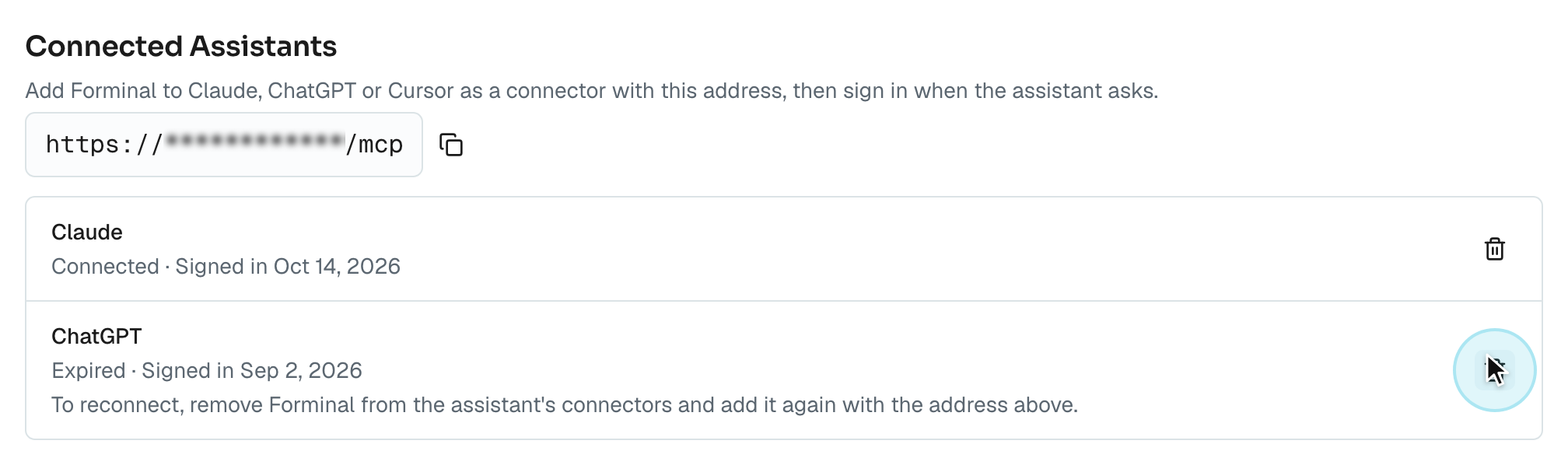
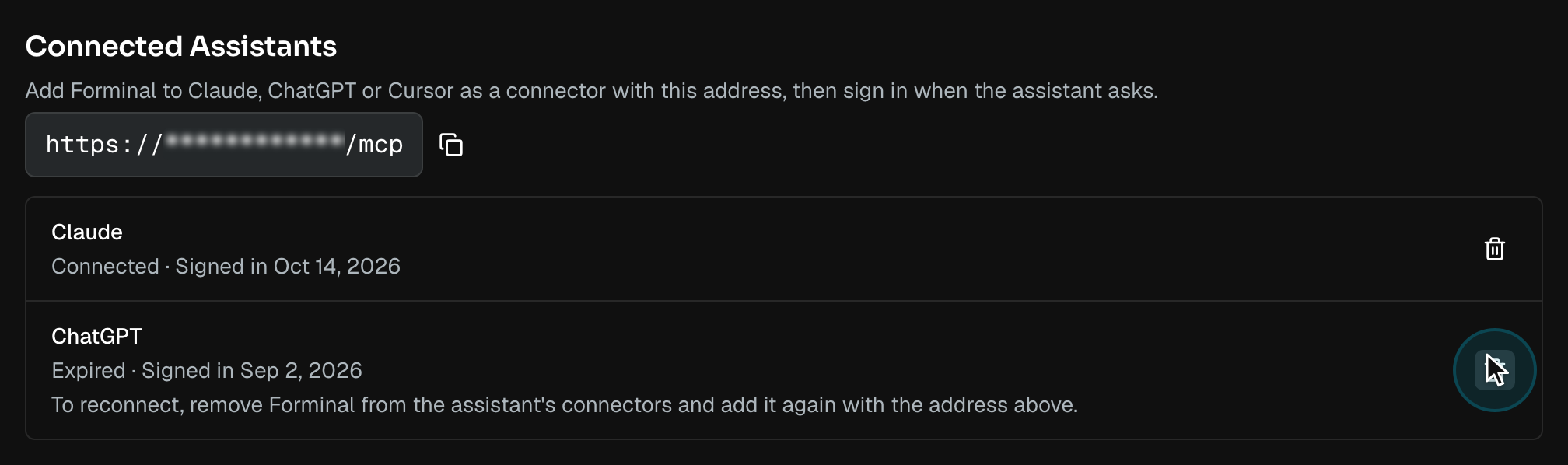
In Forminal, open Account menu » Profile » API keys. Under Connected Assistants, the client now reads Connected, with the day it signed in.
If it does not connect
- The server doesn’t show up after you edit the file: restart Cursor, or turn the server off and on again in Customize.
- It shows up but fails: open the Output panel (Cmd+Shift+U on a Mac, Ctrl+Shift+U elsewhere), choose MCP Logs and look for a connection or sign-in error. A typo in the address or the JSON is the usual cause.
- It worked before and now every tool fails on authorization: the sign-in has expired. Disconnect the server and connect it again, then sign in.
The MCP server guide lists every tool, and the full agent instructions explain Forminal to an agent that has never used it. Other clients are listed under Connect your AI.
Frequently asked questions
Can Cursor tell me why submissions aren’t reaching Google Sheets?
Cursor can list where a form sends its submissions, with the last error for each connection, so it can tell you why submissions aren’t arriving.
Can Cursor show me a form’s analytics?
It can report views, conversion, abandonments and drop-off per field. Those tools need a plan that includes Form Analytics, such as Pro.
Can Cursor export a form’s submissions?
Ask it to export them and you get a CSV download link. The link works for 15 minutes for anyone who has it, so don’t paste it anywhere public.
Can Cursor delete submissions?
It can, in two steps. Cursor first gets a summary of what would go and should only delete after you agree. Deleted submissions can’t be brought back.