Custom Domains lets your forms live at your own address, like forms.yourcompany.com/contact, instead of on app.aw.co.ua.
Examples
- A contact form at
forms.yourcompany.com/contact, with an event sign-up on the same domain at/rsvp.
Set it up
- Open Account menu » Domains.
- In the Forms section, select Add Domain.
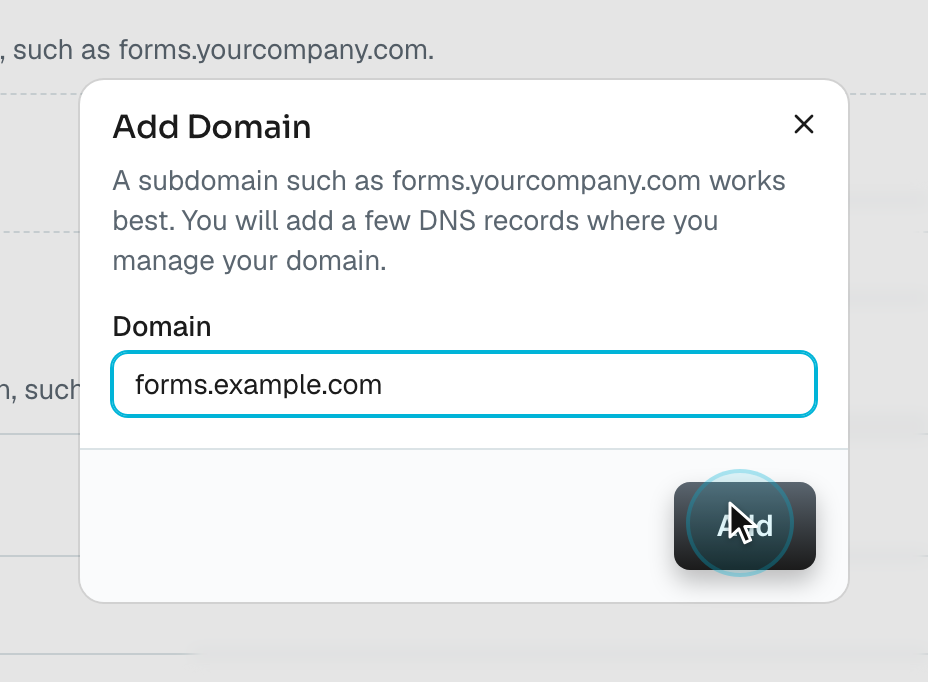
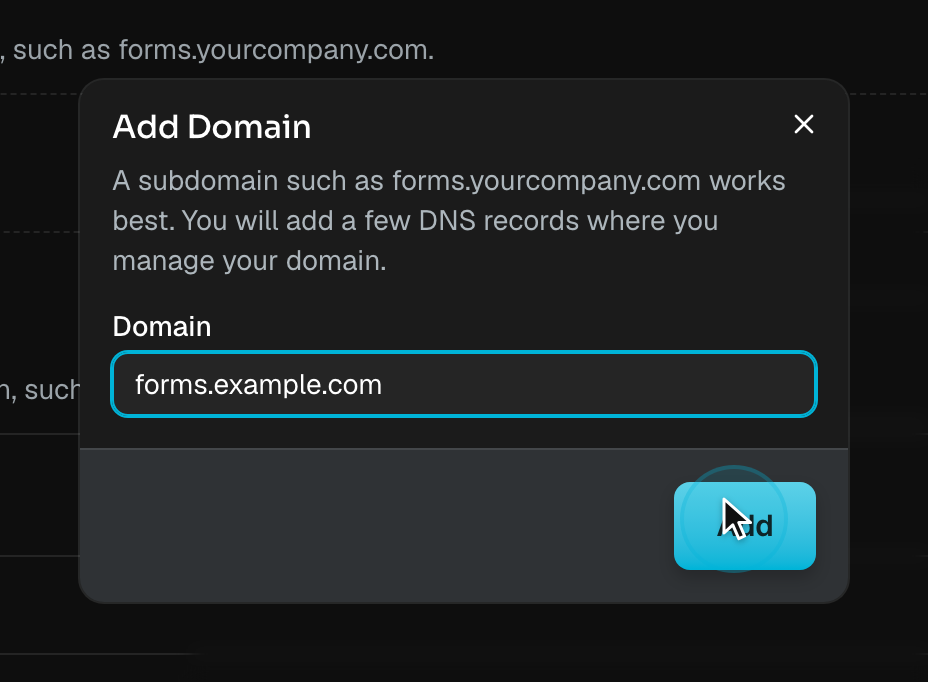
- In Domain, type the domain, such as forms.yourcompany.com, and select Add.
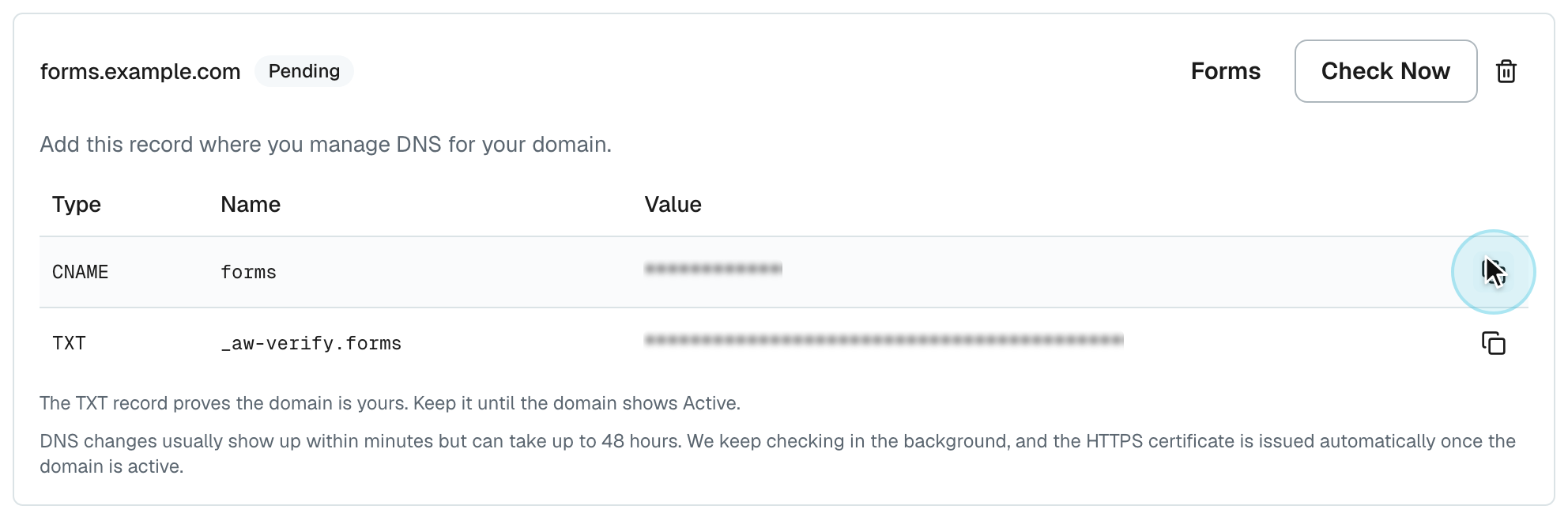
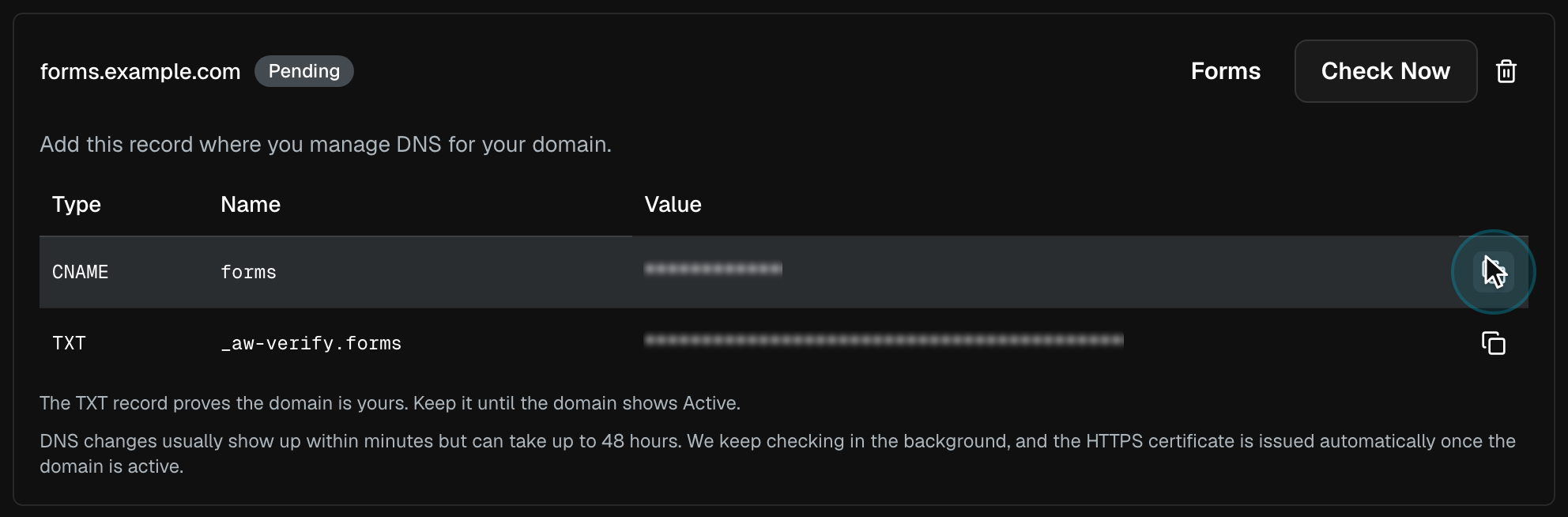
- The domain shows as Pending, with the DNS records to add: a Type, a Name and a Value for each. Add each one where you manage DNS for your domain, using the copy button next to a value so nothing gets mistyped.
- Back on the Domains page, select Check Now. When the records are found, the badge changes from Pending to Active.


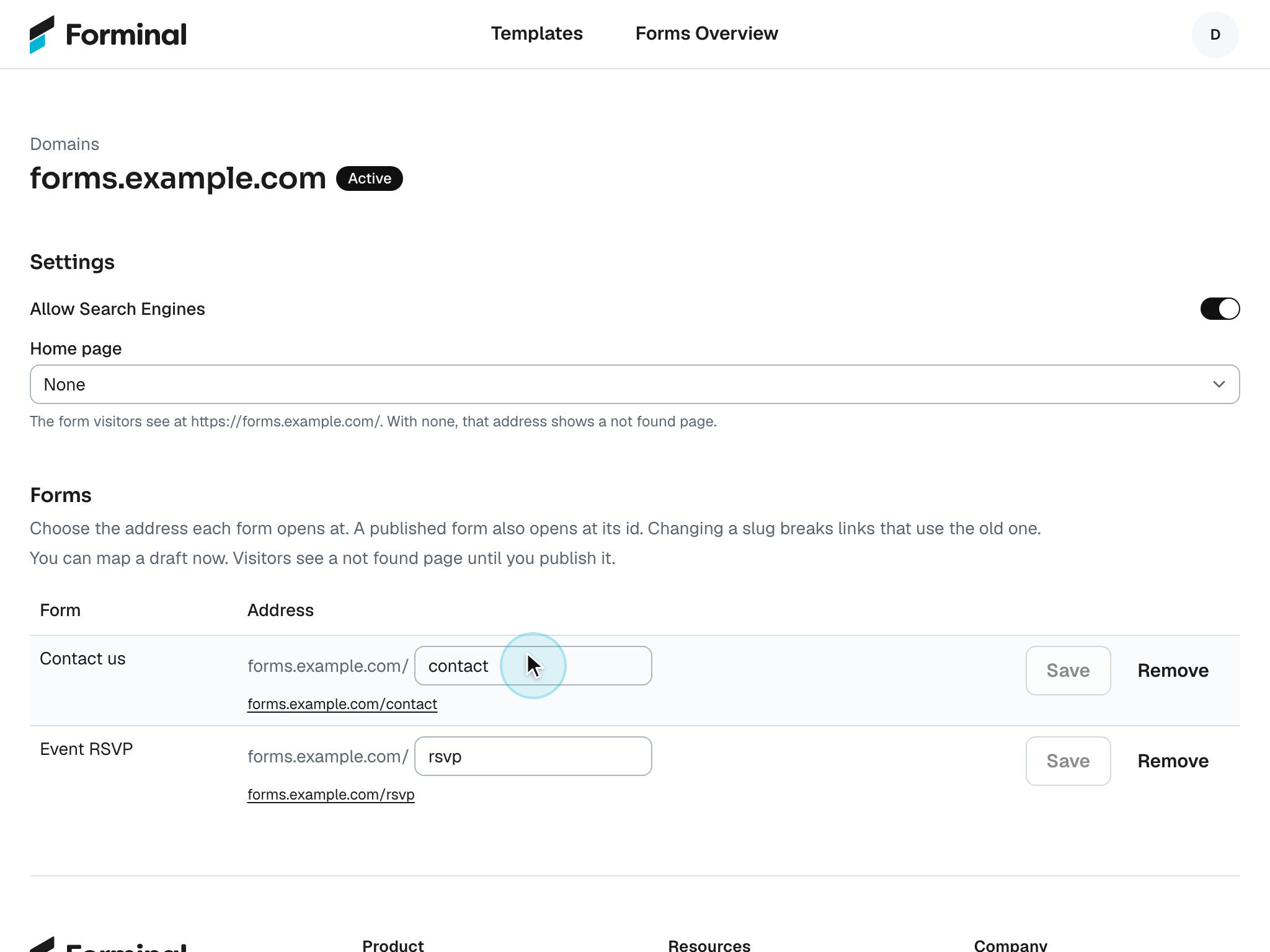
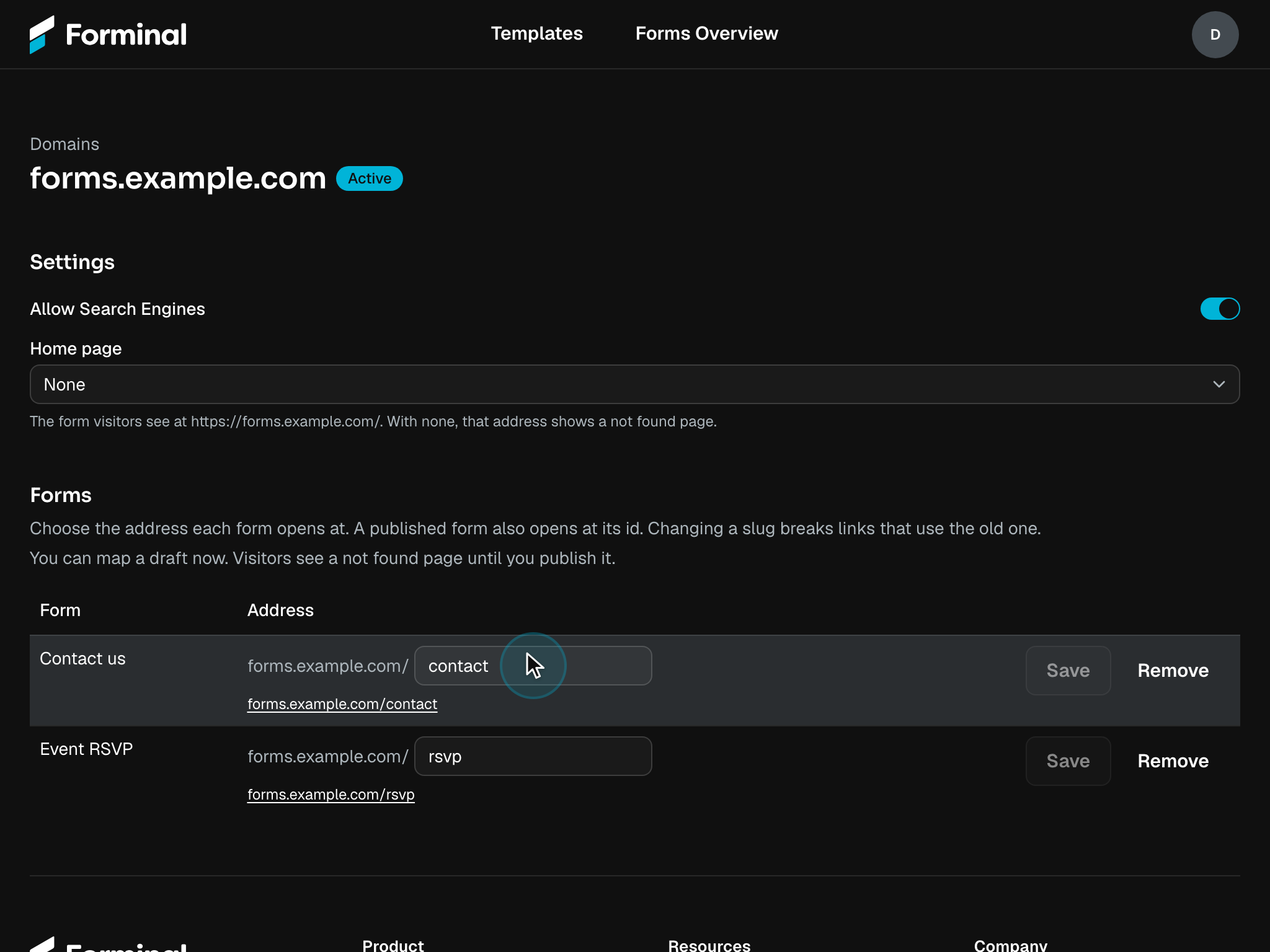
- Select Forms on the domain’s card. Each form has a row with an Address box, which starts as the form’s title. Change it if you like, and select Save.
Good to know
- You can connect up to 5 domains for forms. A subdomain like
forms.yourcompany.comtakes a CNAME record and a main domain takes an A record, and both take one TXT record that proves the domain is yours. HTTPS is set up for you. - Each form gets a short address of your choosing, made of lowercase letters, numbers and hyphens, up to 64 characters. It starts as the form’s title. If you change it later, links that use the old one stop working.
- You can choose a form to open at the domain itself, and turn off search engine indexing for a domain. Embeds work from your domain too.
- Submission Pages can take an address on your domain as well, on the Business plan, in the domain’s Submission Pages section. Forms and pages on one domain share one list of addresses.
Frequently asked questions
Which plan includes custom domains?
Custom domains come with Pro, and Business includes everything in Pro. See pricing for the current plans.
How long does it take for my domain to turn active?
For a form domain, DNS changes can take from a few minutes to 48 hours. Forminal keeps checking in the background, and you can select Check Now while the domain is pending.
Can I use my main domain, or only a subdomain?
Both work. A subdomain such as forms.yourcompany.com takes a CNAME record and a main domain takes an A record, plus one TXT record either way. HTTPS is set up for you.
What happens to old links if I change a form’s address?
Links that use the old address stop working, so update them wherever you shared the form.