CSV export gives you a form’s submissions as a CSV file that opens in Excel, Numbers, Google Sheets or any other spreadsheet app. Download it from the Submissions page with the filters you have on, or ask an AI assistant connected to your account, such as Claude, ChatGPT or Cursor, for a download link.
Examples
- Sharing last month’s submissions with someone who works in Excel, by asking for submissions from the 1st to the 30th.
- Keeping an offline copy of every answer before you clean up an old form.
- Sending one week’s sign-ups to a colleague, by picking those days in the table first.
Download from the Submissions page
- On your dashboard, select the number in the form’s Submissions column to open its Submissions page.
- Narrow the table if you want to: pick Submissions or Spam, type in Search, choose dates, or sort by a column.
- Select Download CSV, at the right of the toolbar. The file is named after the form.
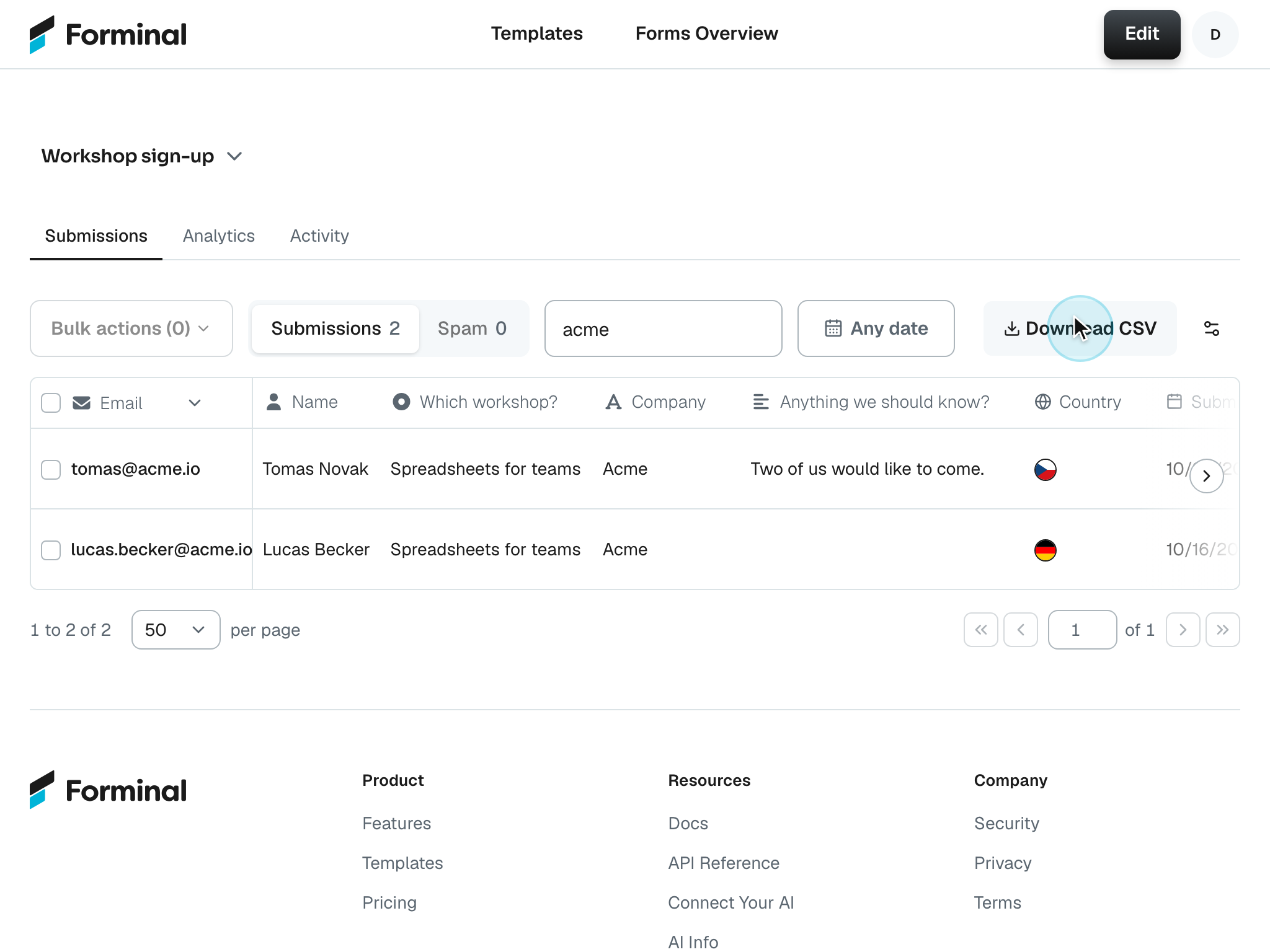
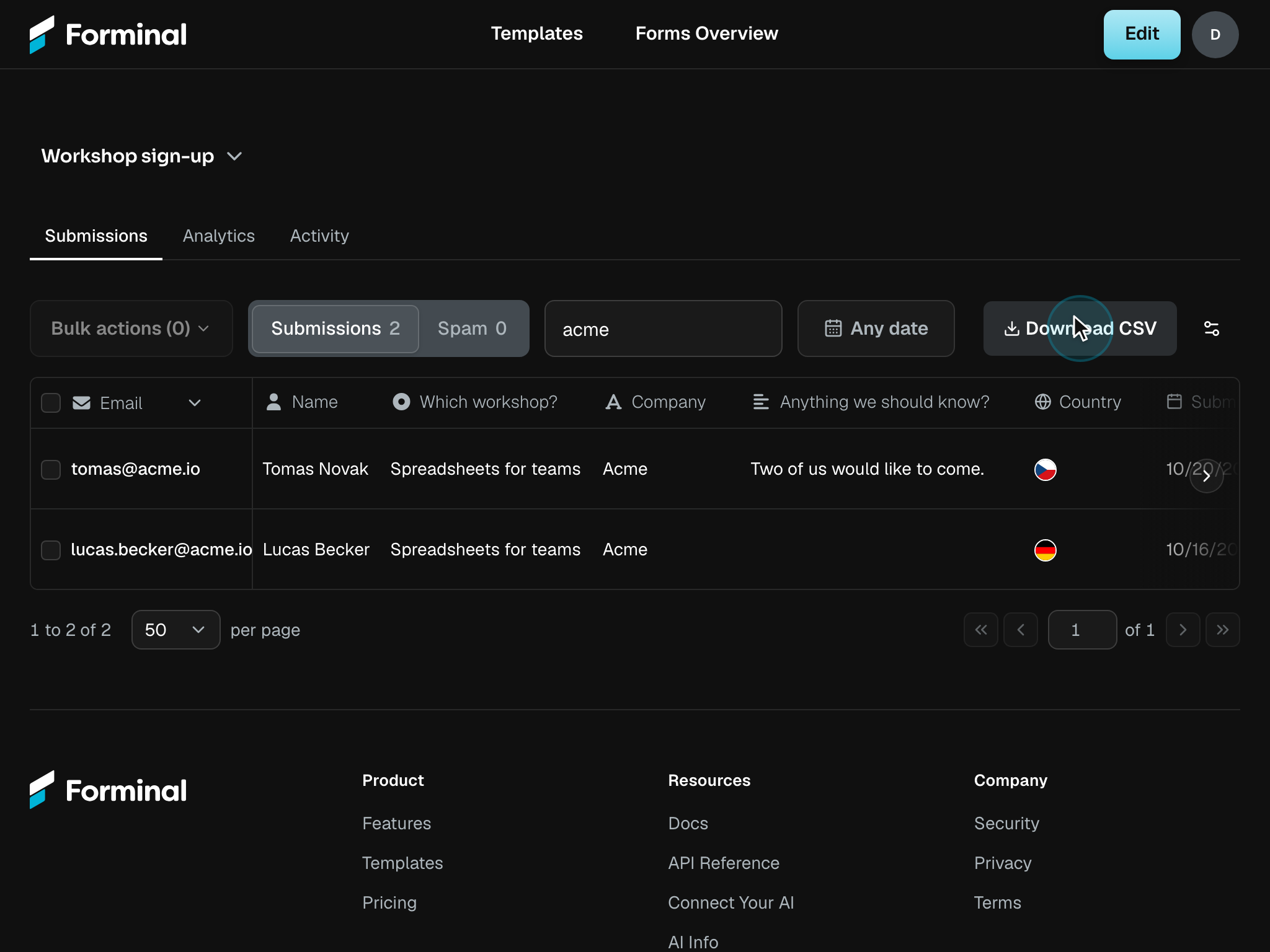
The file holds every submission that matches the table’s tab, search, dates and UTM filter, from every page of the table and in its sort order. With no search, dates or UTM filter, that’s every submission in the tab. While the assistant’s filter is on the table, the file follows it too, including its tags, unread and payment status filters.
Export through an assistant
To connect an assistant:
- Open Account menu » Profile » API keys.
- Under Connected Assistants, select Copy MCP address next to the address,
https://app.forminal.ai/mcp.


- In Claude, ChatGPT or Cursor, add a connector with that address.
- Sign in when the assistant asks, and select Allow. The assistant then shows up in the Connected Assistants list.
Then ask the assistant in plain words, such as “Export the submissions of my Workshop sign-up form from March as a CSV”. It replies with a link. Open the link to download the file, which is named after the form.
You can narrow the export the same ways you can search results:
- a date range, by day in UTC;
- words that appear in the answers or tags;
- up to 10 tags, where a row has to carry all of them;
- only submissions nobody has opened yet;
- a payment status, on a form with a Payment field;
- the spam folder instead of your submissions. Spam is left out unless you ask for it.
What’s in the file
The first row is the header, and each submission after it is one row. The columns match the Google Sheets integration: Submission ID, Submitted at, Payment when the form has a Payment field, one column per question titled with its label (or Question 1, Question 2 for a question without one), then Tags, Origin page, Browser, Time to complete (s) and Country, the English name of the Respondent’s Country. After Country come UTM Source, UTM Medium, UTM Campaign, UTM Term and UTM Content, the values from UTM Tracking. A Google Sheets connection made before those columns existed keeps its columns until you connect it again. Submitted at is in UTC.
Answers are readable text rather than raw values: choice labels, several choices separated by commas, Yes or No for a checkbox, dates in the field’s format, and a rating as the score out of the top of the scale, such as “4 / 5”. File Upload and Signature answers are links to the files: a file kept in your media library links to Forminal, where it opens for someone signed in with access to the form’s submissions, and a file in Drive links to your Drive. The file is UTF-8 and opens in Excel with accents and other scripts intact. A cell that starts with =, +, - or @ gets an apostrophe in front, so a spreadsheet app shows it as text instead of running it as a formula.
Good to know
The download from the Submissions page has no row limit. The table’s dates are days in your own time zone, while the assistant’s are days in UTC. An export through the assistant holds up to 20,000 rows. The assistant is told how many submissions matched in total, so if there are more, ask for smaller date ranges or use the Submissions page. The assistant’s link works for 15 minutes and needs no sign-in, so anyone who has it can download those rows until then. Don’t paste it anywhere public. It also stops working if the form moves to another account or you lose access to its submissions. Workspace members who can view a form’s submissions can export them either way.
Frequently asked questions
Is there a limit on how many submissions I can export?
The download from the Submissions page has no row limit. An export through an AI assistant holds up to 20,000 rows, so for more than that, ask for smaller date ranges or use the Submissions page.
Will accents and other alphabets show correctly in Excel?
The file is UTF-8 and opens in Excel with accents and other scripts intact.
Why do some cells start with an apostrophe?
A cell that starts with =, +, – or @ gets an apostrophe in front, so a spreadsheet app shows it as text instead of running it as a formula.
Are spam submissions included in the export?
No, unless you ask for them. In the Submissions page, the file follows the tab you’re on, so pick Spam to export spam. Through an assistant, ask for the spam folder.
Is it safe to share the assistant’s download link?
Only with people who should see the data. The link works for 15 minutes and needs no sign-in, so anyone who has it can download those rows until it expires.
Do I need a paid plan to export submissions?
CSV export works on every plan.