Time lets people type a time or pick one from a list, limited to the hours you set and, if you like, to fixed steps such as every 15 minutes. Times use the 24-hour clock.
Examples
- A salon booking between 09:00 and 18:00 in 30-minute steps.
- A pickup time for a cafe order, any minute between opening and closing.
Set it up
- In the builder, point between two fields and select Add Field. On an empty form, select Start from Scratch.
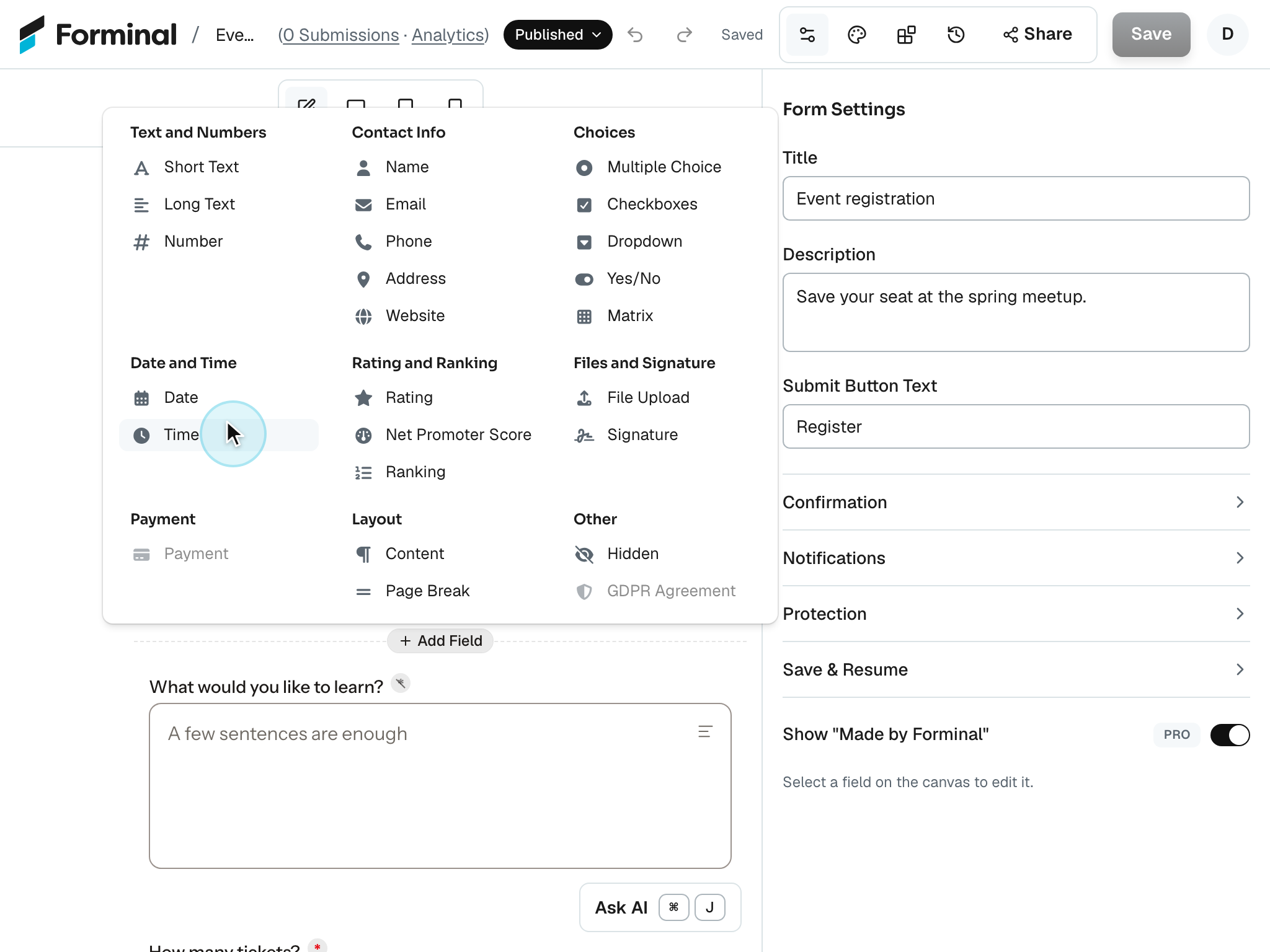
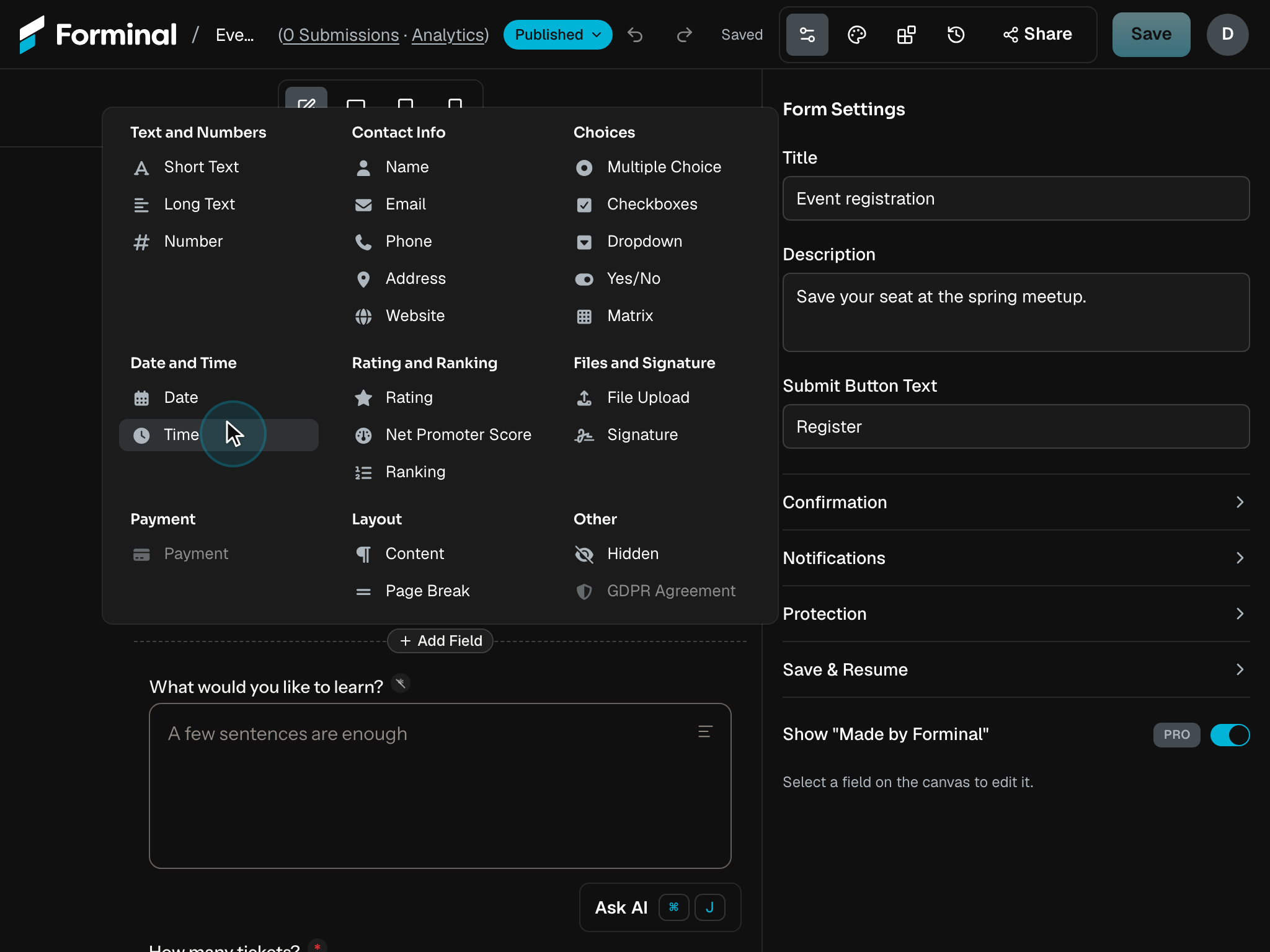
- Under Date and Time, select Time.
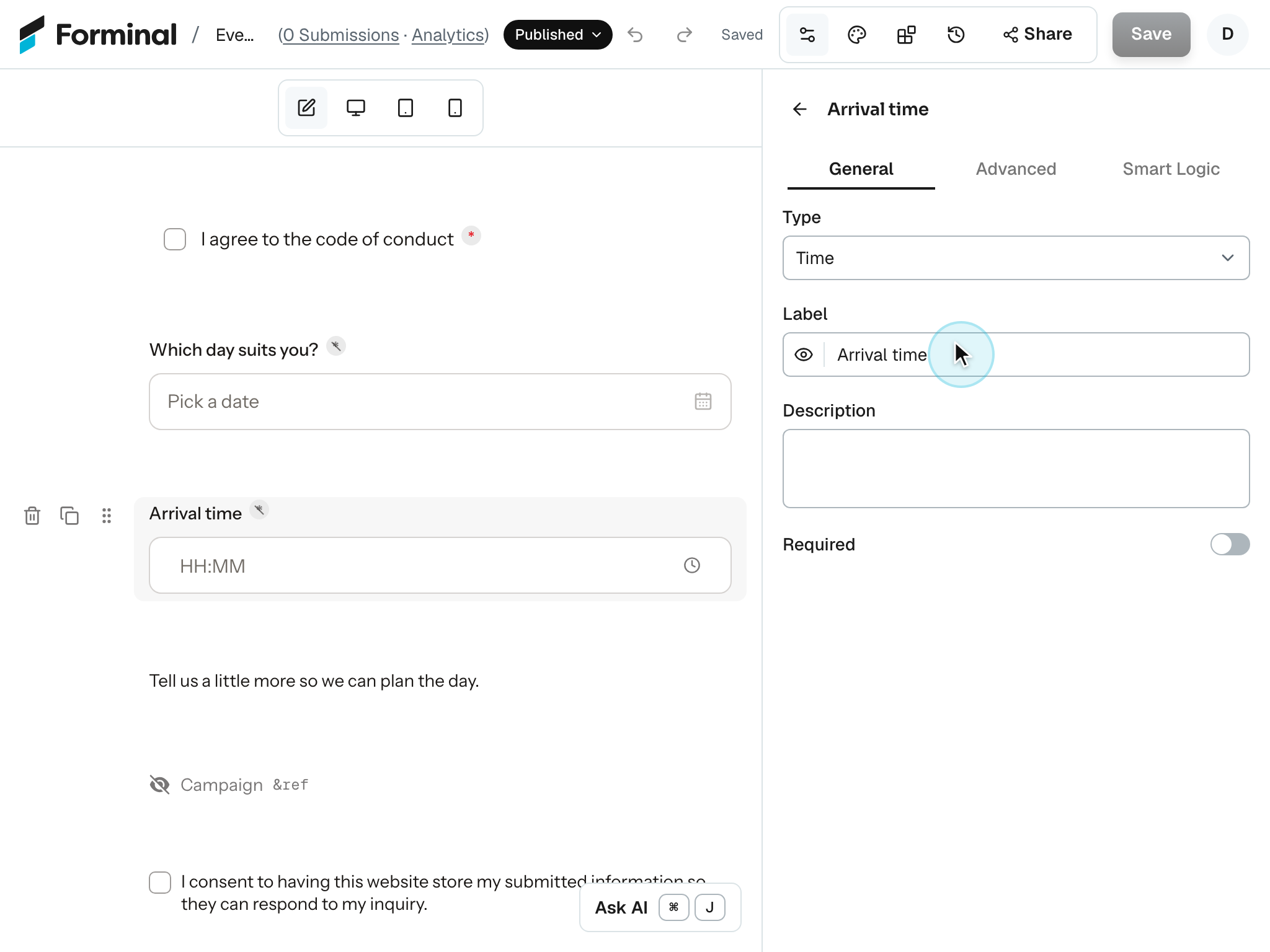
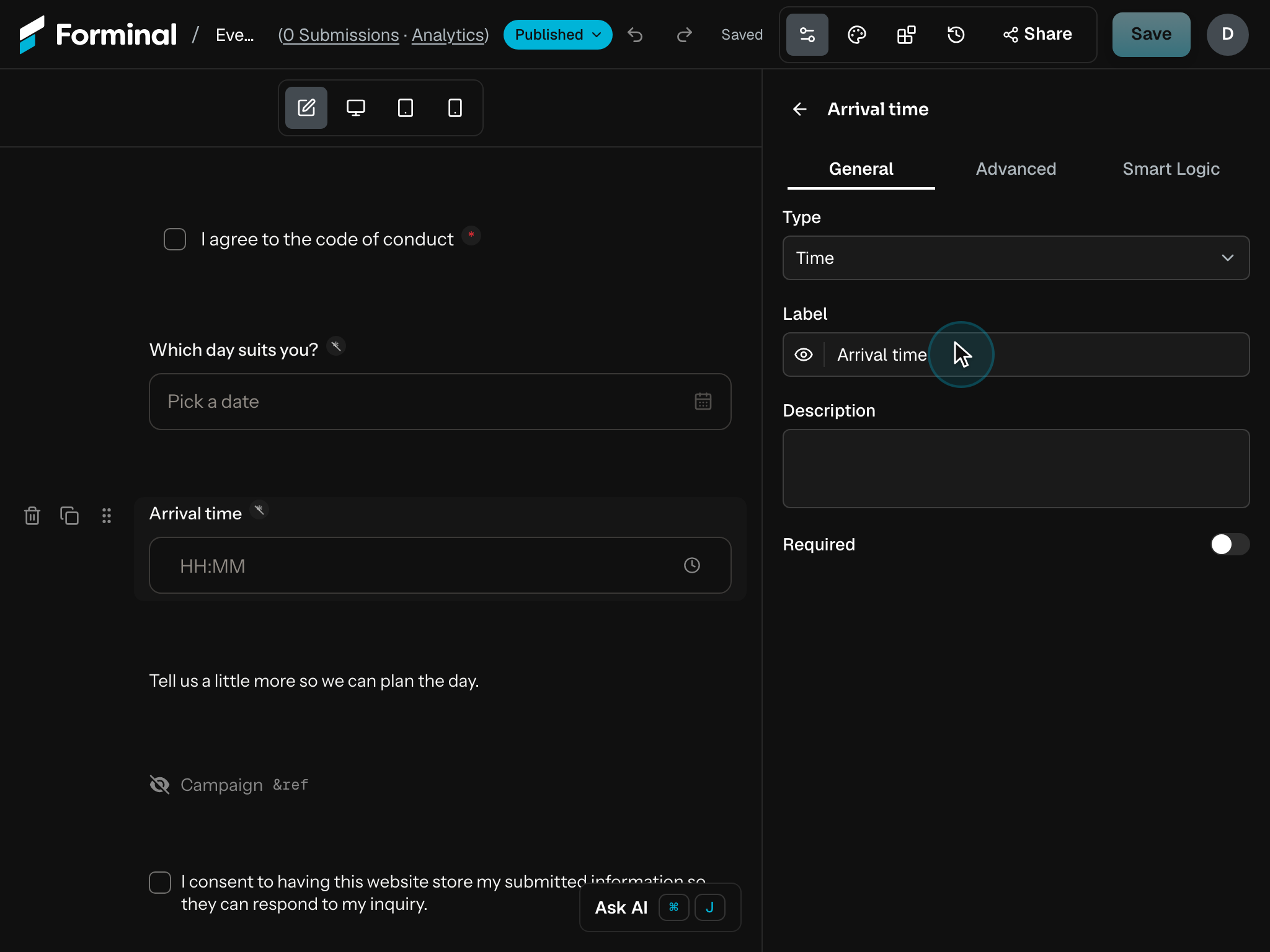
- Change the label (it starts as “Time”) and turn on Required if needed.
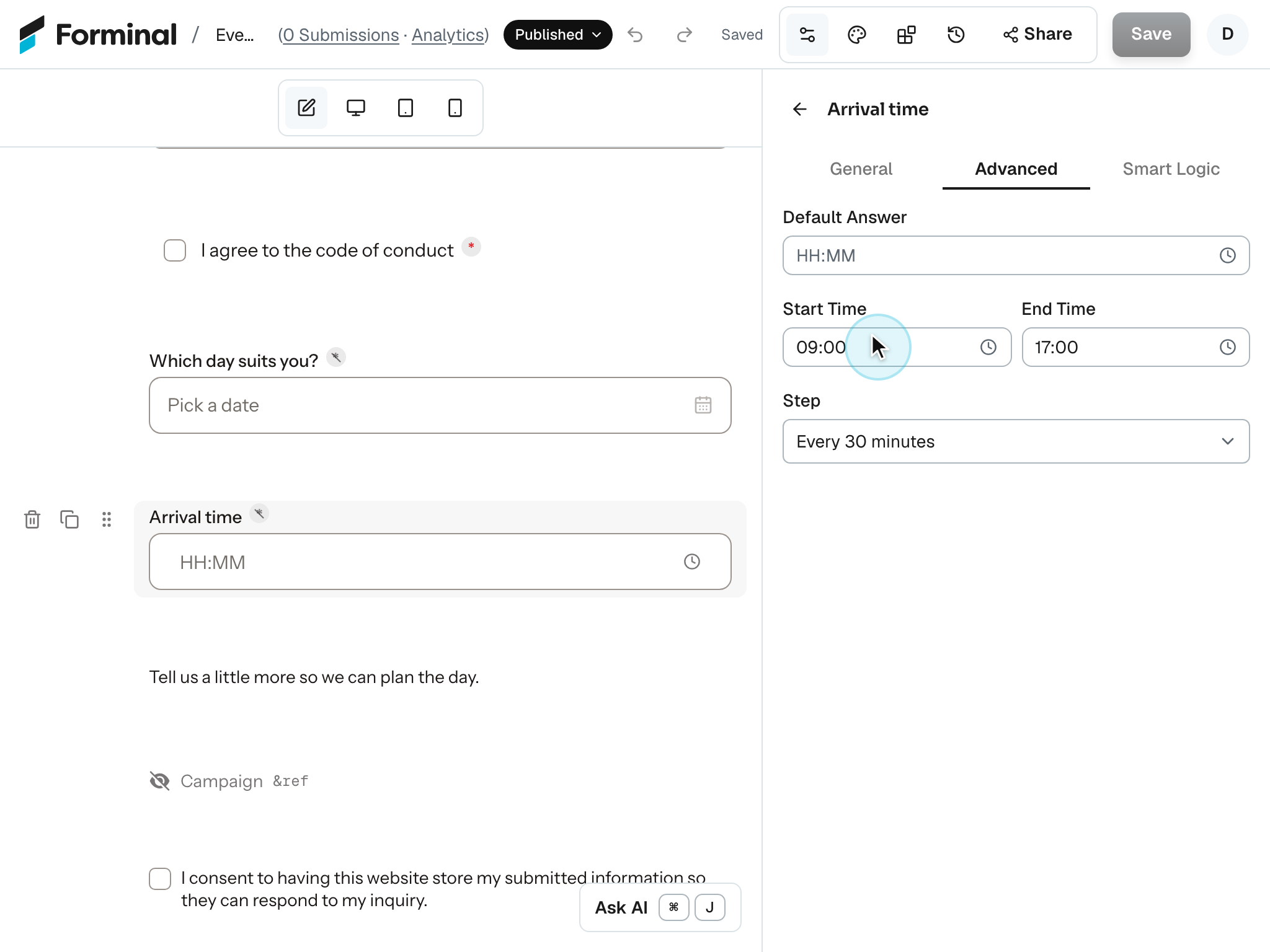
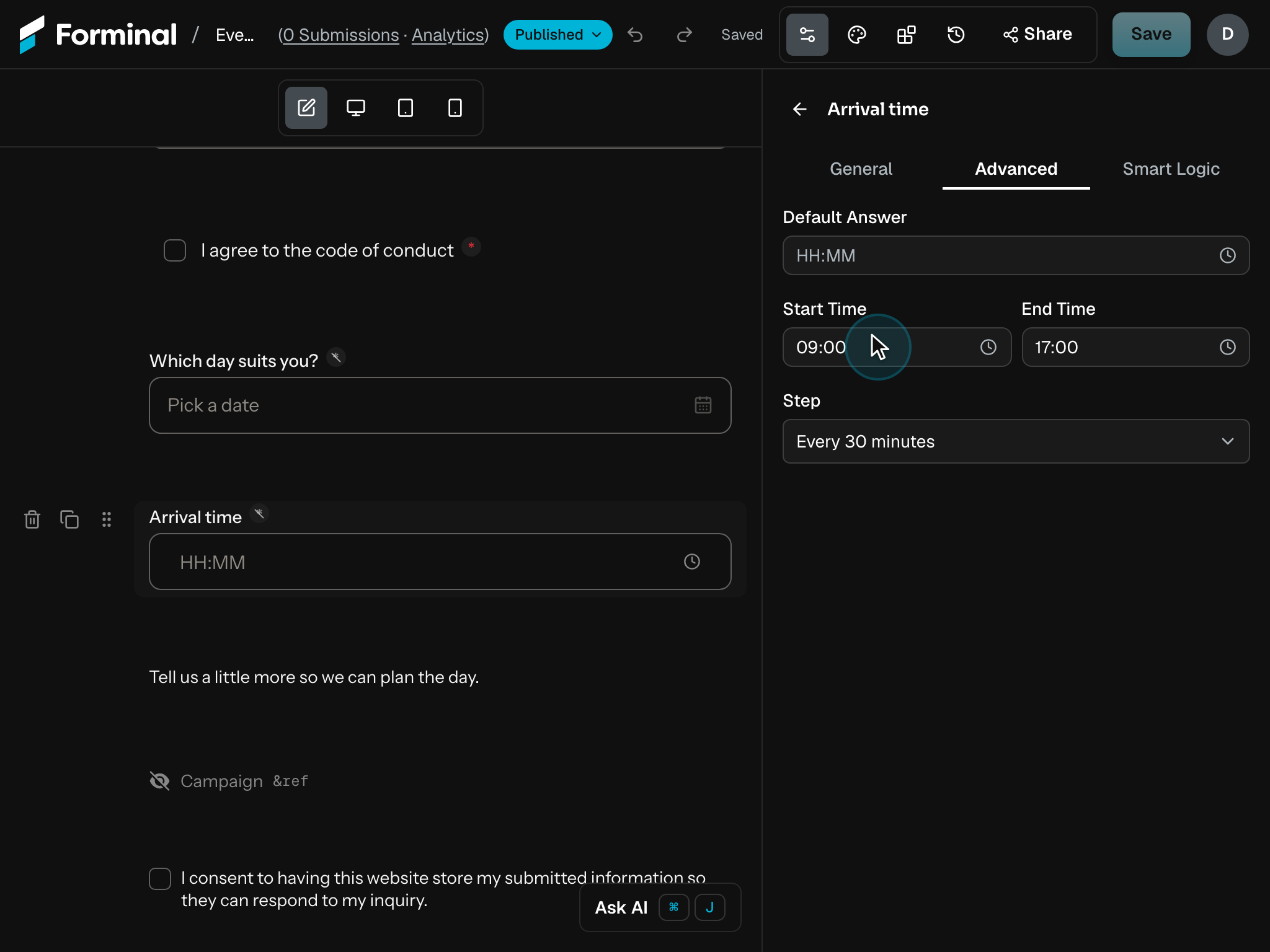
- On the Advanced tab, set Start Time and End Time to the earliest and latest times allowed. Leave either blank for no limit on that side.
- Choose a Step: Any time, every 5, 10, 15, 20 or 30 minutes (Every 5 minutes to Every 30 minutes), or Every hour. Steps count from the start time, so a 09:15 start with 30-minute steps allows 09:15, 09:45 and so on.
- Optionally set a Default Answer. It has to fit the range and step you chose.
What people see and how answers show
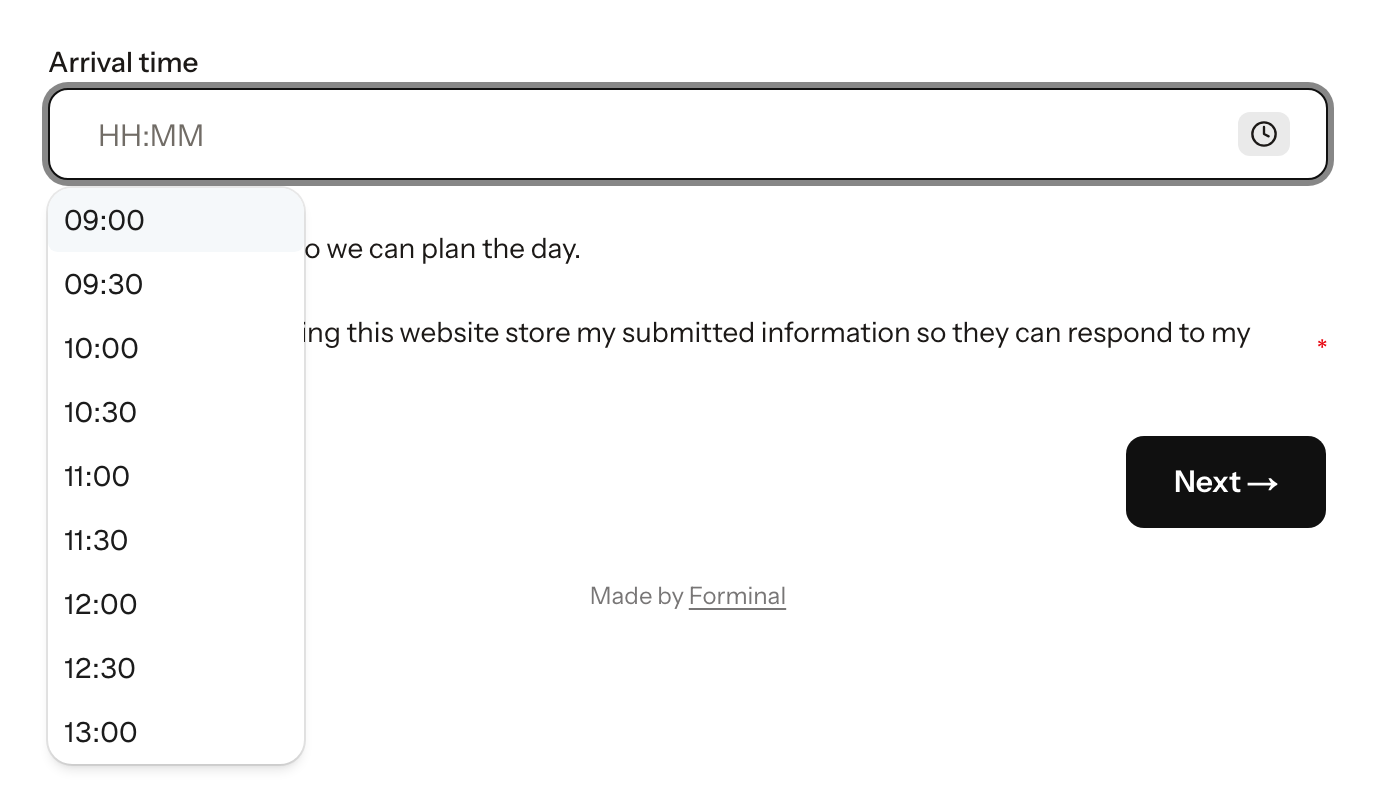
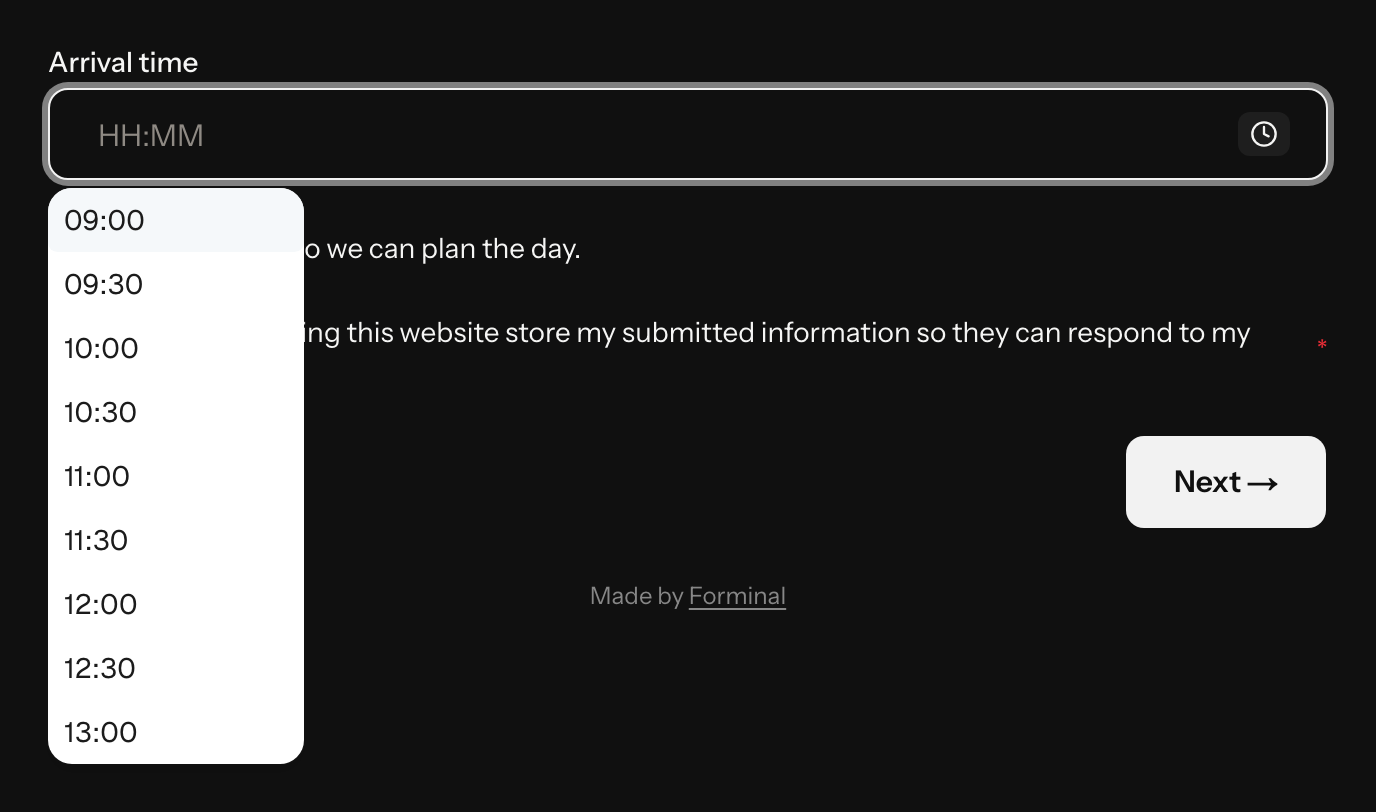
The field shows “HH:MM” until filled. People can type a time, and short forms like “930” or “9:30” are read as 09:30. A list of allowed times also opens with the field, for people who’d rather point and click. It lists your steps, or every half hour when the step is Any time.
If the answer is outside your hours, people see a message such as “Pick a time between 09:00 and 18:00”. If it falls between steps, they see “Pick a time in 30-minute steps”. Text that isn’t a time gets “Enter a time as HH:MM”.
The submissions table, the CSV export and notification emails show the time as HH:MM on the 24-hour clock. In Smart Logic you can compare the answer with a time using is, is not, greater than (later) and less than (earlier), or check whether it’s empty.
Good to know
End Time has to be later than Start Time, so a range can’t run past midnight. The field stores a time of day only; pair it with a Date field when you need both. With Any time, people can type any minute inside the range, even ones the list doesn’t show.
Frequently asked questions
Can I use the 12-hour clock with AM and PM?
No. Times use the 24-hour clock on the form and in submissions. People can still type short forms like 930, which is read as 09:30.
Can a time range run past midnight?
No. End Time has to be later than Start Time, so a range can’t cross midnight.
How do I allow bookings only every 30 minutes?
Choose Every 30 minutes under Step on the Advanced tab. Steps count from the Start Time, so a 09:15 start allows 09:15, 09:45 and so on.
Can people type a time that isn’t in the list?
With the step set to Any time, they can type any minute inside your range, even ones the list doesn’t show. With a fixed step, a time between steps shows a message asking for one that fits.
Which times does the list show when the step is Any time?
It lists every half hour inside your range.