An inline embed puts your form inside a page of your own website, where you paste the code. It loads when a visitor scrolls near it and grows or shrinks to fit, so it reads like part of the page. This guide also covers the full-page embed and Notion. By the end of it the form will be live on your page.
Copy the embed snippet
- Publish the form. The Share panel opens on its Embed tab. To open it later, select Share in the builder’s top bar.
- Under Embed on Your Site, pick Inline.
- Under Where Is Your Site Built?, pick your site builder to see where the code goes, then select Copy Code.
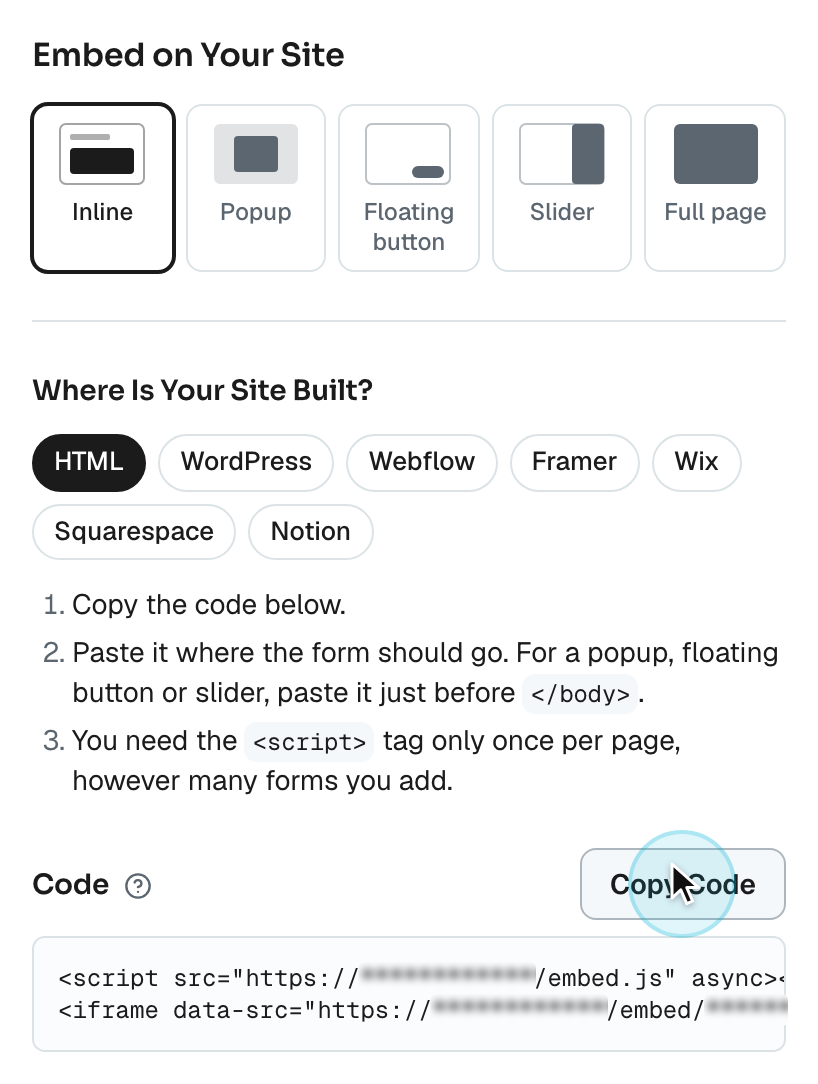
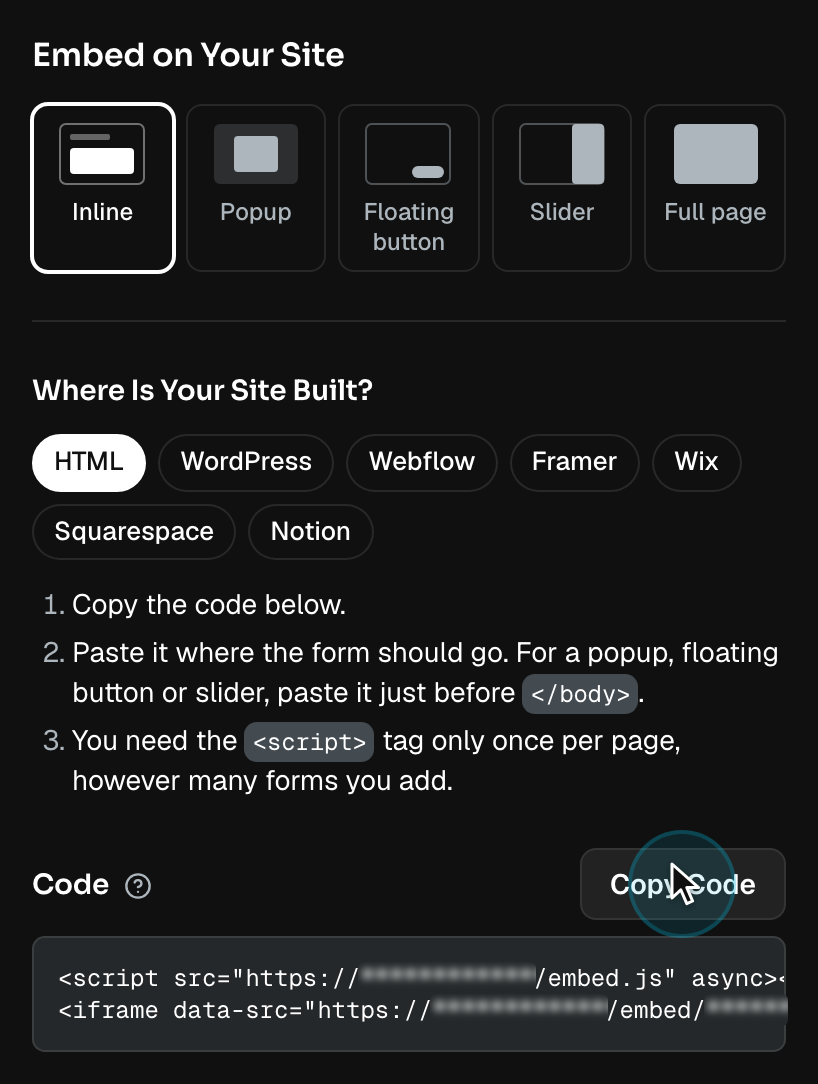
The code has two parts: the script, and a frame that shows the form. The copy you get already has the app’s address, your form’s id and its title filled in. Here it is with APP_ADDRESS and FORM_ID in their place:
<script src="APP_ADDRESS/embed.js" async></script>
<iframe data-src="APP_ADDRESS/embed/FORM_ID" loading="lazy" width="100%" height="300" frameborder="0" title="Contact us"></iframe>
Paste it into your page
- Open the page in your site’s editor and find the spot where the form should appear.
- Paste the code into the page’s HTML. In a site builder, add an HTML or custom code block and paste it there. The Share panel has steps for WordPress, Webflow, Framer, Wix and Squarespace, and there are step-by-step guides for WordPress, Webflow, Shopify, Squarespace and Wix. For Notion, see below.
- Change title to describe the form for screen readers, then save and open the page.
A page needs the script only once, even with several forms on it. Keep the address in data-src rather than src: the script loads each frame from data-src and resizes only the frames it loaded. The 300 pixel height is just the starting size before the form reports its real height.
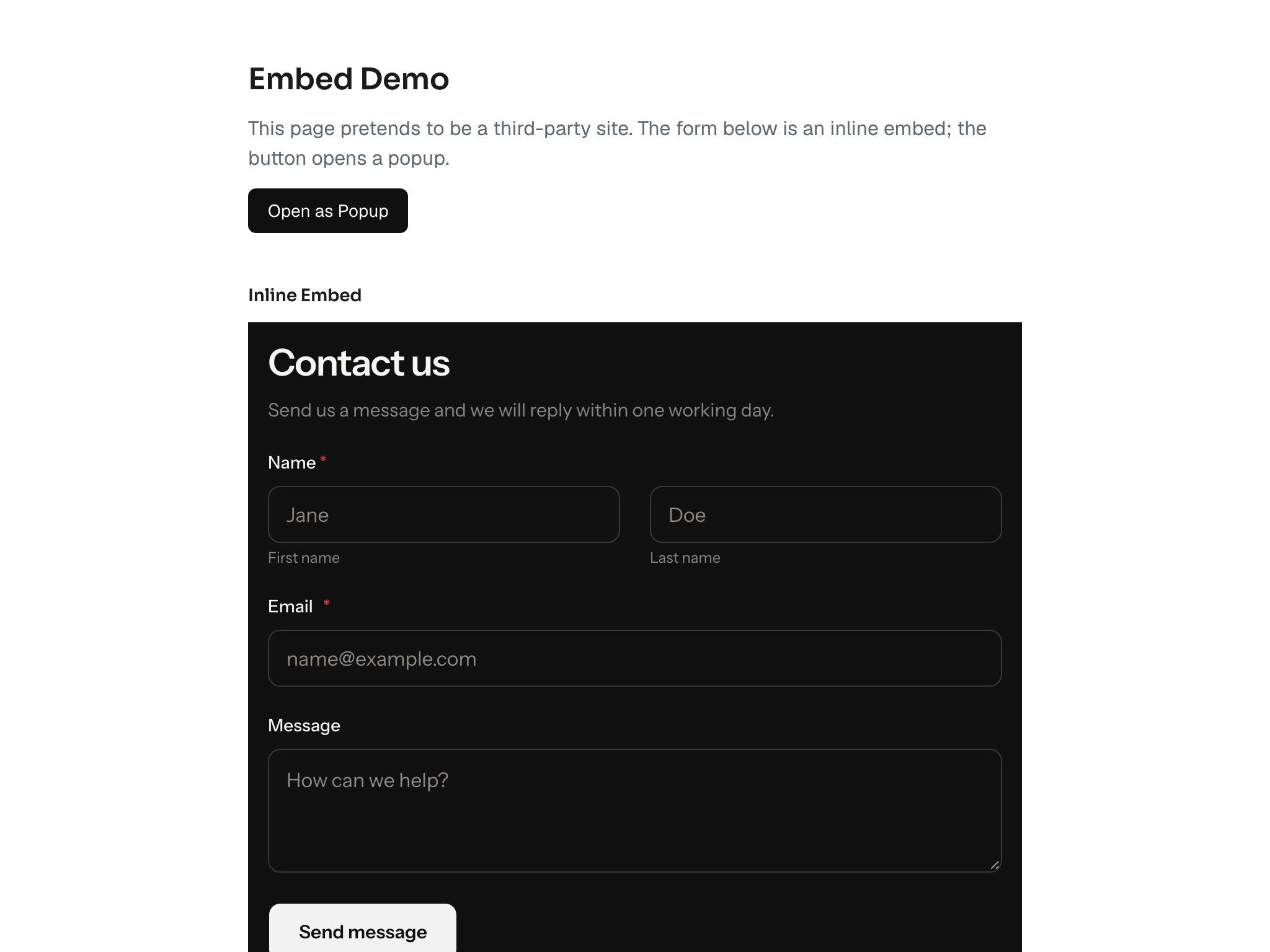
The frame has nothing to set, because its height follows the form. To hide the form’s title and description, or let your page show through, open Customize and turn off Show Title, the first row above the logo and cover, or turn on Transparent Background, right under Page Background. Both work on every plan and change code you already pasted.
Older code may end its data-src address with one of these. They still work alongside Customize:
- ?hideTitle=1 hides the form’s title and description, and its logo and cover.
- ?transparent=1 drops the form’s background color.
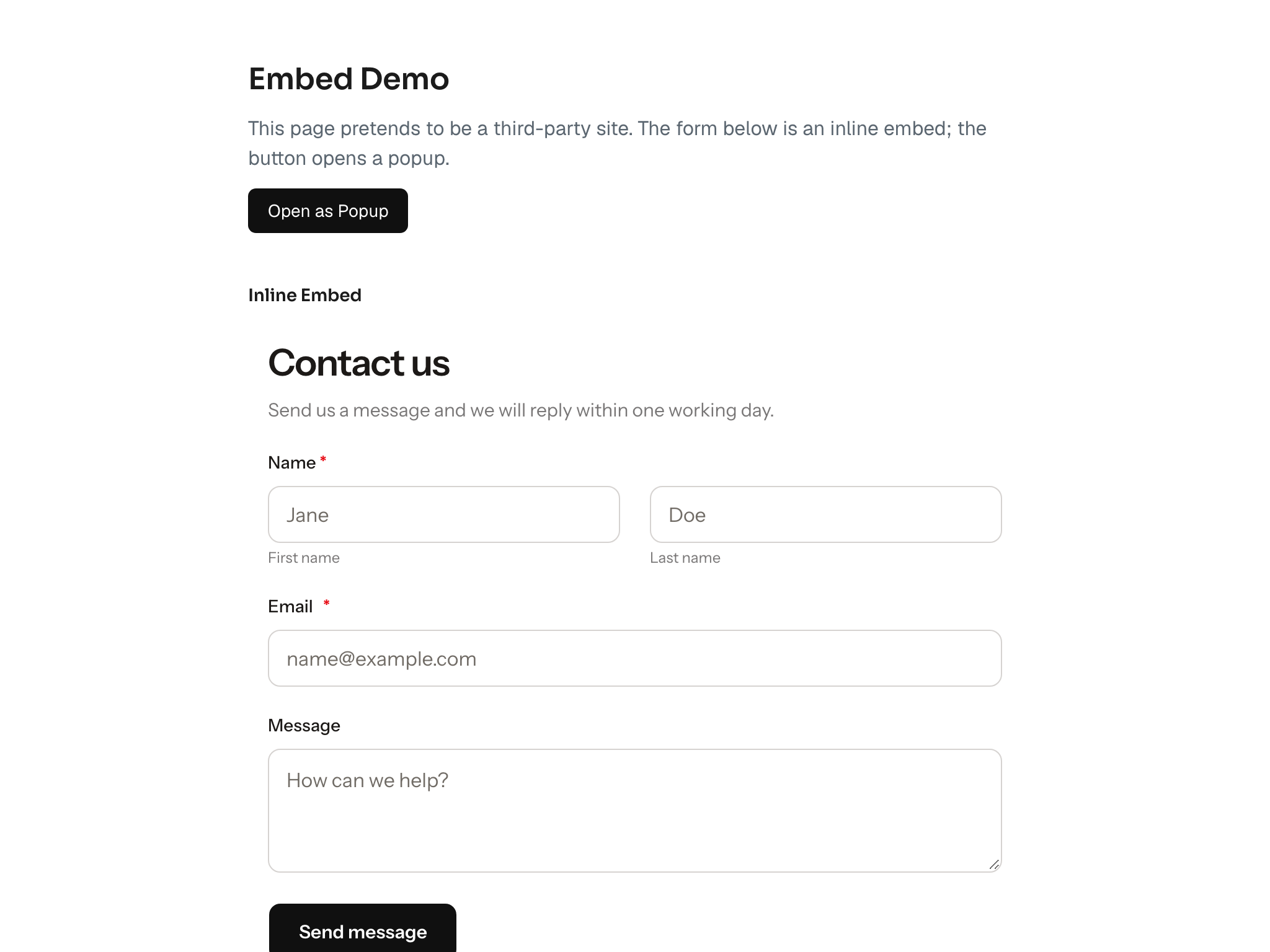
To use both, join them with &, as in ?hideTitle=1&transparent=1. To see the embed before you paste it anywhere, look at the builder while the Share panel is open: it shows the form inside a sample page.
Make the form the whole page
Pick Full page instead of Inline under Embed on Your Site when the form should fill the window, such as on a blank page of your site made just for it. The code is the same script and a frame that covers the window:
<script src="APP_ADDRESS/embed.js" async></script>
<iframe data-src="APP_ADDRESS/embed/FORM_ID" data-layout="full" style="position:fixed;inset:0;width:100%;height:100%;border:0" title="Contact us"></iframe>
The frame sits over everything else on the page, so use a page with nothing else on it. Show Title and Transparent Background apply here the same way. While the Share panel is open, the builder fills its preview with the form; select Desktop, Tablet or Mobile above it to check other screens.
Embed a form in Notion
- Under Where Is Your Site Built?, pick Notion. The panel shows an Embed Link instead of code.
- Select Copy Link.
- In Notion, type /embed, paste the link and choose Embed link.
Notion only supports inline embeds, so the form shows in the page there even when you picked another type.
Good to know
- Only published forms load in the frame for visitors.
- The form keeps the look you set in Customize, and Smart Logic, pages, answer piping and CAPTCHA all work inside the frame. After someone submits, the frame shows your thank-you message. If the confirmation redirects, your whole page goes to the redirect address.
- A Payment field inside an embed takes card payments only, because methods such as Klarna or Bank would need to leave the frame.
- On the Submissions page, a submission’s details show the page it was sent from.
- Developers can listen on window for events from the form, such as form:submitted, with the form id in event.detail.formId. Events never include the answers; a webhook sends those to your server. If your page adds a frame after it has loaded, call window.FormsEmbed.loadEmbeds() to pick it up. See Listen for embed events.
- To open the form from a button instead, see Open a form in a popup. The other ways to embed are on the Embed Forms page.
Frequently asked questions
Can I pass a tracking code from my page into the form?
Yes. The script hands your page’s query string to the frame, so a visit to a page ending in ?ref=newsletter fills a hidden field named ref.
Why doesn’t my embedded form resize?
Check that the address is in data-src, not src, because the script only resizes frames it loaded itself. If your page adds the frame after it loads, call window.FormsEmbed.loadEmbeds() to pick it up.
Can I test the embed before my site is ready?
While the Share panel is open, the builder shows the form inside a sample page. The snippet also works in an HTML file opened from your computer.
Why can’t people pay with Klarna or Bank in the embed?
An embedded form takes card payments only, because those methods would need to leave the frame. People can use them on the form’s own page.
Can my own script tell when someone submits the embedded form?
The script fires a form:submitted event on window with the form’s id, so your own code can react to it. It never includes the answers; use a webhook to receive them. See Listen for embed events for an example.
Can the form fill a whole page on my site?
Pick Full page on the Embed tab of the Share panel. The code covers the whole window with the form, so put it on a blank page made just for it.