Add the Forminal MCP server to Claude Code and it can build the forms your project needs, publish them and read what comes in, without you opening the builder.
What you can do
- “Create a contact form with name, email and message, publish it and put its inline embed on the contact page.”
- “Add a required phone field to the quote request form.”
- “Show me this week’s unread submissions to the job application form.”
- “Sum up how people answered the feedback survey: the average rating and the most picked options.”
Connect it
- In your terminal, run this command. It adds the server for the current project only.
claude mcp add --transport http forminal https://app.forminal.ai/mcpTo have it in every project, run this one instead:
claude mcp add --transport http forminal --scope user https://app.forminal.ai/mcpOr install the Forminal plugin, which adds the server along with a skill that tells Claude Code when and how to use its tools. Run these two commands in a Claude Code session:
/plugin marketplace add awesomemotive/forminal-mcp
/plugin install forminal@forminal- Start Claude Code, run
/mcp, pick the forminal server and sign in to your Forminal account in the browser window that opens. Only you can do this step, and Claude never sees your Google sign-in or your email link. If no browser opens, copy the link Claude Code shows into one.
Check it works
Ask “List my Forminal forms.” Claude Code answers with your forms, newest first. A new account has none yet, and an empty list still means you’re connected. claude mcp list should show the forminal server as Connected.
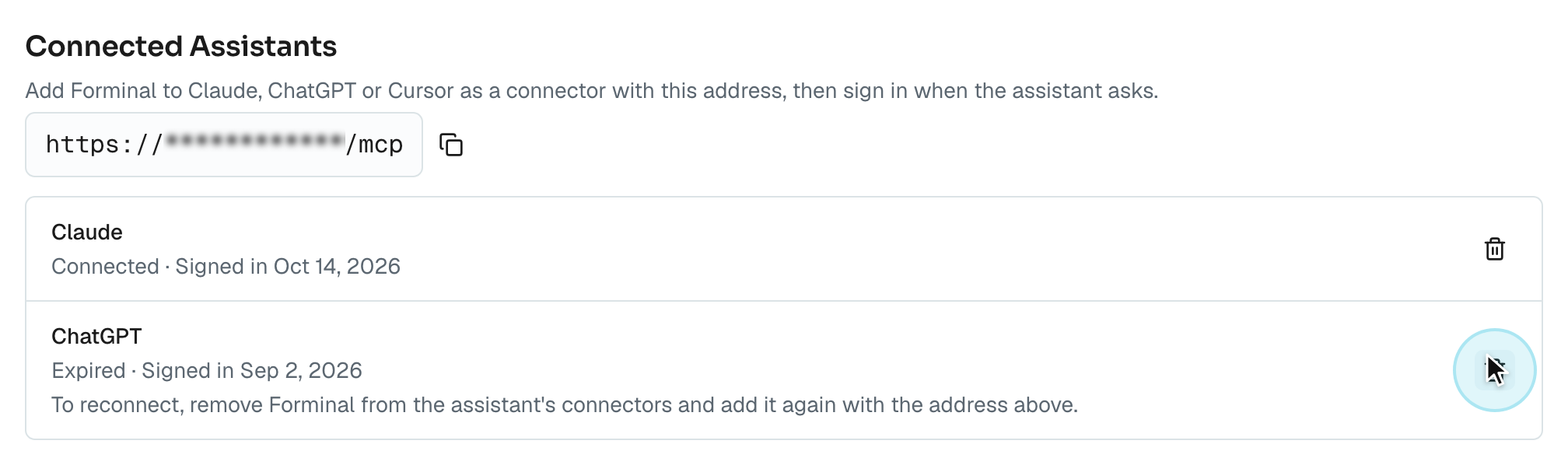
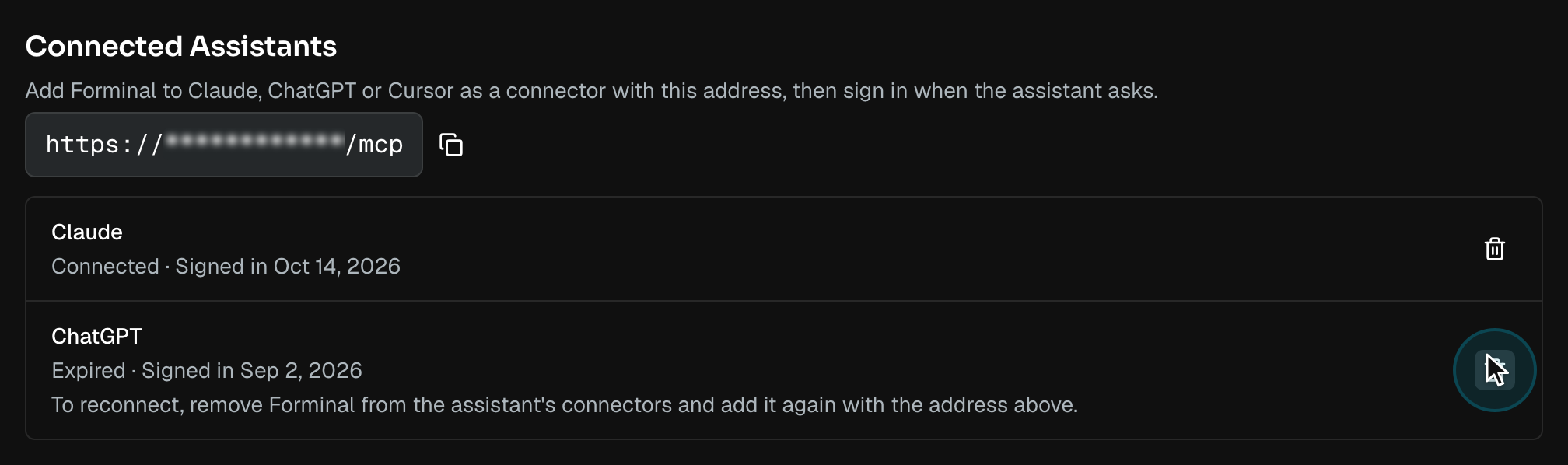
In Forminal, open Account menu » Profile » API keys. Under Connected Assistants, the client now reads Connected, with the day it signed in.
If it does not connect
- The server shows Needs authentication: you added it but haven’t signed in. The message Added after the command only means the setting was saved. Run
/mcp, pick the forminal server and sign in. - It worked before and now every tool fails on authorization: the sign-in has expired. Run
/mcp, pick the forminal server and sign in again. There’s no need to add it a second time. - The server is missing in another project: the first command adds it to one project only. Run the
--scope usercommand above to have it everywhere.
The MCP server guide lists every tool, and the full agent instructions explain Forminal to an agent that has never used it. Other clients are listed under Connect your AI.
Frequently asked questions
Can Claude Code add a form’s embed code to my site?
It can get a form’s inline or popup embed snippet and paste it into your project, for example on your contact page.
Can I use Forminal from Claude Code without a browser sign-in?
For an agent that runs with nobody there to sign in, send an API key as an Authorization: Bearer header instead. A key acts as you, so store it somewhere safe.
Can Claude Code undo a change it made to a form?
Every edit keeps the form as it was before as a version, and Claude Code can list those versions and restore one. Version history keeps 7 days on Lite, 30 on Pro and 90 on Business.
Does editing a published form through Claude Code take it offline?
No. Editing a published form keeps it published.
Is there a Forminal plugin for Claude Code?
Yes. Run /plugin marketplace add awesomemotive/forminal-mcp, then /plugin install forminal@forminal. The plugin adds the same server, so you still sign in from /mcp.