Add Forminal to Claude as a custom connector and you can ask for a form in the middle of a chat. You add it once, on claude.ai or in the Claude desktop app, and the same connector works in chat, in Cowork, in Projects and in the Claude mobile apps.
What you can do
- “Make a booking form for my yoga classes with name, email, class and date, then publish it.”
- “What did people rate us on average in the customer survey this month?”
- “Give me the popup embed code for the event sign-up form.”
- “Export last week’s contact form submissions as a CSV.”
Connect it
- In Claude, open Customize » Connectors.
- Select + Add, then Add custom connector.
- Name it Forminal, paste the address below as the remote MCP server URL, and select Continue.
https://app.forminal.ai/mcp- Claude shows the authentication settings it detected. Keep them and select Continue.
- Under Authentication, choose Sign in now, then select Add.
- A browser window opens. Sign in to your Forminal account, or create one, and allow access. This step is yours: Claude can’t do it for you, and it never sees your Google sign-in or your email link.
To use it in a chat, select + at the lower left, open Connectors and turn Forminal on. A free Claude account can add one custom connector. On a Team or Enterprise plan, an owner adds it under Organization settings » Connectors, and each member selects Connect to sign in. On Enterprise, someone with a custom role that can manage access to Libraries can add it too.
You don’t set it up again for Cowork, for a project or on your phone. Claude reaches Forminal from Anthropic’s servers rather than from your device, so the connector you added on the web or in the desktop app shows up in each of them.
Check it works
Ask “List my Forminal forms.” Claude answers with your forms, newest first. On a new account the list is empty, and that still means you’re connected.
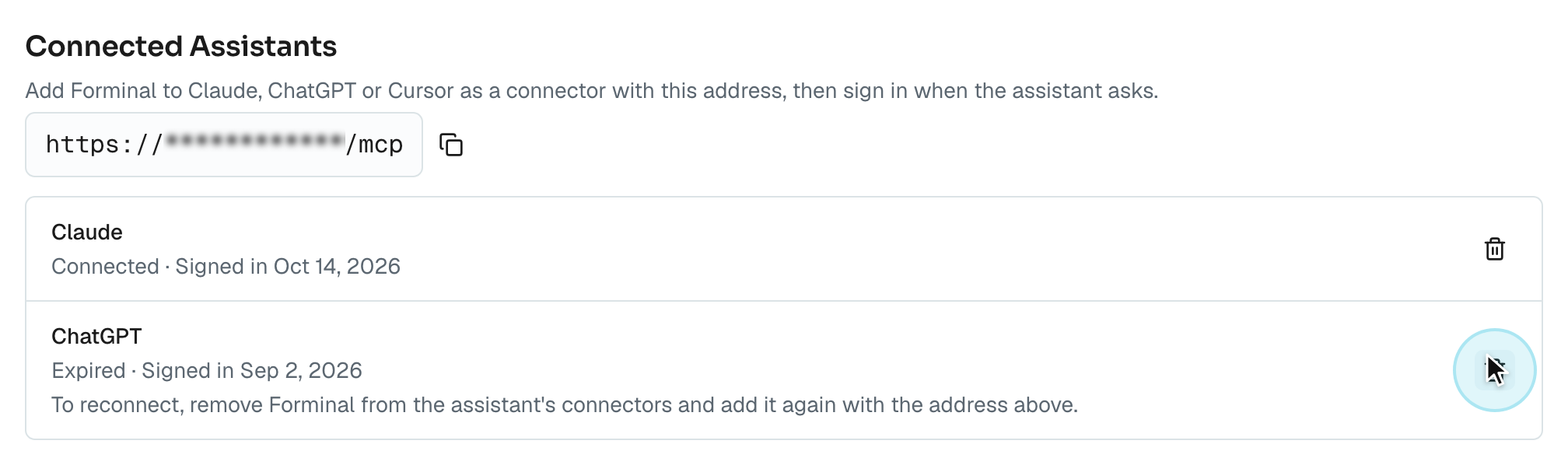
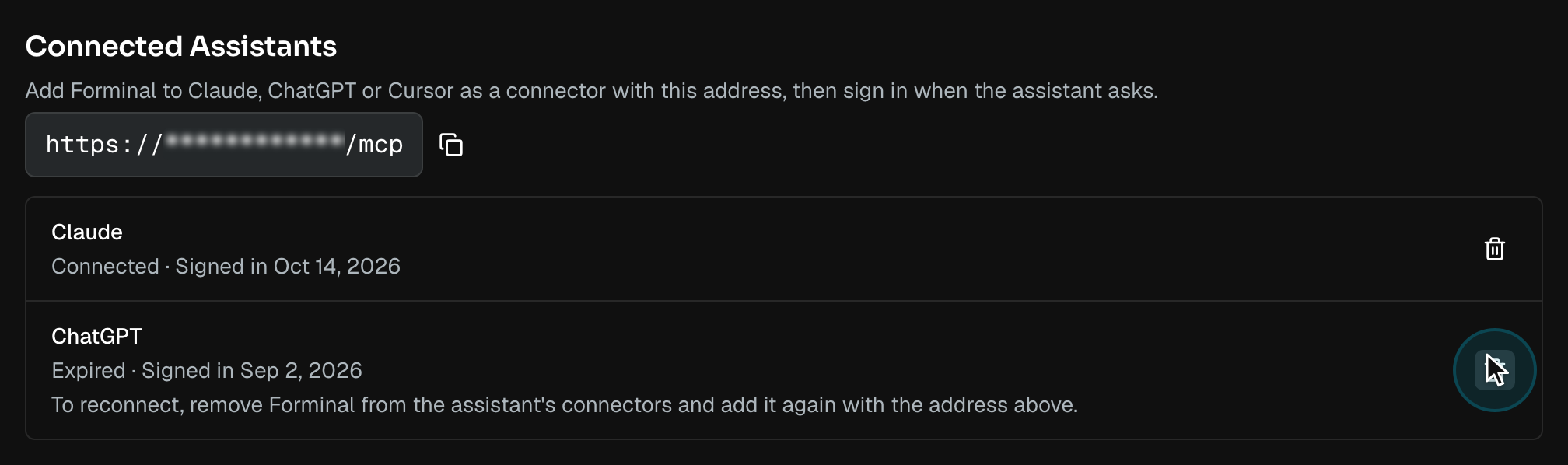
In Forminal, open Account menu » Profile » API keys. Under Connected Assistants, the client now reads Connected, with the day it signed in.
If it does not connect
- Claude doesn’t use the tools: the connector may be off in this chat. Turn it on under + » Connectors.
- Every request fails on authorization: the sign-in has expired. Remove the connector in Customize » Connectors, and add it again. In Forminal, Account menu » Profile » API keys lists it under Connected Assistants as Connected or Expired.
- You can’t find Add custom connector on a Team or Enterprise plan: on Team only an owner can add one, and on Enterprise an owner or someone whose custom role can manage access to Libraries. Ask them to add it for the organization.
The MCP server guide lists every tool, and the full agent instructions explain Forminal to an agent that has never used it. Other clients are listed under Connect your AI.
Frequently asked questions
Can I connect Forminal on a free Claude account?
A free Claude account can add one custom connector, so Forminal can be that one.
Who adds the Forminal connector on a Claude Team or Enterprise plan?
An owner adds it under Organization settings, then Connectors, and each member selects Connect to sign in. On Enterprise, someone whose custom role can manage access to Libraries can add it too.
Does the connector work in the Claude desktop app?
It does. The steps are the same on claude.ai and in the desktop app.
Does the Forminal connector work in Claude Cowork and Projects?
Yes. A connector you add once on claude.ai or in the desktop app works in chat, in Cowork and in Projects, so you don’t add Forminal again for each one.
Can I use Forminal in the Claude mobile app?
Yes, on iOS and Android. Add the connector on claude.ai or in the desktop app first, and the mobile app can use it, because Claude connects to Forminal from Anthropic’s servers rather than from your phone.
Why doesn’t Claude use Forminal in my chat?
The connector is probably off in that chat. Select + at the lower left, open Connectors and turn Forminal on.
Can Claude delete my forms without asking?
Deleting forms or submissions takes two steps. Claude first gets a summary of what would go and should only delete after you agree, and nothing deleted can be brought back.