Dropdown keeps a long list of options out of the way until someone opens it. It takes one answer, or several if you turn on Allow Multiple.
Ejemplos
- Seleccionar un departamento de una lista larga.
- Choosing add-ons for an order with Allow Multiple on, each add-on priced and added to the payment.
Añadirlo a un formulario
- In the builder, point between two fields and select Add Field. On an empty form, select Start from Scratch.
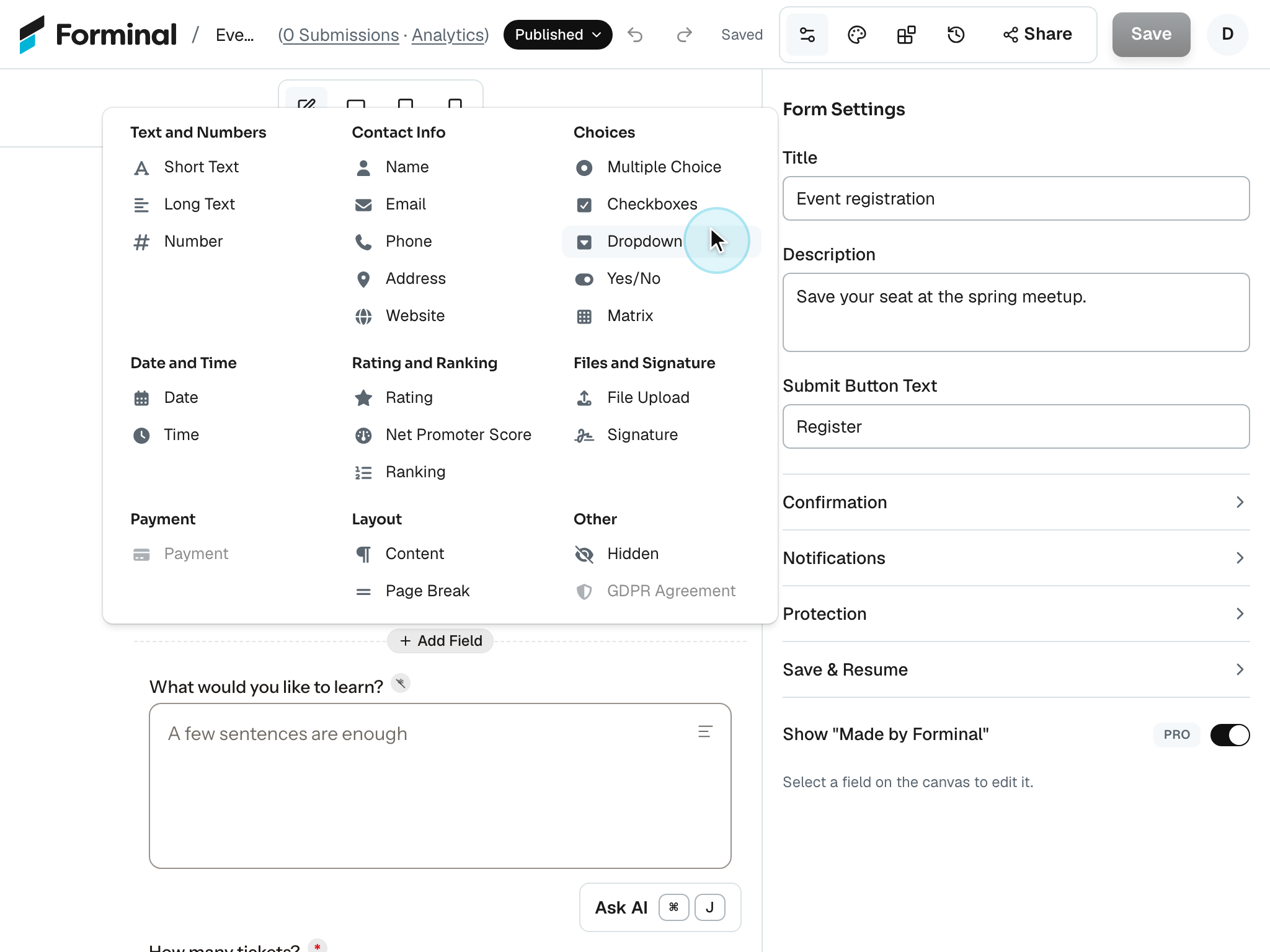
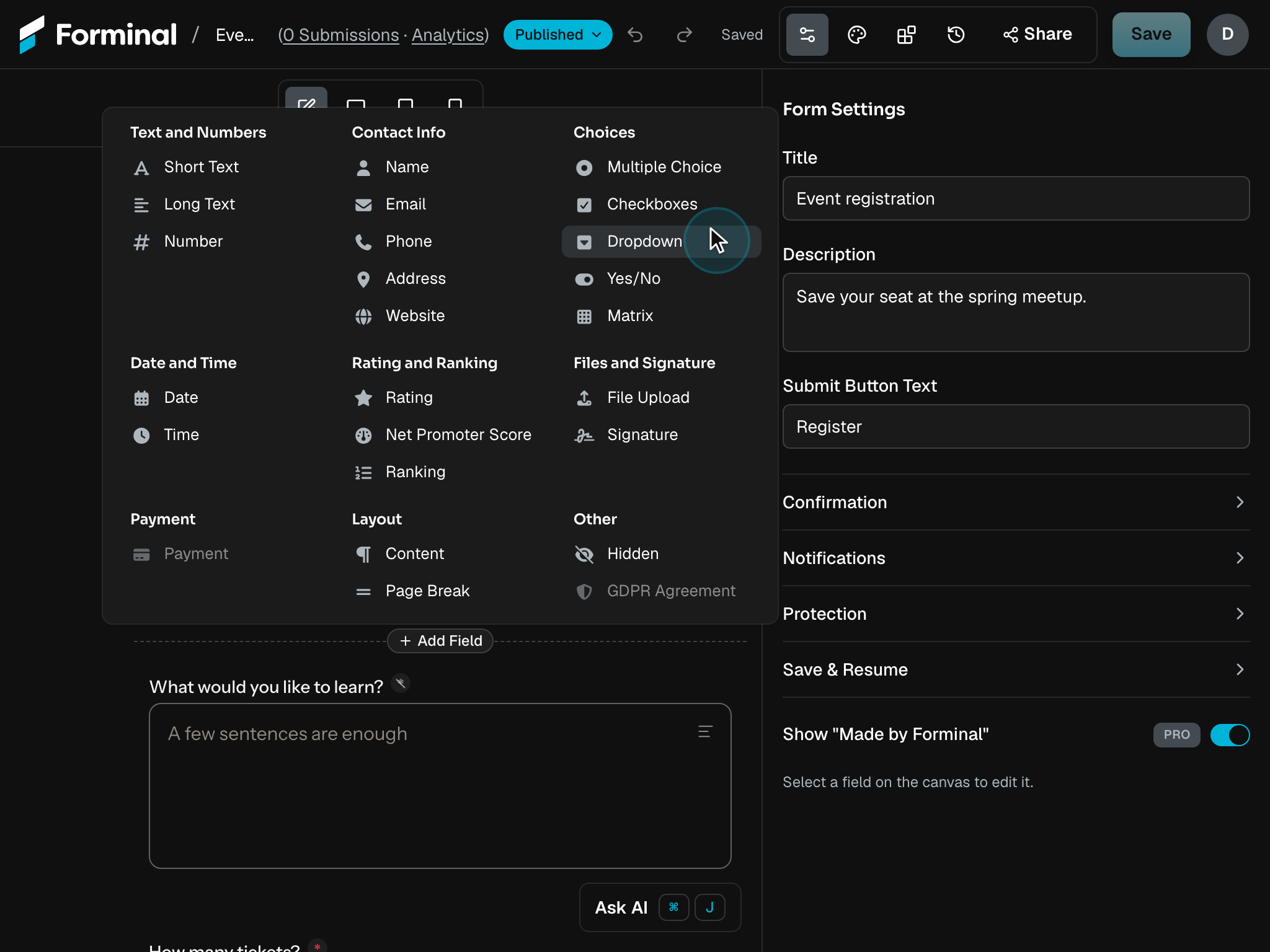
- Under Choices, select Dropdown.
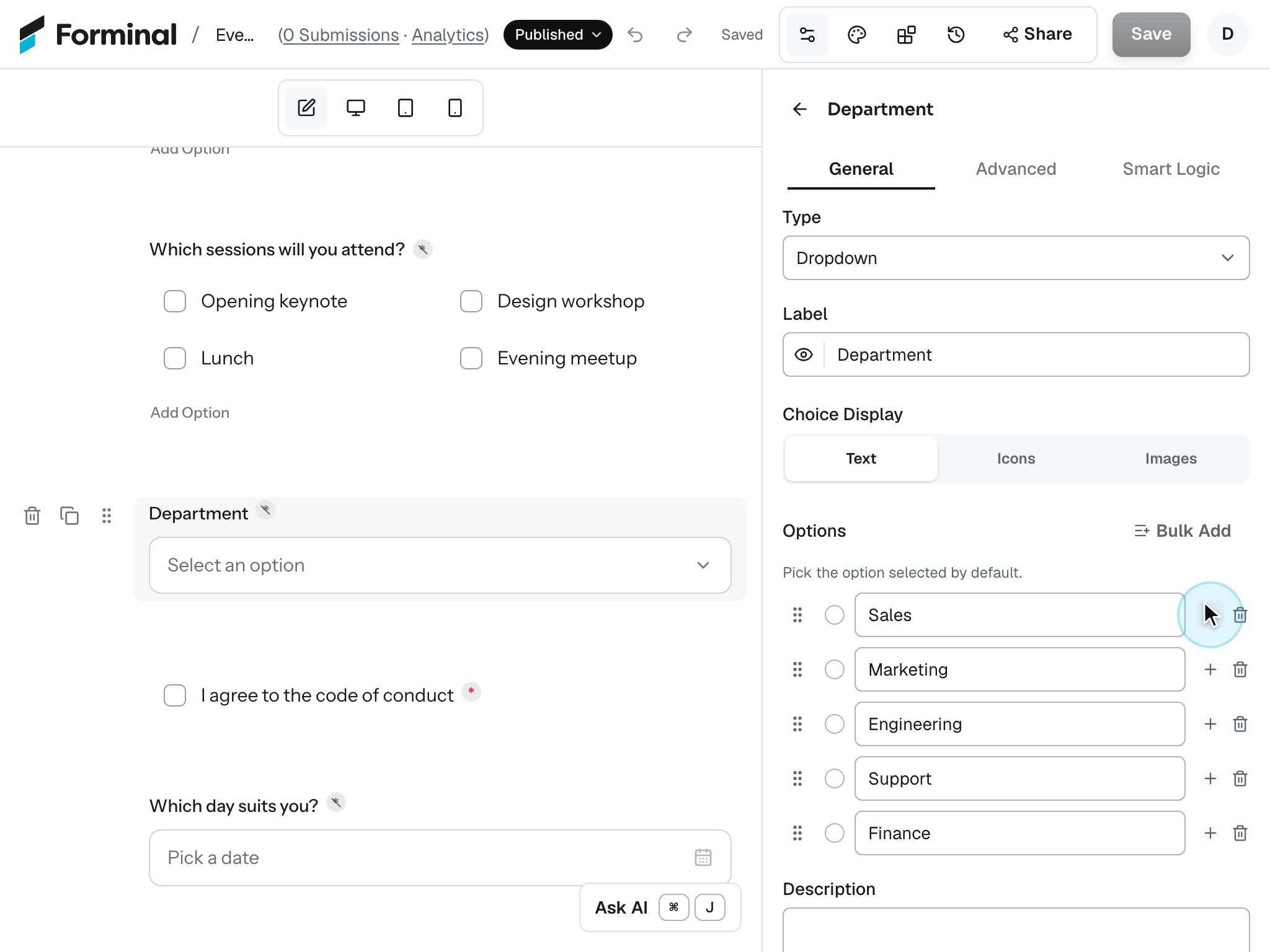
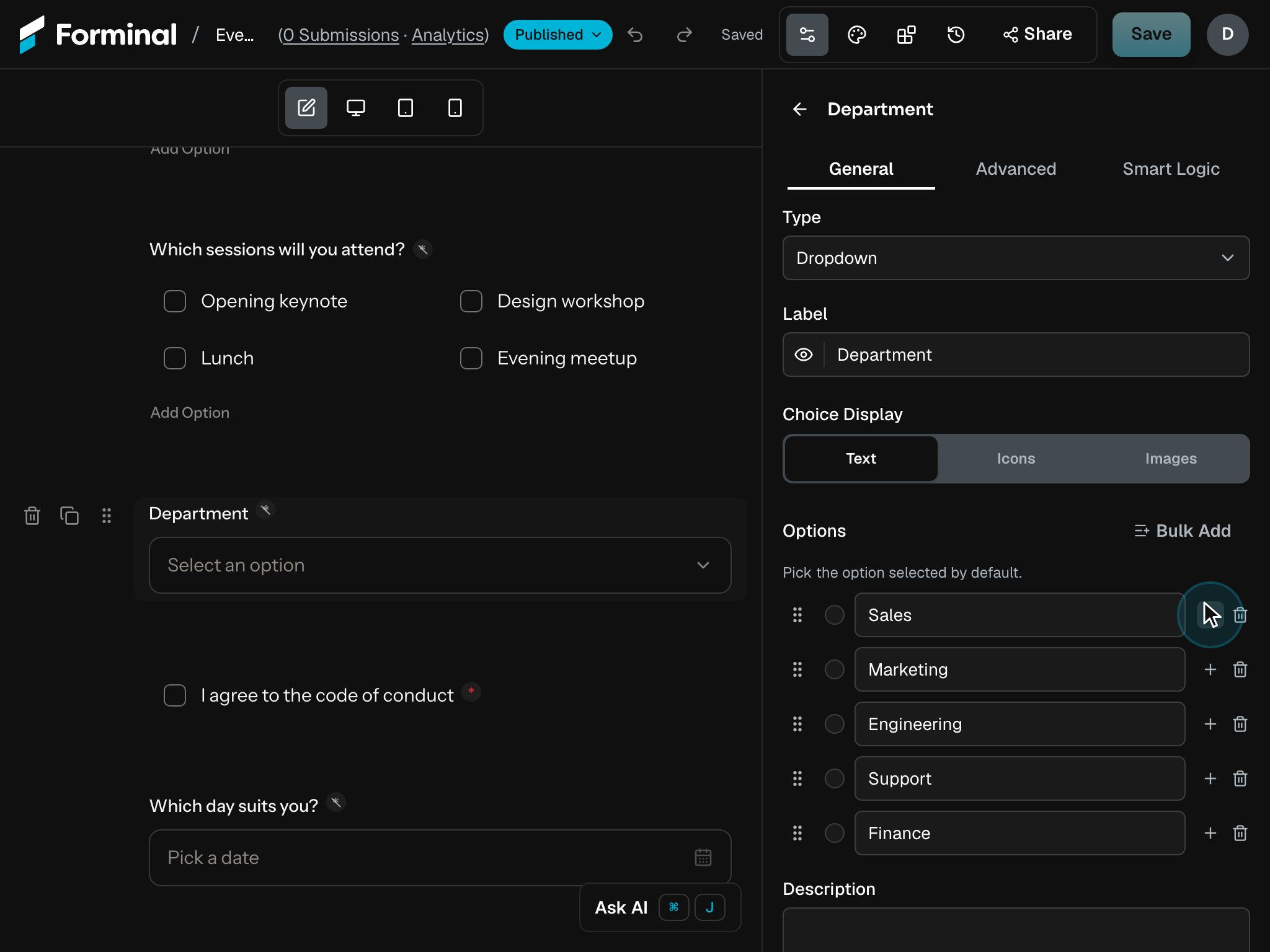
- The field starts with the label “Choose one” and the options Choice 1 to Choice 3. Edit them under Options on the General tab. Select the small + at the end of a row to add an option right after it, or delete one with the bin icon.
- To preselect an answer, pick it in the Options list or in the dropdown on the canvas.
- Turn on Required if an answer is needed.
Ajustes
On the General tab, you can add many options at once: select Bulk Add above the list, type one option per line and select Add Choices. Lines that match an option already in the list are skipped, and a field that still has its starting Choice 1 to Choice 3 gets the new list in their place. Show Presets fills the box with a ready list, such as Countries, U.S. States, Months or a five-point agreement scale.
The rest are on the Advanced tab.
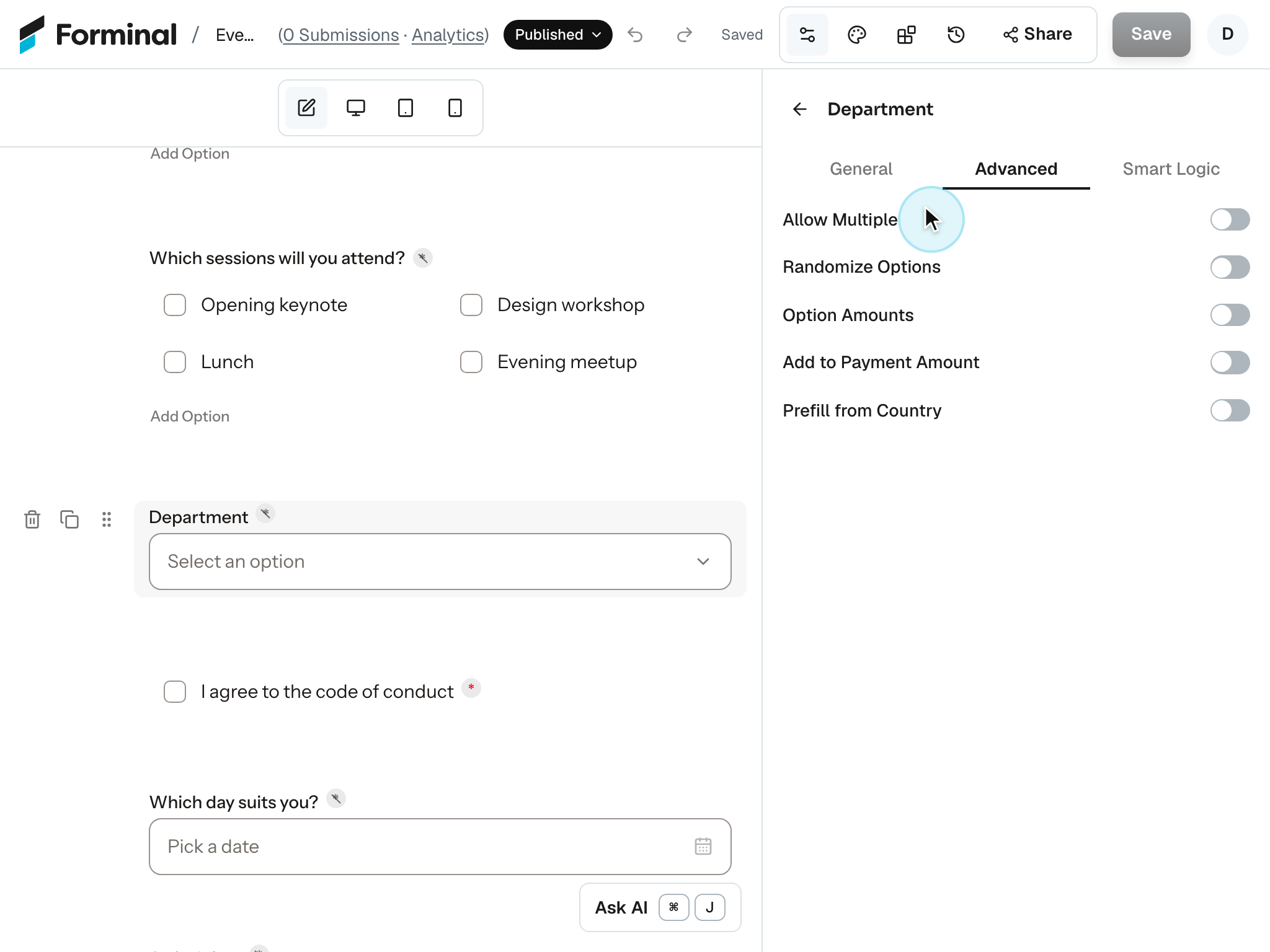
- Allow Multiple: lets people tick several options in the list. You can then preselect several too.
- Randomize Options: shuffles the list each time someone opens the form. The canvas keeps your order.
- Option Amounts: gives each option an amount, with a price box next to each option in the Options list (the dropdown on the canvas stays closed). A calculation can read those amounts. Switching it off clears them.
- Add to Payment Amount: appears when the form has a Payment field. It adds the price of whatever is picked to the total. While the payment charges the field, the price boxes stay on and Option Amounts can’t be switched off. Show Price After Item Labels then shows the price in the list, like “Gift wrap – $5.00”. Prices use the Payment field.
Lo que la gente ve y cómo se muestran las respuestas
A closed dropdown reads “Select an option” until something is picked. With Allow Multiple on, it reads “Select options”, opens a list with a checkbox per option, and shows the picks separated by commas once chosen. A required dropdown left empty shows “Choose one of the options”, or “Choose at least one option” with Allow Multiple on.
The submissions table, the CSV export and notification emails show the option labels, with several picks joined by commas. In Smart Logic, a dropdown answer can be checked with is, is not, empty and not empty. With Allow Multiple on, “is” matches when that option is among the picks.
Bueno saber
The “Select an option” text can’t be changed, since dropdowns have no placeholder setting. Option labels can be up to 200 characters. Switching to Multiple Choice, Checkboxes or Ranking from the Type menu keeps your options. Renaming an option updates how earlier answers read; deleting one leaves earlier answers without a readable label. Under Choice Display, pick Icons or Images to show a picture with each option; see Icon and Image Choices.
Preguntas frecuentes
¿Pueden las personas elegir más de una opción de una lista desplegable?
Activa Permitir selección múltiple en la pestaña Avanzado. La lista muestra entonces una casilla de verificación para cada opción, y las selecciones aparecen separadas por comas.
¿Puedo cambiar el texto Selecciona una opción?
No. Los menús desplegables no tienen ajuste de marcador de posición, por lo que el texto permanece como está.
¿Puedo preseleccionar una respuesta en un menú desplegable?
Selecciona la opción en la lista Opciones o en el menú desplegable del lienzo. Con Permitir selección múltiple activado, puedes preseleccionar varias.
¿Pueden las opciones de los menús desplegables tener precios?
Activa Importes de opción para dar un precio a cada opción. En un formulario con un campo de Pago, Añadir al importe total suma lo que se elija al total, y Mostrar precio después de las etiquetas de los elementos muestra el precio en la lista.
¿Cómo funciona la Lógica inteligente con un menú desplegable de selección múltiple?
Con Permitir selección múltiple activado, una regla con "es" coincide cuando esa opción está entre las seleccionadas. También puedes comprobar no es, está vacío y no está vacío.