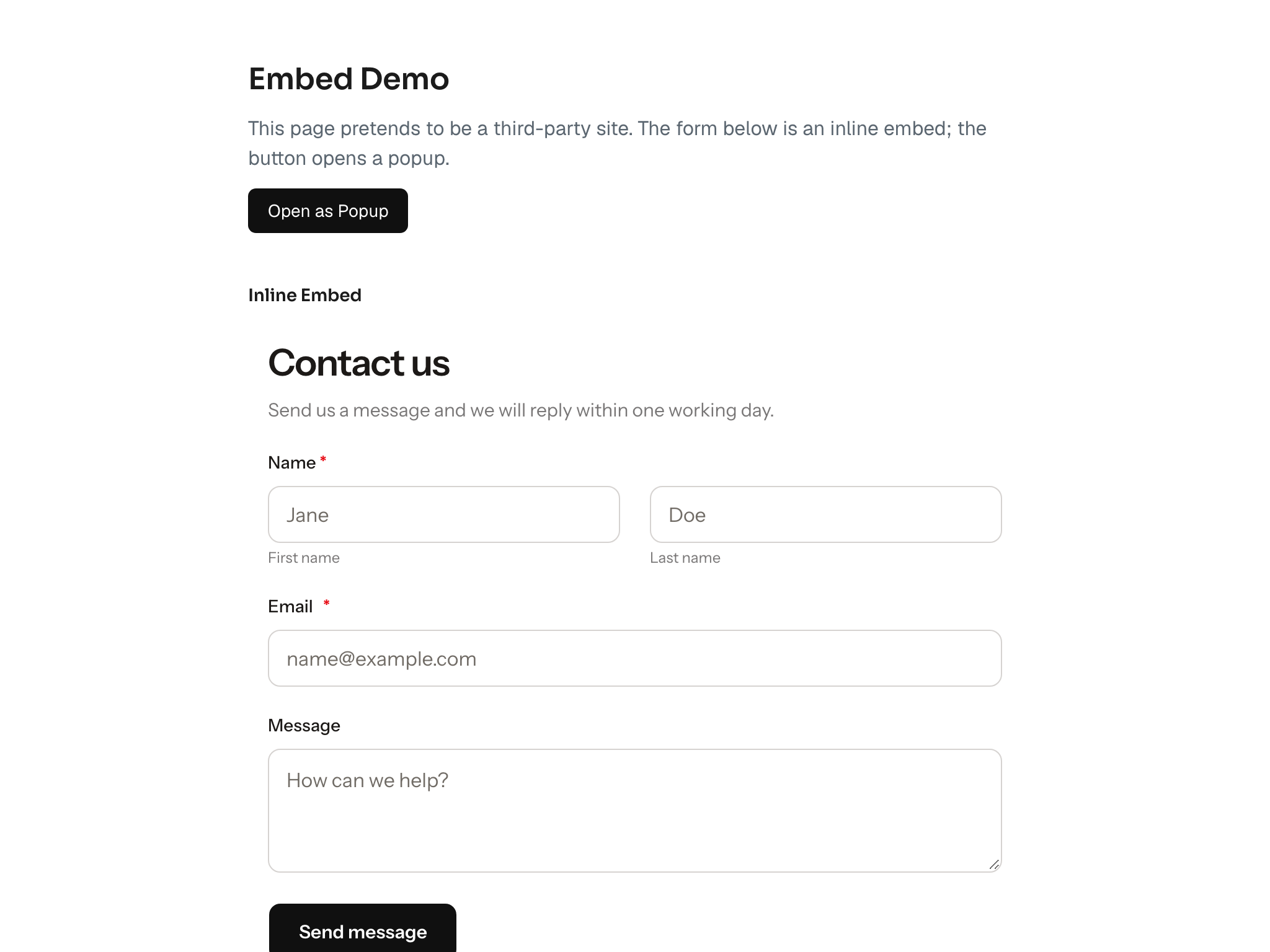
Inline embed puts the form inside a page on your own site. It loads when a visitor scrolls near it and grows or shrinks to fit its content, so it reads like part of the page instead of a box with a scrollbar.
Examples
- A contact form at the bottom of a landing page.
- A short survey inside a help center article.
Add it to your page
- Publish the form. The Share panel opens. On a form that is already published, select Share in the top bar.
- Under Embed on your site, select Copy next to Inline on the page.
- Paste the code into your page’s HTML where the form should appear. In a site builder, use its HTML or custom code block.
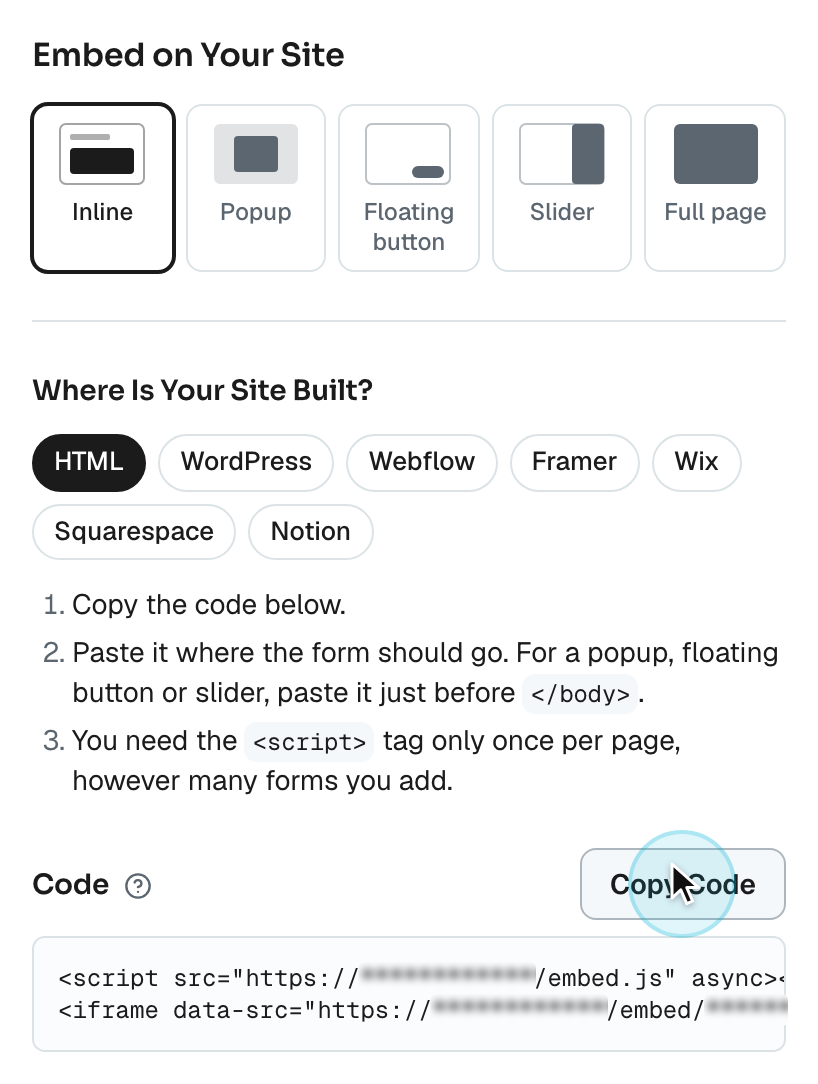
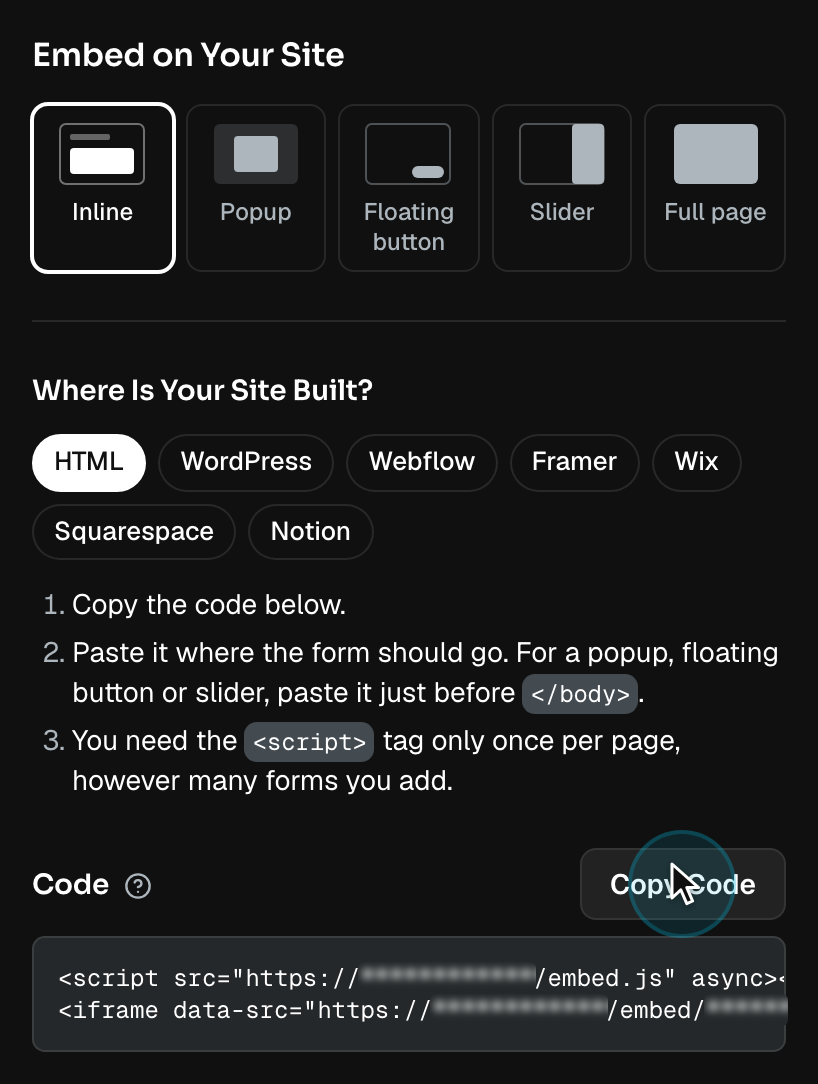
The code has two parts: the script, and a frame that shows the form. The copied code already has your form’s id and title filled in.
<script src="https://app.aw.co.ua/embed.js" async></script>
<iframe data-src="https://app.aw.co.ua/embed/FORM_ID" loading="lazy" width="100%" height="300" frameborder="0" title="Contact us"></iframe>
A page needs the script only once, even with several forms on it. Keep the address in data-src rather than src: the script loads each frame from data-src and only resizes the frames it loaded. The 300 pixel height is only the starting size before the form reports its real height. Change title to describe the form for screen readers.
Options
Add these to the end of the data-src address:
?hideTitle=1hides the form’s title and description, and its logo and cover, for when your page already has a heading.?transparent=1drops the form’s background color, so your page shows through.
To use both, join them with &: https://app.aw.co.ua/embed/FORM_ID?hideTitle=1&transparent=1.
What people see
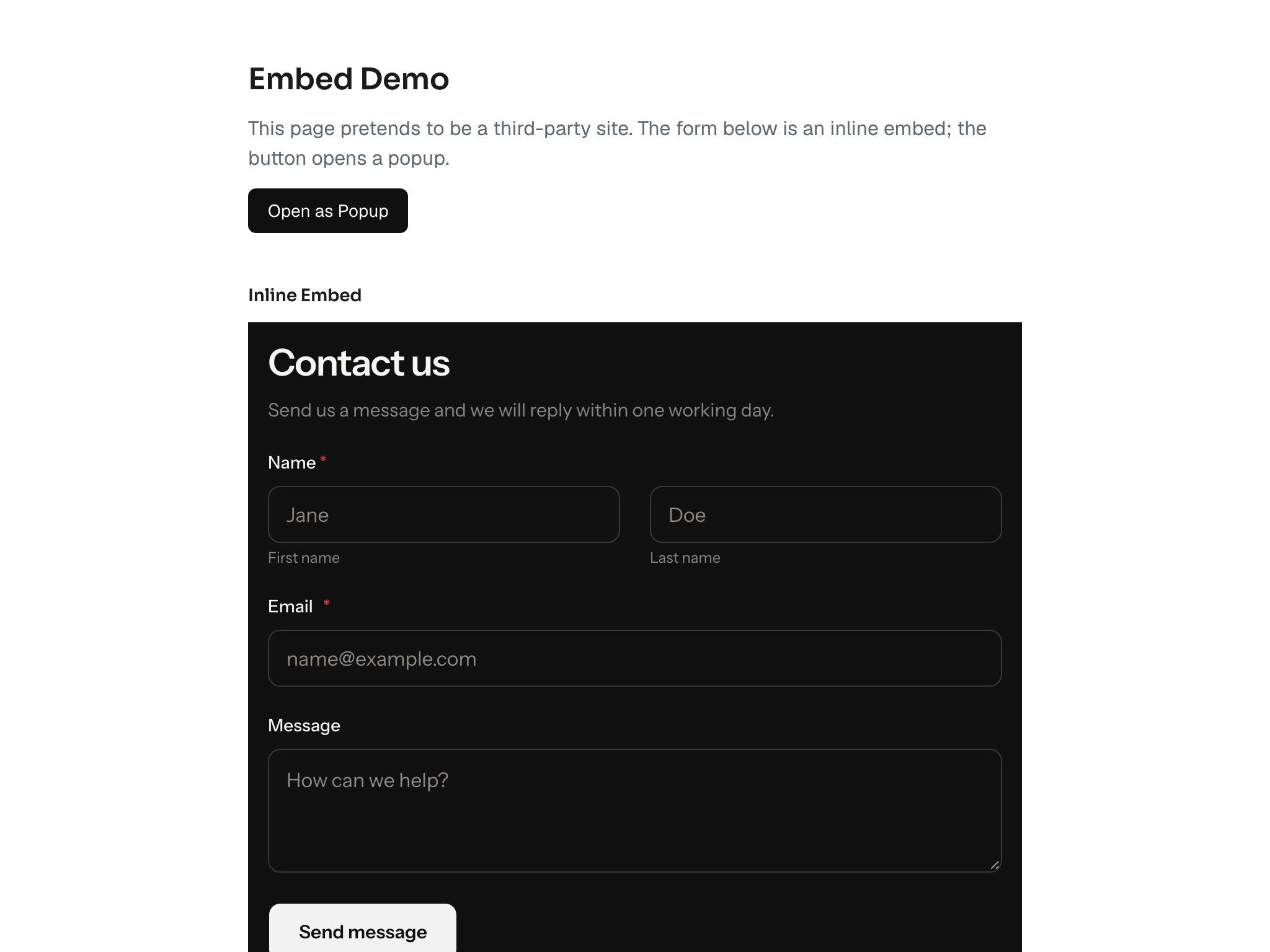
The form uses the look you set in Customize, and it works the same as on its own page: Smart Logic, multi-page forms, answer piping and CAPTCHA all run inside the frame. After someone submits, the frame shows your confirmation message. If the confirmation redirects, your whole page goes to the redirect address, not just the frame. The script also hands your page’s query string to the frame, so a visit to https://example.com/pricing?ref=newsletter fills a hidden field named ref. If data-src already has that parameter, its own value is used. To see an embed before you paste it anywhere, select demo page at the bottom of the Share panel.
For developers
The script fires a form:submitted event on window when an embedded form is sent, with the form id in event.detail.formId. If your page adds a frame after it has loaded, call window.FormsEmbed.loadEmbeds() to pick it up.
window.addEventListener('form:submitted', (event) => {
  console.log('Sent:', event.detail.formId)
})
Good to know
Only published forms load in a frame for visitors. Any site can embed a form, and the frame also works in an HTML file opened from your computer if you want a quick test. A payment field inside an embed takes card payments only. Other methods you turned on, such as Klarna or Bank, aren’t offered there, because they would need to leave the frame. In results, the submission’s details show the site it was sent from.
Frequently asked questions
Does the embedded form resize itself?
It grows and shrinks to fit its content, so there’s no inner scrollbar. The 300 pixel height in the code is only the starting size. Keep the address in data-src, because the script only resizes frames it loaded.
Can I put several forms on one page?
Add a frame for each form. The page needs the script only once.
What happens when an embedded form redirects after submit?
Your whole page goes to the redirect address, not only the frame. Without a redirect, the frame shows your confirmation message.
Can an embedded form take payments?
Card payments work inside an embed. Other methods you turned on, such as Klarna or Bank, aren’t offered there, because they would have to leave the frame.
Can I pass tracking parameters from my page into the form?
The script hands your page’s query string to the frame. A visit to your page with ?ref=newsletter fills a hidden field named ref.
How can my site tell that an embedded form was sent?
Listen for the form:submitted event on window. The form’s id is in event.detail.formId.