A custom domain lets your forms live at your own address, such as forms.yourcompany.com/contact, instead of the app’s. By the end of this guide your domain will be connected and verified, and a form will open at an address on it.
Add your domain
- Open Account menu » Domains.
- In the Forms section, select Add Domain.
- Type the domain, such as forms.yourcompany.com, and select Add.
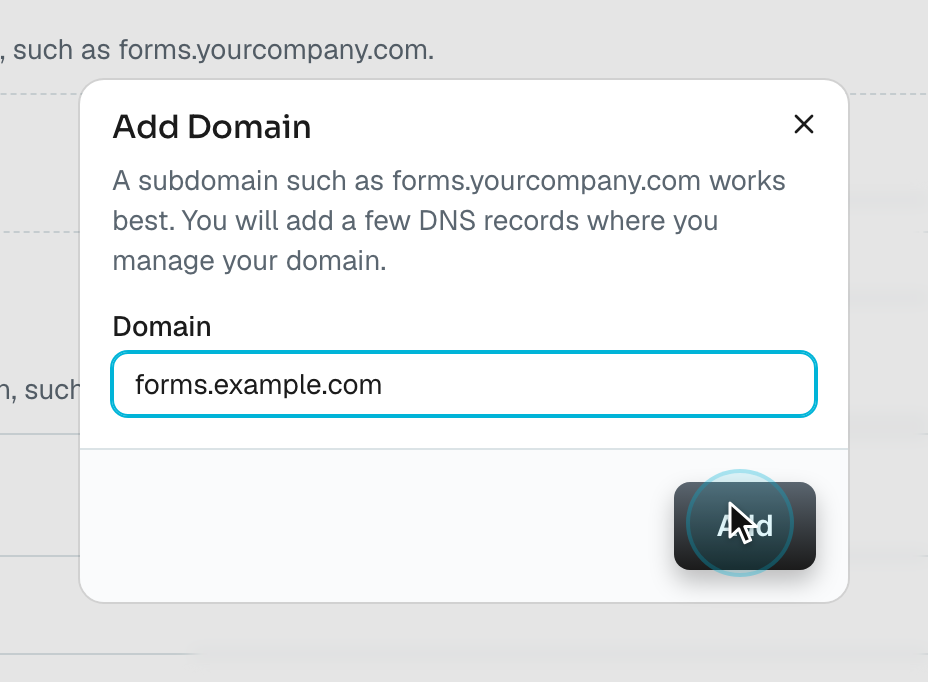
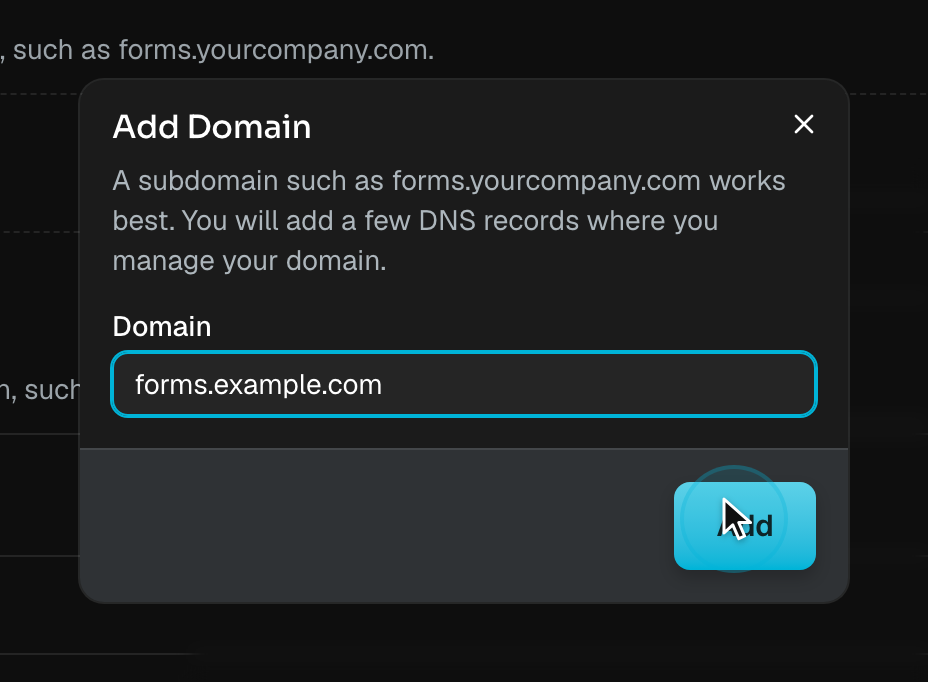
A subdomain works best. If you add your main domain instead, its record replaces where it points now, so a website already on it would stop loading there.
Point DNS at Forminal
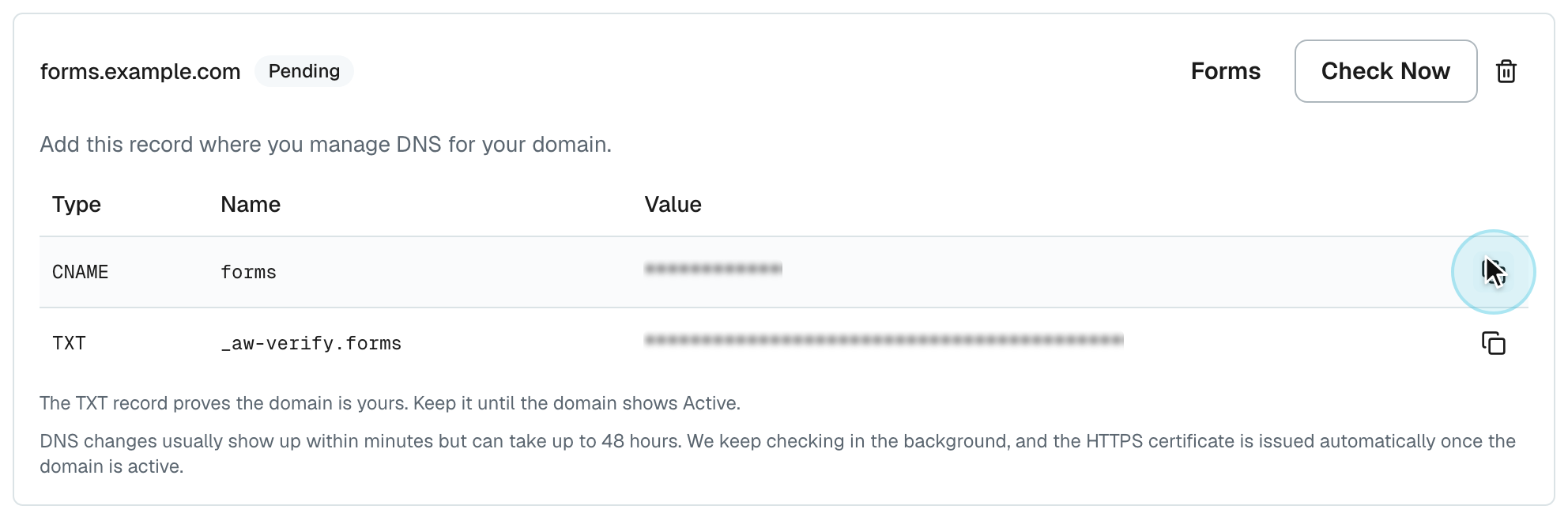
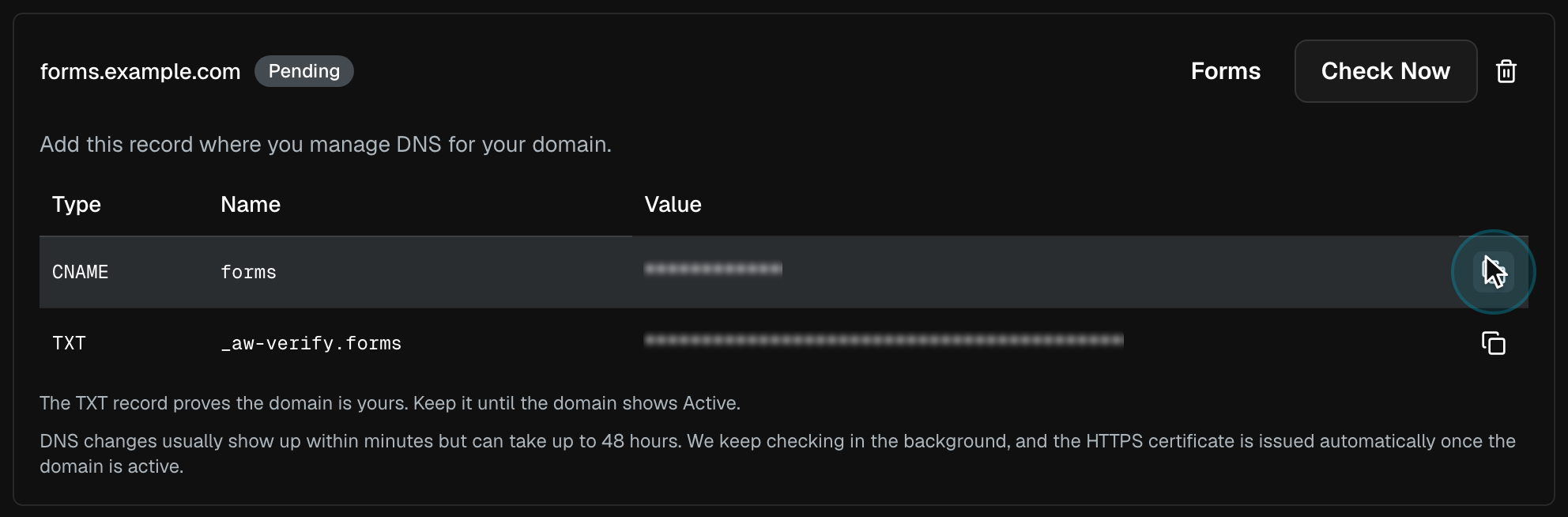
The new domain shows as Pending, with a table of DNS records under it: a Type, a Name and a Value for each.
- Sign in where you manage DNS for your domain, usually the company you bought it from or your hosting provider.
- Add each record from the table. Use the copy button next to a value so nothing gets mistyped. A subdomain takes a CNAME record and a main domain takes an A record, and both take a TXT record that proves the domain is yours.
- Save the records at your DNS provider. Keep the TXT record until the domain shows Active.
Check the domain
- Back on the Domains page, select Check Now on the domain’s card. Forminal also keeps checking in the background.
- When the records are found, the badge changes from Pending to Active. HTTPS is set up for you.


- Select Forms on the domain’s card. Each form has a row with an Address box, which starts as the form’s title. Change it if you like, and select Save.
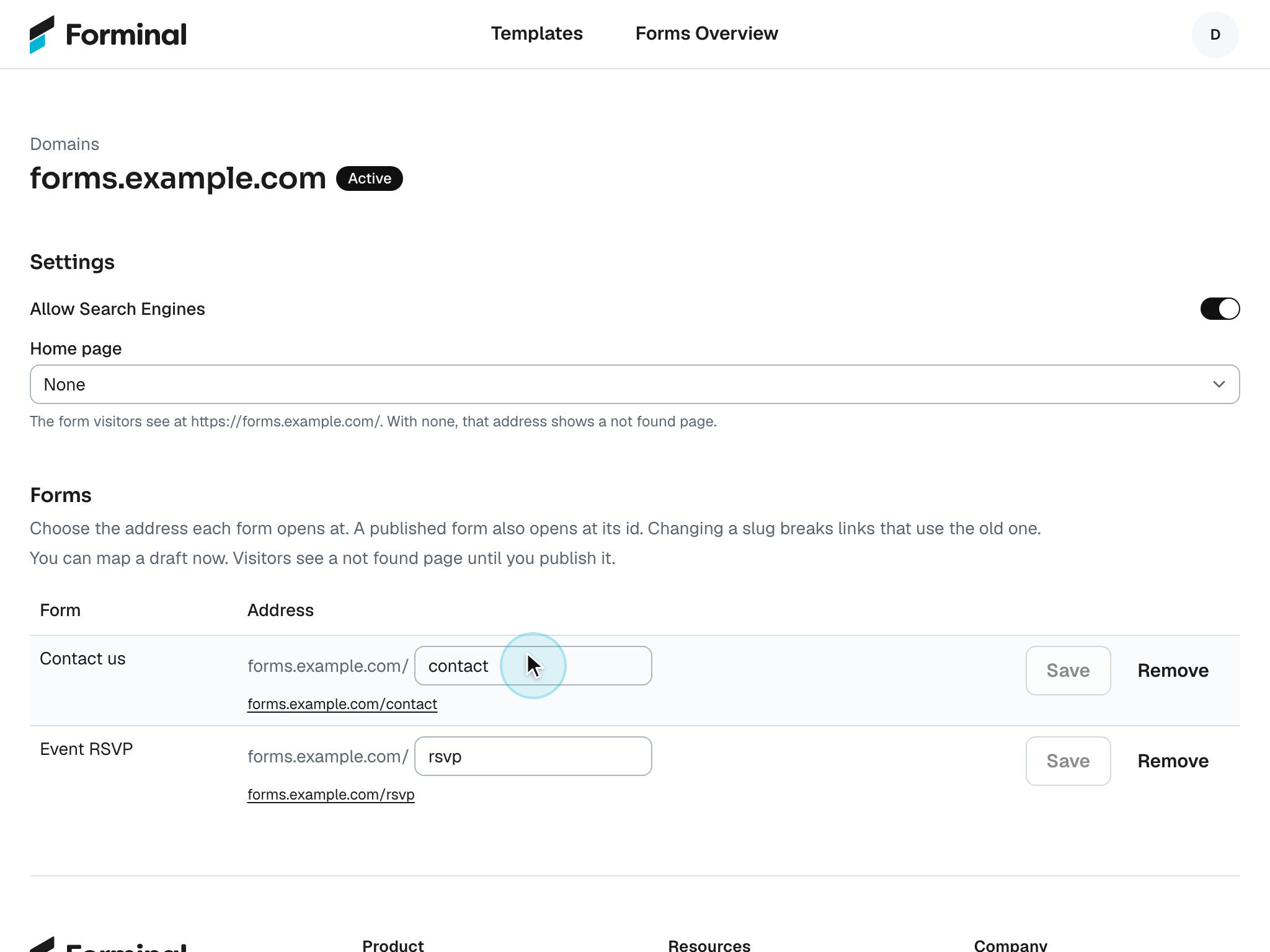
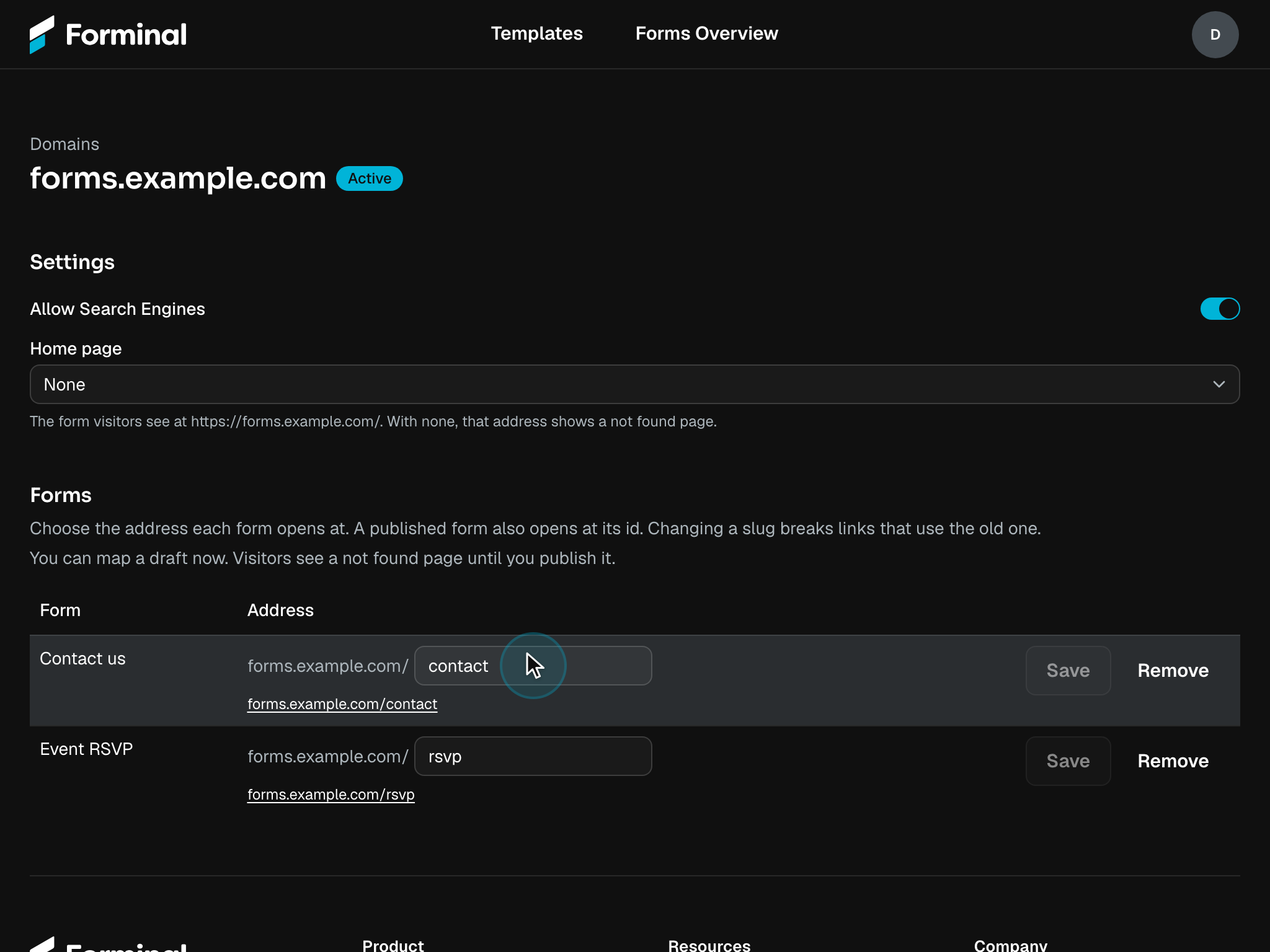
The form now opens at your domain followed by that address, and its Share panel shows the new link as Form Link, with the usual link as Default Link. Embed snippets copied from the Share panel use your domain too. On the same page, Home page picks a form to open at the domain itself, and Allow Search Engines turns indexing on or off for the domain.
Good to know
- DNS changes can take anywhere from a few minutes to 48 hours. If a domain shows Misconfigured, its records were found once but no longer point to us, so check that they’re still in place.
- You can connect up to 5 domains for forms.
- An address can use lowercase letters, numbers and hyphens, up to 64 characters. If you change it later, links that use the old one stop working.
- You can set an address for a draft now; visitors see a not found page until you publish it.
- The same page has a Submission Pages section, where each of your Submission Pages takes an address the same way, on the Business plan. Forms and pages on one domain share one list of addresses, and each submission on a page opens under the page’s address.
- Custom domains need a plan that includes them. If your plan stops including them, the domain shows Paused and its forms show as unavailable until you upgrade. See the pricing page and the Custom Domains page.
Frequently asked questions
Which plan do I need for a custom domain?
Custom domains come with Pro and Business. See Plans and upgrading to compare them.
Do my old form links keep working?
Yes. Your forms keep running on the usual address, which the Share panel lists as Default Link next to the new Form Link.
Which CAPTCHA works on a custom domain?
reCAPTCHA and Cloudflare Turnstile work once you add the form’s hostname, such as forms.example.com, to the key. hCaptcha doesn’t work on a custom subdomain.
Do I have to set up HTTPS myself?
No. Forminal sets up HTTPS once the domain shows Active.