Make can start one of your scenarios each time someone submits your form, and pass the answers on to any app it connects to. By the end of this guide you’ll have a scenario that runs with every new submission.
Connect Forminal in Make
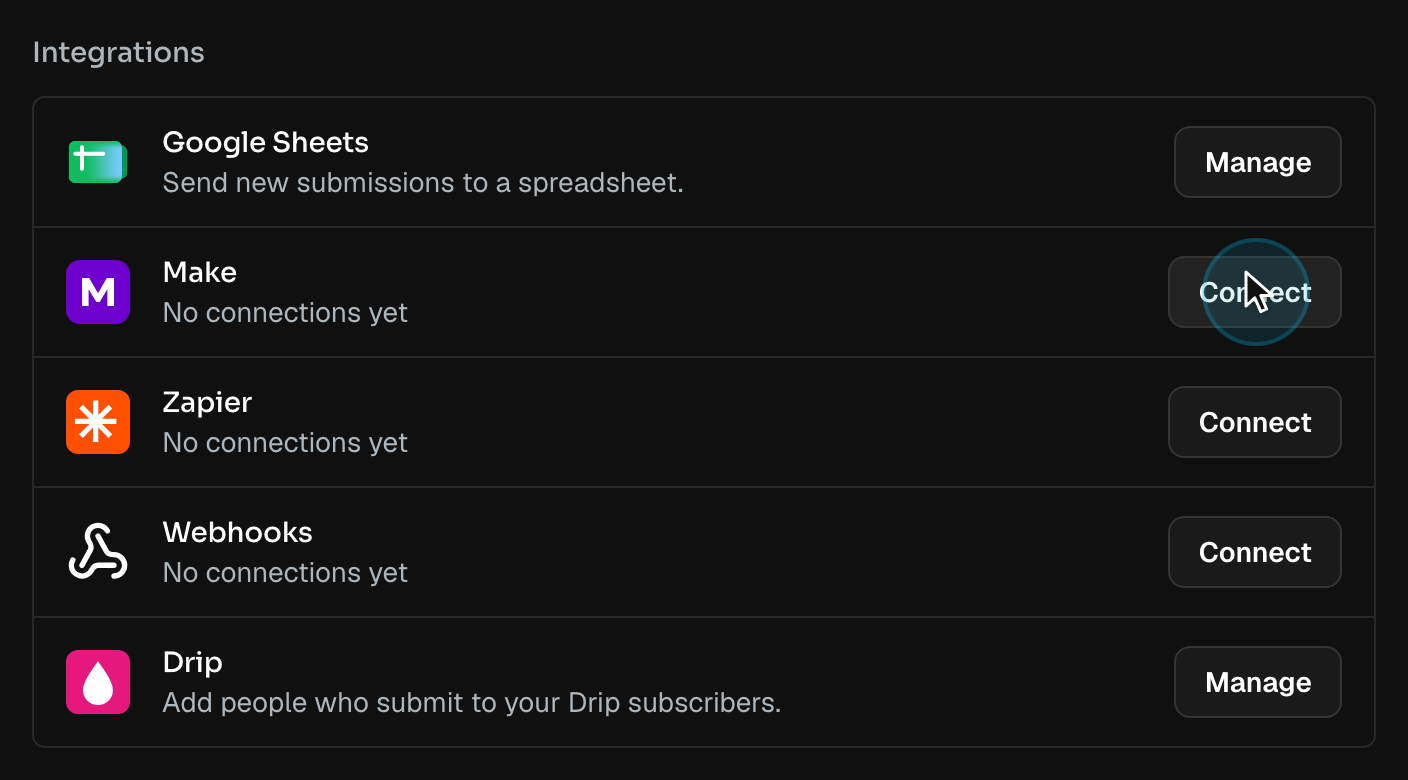
- Open the form in the builder, select Integrations in the top bar, then select Connect next to Make.
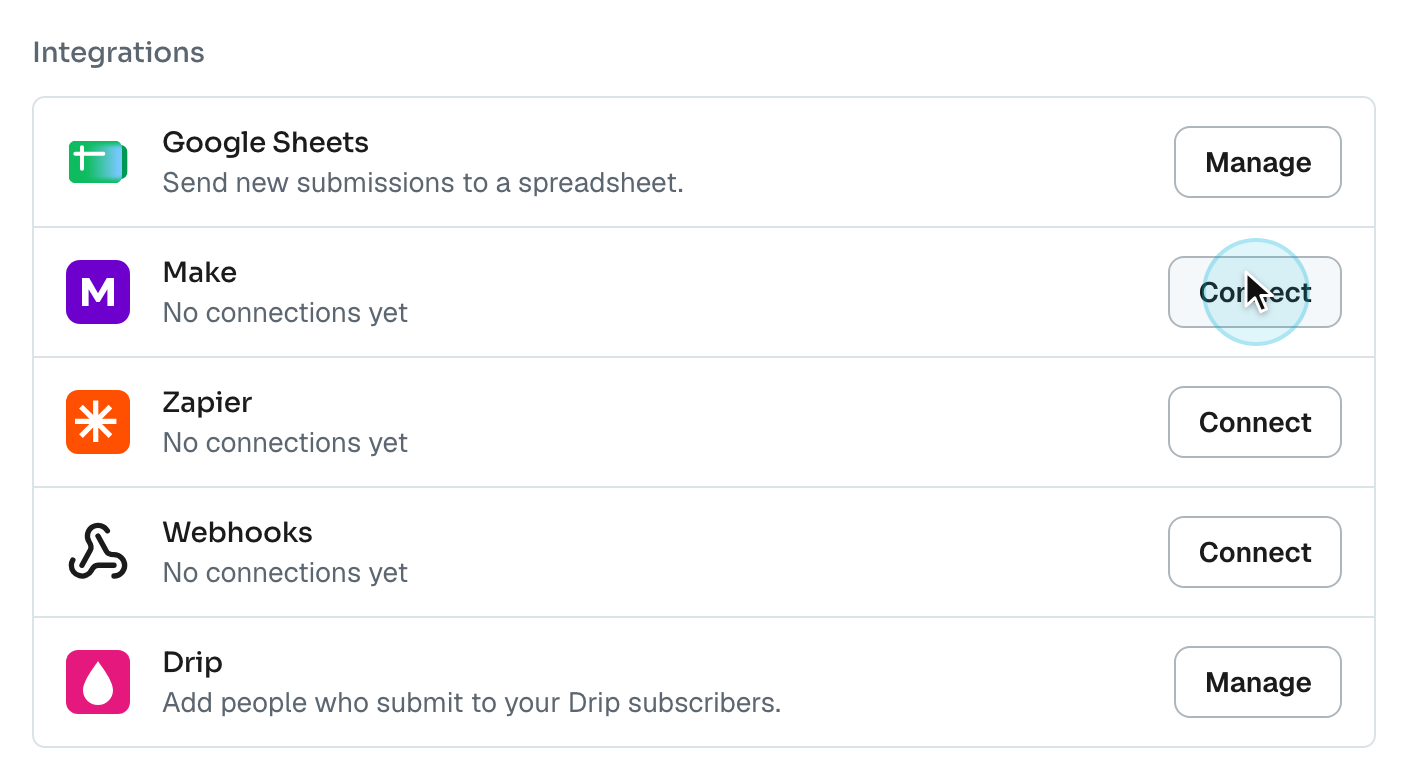
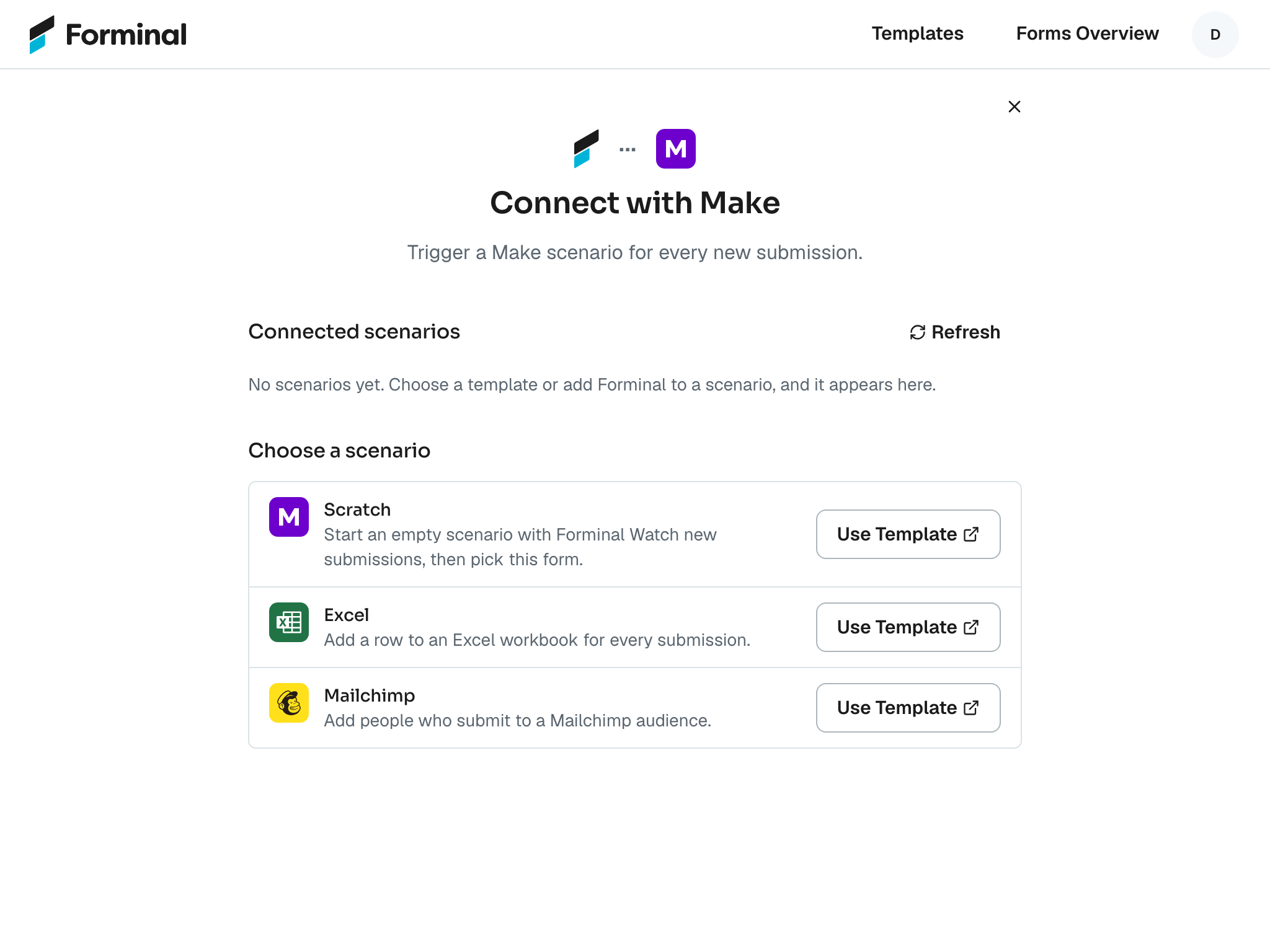
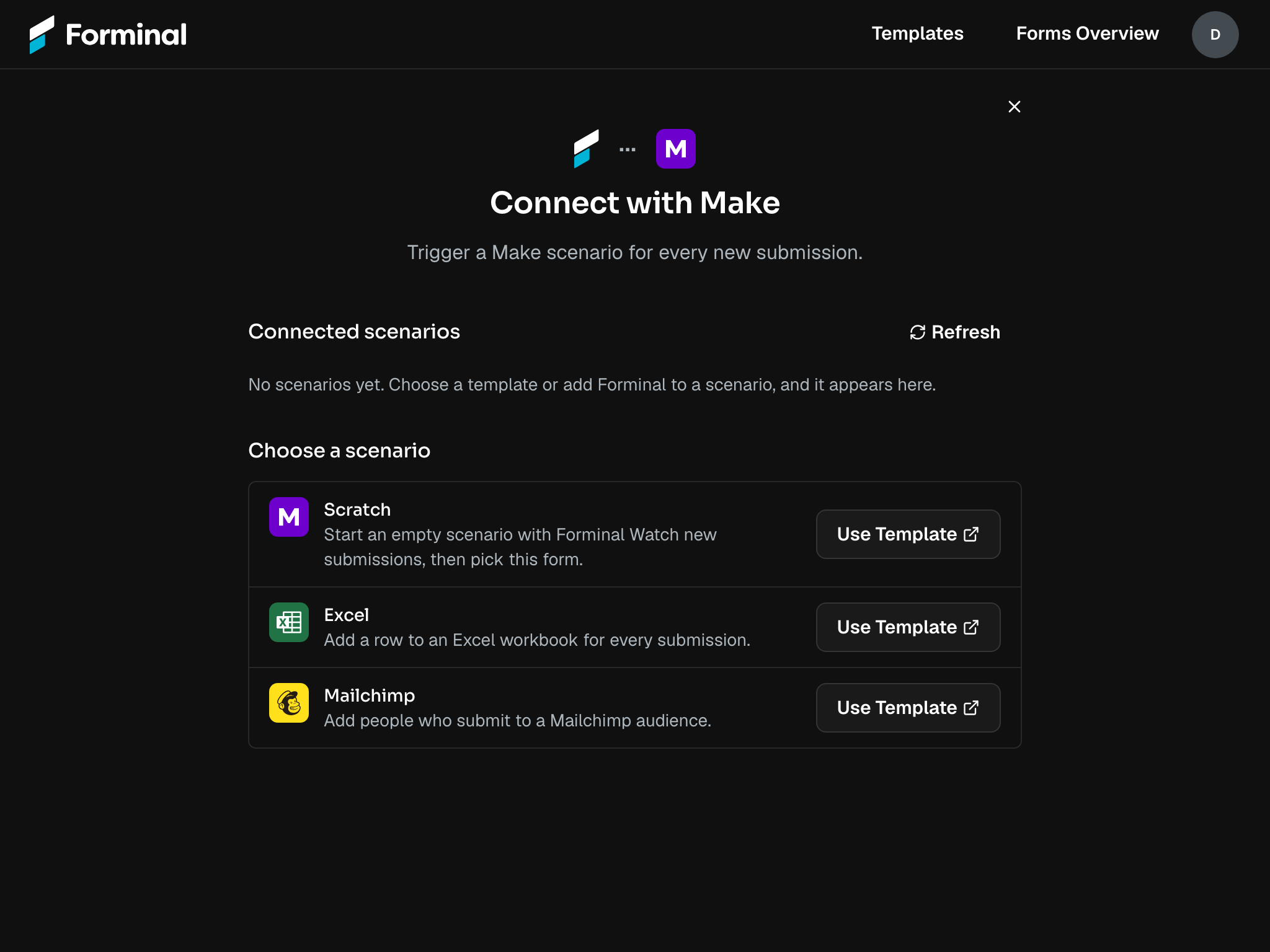
- Under Choose a scenario, select Use Template. Scratch starts an empty scenario with the Forminal Watch New Submissions module. Excel and Mailchimp start a scenario that already adds a row to a workbook or a person to an audience. Make opens in a new tab.
- In the Watch New Submissions module, create a connection to Forminal. Sign in when asked and select Allow.
Build your scenario
- Still in the module, select Add to create the trigger. Pick the form under Form, and give it a Name in Forminal, such as “Contact form to Excel”, so you can tell scenarios apart later.
- Select Run once in Make, then go back to the form’s Make page and select Send Test Data. Make now has a sample submission to map fields from.
- Add the rest of your scenario, map the answers into it, save it and turn it on.
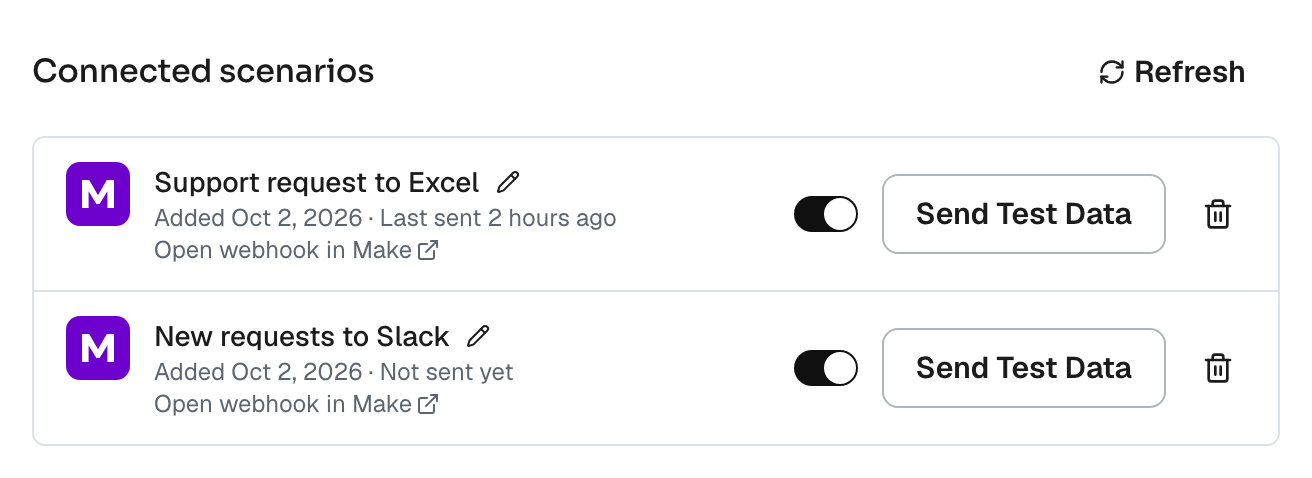
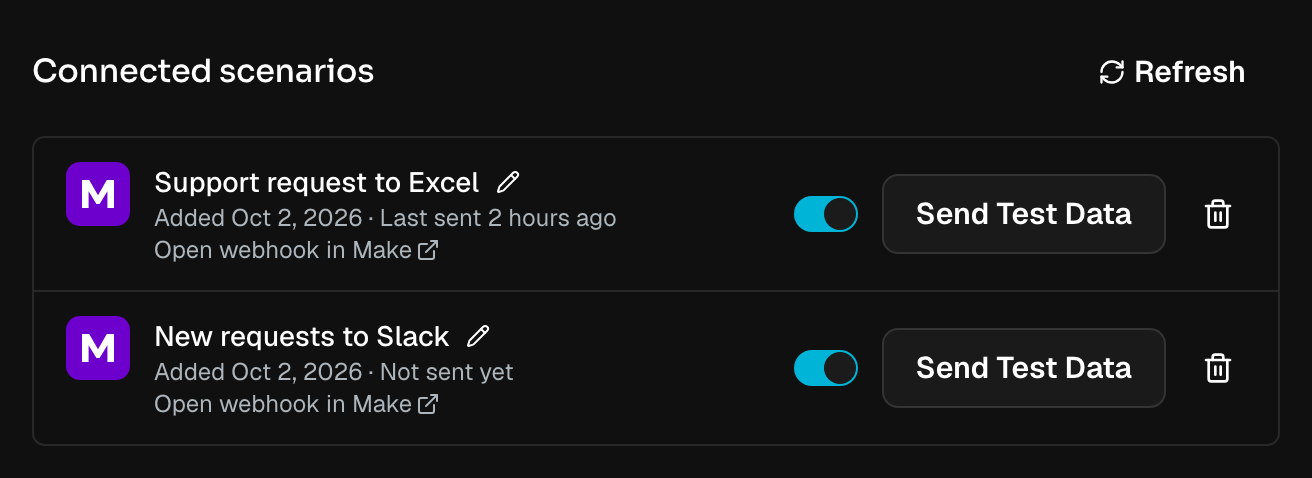
- On the form’s Make page, select Refresh if it was open while you worked. The scenario shows under Connected scenarios.
Steps 1 to 3 happen in Make’s scenario editor, like step 3 above. Each submission arrives as one bundle. Form holds the form’s ID and title. Submission holds the Submission ID, Submitted at, Origin page, Browser, Time to complete (s), Country, UTM (the UTM Source, Medium, Campaign, Term and Content of the link), Tags, and Payment on a payment form. Answers holds each answer as text, keyed by the question’s label, and Answers by field ID holds the same text keyed by each field’s ID, which stays the same when you rename a question. Map from Answers by field ID if you expect to edit labels.
Each row under Connected scenarios has a switch to pause it, Send Test Data, a pencil to rename it, a link into Make, the export button (the upload arrow) to export existing submissions and a bin to delete it. A form can start up to 10 scenarios.
Good to know
- The scenario runs right after each submission, once per submission, and uses Make operations each time. On a payment form it waits until the payment is paid, and spam is never sent.
- If Make doesn’t answer or is busy, the app tries once more a second later. If that fails too, the row shows “Could not send the last submission” with the reason, and the app keeps trying for about 18 hours, seven tries in all.
- If you selected Add in Make but never saved the scenario with that trigger, the row says so. Select the trigger in the module and save, or delete the row.
- To run the scenario for the submissions the form already has, select the export button on its row, then Export. Each one runs the scenario once, oldest first, and uses Make operations. The row shows the progress, with a Stop export link at the end of the line, and running it again sends them all again.
- A test bundle has Test set to true, so you can filter it out of a live scenario. Send Test Data works only while the row is on, up to 20 tests a minute.
- To stop one scenario, delete its row here and remove the module in Make too. To cut Make off completely, open Account menu » Integrations and select the bin on the Make card.
- More detail is on the Make page.
- To use Zapier instead, see Connect Zapier.
Frequently asked questions
How many Make operations does a form use?
The scenario runs once for every submission, so a form that gets 40 answers runs it 40 times and uses Make operations each time. Spam and unpaid payment submissions don’t start it.
Will renaming a question break my scenario?
Not if you map from Answers by field ID. Those keys stay the same when you rename a question, while Answers is keyed by the label.
How do I keep test data out of my live scenario?
Every test bundle has Test set to true. Add a filter in Make that lets only bundles with Test set to false through.
What happens if Make is down when someone submits?
If Make doesn’t answer within 10 seconds or says it’s busy, Forminal tries once more a second later. If that fails too, the row shows Could not send the last submission with the reason, and the app keeps trying for about 18 hours, seven tries in all.
Can a Make scenario call the Forminal API?
Yes. Besides Watch New Submissions, the Forminal app in Make has Make an API Call, which calls the REST API from a scenario.