Un popup incrustado mantiene el formulario a mano hasta que se necesita. El formulario se abre en una ventana sobre la página cuando alguien hace clic en un botón o enlace de tu sitio, o por sí solo: al cargar la página, después de unos segundos, una vez que un visitante se desplaza parte del camino hacia abajo, o cuando se mueve para salir. Al final de esta guía, tu sitio tendrá un popup que abrirá tu formulario.
Copia el fragmento del popup
- Publish the form. The Share panel opens on its Embed tab. To open it later, select Share in the builder’s top bar.
- Under Embed on Your Site, pick Popup.
- Under Where Is Your Site Built?, pick your site builder to see where the code goes, then select Copy Code.
El código copiado ya tiene la dirección de la app y el id de tu formulario completados. Aquí está con APP_ADDRESS y FORM_ID en su lugar:
<script src="APP_ADDRESS/embed.js" async></script>
<button data-open="FORM_ID" data-layout="modal">Open form</button>
The script is the same one the inline embed uses, and a page needs it only once. The settings you pick on the Embed tab, described below, write their attributes into this code for you. Your choices are saved with the form, so if you change them later, copy the code again.
Abrirlo desde un botón
- Leave When under Open the Popup on On click, the default.
- Type what the button says into Button Text, such as “Request a quote”, up to 60 characters. It can run over several lines: press Enter to start a new one.
- Copia el código y pégalo en el HTML de tu página donde debería ir el botón. En un creador de sitios, usa su bloque de HTML o código personalizado. Hay guías paso a paso para WordPress, Webflow, Shopify, Squarespace y Wix.
- Guarda la página y haz clic en el botón para probarlo.
Lo que abre el popup es el atributo data-open, así que puedes moverlo a un enlace o cualquier otro elemento y darle estilo a ese elemento como quieras. Puedes poner varios botones en una página, cada uno con su propio data-open. Solo se abre un popup a la vez.
Abrirlo por sí solo
Under Open the Popup, pick another When, fill in the setting that appears for it, and pick a How Often. A popup that opens on its own has no button, so the code can go anywhere on the page, such as just before the closing body tag.
- On load opens it as soon as the page has loaded (
data-trigger="load"). - Delay opens it after a number of seconds, 0 to 120. After sets the number, 3 seconds unless you change it (
data-trigger="delay" data-delay="10"). - Scroll opens it once the visitor has scrolled part of the way down the page. After Scrolling takes 5 to 100% of the page, 40% unless you change it (
data-trigger="scroll" data-scroll="60"). A page too short to scroll never opens it. - Exit opens it when the pointer leaves the top of the window, heading for the tabs or the address bar (
data-trigger="exit"). On phones and tablets, which have no pointer, it opens when the visitor scrolls back up quickly after reading some way down the page.
El código solo escribe la configuración que has cambiado. Un popup que se abre 5 segundos después de cargar la página, una vez por visitante, se ve así:
<script src="APP_ADDRESS/embed.js" async></script>
<div data-open="FORM_ID" data-layout="modal" data-trigger="delay" data-delay="5" data-show="once" hidden></div>
While the Share panel is open, the sample page next to it acts the way your site will. A line above it shows what the trigger is doing, such as “Opens in 3s”, and Replay runs it again. Once the sample visitor has seen the popup, Forget this Visitor lets you start over. The sample page keeps nothing in your browser.
Con qué frecuencia lo ve un visitante
- Every visit opens it on every page view. This is what you get when you leave
data-showout. - Once opens it the first time only (
data-show="once"). - Until answered keeps opening it on each visit until the visitor submits the form (
data-show="until-submit").
To remember who saw or answered the popup, the script keeps a small note in the visitor’s browser, on your site. The note records only that this browser saw or answered the form. It holds no answers, never reaches our servers and is kept for at most 12 months. How Often limits only the popups that open on their own: a visitor who clicks a button always gets the form, so On click has no How Often setting. With Once, opening the form from a button counts too, so the popup does not open on its own after that.
When Disable User Cookies is on for the form (a setting of the GDPR Agreement field), nothing may be stored in the visitor’s browser. Once and Until answered are then unavailable, and the copied code opens the popup on every visit. If you turn the setting on after visitors were remembered, their notes are removed the next time they visit your site, usually within five minutes of the change. Your code keeps working as it is, and the popup then opens on every visit.
Cambia su apariencia y cierre
Under Look on the Embed tab:
- Position: Center opens the form in the middle of the screen over a dimmed page (
data-layout="modal", also what you get when you leave it out). Corner opens it as a card in the bottom right corner, with no dimming (data-layout="default"). - Dim the Page Behind is on for a centered popup unless you turn it off. Off, the page stays bright and people can still use it while the popup is open (
data-overlay="off"). - Width takes 320 to 800 pixels, 560 unless you change it (
data-width="720"). On a smaller screen the popup never gets wider than the screen. - After Sending decides what happens once someone submits. Close closes the popup after the number of seconds in Close After, from 0 to 30, 2 unless you change it (
data-auto-close="5"). Stay open keeps the confirmation message up until the visitor closes it (data-auto-close="off").
The popup also follows Show Title in Customize: turning it off hides the title and description on the form’s own page and in every embed, and keeps the logo and cover. To hide the title, description, logo and cover in this popup only, add data-hide-title="1" to the button, for when the button already says what the form is. Transparent Background doesn’t apply to the popup, which always fills with the form’s Page Background.
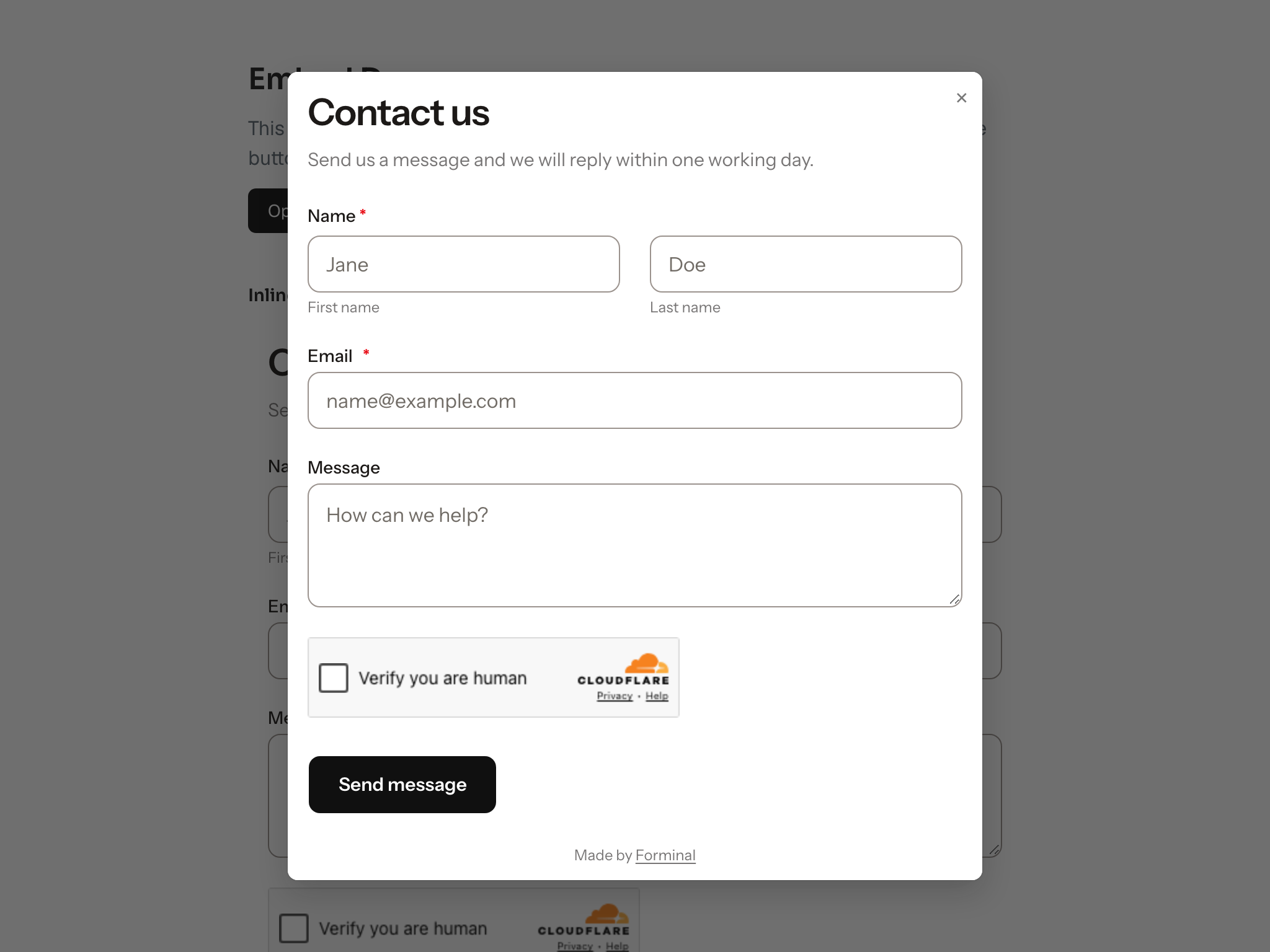
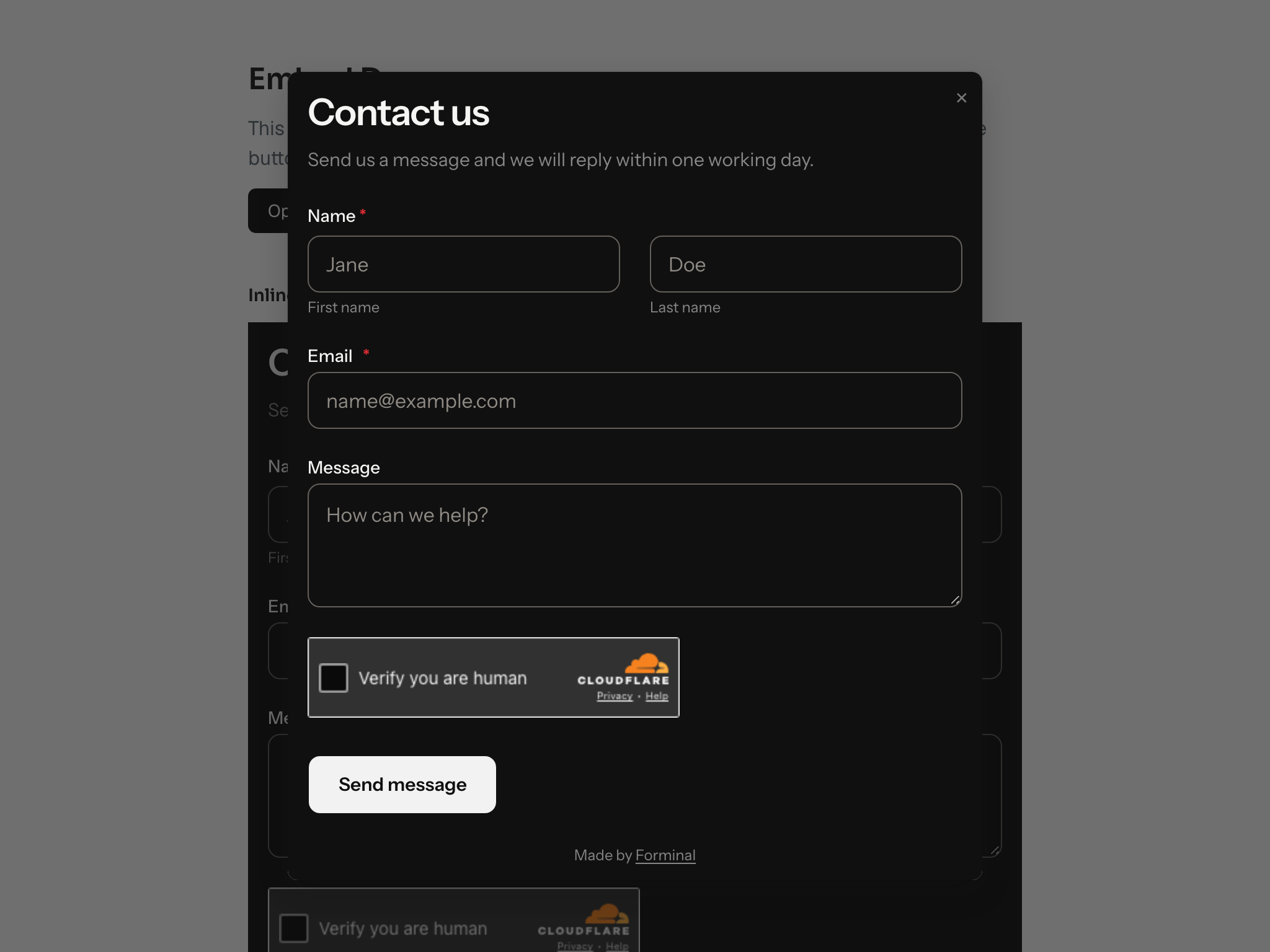
The popup grows to fit the form up to 85% of the screen’s height, then scrolls inside. People close it with the × that sits over its top corner, or with the Escape key. In the centered layout, clicking the dimmed page around it closes it too. To try a popup before you paste anything, look at the builder while the Share panel is open and select Open form on the sample page it shows.
Abrirlo desde tu propio código
Los desarrolladores pueden abrir y cerrar el popup desde su propio script. openPopup toma las mismas opciones que los atributos. Su autoClose es el número de segundos antes de que el popup se cierre después de una sumisión, y false lo mantiene abierto.
window.FormsEmbed.openPopup('FORM_ID', { layout: 'modal', width: 720, hideTitle: true, autoClose: false })
window.FormsEmbed.closePopup()
El script dispara form:opened y form:closed en window cuando el popup se abre y se cierra, y form:submitted cuando se envía el formulario. Escuchar eventos incrustados lista cada evento y lo que contiene.
Bueno saber
- Solo los formularios publicados se abren para los visitantes.
- After someone submits, the popup shows your thank-you message and closes itself 2 seconds later, unless you changed After Sending, so keep the message short. If the confirmation redirects, the whole page goes to the redirect address.
- El formulario se carga nuevo cada vez que se abre el popup, así que cerrarlo antes de enviar borra lo que se escribió.
- Un popup que se abre solo nunca se abre mientras otro popup, formulario de botón flotante o slider ya esté abierto, así que nadie pierde lo que estaba escribiendo. Se abre como máximo una vez por vista de página, y nada una vez que el visitante ha abierto ese formulario desde un botón.
- Borrar los datos del sitio del navegador, o una ventana privada, reinicia al visitante, así que ven un popup de Una vez de nuevo.
- El código extra para los disparadores se carga solo en las páginas que usan uno, así que una página con un simple embed en línea o un botón de popup no carga nada más.
- Un campo de Pago en un popup solo acepta pagos con tarjeta.
- Para mostrar el formulario dentro de la página en su lugar, ver Incrustar un formulario en una página. Para un botón que permanece en una esquina de cada página, ver Añadir un botón flotante.
Preguntas frecuentes
¿Puedo mantener el popup abierto después de que alguien envíe?
Sí. Establece Después de enviar a Permanecer abierto en la configuración del popup en la pestaña Incrustar, o añade data-auto-close=”off” al botón.
¿Qué pasa con un formulario largo en un popup?
El popup crece para ajustarse al formulario hasta el 85 por ciento de la altura de la pantalla, luego se desplaza por dentro.
¿Puedo poner varios botones de popup en una página?
Sí. Carga el script una vez y dale a cada botón su propio data-open. Solo un popup está abierto a la vez.
¿Funcionan los campos ocultos en un popup?
Sí. El popup obtiene la cadena de consulta de tu página, así que una visita con ?ref=newsletter rellena un campo oculto llamado ref.
¿El popup se abrirá de nuevo después de que un visitante lo cierre?
No en la misma vista de página. Con Cada visita se abre de nuevo en la próxima visita. Con Una vez nunca se abre solo de nuevo en ese navegador, y con Hasta que se responda sigue abriéndose hasta que el visitante envíe el formulario.
¿Funciona la intención de salida en teléfonos?
Sí. Un teléfono o tableta no tiene un puntero para salir de la ventana, así que allí el popup se abre cuando el visitante se desplaza hacia arriba rápidamente después de leer hasta abajo en la página. Un desplazamiento lento hacia arriba no cuenta.
¿Puedo usar Una vez en un formulario con Desactivar Cookies de Usuario activado?
No. Esa configuración significa que nada puede ser almacenado en el navegador del visitante, así que Una vez y Hasta que se responda no están disponibles y el popup se abre en cada visita.