Zapier can start a Zap each time someone submits your form, so the answers go on to any of the apps Zapier works with, such as a CRM or a team chat. By the end of this guide you’ll have a Zap that runs with every new submission.
Connect Forminal in Zapier
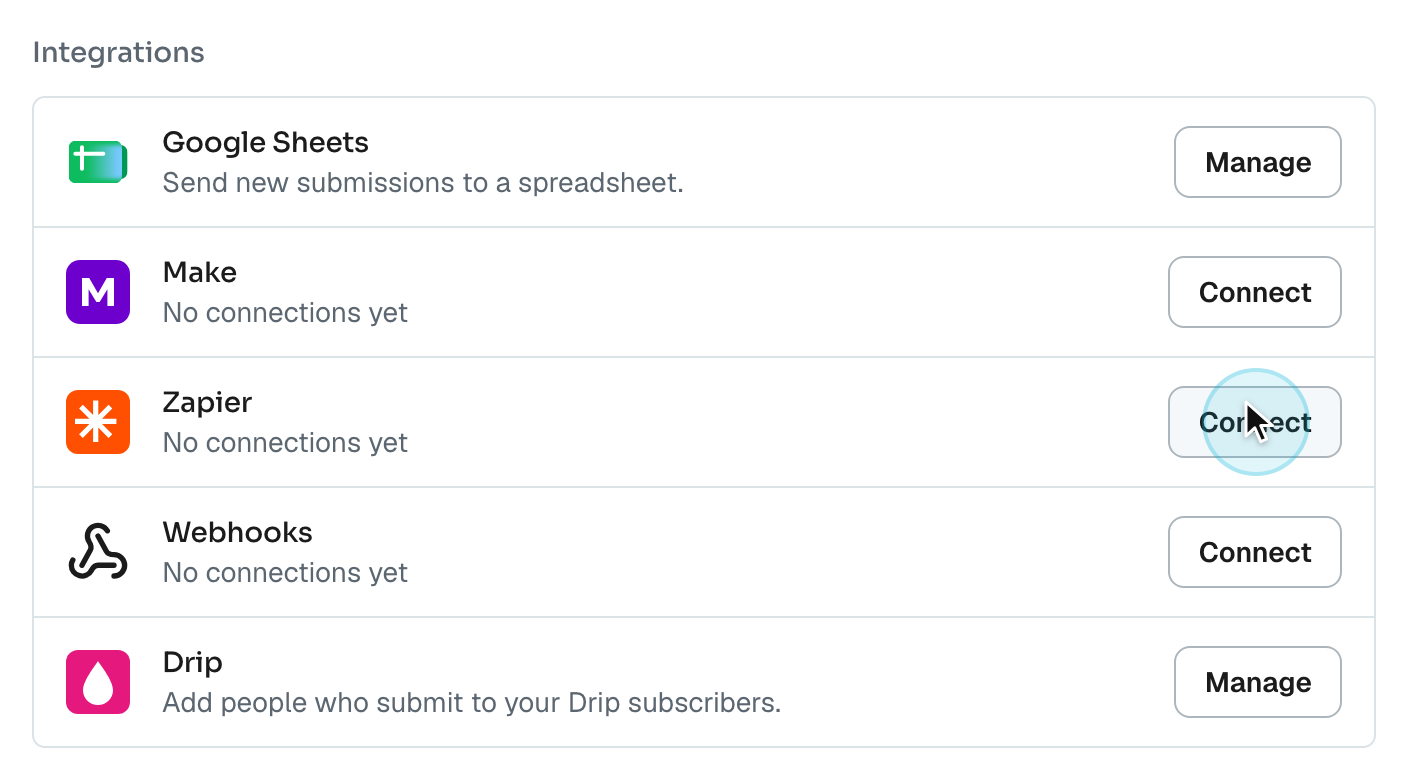
- Open the form in the builder, select Integrations in the top bar, then select Connect next to Zapier.
- Under Choose a Zap, select Use Template on the Scratch row. Zapier opens in a new tab.
- In Zapier, pick Forminal as the trigger app and New Submission as the event.
- Sign in to Forminal when Zapier asks, and select Allow.
Steps 3 and 4 happen in Zapier. You only sign in once. After that, every Zap you build can use the same connection.
Build your Zap
- Choose the form under Form. Name in Forminal is optional; it’s the name the Zap gets on the form’s Zapier page.
- Test the trigger. Zapier loads up to three of the form’s latest submissions, or a sample one if the form has none yet, so you can map fields before anyone has answered.
- Add your action steps, map the answers into them, and publish the Zap.
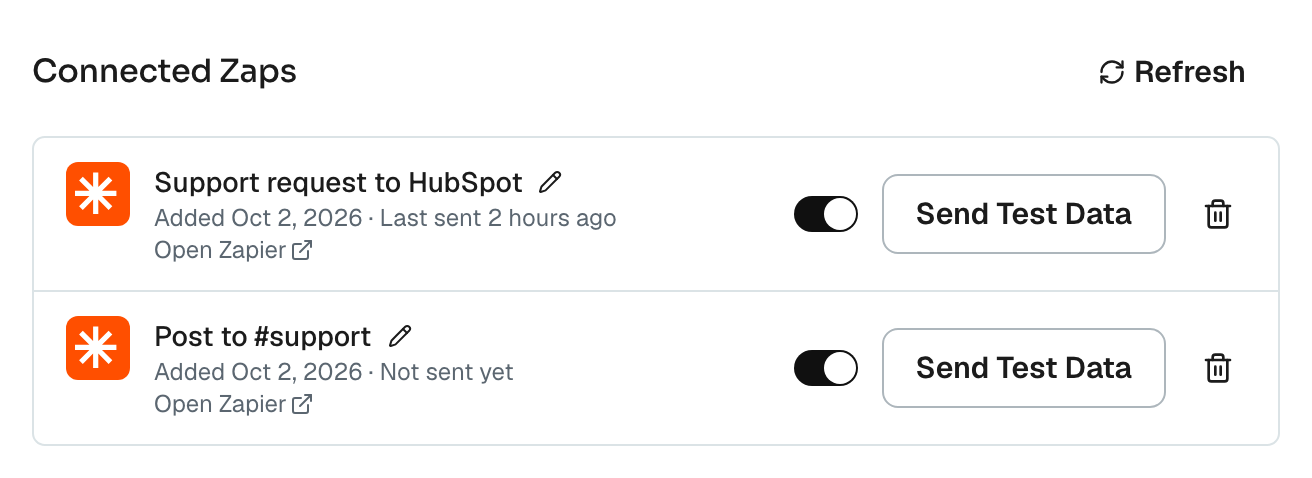
- Back on the form’s Zapier page, select Refresh if the page was already open. The Zap shows under Connected Zaps.
Steps 1 to 3 happen in Zapier. Each submission arrives as one item with Submission ID, Form ID, Form title, Submitted at, Origin page, Browser, Time to complete (s), Country, Country code, UTM Source, UTM Medium, UTM Campaign, UTM Term, UTM Content, Tags, Payment status and Payment amount (minor units), and one entry per question named after its label. Question entries are keyed by field ID behind the scenes, so renaming a question doesn’t break steps you already mapped. Payment amount is in the currency’s smallest unit, so 25.00 USD is 2500.
Each row under Connected Zaps has a switch to pause it, Send Test Data, a pencil to rename it, Open Zapier, the export button (the upload arrow) to export existing submissions and a bin to delete it. A form can start up to 10 Zaps.
Good to know
- The Zap starts right after each submission, once per submission. On a payment form it waits until the payment is paid, and spam is never sent.
- If Zapier doesn’t answer or is busy, the app tries once more a second later. If that fails too, the row shows “Could not send the last submission” with the reason, and the app keeps trying for about 18 hours, seven tries in all.
- To run the Zap for the submissions the form already has, select the export button on its row, then Export. Each one runs the Zap once, oldest first, and uses Zapier tasks. The row shows the progress, with a Stop export link at the end of the line, and running it again sends them all again.
- Send Test Data sends one item with sample answers, marked as a test. It works only while the row is on, up to 20 tests a minute.
- Turning a Zap off or deleting it in Zapier removes it from the form’s Zapier page. To disconnect Zapier from your account, open Account menu » Integrations and select the bin on the Zapier card.
- More detail is on the Zapier page. To start a Make scenario instead, see Connect Make.
Frequently asked questions
Why does Payment amount show 2500 instead of 25.00?
Zapier gets the amount in the currency’s smallest unit, so 25.00 USD arrives as 2500.
What happens if I delete the Zap’s row in Forminal instead of in Zapier?
The Zap stops getting this form’s submissions but stays in Zapier. Turn it off and on again in Zapier to connect it to the form again.
Can my Zap use the respondent’s country?
Yes. Each item carries Country and Country code next to the submission details, along with Tags, Origin page, Browser and the UTM values, such as UTM Campaign.
Will a Zap run for spam or an unpaid order?
No. Spam is never sent, and on a form with a Payment field the Zap waits until the payment is paid.
Do I need Zapier to send submissions to my own server?
No. Webhooks send each submission straight to a URL you choose, as a signed request. Zapier is handy when the answers should go to an app it already works with.