An API key lets a script, a server or an AI agent work with your forms as you, through the REST API or the MCP server. By the end of this guide you’ll have a key stored safely, know how to send it, and know how to shut it off when you no longer need it.
Create a key
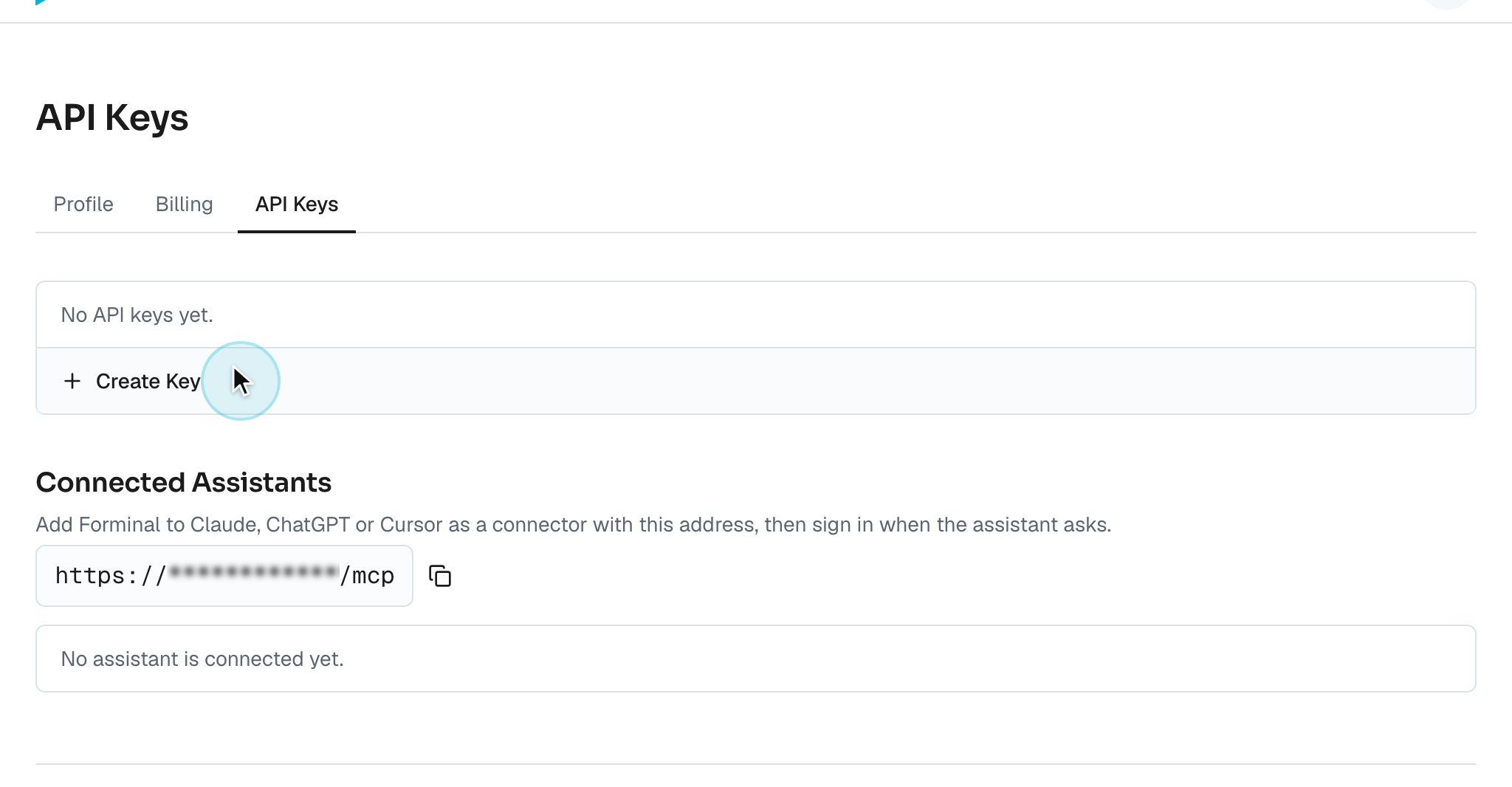
- Open Account menu » Profile » API keys.
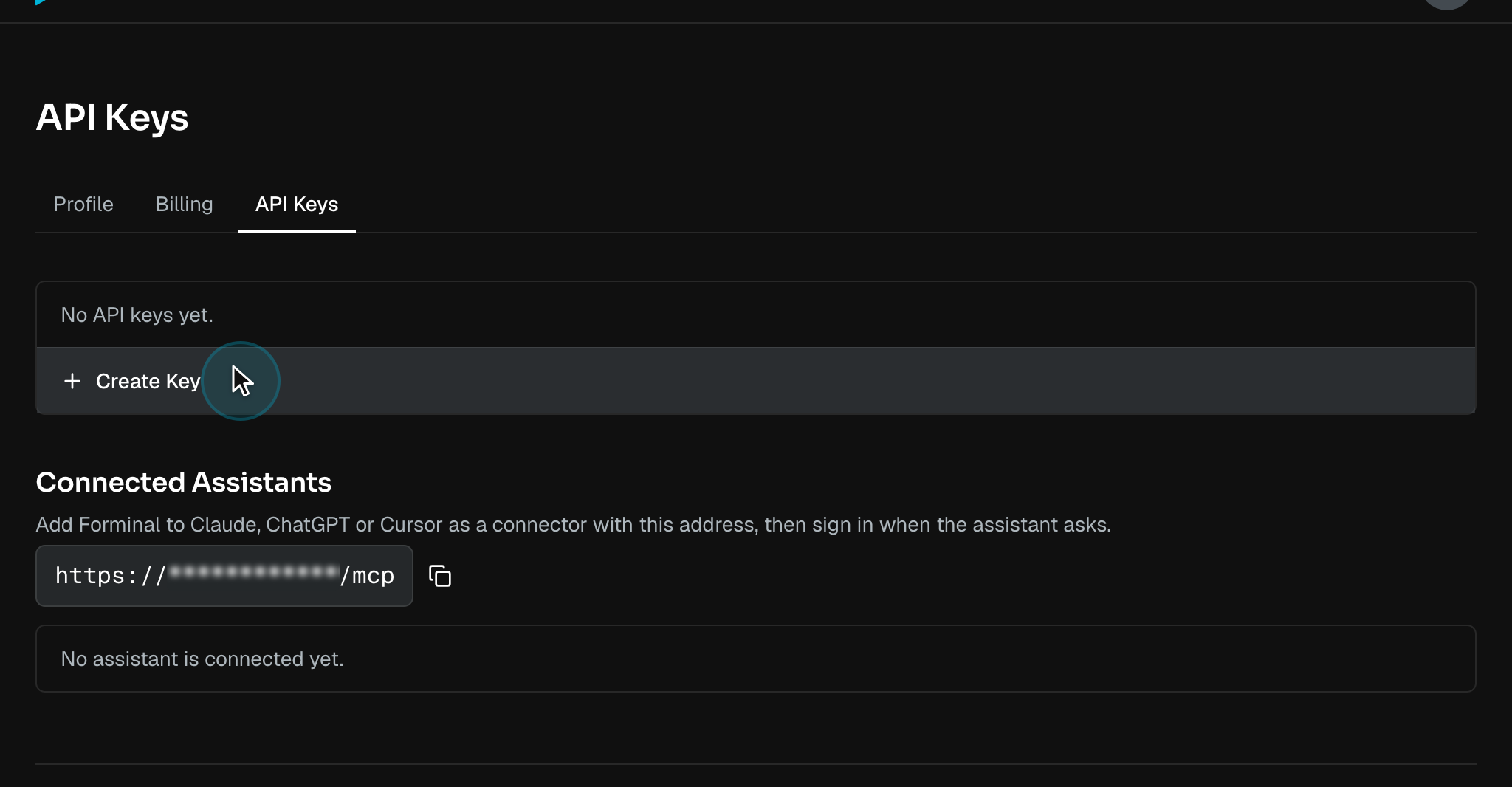
- Select Create Key.
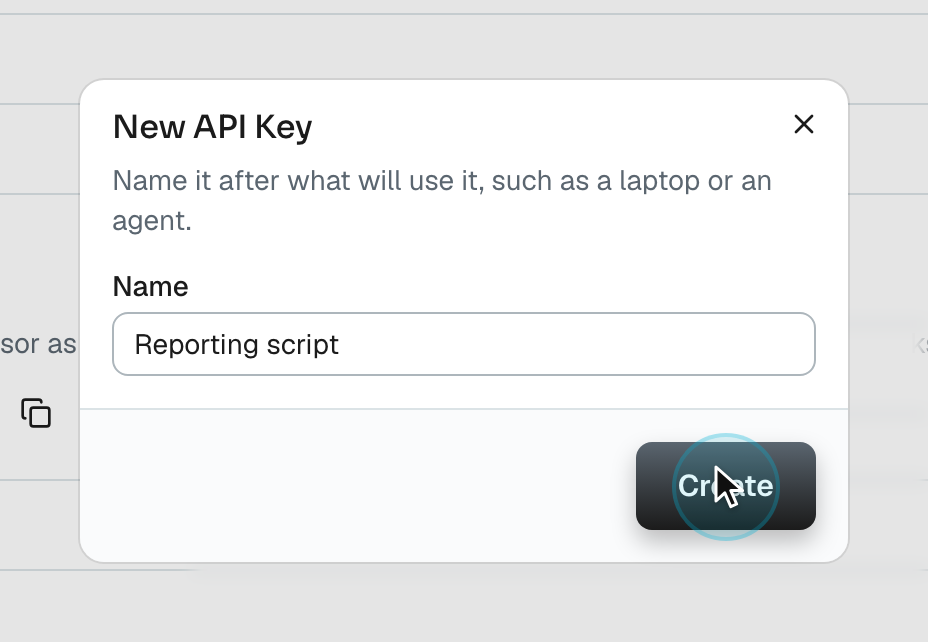
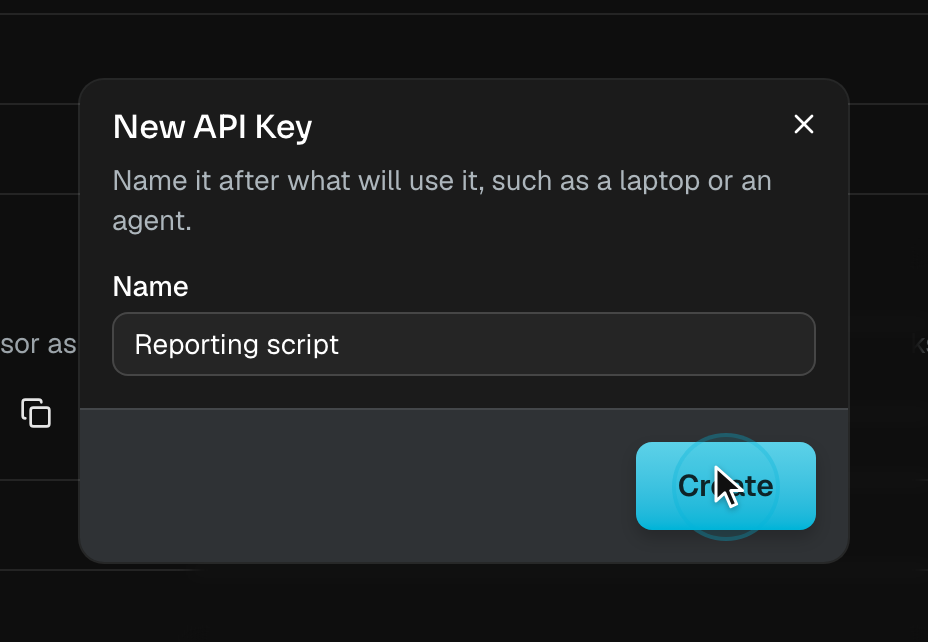
- Type a Name of up to 32 characters, after what will use it, such as a laptop, a script or an agent. Select Create.
- Your new key shows once in full. Tick I understand the key cannot be shown again and select Copy Key.
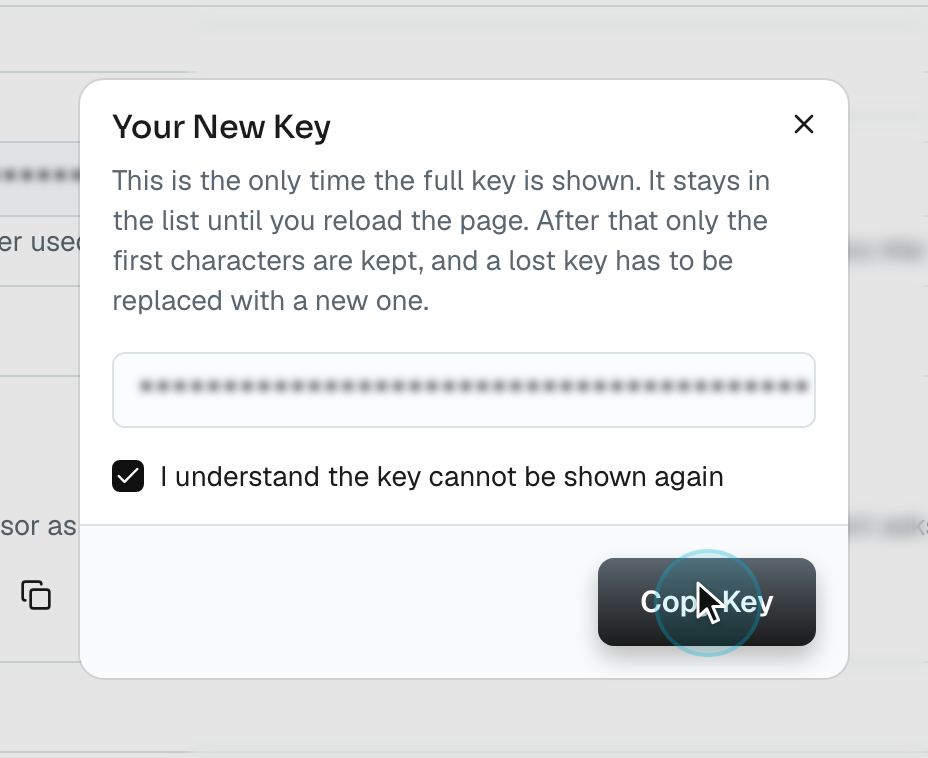
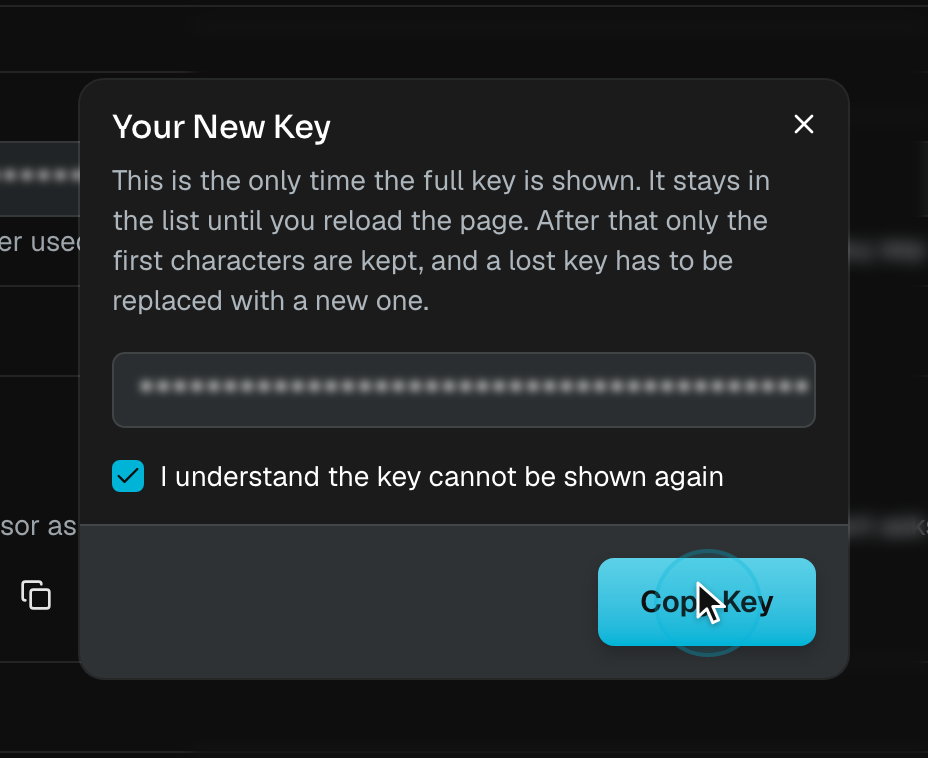
- Paste the key into a password manager or your app’s secret settings straight away.


The key stays in the list until you reload the page. After that only its first characters are shown, and a lost key has to be replaced with a new one.
Use the key
Send the key in the Authorization header of each request, as Bearer followed by the key. Keys start with af_:
Authorization: Bearer af_...A key acts as you. It can create, edit, publish and delete your forms, and read and change their submissions. It also reaches forms in workspaces shared with you, as far as your role there allows. A script that creates, edits, publishes or deletes a form also sends the Forminal-Ack header, with the acknowledgement code from llms.txt. For your first request, see Use the REST API.
An AI assistant doesn’t need a key: it can connect to the MCP server and sign in through the browser instead, as described in Connect an AI agent over MCP. A key is for a script or an agent that runs with nobody there to sign in.
Revoke a key
- On the API keys tab, find the key in the list. Each row shows when it was created and when it was last used.
- Select Delete, the bin next to it, then confirm with Delete Key.
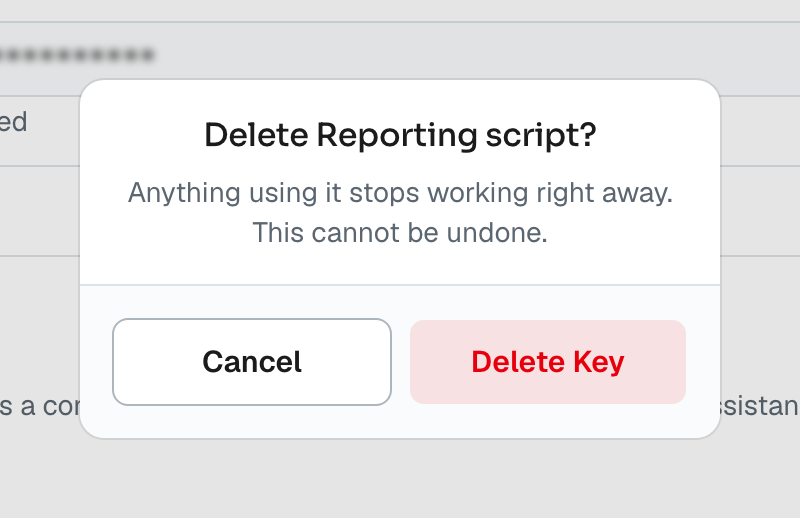
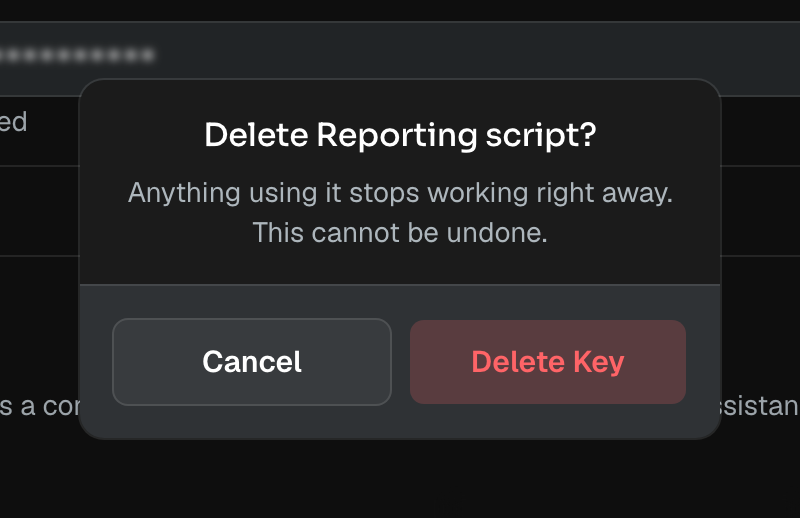
Anything using the key stops working right away, and it can’t be undone. To rotate a key, create the new one first, switch your script over, then delete the old one.
Good to know
- Keys don’t expire. Delete the ones you no longer use; “Never used” in the list is a good hint.
- Each key can make 100 requests a minute. Past that, requests get a
429answer with aRetry-Afterheader. - Never put a key in a web page or anywhere public. Anyone who has it can act as you.
- The same tab lists your Connected Assistants, the AI assistants signed in over MCP, with Disconnect on each one.
- The endpoints themselves are listed in the API reference.
Frequently asked questions
Can I see my API key again after I create it?
No. The full key shows only once. After you reload the page, the list shows just its first characters, so if you lose a key, create a new one and delete the old one.
Do Forminal API keys expire?
No, a key works until you delete it. The list shows when each key was last used, and a key marked Never used is usually safe to remove.
What happens if my script sends too many requests?
Each key can make 100 requests a minute. Requests past that get a 429 answer with a Retry-After header, which tells your script how long to wait before it tries again.
Can an API key reach forms in a workspace someone shared with me?
It can, as far as your role in that workspace allows. If the workspace requires two-factor authentication and you haven’t turned it on, the API refuses your key there too.
Do I need an API key to connect Claude or ChatGPT?
No. An AI assistant can connect to the MCP server and sign you in through the browser. Keys are for scripts and agents that run when nobody is there to sign in. See Connect an AI agent over MCP.
What should I do if my API key leaks?
Delete it on the API keys page straight away. Anything using it stops working at once, so create a new key for your own scripts and switch them over. Anyone who has the old key can act as you until you delete it.