Answer Piping puts something a person already told you into a later part of the form. By the end of this guide you’ll have a question that greets people by name, and a thank-you message that repeats their own answers back to them.
Insert an earlier answer
- Click into the text you want to change, such as a field’s label on the canvas or in its settings.
- Type @. A menu opens with the questions you can use.
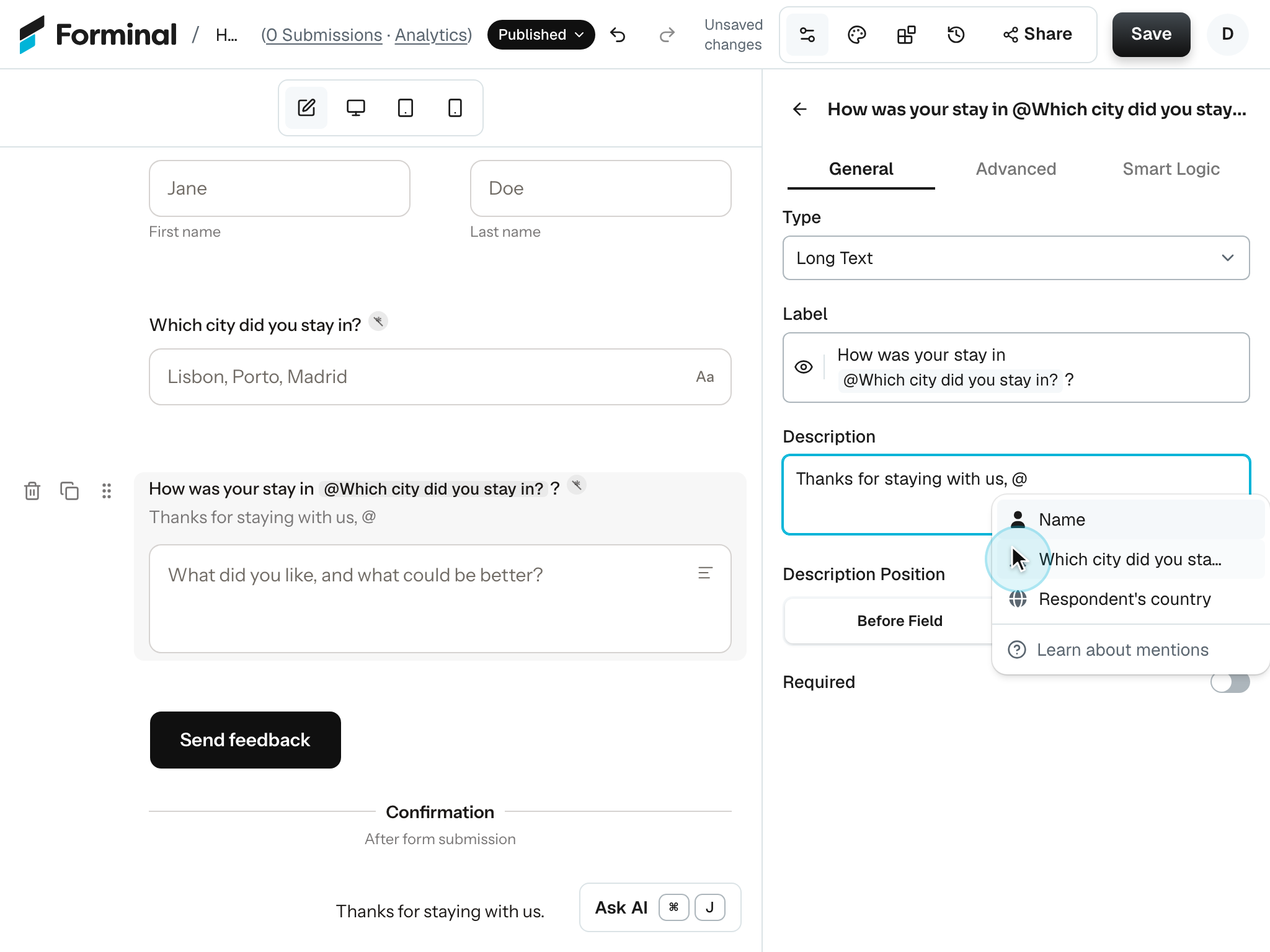
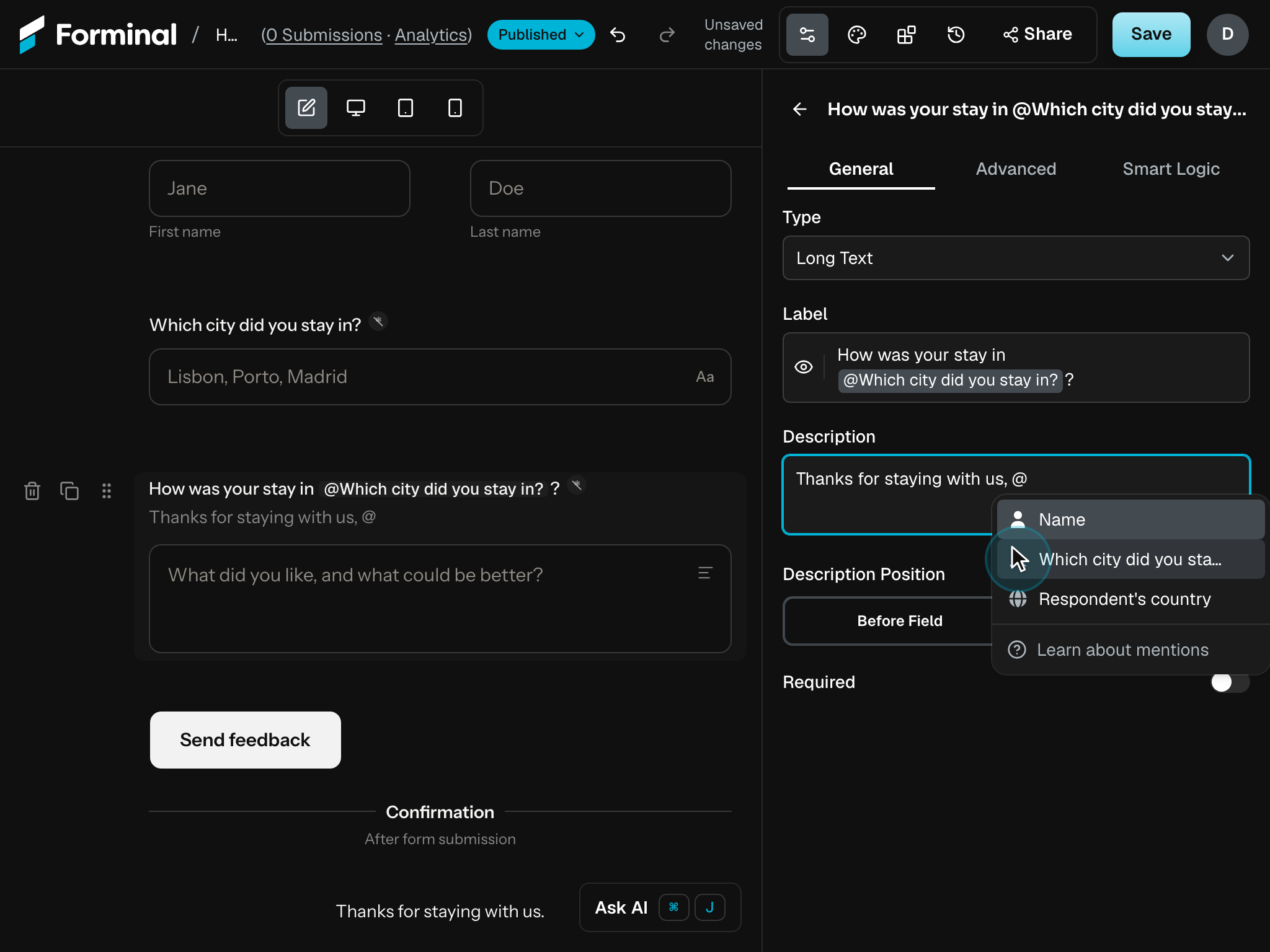
- Type a few letters of the question’s name to narrow the list, then pick one with a click, Enter or Tab. The menu says “No questions found” when nothing matches.
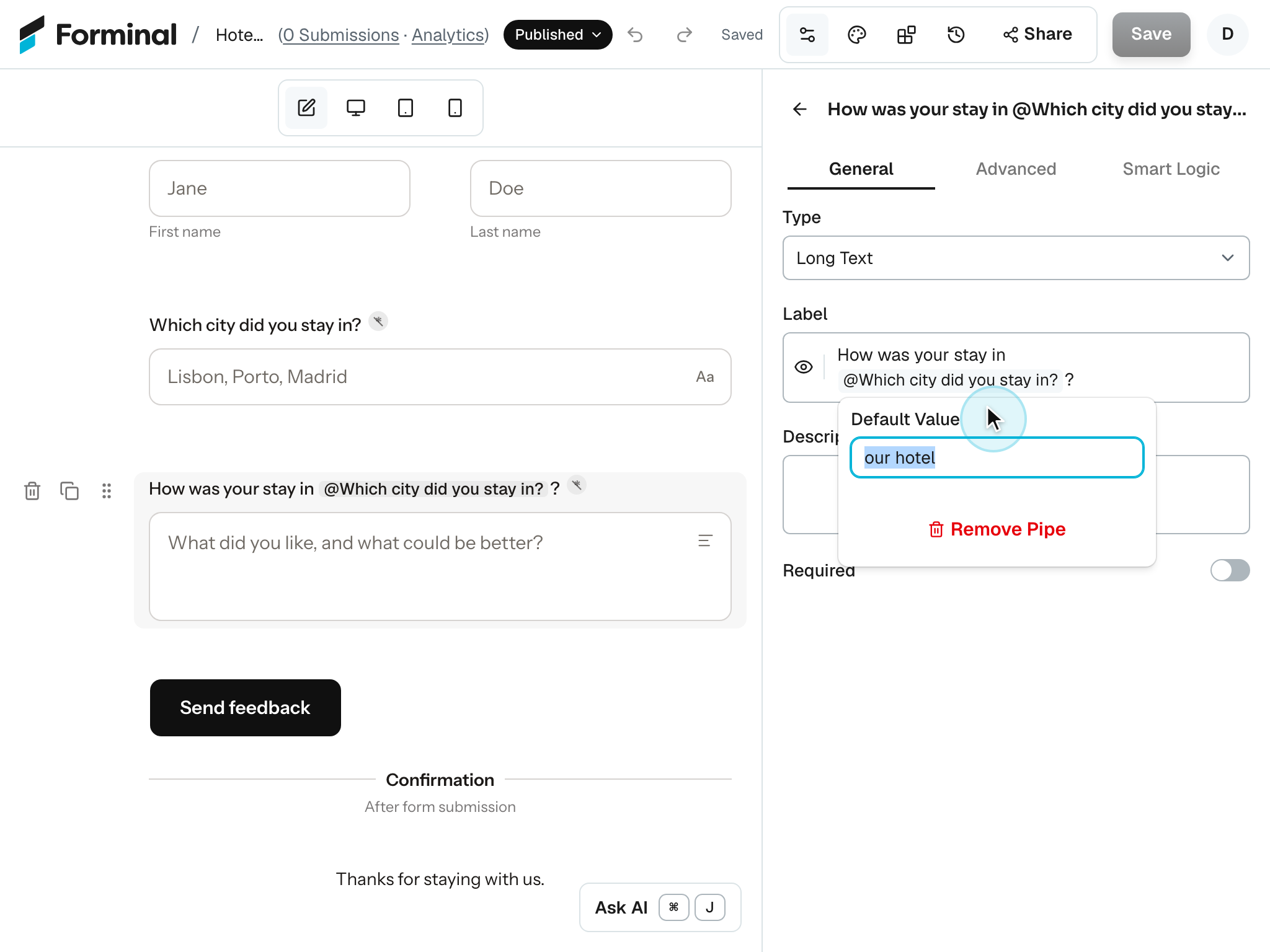
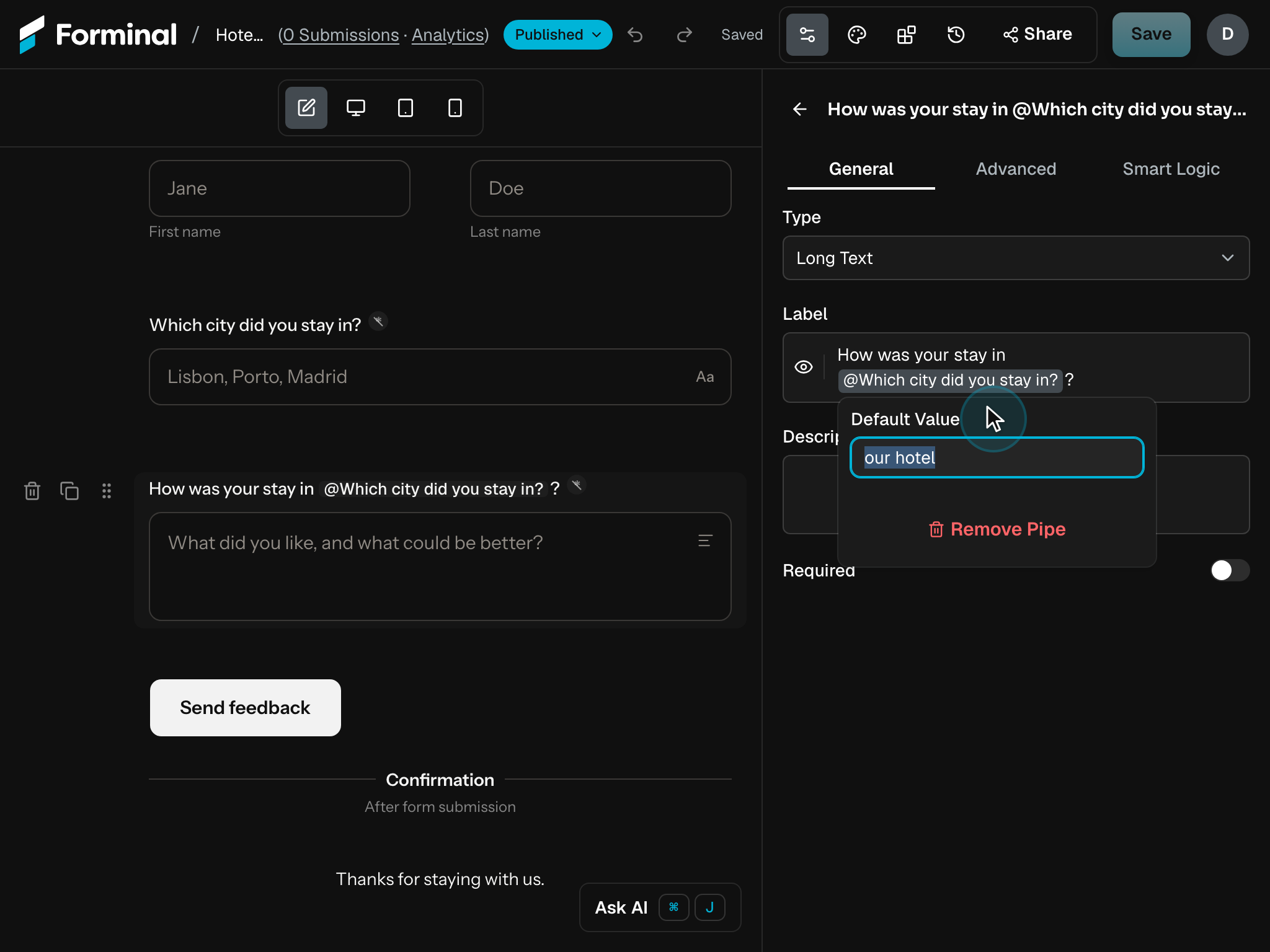
- The answer shows as a chip, such as @Name. Click the chip to fill in its Default Value, or select Remove Pipe to take it out.
For example, put a Name field first and label the next question “Thanks, @Name. What brings you here today?”. While people fill in the form, piped text updates as they type, and on a multi-page form answers from earlier pages carry through to later ones.
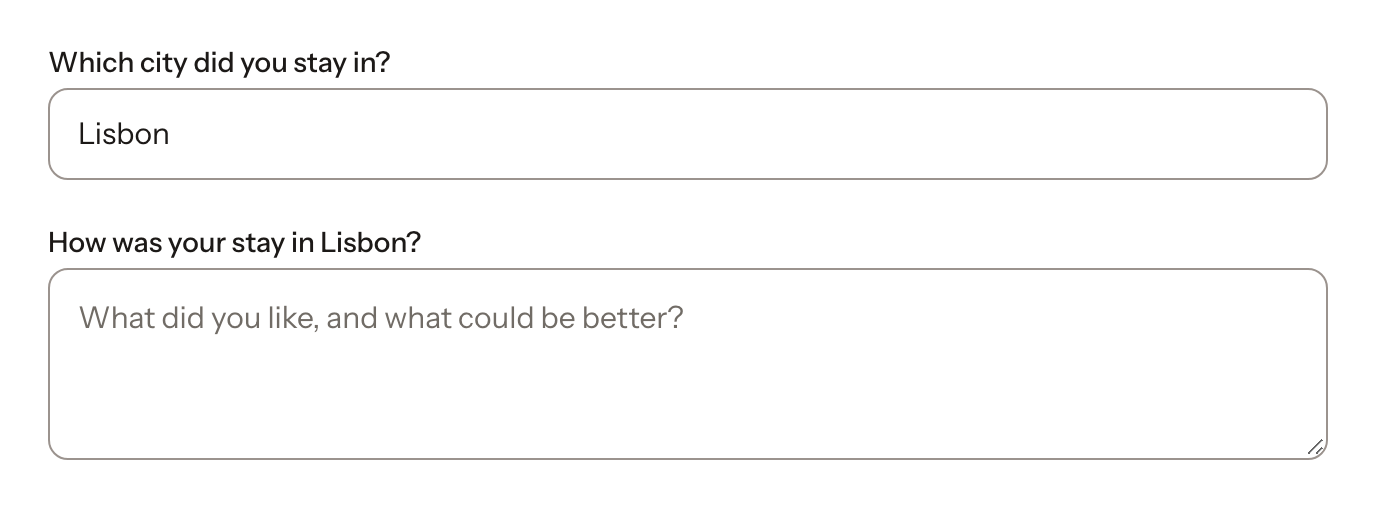
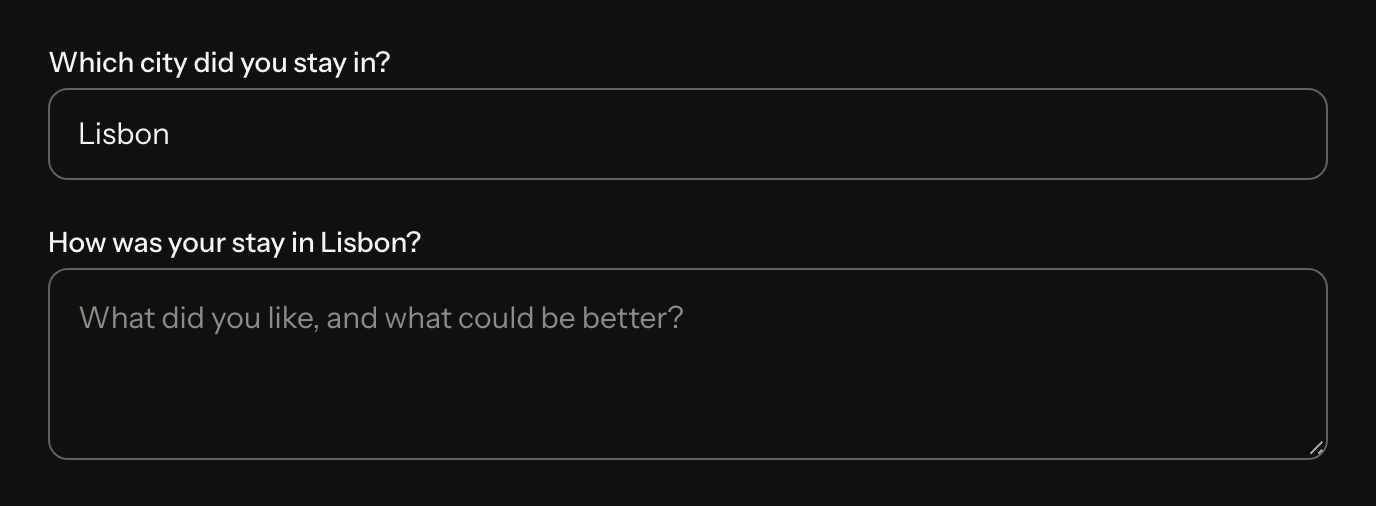
You can pipe into field labels, descriptions and placeholders, choice and ranking option labels, content blocks, the titles of later pages, the form’s title and description, and the query string of a redirect address. A question can only use answers from fields above it, except hidden fields, which can be piped anywhere.
Use it in the thank-you message
- Scroll to the bottom of the canvas, below the divider marked “After form submission”. You can also open Form Settings and select Confirmation.
- Make sure the Page tab is selected in the confirmation settings.
- Click the message and type. Type @ where an answer should go and pick the question, for example “We’ll send the details to @Email.”
- To try it, switch the builder to Desktop, Tablet or Mobile and submit the form there. Nothing is saved.
The thank-you message and notification emails can use any field in the form, not only the ones above a certain point. In a notification, the message also offers All Answers, which lists every question with its answer. See Get an email for each submission.
Good to know
- When there’s no answer to show, because the question was skipped or hidden by Smart Logic, the pipe shows its default value. Without one it shows nothing, so “Thanks, @Name!” would read “Thanks, !”. Give each pipe a default, such as “there”.
- A default value can be up to 100 characters.
- Button text, the first page’s title and the From Name can’t be piped. Signatures and payments can’t be piped either.
- In a redirect address, answers only go into the query string and the part after #, URL-encoded, so they never change the domain or path. The hint under Redirect URL says “Type @ to add an answer to the query string.”
- If you delete a field that other text pipes from, each of those pipes turns into its default value as plain text.
- In submissions and exports, a label with a pipe reads as @ and the field name, not the answer someone saw. More on how each answer type reads is on the Answer Piping page.
Frequently asked questions
Why does my piped question show a blank instead of the answer?
The earlier question was skipped or hidden by Smart Logic, and the pipe has no default value. Click the chip, fill in its Default Value, such as there, and the sentence reads fine either way.
Can I pipe an answer from a question further down the form?
Not into a question. A question can only use answers from fields above it. The thank-you message and notification emails can use any field, and hidden fields can be piped anywhere.
Can I show a value from the form’s link in a question?
Yes, with a hidden field. Add its parameter to the link, such as ?ref=newsletter, then pipe the hidden field into a label, an option or the thank-you message like any other answer.
Can a notification email go to the address someone typed in the form?
Yes. In a notification, the To, CC and Reply To boxes let you pipe an Email field from the form. See Get an email for each submission.
What happens to a pipe when I delete the field it uses?
Each pipe that used the field turns into its default value as plain text. Without a default, that spot is left empty, so check those labels after you delete a field.