Numero accetta risposte numeriche. Un minimo e un massimo le mantengono nell'intervallo e un formato può mostrarle come percentuale, valuta o con la tua unità personalizzata, sia mentre le persone digitano sia nelle tue risposte.
Esempi
- Un modulo d'ordine che chiede quanti biglietti servono, da 1 a 10.
- Una domanda sul budget mostrata in EUR, con la virgola come separatore decimale e uno spazio tra le migliaia.
- Una domanda sulla dimensione della stanza con un suffisso personalizzato di " m²".
Configuralo
- In the builder, point between two fields and select Add Field. On an empty form, select Start from Scratch.
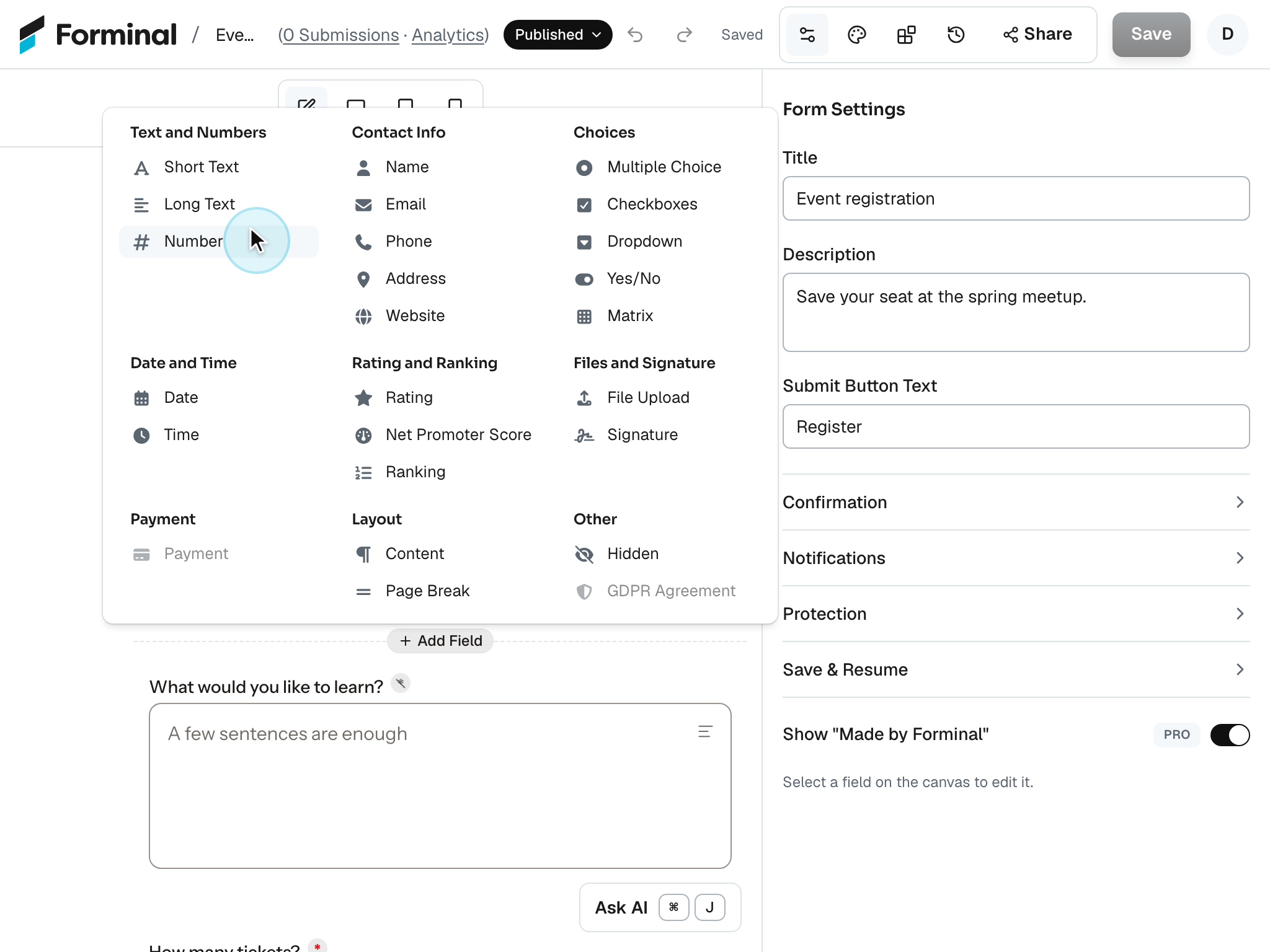
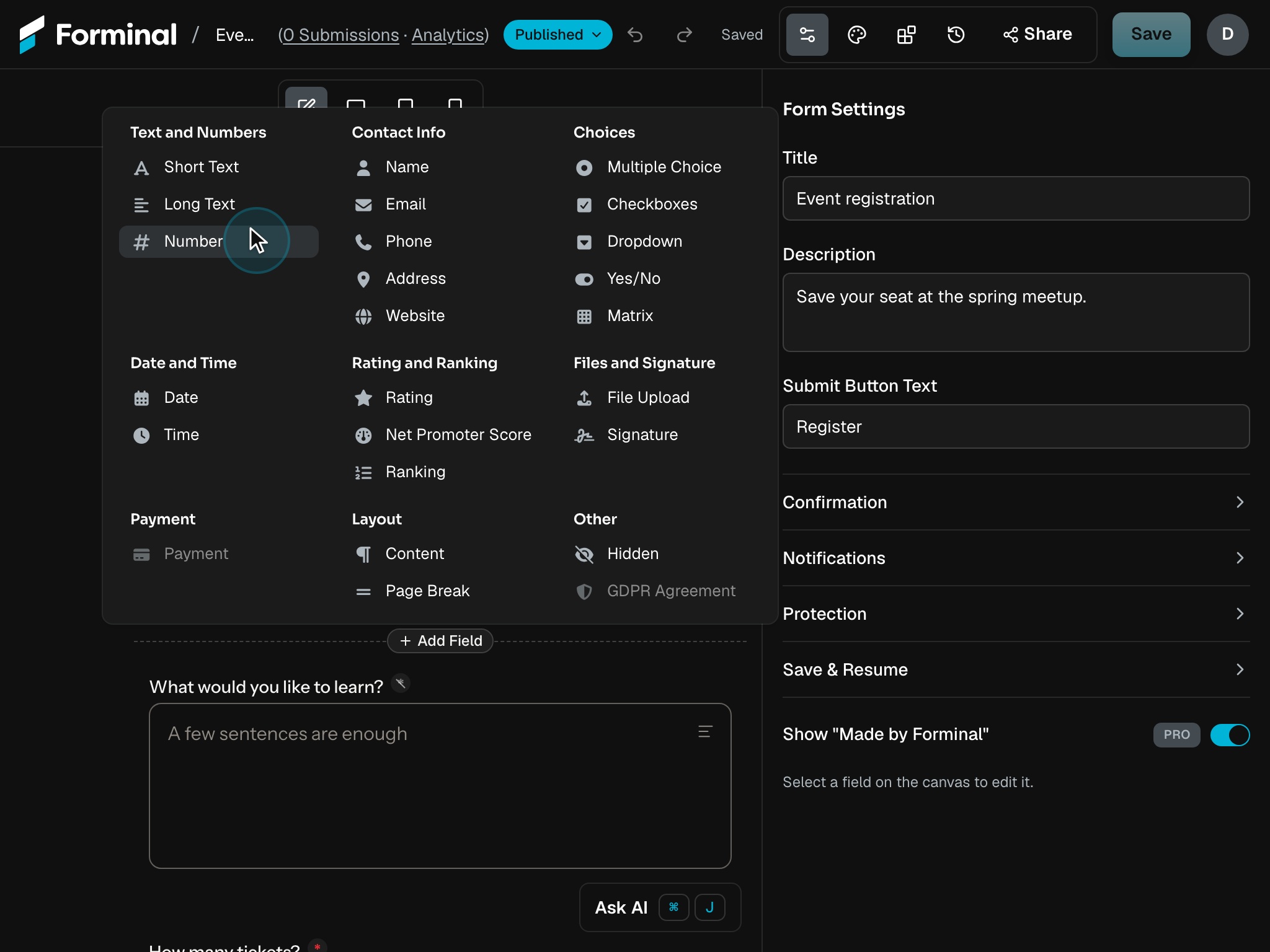
- Under Text and Numbers, select Number.
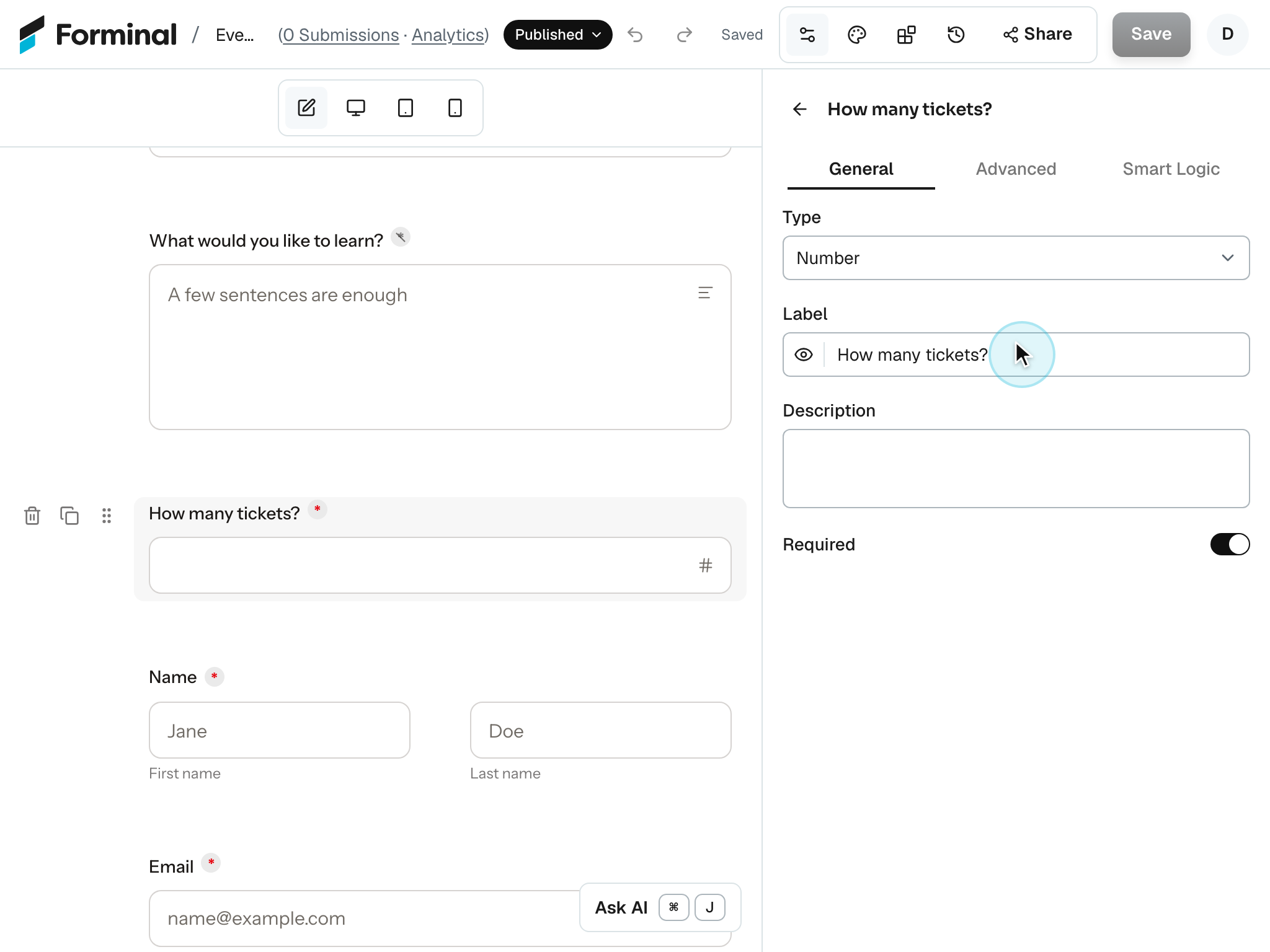
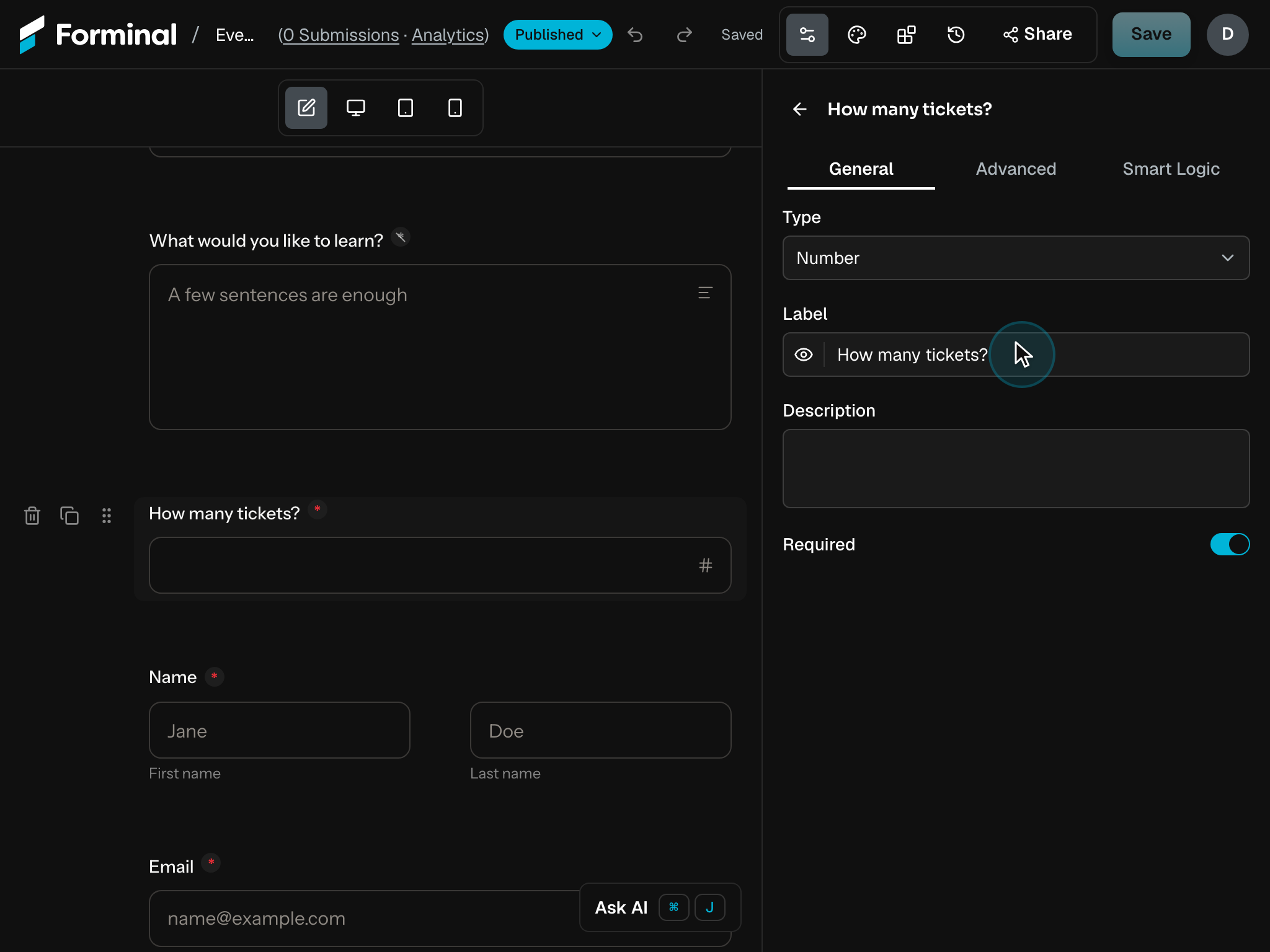
- Write your question in the label, and turn on Required if you need an answer.
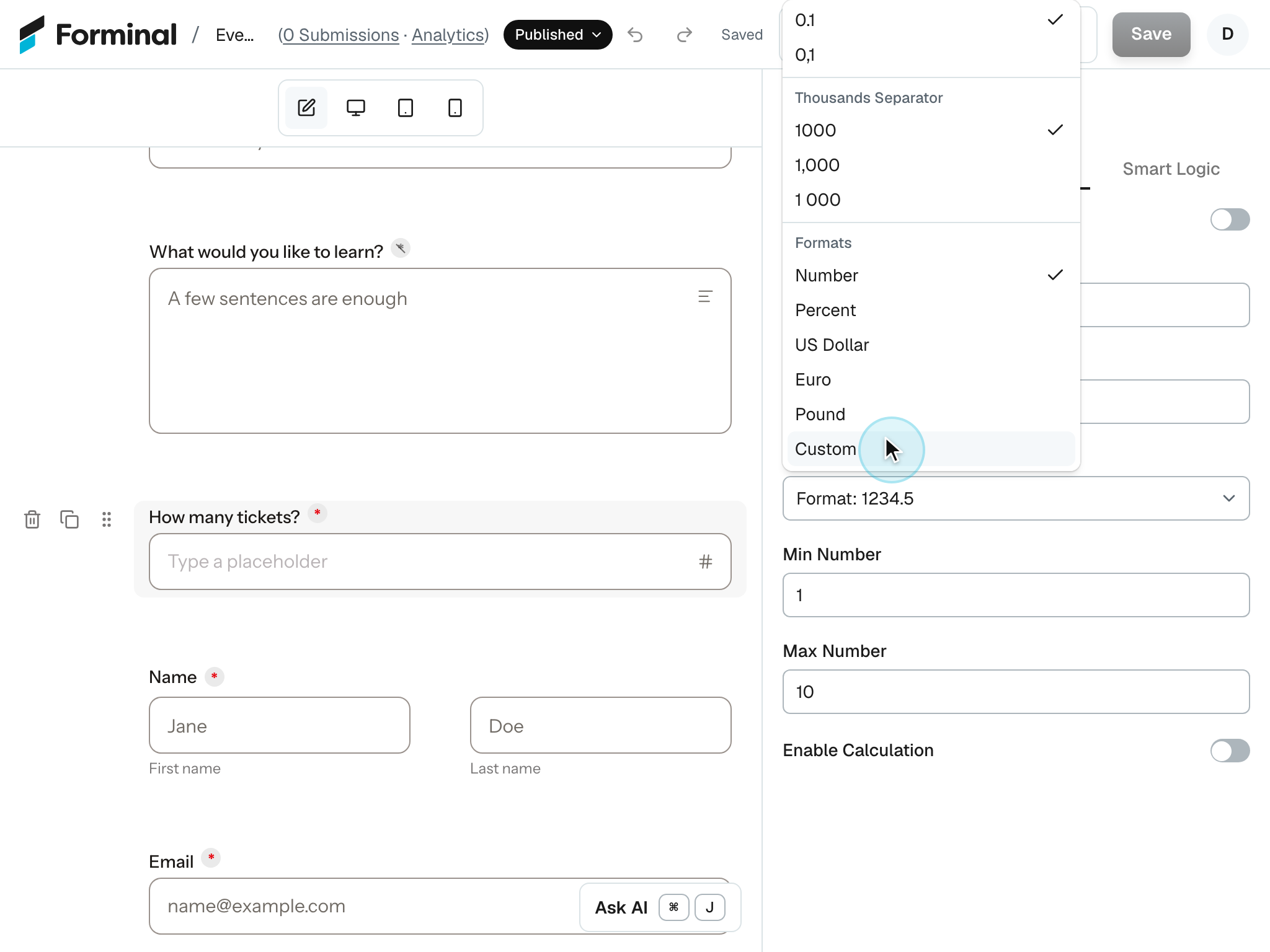
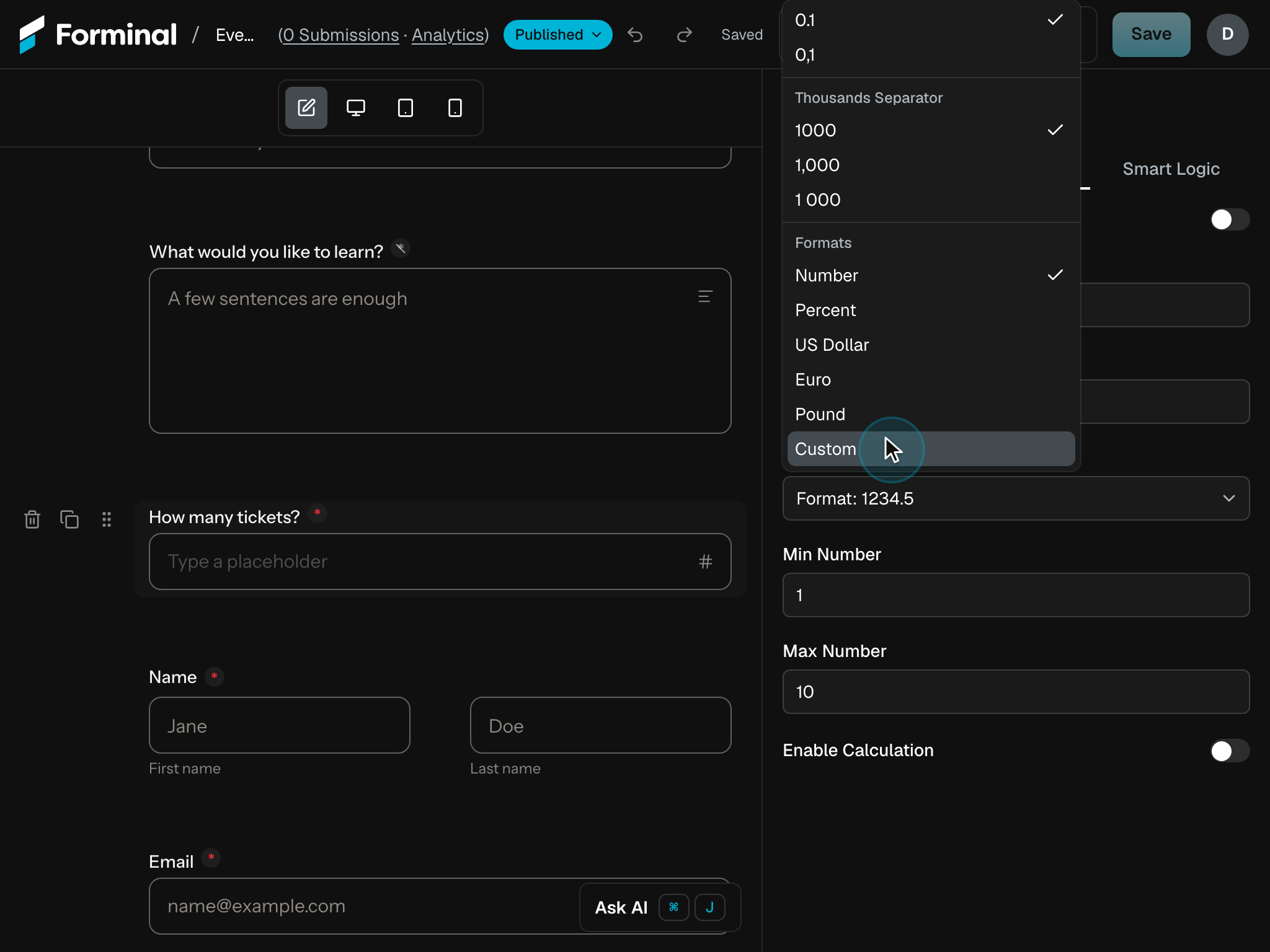
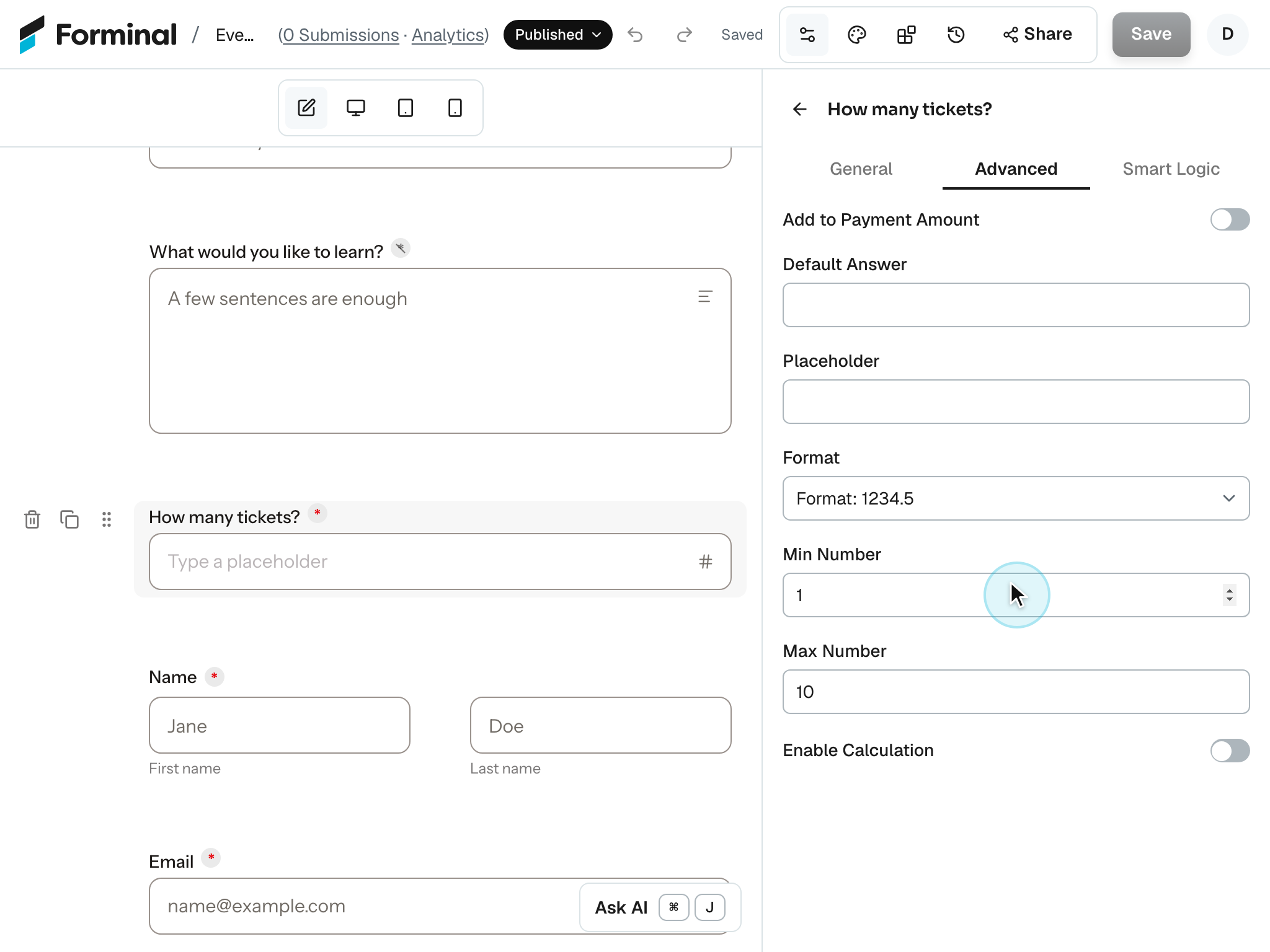
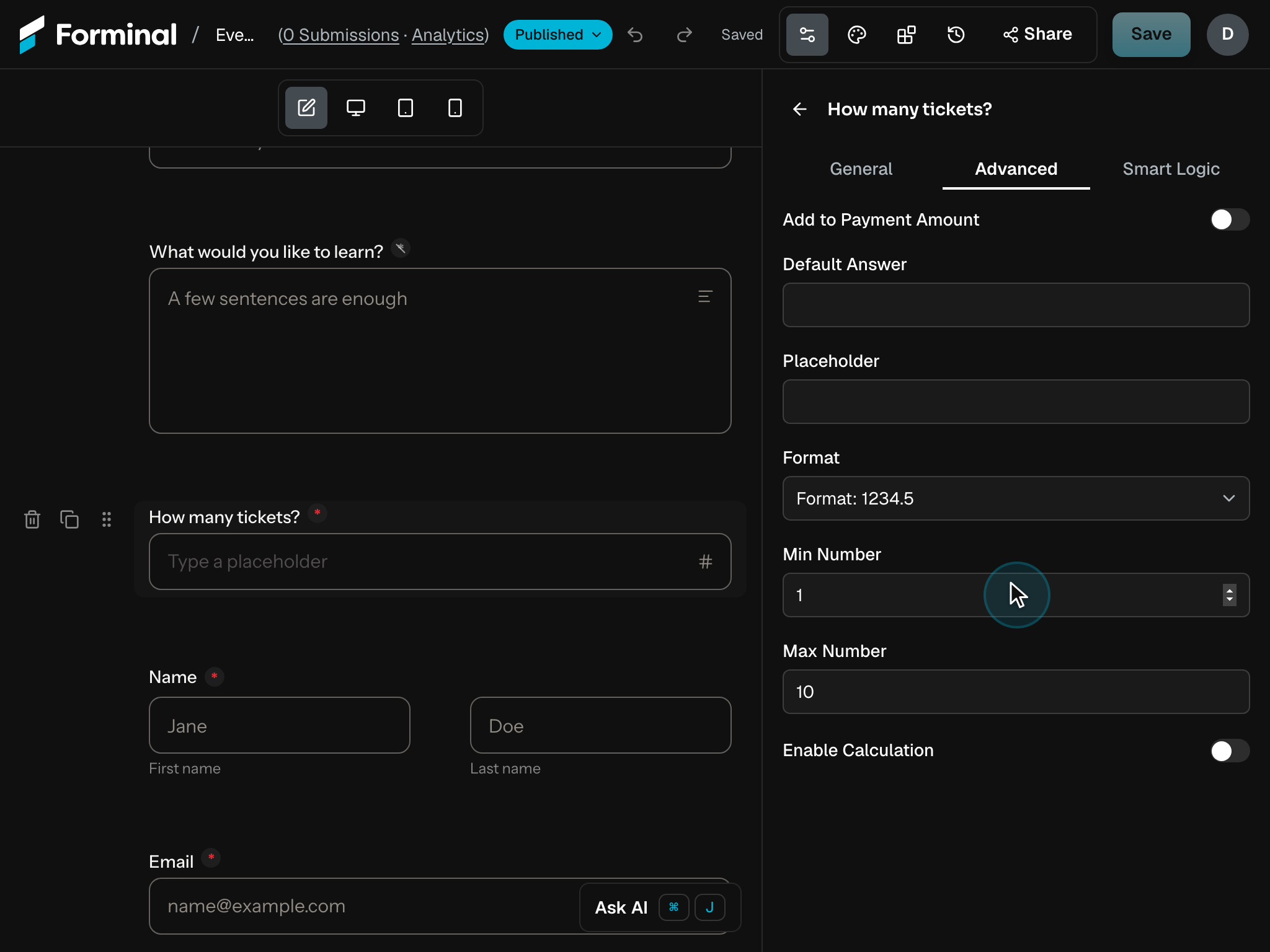
- Open the Advanced tab. Select the Format menu, which shows a sample such as “Format: 1234.5”, and choose the separators and the format.
- Fill in Min Number and Max Number if the answer has to fall in a range. Leave either one empty for no limit on that side.
Opzioni di formato
- Decimal Separator: a point (0.1) or a comma (0,1).
- Thousands Separator: none (1000), a comma (1,000) or a space (1 000). It can’t be the same character as the decimal separator, so the menu greys out the clashing choice.
- Formats: Number, Percent (adds %), US Dollar ($), Euro (€), Pound (£) or Custom. The three currencies always show two decimal places.
- Custom adds a Prefix and a Suffix box. Each takes up to 10 characters and can’t start with a minus sign, since that would look like a negative number.
The Advanced tab also has a Default Answer and a Placeholder. A default answer has to sit within your minimum and maximum. To work the number out from other answers instead of having it typed, turn on Enable Calculation there. See Calculations.
Cosa vedono le persone
Su un telefono, la casella apre una tastiera numerica. Le persone possono digitare con o senza il simbolo e i separatori. Quando lasciano la casella, il numero viene riordinato nel tuo formato, quindi "1500" in un campo Euro con virgola per i decimali e spazio per le migliaia diventa "€1 500,00". Il testo che non è un numero viene cancellato. Vengono accettati numeri negativi e decimali a meno che i tuoi limiti non li escludano.
Se qualcosa non va, vedono "Inserisci un numero" o un messaggio creato dal tuo limite nel tuo formato, come "Inserisci 1 o più" o "Inserisci 10 o meno".
Come vengono visualizzate le risposte nelle sottomissioni
The answer is saved as a plain number, so a Percent field that shows “50%” stores 50. The submissions table, the CSV export, Google Sheets and notification emails all show it in the field’s format. Smart Logic can compare it with is, is not, greater than and less than, as well as empty and not empty. On a form with a payment field, the Advanced tab also has Add to Payment Amount, which charges the number as part of the total.
Buono a sapersi
Il minimo non può essere superiore al massimo.
Domande frequenti
Posso limitare una risposta numerica a un intervallo?
Compila Numero Minimo e Numero Massimo nella scheda Avanzate, o lascia vuoto uno dei due per nessun limite da quel lato. Una risposta fuori dall'intervallo mostra un messaggio come "Inserisci 10 o meno".
Il campo numerico accetta decimali e numeri negativi?
Entrambi sono accettati a meno che i tuoi limiti non li escludano. Per bloccare i numeri negativi, imposta Numero Minimo a 0.
Come viene memorizzata una risposta in percentuale o valuta?
Come numero semplice, quindi un campo Percentuale che mostra il 50% memorizza 50. La tabella delle submission, l'esportazione CSV, Google Sheets e le email di notifica lo mostrano ancora nel formato del campo.
Un campo numerico può calcolare un totale da altre risposte?
Attiva Abilita calcolo nella scheda Avanzate e il campo si compila da solo con una formula. Vedi Calcoli.
Le persone possono scegliere quanto pagare digitando un numero?
Su un modulo con un campo Pagamento, attiva Aggiungi all'importo del pagamento sul campo numerico e il numero digitato viene addebitato come parte del totale. Ecco come funziona un modulo di donazione con un importo digitato. Vedi Pagamento.