Number takes numeric answers. A minimum and maximum keep them in range, and a format can show them as a percentage, a currency or with your own unit, both while people type and in your submissions.
Examples
- An order form asking how many tickets someone needs, from 1 to 10.
- A budget question shown in EUR, with a comma as the decimal separator and a space between thousands.
- A room size question with a custom suffix of ” m²”.
Set it up
- In the builder, point between two fields and select Add Field. On an empty form, select Start from Scratch.
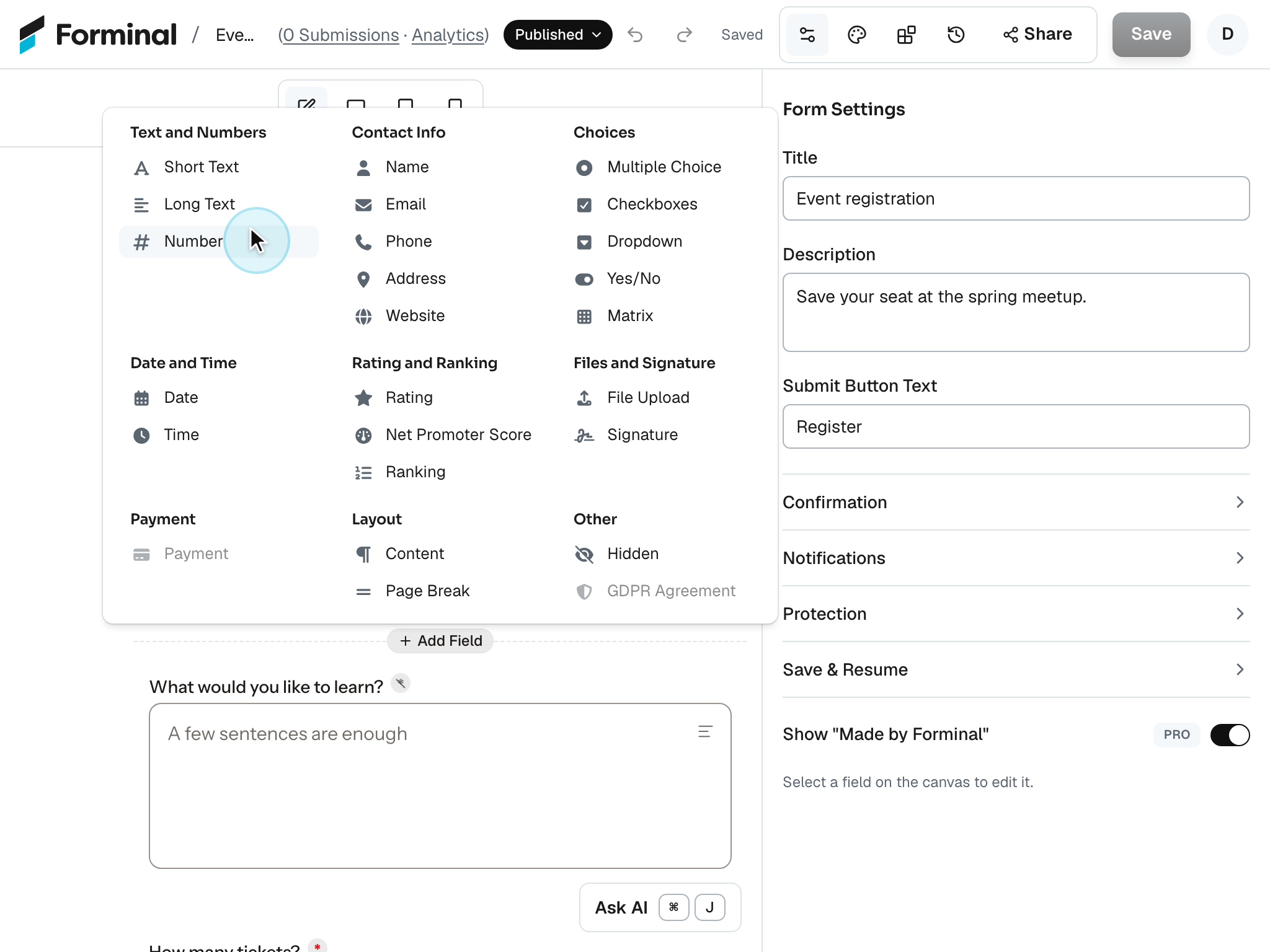
- Under Text and Numbers, select Number.
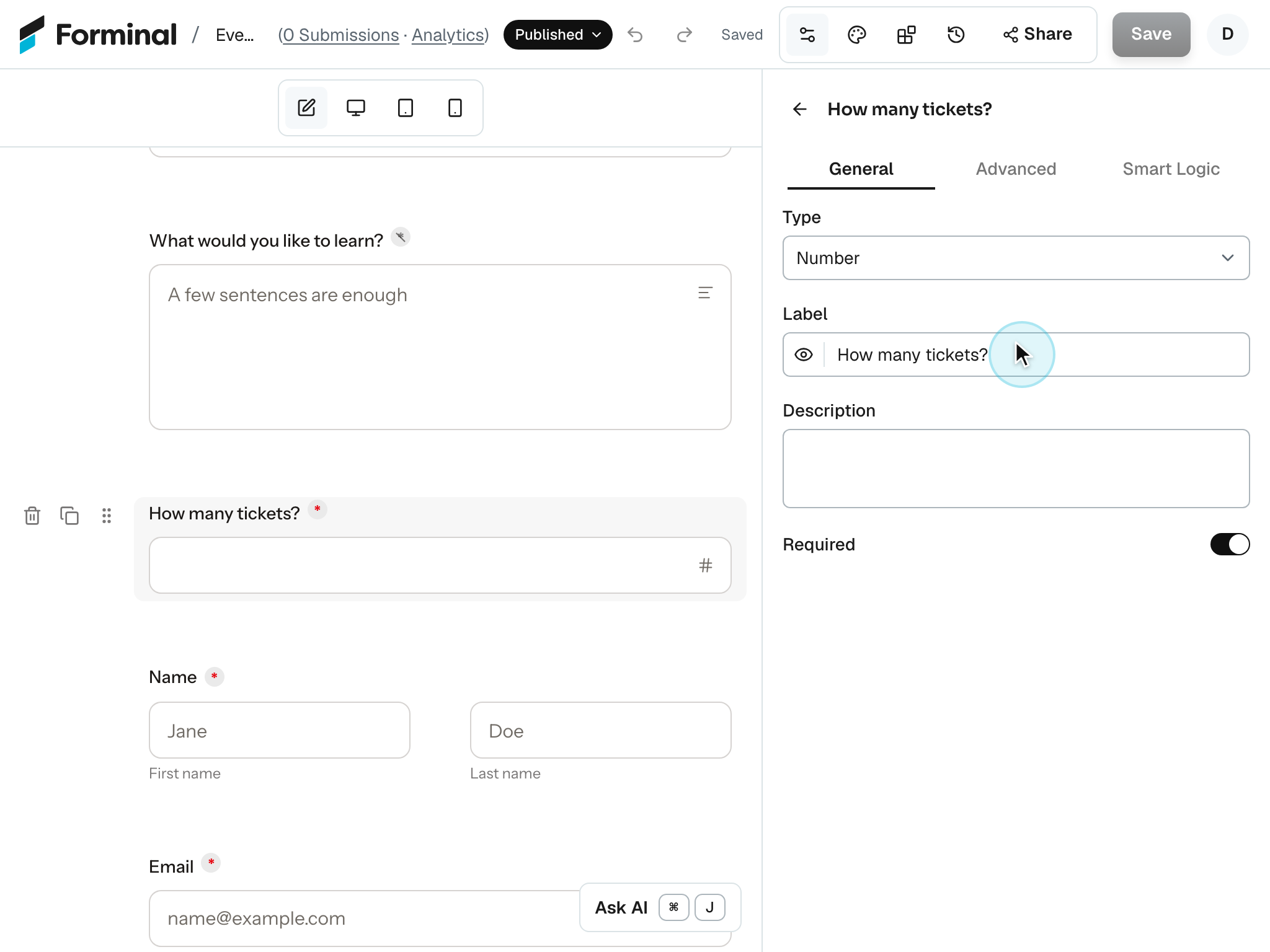
- Write your question in the label, and turn on Required if you need an answer.
- Open the Advanced tab. Select the Format menu, which shows a sample such as “Format: 1234.5”, and choose the separators and the format.
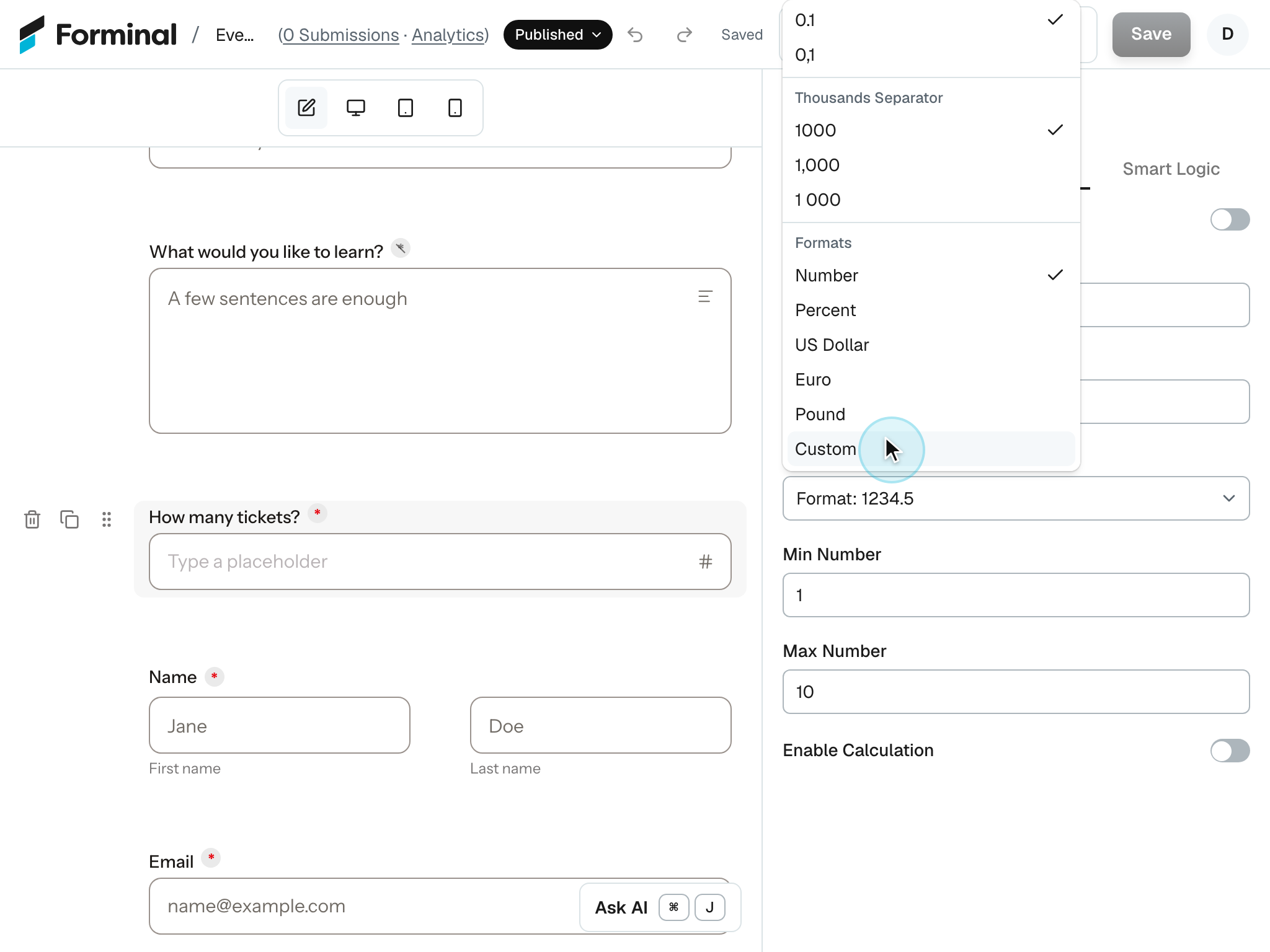
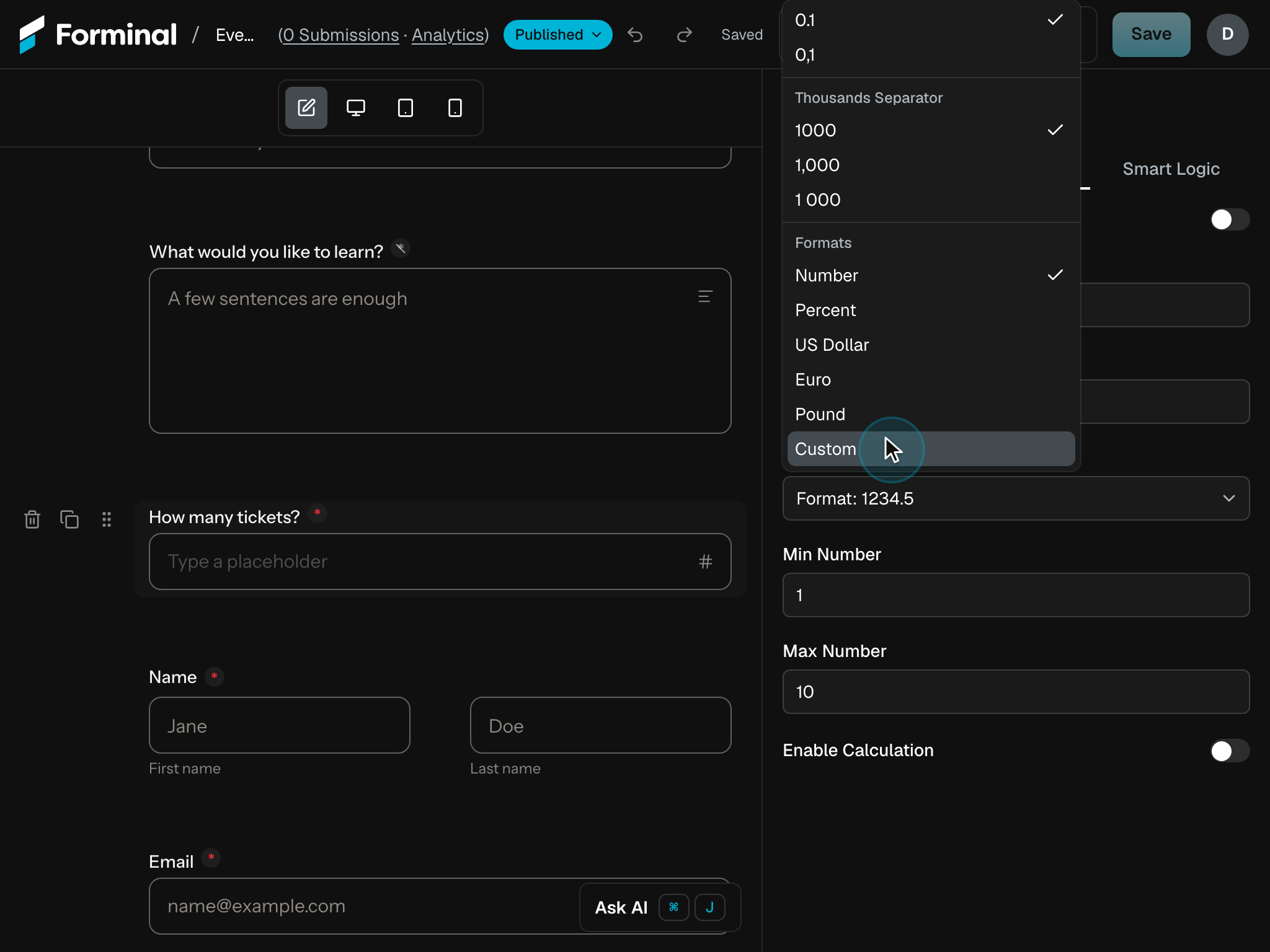
- Fill in Min Number and Max Number if the answer has to fall in a range. Leave either one empty for no limit on that side.
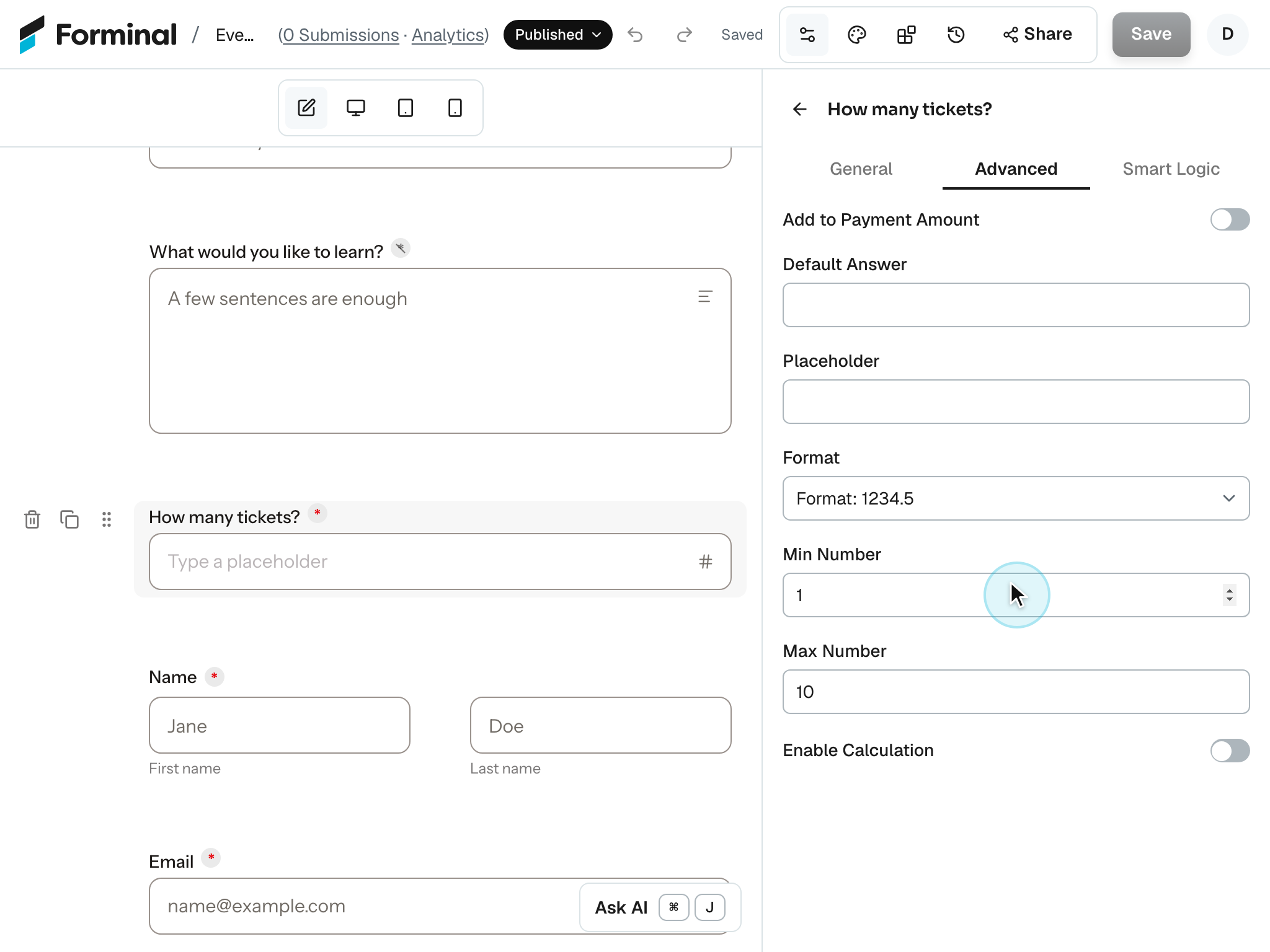
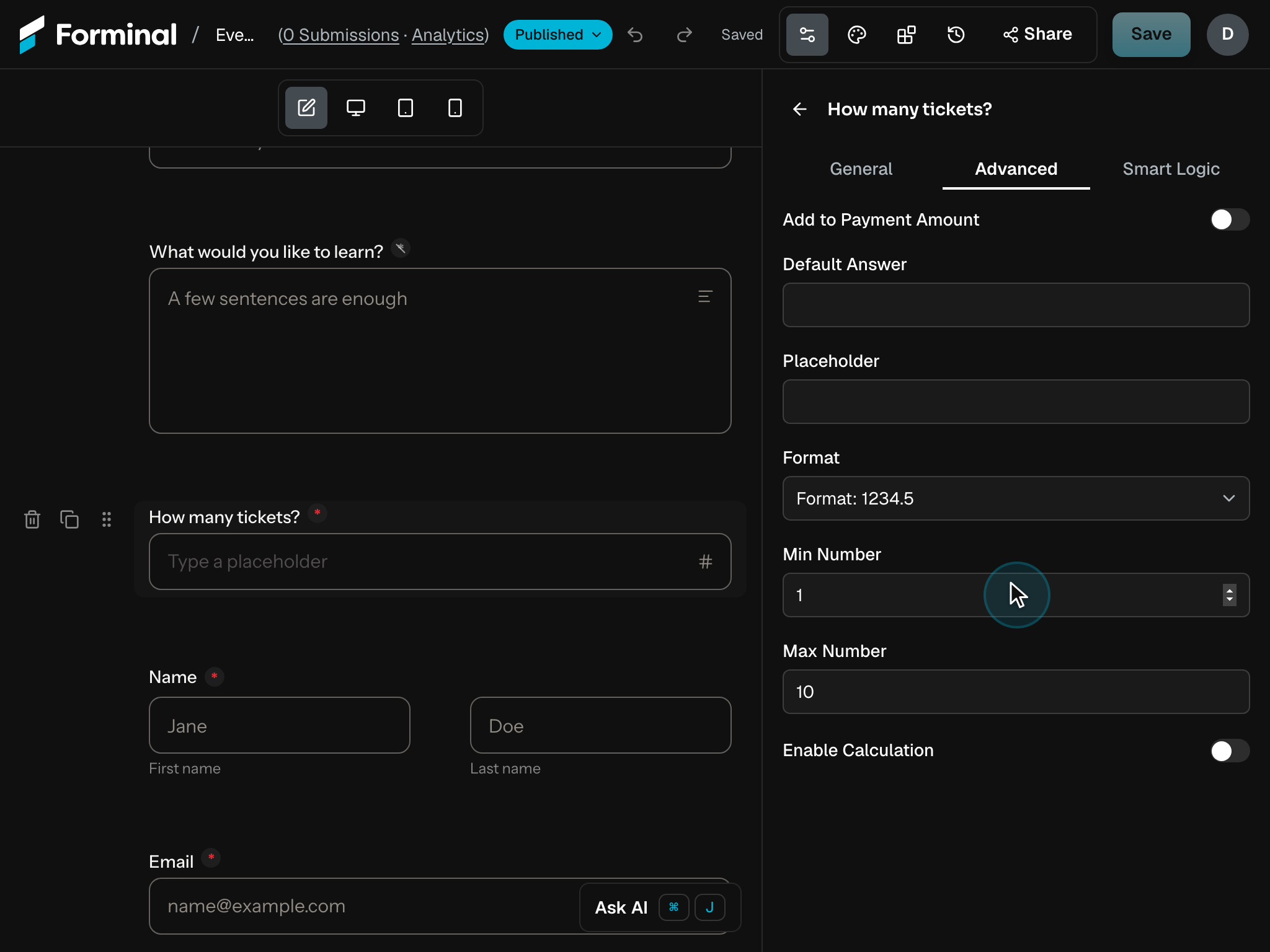
Format options
- Decimal Separator: a point (0.1) or a comma (0,1).
- Thousands Separator: none (1000), a comma (1,000) or a space (1 000). It can’t be the same character as the decimal separator, so the menu greys out the clashing choice.
- Formats: Number, Percent (adds %), US Dollar ($), Euro (€), Pound (£) or Custom. The three currencies always show two decimal places.
- Custom adds a Prefix and a Suffix box. Each takes up to 10 characters and can’t start with a minus sign, since that would look like a negative number.
The Advanced tab also has a Default Answer and a Placeholder. A default answer has to sit within your minimum and maximum. To work the number out from other answers instead of having it typed, turn on Enable Calculation there. See Calculations.
What people see
On a phone, the box opens a number keypad. People can type with or without the symbol and separators. When they leave the box, the number is tidied into your format, so “1500” in a Euro field with a comma for decimals and a space for thousands becomes “€1 500,00”. Text that isn’t a number is cleared. Negative numbers and decimals are accepted unless your limits rule them out.
If something’s wrong, they see “Enter a number”, or a message built from your limit in your format, such as “Enter 1 or more” or “Enter 10 or less”.
How answers show in submissions
The answer is saved as a plain number, so a Percent field that shows “50%” stores 50. The submissions table, the CSV export, Google Sheets and notification emails all show it in the field’s format. Smart Logic can compare it with is, is not, greater than and less than, as well as empty and not empty. On a form with a payment field, the Advanced tab also has Add to Payment Amount, which charges the number as part of the total.
Good to know
The minimum can’t be higher than the maximum.
Frequently asked questions
Can I limit a number answer to a range?
Fill in Min Number and Max Number on the Advanced tab, or leave either one empty for no limit on that side. An answer outside the range shows a message such as “Enter 10 or less”.
Does the number field accept decimals and negative numbers?
Both are accepted unless your limits rule them out. To block negative numbers, set Min Number to 0.
How is a percentage or currency answer stored?
As a plain number, so a Percent field that shows 50% stores 50. The submissions table, the CSV export, Google Sheets and notification emails still show it in the field’s format.
Can a number field work out a total from other answers?
Turn on Enable Calculation on the Advanced tab and the field fills itself in from a formula. See Calculations.
Can people choose how much to pay by typing a number?
On a form with a Payment field, turn on Add to Payment Amount on the number field, and the number typed in is charged as part of the total. That’s how a donation form with a typed amount works. See Payment.