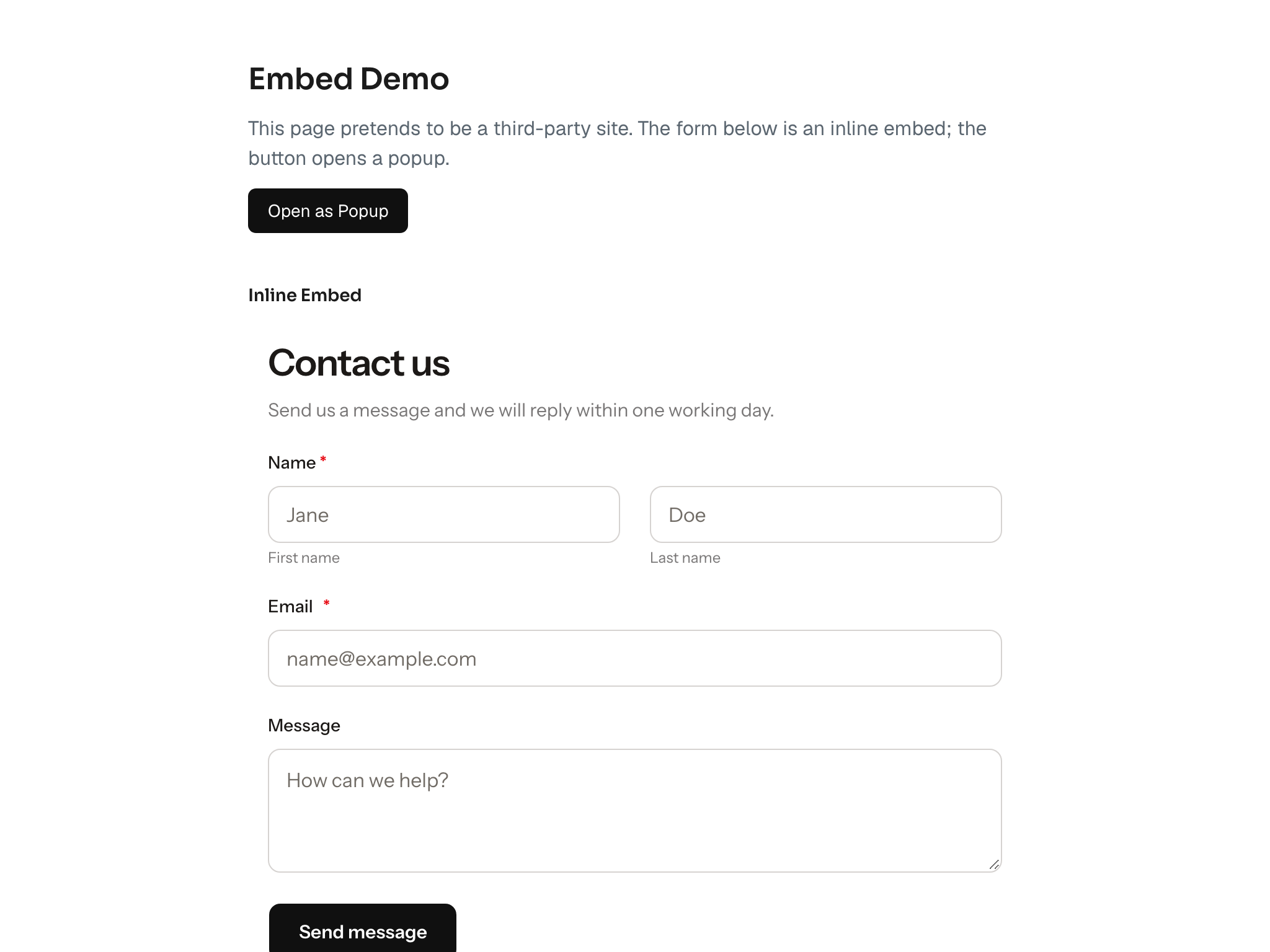
You can put a Forminal form on any WordPress page or post with the Custom HTML block that comes with WordPress. There’s no plugin to install. You build the form in Forminal, copy its code, and paste it into the block.
Pick how it appears
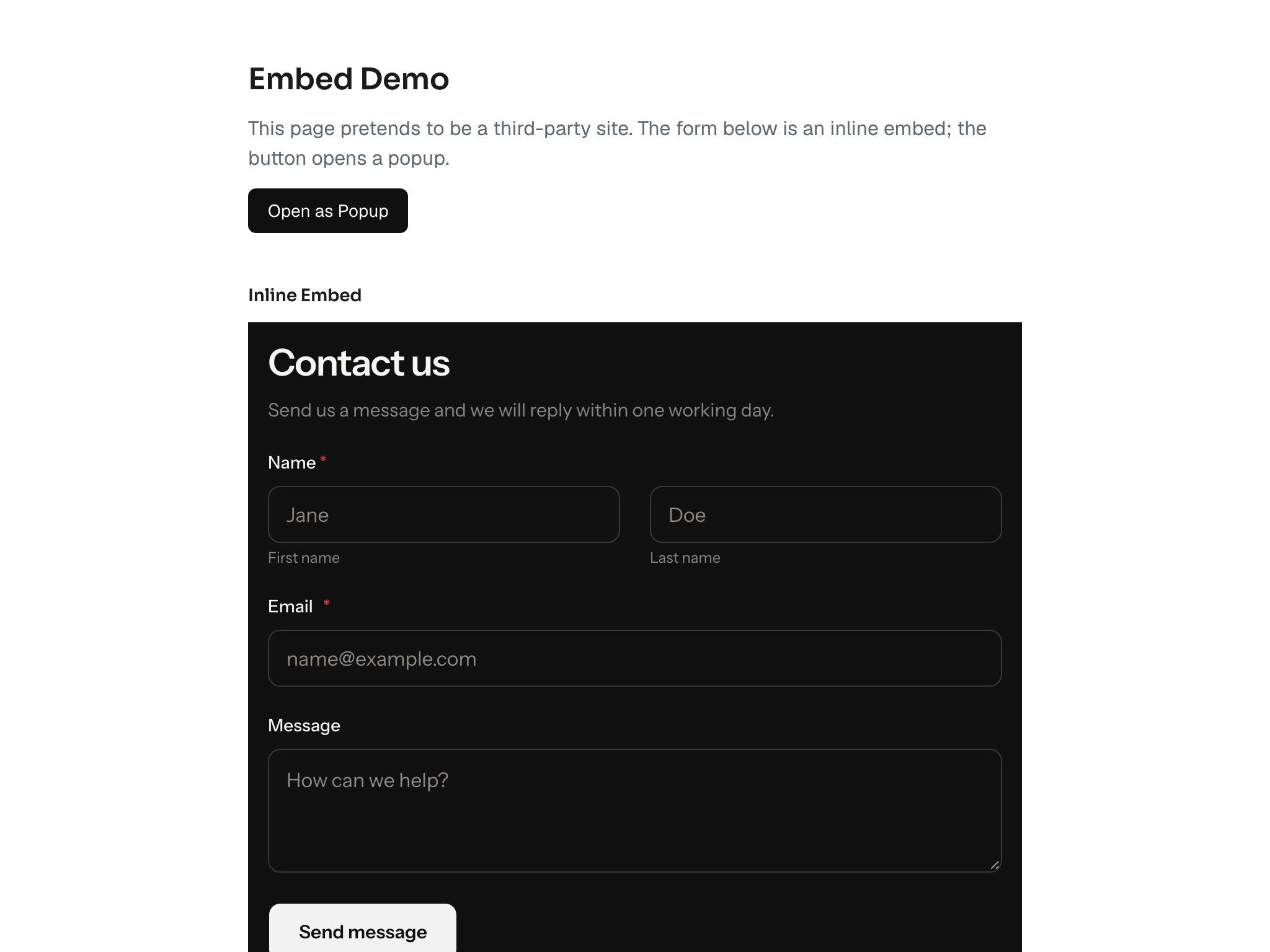
- Inline: the form sits inside the page and grows to fit what it shows.
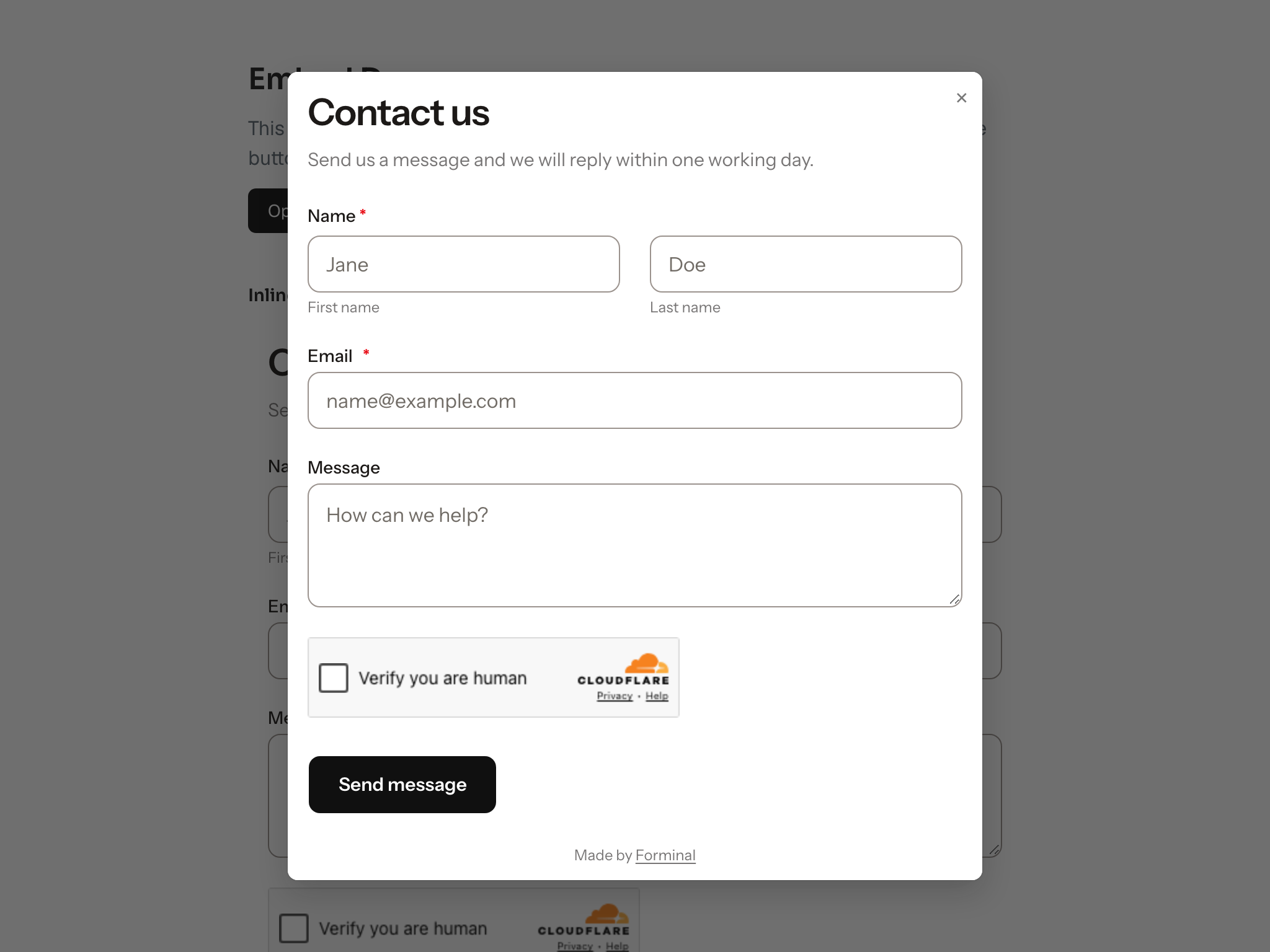
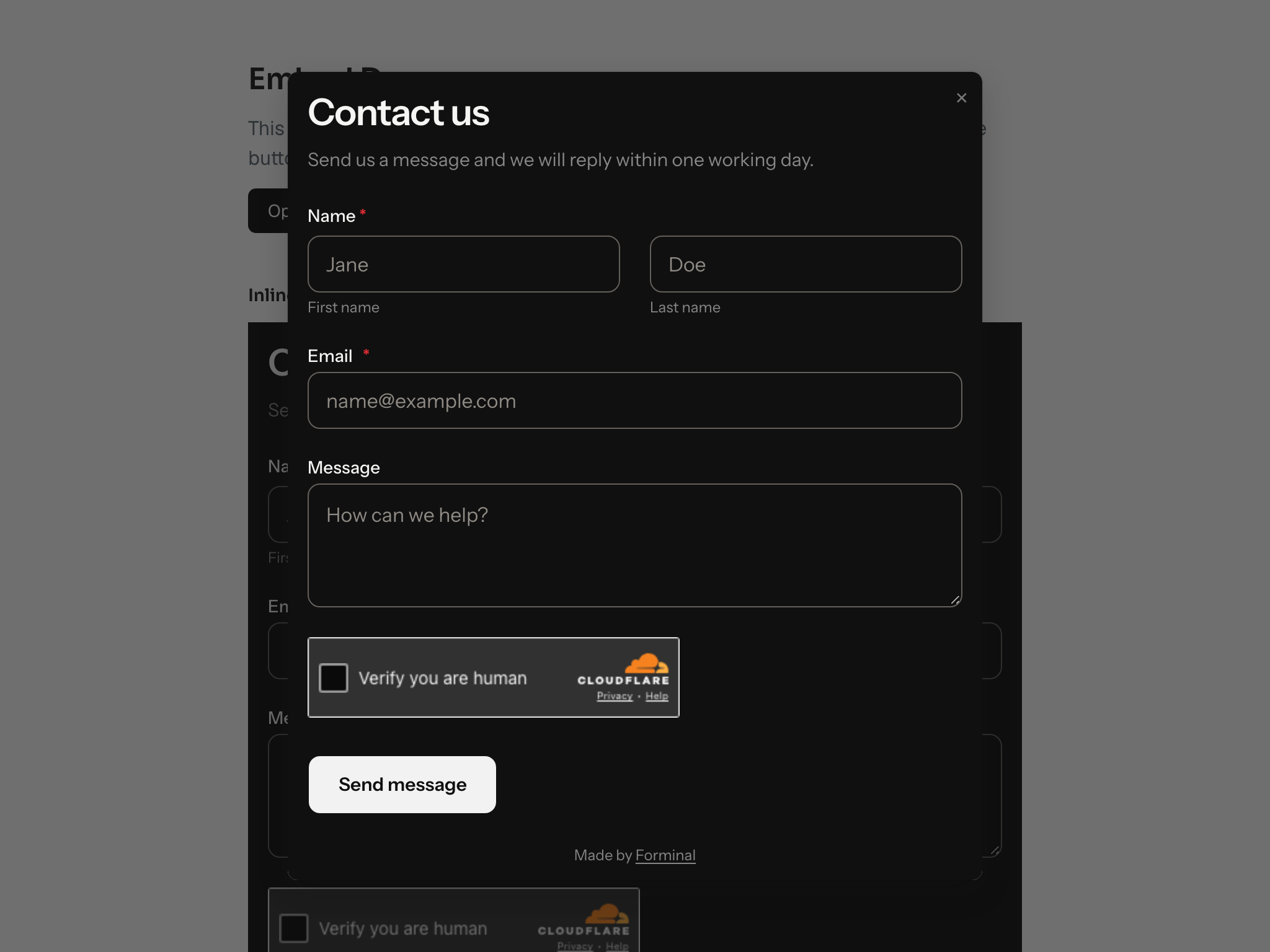
- Popup: a button on the page opens the form in a window over it.
- Link: the form opens on its own page. Put the link on a WordPress button or in a menu, with no code at all.
Add it
- In Forminal, publish the form. On the Share panel’s Embed tab, pick Inline or Popup under Embed on Your Site, pick WordPress under Where Is Your Site Built?, and select Copy Code.
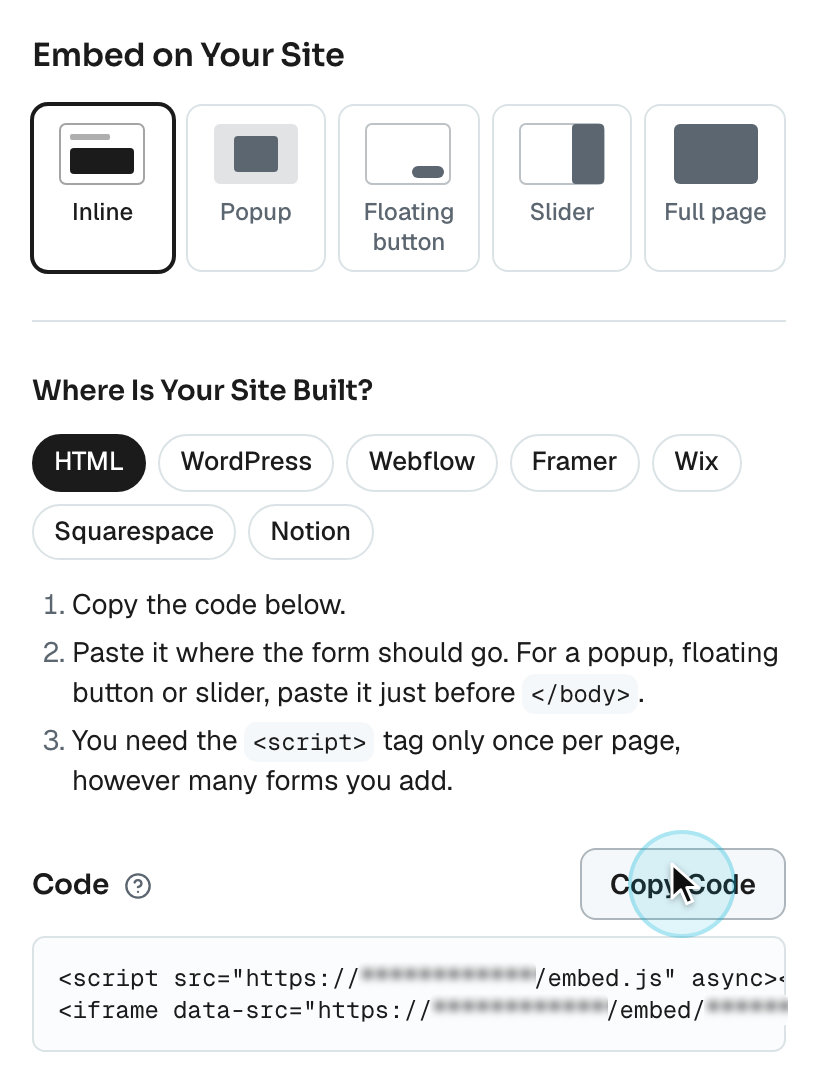
- In WordPress, open the page or post in the editor.
- Where the form should go, add a Custom HTML block: use the block inserter, or type
/htmlin an empty paragraph and press Enter. - Select Edit HTML on the block, paste the code from the form’s Share panel, and select Update. Then save or publish the page.
For a popup, change the button text from “Open form” to your own before you save. The inline embed guide and the popup guide explain the options you can add to the code.
When WordPress removes the code
WordPress keeps a script in a Custom HTML block only for users allowed to post unfiltered HTML. On a single site, those are Administrators and Editors. On a multisite network, only Super Admins can. For anyone else, such as an Author or Contributor, WordPress strips the script and the frame when the post is saved, and the form doesn’t show. Ask an Administrator to add the block, or put the form’s link on a button instead. Some hosts turn unfiltered HTML off for everyone, Administrators included, with the DISALLOW_UNFILTERED_HTML setting. The form’s link on a button still works there.
On WordPress.com, the block keeps scripts and frames only on a paid plan with hosting features turned on. On other WordPress.com plans, use the link.
Answers
Submissions go to Forminal, not to WordPress. You read them on the form’s Submissions page, along with the page each one was sent from. Turn on notifications to get an email for each one, or connect Google Sheets to add each one as a row.
Other site builders are listed on the Integrations page.
Frequently asked questions
Is Forminal a WordPress plugin?
No. Forminal is a hosted form builder that runs in the browser, and the form reaches your site through the code you paste into a Custom HTML block.
Does it work with page builders other than the block editor?
Any builder that lets you add your own HTML can hold the code, in its HTML or custom code block. A link on a button works everywhere.
Are submissions saved in my WordPress database?
No, they are saved in Forminal. To keep a copy elsewhere, download a CSV from the Submissions page or connect Google Sheets.
Does the form use my WordPress theme’s fonts?
No. It uses the look you set in Customize in Forminal, so pick fonts and colors there to match your site. Custom CSS on Pro gives you more control.