Quando le risposte devono raggiungere il tuo sistema, come un'app che crea un account per ogni iscrizione o un servizio che apre un ticket per ogni richiesta di supporto, un webhook invia ogni nuova richiesta a un URL da te scelto. Ogni richiesta è firmata, quelle fallite vengono ritentate e un registro mostra esattamente cosa è stato inviato. I webhook funzionano su ogni piano.
Aggiungi il webhook
- Open the form in the builder, select Integrations in the top bar, then select Connect next to Webhooks.
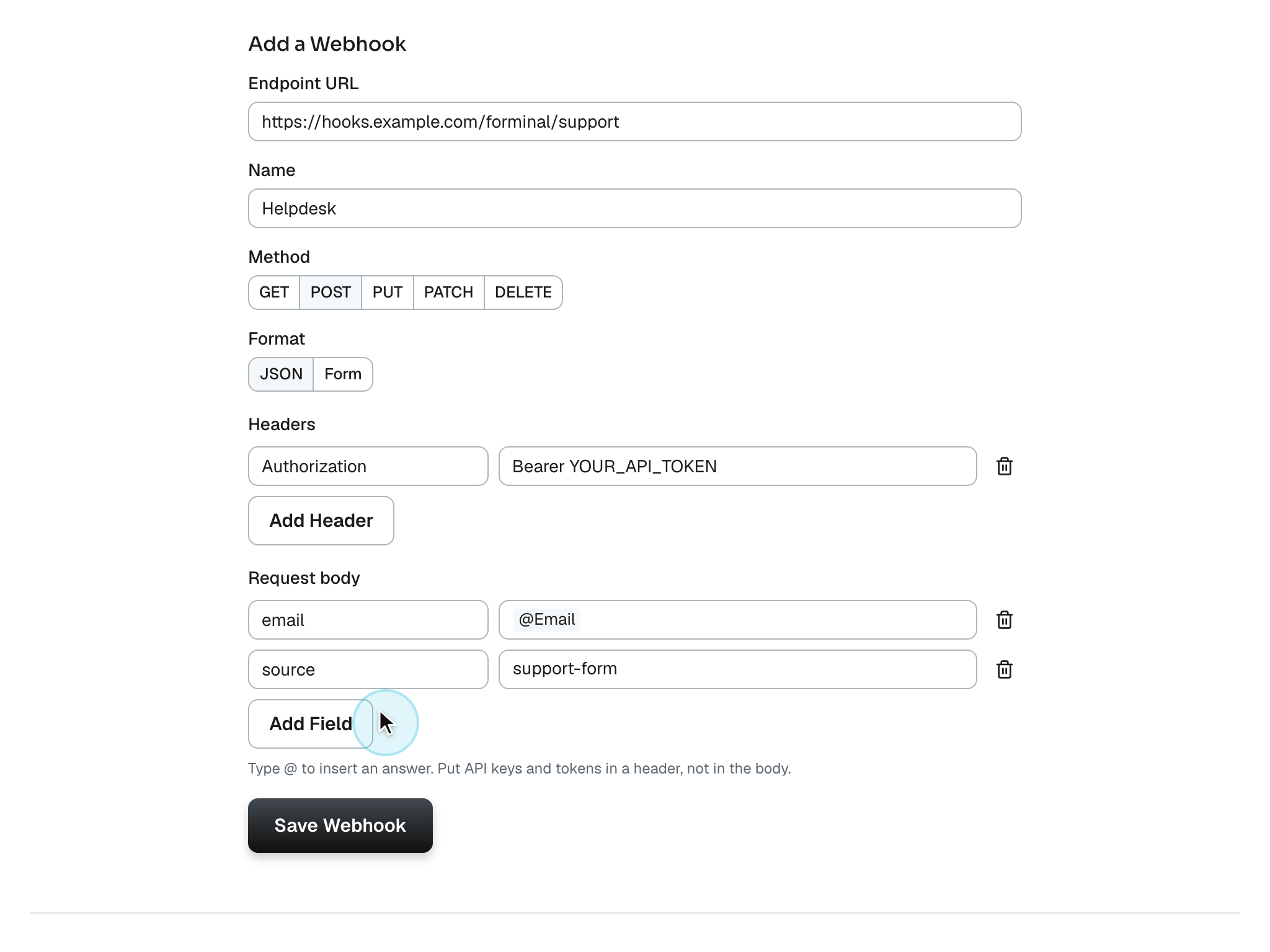
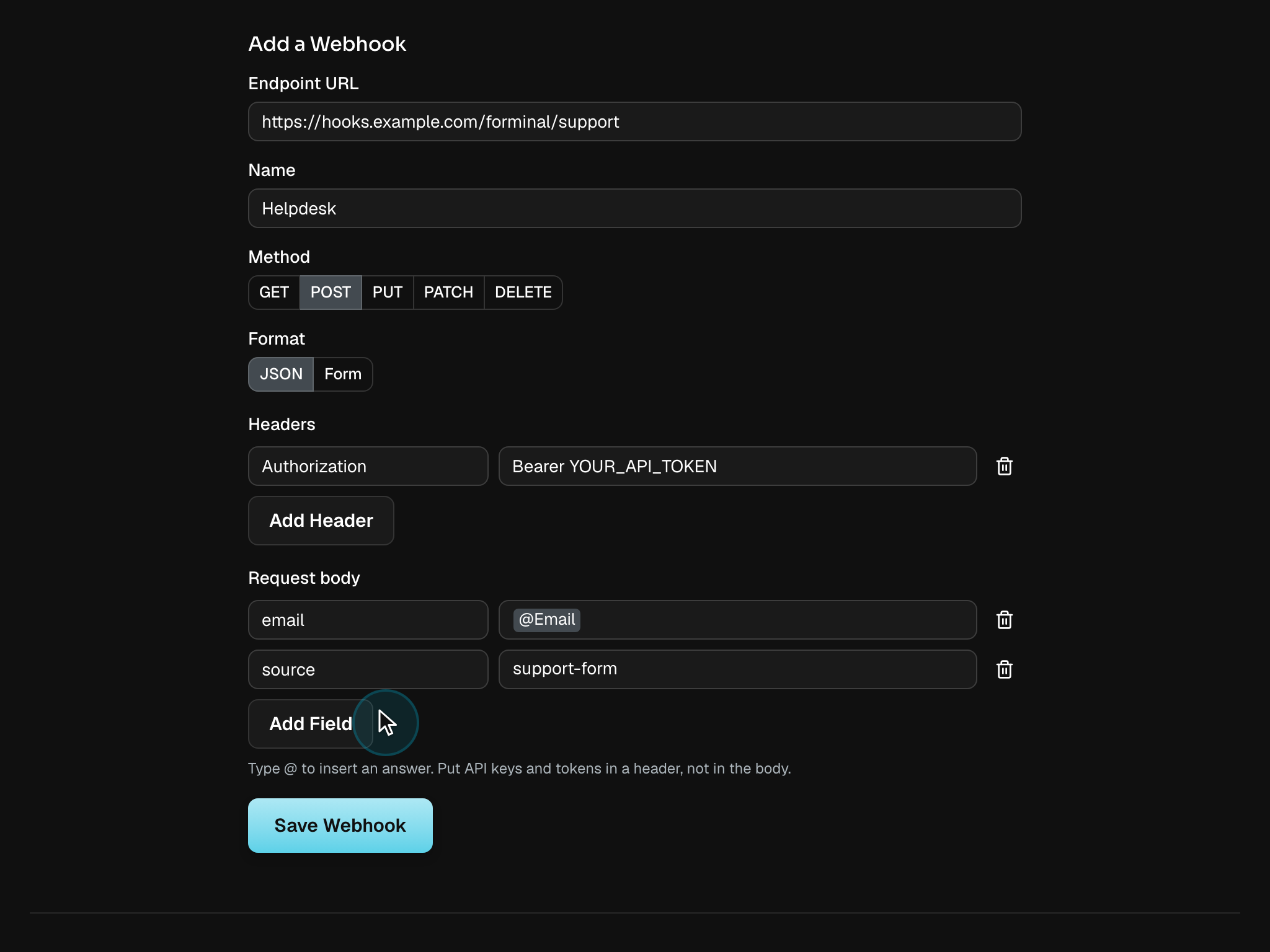
- Under Add a Webhook, paste your URL. It has to start with https:// and point at a public address.
- Give it a Name if you like. Left empty, the webhook is named after the URL’s host.
- Under Method, choose GET, POST, PUT, PATCH or DELETE. POST is picked to start with.
- Under Format, choose JSON or Form. GET has no format, because it sends the body as a query string.
- If your endpoint expects a key or a token, select Add Header and enter it, such as Authorization with Bearer and your token.
- Select Save Changes.
Decidi cosa inserire nel body
Leave Request Body empty, and your endpoint gets the full submission as one document:
event: sempre submission.created, contestimpostato su true per i dati di test.form: l'ID e il titolo del modulo.submission: il suo ID, quando è arrivato, la pagina da cui è stato inviato, il paese, i suoi valori UTM se il link ne aveva, e il pagamento su un modulo che lo accetta.answers: ogni risposta come testo, indicizzata per l'etichetta della domanda.answersById: le stesse risposte indicizzate per l'ID del campo, che non cambia quando rinomini una domanda.fields: l'ID, il tipo, l'etichetta, la risposta come testo e il valore grezzo di ogni campo.
If your API expects its own shape, select Add Field under Request Body for each key it wants, and type @ in the value to insert an answer. The body then holds only those keys. File uploads and signatures come through as links to the files.
Invia un test
The saved webhook appears under Connected Webhooks. Select Send Test Data on its row, and your endpoint gets a request with sample answers and test set to true, so you can check your code before a real submission arrives.
Verifica che la richiesta provenga da Forminal
Anyone who learns your URL could post to it, so check every request before you trust it. Each one is signed following the Standard Webhooks specification, in three headers: webhook-id, webhook-timestamp and webhook-signature. Find the secret on the webhook’s page under Signing Secret and select Reveal. A Standard Webhooks library checks the signature for you and refuses a request whose signature doesn’t match.
webhook-id stays the same when a delivery is retried, so use it to skip one you’ve already handled. If the secret leaks, select Rotate. The old one stops working at once, so update your endpoint right after.
Quando il tuo server è offline
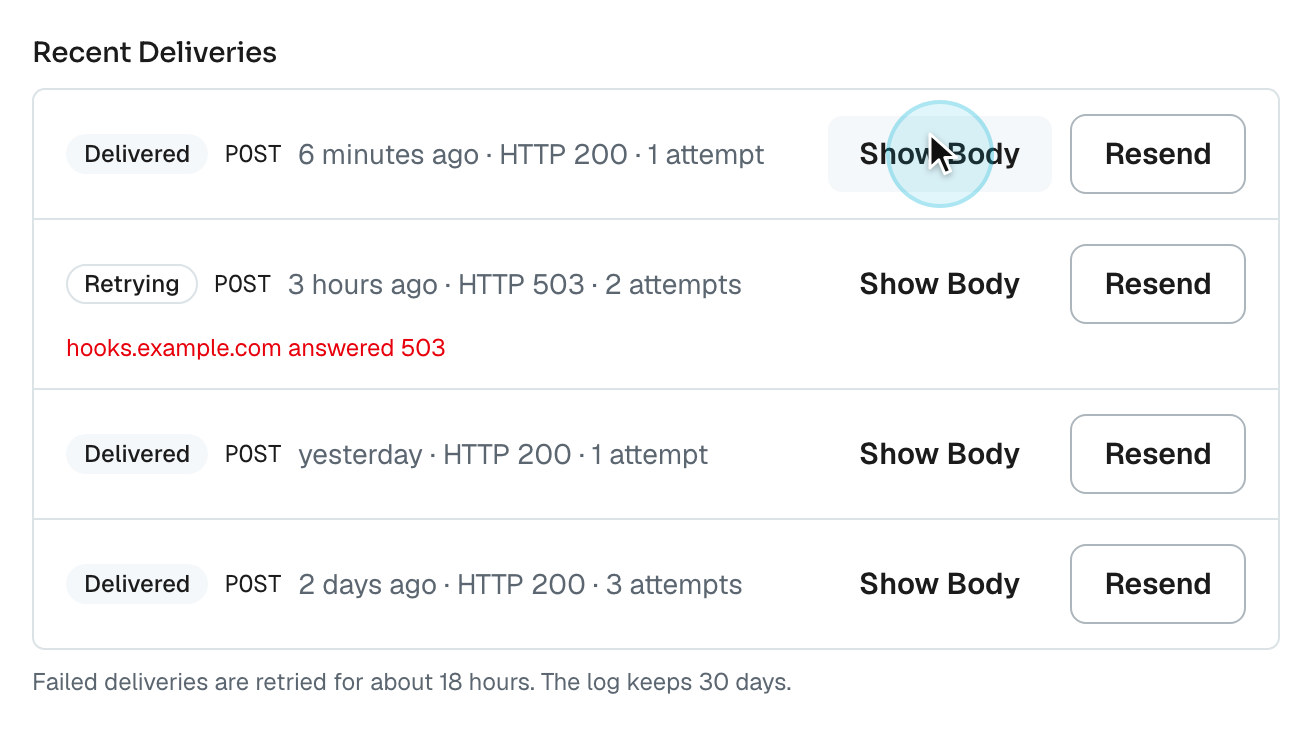
Qualsiasi risposta 2xx conta come consegnata. Se il tuo endpoint non risponde entro 10 secondi, non è raggiungibile o risponde con un errore, la consegna viene ritentata dopo 1 minuto, poi 5 e 30 minuti, poi 2, 5 e 10 ore: sette tentativi in circa 18 ore. I reindirizzamenti non vengono seguiti, quindi una risposta 3xx conta come fallimento e una risposta 410 Gone interrompe immediatamente i ritentativi. Un ritentativo va all'URL e alle intestazioni che il webhook ha in quel momento, quindi la correzione di un URL errato corregge anche le consegne in attesa.
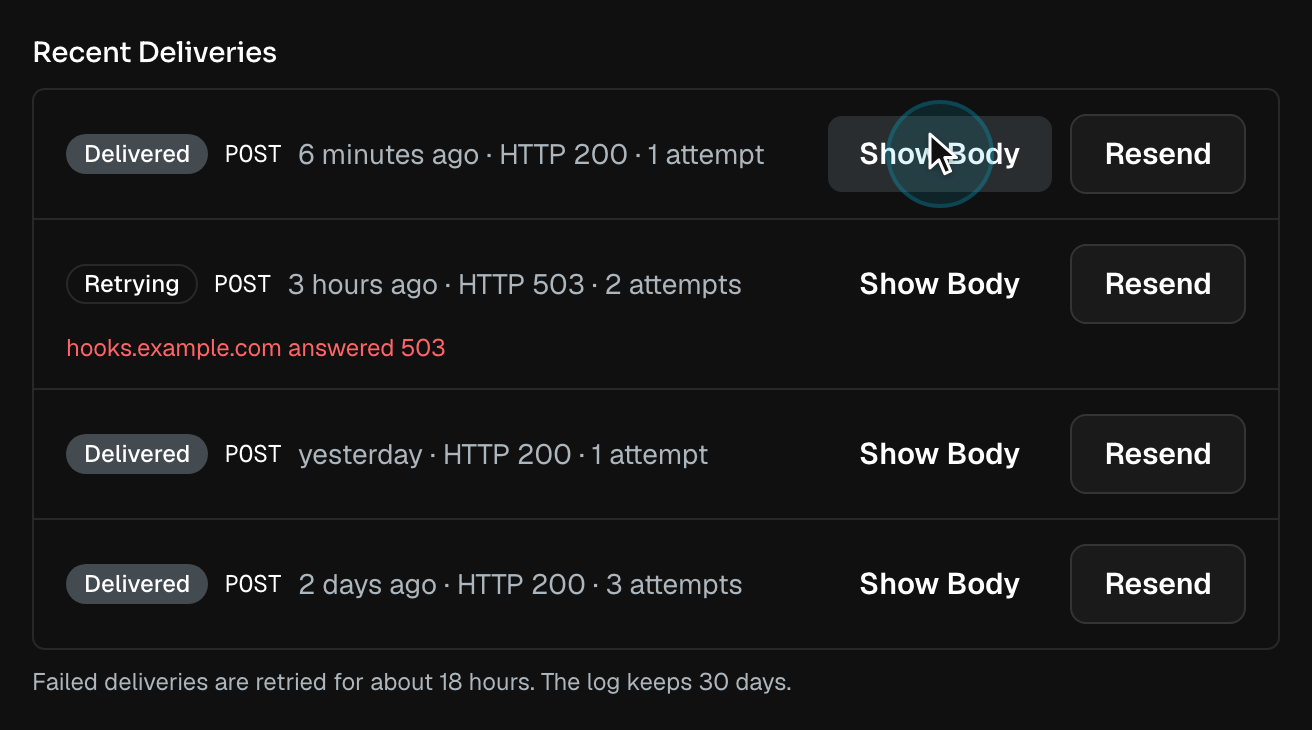
Recent Deliveries on the webhook’s page lists the newest 50, each as Delivered, Retrying or Failed, with the last status code and the number of attempts. Select Show Body to see exactly what was sent, or Resend to send it again now. Deliveries stay in the log for 30 days.
Buono a sapersi
- Lo spam non viene mai inviato e su un modulo con un campo Pagamento la richiesta attende che il pagamento sia stato effettuato.
- Un modulo può inviare fino a 10 webhook, ciascuno con fino a 10 intestazioni e 50 campi nel corpo.
- Inserisci le chiavi API e i token in un'intestazione, non in un campo del corpo. I valori delle intestazioni vengono archiviati crittografati e non vengono mai più visualizzati, mentre i campi del corpo vengono visualizzati nella pagina del webhook.
La pagina Webhook contiene il payload completo, entrambi i formati e ogni limite. Per recuperare le sottomissioni secondo la tua pianificazione, consulta invece Usa l'API REST.
Crea un account gratuito e invia la tua prima richiesta di test al tuo endpoint.