Testo breve è una singola riga per risposte che si adattano a poche parole, come il nome di un'azienda o un numero d'ordine. Usalo quando nessun altro tipo di campo specifico è adatto.
Esempi
- Un modulo di contatto che richiede il nome dell'azienda.
- Una registrazione a un evento che richiede il titolo del lavoro da stampare sul badge.
- Un modulo di reso che richiede il numero d'ordine, con Logica intelligente che mostra una domanda di follow-up quando inizia con "EU".
Aggiungilo a un modulo
- In the builder, point between two fields and select Add Field. On an empty form, select Start from Scratch.
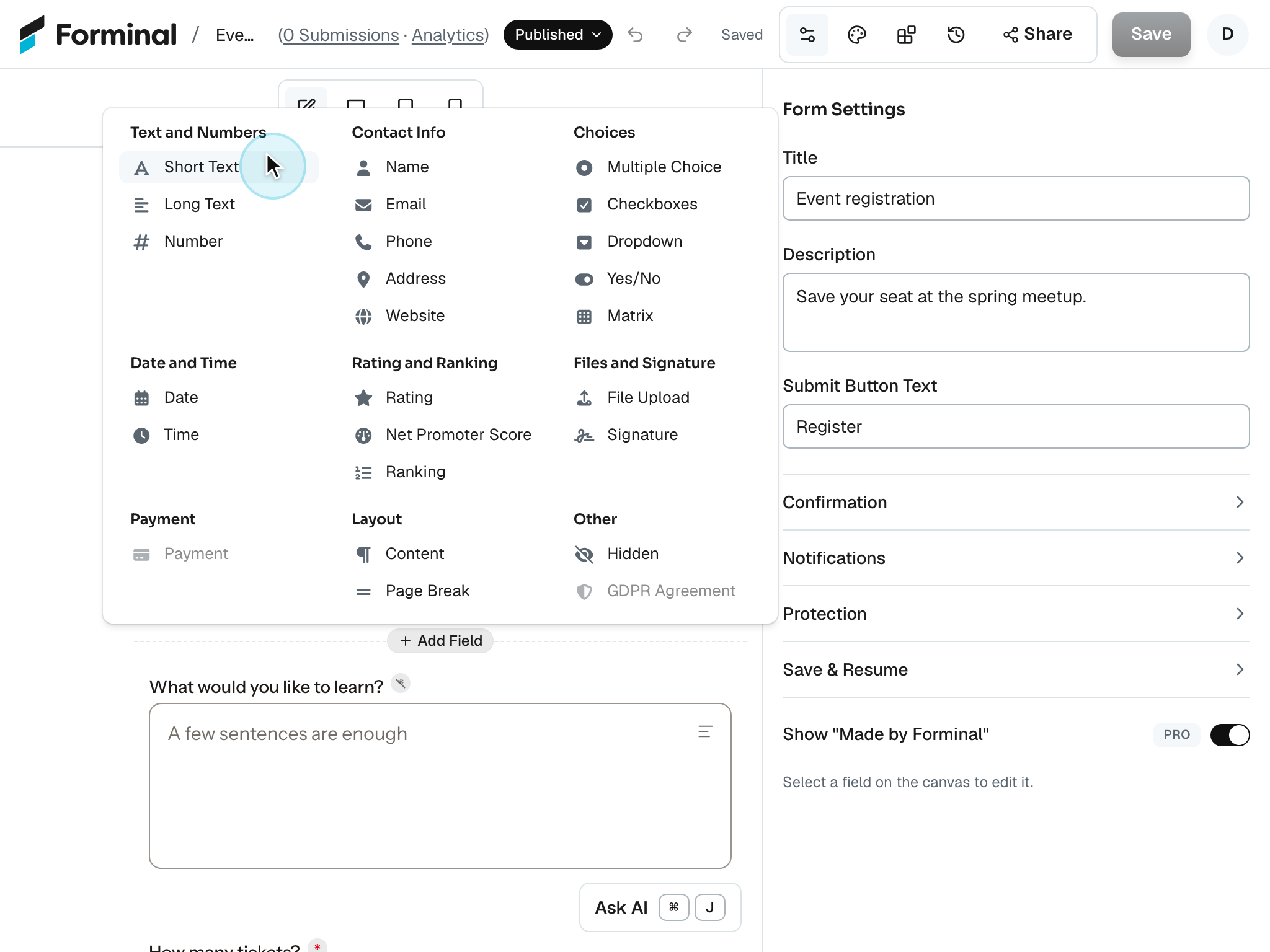
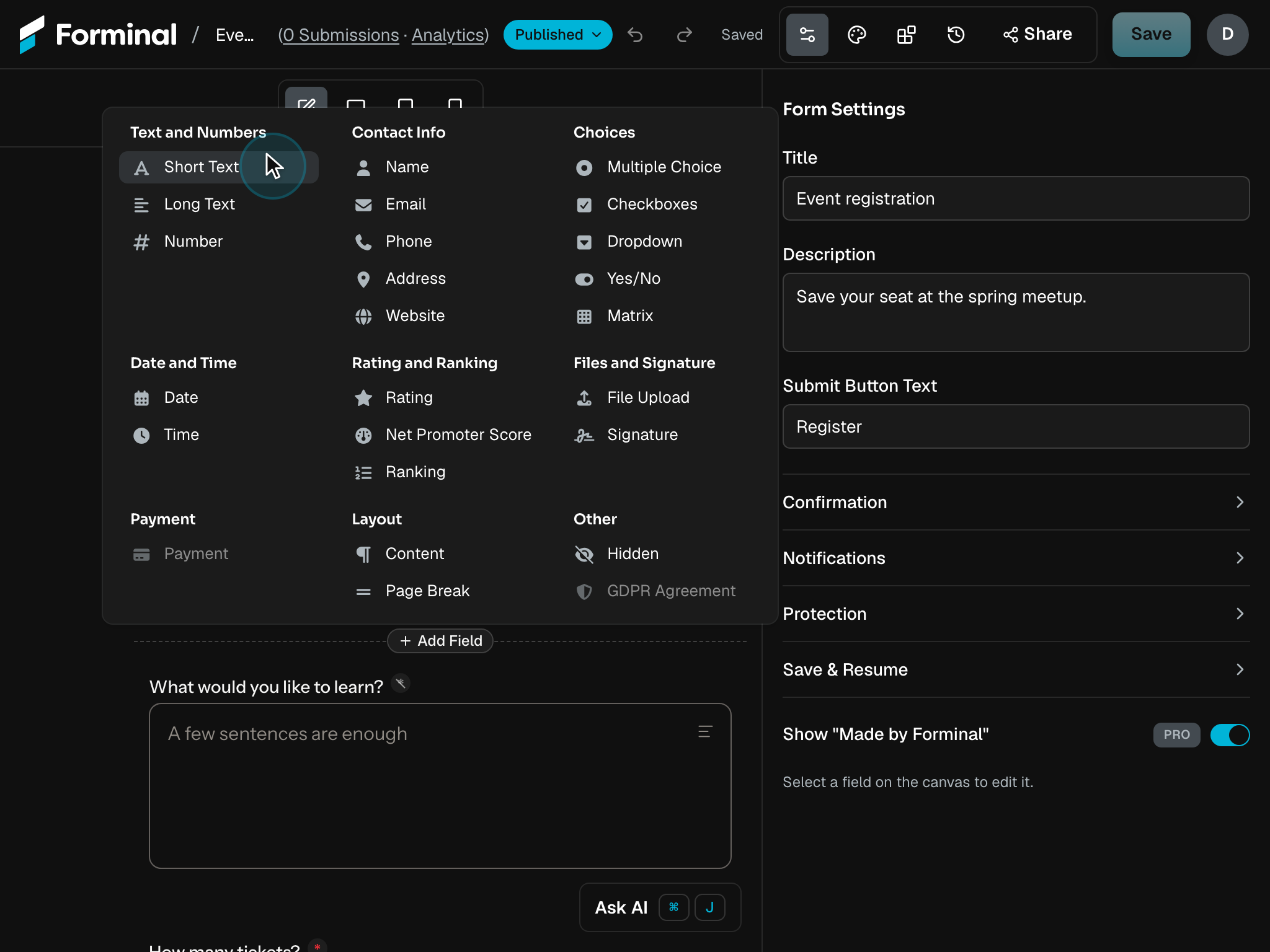
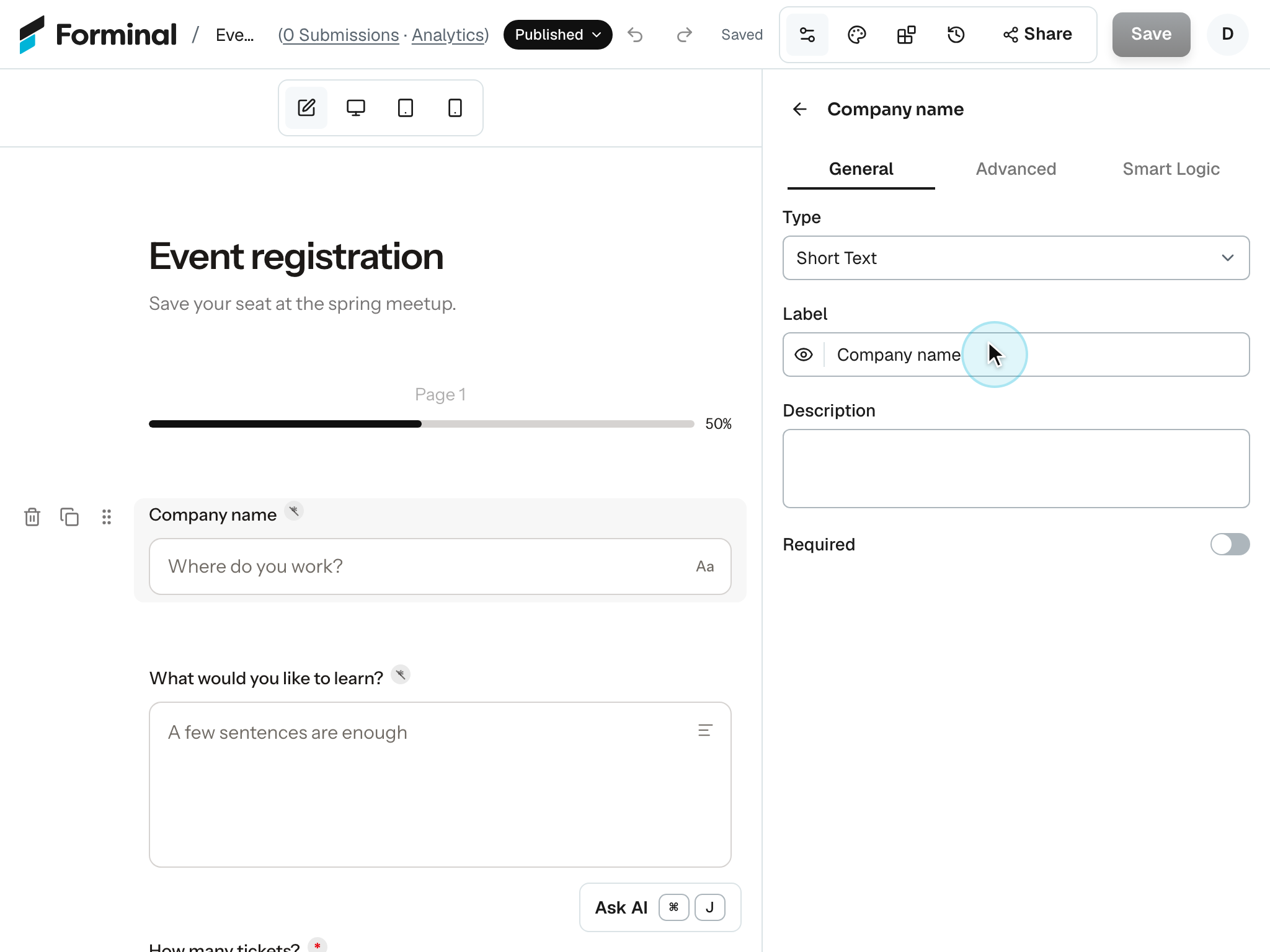
- Under Text and Numbers, select Short Text. It’s added with the label “Short answer” and selected, so its settings open on the right.
- Type your question over the label, either on the canvas or in the Label box.
Impostazioni
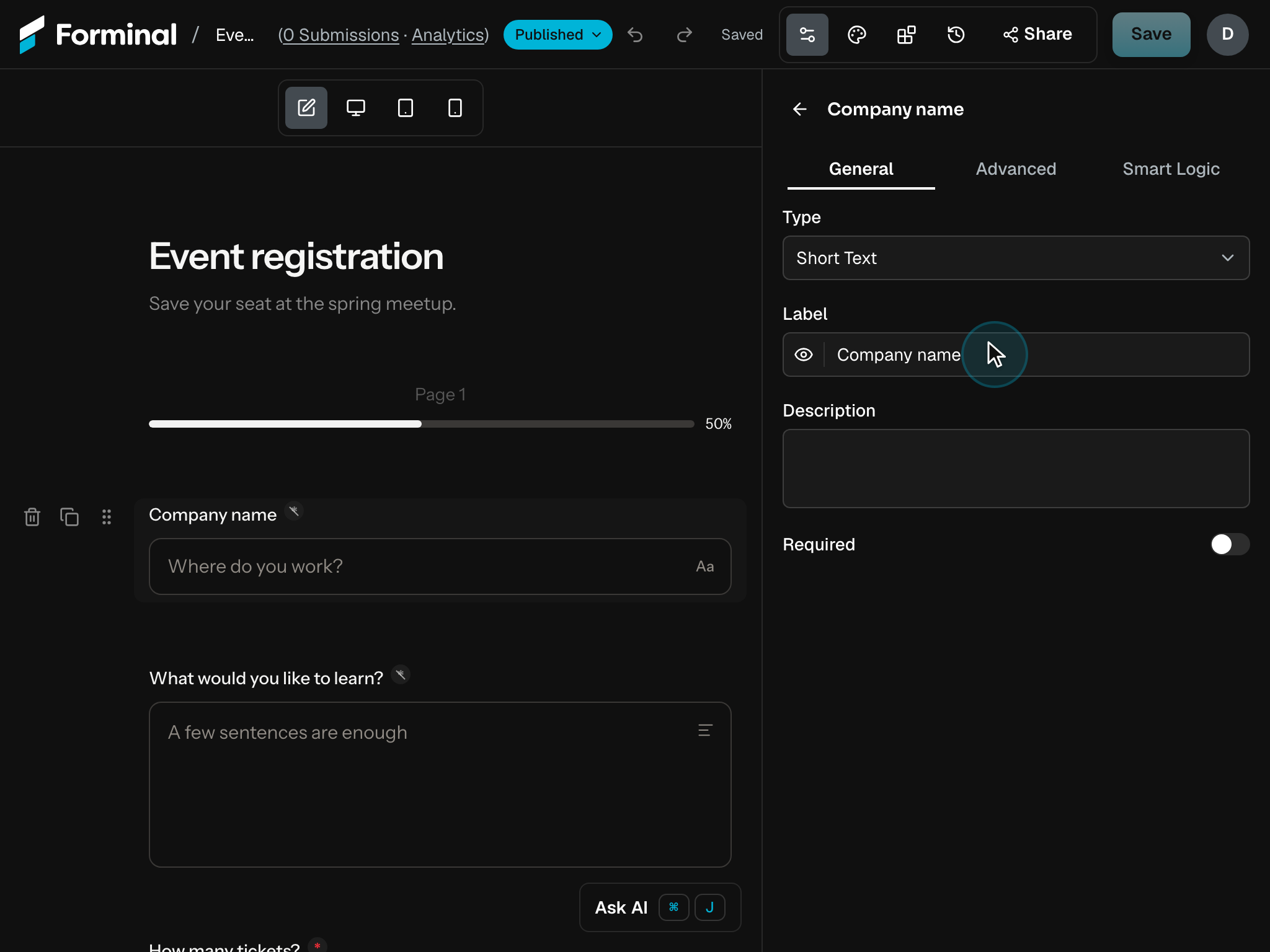
The General tab holds the Type, the Label, a Description with its Description Position (under the label, or under the box), and the Required switch. You can also click the small asterisk next to the label on the canvas to make the field required. The eye button at the start of the Label box hides the label on the form, while screen readers still read it. Use it on a short form where the placeholder says what to type. See Hide a field’s label.
The Advanced tab holds the Placeholder, the grey hint inside the empty box, and the Default Answer, which fills the box in before anyone types. You can also edit the placeholder right inside the box on the canvas. Type @ in the label, description or placeholder to pipe in an earlier answer.
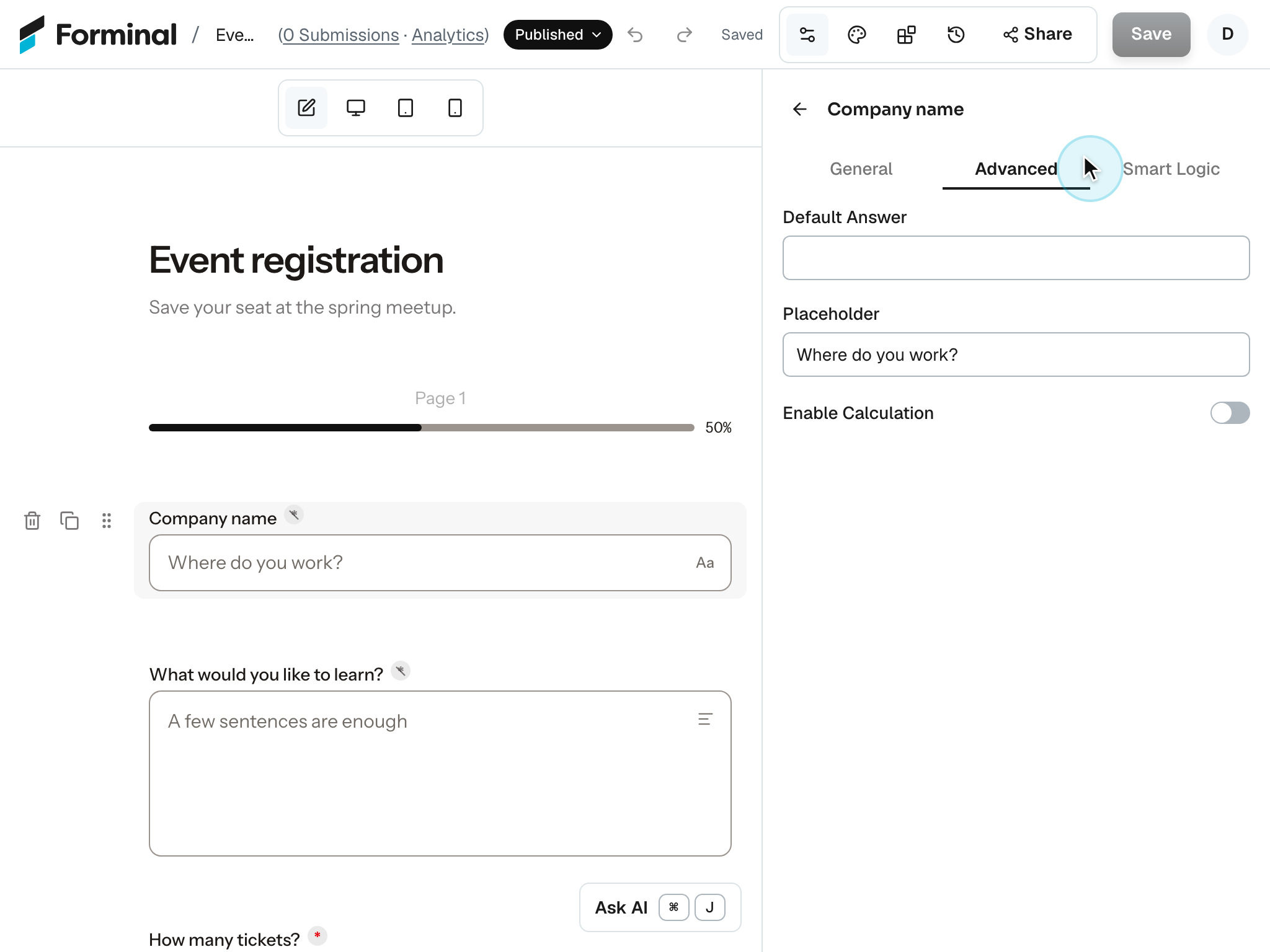
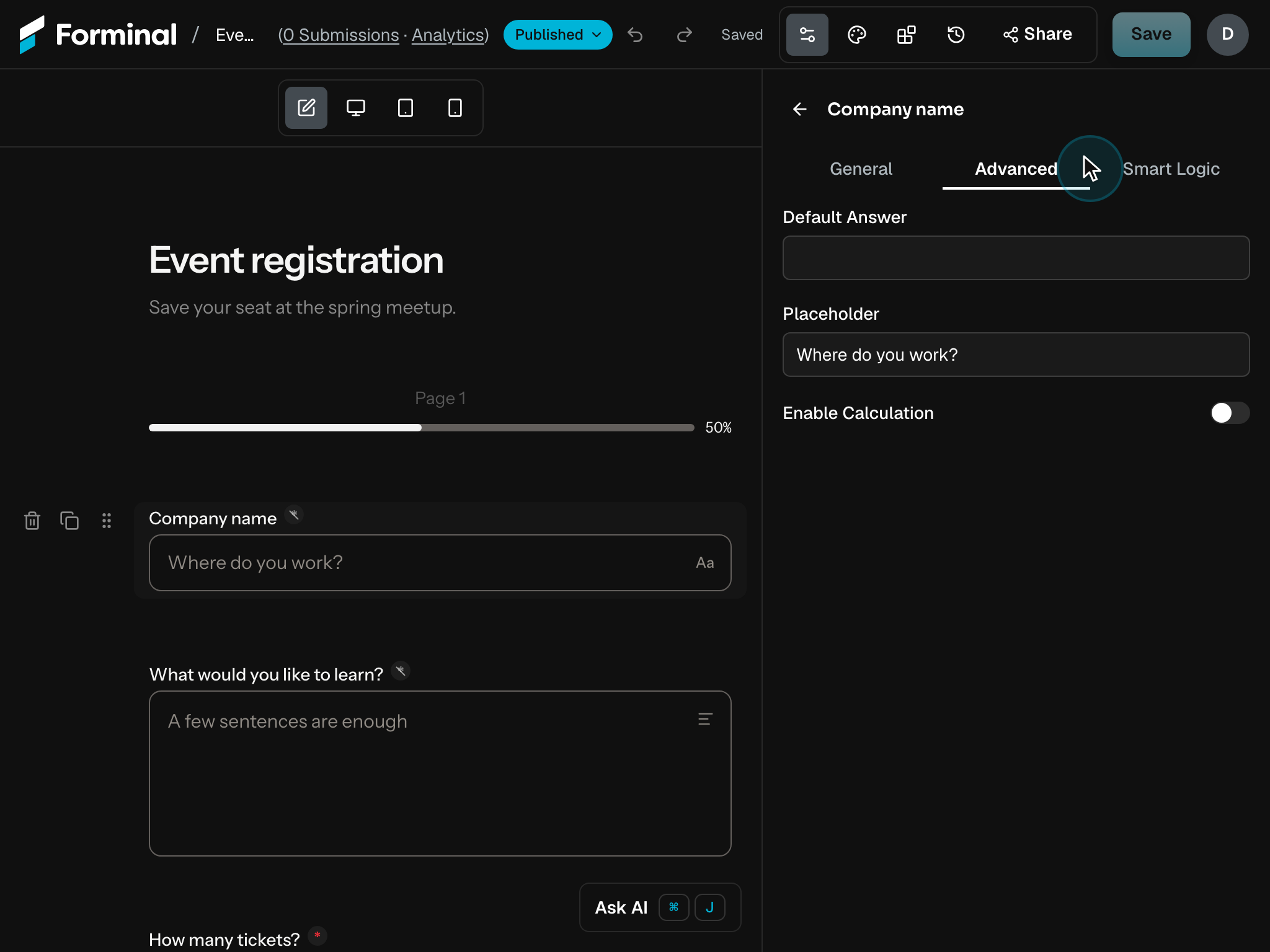
The Smart Logic tab can show or hide this field based on other answers. Other fields can also use a short text answer in their rules, with is, is not, contains, does not contain, starts with, ends with, empty and not empty. These checks ignore upper and lower case.
Come vengono visualizzate le risposte nelle sottomissioni
La risposta viene salvata con gli spazi rimossi da entrambe le estremità. Viene visualizzata come digitata nella tabella delle sottomissioni, nella sua colonna nell'esportazione CSV e nelle email di notifica. Se il campo non ha etichetta, la sua colonna si chiama "Domanda" e il suo numero.
Buono a sapersi
Una risposta può essere lunga fino a 500 caratteri, così come la risposta predefinita. Un campo obbligatorio lasciato vuoto mostra "Questo campo è obbligatorio". L'etichetta può essere lunga fino a 200 caratteri, la descrizione fino a 1.000 e il segnaposto fino a 200. Fino a quattro campi possono condividere una riga e un modulo contiene fino a 50 campi. Per risposte più lunghe, usa Testo lungo. Per ottenere un'email, un numero di telefono o un link validi, usa il campo Email, Telefono o Sito web, che controllano il formato per te.
Domande frequenti
Quanto può essere lunga una risposta di testo breve?
Fino a 500 caratteri. Per qualsiasi cosa più lunga, come un paragrafo di feedback, usa Testo lungo, che accetta fino a 5.000.
Il testo breve verifica che una risposta sia un indirizzo email o un numero di telefono?
Una risposta di testo breve può decidere quali domande mostrare successivamente?
Può farlo. Altri campi possono usarlo nelle loro regole di Logica intelligente, ad esempio per mostrare una domanda quando la risposta inizia con o contiene un determinato testo. Questi controlli ignorano maiuscole e minuscole.
Posso mettere due campi di testo brevi sulla stessa riga?
Trascina un campo sul bordo sinistro o destro di un altro nel builder e condivideranno la riga. Fino a quattro campi entrano in una riga e sulla maggior parte dei telefoni si impilano uno sotto l'altro. Vedi Campi affiancati.