A Code block puts a Forminal form on a Squarespace page, inline or behind a button. You build the form in Forminal, copy its code, and paste it into the block.
Pick how it appears
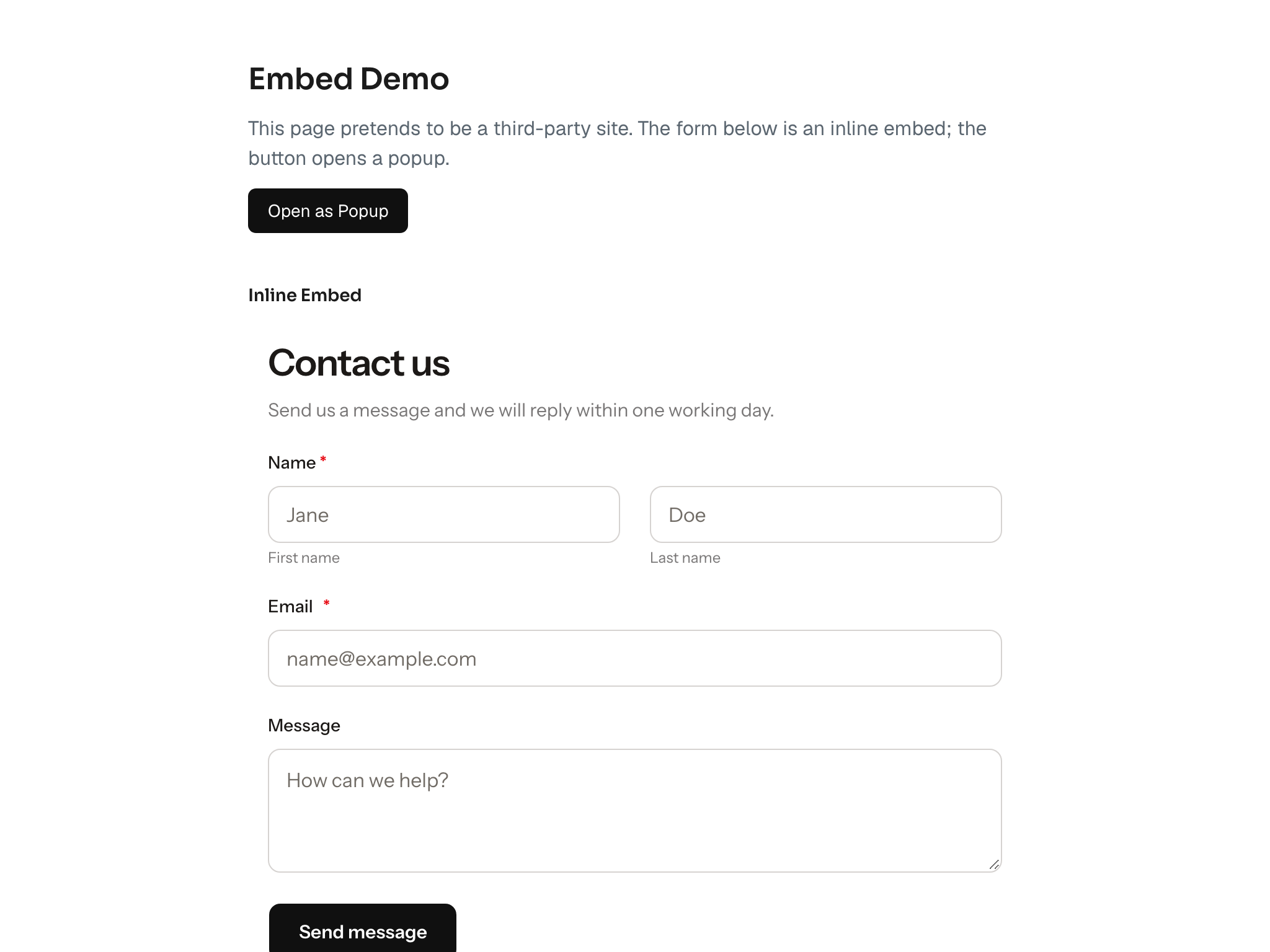
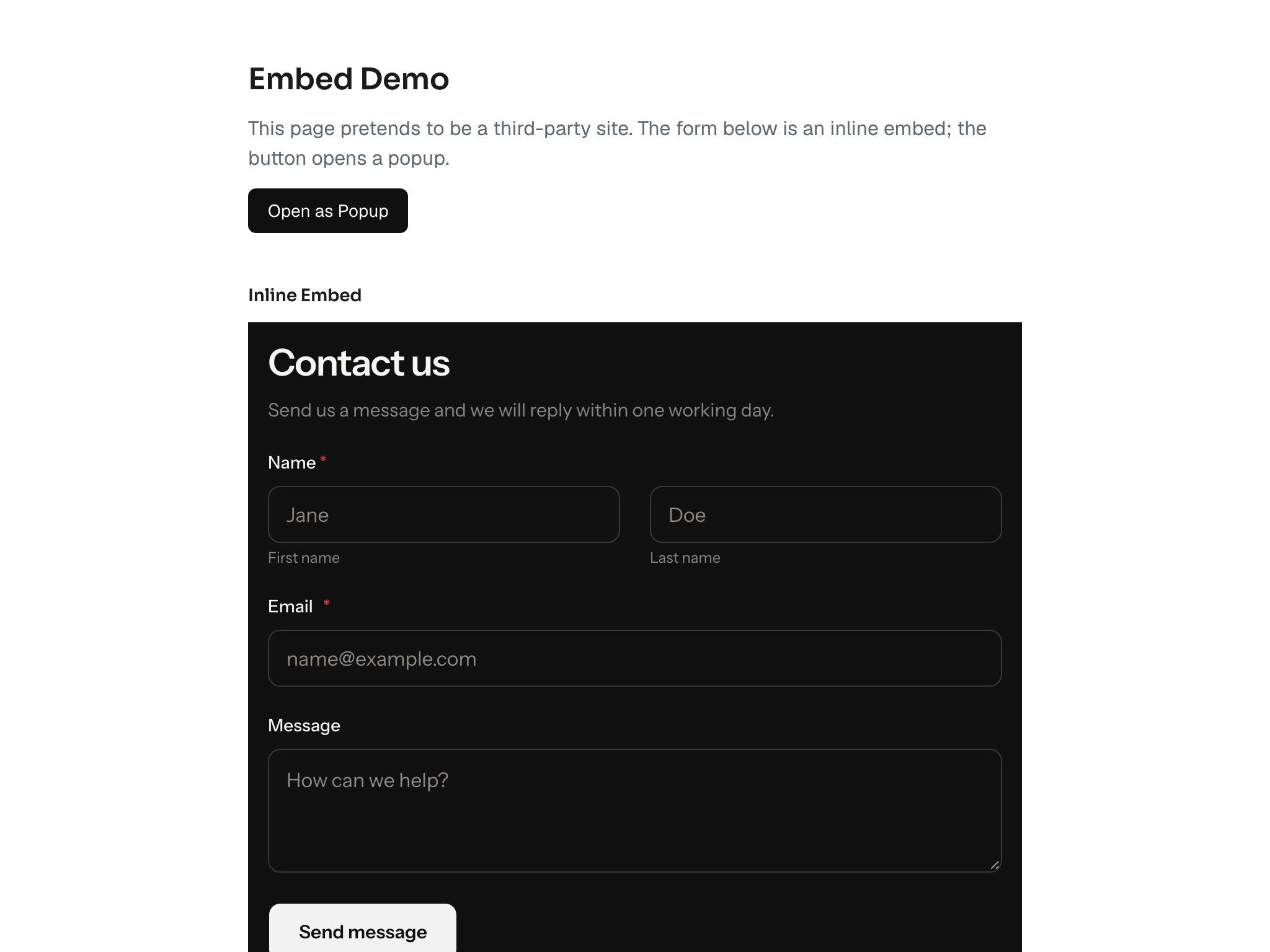
- Inline: the form sits inside the page and grows to fit what it shows.
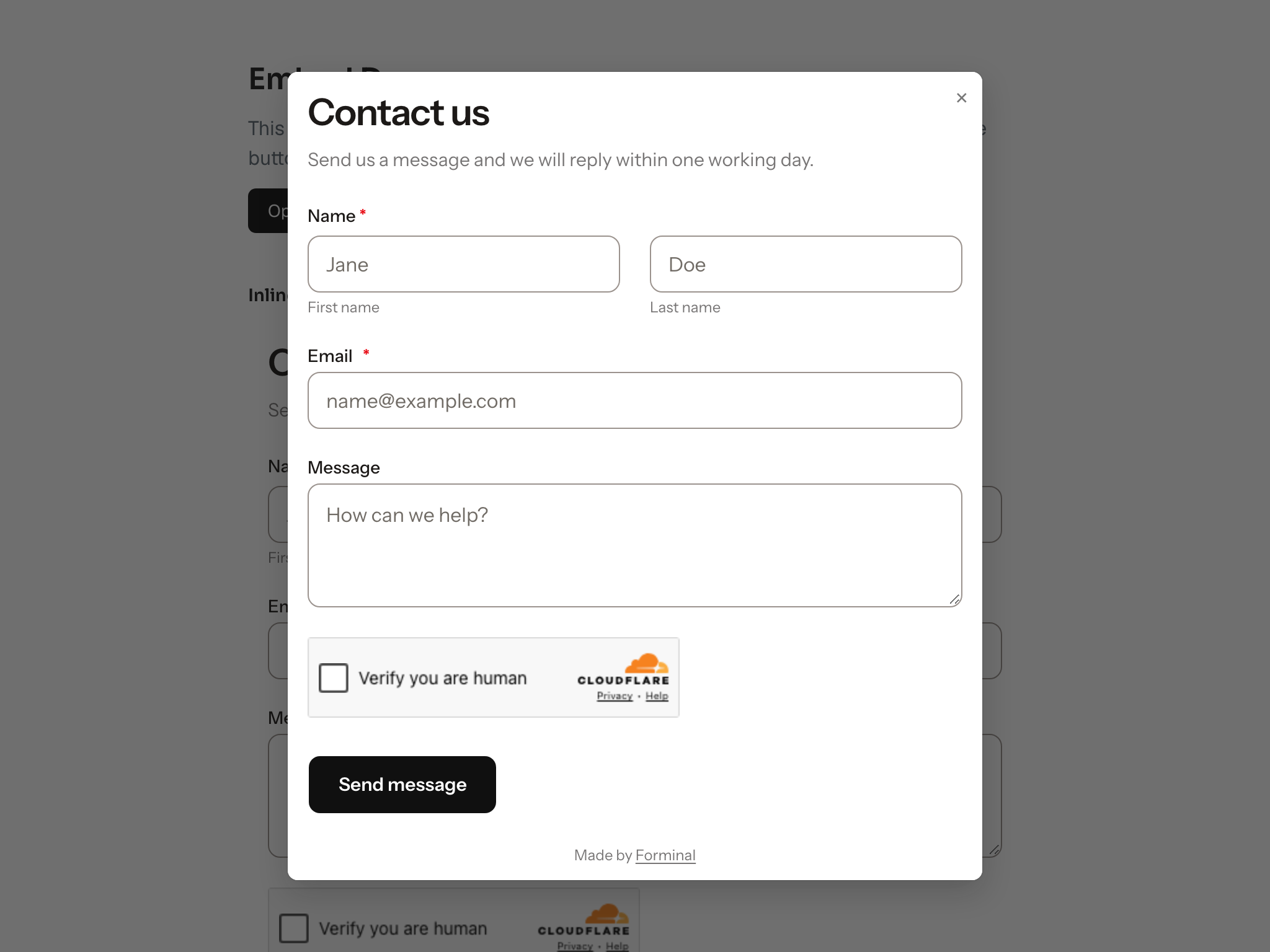
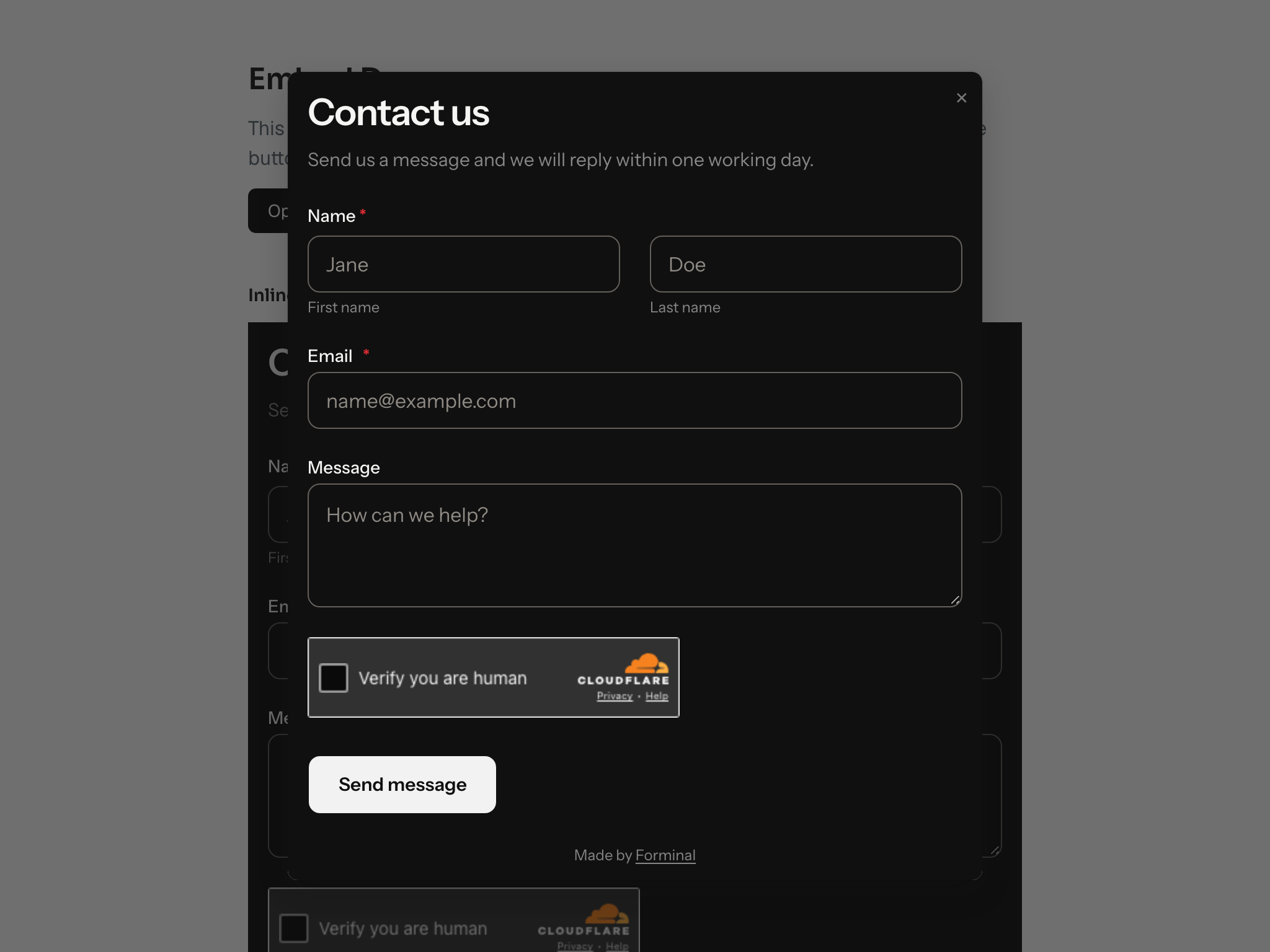
- Popup: a button on the page opens the form in a window over it.
- Link: the form opens on its own page. Point a Squarespace Button block at it, with no code. This works on every plan.
Add it
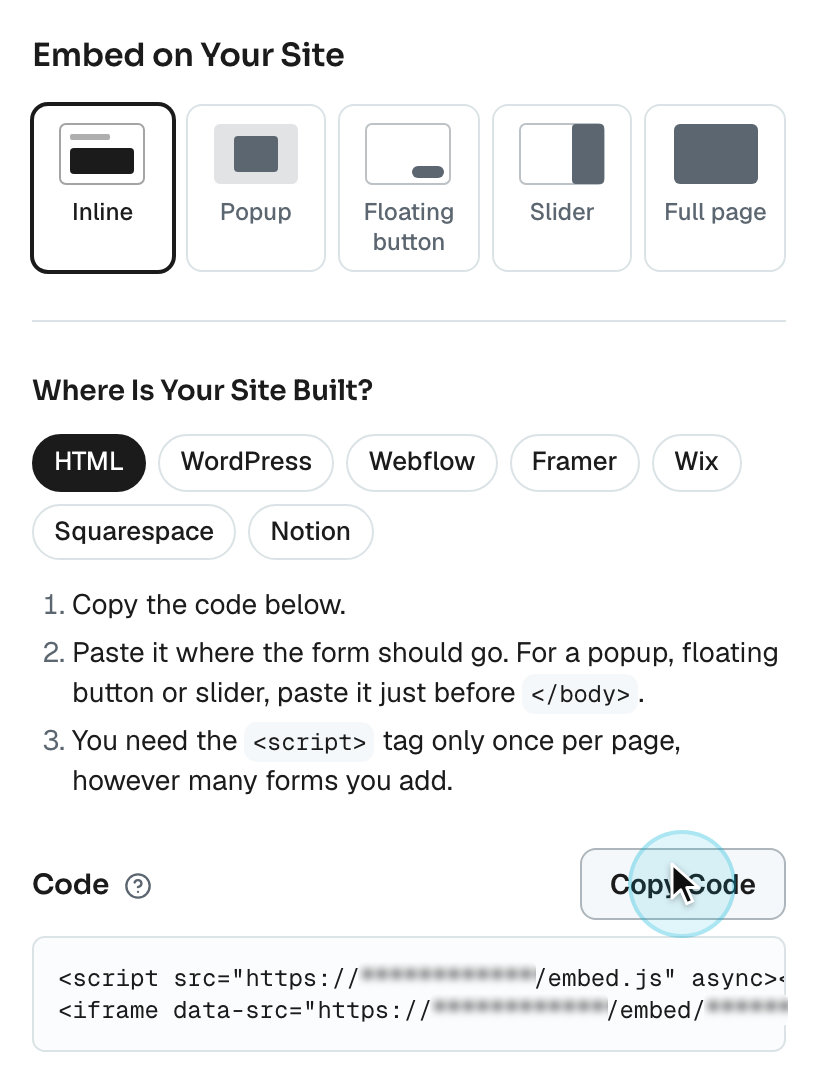
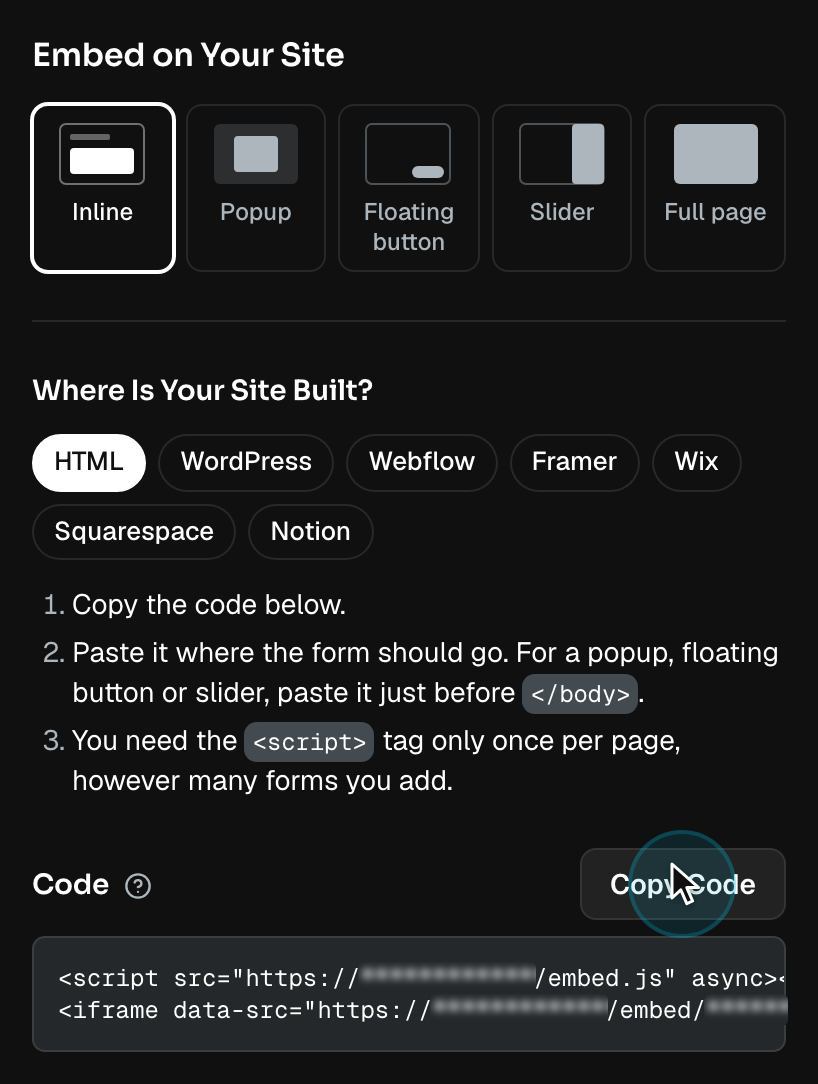
- In Forminal, publish the form. On the Share panel’s Embed tab, pick Inline or Popup under Embed on Your Site, pick Squarespace under Where Is Your Site Built?, and select Copy Code.
- In Squarespace, edit the page. Hover over the section where the form should go, select Add block, and pick Code.
- Select the pencil icon on the block and set Mode to HTML. Leave Display Source off, or the block shows the code as text instead of running it.
- Paste the code from the form’s Share panel into the text field, then save the page.
For a popup, change the button text from “Open form” to your own before you save. The inline embed guide and the popup guide explain the options you can add to the code.
Plans that block code
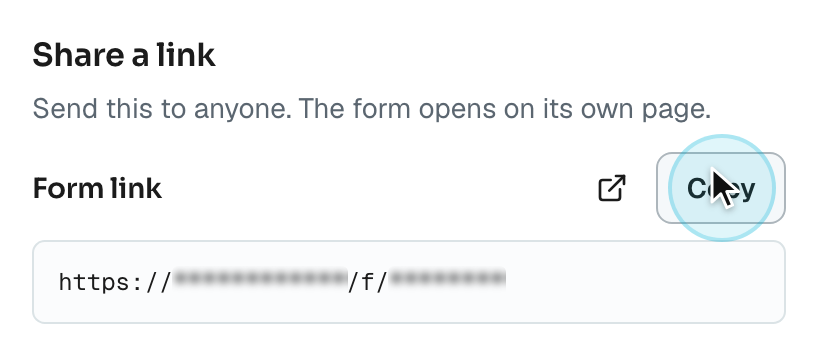
Squarespace runs scripts and frames in a Code block only on the Core, Plus and Advanced plans and some older billing plans. Both embeds need a script, so on any other plan, add a Button block and set its link to the form’s link from the Share panel.
Answers
Submissions go to Forminal, not to Squarespace. You read them on the form’s Submissions page, along with the page each one was sent from. Turn on notifications to get an email for each one, or connect Google Sheets to add each one as a row.
Other site builders are listed on the Integrations page.
Frequently asked questions
Do I need a Squarespace extension to add the form?
No. A Code block holds the embed code, and on any plan a Button block can link to the form’s own page.
Can I hide the form’s title on my Squarespace page?
In Forminal, open Customize and turn off Show Title. That hides the title and description on the form’s own page and in every embed, inline or popup, and works on every plan.
Does CAPTCHA work on a form embedded in Squarespace?
It does. An embedded form still runs on Forminal’s own address, so that is the host your CAPTCHA keys have to allow, not your Squarespace domain. The Spam Protection page covers each provider.
Can the linked form open on my own domain?
With Custom Domains, on Pro or Business, the form’s page can sit at an address such as forms.yourcompany.com, and the button links there.