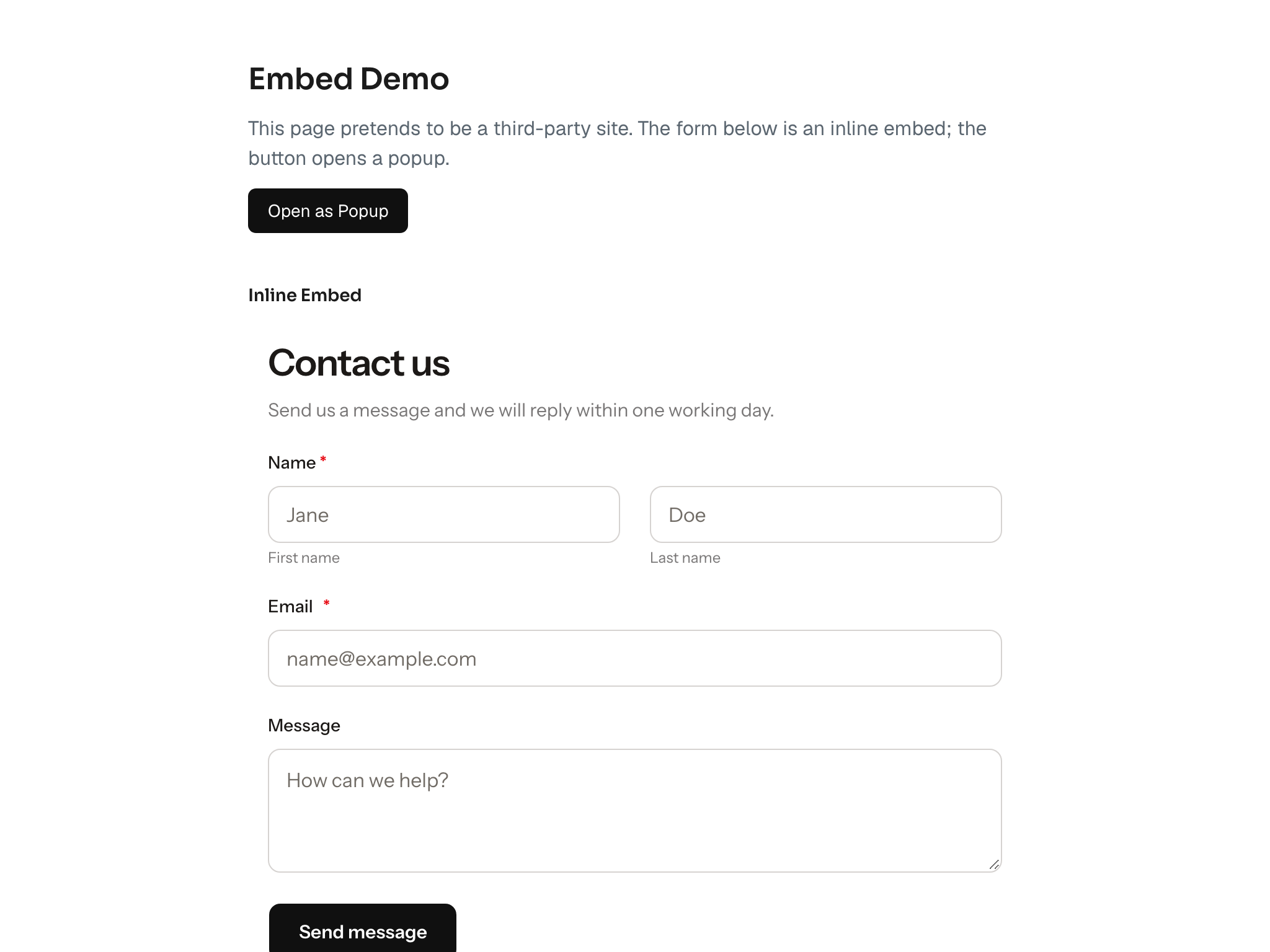
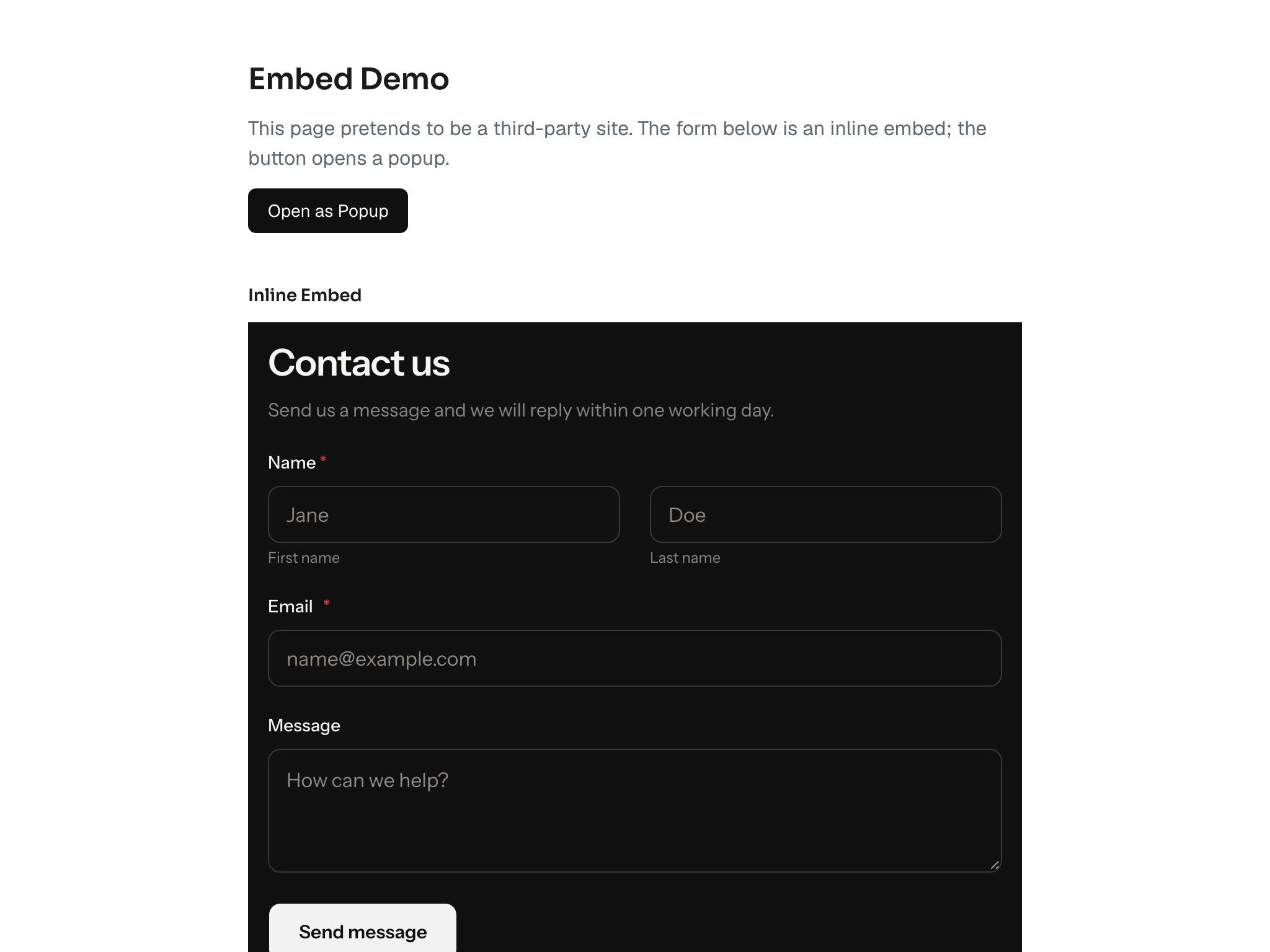
Notion’s embed block shows a Forminal form inside a Notion page. You copy the form’s embed link from the Share panel and paste it into the block. Notion doesn’t run code on a page, so the form always appears inline.
Pick how it appears
- Inline: the form shows inside an embed block on the page. This is the one that works in Notion.
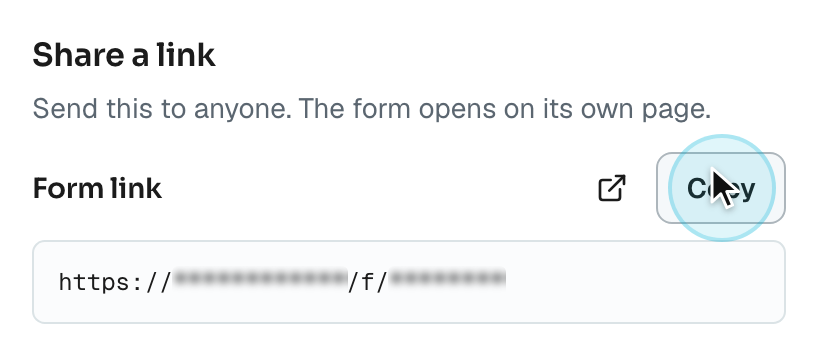
- Link: the form opens on its own page. Paste the form’s link as text or a button in Notion.
Add it
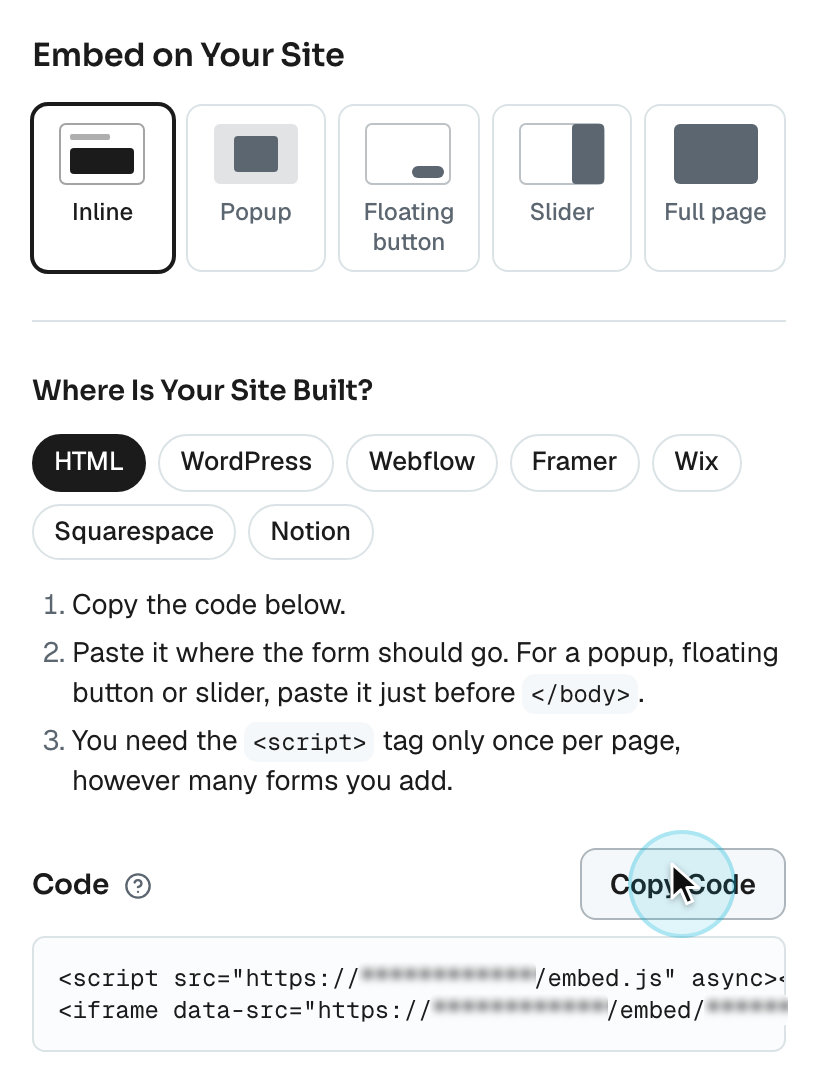
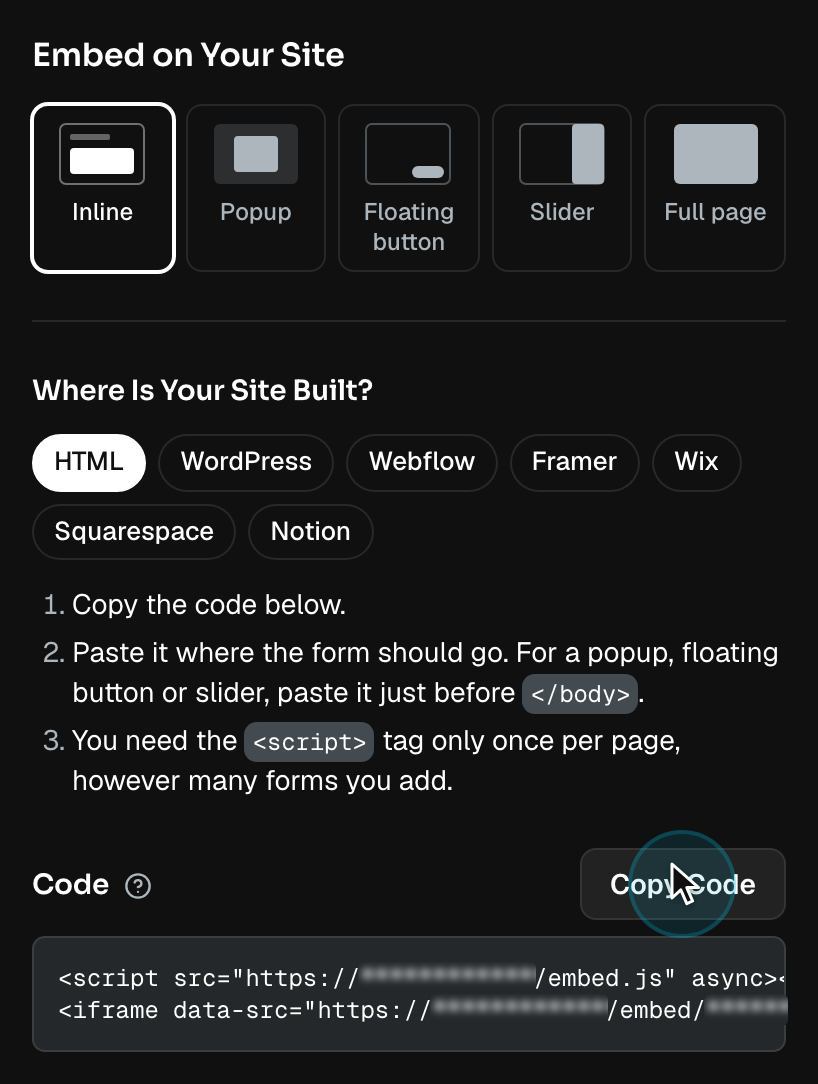
- In Forminal, publish the form. On the Share panel’s Embed tab, pick Inline under Embed on Your Site and Notion under Where Is Your Site Built?, then copy the embed link it shows.
- In Notion, type
/embedon a new line and pick the embed block. - Paste the link and choose Embed link.
- Drag the block’s bottom edge down until the whole form shows.
Anyone who can open the Notion page can fill in the form, including visitors to a page you’ve published to the web. The block keeps the height you give it, so check a long or multi-page form after you resize it. The inline embed guide explains the options you can add to the link.
Popups in Notion
A popup, floating button or slider needs a script on the page, and Notion doesn’t run scripts. If you pick one of them for Notion, the Share panel notes that Notion only supports inline embeds. To send people to the form instead, paste its link from the Share panel into the page.
Answers
Submissions go to Forminal, not to a Notion database. You read them on the form’s Submissions page. Turn on notifications to get an email for each one.
To add each one as a row in a spreadsheet, connect Google Sheets.
Other site builders are listed on the Integrations page.
Frequently asked questions
Do answers from the form go into a Notion database?
No. The form only shows in Notion, and each submission is saved in Forminal. Read them on the Submissions page or get them by email.
Does the form work on a Notion page published to the web?
Yes. Visitors to the published page see the form in the embed block and can send it without a Notion account.
Can I show the form as a popup in Notion?
No, Notion doesn’t run the script a popup needs. Embed the form inline, or paste its link so it opens on its own page.
Can I put the same form on several Notion pages?
Paste the same embed link into a block on each page. Every submission goes to the same Submissions page in Forminal.