La protezione antispam funziona meglio a strati: inizia con ciò che è già attivo e aggiungi un controllo che le persone potrebbero notare solo quando ne hai bisogno. Ogni modulo Forminal ha il primo livello fin dall'inizio, e il secondo richiede solo le tue chiavi da un provider CAPTCHA. Entrambi funzionano su ogni piano, incluso Lite.
Cosa fa già ogni modulo
Each form has a hidden honeypot field. People never see it, but bots that fill in every box they find tend to fill it in too. Those submissions are saved and marked as spam, so they land on the Spam tab of the form’s Submissions page instead of among the real ones. Spam is never sent to your notification emails or integrations, and never charged on a payment form.
Ogni indirizzo può anche inviare al massimo 10 invii al minuto a un modulo, il che rallenta uno script che tenta di inondarlo.
Look at the Spam tab now and then. If a real person ended up there, select Not spam on their submission. When it’s less than 30 days old, your notifications and integrations get it then.
Quando aggiungere un CAPTCHA
Se lo spam continua a comparire tra i tuoi invii reali, alcuni bot stanno superando l'honeypot. È il momento di un CAPTCHA: un controllo di Cloudflare, Google o hCaptcha che viene eseguito prima che il modulo accetti un invio. Con uno attivo, un invio senza un controllo superato non viene salvato affatto, e gli script che inviano direttamente all'indirizzo di invio del modulo vengono respinti.
Scegli il controllo che i tuoi visitatori noteranno meno
- Cloudflare Turnstile: most visitors pass without clicking anything, and a few are asked to tick a box. If you aren’t sure, start here.
- reCAPTCHA v2 Checkbox: visitors tick “I’m not a robot”, and Google sometimes asks for an image puzzle too. That’s one more click for everyone.
- reCAPTCHA v2 Invisible: there’s no checkbox. Google checks people when they submit and shows a puzzle only to those it doubts.
- reCAPTCHA v3: no click and no puzzle. Google scores each visitor, and anyone under your Lowest passing score, 0.5 to start with, is turned away with no puzzle to prove otherwise.
- hCaptcha: a checkbox with an image challenge for visitors who look suspicious, if you’d rather not use Google or Cloudflare. It doesn’t work on a custom subdomain such as forms.example.com.
Ottieni le tue chiavi dal provider
Le chiavi sono tue, create nella dashboard del provider. Per reCAPTCHA, ogni versione necessita della propria chiave, quindi decidi prima la versione. Quando il provider chiede per quali domini è la chiave, aggiungi app.forminal.ai. I tuoi moduli vengono eseguiti lì anche quando sono incorporati nel tuo sito, quindi questo è l'host che la chiave deve consentire, non l'indirizzo del tuo sito web. Se servi moduli su un dominio personalizzato, aggiungi anche quell'hostname.
Il provider mostra quindi una chiave del sito e una chiave segreta. Tieni aperta quella pagina per il passaggio successivo. Le guide per Cloudflare Turnstile, reCAPTCHA e hCaptcha mostrano le schermate di ciascun provider.
Salva le chiavi una volta
- Open Account menu » Integrations.
- Under CAPTCHA, select Set Up next to the provider, such as Cloudflare Turnstile.
- Paste the site key into Site key and the secret key into Secret key. For reCAPTCHA v3, set Lowest passing score too.
- Select Save.
La riga ora dice "non ancora su nessun modulo". Le chiavi appartengono al tuo account, quindi le salvi una volta e le usi su quanti moduli desideri.
Attivalo per un modulo
- Open the form in the builder and select Integrations in the top bar.
- Under CAPTCHA, select Use next to the provider you saved keys for.
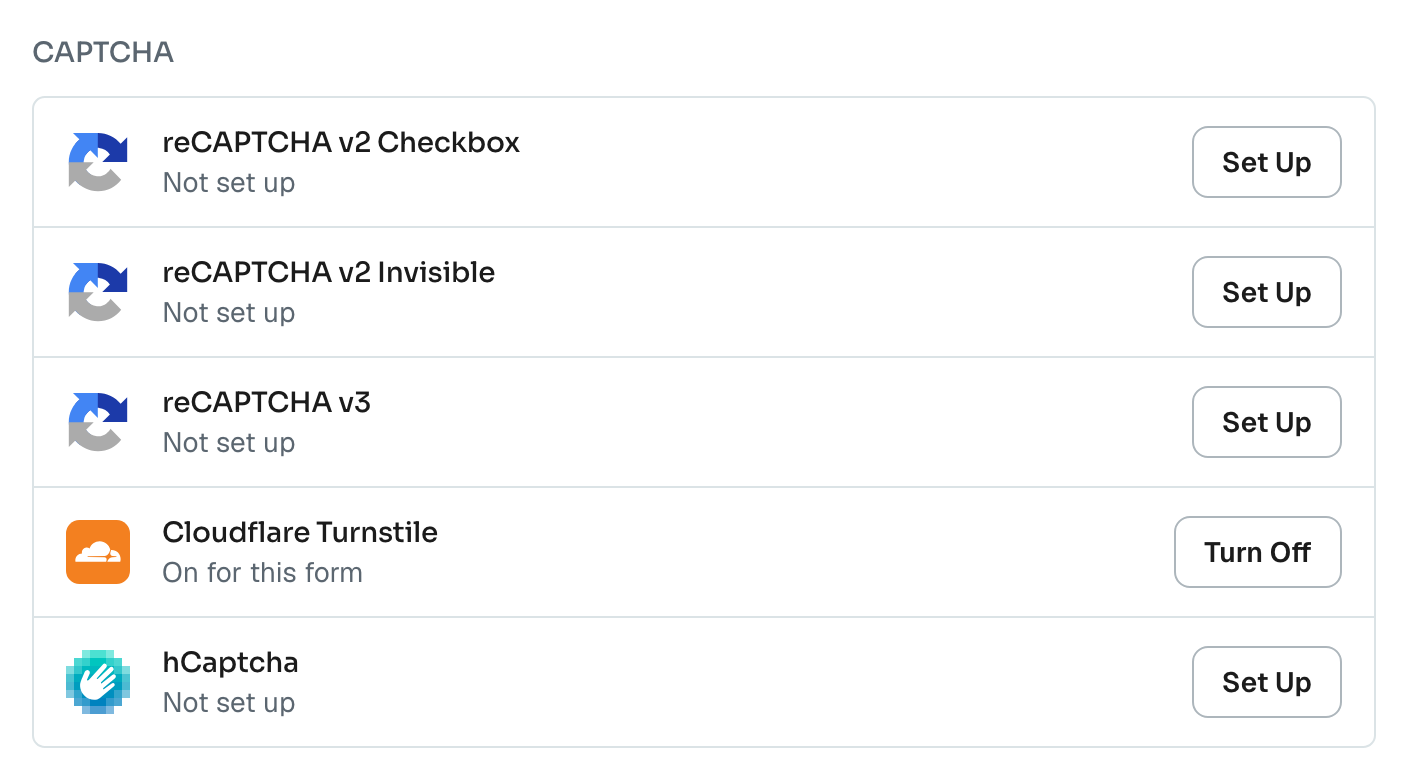
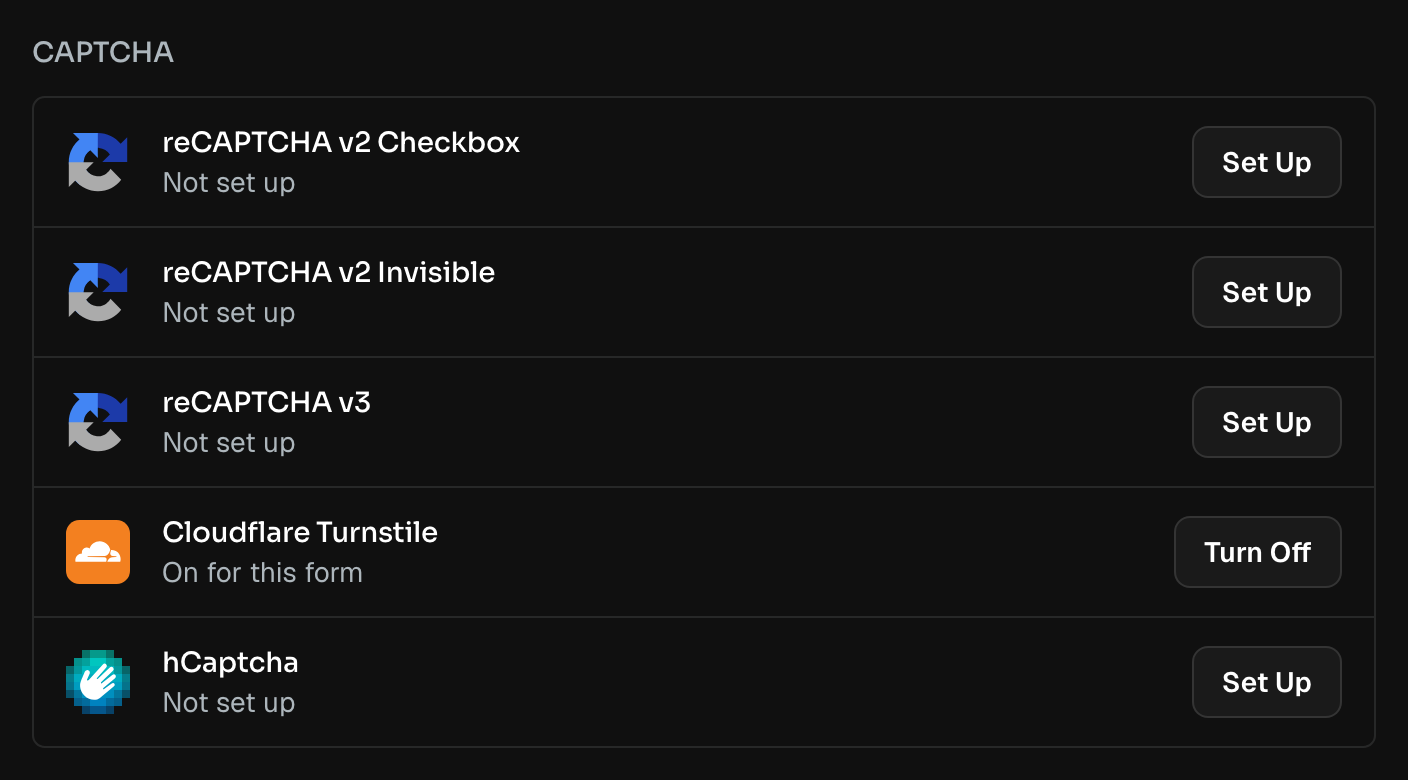
The row reads “On for this form”, and its button changes to Turn Off. The change applies at once, also on a form that’s already published. A form runs one CAPTCHA at a time, so selecting Use on another row switches the form to that one. Then open the form’s link in a private window and send a test submission, to see the check the way a visitor does.
Se le persone reali rimangono bloccate
- “Complete the CAPTCHA and try again.” means the provider answered but the check was turned down. With reCAPTCHA v3, Google most likely scored the person below your Lowest passing score. Select Edit on its row in Integrations and lower the score, for example to 0.3.
- Un errore all'interno del widget di solito significa che la chiave non elenca l'host su cui è stato eseguito il modulo, o che la chiave è stata salvata sotto il provider o la versione sbagliata.
- “Impossibile caricare il CAPTCHA. Disattiva qualsiasi blocco per questa pagina e ricaricala.” significa che un blocco pubblicitario o per la privacy ha interrotto lo script del provider nel browser di quel visitatore.
La pagina Protezione Antispam confronta i provider fianco a fianco.
Crea un account gratuito e invia una sottomissione di prova al tuo primo modulo.