Le persone possono ora abbandonare un modulo lungo e tornarci più tardi senza perdere le loro risposte. Qualcuno a metà di una candidatura che deve andare a cercare un riferimento può salvare, chiudere la scheda e riprendere da dove aveva lasciato, sullo stesso dispositivo o su un altro.
Due modi per conservare le risposte
Both are in one panel. Open the form in the builder, select Form Settings » Save & Resume, and switch on either one, or both.
- Remember Answers keeps what people type in their own browser, so the form fills itself in again when they come back on the same device. Nothing is sent to our servers for it. It’s free on every plan and keeps answers for 7 days unless you change it.
- Save and Continue Later adds a button next to Next and Submit. It saves the answers on our servers and gives the person a link to finish on any device. It’s included on Pro and Business and keeps answers for 30 days unless you change it.
Each has its own Days to Keep, from 1 to 90. To rename the button, type a new label in Button Label, or type on the button itself in the builder, the same way you rename Submit.
Cosa vedono le persone quando salvano
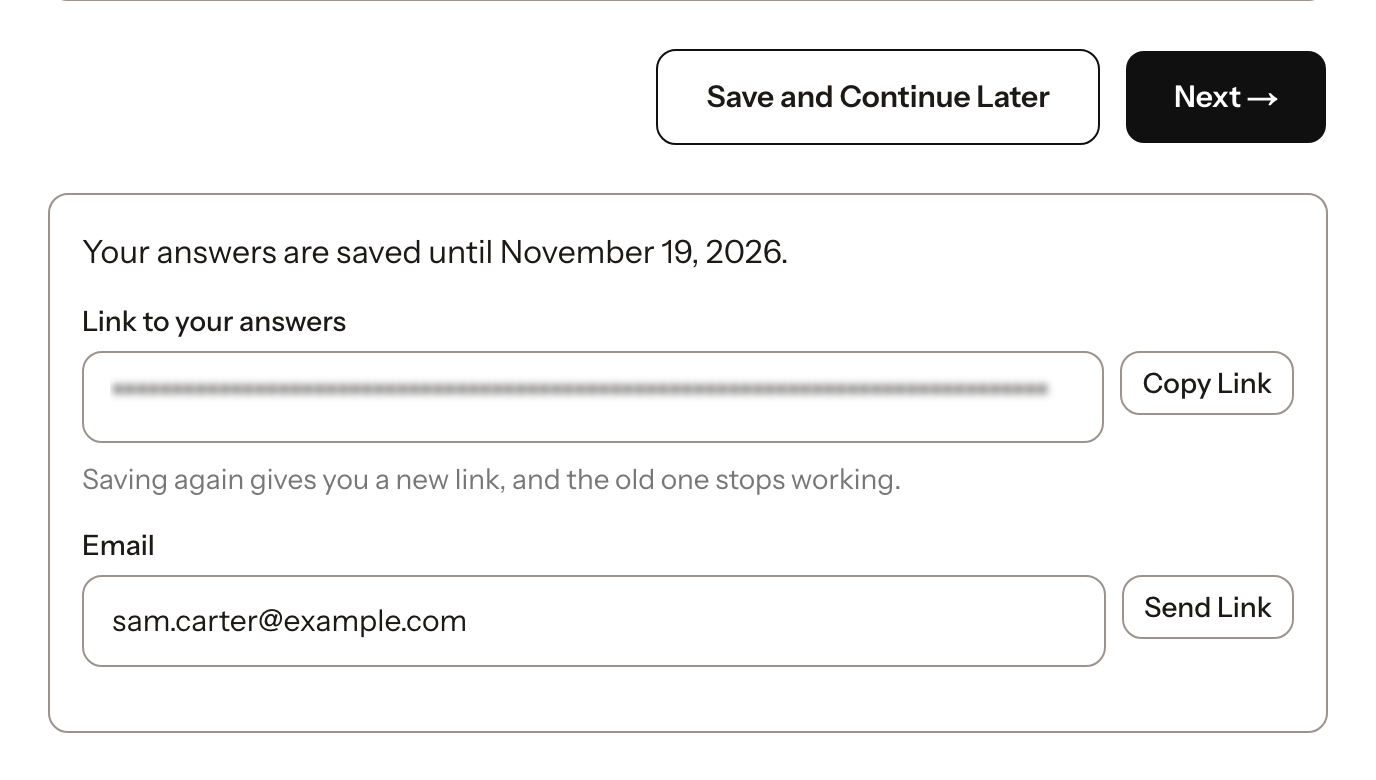
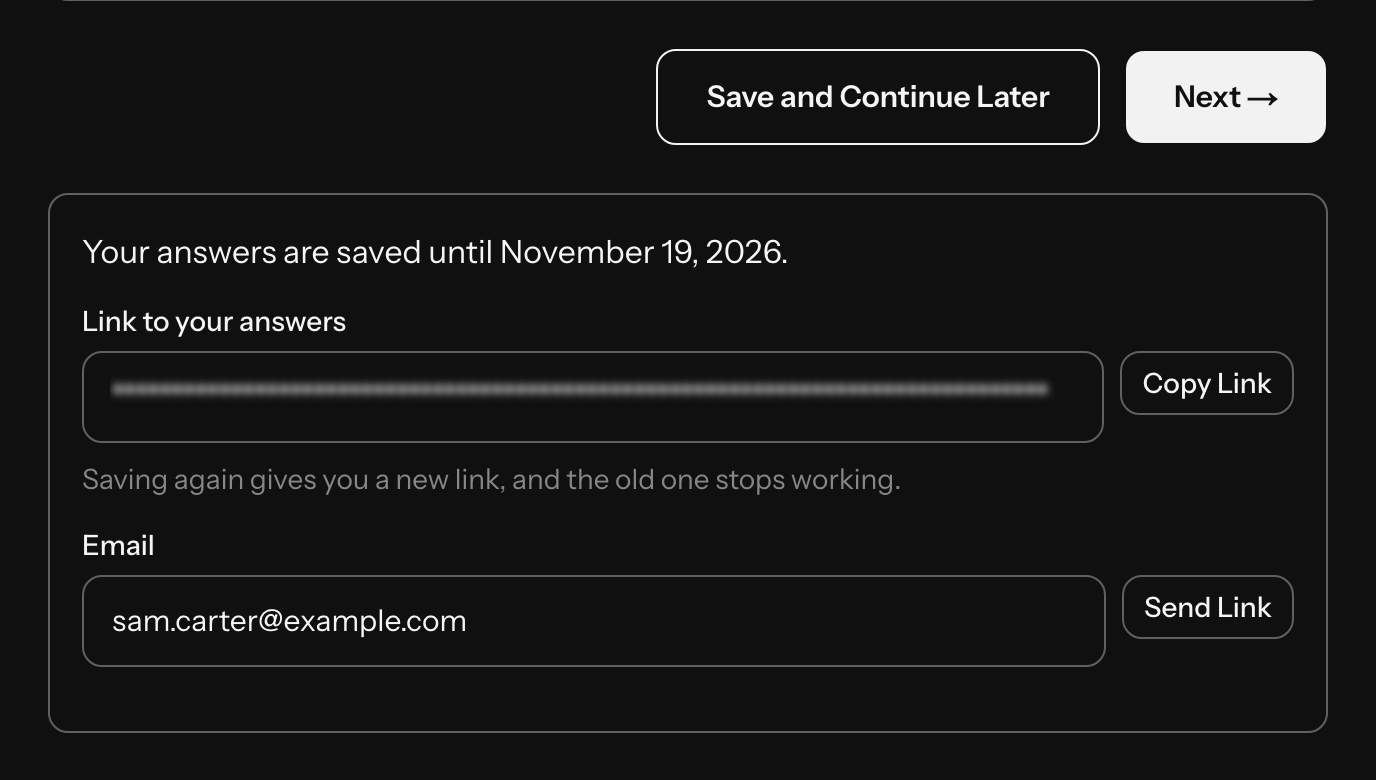
A panel opens under the buttons with the date their answers are kept until, a Link to your answers box with Copy Link, and an Email box with Send Link that mails the link to whatever address they type.
Opening the link brings the form back on the page they left, with their answers filled in, the notice “Your answers were restored.” and a Start Over button. If the form is embedded on your site, the link opens the page it’s embedded on.
Ogni salvataggio genera un nuovo link e il vecchio smette di funzionare, quindi chiunque sia entrato in possesso di un link precedente non può leggere ciò che è stato salvato dopo. Anche il pannello lo dice alle persone: "Salvare di nuovo ti darà un nuovo link e il vecchio smetterà di funzionare."
Buono a sapersi
- Caricamenti di file, firme e pagamenti non vengono salvati. Se il modulo ne ha uno, il pannello dice che dovrà essere compilato di nuovo.
- Le risposte salvate non sono invii. Rimangono fuori dalla tua pagina Invii e dalle notifiche e integrazioni finché la persona non invia.
- Le risposte salvate vengono eliminate quando la persona invia dal link, preme Inizia da capo, o quando scade il tempo di Conservazione giorni.
- Per seguire le persone che non finiscono mai, attiva invece Invii Parziali. Quelli sono per te da leggere, mentre le risposte salvate sono per la persona che compila il modulo.
La pagina Salva e Riprendi copre ogni impostazione e ciò che viene memorizzato. Funziona bene anche con Moduli Multipagina, poiché un modulo lungo diviso in pagine è il tipo che le persone tendono a lasciare a metà.
Crea un account gratuito e attiva Ricorda Risposte per il tuo modulo più lungo.