As pessoas podem agora sair de um formulário longo e regressar a ele mais tarde sem perderem as suas respostas. Alguém a meio de uma candidatura de emprego que precise de ir buscar uma referência pode guardar, fechar o separador e continuar de onde parou, no mesmo dispositivo ou noutro.
Duas formas de guardar respostas
Both are in one panel. Open the form in the builder, select Form Settings » Save & Resume, and switch on either one, or both.
- Remember Answers keeps what people type in their own browser, so the form fills itself in again when they come back on the same device. Nothing is sent to our servers for it. It’s free on every plan and keeps answers for 7 days unless you change it.
- Save and Continue Later adds a button next to Next and Submit. It saves the answers on our servers and gives the person a link to finish on any device. It’s included on Pro and Business and keeps answers for 30 days unless you change it.
Each has its own Days to Keep, from 1 to 90. To rename the button, type a new label in Button Label, or type on the button itself in the builder, the same way you rename Submit.
O que as pessoas veem ao guardar
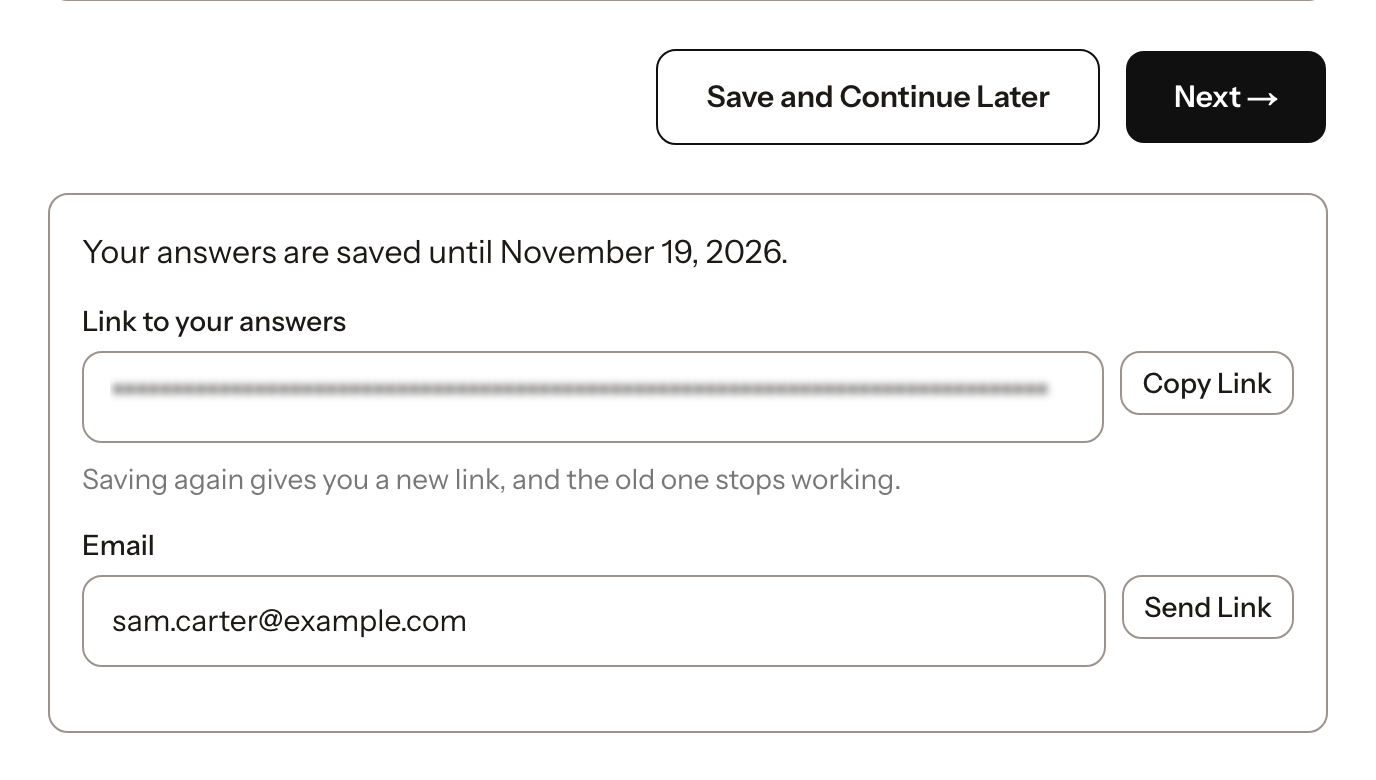
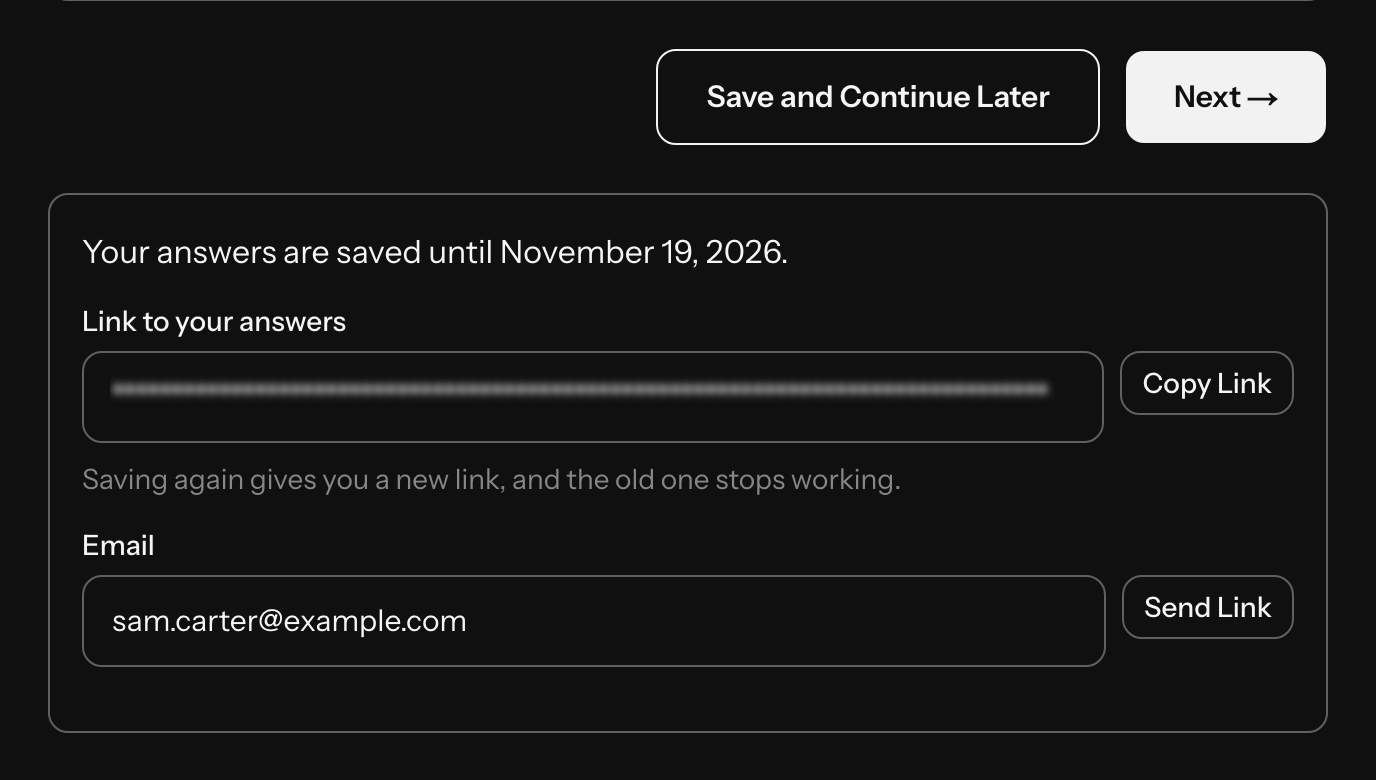
A panel opens under the buttons with the date their answers are kept until, a Link to your answers box with Copy Link, and an Email box with Send Link that mails the link to whatever address they type.
Opening the link brings the form back on the page they left, with their answers filled in, the notice “Your answers were restored.” and a Start Over button. If the form is embedded on your site, the link opens the page it’s embedded on.
Cada guarda gera um novo link, e o antigo deixa de funcionar, pelo que qualquer pessoa que tenha tido acesso a um link anterior não pode ler o que foi guardado depois. O painel também informa as pessoas: “Guardar novamente gera um novo link, e o antigo deixa de funcionar.”
Bom saber
- Carregamentos de ficheiros, assinaturas e pagamentos não são guardados. Se o formulário tiver um, o painel diz que terá de ser preenchido novamente.
- As respostas guardadas não são submissões. Permanecem fora da sua página de Submissões e fora de notificações e integrações até que a pessoa submeta.
- As respostas guardadas são eliminadas quando a pessoa submete a partir do link, carrega em Começar de Novo, ou quando os Dias para Guardar expiram.
- Para contactar pessoas que nunca terminam, ative em vez disso Submissões Parciais. Estas são para si ler, enquanto as respostas guardadas são para a pessoa que preenche o formulário.
A página Guardar e Retomar cobre todas as definições e o que é armazenado. Também funciona bem com Formulários de Várias Páginas, uma vez que um formulário longo dividido em páginas é do tipo que as pessoas tendem a abandonar a meio.
Crie uma conta gratuita e ative Lembrar Respostas para o seu formulário mais longo.