Send submissions, files and payments from Forminal to the tools you already use. Some connect directly from the builder, and the rest are a Zapier, Make or webhook connection away.
Built in
- Stripe: take payments through your forms, into your own Stripe account.
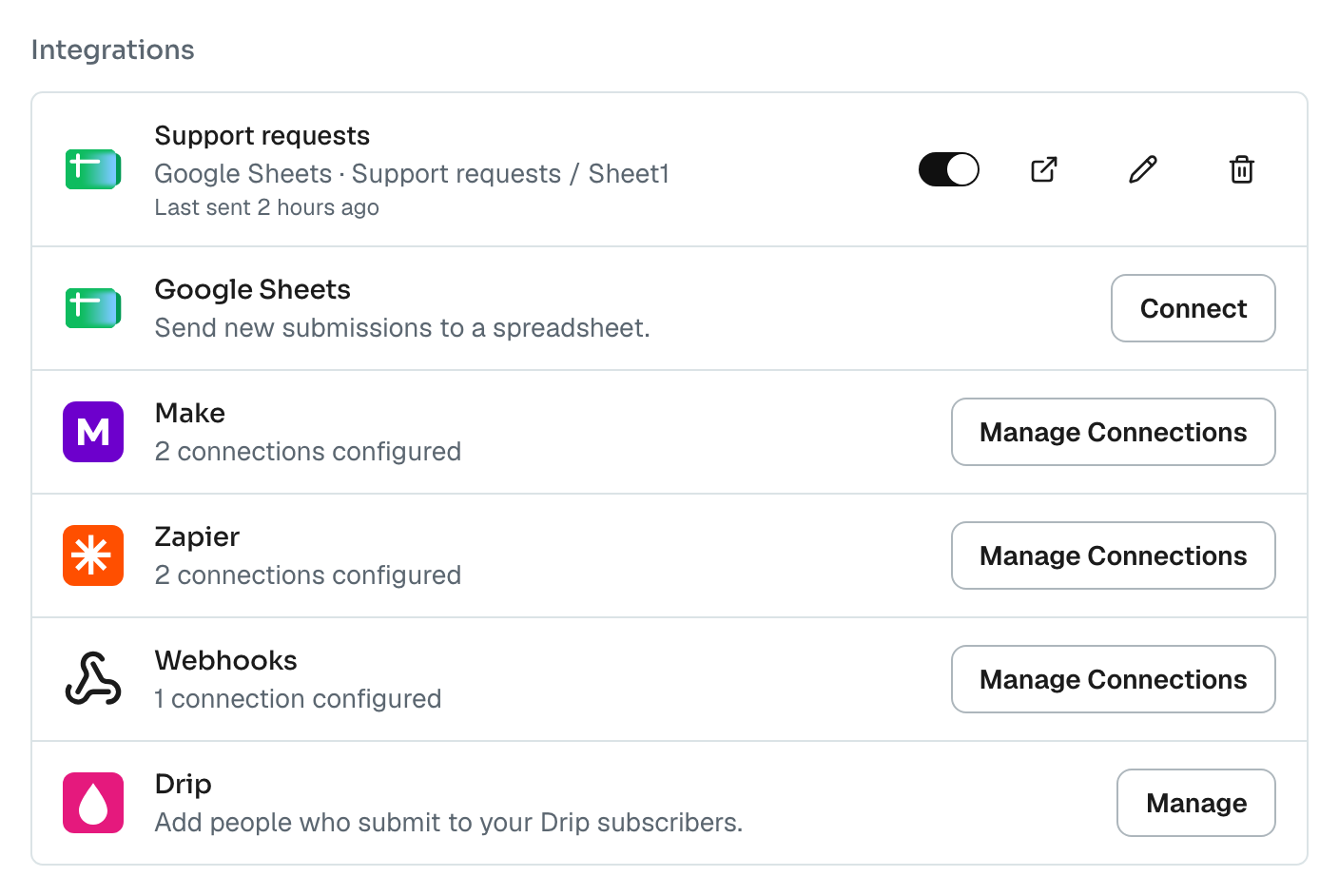
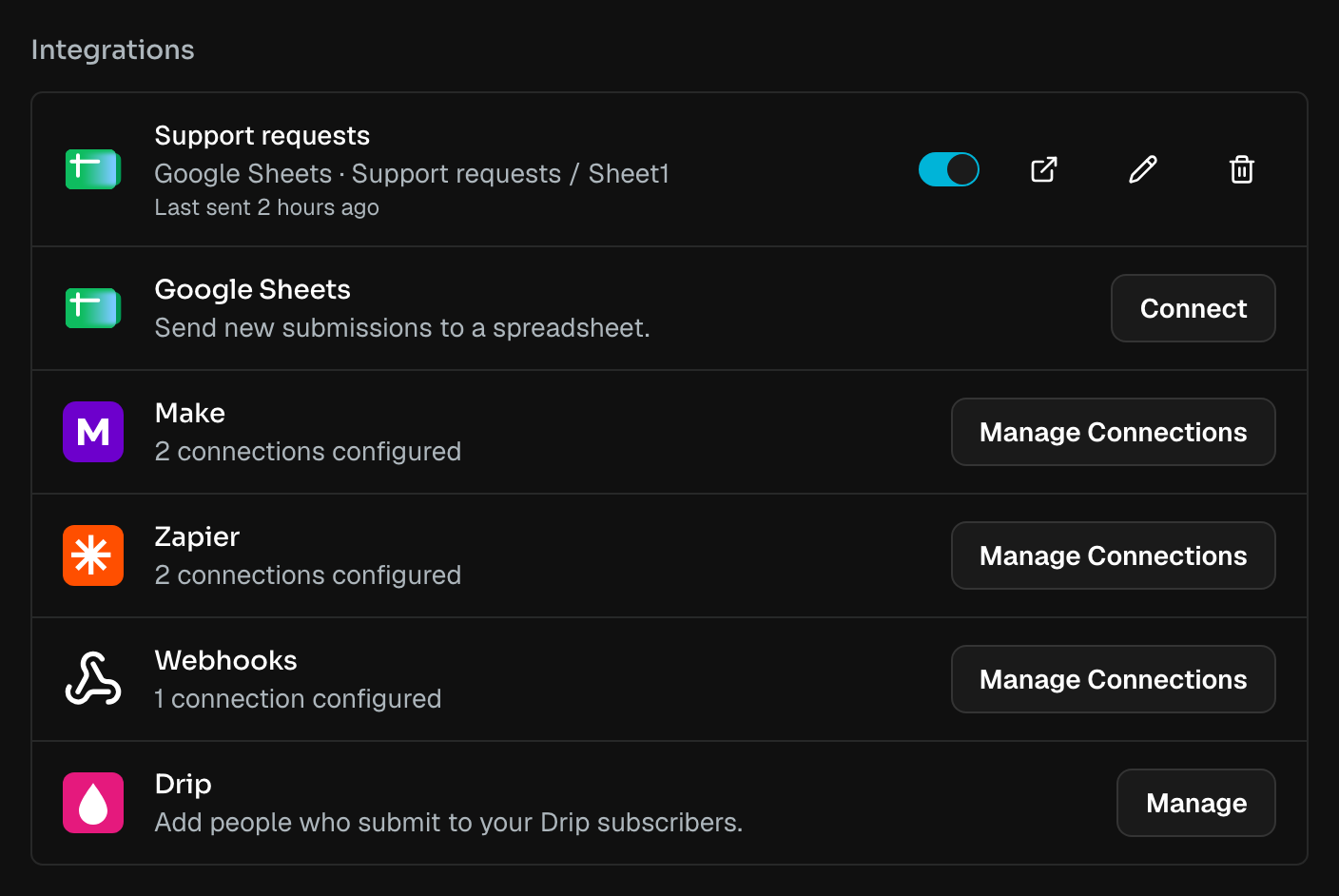
- Google Sheets: add each new submission as a row in a sheet you pick.
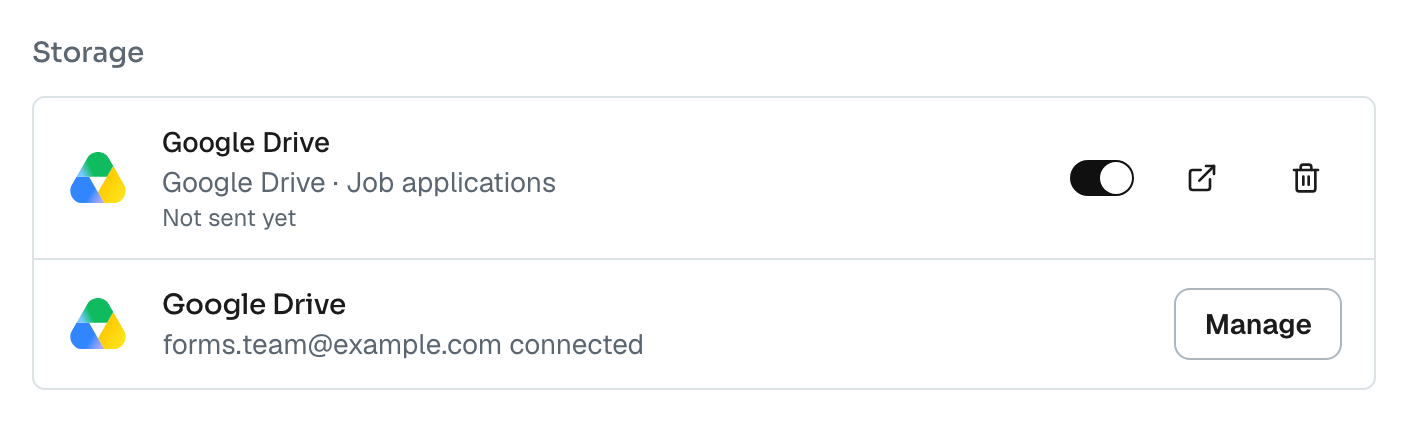
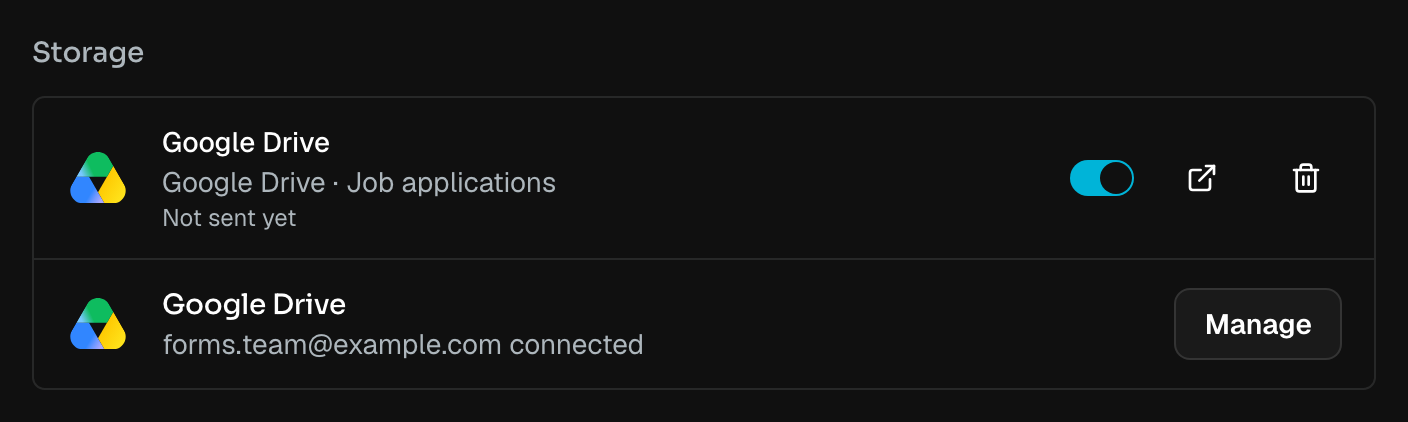
- Google Drive: save the files people upload to a folder in your own Drive.
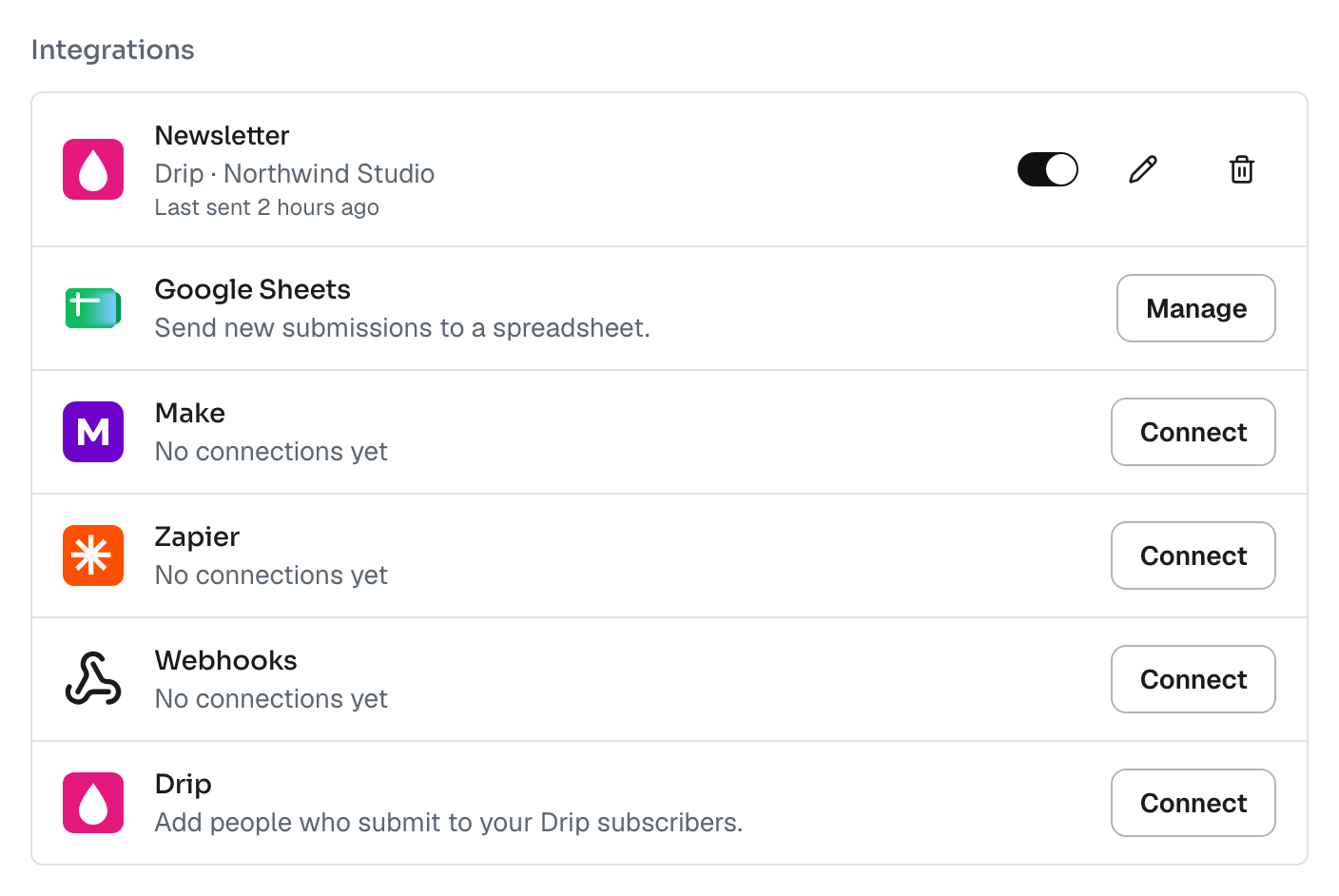
- Drip: add each person who submits to your Drip subscribers. You pick which answers fill their name, phone, address and custom fields, and which tags they get, so a tag can start a Drip workflow. If Drip already has that email, it updates the subscriber.


Automation
- Zapier: start a Zap with every submission and pass the answers to the apps you connect there.
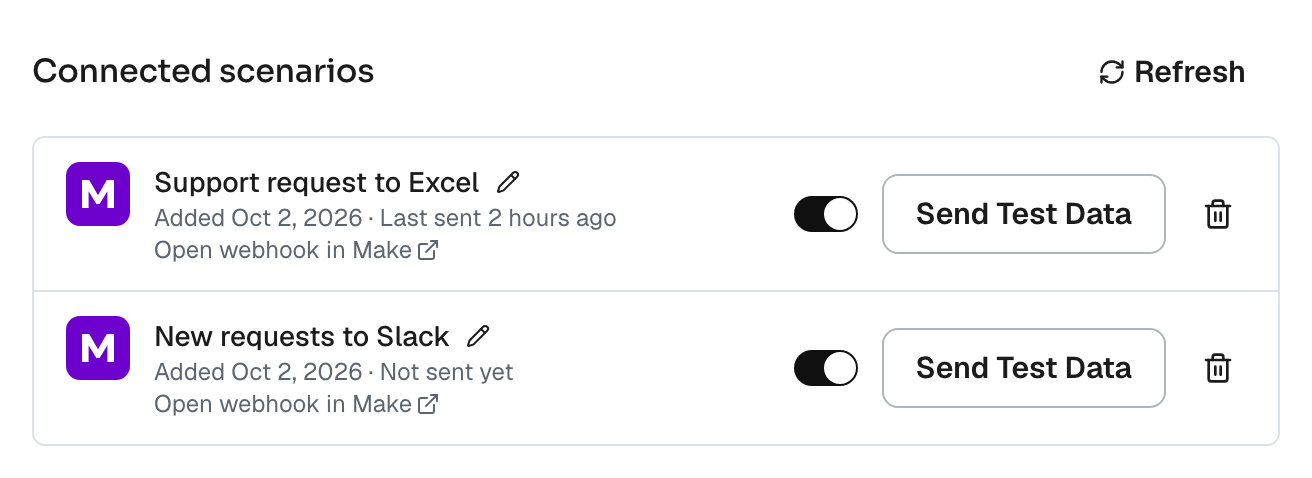
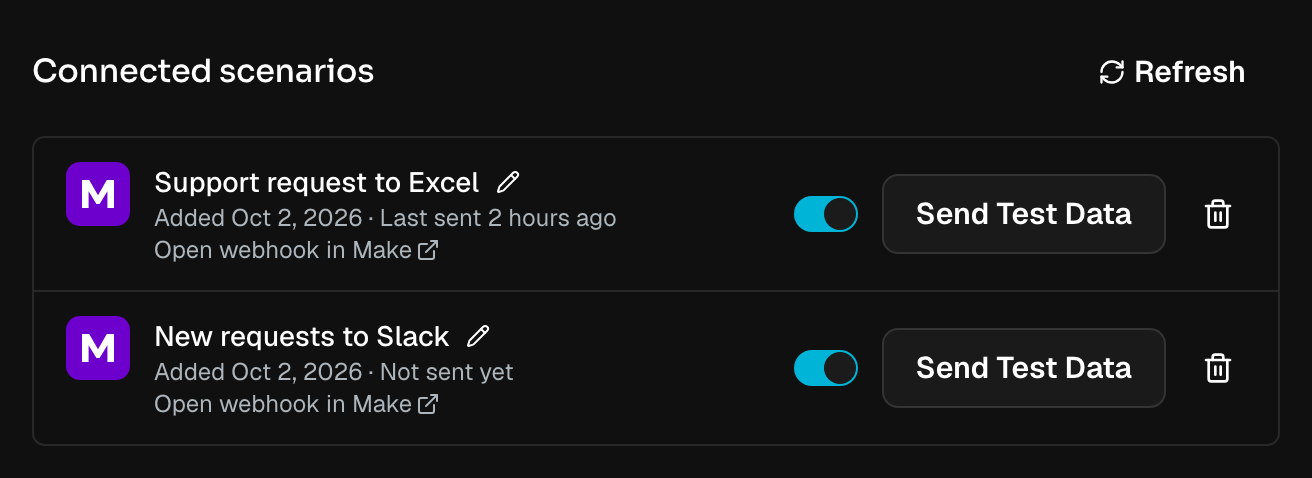
- Make: start a Make scenario with every submission. Ready-made templates add a row to an Excel workbook or a person to a Mailchimp audience.
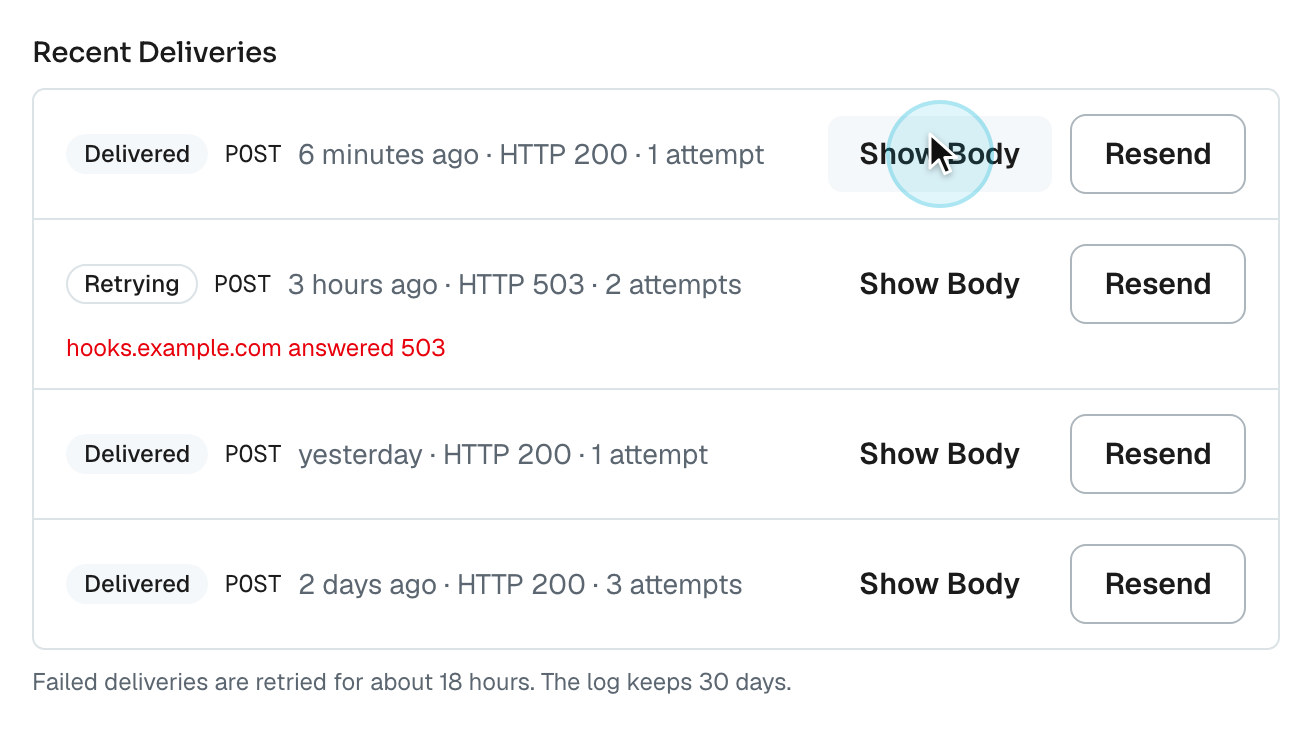
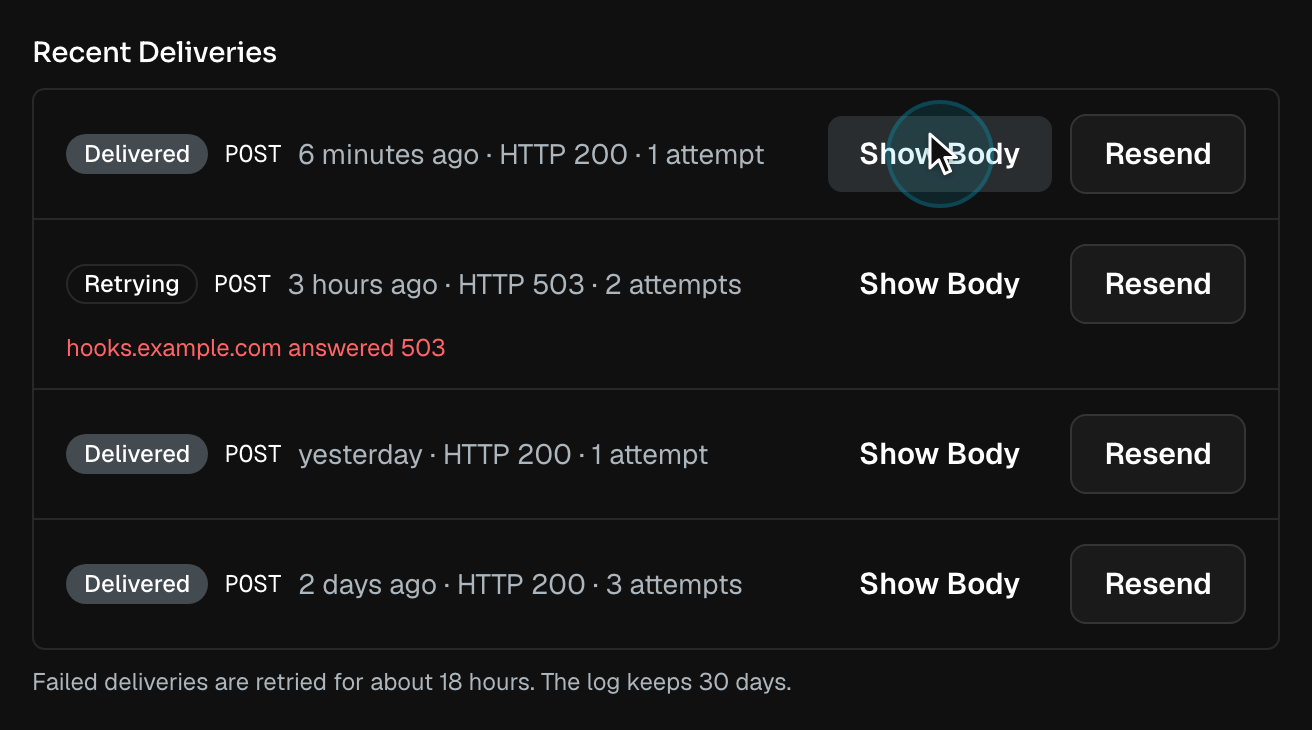
- Webhooks: send each submission to a URL you choose as a signed request, retried when your endpoint is down.
If a send fails, the app tries again for about 18 hours, so a short outage on the other side doesn’t lose the submission.
Google Sheets, Drip, Zapier, Make and webhooks can also send the submissions a form had before you connected it. Turn on Export Existing Submissions on the connection, or use the export button (the upload arrow) on a Zap, scenario or webhook row. Each run sends every complete, non-spam submission once, oldest first, and a submission with a payment only once it’s paid.
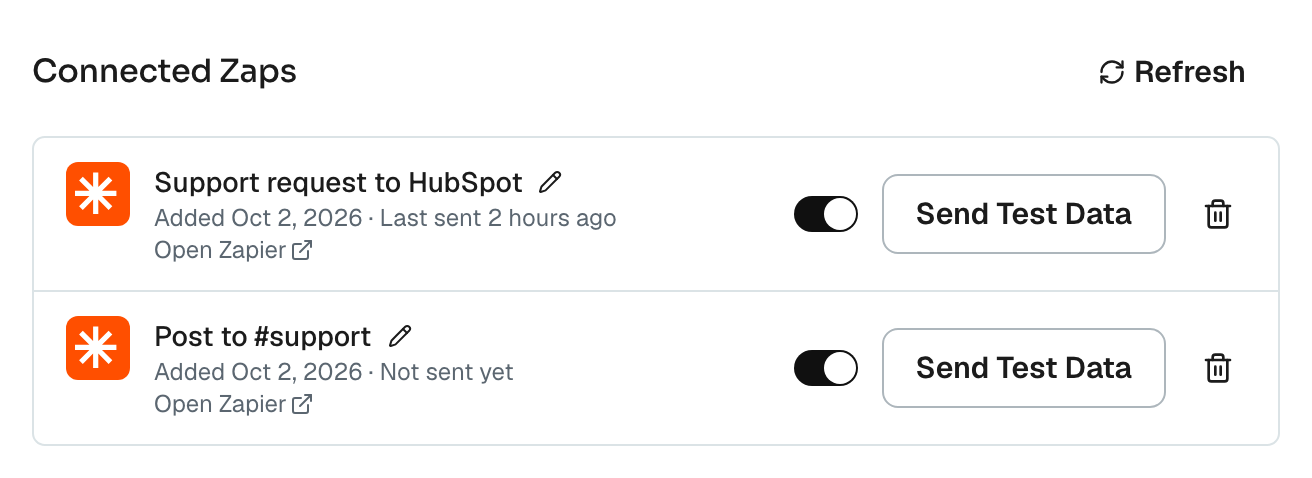
Zapier and Make connect to thousands of apps between them, so a CRM, a help desk or a project tool you use is most likely one of them.
For developers and AI
- The REST API for working with forms and submissions from your own code.
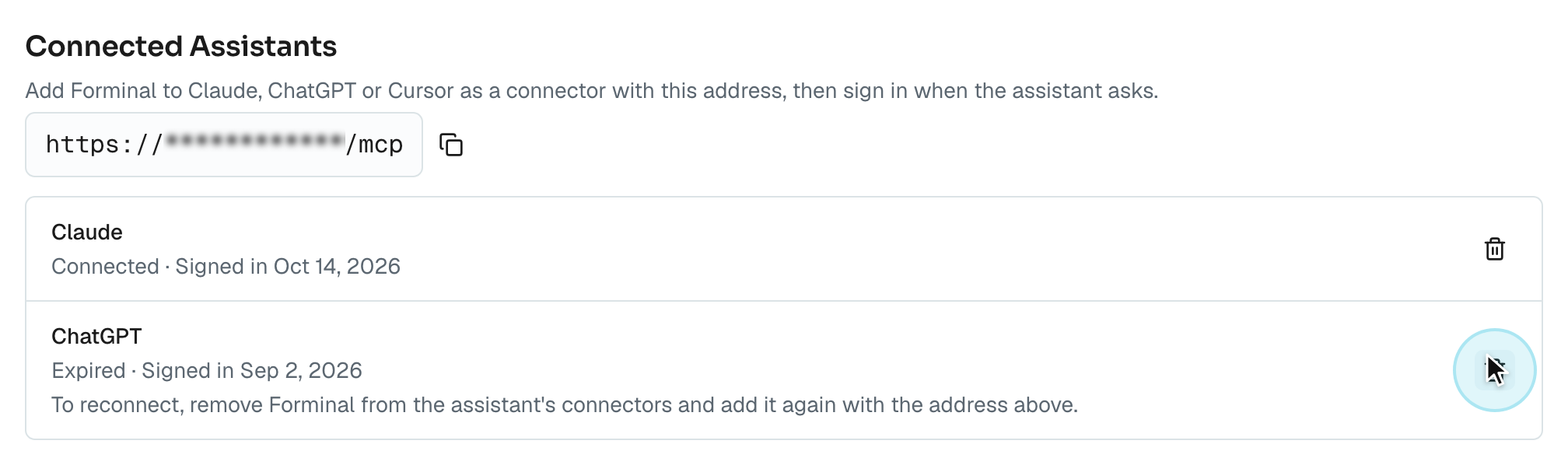
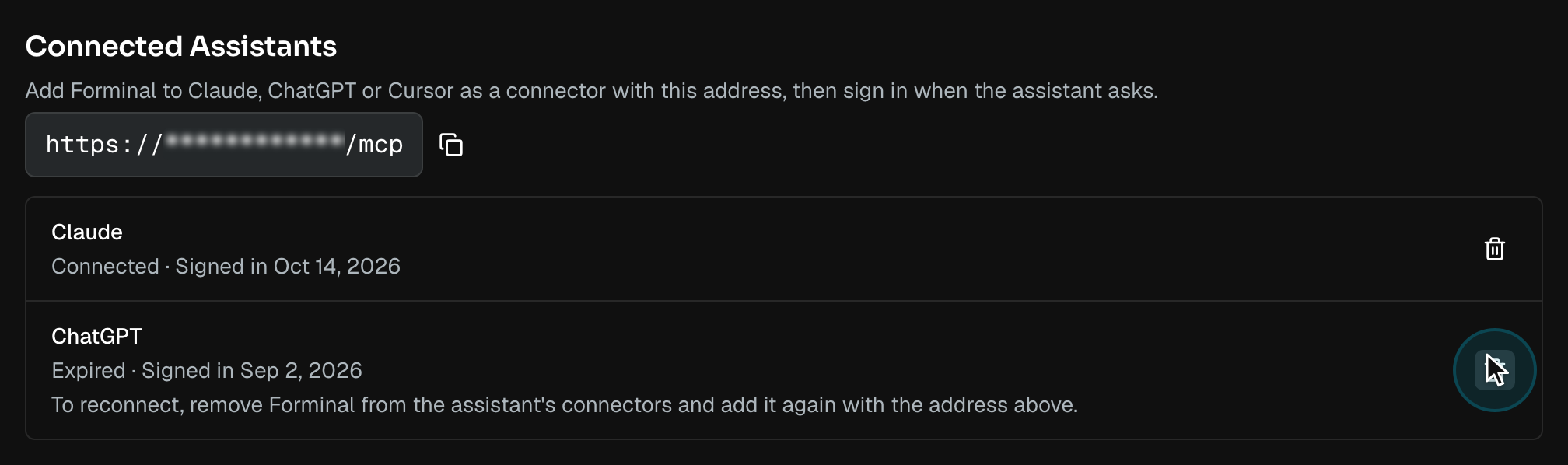
- The MCP Server, so AI clients such as Claude and ChatGPT can build forms and read submissions. Connect your AI has the steps.
Site builders
A form can go on the site you already have. Publish it, copy its code from the Share panel, and paste the code where the form should appear, inline or as a popup, floating button or slider (see Embed Forms). Each guide has the steps for one builder:
- WordPress, with a Custom HTML block. No plugin to install.
- Webflow, with a Code Embed element on a paid plan.
- Shopify, with a Custom Liquid section in the theme editor.
- Squarespace, with a Code block on the plans that run scripts.
- Wix, with an Embed HTML element.
- Framer, with an Embed component, or the site’s custom code for a popup.
- Notion, with an embed block. Inline only, since Notion runs no scripts.


Any other site where you can add your own HTML works the same way. The guides to embedding a form on a page and opening one in a popup cover the code and its options.
Frequently asked questions
Does Forminal connect to my CRM or help desk?
Do I need a paid plan to use integrations?
No. Stripe, Google Sheets, Google Drive, Drip, Zapier, Make, webhooks, the REST API and the MCP server all work on the free Lite plan.
Are spam or unpaid submissions sent to my integrations?
No. Submissions caught as spam are never sent to Google Sheets, Drip, Zapier, Make or a webhook. On a form with a Payment field, the row, Drip subscriber, Zap, scenario or webhook waits until the payment is paid, so you aren’t sent orders that never went through.
Can I send submissions a form already has?
Yes. Turn on Export Existing Submissions when you connect Google Sheets, Drip or a webhook, or select the export button on a Zap, scenario or webhook row. Each complete submission that isn’t spam is sent once, oldest first, and a submission with a payment only once it’s paid. Running it again sends them all again.
Can one form send its submissions to more than one place?
A form can write to more than one spreadsheet, add people to more than one Drip account, start up to 10 Zaps and 10 Make scenarios, and send to up to 10 webhooks.
Can I send submissions to Excel or Mailchimp?
Through Make. Ready-made Make templates add each submission as a row in an Excel workbook or as a person in a Mailchimp audience.
Can a form add people to my email list?
Yes, with Drip. Each submission with an email adds the person as a Drip subscriber with the tags you pick. When they tick the GDPR Agreement, Drip records their consent; when they don’t, they are still added, with no consent sent.
For Mailchimp, use the Make template.
What happens if the other app is down when someone submits?
The app tries again for about 18 hours, so a short outage doesn’t lose the submission. The form’s Integrations tab shows when each connection last sent, or why it didn’t.