Instead of showing a thank-you message, a form can send people to another page as soon as they submit, such as a page on your own website. You pick Redirect in the confirmation settings and paste the address.
Examples
- A webinar sign-up that lands people on the page with the joining details.
- A lead form that opens your booking calendar right after it is sent.
Set it up
- Select Form Settings in the top bar, then select Confirmation, or click the confirmation at the bottom of the canvas.
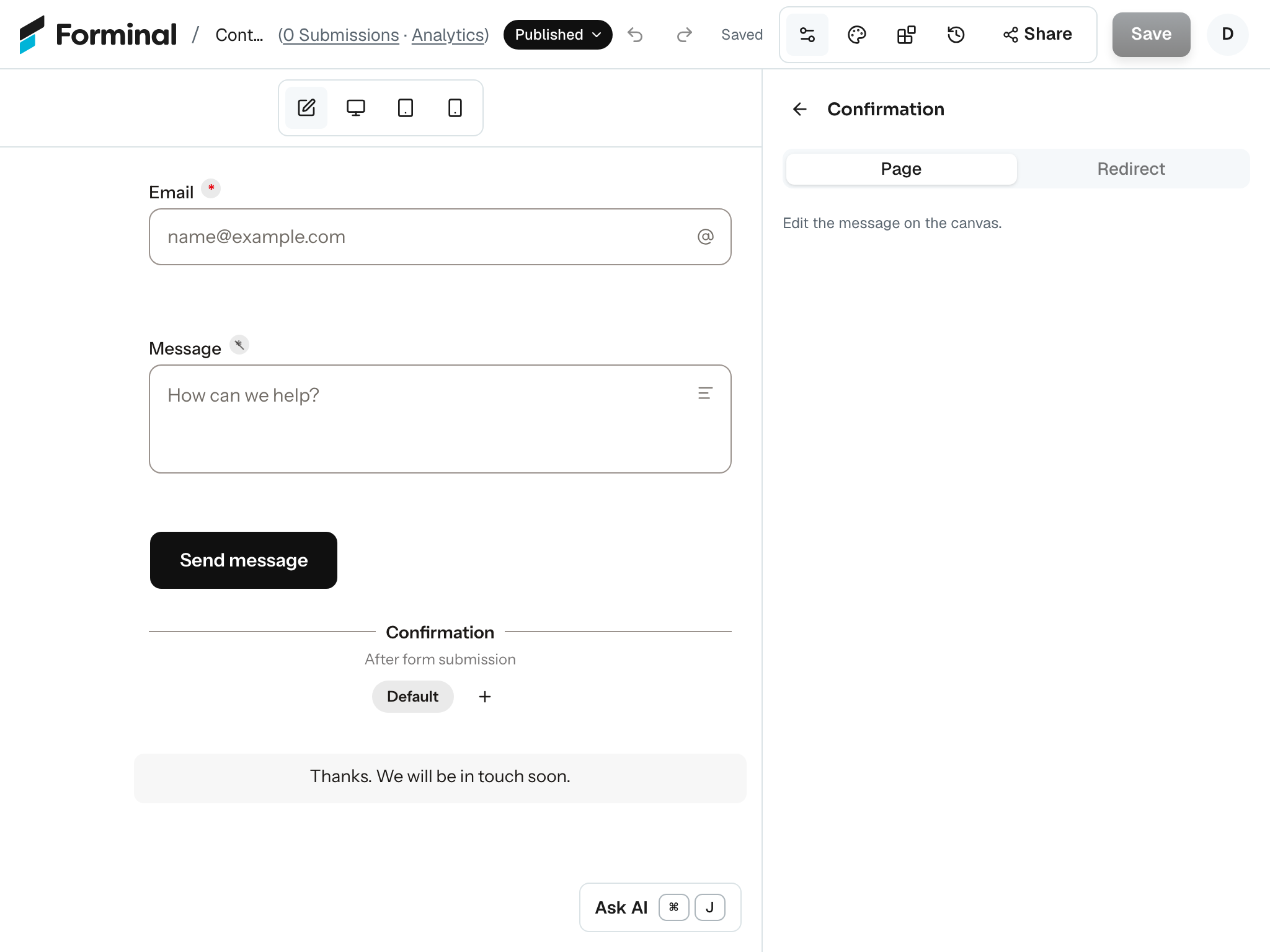
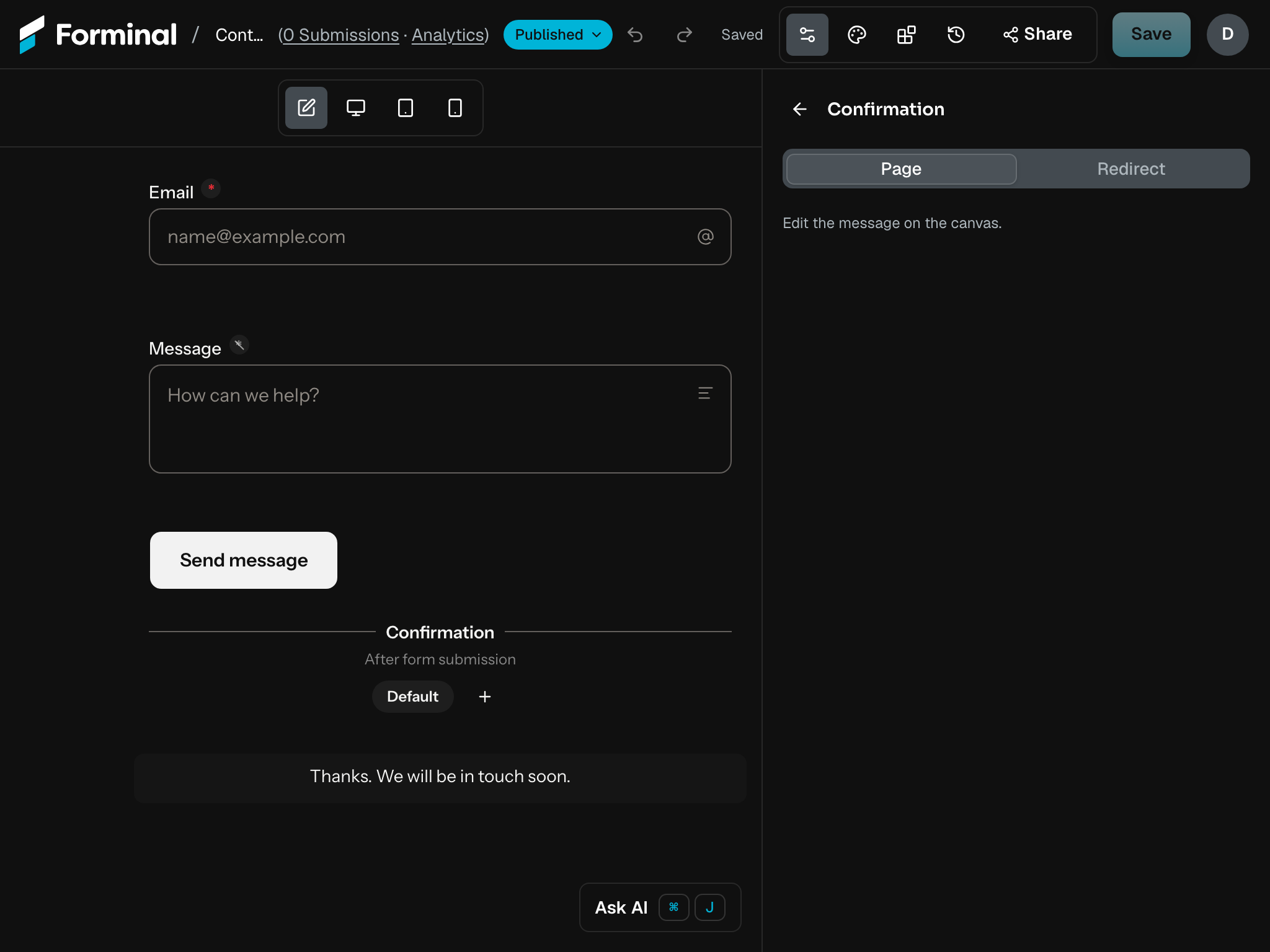
- Choose the Redirect tab.
- Paste the address into Redirect URL, then press Enter or click away. If you leave out the scheme,
https://is added for you.
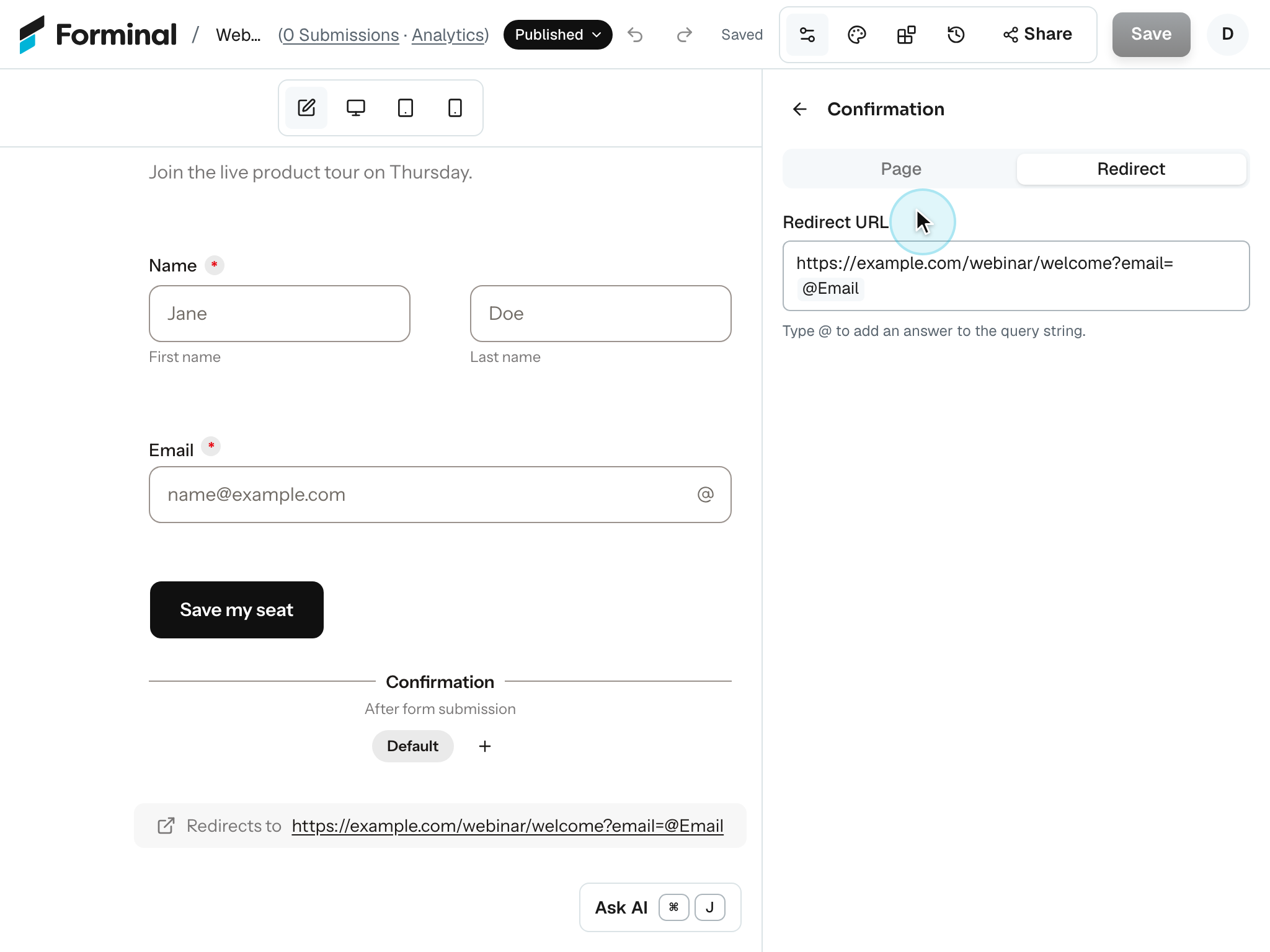
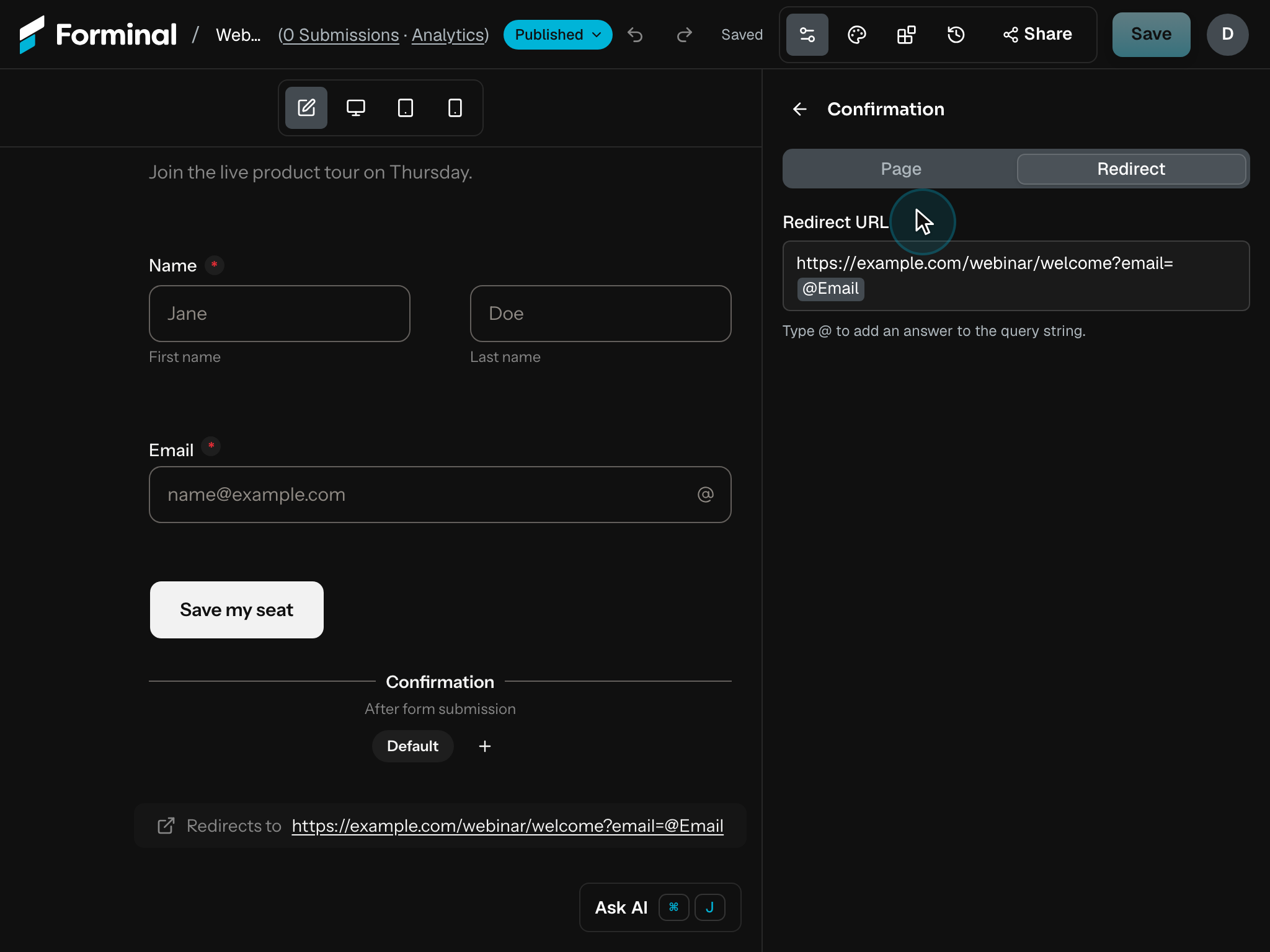
The canvas then shows “Redirects to” with the address, which you can click to check the page. If the address isn’t an http or https link, you see “Enter an http or https address” and nothing is saved.
What people see
After they submit, the form shows “Redirecting…” with a Continue link for a moment, and then the browser opens your address. On an inline embed or a popup, the whole page moves to the new address, not just the frame. In the builder’s preview you aren’t sent anywhere: you see the Redirecting notice, and Continue opens the address in a new tab.
Good to know
The address can be up to 2,000 characters. To pass answers to the page you send people to, type @ after a ?, &, = or # in Redirect URL and pick a field. The hint under the box reads “Type @ to add an answer to the query string.” Answers only go into the query string and the part after #, never into the domain or path, and each one is URL-encoded. If a field was left blank or hidden by Smart Logic, its default value goes in instead, or nothing if it has none. If Redirect is chosen but the address is empty, people see the thank-you message instead. To send different people to different pages, add conditional confirmations, each with its own address. See Confirmations for how.
Frequently asked questions
Can I pass answers to the page I redirect to?
Type @ in Redirect URL after a ?, =, or # and pick a field. Answers go only into the query string or the part after #, URL-encoded, never into the domain or path.
Does the redirect work on an embedded form?
It does, and the whole page moves to the new address, not just the frame, for inline embeds and popups alike.
Why didn’t the preview redirect me?
The builder’s preview doesn’t follow a redirect. You see the Redirecting notice, and Continue opens the address in a new tab.
Can I send different people to different pages?
Add conditional confirmations, each with its own address and its own rules.
What happens if the redirect address is empty?
People see the thank-you message instead.