Instead of showing a thank-you message, a form can send people to another page as soon as they submit, such as a page on your own website. You pick Redirect in the confirmation settings and paste the address.
Beispiele
- Eine Webinar-Anmeldung, die Personen auf die Seite mit den Beitrittsdetails leitet.
- Ein Lead-Formular, das Ihren Buchungskalender öffnet, sobald es gesendet wurde.
Richten Sie es ein
- Select Form Settings in the top bar, then select Confirmation, or click the confirmation at the bottom of the canvas.
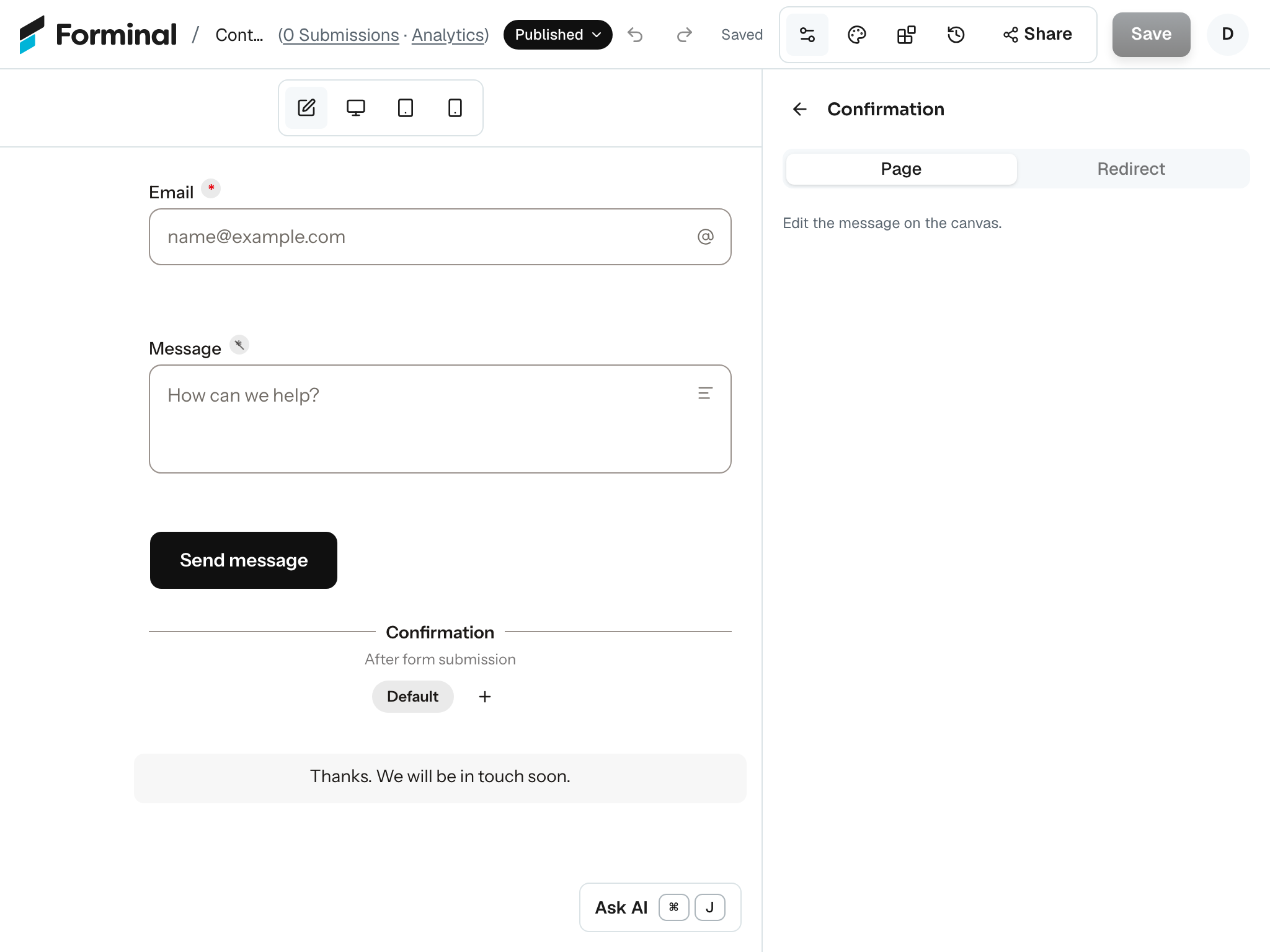
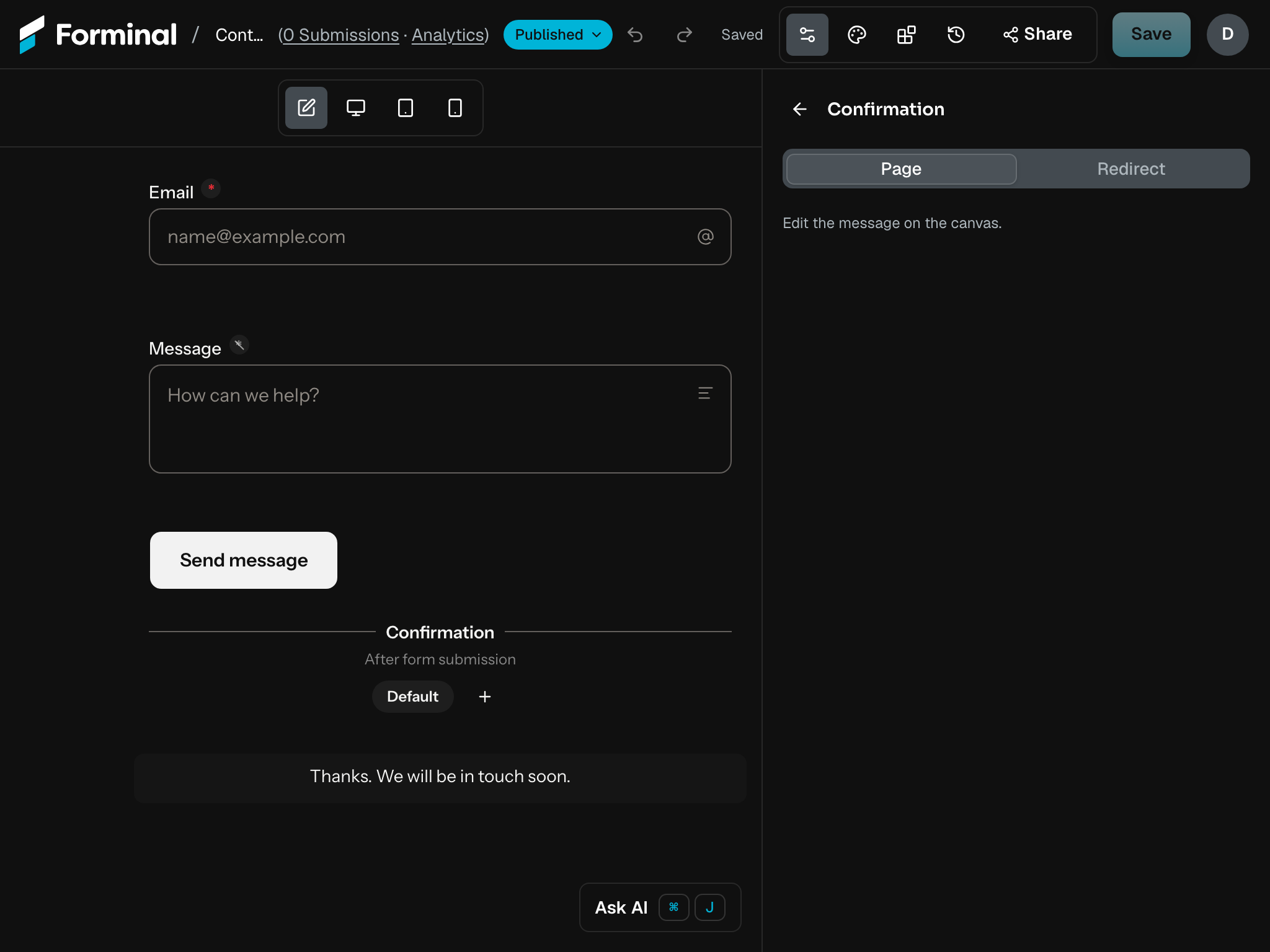
- Choose the Redirect tab.
- Paste the address into Redirect URL, then press Enter or click away. If you leave out the scheme,
https://is added for you.
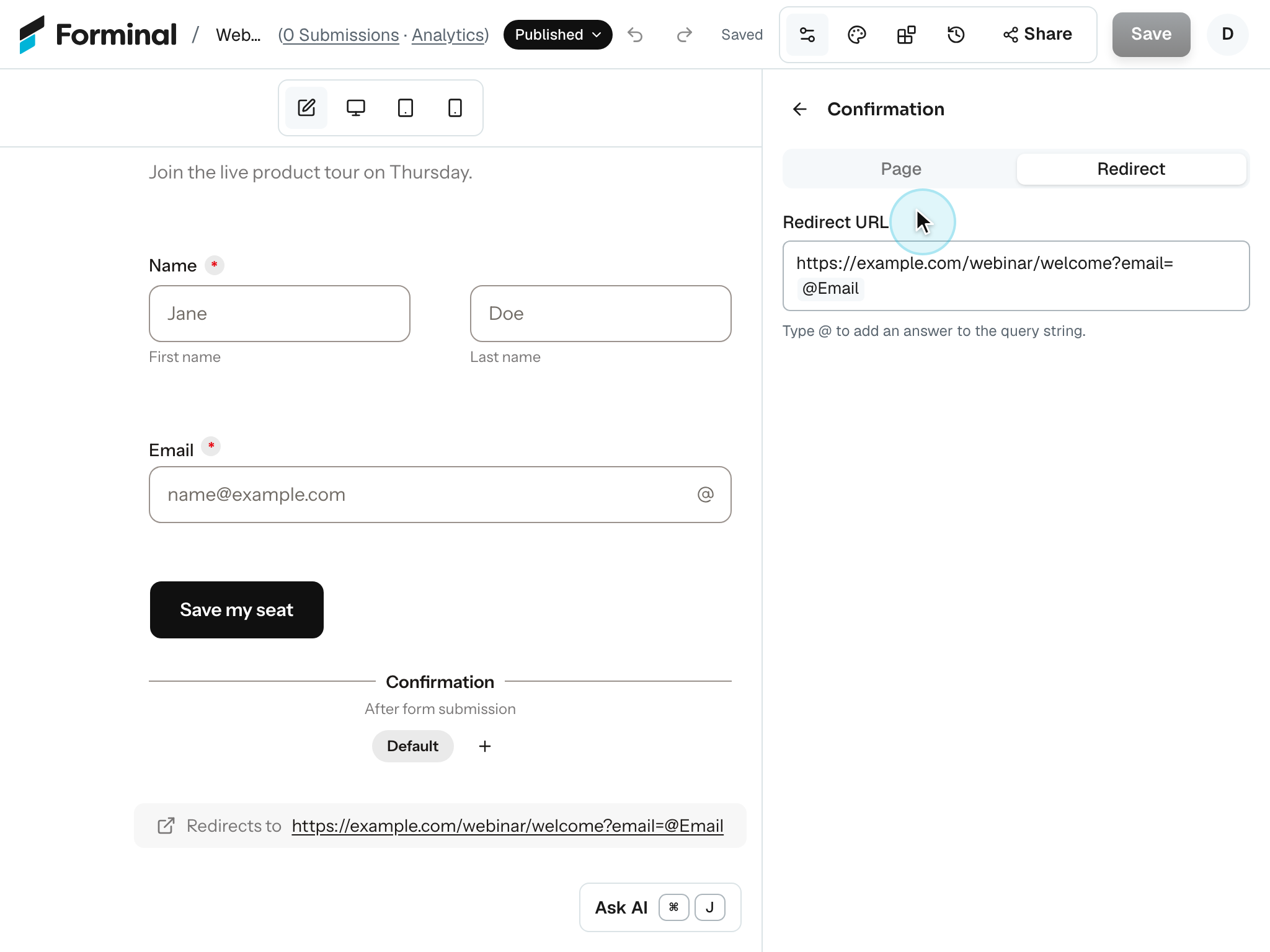
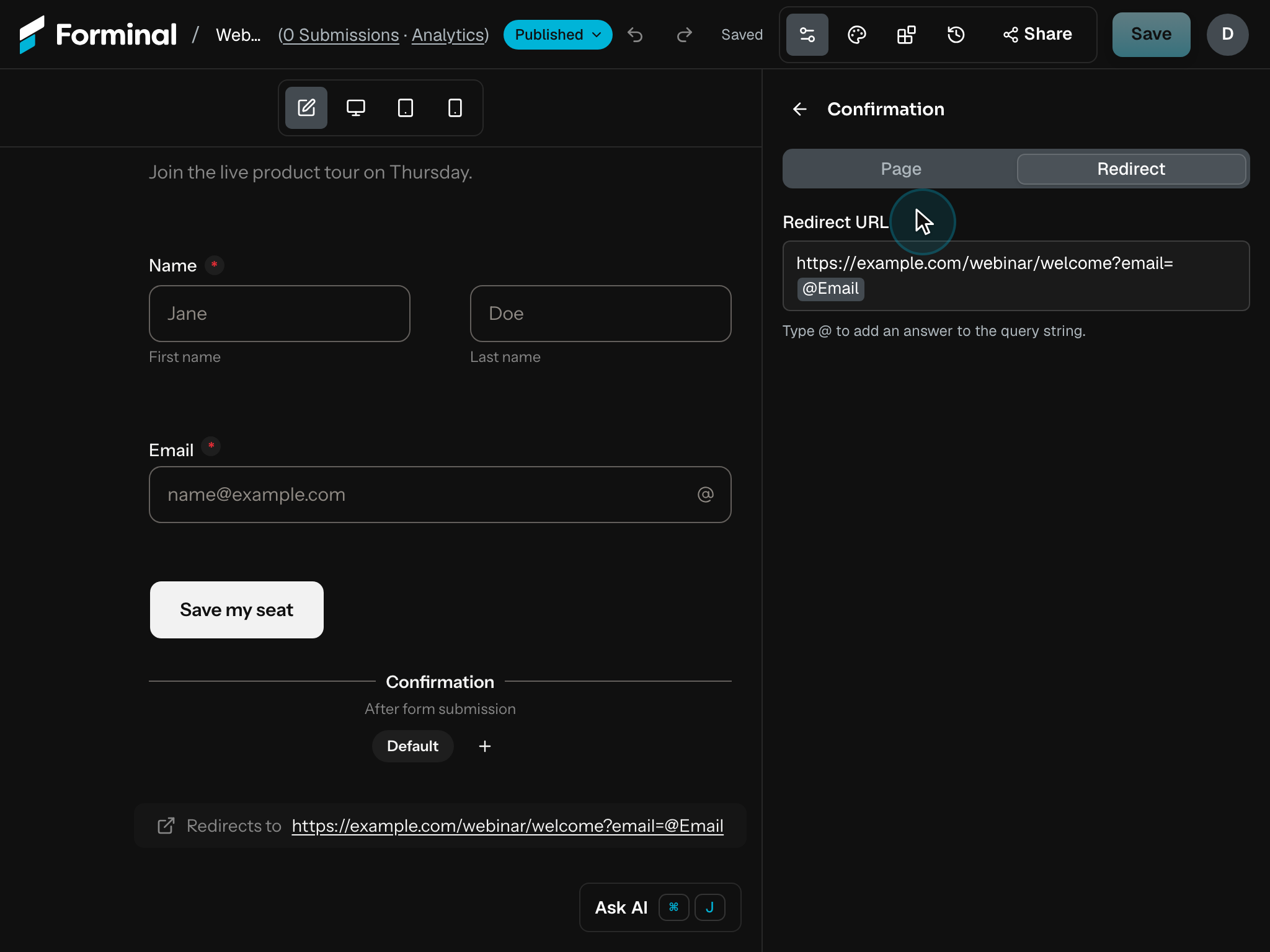
Die Leinwand zeigt dann kurz „Weiterleitung zu“ mit der Adresse an, auf die Sie klicken können, um die Seite zu überprüfen. Wenn die Adresse kein http- oder https-Link ist, sehen Sie „Geben Sie eine http- oder https-Adresse ein“ und nichts wird gespeichert.
Was die Leute sehen
After they submit, the form shows “Redirecting…” with a Continue link for a moment, and then the browser opens your address. On an inline embed or a popup, the whole page moves to the new address, not just the frame. In the builder’s preview you aren’t sent anywhere: you see the Redirecting notice, and Continue opens the address in a new tab.
Gut zu wissen
The address can be up to 2,000 characters. To pass answers to the page you send people to, type @ after a ?, &, = or # in Redirect URL and pick a field. The hint under the box reads “Type @ to add an answer to the query string.” Answers only go into the query string and the part after #, never into the domain or path, and each one is URL-encoded. If a field was left blank or hidden by Smart Logic, its default value goes in instead, or nothing if it has none. If Redirect is chosen but the address is empty, people see the thank-you message instead. To send different people to different pages, add conditional confirmations, each with its own address. See Confirmations for how.
Häufig gestellte Fragen
Kann ich Antworten an die Seite weitergeben, zu der ich weiterleite?
Geben Sie @ in die Weiterleitungs-URL nach einem ?, = oder # ein und wählen Sie ein Feld aus. Antworten werden nur in die Abfragezeichenfolge oder den Teil nach # eingefügt, URL-kodiert, niemals in die Domain oder den Pfad.
Funktioniert die Weiterleitung bei einem eingebetteten Formular?
Ja, und die gesamte Seite wechselt zur neuen Adresse, nicht nur der Frame, sowohl bei Inline-Embeds als auch bei Popups.
Warum hat mich die Vorschau nicht weitergeleitet?
Die Vorschau des Builders folgt keiner Weiterleitung. Sie sehen die Weiterleitungsanzeige, und Weiter klicken öffnet die Adresse in einem neuen Tab.
Kann ich verschiedene Personen auf verschiedene Seiten leiten?
Fügen Sie bedingte Bestätigungen hinzu, jede mit ihrer eigenen Adresse und ihren eigenen Regeln.
Was passiert, wenn die Weiterleitungsadresse leer ist?
Die Personen sehen stattdessen die Dankesnachricht.