Instead of showing a thank-you message, a form can send people to another page as soon as they submit, such as a page on your own website. You pick Redirect in the confirmation settings and paste the address.
Ejemplos
- Un registro de seminario web que dirige a las personas a la página con los detalles de unión.
- Un formulario de clientes potenciales que abre tu calendario de reservas justo después de enviarlo.
Configurarlo
- Select Form Settings in the top bar, then select Confirmation, or click the confirmation at the bottom of the canvas.
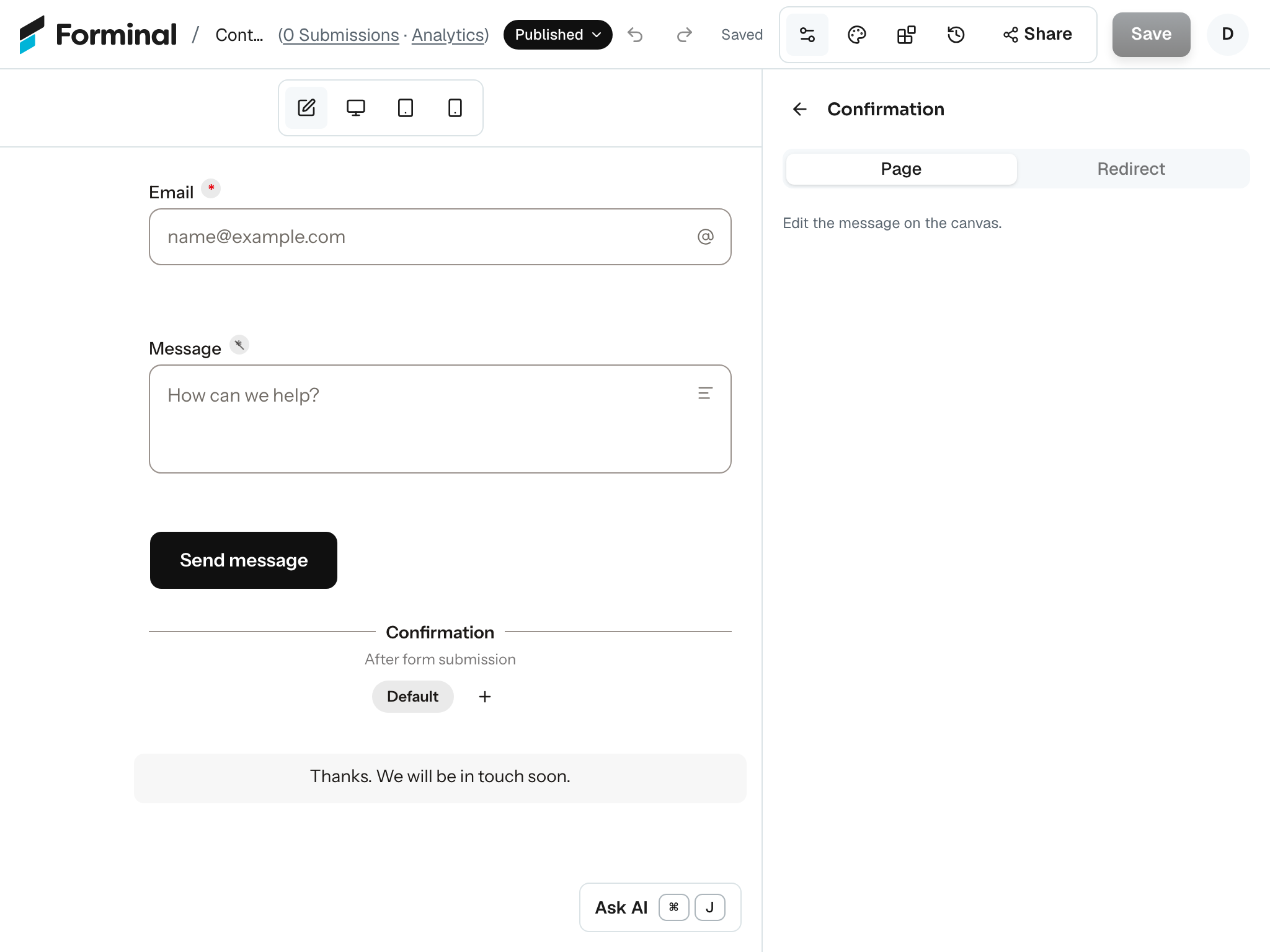
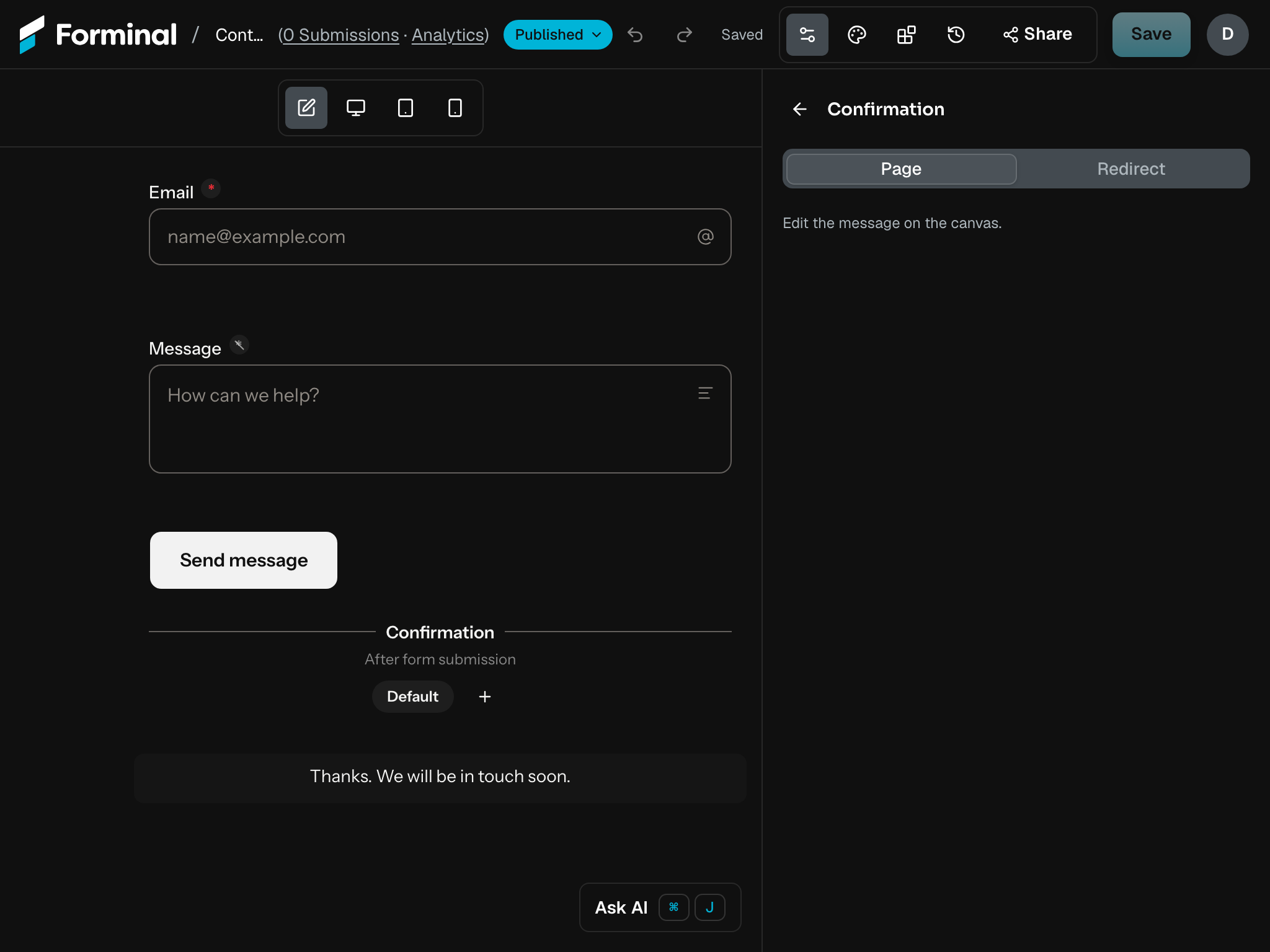
- Choose the Redirect tab.
- Paste the address into Redirect URL, then press Enter or click away. If you leave out the scheme,
https://is added for you.
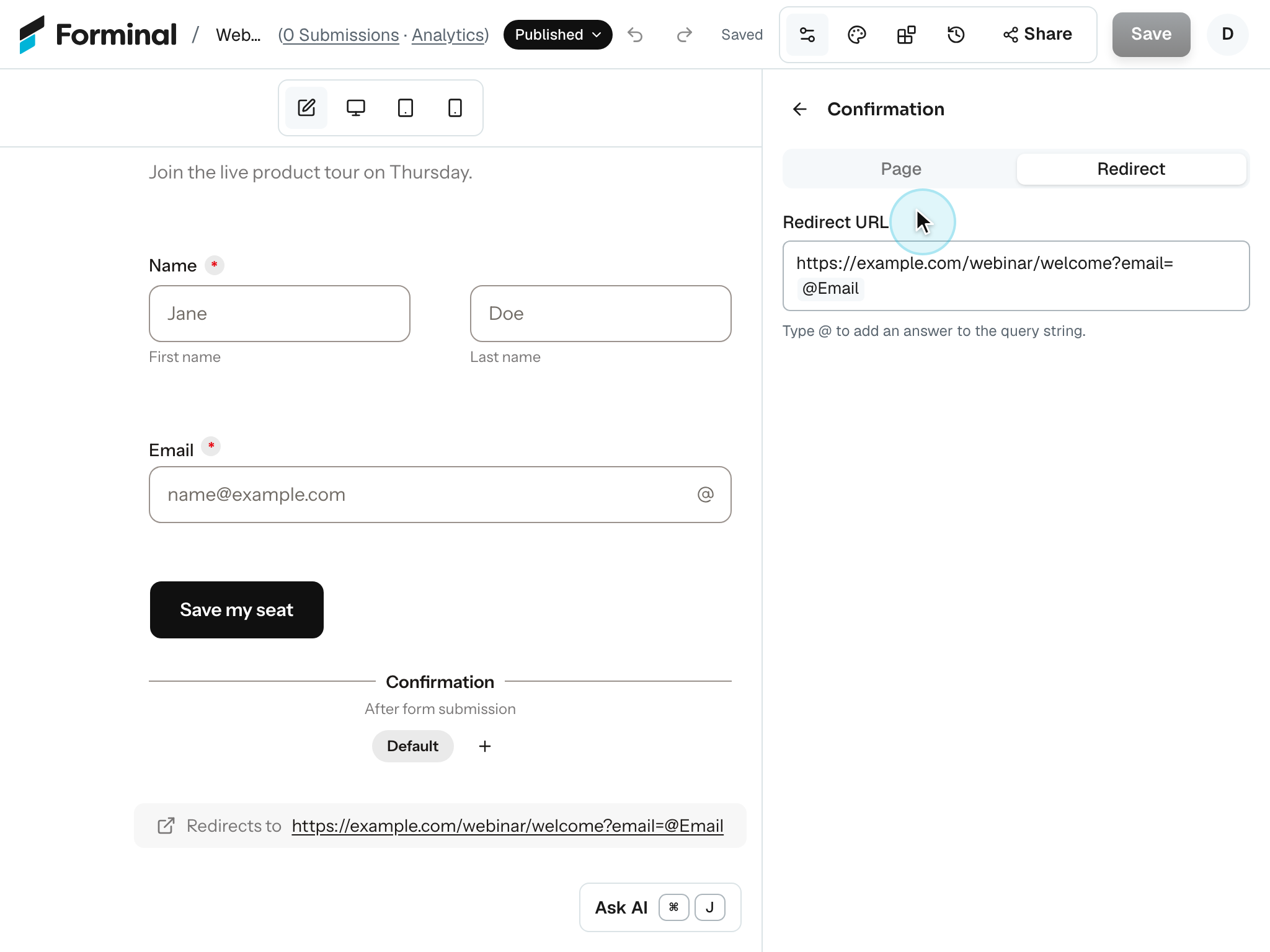
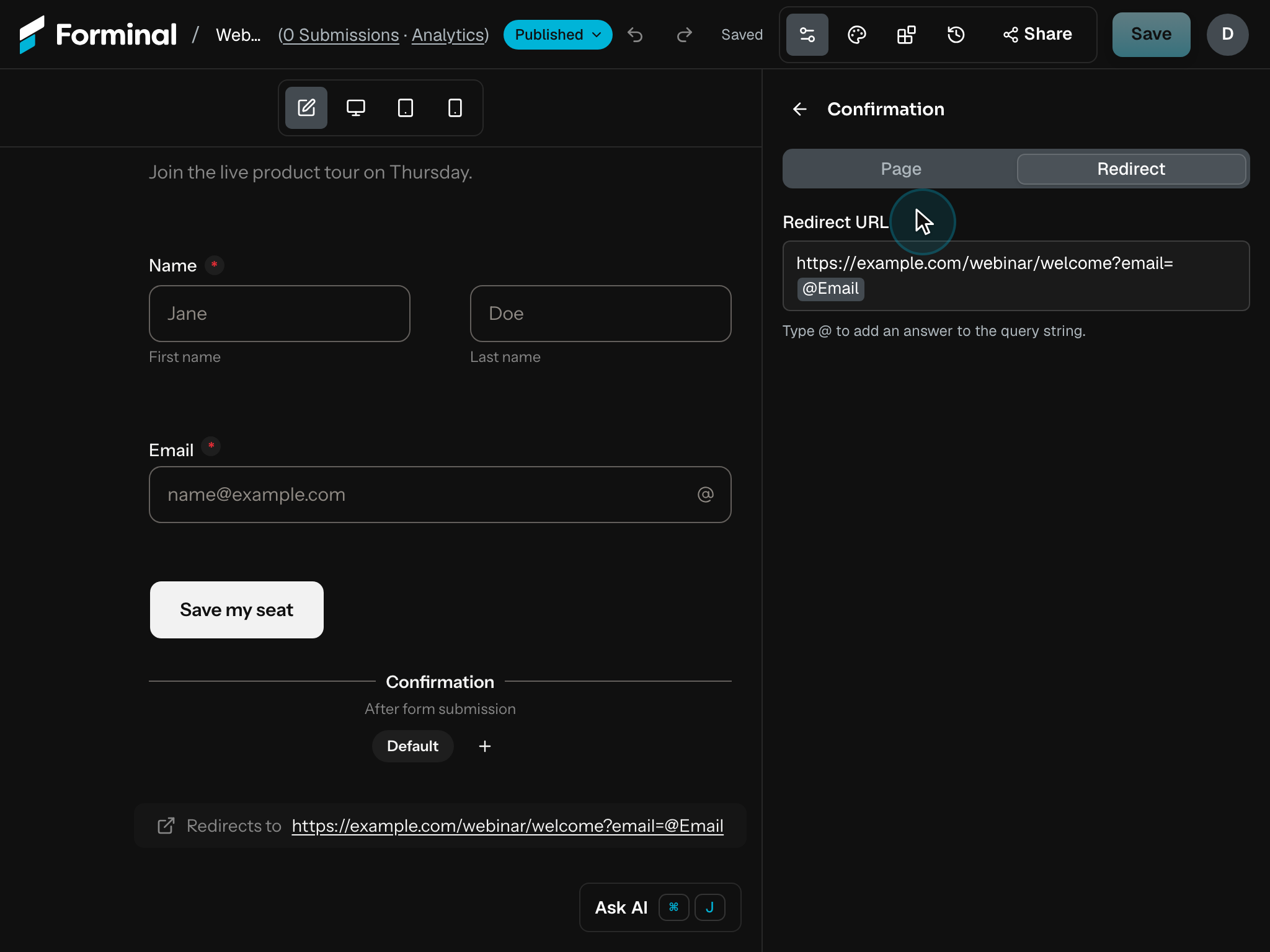
El lienzo muestra entonces "Redirigiendo a" con la dirección, en la que puedes hacer clic para comprobar la página. Si la dirección no es un enlace http o https, verás "Introduce una dirección http o https" y no se guardará nada.
Lo que la gente ve
After they submit, the form shows “Redirecting…” with a Continue link for a moment, and then the browser opens your address. On an inline embed or a popup, the whole page moves to the new address, not just the frame. In the builder’s preview you aren’t sent anywhere: you see the Redirecting notice, and Continue opens the address in a new tab.
Bueno saber
The address can be up to 2,000 characters. To pass answers to the page you send people to, type @ after a ?, &, = or # in Redirect URL and pick a field. The hint under the box reads “Type @ to add an answer to the query string.” Answers only go into the query string and the part after #, never into the domain or path, and each one is URL-encoded. If a field was left blank or hidden by Smart Logic, its default value goes in instead, or nothing if it has none. If Redirect is chosen but the address is empty, people see the thank-you message instead. To send different people to different pages, add conditional confirmations, each with its own address. See Confirmations for how.
Preguntas frecuentes
¿Puedo pasar respuestas a la página a la que redirijo?
Escribe @ en URL de redirección después de un ?, = o # y elige un campo. Las respuestas van solo a la cadena de consulta o a la parte después de #, codificadas en URL, nunca al dominio o la ruta.
¿Funciona la redirección en un formulario incrustado?
Sí, y toda la página se mueve a la nueva dirección, no solo el marco, tanto para incrustaciones en línea como para ventanas emergentes.
¿Por qué la vista previa no me redirigió?
La vista previa del creador no sigue una redirección. Ves el aviso de Redirigiendo, y Continuar abre la dirección en una nueva pestaña.
¿Puedo enviar diferentes personas a diferentes páginas?
Añade confirmaciones condicionales, cada una con su propia dirección y sus propias reglas.
¿Qué sucede si la dirección de redirección está vacía?
Las personas ven el mensaje de agradecimiento en su lugar.