The Embed HTML element puts a Forminal form on a page in the Wix Editor. You build the form in Forminal, copy its code, and paste it into the element.
Pick how it appears
- Inline: the form shows inside the embed box on your page. This is the one to use on Wix.
- Popup: a button opens the form in a window. On Wix the window can’t open past the embed box, as explained below.
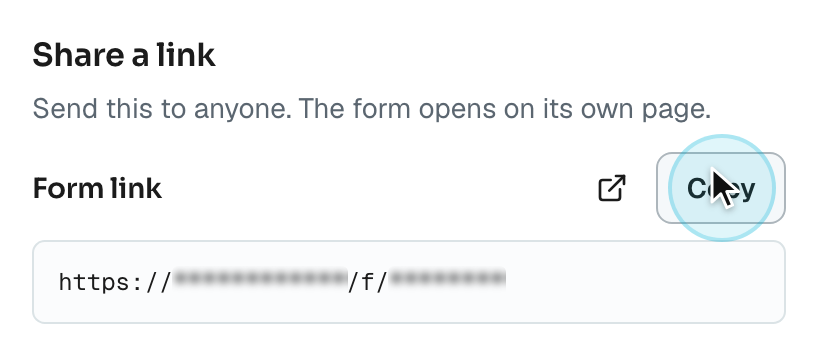
- Link: the form opens on its own page. Point a Wix button at it, with no code.
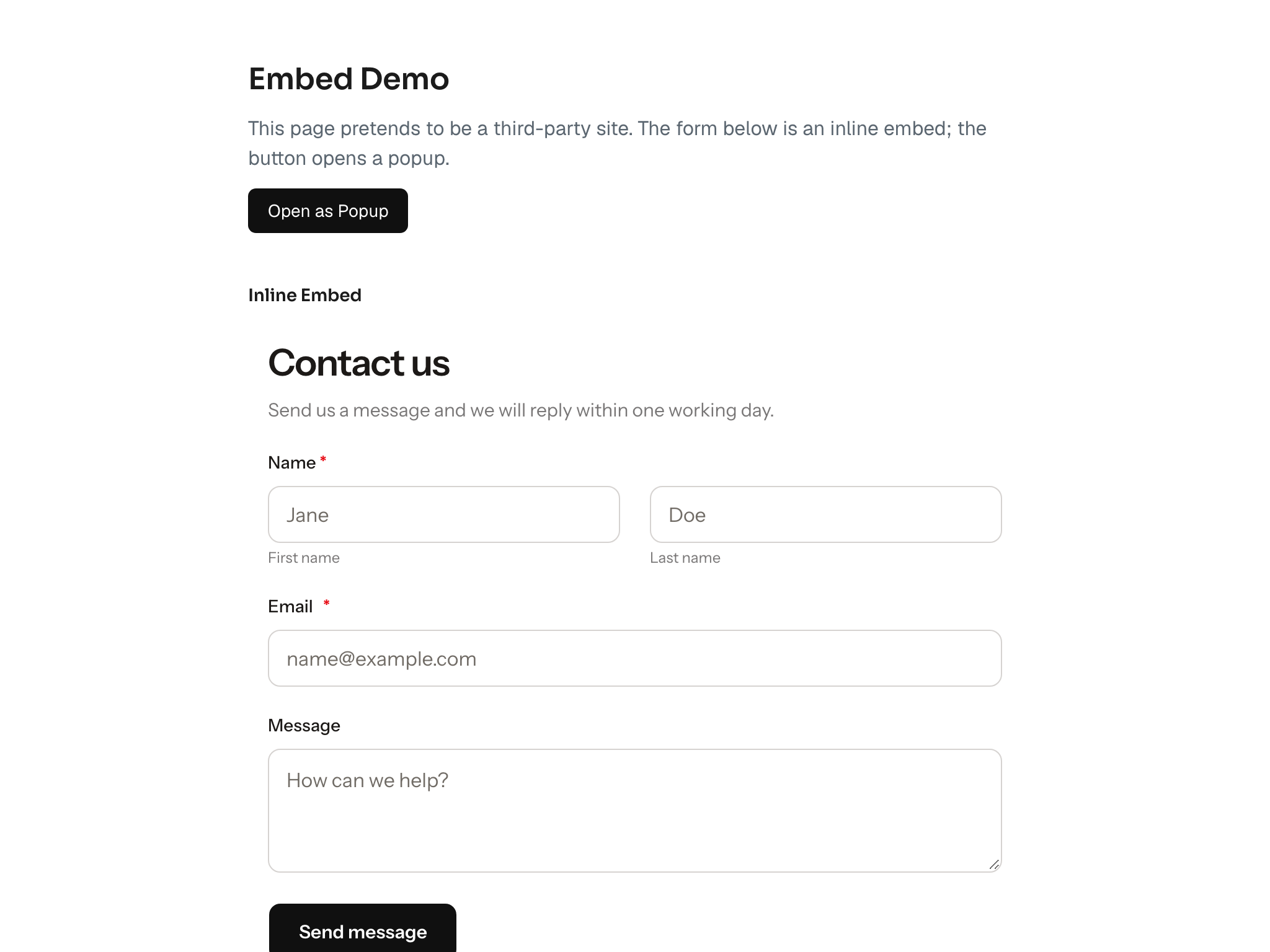
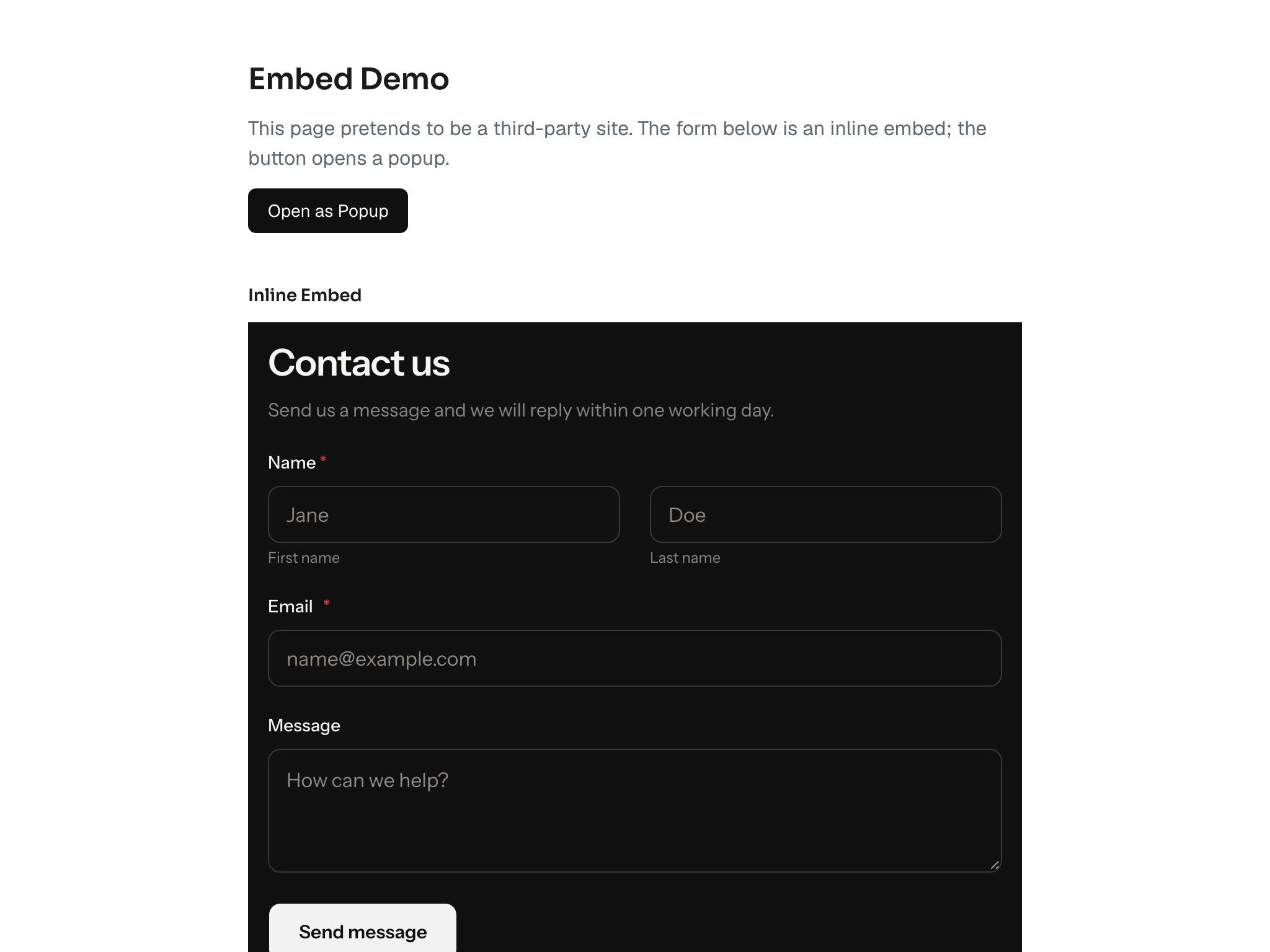
Add it
- In Forminal, publish the form. On the Share panel’s Embed tab, pick Inline under Embed on Your Site, pick Wix under Where Is Your Site Built?, and select Copy Code.
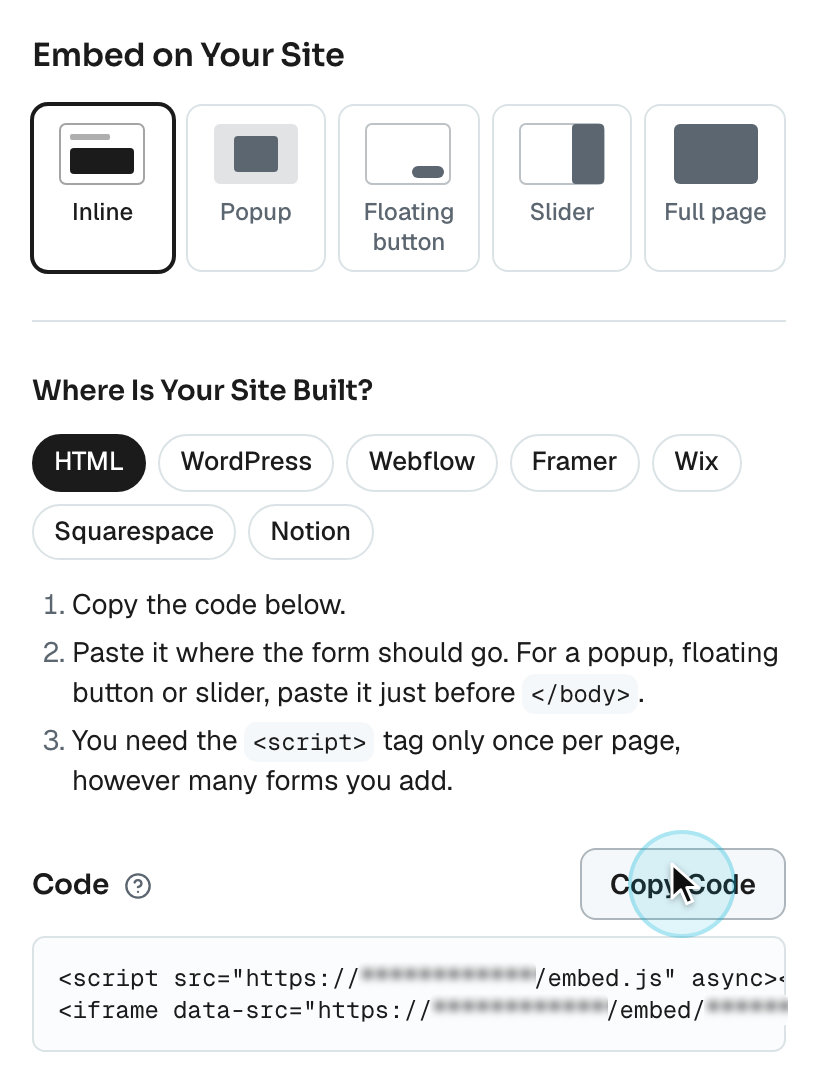
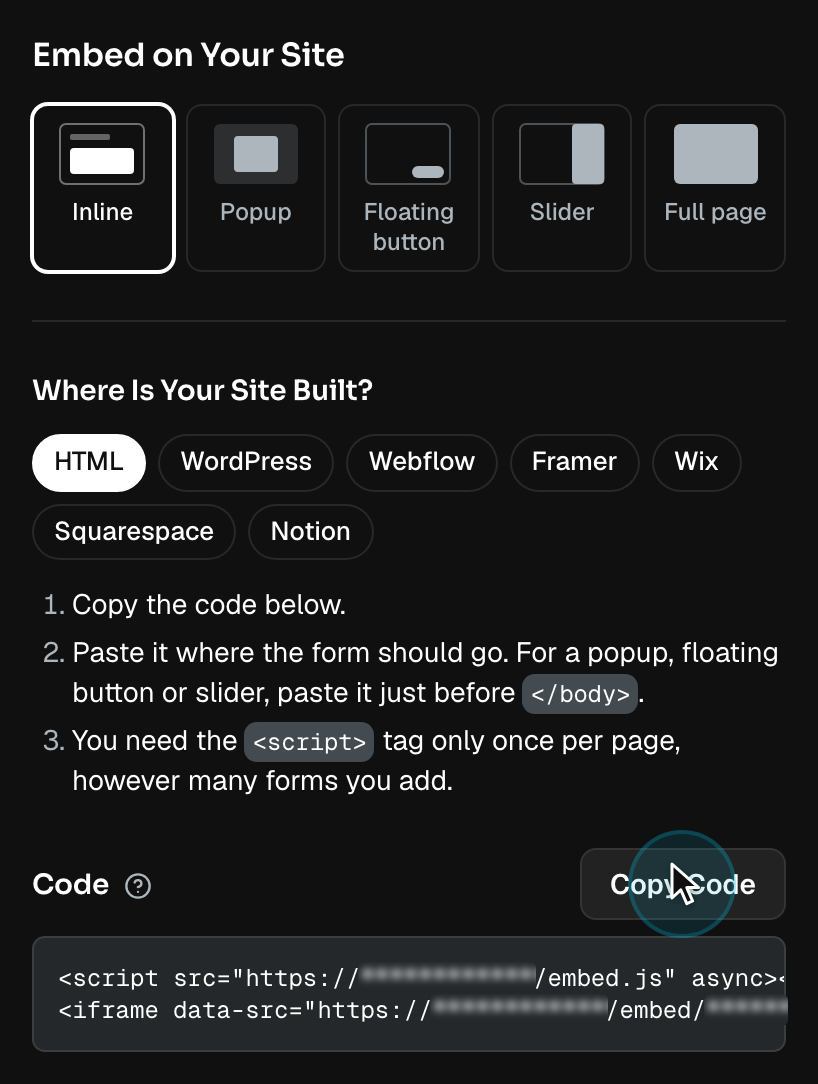
- In the Wix Editor, select Add Elements on the left, then Embed Code, then Popular Embeds, and pick Embed HTML. Select it to add it to the page.
- Select the element on the page, then Enter Code. Paste the code from the form’s Share panel under Add your code here and select Apply.
- Drag the element’s handles until the box is as tall as the whole form, then publish the site.
The box needs to be sized by hand because Wix shows HTML elements in a frame of their own. The form still fits itself to its content, but only inside that frame, so a box that is too short cuts the form off or adds a scrollbar. Check a long or multi-page form on the published site, on a phone too. If the form sends people to a page after they submit, that page opens inside the embed box, not in the whole window. For a form like that, put its link on a Wix button instead. The inline embed guide explains the options you can add to the code.
Popups on Wix
The popup code runs in the same kind of frame, so its window opens inside the embed box rather than over your page. To get a form behind a button on Wix, add a Wix button and set its link to the form’s link from the Share panel.
Answers
Submissions go to Forminal, not to your Wix dashboard. You read them on the form’s Submissions page. Turn on notifications to get an email for each one, or connect Google Sheets to add each one as a row.
Other site builders are listed on the Integrations page.
Frequently asked questions
Do I need an app from the Wix App Market?
No. The Embed HTML element in the Wix Editor holds the code, and a Wix button can link to the form’s own page.
Can I take payments in a form embedded on Wix?
A Payment field inside the embed box takes card payments, which covers Apple Pay and Google Pay. Methods such as Klarna or Bank aren’t offered in an embed, so for those, link a Wix button to the form’s own page.
Can I put the same form on several Wix pages?
Paste the same code into an Embed HTML element on each page. Every submission goes to the same Submissions page in Forminal.
Does a password-protected form work on Wix?
The password box shows inside the embed, and the form opens once the visitor types the right password. Reloading the page asks for it again.