The submit button sends the form. It says “Submit →” until you change the label to something that tells people what happens when they click it.
Examples
- “Book my seat” on an event form.
- “Get the guide” on a download form.
Change the label
- Open Form Settings in the builder’s top bar.
- Type the new label into Submit Button Text. On a draft it saves as soon as you click away. On a published form, select Save to put it live.
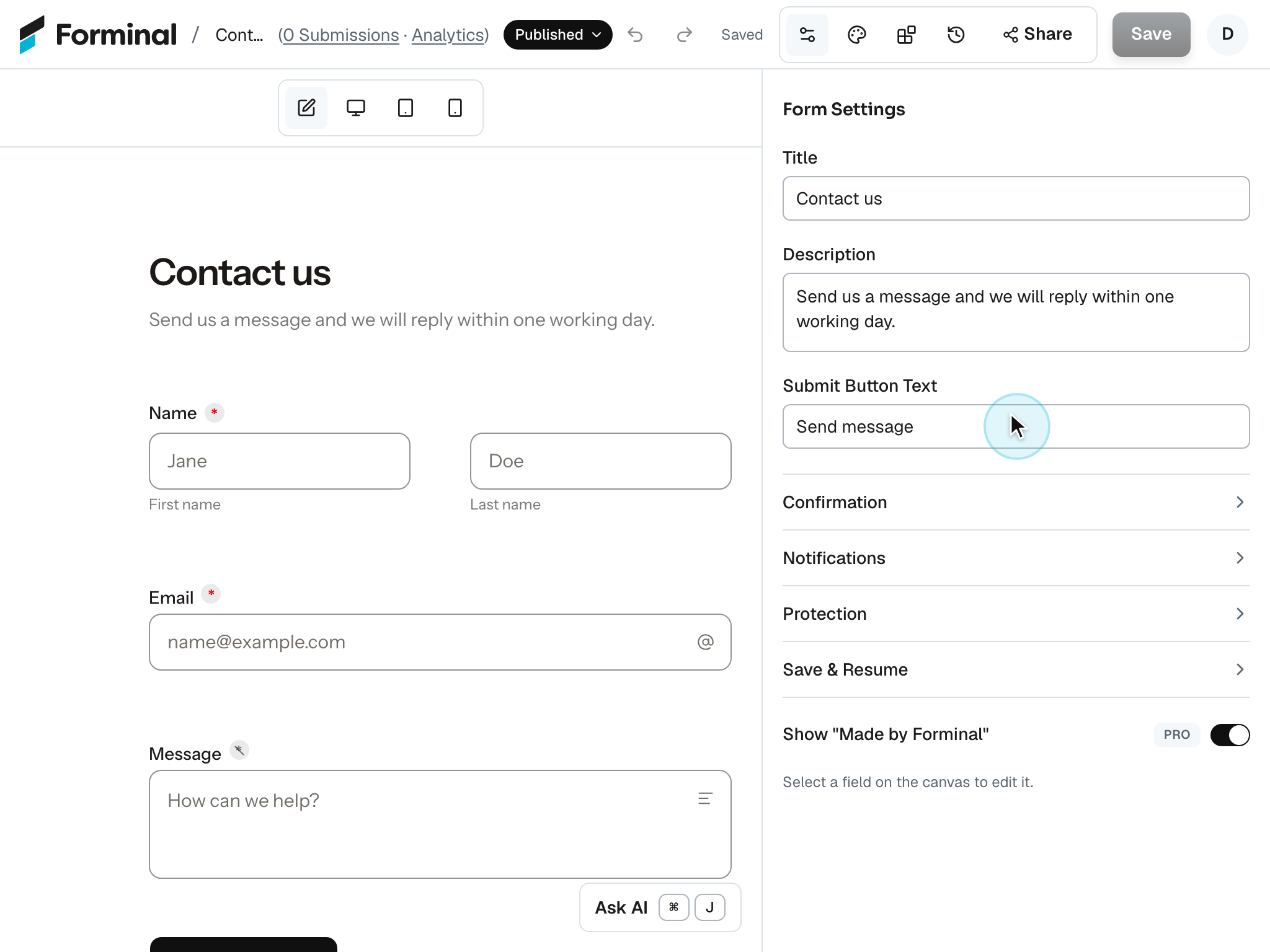
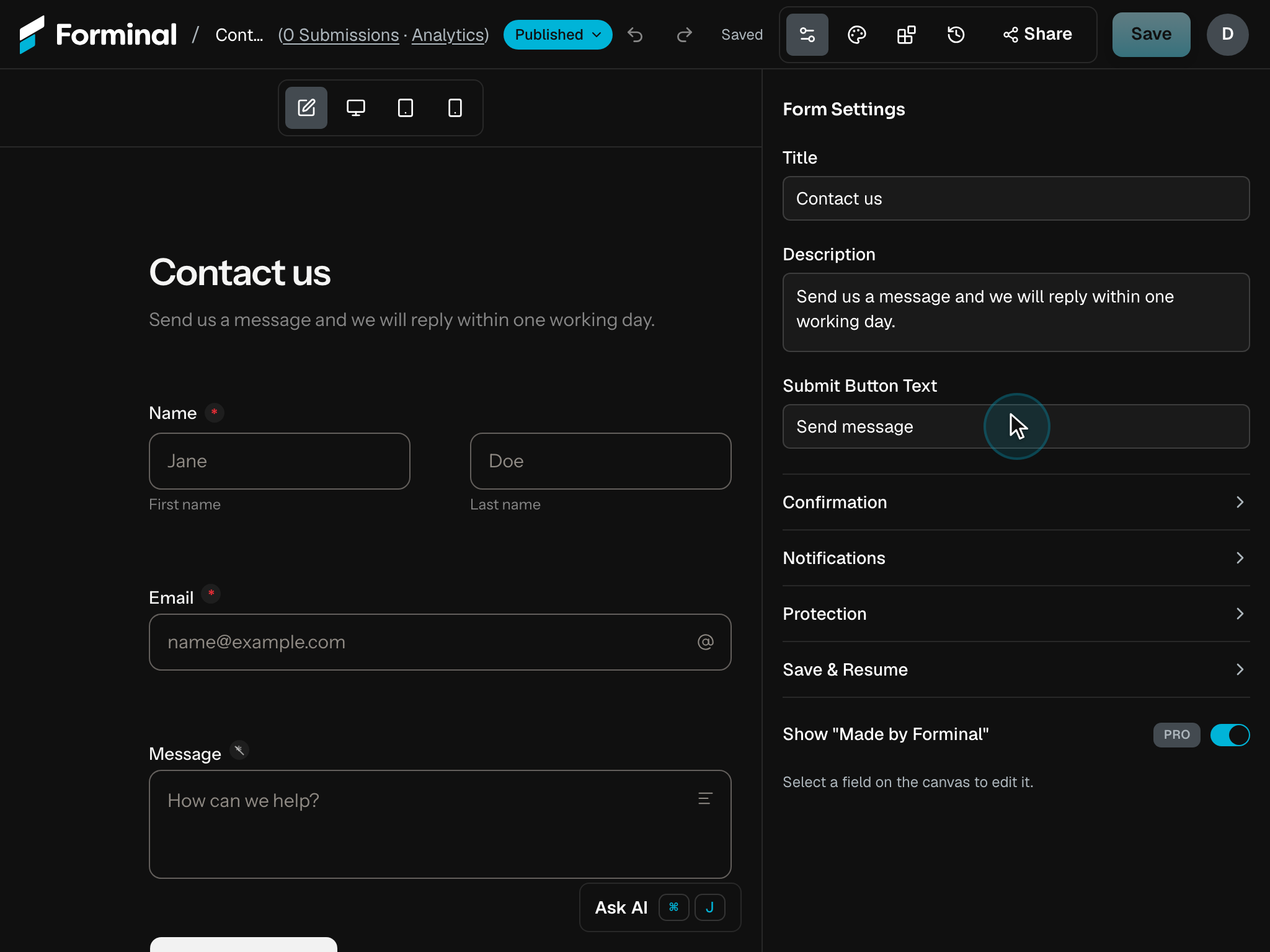
On a multi-page form, the button sits on the last page, and clicking the buttons at the bottom of the last page on the canvas opens Last Page. It holds Submit Button Text and Previous Button Text, which labels the button that goes back a page.
Change how it looks
In Customize, Button Background and Button Text set its colors. Under Advanced, the Button section sets the Width (Auto, Full or a fixed size), Height, Alignment, Font Size, Radius, Vertical Margin and Horizontal Padding. These apply to the Next and Previous buttons on a multi-page form too. The Advanced settings are part of Advanced Styles, so they show on the published form only on the same plans as Advanced Styles.


Good to know
A label can be up to 50 characters. Clear it and the button goes back to “Submit →”. The button turns off while a submission is being sent, so a double click doesn’t send the form twice. On a payment form, it also stays off until the payment can be taken and there’s an amount to charge.
Frequently asked questions
How long can the submit button label be?
Up to 50 characters. Clear the box and the button goes back to Submit →.
Can someone send my form twice by double clicking?
The button turns off while a submission is being sent, so a double click sends it only once. To keep people to one submission, see One Submission per Person.
Why is the submit button greyed out on my payment form?
On a payment form the button stays off until the payment can be taken and there’s an amount to charge.
Do I need a paid plan to change the button’s size and shape?
The label and the button colors work on every plan. Width, height, alignment, font size, radius and spacing are part of Advanced Styles, so they show on the published form only on Pro and Business.
Can I write the button label in another language?
Yes, type the label in any language. Messages the form shows on its own, such as validation errors, stay in English.