Remove Branding hides the “Made by Forminal” line from your form, so visitors see only your own content and design.
Examples
- A client project where the form should look fully in-house.
- A company intranet form.
Turn off the line
- Open the form in the builder and select Form Settings in the top bar.
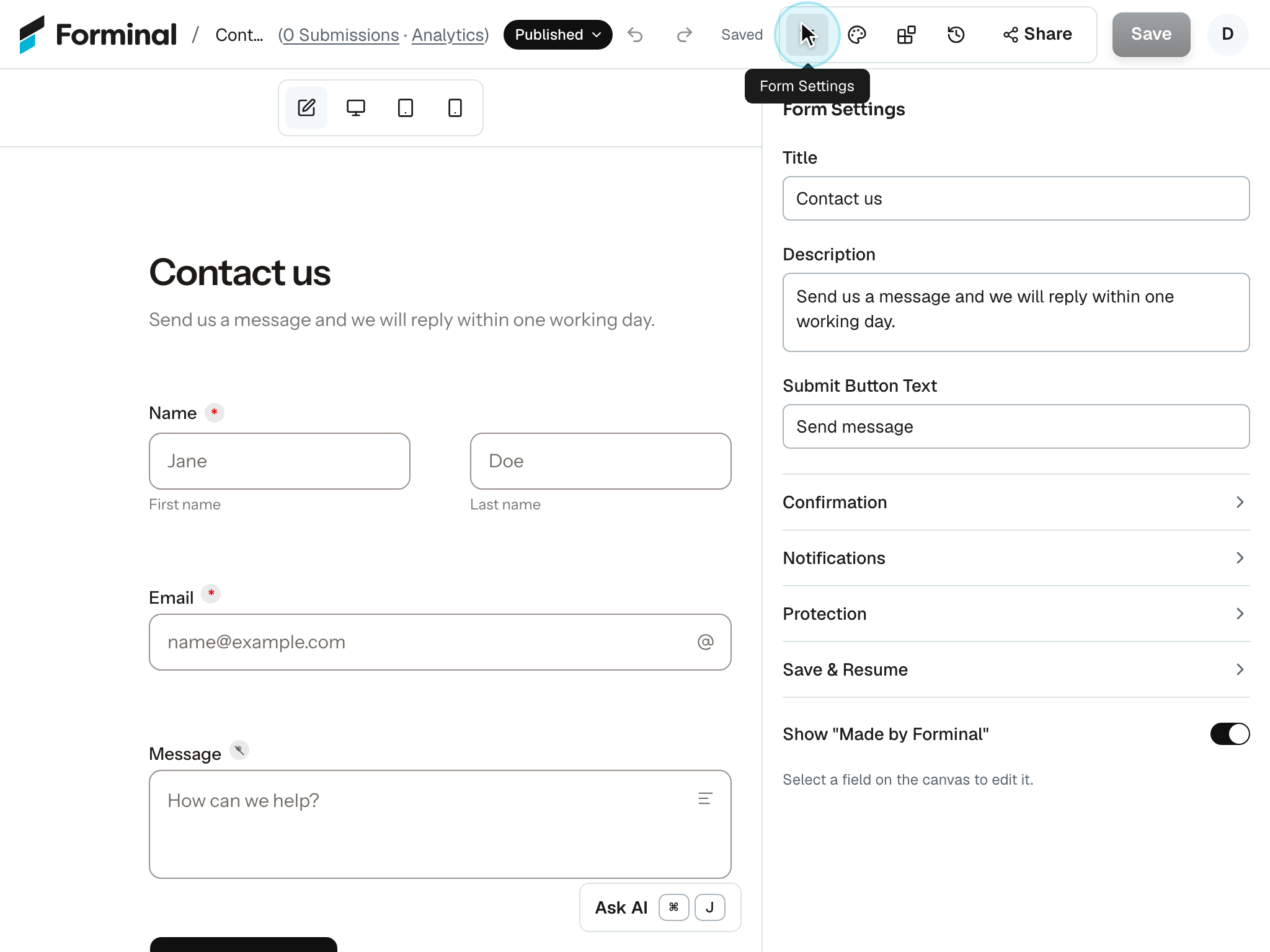
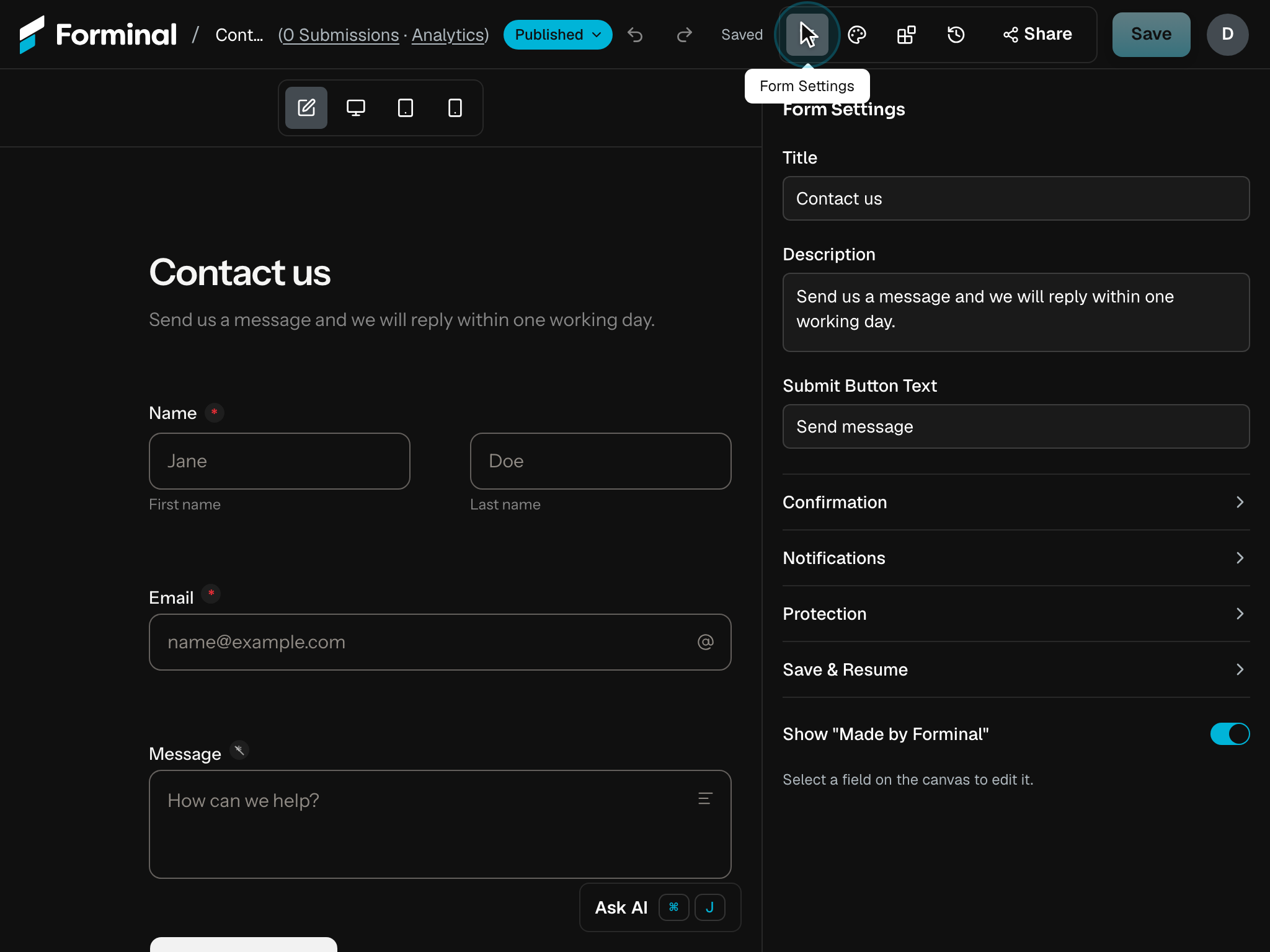
- Find the Show “Made by Forminal” switch and turn it off.
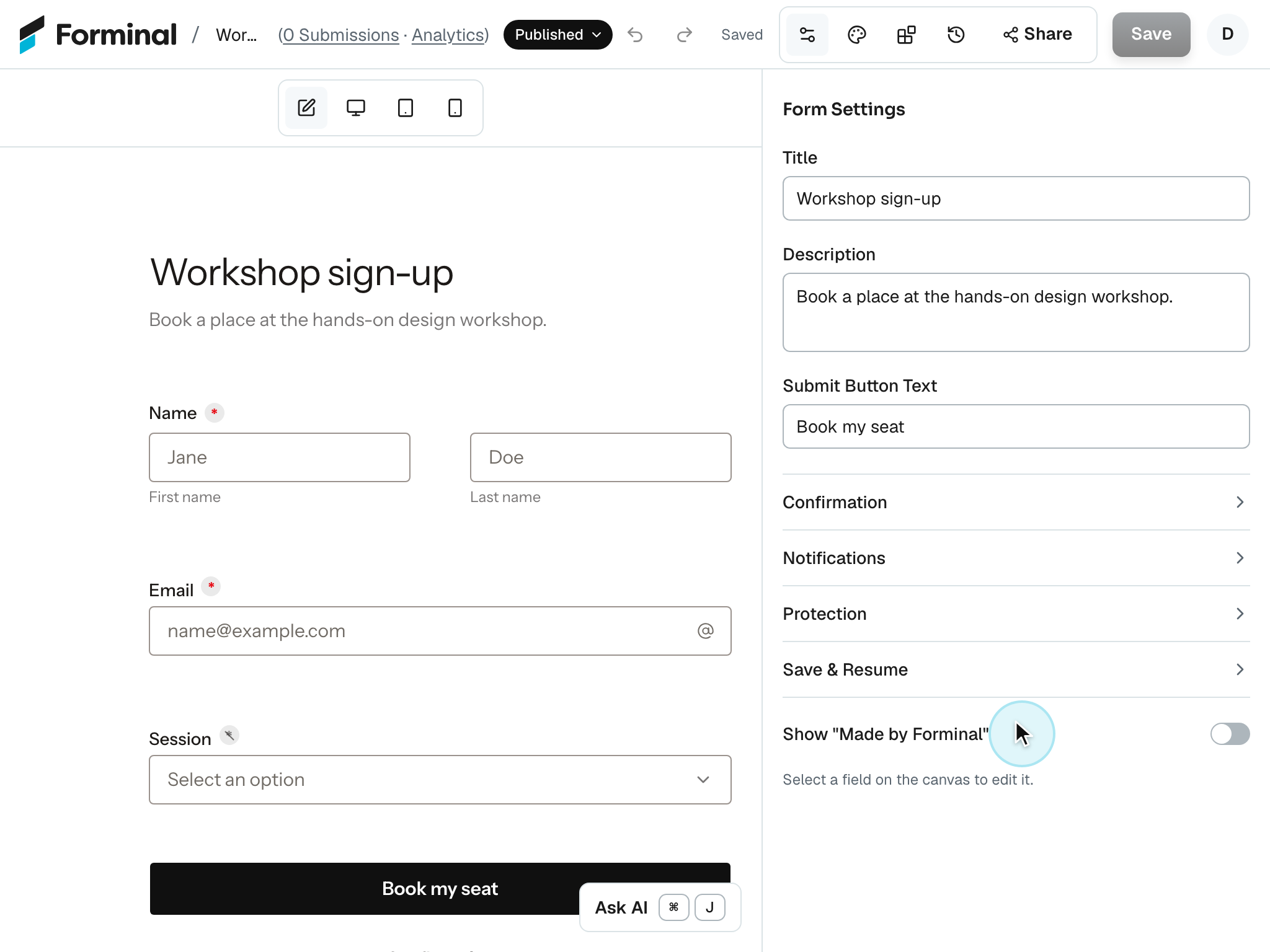
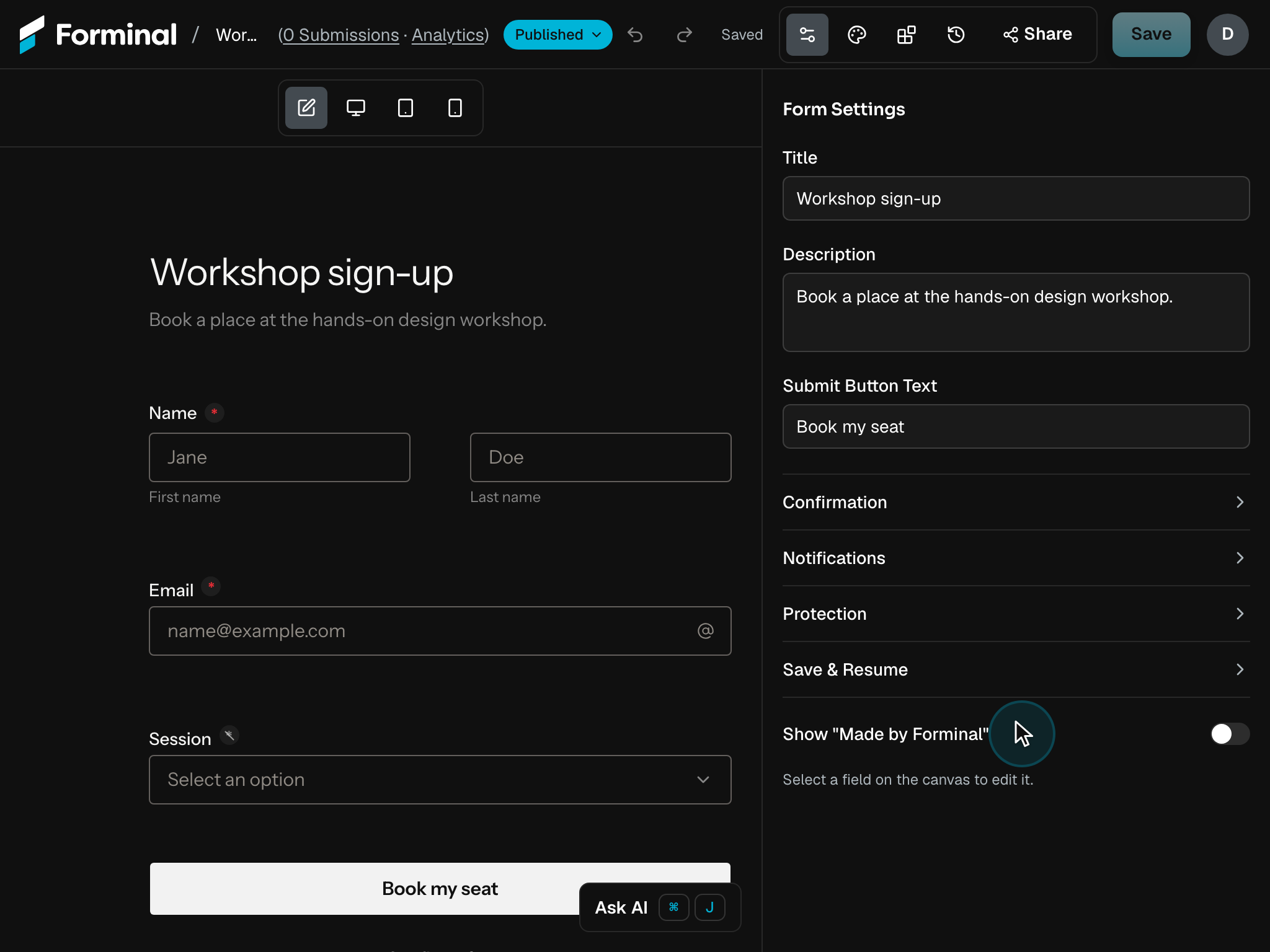
The change saves with the form like any other setting. Turn the switch back on to show the line again. You can also ask the AI assistant to hide it.
What it removes
With the switch on, a small “Made by Forminal” line with a link appears in six places: centered under the form, below its card if it has one, on the thank-you message after someone submits, on the page people return to after a payment, on the password page of a protected form, on the screen a visitor from a blocked country sees, and on the screen that tells someone they’ve already submitted the form. Turning the switch off removes it from all six, on the form’s link, in inline embeds and in popups.


Good to know
Only that line goes. Your fields, styles and settings don’t change. The browser tab of the form’s own link still reads Forminal. If your plan doesn’t include Remove Branding, the switch stays on and opens the upgrade options, and published forms keep showing the line.
Frequently asked questions
Which plan lets me remove the Forminal branding?
Removing the branding is part of Pro, and Business includes everything in Pro. On Lite the switch stays on and opens the upgrade options.
Does removing the branding change the browser tab title?
No. The browser tab of the form’s own link still reads Forminal. Only the Made by Forminal line goes.
Is the branding removed from embedded forms too?
It is. Turning the switch off removes the line on the form’s link, in inline embeds and in popups, including the thank-you message and the password page.
What happens to the branding if I move back to Lite?
Your forms keep the setting, but the published form leaves out what Lite doesn’t include, so the Made by Forminal line shows again until you upgrade.
Can I also show the form on my own domain?
With Custom Domains you can, and those are part of Pro as well.