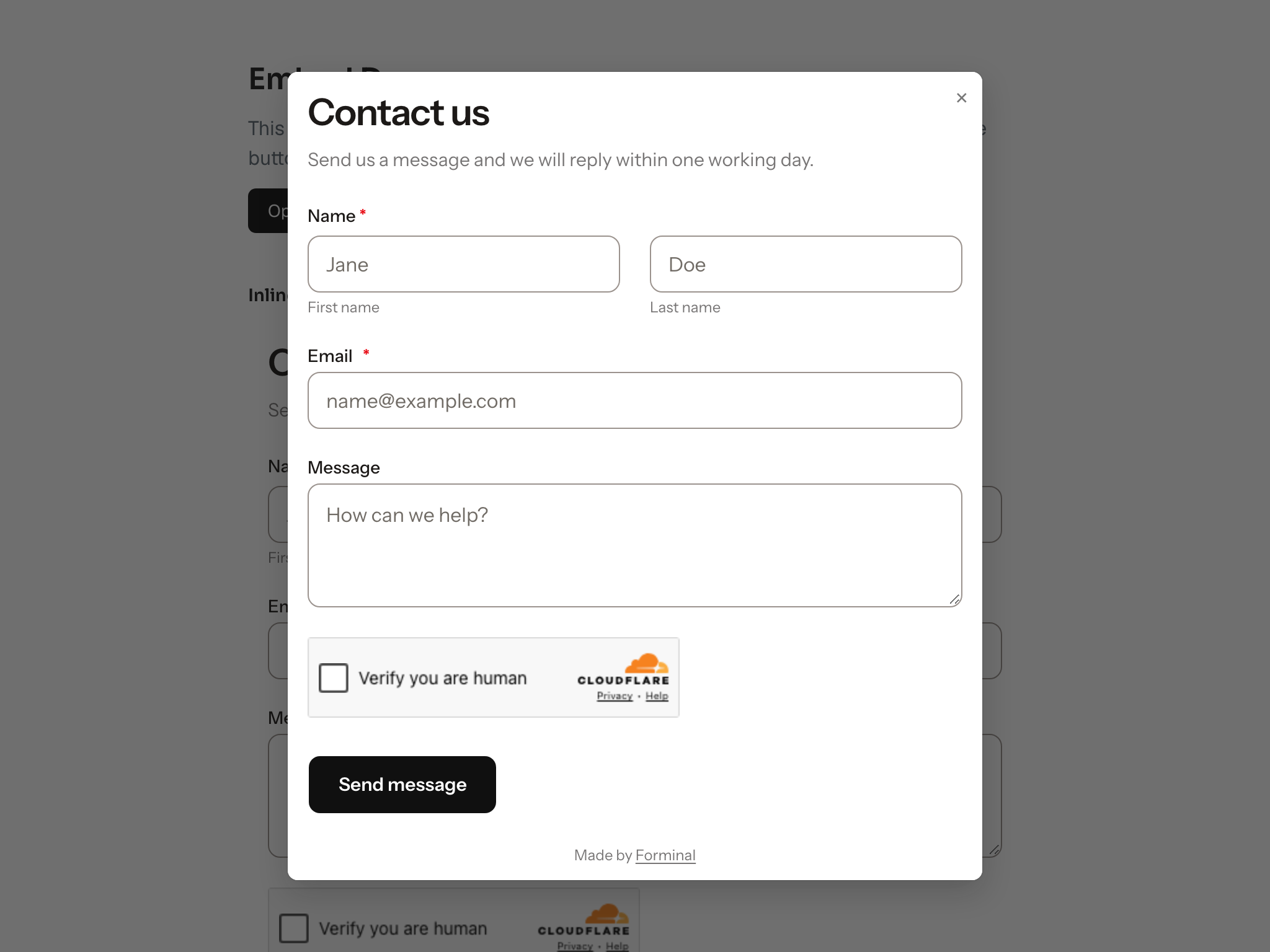
Popup embed opens the form in a window over your page when someone clicks a button, so the form stays out of the way until a visitor asks for it. Any button or link on your site can open it.
Examples
- A “Request a quote” button on a pricing page.
- A “Report a bug” link in an app footer.
Add it to your page
- Publish the form. The Share panel opens. On a form that is already published, select Share in the top bar.
- Under Embed on your site, select Copy next to Popup from a button.
- Paste the code into your page’s HTML where the button should go, and change the button text from “Open form” to your own.
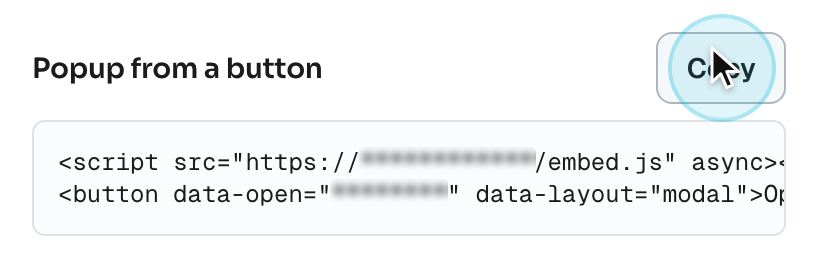
<script src="https://app.aw.co.ua/embed.js" async></script>
<button data-open="FORM_ID" data-layout="modal">Request a quote</button>
The script is the same one the inline embed uses, and a page needs it only once. What opens the popup is the data-open attribute, so you can put it on a link or any other element, not only a button, and style that element however you like.
Options
data-open="FORM_ID"is required. It names the form to open.data-layout="modal"opens the form in the middle of the screen over a dimmed page. This is also what you get when you leave it out.data-layout="default"opens it as a card in the bottom right corner instead, with no dimming.data-width="720"sets the popup’s width in pixels. Without it, the popup is 560 pixels wide. On a smaller screen it never gets wider than the screen.data-hide-title="1"hides the form’s title and description, and its logo and cover, for when the button already says what the form is.
What people see
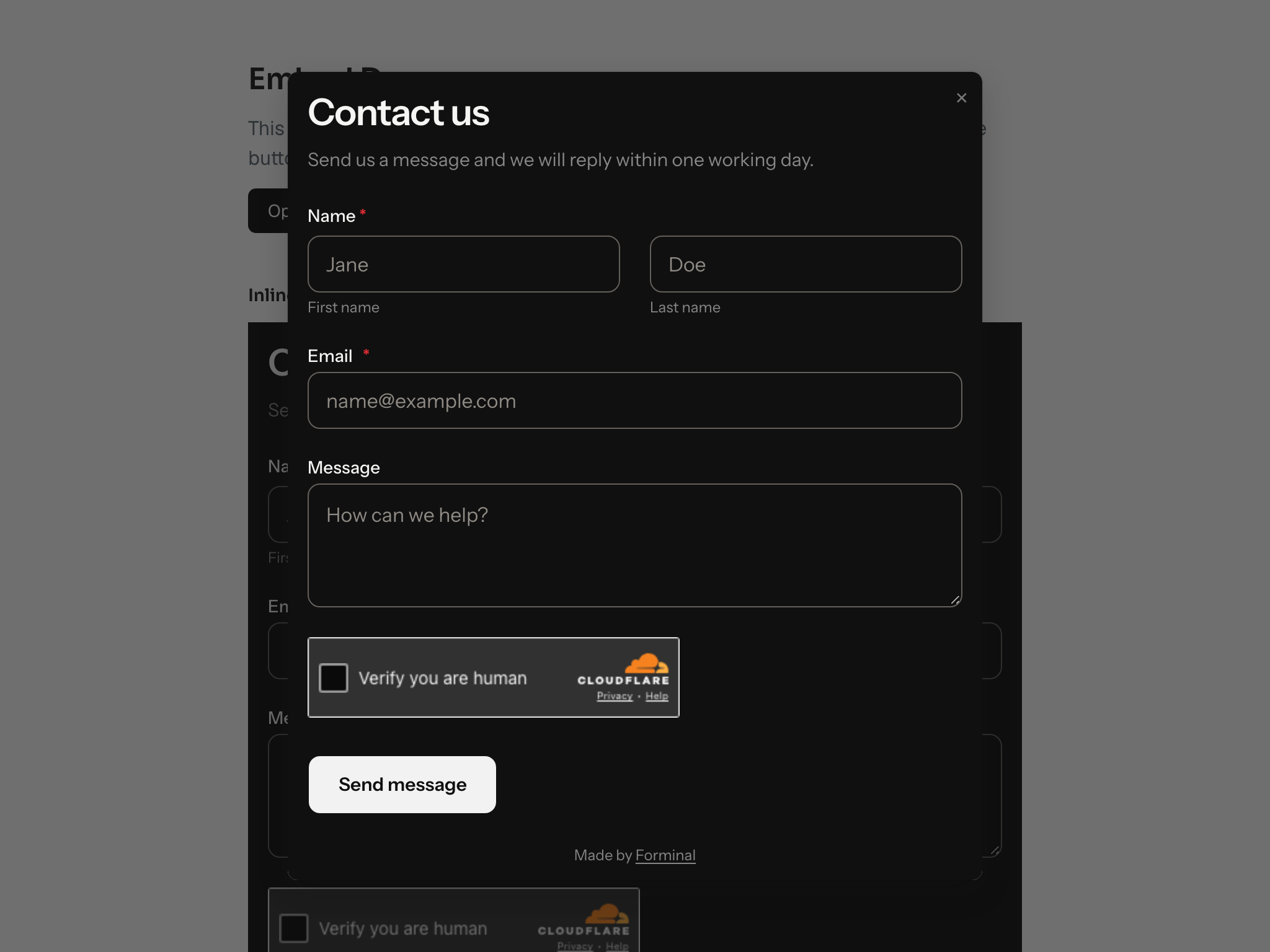
The popup grows to fit the form, up to 85% of the screen’s height, and scrolls inside after that. People can close it with the × in the corner or the Escape key. In the modal layout, clicking the dimmed page around it closes it too. Only one popup is open at a time.
After someone submits, the popup shows your confirmation message and closes itself 2 seconds later. If the confirmation redirects, your whole page goes to the redirect address. The popup also gets your page’s query string, so a visit to https://example.com/pricing?ref=newsletter fills a hidden field named ref. Smart Logic, multi-page forms, answer piping and CAPTCHA all work in the popup. To try it before you paste anything, select demo page at the bottom of the Share panel, then Open as popup.
For developers
You can open and close the popup from your own code. openPopup takes the same options as the attributes. It also takes autoClose: false, which keeps the popup open after a submission. The form:submitted event fires on window with the form id in event.detail.formId.
window.FormsEmbed.openPopup('FORM_ID', { layout: 'modal', width: 720, hideTitle: true, autoClose: false })
window.FormsEmbed.closePopup()
Good to know
Only published forms open for visitors. The form loads fresh each time the popup opens, so closing it before submitting clears what was typed. A payment field in a popup takes card payments only, because methods such as Klarna or Bank would need to leave the frame.
Frequently asked questions
Can a link open the popup instead of a button?
Any element with the data-open attribute opens it, so a link or any other element works, styled however you like.
Does the popup close after someone submits?
It shows your confirmation message and closes 2 seconds later. To keep it open, open it from your own code with window.FormsEmbed.openPopup and autoClose: false.
Is what someone typed kept if they close the popup?
No. The form loads fresh each time the popup opens, so closing it before submitting clears the answers.
Can I change the popup’s size or position?
Set data-width to a width in pixels; without it the popup is 560 pixels wide. data-layout=”default” opens it as a card in the bottom right corner instead of the middle of the screen.
Does a page with an inline embed need the script twice?
No. The popup uses the same script as the inline embed, and one copy per page is enough.