Download any submission as a PDF from the Submissions page. The file has the form title, when the answers came in and every answer, so you can save it, print it or send it to someone who has no account. It works on every plan.
Examples
- Printing a work order to keep with the job.
- Saving a customer’s request for your records before you delete it.
- Forwarding one application to a colleague who can’t open your submissions.
Download a submission
- Open the Submissions page: on your dashboard, select the number in the form’s Submissions column, or select the submissions count in the builder’s top bar.
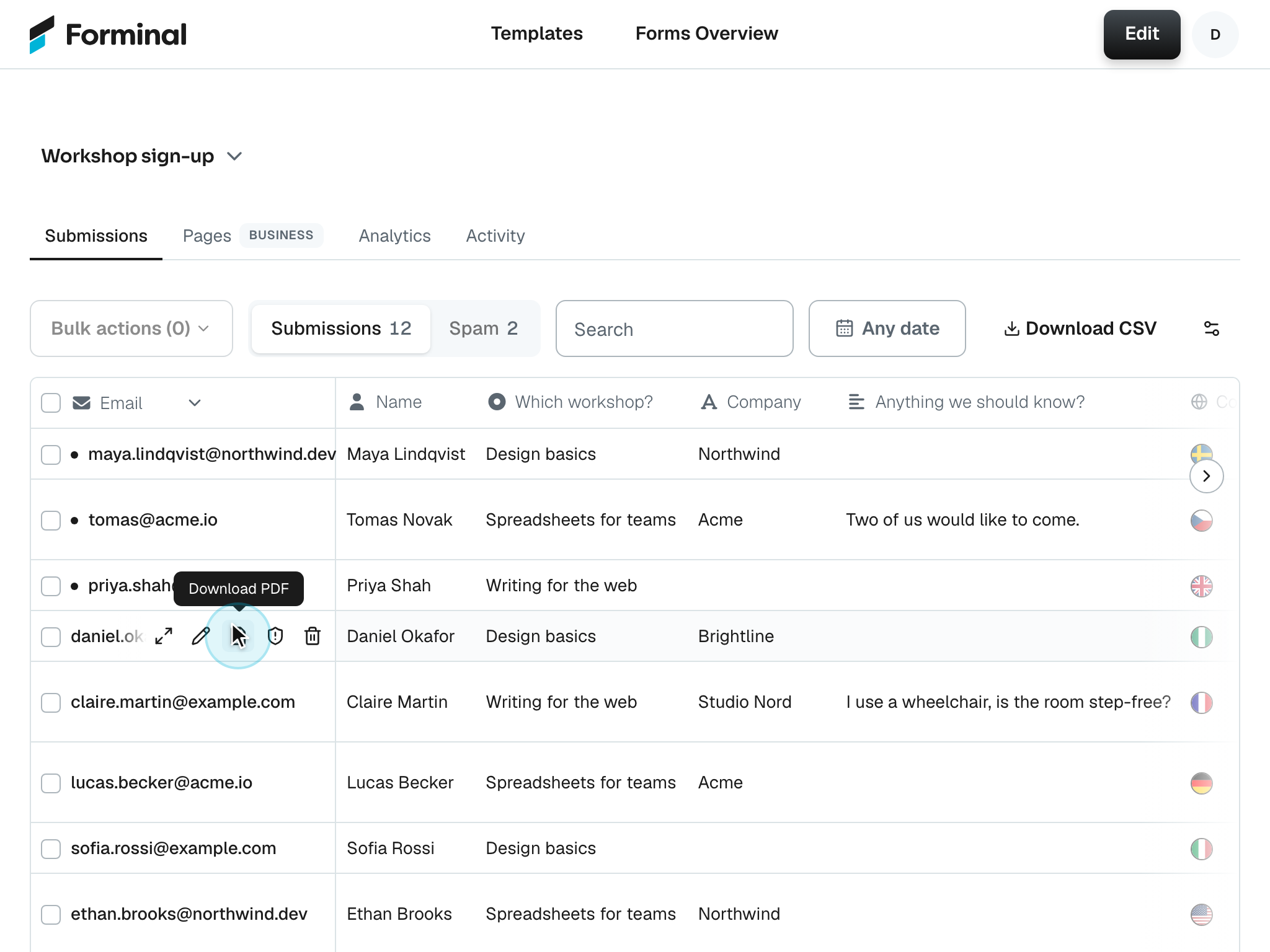
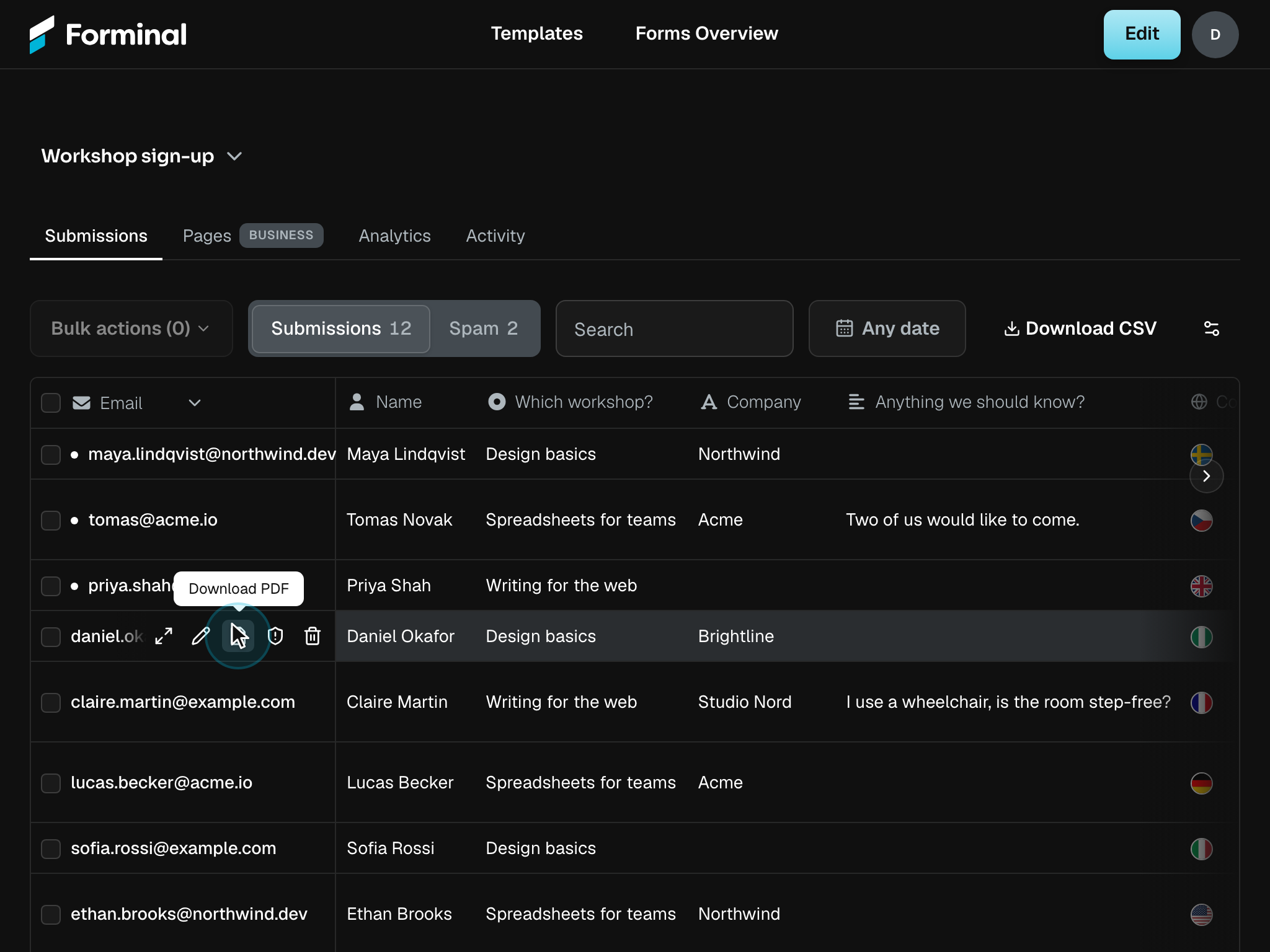
- Hover over the row you want and select Download PDF, next to View submission.
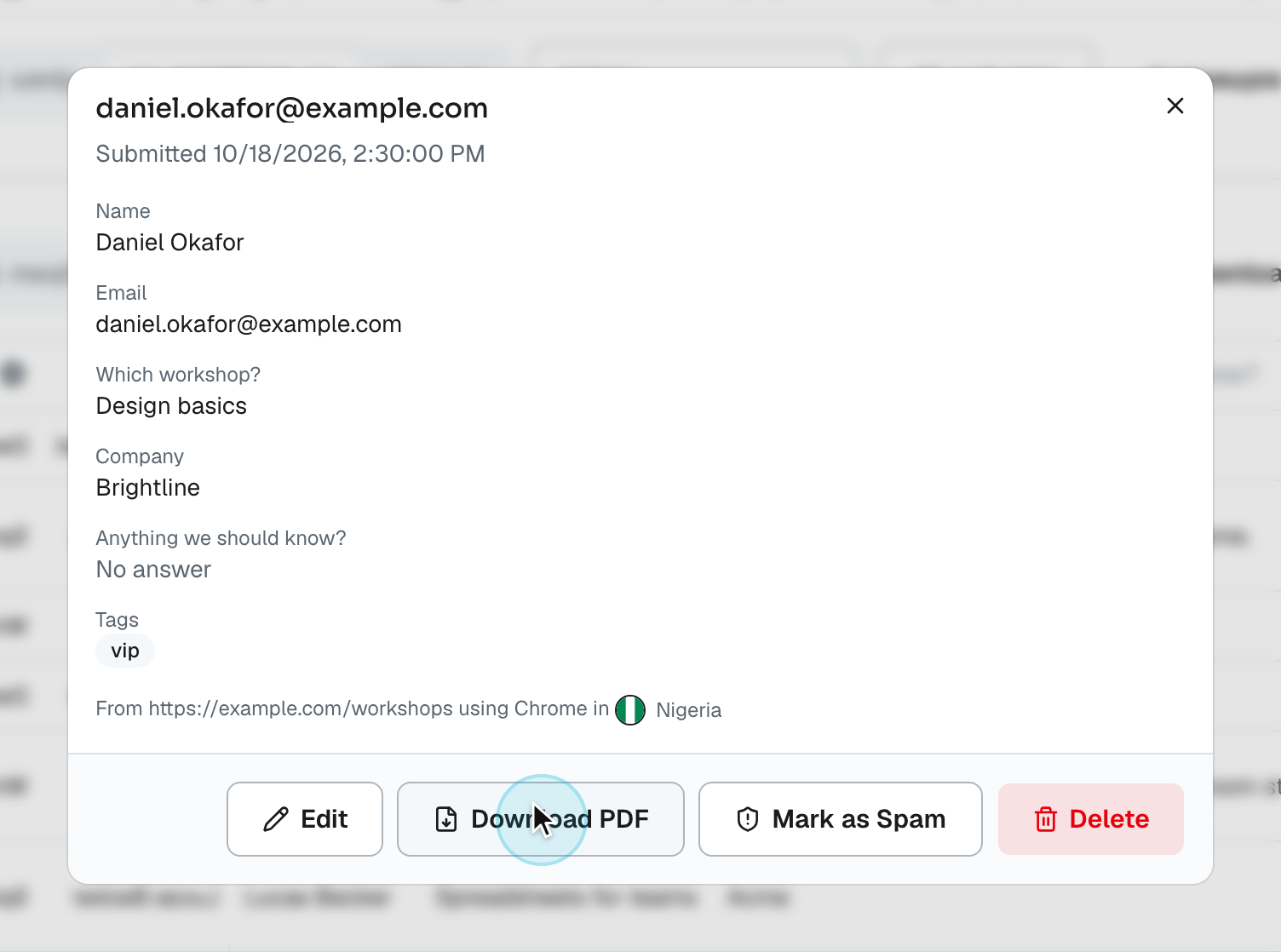
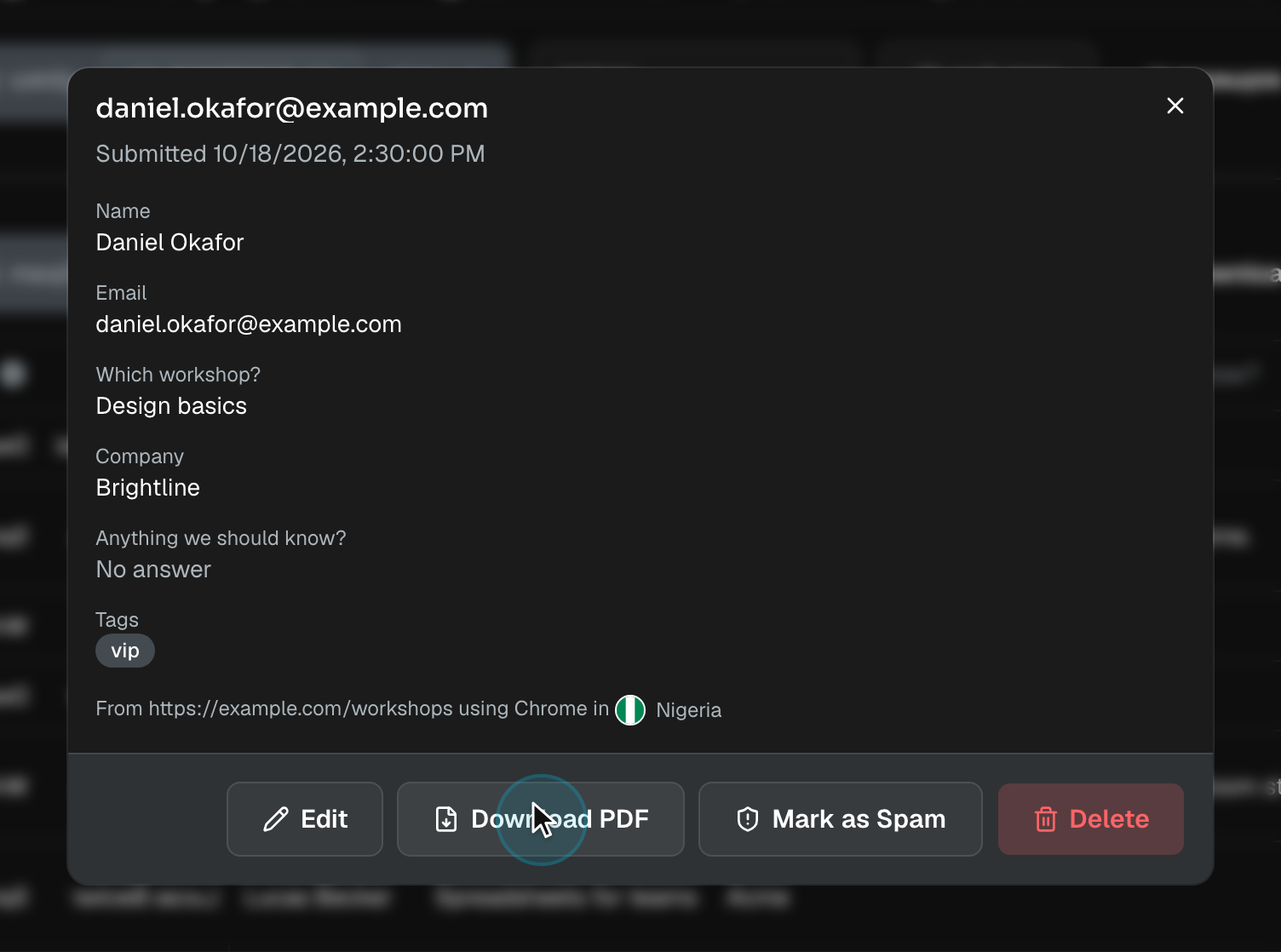
- Or select View submission to open the answers, then select Download PDF at the bottom of the window.
Your browser saves the file under the form title followed by the date and time of the submission, for example “Contact 2026-10-13 14-05.pdf”. If the download fails, a message says “Could not download the PDF. Try again.”
What the PDF contains
- The form title, and under it “Submitted” with the date and time.
- Each question that was answered, with its label above the answer.
- Uploaded files as links to your media library or your Google Drive.
- On a payment form, a Payment line with the status, the amount and the currency.
- A footer on every page, like “Submission” and its ID, then “Page 1 of 2”.
- Your form’s theme, colors and font. On Pro, the Base Font Size from the Advanced settings carries over too.
Questions nobody answered are left out. A submission with no answers at all prints “No answers”. Answers in Cyrillic and other alphabets print correctly, even when your form’s font doesn’t have those letters. Input and button styles and Custom CSS apply only to the web form.
Good to know
Times in the PDF are always UTC, and say so, while the submissions table shows your own time zone. Anyone who can read a form’s submissions can download its PDFs. In a workspace, that is a member whose Submissions access is Viewer.
To get the same PDF attached to a notification email, see PDF Attachments. That part is a Pro feature.
Frequently asked questions
Do PDF downloads need a paid plan?
No, you can download a submission as a PDF on every plan. Attaching that PDF to a notification email is a Pro feature, described under PDF Attachments.
Can I download all my submissions as one PDF?
No, each PDF holds one submission. To get many submissions in one file, use CSV Export from the Submissions page.
Are uploaded files included in the PDF?
The PDF lists uploaded files as links to your media library or your Google Drive. The files themselves aren’t inside it.
Why is the time in the PDF different from the submissions table?
Times in the PDF are always in UTC, and the PDF says so. The submissions table shows times in your own time zone.
Can a workspace member download PDFs of submissions?
Anyone who can read a form’s submissions can download its PDFs. In a workspace, that is a member whose Submissions access is Viewer.