Some browsers now come with an AI agent that can work on the page in front of the visitor. Every published form describes itself to that agent through WebMCP, so a visitor can say “fill this in for me” and get a form that’s already filled in. The visitor still reads it over and presses the submit button. The agent never sends anything.
There’s nothing for you to set up. On the form’s link and in its embeds, visitors on a recent version of Chrome get the form’s tools without changing any settings, because the form takes part in Chrome’s WebMCP origin trial. On a custom domain, and in embeds loaded from it, the visitor has to turn WebMCP on in Chrome first.
Examples
- A visitor asks their browser’s assistant to fill in your event registration with their name, email and company, then checks it and presses submit.
- A long application form spread over several pages, where the agent fills every page it can and opens the page that still needs an answer.
- A feedback form embedded on your own site, filled from a few sentences the visitor typed to the agent.
What the agent can do
The form offers the agent two tools:
get_formreads the form: its title, each question with its type, options and current answer, and which questions are on which page.fill_formputs answers into the form. It checks each answer with the same rules the form uses when it’s sent. An answer the form would refuse is left out, and the field shows the message the visitor would get after typing it.
The agent can fill text, email, phone, website, number, name, address, multiple choice, checkboxes, dropdown, ranking, yes/no, date, time, rating and Net Promoter Score fields. For a choice it can give the option as it reads on the form, price included.
What the visitor still does
- Presses the submit button. No tool sends the form.
- Uploads files and draws a signature.
- Enters payment details on a form that takes a payment.
- Completes the CAPTCHA, if the form uses one.
The agent is told about each of these, so it can ask the visitor to finish them.
Try it
- In Chrome, open the link of one of your published forms.
- Ask an agent that works with WebMCP, such as the Model Context Tool Inspector extension, to fill it in.
To try a form on your custom domain, turn WebMCP on by hand first: open chrome://flags/#enable-webmcp-testing, set it to Enabled and select Relaunch.
Good to know
- An origin trial is how Chrome tests a feature before it’s final, so WebMCP may still change and the trial will end at some point. In a browser without WebMCP, the form works exactly as before.
- The origin trial covers the form’s link and every embed loaded from it. Once a form is on your custom domain, the embed code in the Share panel loads it from that domain too, so both the link and the embed get the tools only in a browser where the visitor turned WebMCP on.
- Smart Logic still decides what shows. The agent can answer a question and the question it reveals in one go, but an answer to a question that stays hidden is not filled in.
- The agent fills in only the parts of a name or address it was given, and keeps what the visitor already typed in the others.
- The builder’s preview and the template previews don’t offer the tools. Only the published form does, and only until it’s sent.
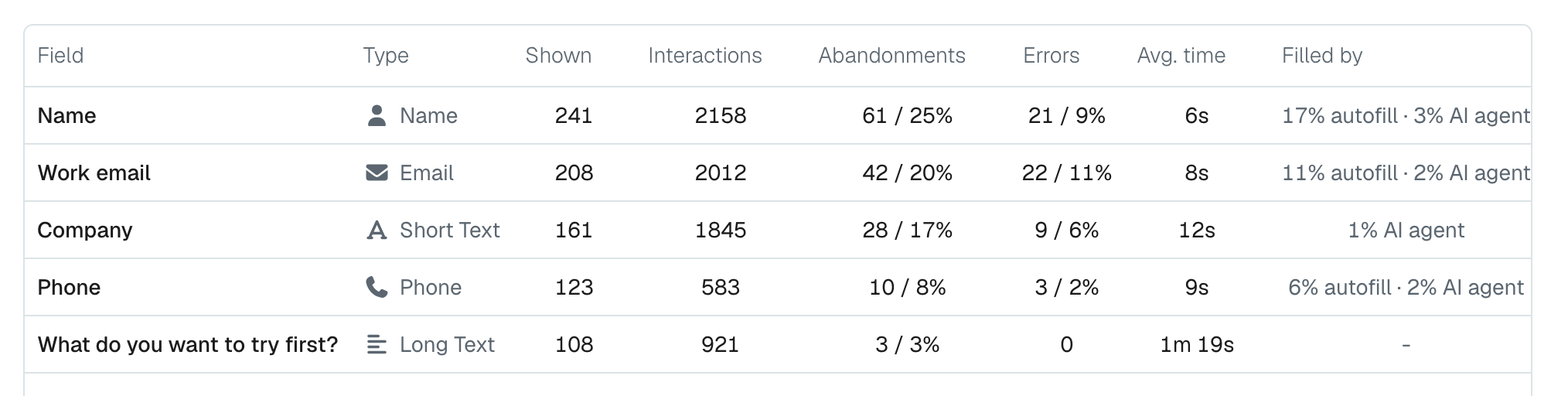
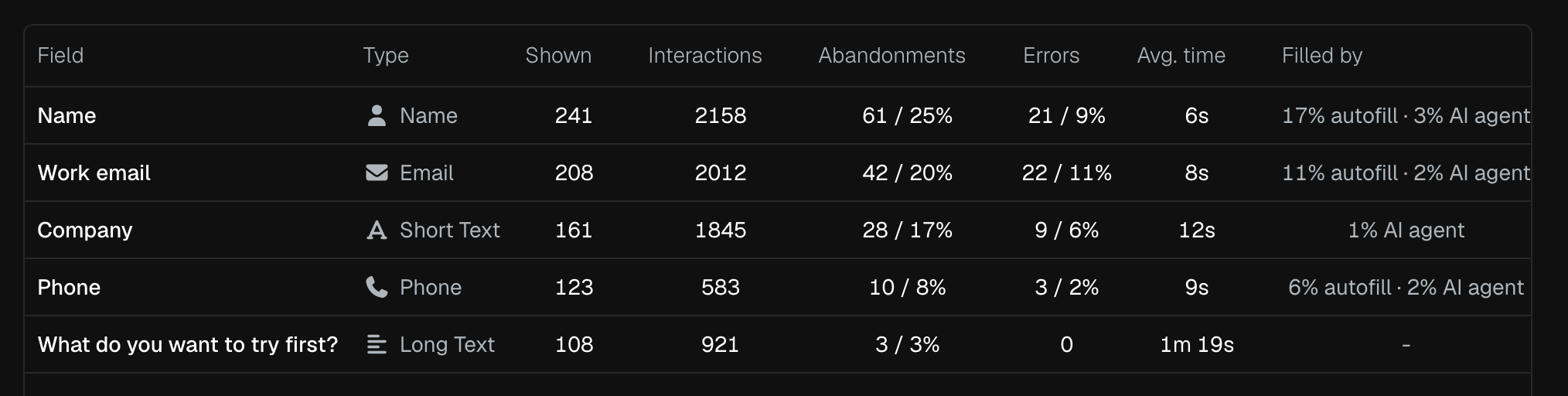
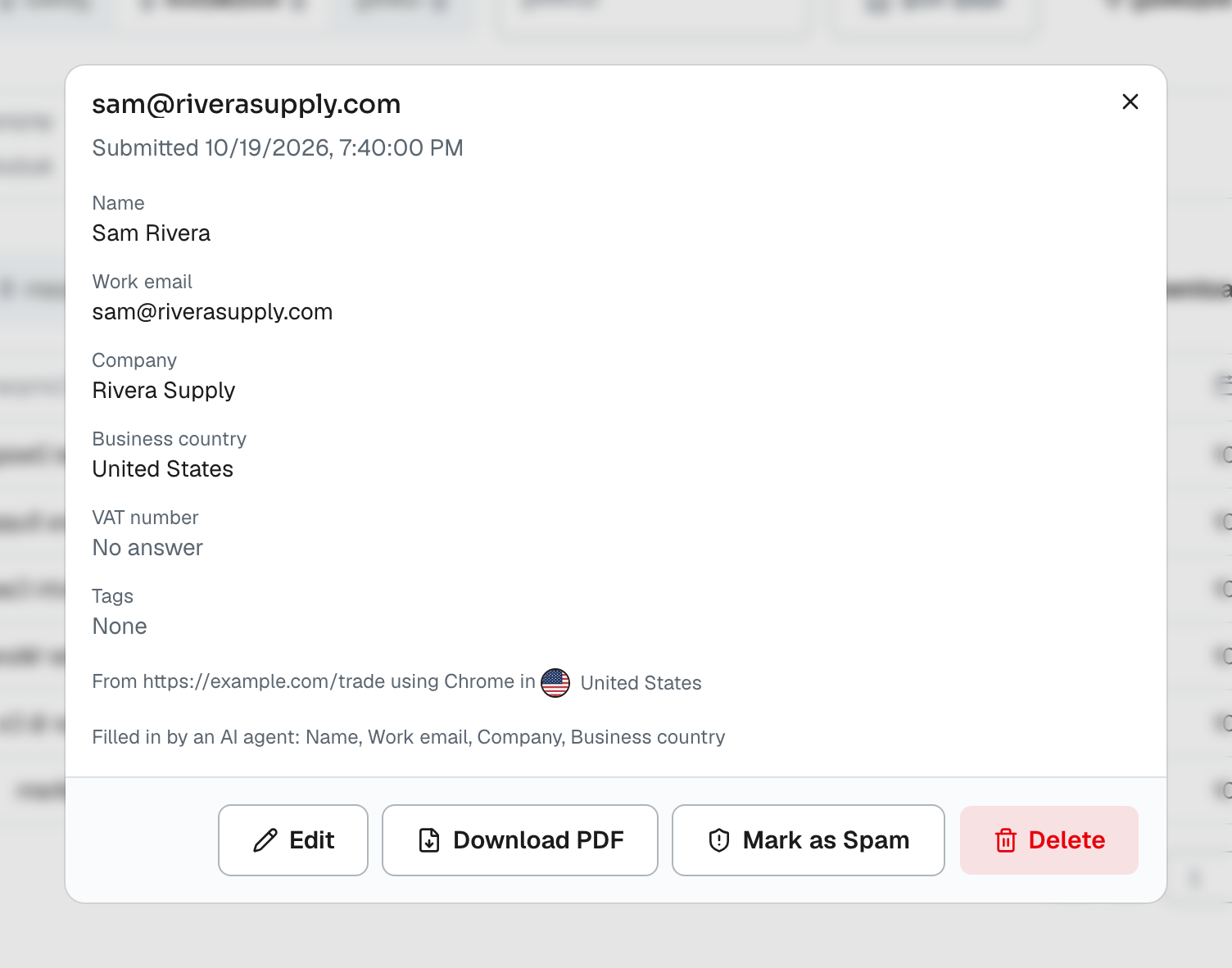
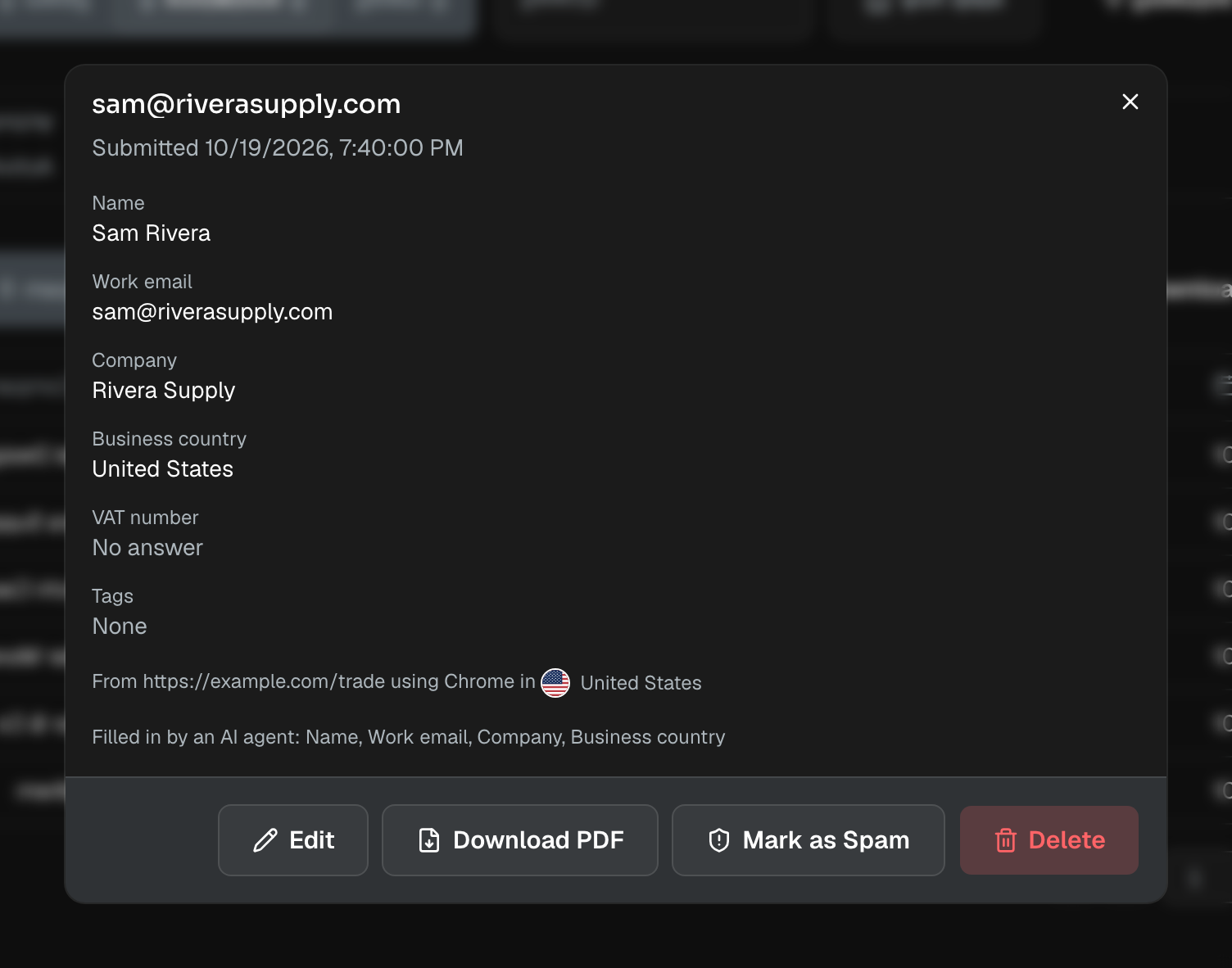
- You can see what an agent filled in. Form Analytics counts it under Filled by, and each submission on the Submissions page names the fields it filled.
- An embed made with the embed snippet gives the form permission to offer the tools on your site. An iframe you write by hand needs
allow="tools"for the same thing.
Frequently asked questions
Can a browser agent submit my form by itself?
No. The agent can only fill in answers. The visitor reads them over and presses the submit button.
Do I need to set anything up for browser agents?
No. Every published form describes itself through WebMCP, and Chrome visitors get the tools on the form’s link and in its embeds without changing anything. On your custom domain, and in embeds loaded from it, the visitor has to turn WebMCP on in Chrome first.
Which browsers support this?
Recent versions of Chrome, through its WebMCP origin trial, on the form’s link and in its embeds. On a custom domain, the visitor turns WebMCP on in Chrome first. The trial may still change, and in a browser without WebMCP the form works exactly as before.
Can I tell which answers an agent filled in?
Yes. Form Analytics counts it under Filled by, and each submission on the Submissions page names the fields the agent filled.
Can a browser agent upload files or pay?
No. The visitor uploads files, draws a signature, enters payment details and completes any CAPTCHA. The agent is told about these steps so it can ask the visitor to finish them.
Does it work in an iframe I wrote myself?
Only if the iframe has allow="tools". An embed made with the embed snippet already gives the form that permission.