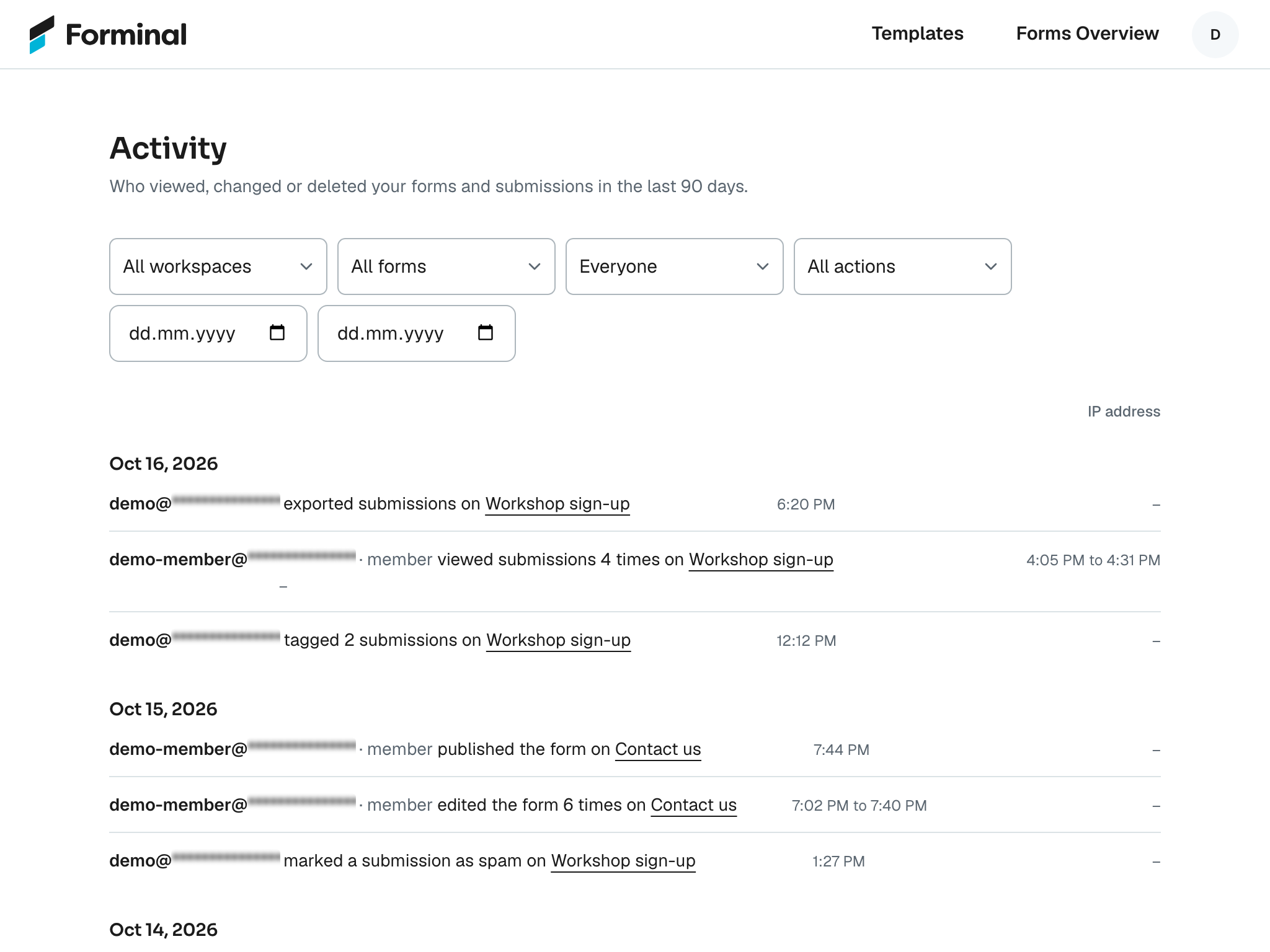
The action log shows who opened, changed or deleted your forms and submissions over the last 90 days. It lists your own actions and those of your workspace members, so you can check who published a form, exported submissions or marked one as spam.
Examples
- A form changed overnight, and you want to know which teammate edited and published it.
- A client asks who has looked at their applicants’ submissions this month.
- Some submissions are gone, and you want to see who deleted them and when.
Where to find it
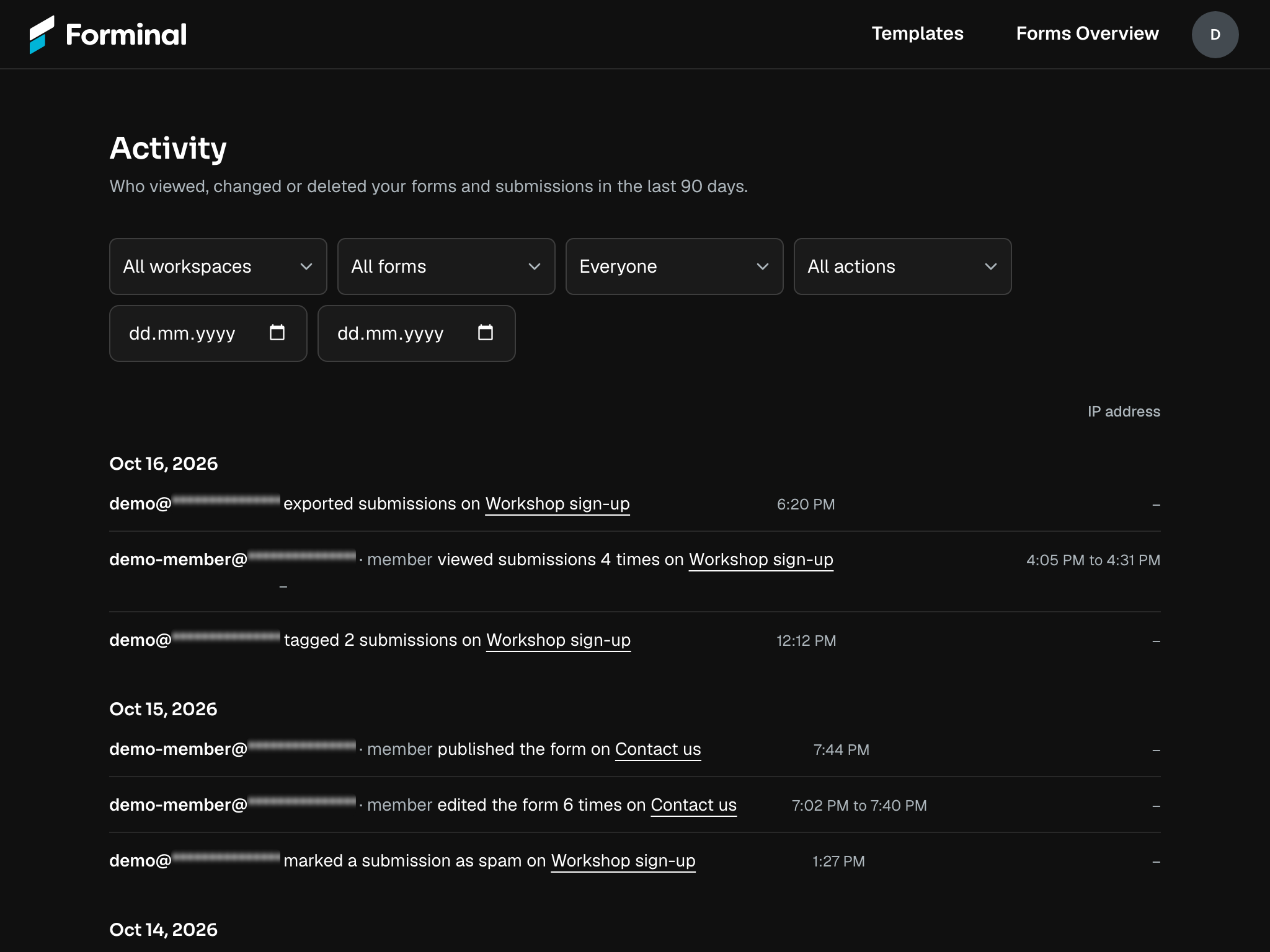
- Open Account menu » Activity. The page shows every form you own in one list.
- To read the log of one form, open the form’s Submissions page and select the Activity tab, next to Submissions and Analytics.
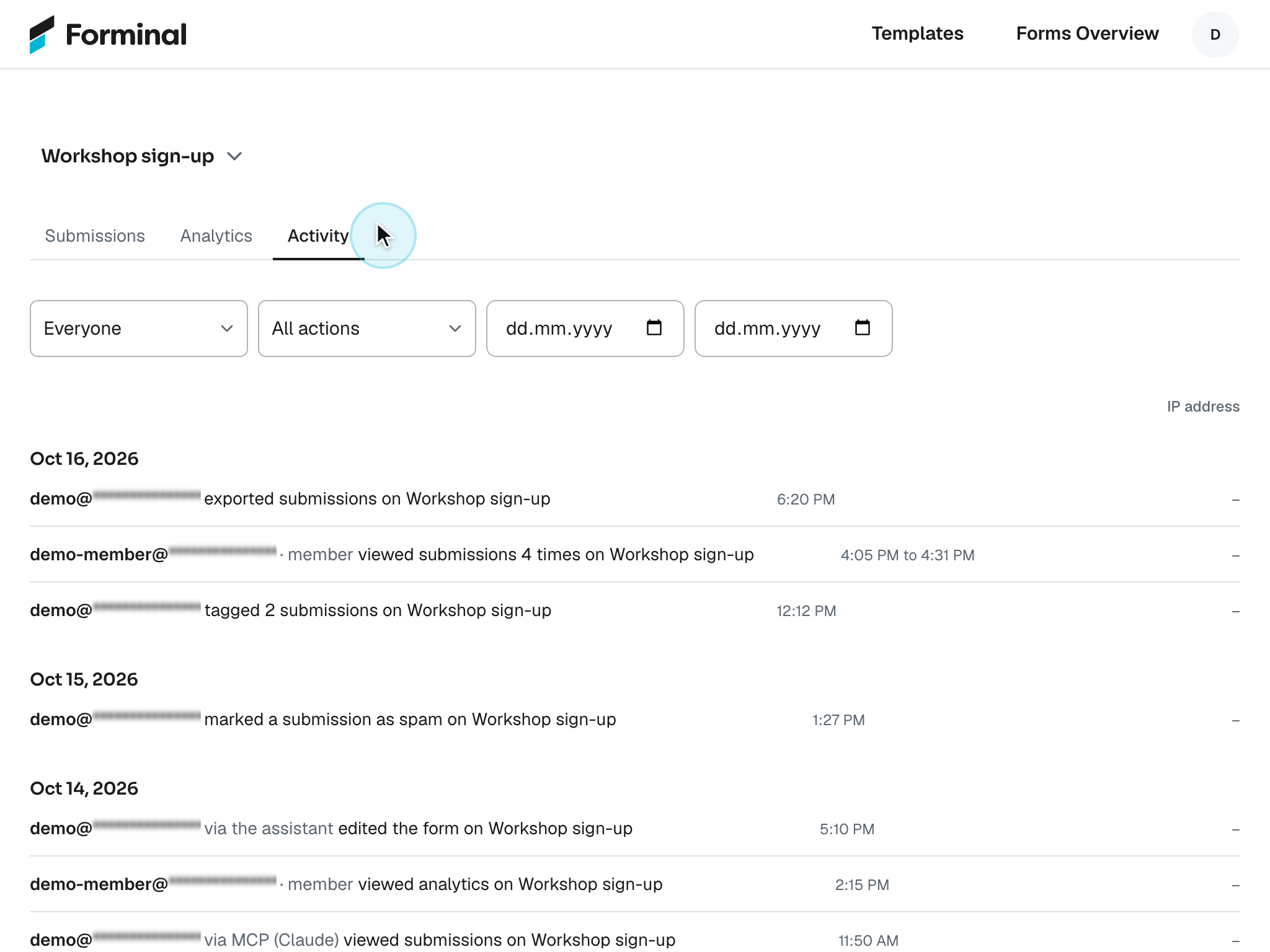
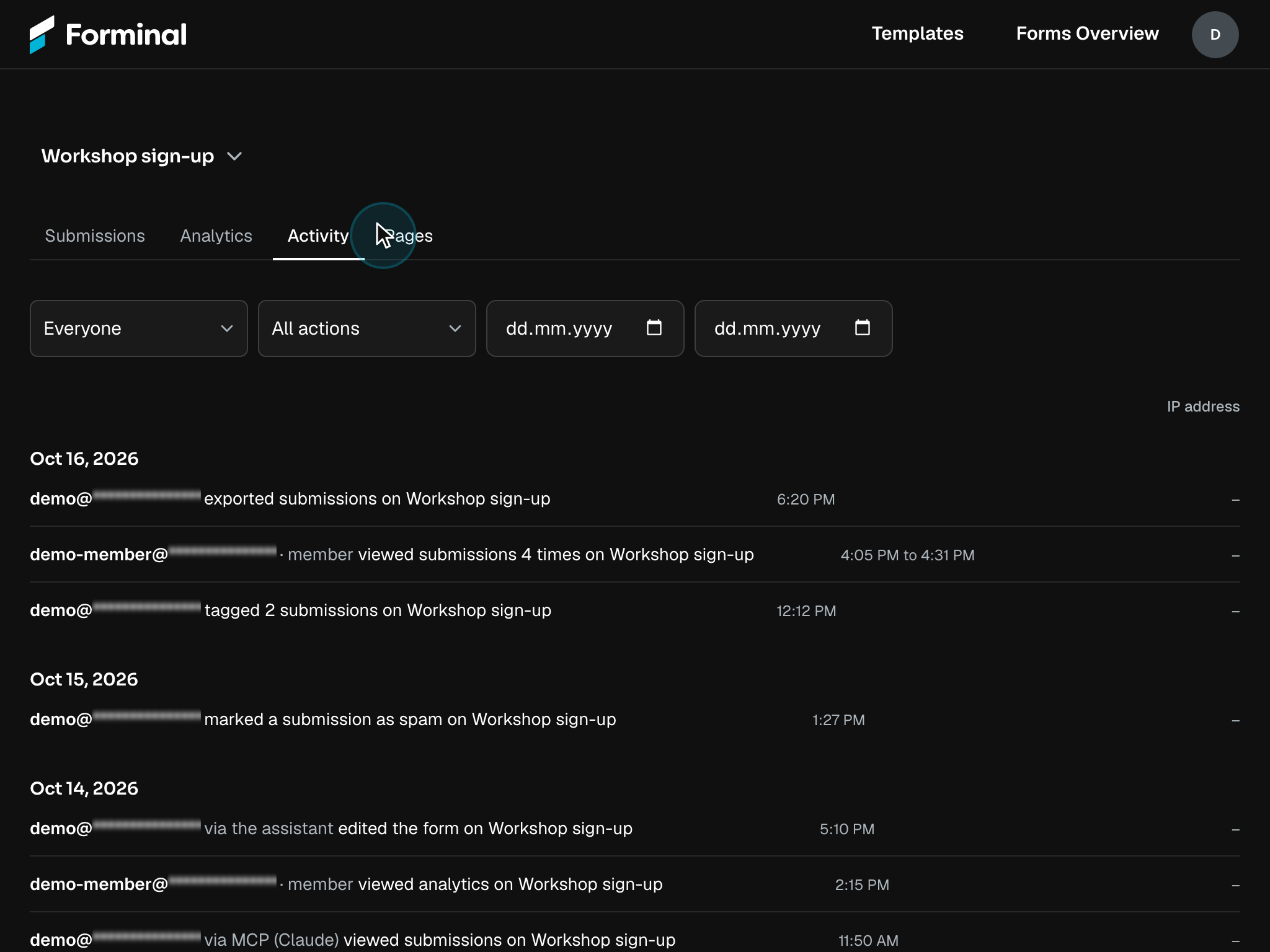
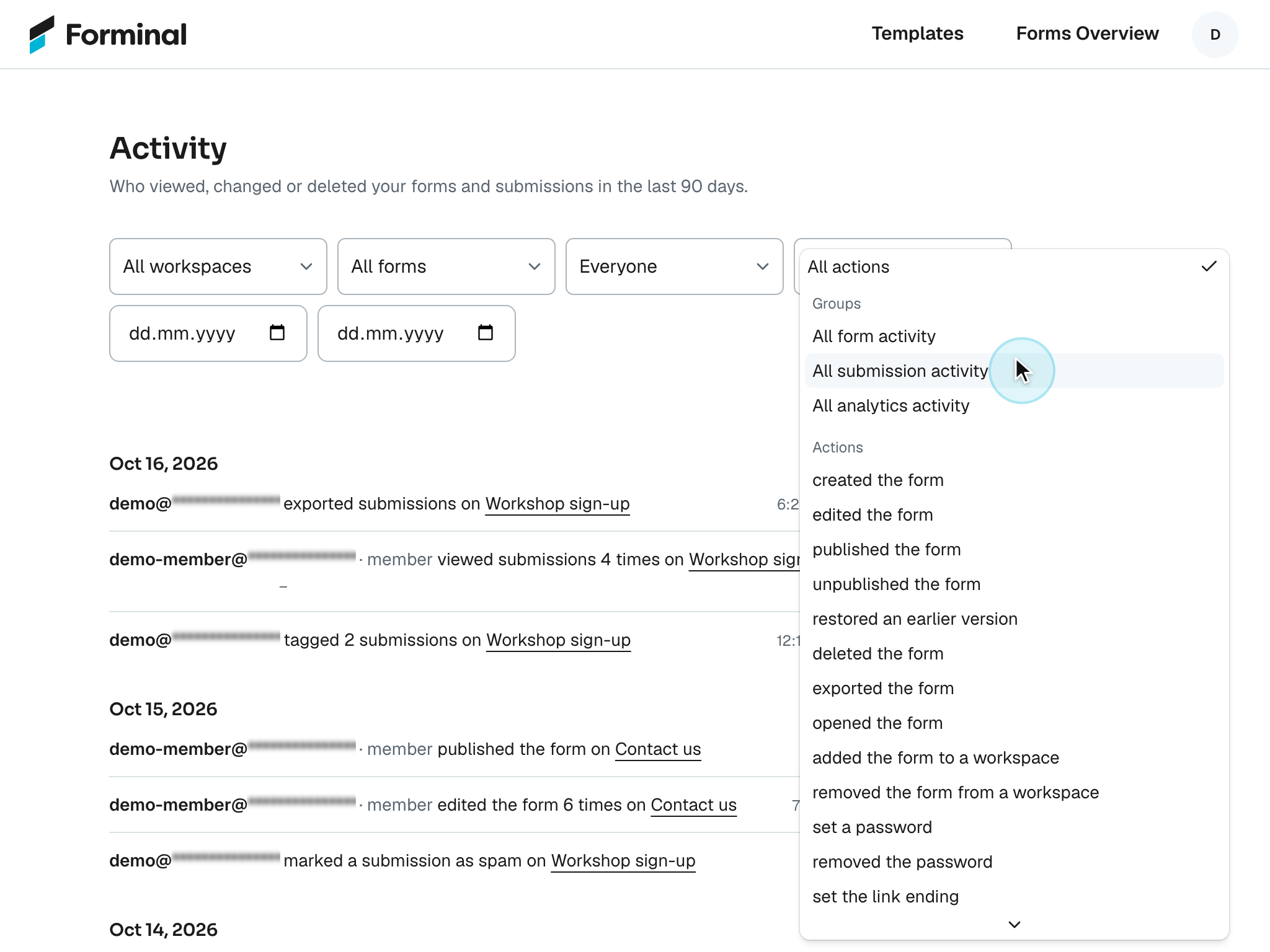
Entries are grouped by day under Today, Yesterday and then the date, newest first. Each one reads like a sentence, such as “[email protected] · member edited the form 3 times on Contact us”, with the time on the right. Select Load More at the bottom to see older entries.
What is recorded
For forms:
- created, edited, published, unpublished, exported or deleted the form
- opened the form
- restored an earlier version
- added the form to a workspace, or removed it from one
- set a password, or removed the password
- changed the Data Retention period
For submissions:
- viewed or exported submissions
- deleted submissions, or marked them as spam or as not spam
- edited the answers of a submission
- tagged submissions
- downloaded submissions as PDF
For analytics, it records who viewed them.
For Submission Pages, it records who:
- created, edited, published, unpublished or deleted a page
- copied a page’s draft link
- set or removed a page’s link ending
- approved or hid submissions on a page, or published its existing submissions
These show under All form activity in the Action filter.
Opening a form, editing it, viewing submissions and viewing analytics are counted together: when the same person repeats one of them within 30 minutes, the existing entry goes up by one (“viewed submissions 4 times”) and shows the time span instead of adding a new line.
An action taken outside the browser says how it came in: “via the assistant” for the AI Assistant, “via the API” with the API key’s or connected app’s name for the REST API, and “via MCP” with the client’s name for the MCP Server.
Filter the log
Above the list you can narrow it down by:
- Person: Everyone, or one email address from the log.
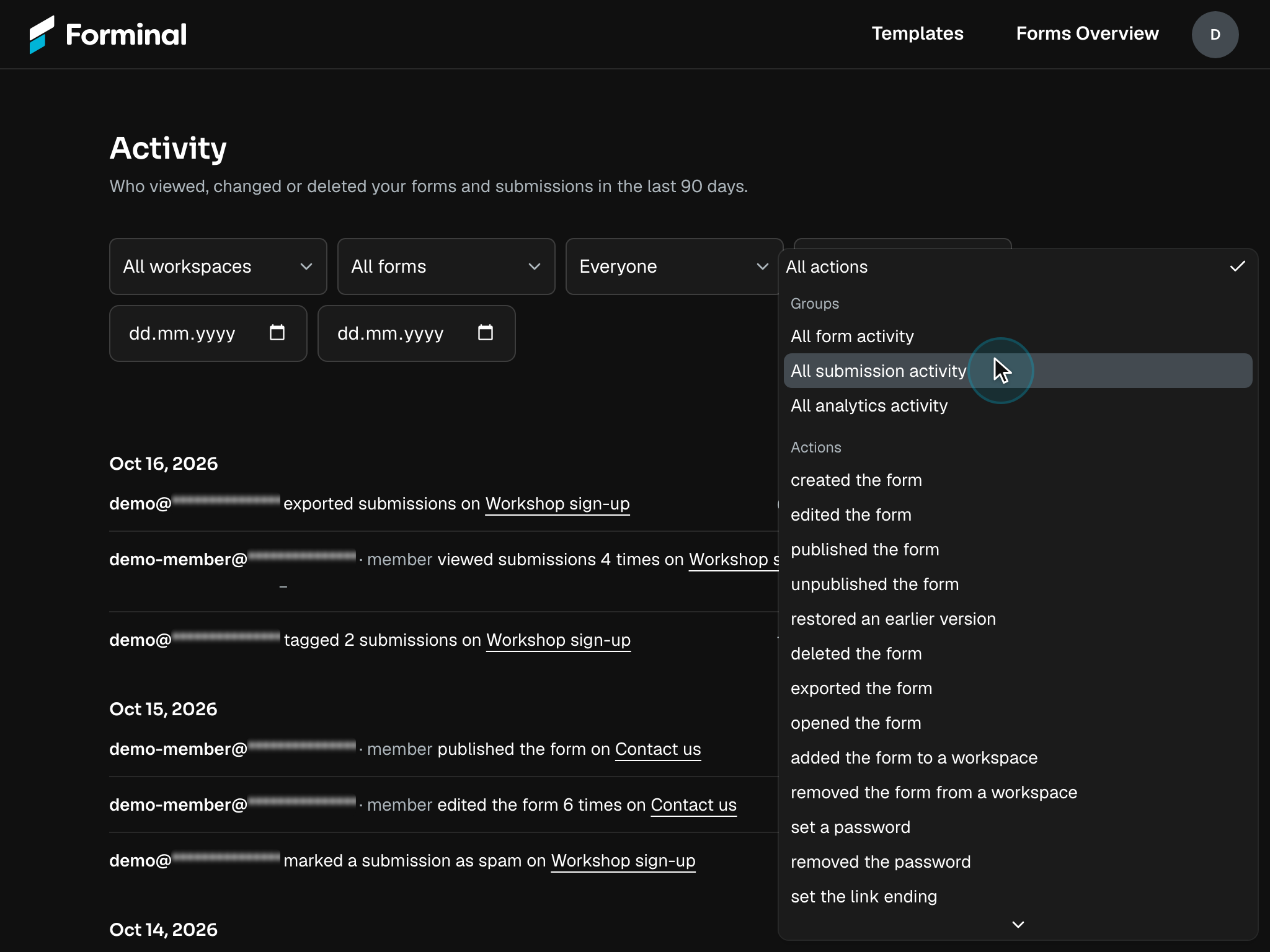
- Action: All actions, a group (All form activity, All submission activity or All analytics activity), or a single action.
- From and To: a date range.
- Workspace and Form, on the account page only: All workspaces or one of yours, and All forms or one form.
Select Clear to remove every filter. The filters are saved in the page’s address, so you can bookmark a filtered view.
Good to know
Only the form’s owner can read its log. Workspace members don’t see the Activity tab, even on forms they can edit. A member’s entries carry “member” after their email.
Entries are kept for 90 days and then deleted. A deleted form keeps its title in the log, without a link.
Your forms record activity on every plan. If your plan doesn’t include the action log, the page shows made-up Sample Data with an upgrade link, and once you upgrade you see the real entries, including the ones from before.
Forms you build without an account aren’t logged until they belong to one.
Frequently asked questions
Which plan includes the action log?
The action log comes with Business. Your forms record activity on every plan, so when you upgrade you see the real entries, including the ones from before.
How long are action log entries kept?
90 days. After that they’re deleted.
Can workspace members read the action log?
No. Only the form’s owner can, and members don’t see the Activity tab even on forms they can edit.
Does the log show changes made through the API or the assistant?
Each entry says how the action came in: via the assistant, via the API with the key’s or app’s name, or via MCP with the client’s name.
Why does one entry say viewed submissions 4 times?
When the same person opens a form, edits it, or views its submissions or analytics again within 30 minutes, the existing entry counts up instead of adding a new line.