People can now leave a long form and come back to it later without losing their answers. Someone halfway through a job application who has to go and find a reference can save, close the tab and pick up where they left off, on the same device or another one.
Two ways to keep answers
Both are in one panel. Open the form in the builder, select Form Settings » Save & Resume, and switch on either one, or both.
- Remember Answers keeps what people type in their own browser, so the form fills itself in again when they come back on the same device. Nothing is sent to our servers for it. It’s free on every plan and keeps answers for 7 days unless you change it.
- Save and Continue Later adds a button next to Next and Submit. It saves the answers on our servers and gives the person a link to finish on any device. It’s included on Pro and Business and keeps answers for 30 days unless you change it.
Each has its own Days to Keep, from 1 to 90. To rename the button, type a new label in Button Label, or type on the button itself in the builder, the same way you rename Submit.
What people see when they save
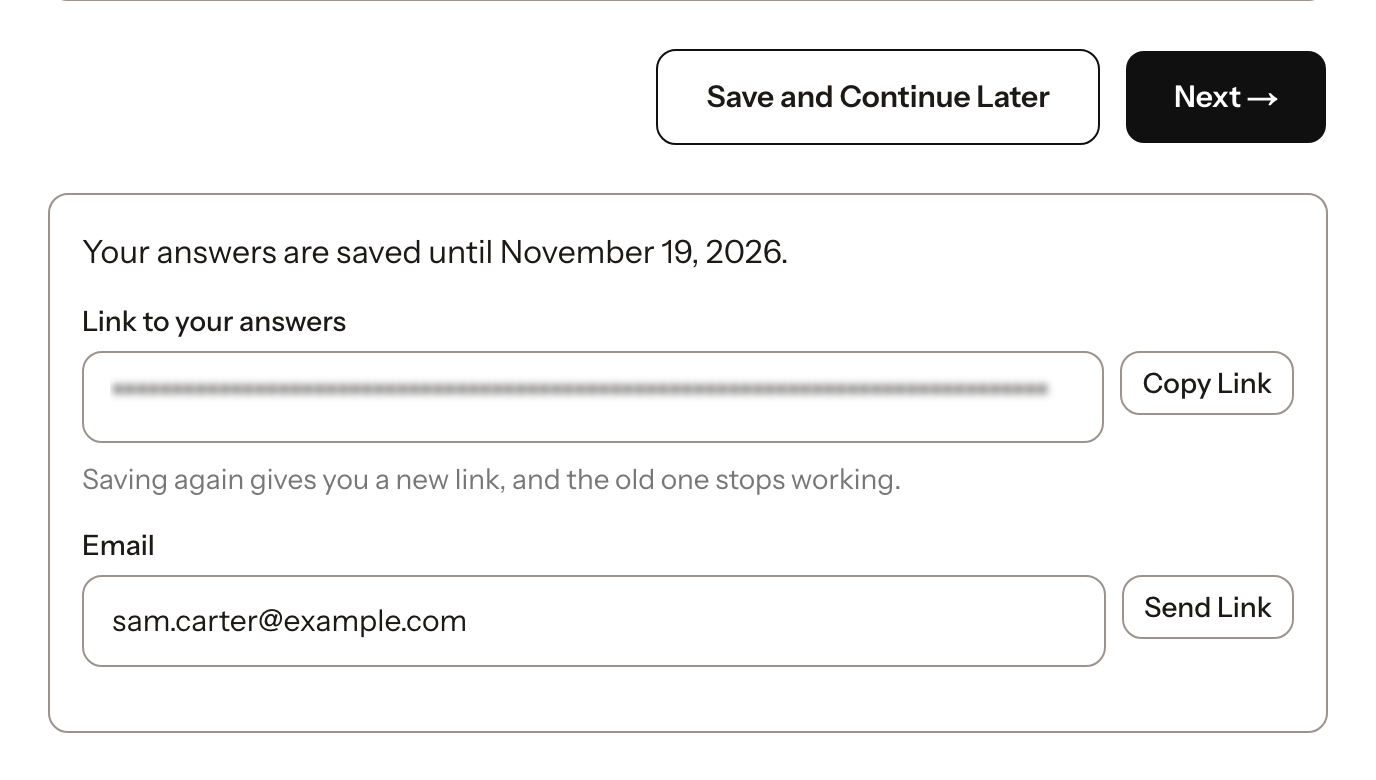
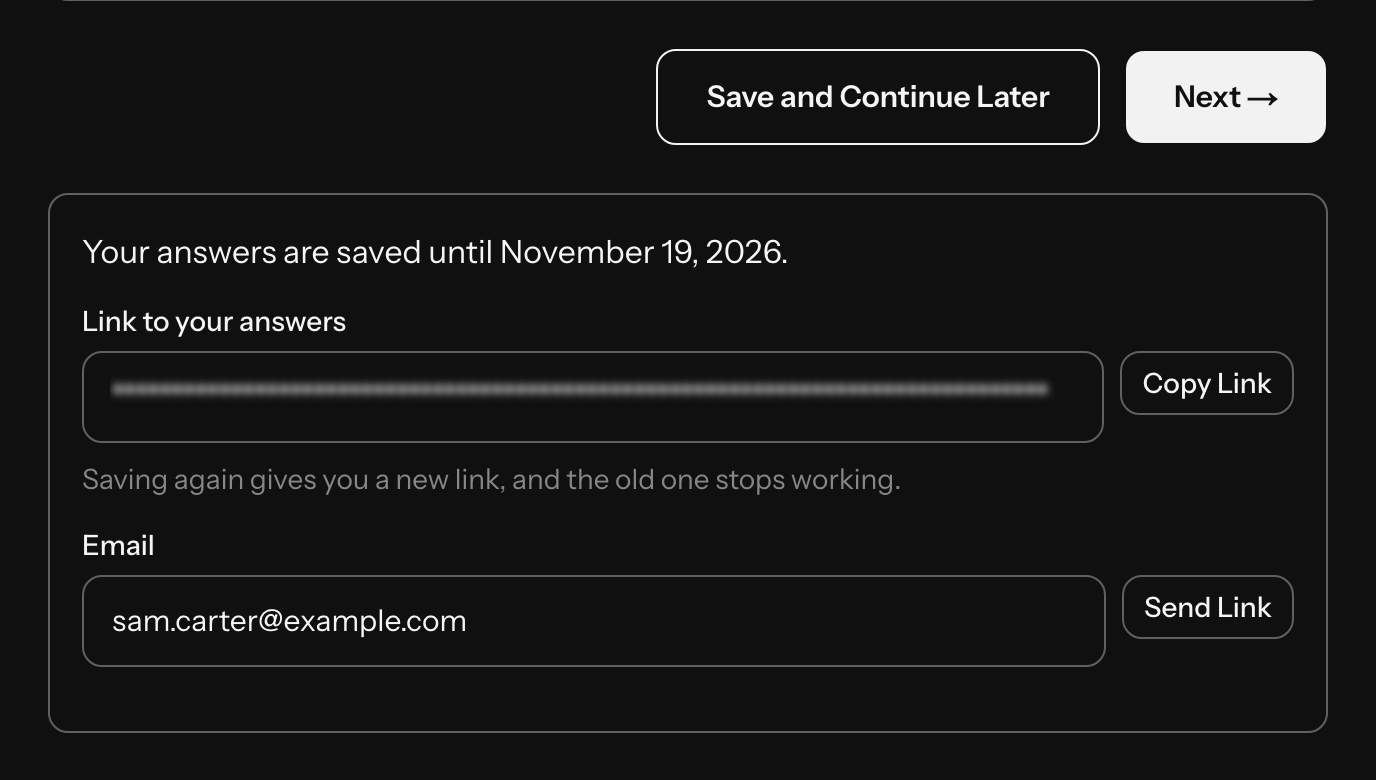
A panel opens under the buttons with the date their answers are kept until, a Link to your answers box with Copy Link, and an Email box with Send Link that mails the link to whatever address they type.
Opening the link brings the form back on the page they left, with their answers filled in, the notice “Your answers were restored.” and a Start Over button. If the form is embedded on your site, the link opens the page it’s embedded on.
Every save gives a new link, and the old one stops working, so anyone who got hold of an earlier link can’t read what was saved after it. The panel tells people this too: “Saving again gives you a new link, and the old one stops working.”
Good to know
- File uploads, signatures and payments aren’t saved. If the form has one, the panel says it will need filling in again.
- Saved answers aren’t submissions. They stay off your Submissions page and out of notifications and integrations until the person submits.
- Saved answers are deleted when the person submits from the link, presses Start Over, or when Days to Keep runs out.
- To follow up with people who never finish, turn on Partial Submissions instead. Those are for you to read, while saved answers are for the person filling in the form.
The Save and Resume page covers every setting and what is stored. It also works well with Multi-Page Forms, since a long form split into pages is the kind people tend to leave halfway.
Create a free account and turn on Remember Answers for your longest form.