Website asks for a link and accepts only web addresses. People can type “example.com” without the https:// part, and the field adds it for them.
Examples
- A partner application asking for the company site.
- A portfolio review form for designers.
Set it up
- In the builder, point between two fields and select Add Field. On an empty form, select Start from Scratch.
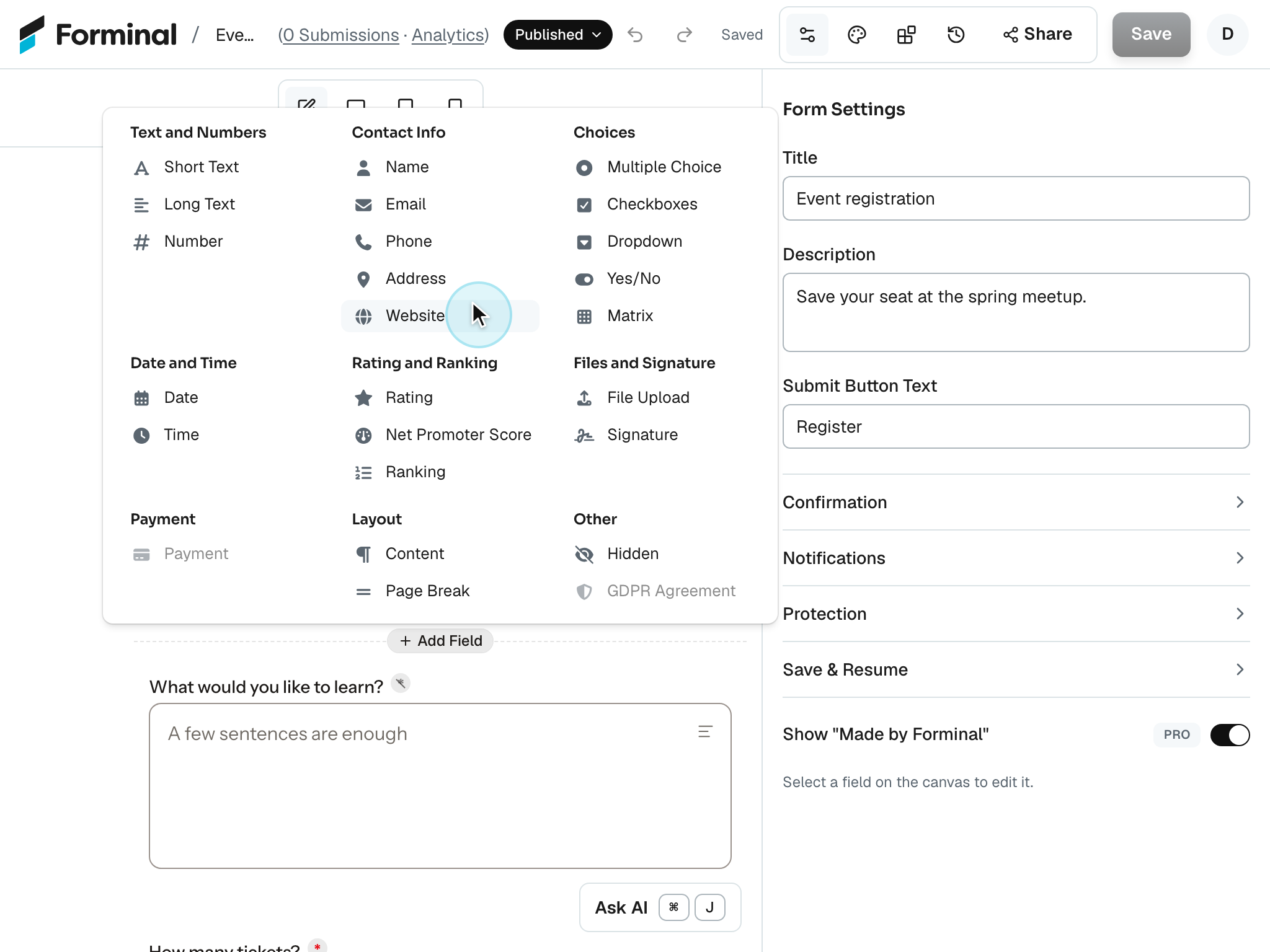
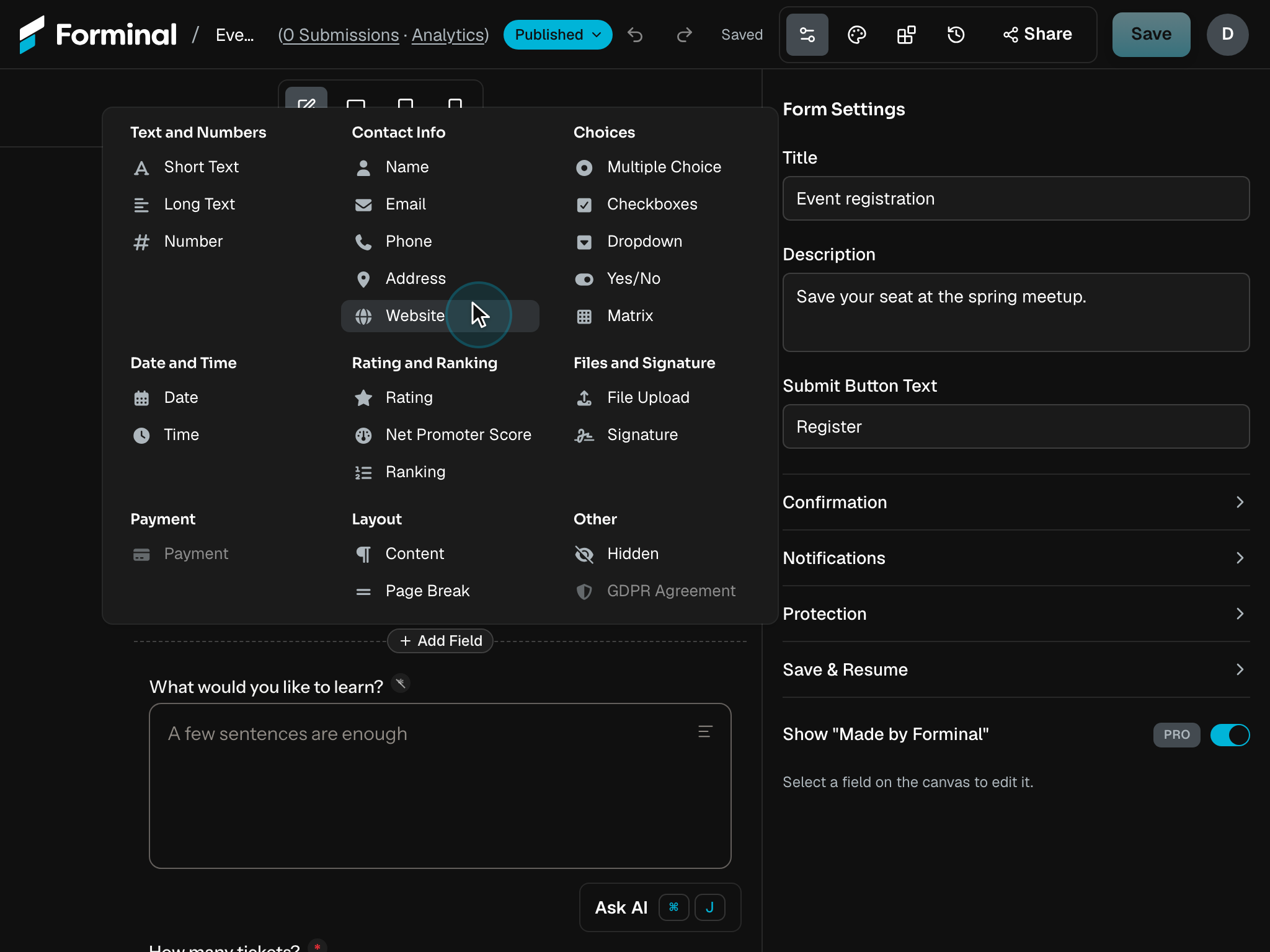
- Under Contact Info, select Website.
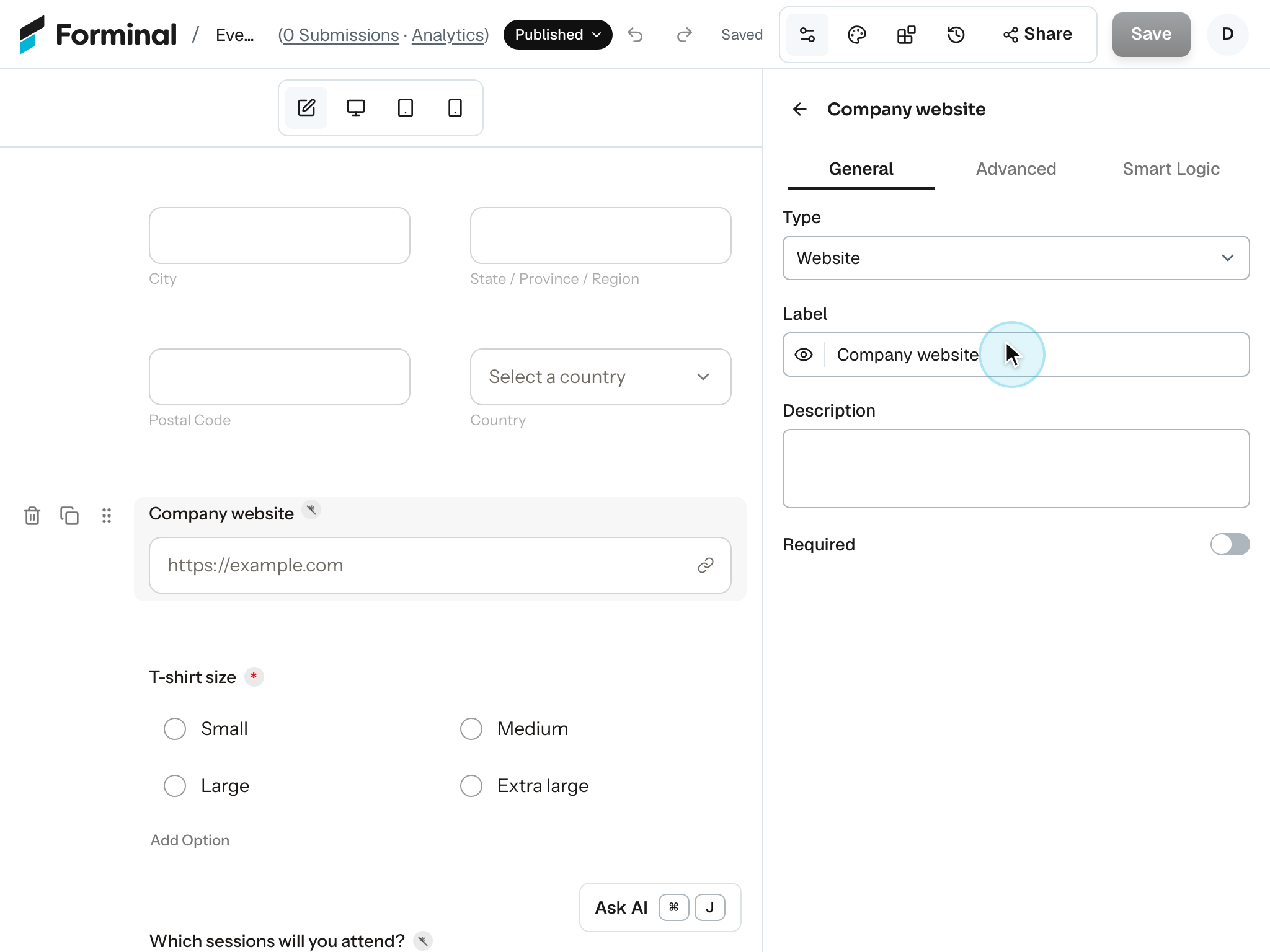
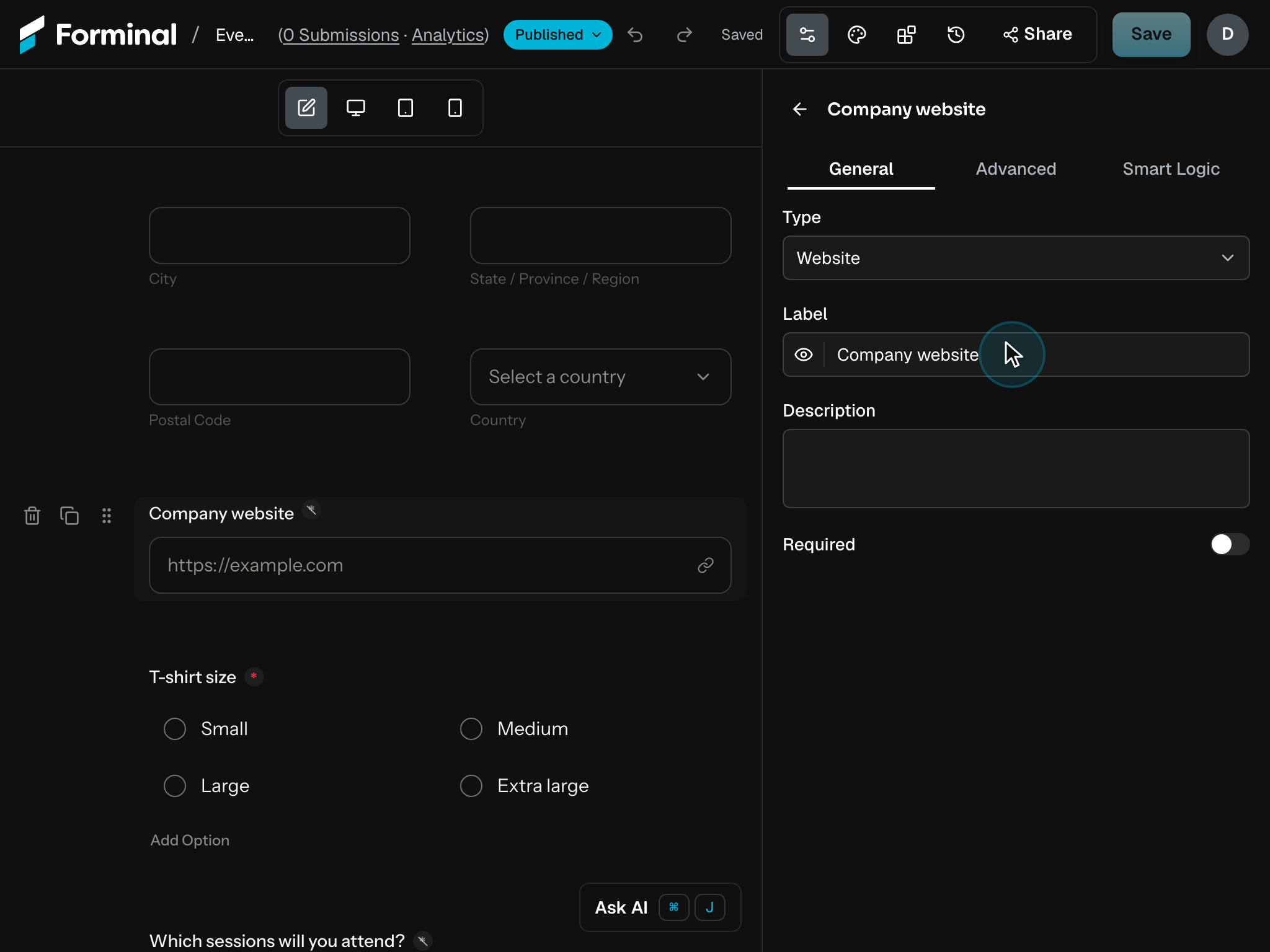
- On the General tab, write your question in the Label, add a Description if you like, and turn on Required if you need a link.
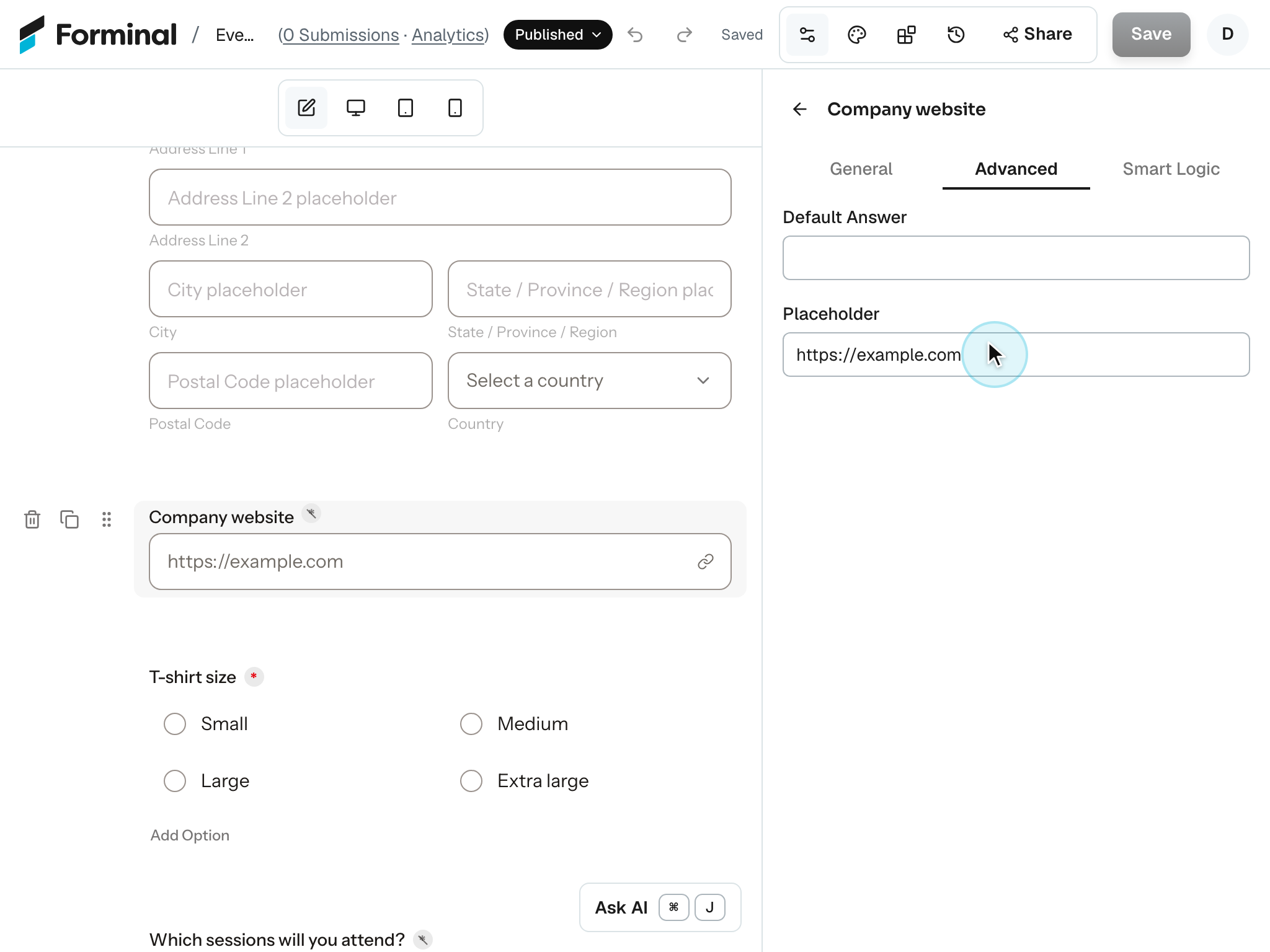
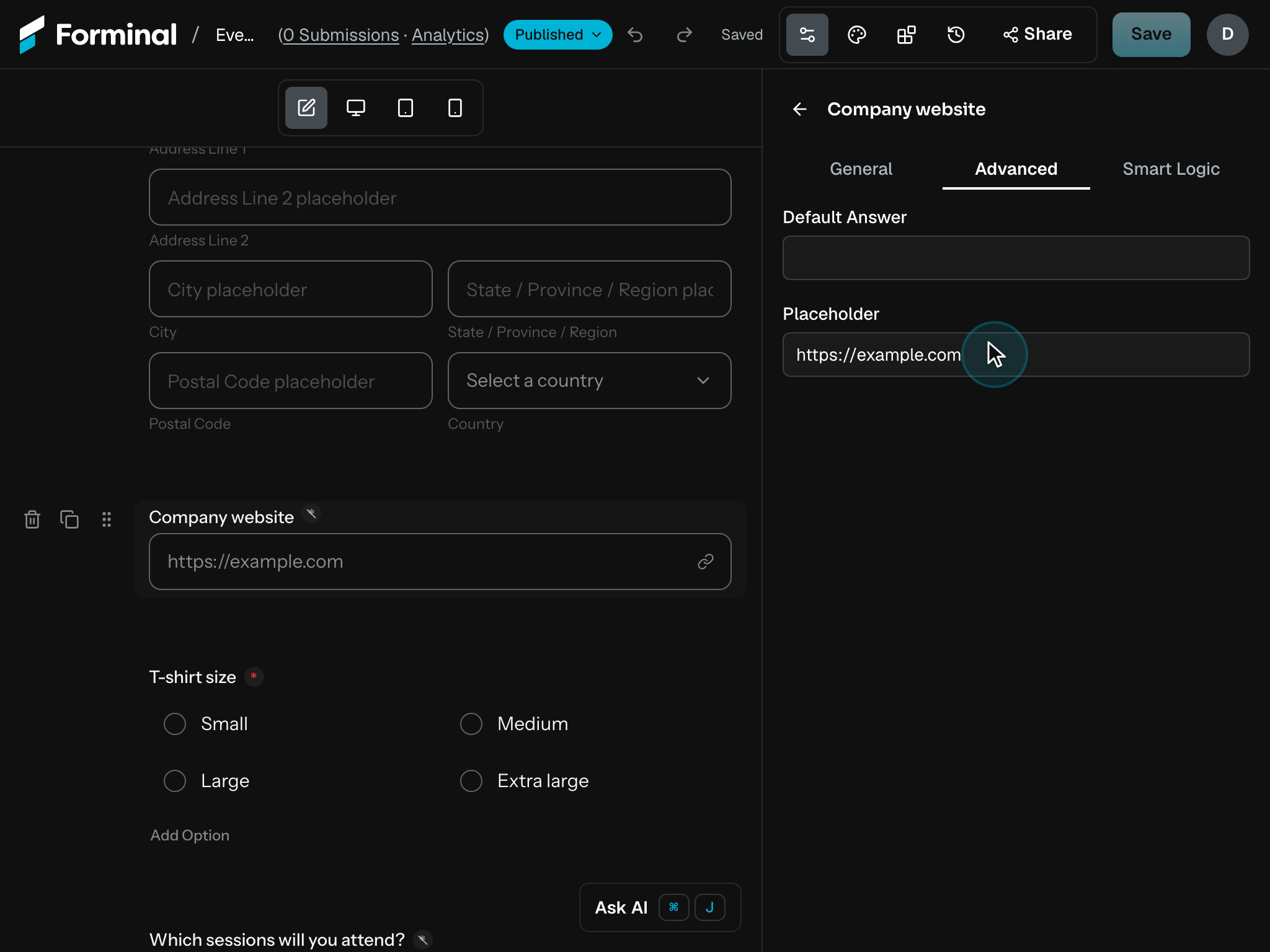
- On the Advanced tab, change the Placeholder or add a Default Answer. New fields show “https://example.com” as the placeholder, and a default answer has to be a valid web address.
What people see and how answers show
The link has to start with http:// or https://, or have no scheme at all, in which case https:// is added. It also needs a real domain name, such as example.com. Anything else, including ftp:// links, shows “Enter a valid web address”. The full link, https:// included, is what you see in the submissions table, the CSV export and notification emails.
Smart Logic compares links with the https:// or http:// left off on both sides. A rule like “contains example.com” matches however someone typed it.
Good to know
A link can be up to 2,000 characters. The field checks that the link is written correctly, not that the site exists. Put it on the same row as another field, such as the company name, to keep the form short.
Frequently asked questions
Do people have to type https:// in the website field?
No. Someone can type example.com and the field adds https:// for them. The full link, https:// included, is what you see in submissions.
Does Forminal check that the website exists?
No. It checks that the link is written correctly and has a real domain name, not that the site is online.
Why was a link rejected?
A link has to start with http:// or https://, or have no scheme at all, and needs a domain such as example.com. Other links, including ftp:// ones, show “Enter a valid web address”. A link can be up to 2,000 characters.
Can Smart Logic match a link however it was typed?
Smart Logic leaves off the https:// or http:// on both sides before comparing, so a rule like “contains example.com” matches with or without it. See Smart Logic.