Connect your Stripe account and the Payment field on your forms can take money. Payments are charged on your own Stripe account, so the money lands there and you see every charge in your Stripe Dashboard. You connect once, and every form you own can use it.
Examples
- Selling tickets for a workshop, tested end to end in test mode before you switch the form to live.
- Collecting monthly membership fees with a recurring Payment field.
Connect Stripe
Test mode and Live mode are separate connections. Connect Test mode to try payments with Stripe’s test cards, and Live mode to take real money. You can connect a different Stripe account to each.
- Open Account menu » Integrations. From a form, you can also select Integrations in the builder’s top bar and then Manage next to Stripe.
- Under Payments, select Connect with Stripe on the Test mode or Live mode row.
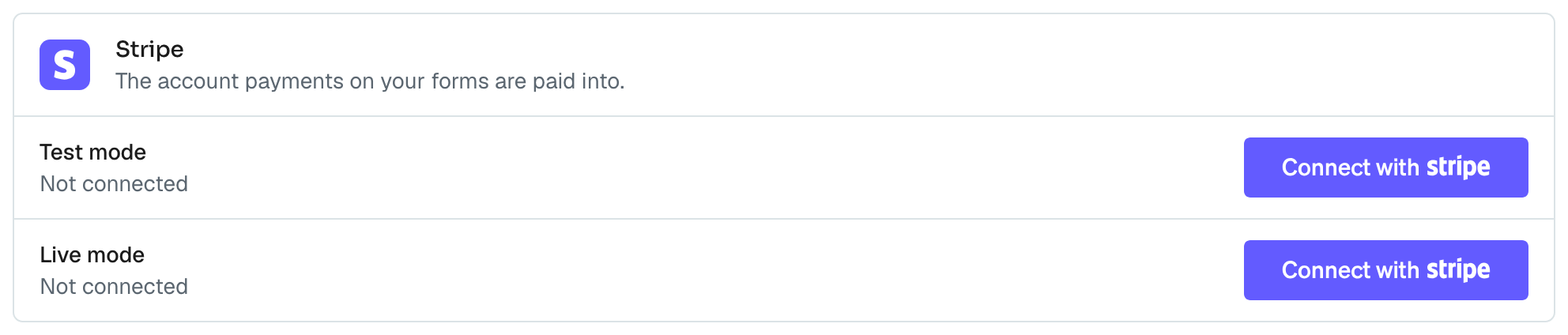
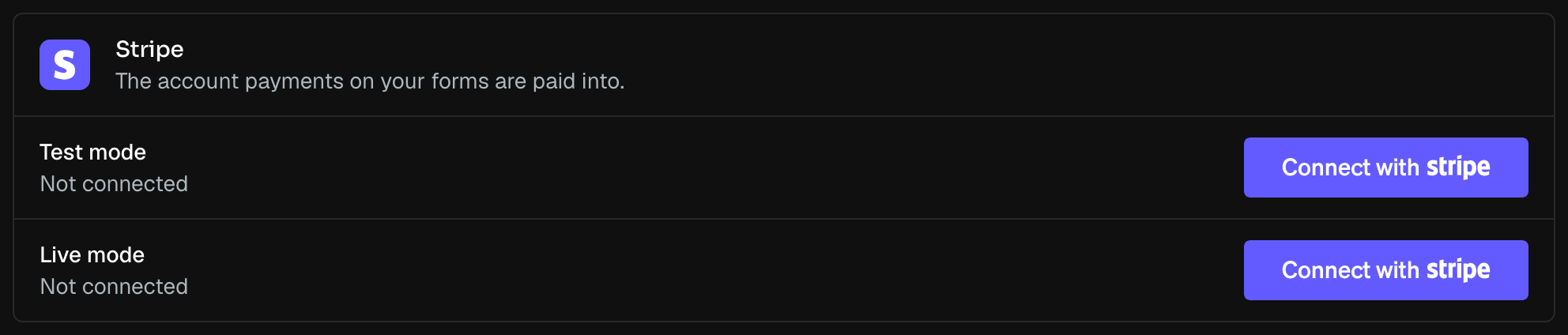
- Sign in to Stripe, pick or create the account, and approve the connection.
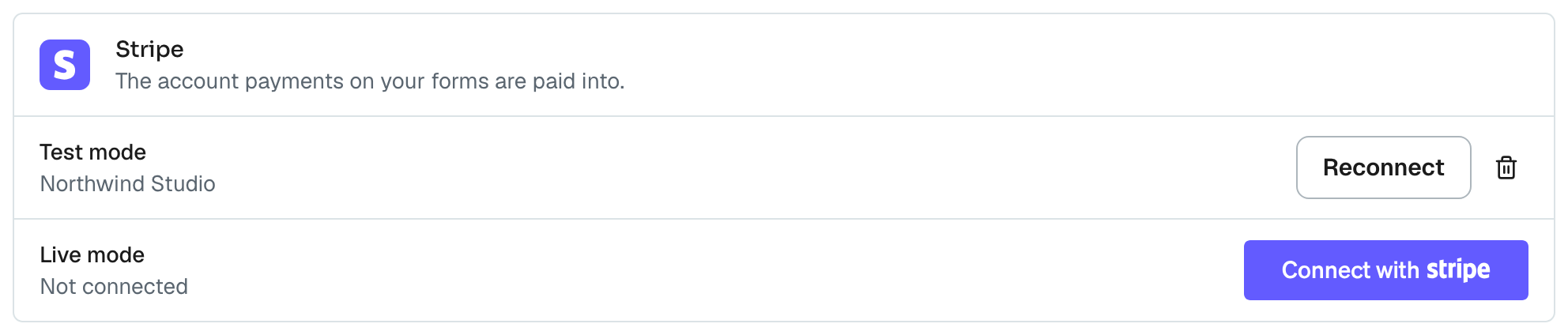
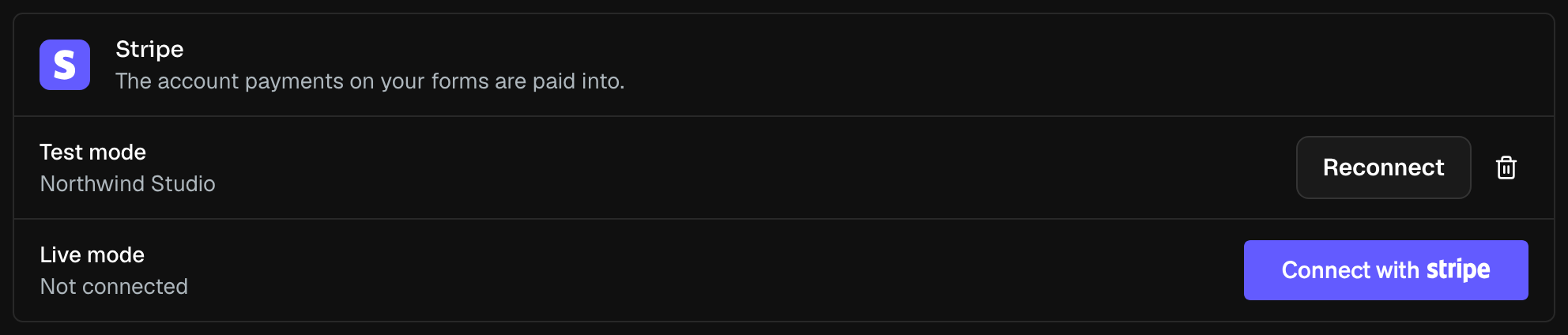
- You come back to the Integrations page with the message “Stripe connected.” and the account’s name on that row.
Step 3 happens on Stripe’s own pages. Finish it in the same browser you started it in, and while you’re still signed in to the same account here, or the connection is refused and you have to start again. Apple Pay and Google Pay are set up on your Stripe account for you when you connect.
The Integrations tab of each form shows which modes are connected, with Manage to come back to this page.


Use it on a form
Add a Payment field and set its Mode to Test or Live. The field uses the Stripe account connected for that mode. Its other settings, like the amount, currency, one time or recurring billing, and payment methods, are on the Payment field itself. If the chosen mode has no connected account, the field’s settings link to Manage accounts, and people filling in the form see “Payments are not available for this form”. In test mode the payment block tells people “Test mode. No real charge is made.”
How payments show in submissions
A submission on a payment form is saved as soon as the person submits, and its payment status then follows what Stripe reports: Paid, Processing, Failed, Canceled or Pending. A payment still pending after an hour shows as Not completed. Open a submission to see the amount, the status, a Test mode badge for test payments, and View in Stripe, which opens that payment in your Stripe Dashboard.
Google Sheets, Make, Zapier, webhooks and email notifications wait for the payment to be paid before they send the submission. In a Google Sheet the Payment column reads like paid 25.00 USD.
Reconnect or disconnect
Each connected row has Reconnect and a bin. If access is revoked from the Stripe side, the row says “Access was revoked in Stripe. Reconnect to keep charging.” and the Payment field’s settings show a warning too. To disconnect, select the bin, then Disconnect Stripe. Payment fields in that mode stop accepting payments on every form until you connect again. Payments already taken stay in your Stripe account and in your submissions.
Good to know
The Stripe connection belongs to the form owner’s account. Workspace members see a note that the owner manages it. Stripe’s own fees apply to every charge, and you handle refunds and disputes in the Stripe Dashboard.
Frequently asked questions
Do I need a paid plan to take payments?
Every plan includes payments, and the money goes to your own Stripe account. Stripe’s own fees apply to every charge.
Can I take payments with PayPal or another provider?
No, payments go through Stripe only. Apple Pay and Google Pay are set up on your Stripe account for you when you connect.
Can I try payments before taking real money?
Connect Test mode, set the Payment field’s Mode to Test, and pay with Stripe’s test cards. People filling in the form see that no real charge is made.
How do I refund a payment?
Refunds and disputes are handled in your Stripe Dashboard. Open the submission and select View in Stripe to go straight to that payment.
What happens if someone submits the form but doesn’t finish paying?
The submission is saved, and its status follows what Stripe reports. A payment still pending after an hour shows as Not completed, and notifications and integrations aren’t sent because they wait for the payment to be paid.
Can workspace members connect Stripe?
No. The Stripe connection belongs to the form owner’s account, and members see a note that the owner manages it.