On a multi-page form, the progress indicator sits at the top of each page and tells people how far along they are. You can show a bar with a percentage, a “Page 2 of 4” line, or nothing.
Examples
- A bar on a long job application, so people can see they’re nearly done.
- “Page 2 of 3: Delivery” on a three-step order form.
Choose an indicator
- Split your form into pages with page breaks. See Multi-Page Forms.
- Click the indicator at the top of page 1 on the canvas, or any page break.
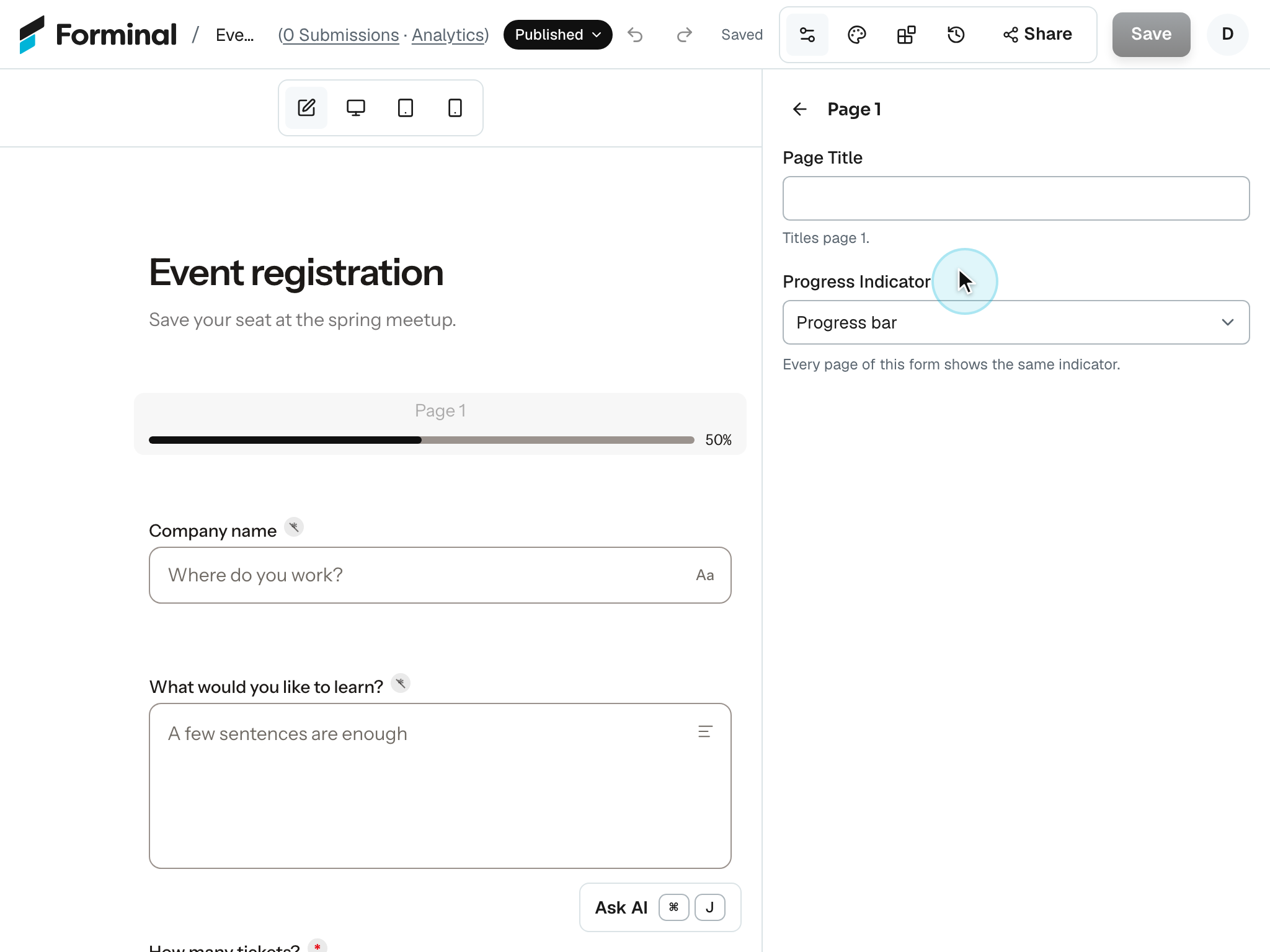
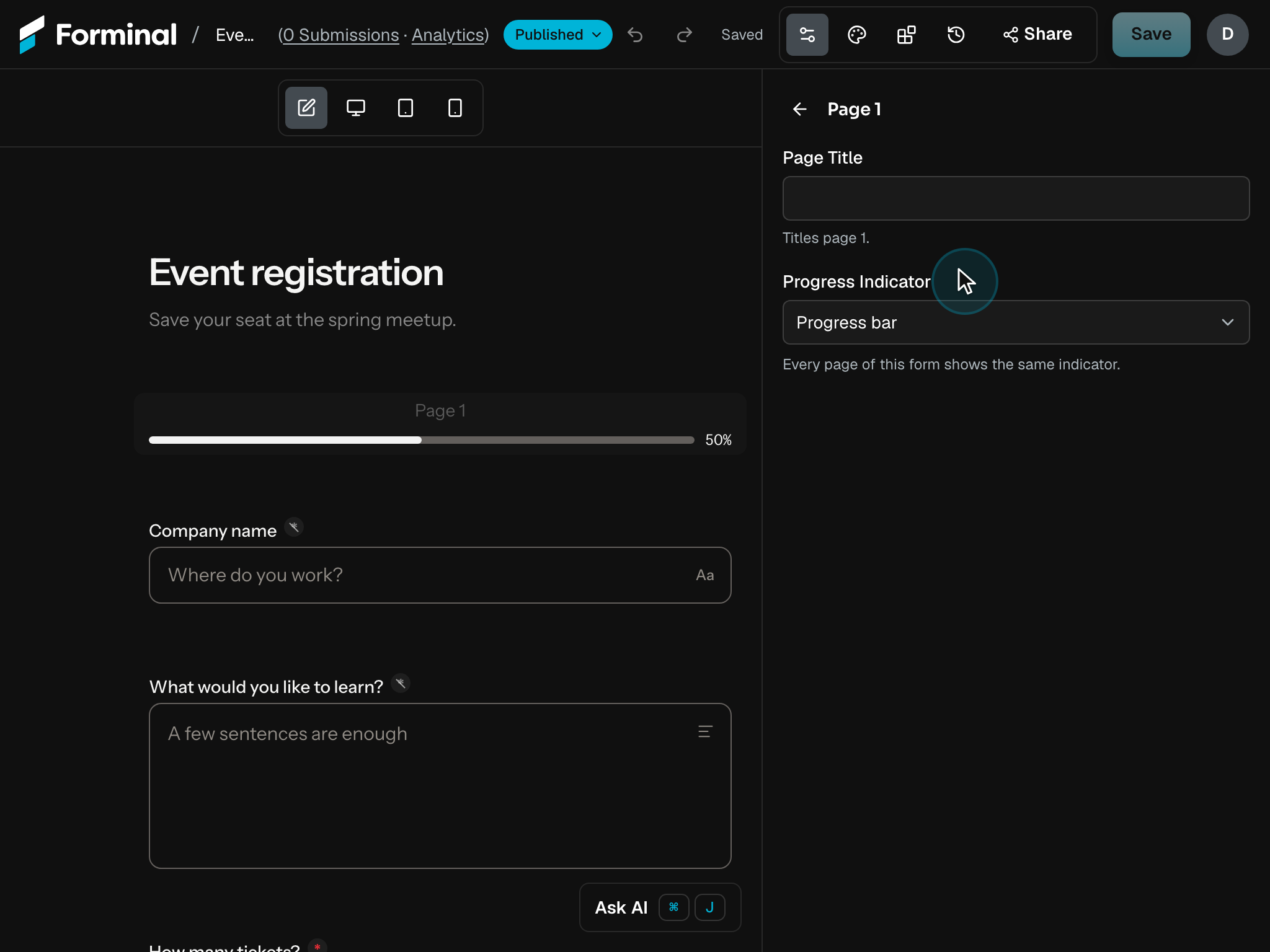
- Pick an option under Progress Indicator: Progress bar, Pages or None. Every page uses the same one, so changing it in one place changes it everywhere.
The options
- Progress bar is the default. It shows the page title above a bar and the percentage next to it. On page 2 of 4 the bar is at 50%.
- Pages shows “Page 2 of 4”, followed by the page title if it has one.
- None hides the indicator, and the page titles with it.


Page titles come from the Page Title setting: page 1’s is in its own settings, and each later page’s is on the page break that starts it. The title of page 2 or later can include answers from earlier pages. The bar fills with your form’s Accent color from Customize.
Good to know
The count only includes pages people will see. If Smart Logic hides every question on a page, that page is skipped and the total drops, so the bar still ends at 100% on the last page. A form with one page shows no indicator.
Frequently asked questions
Why doesn’t my form show a progress bar?
The indicator only shows on a form with more than one page. Add page breaks to split it, as described in Multi-Page Forms.
Does the progress bar count pages skipped by Smart Logic?
No. A page whose questions are all hidden is skipped and the total drops, so the bar still ends at 100% on the last page.
Can I change the color of the progress bar?
It fills with the Accent color you set in Customize. See Colors.
Can each page use a different indicator?
No. Every page uses the same one, so changing it in one place changes it everywhere.
Can I hide the progress bar but keep the page titles?
None hides the page titles along with the indicator. For something smaller than the bar, pick Pages, which shows a Page 2 of 4 line followed by the title.