Phone takes a phone number. The international format adds a country picker with flags and dial codes and checks that the number is real for that country. Turn it off for a plain box that accepts any reasonable number.
Examples
- A delivery form for customers in several countries.
- A callback request for a local business, with the default country set so the dial code is already filled in.
Set it up
- In the builder, point between two fields and select Add Field. On an empty form, select Start from Scratch.
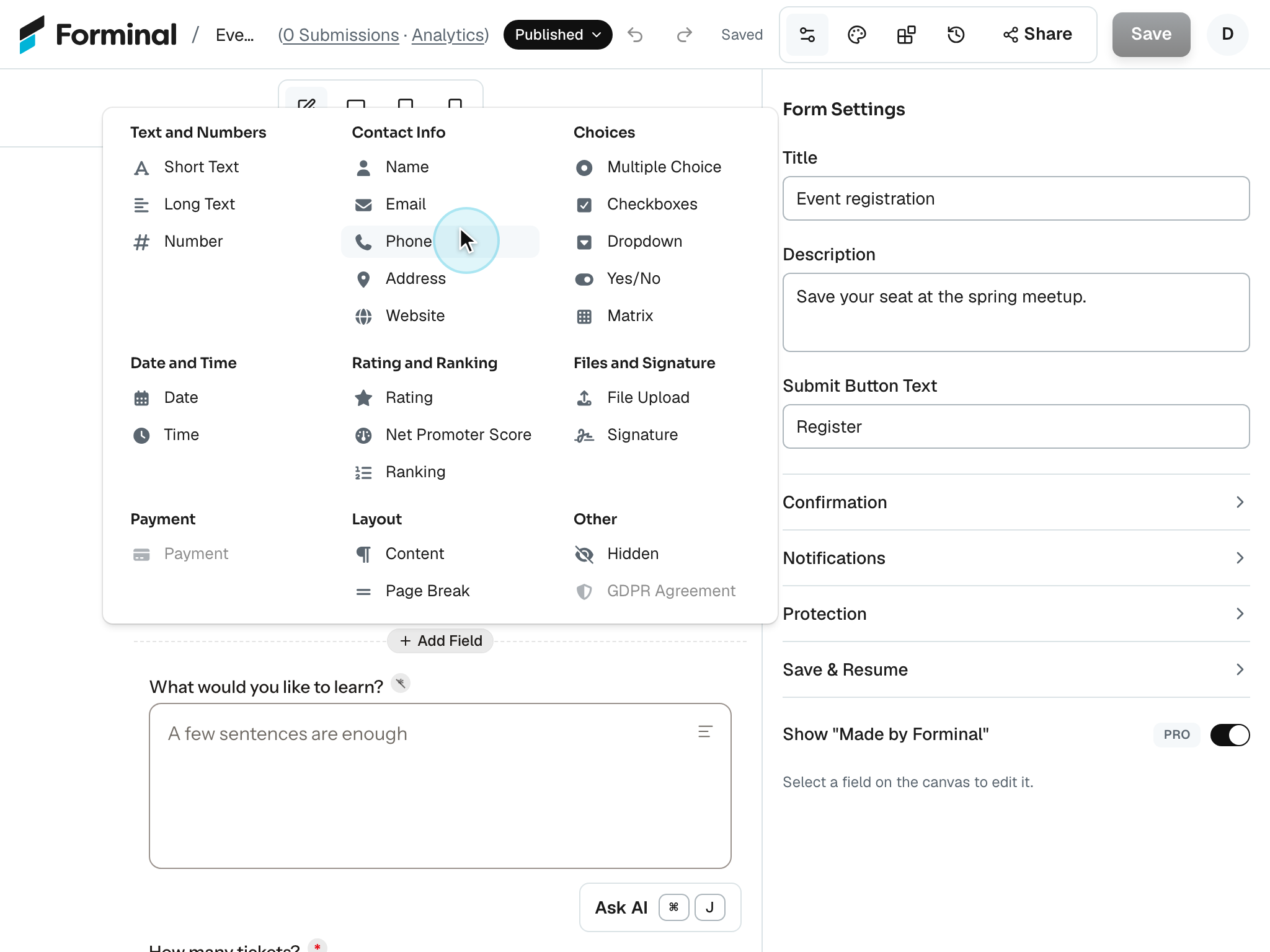
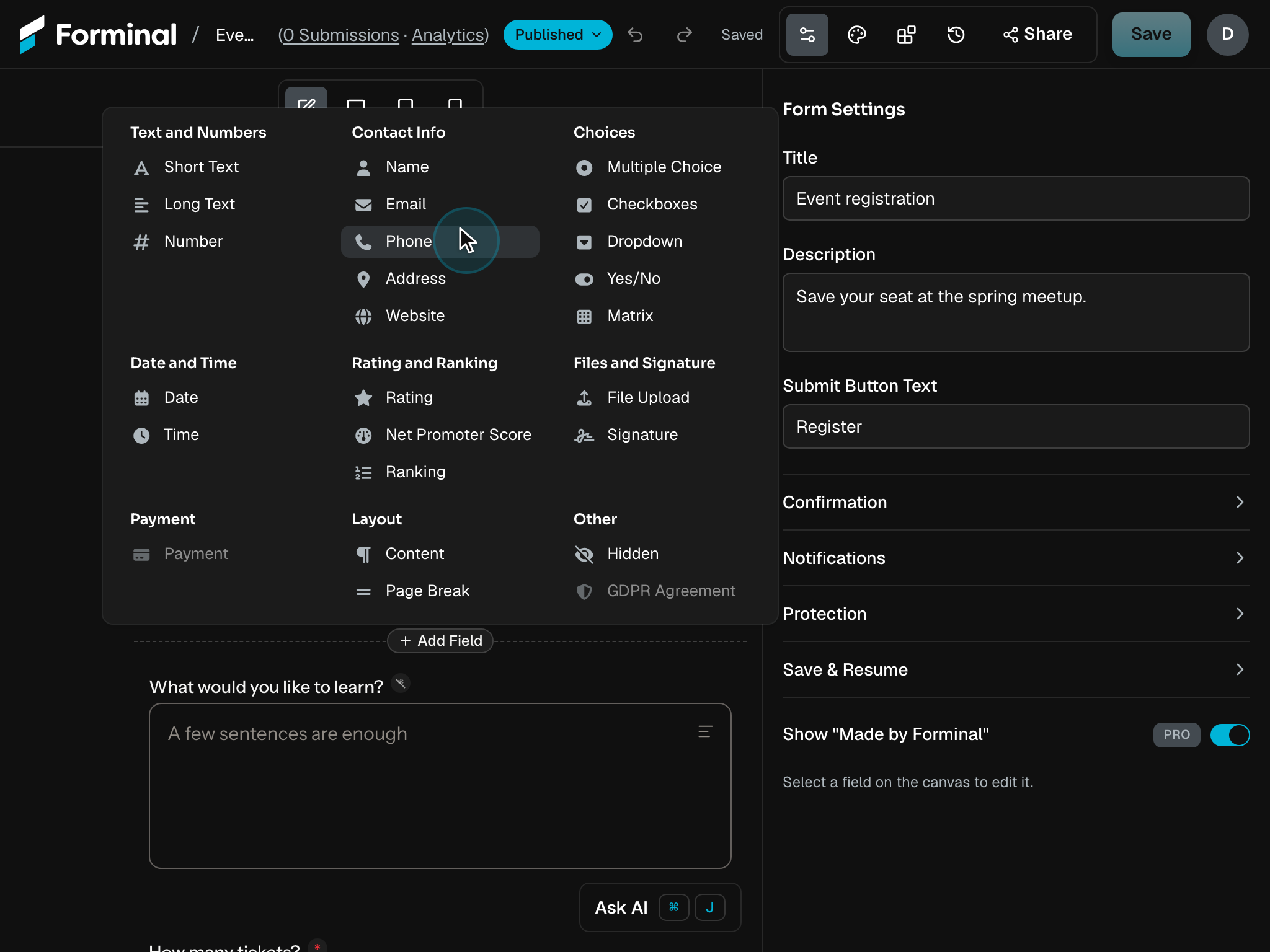
- Under Contact Info, select Phone.
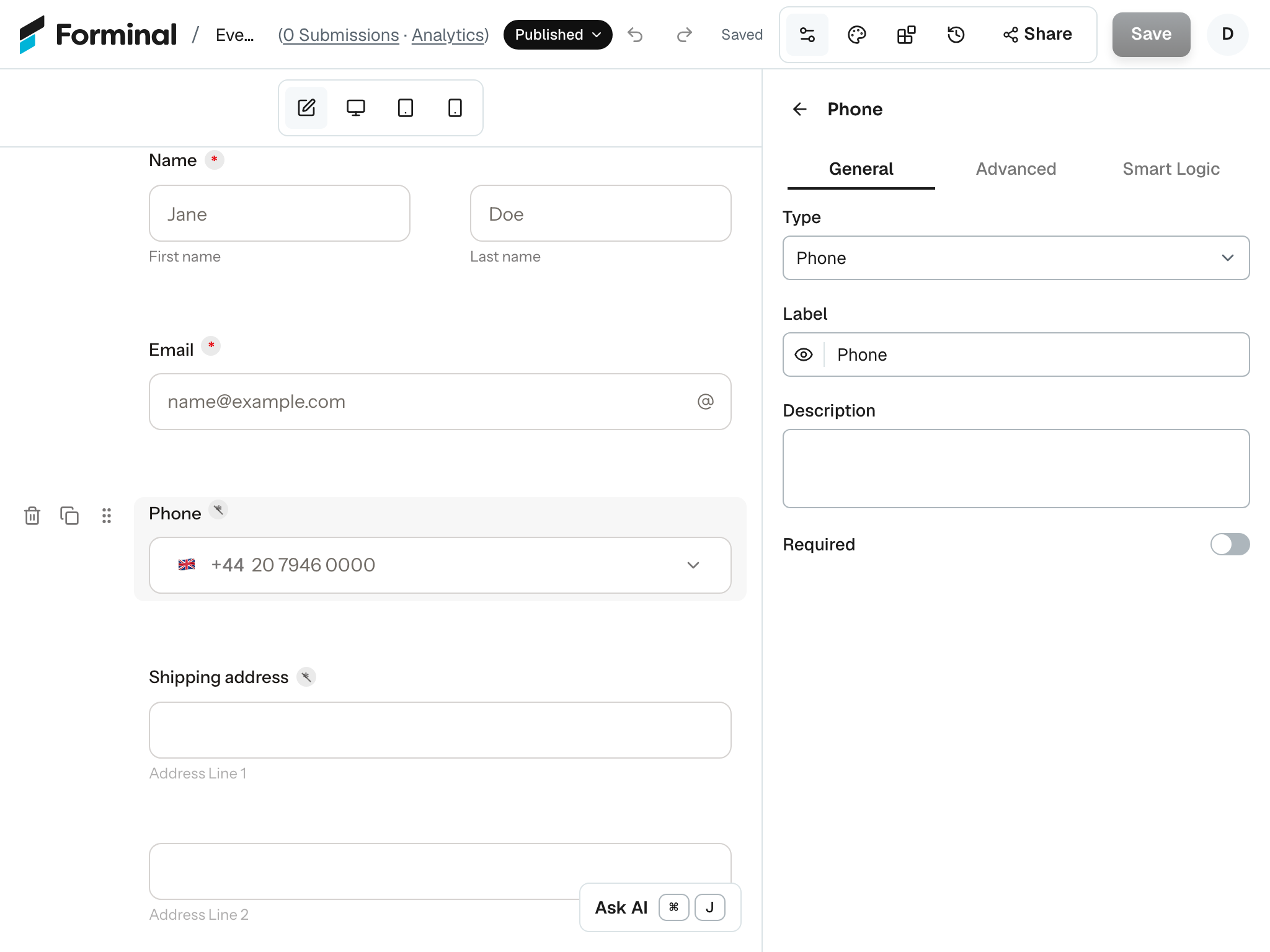
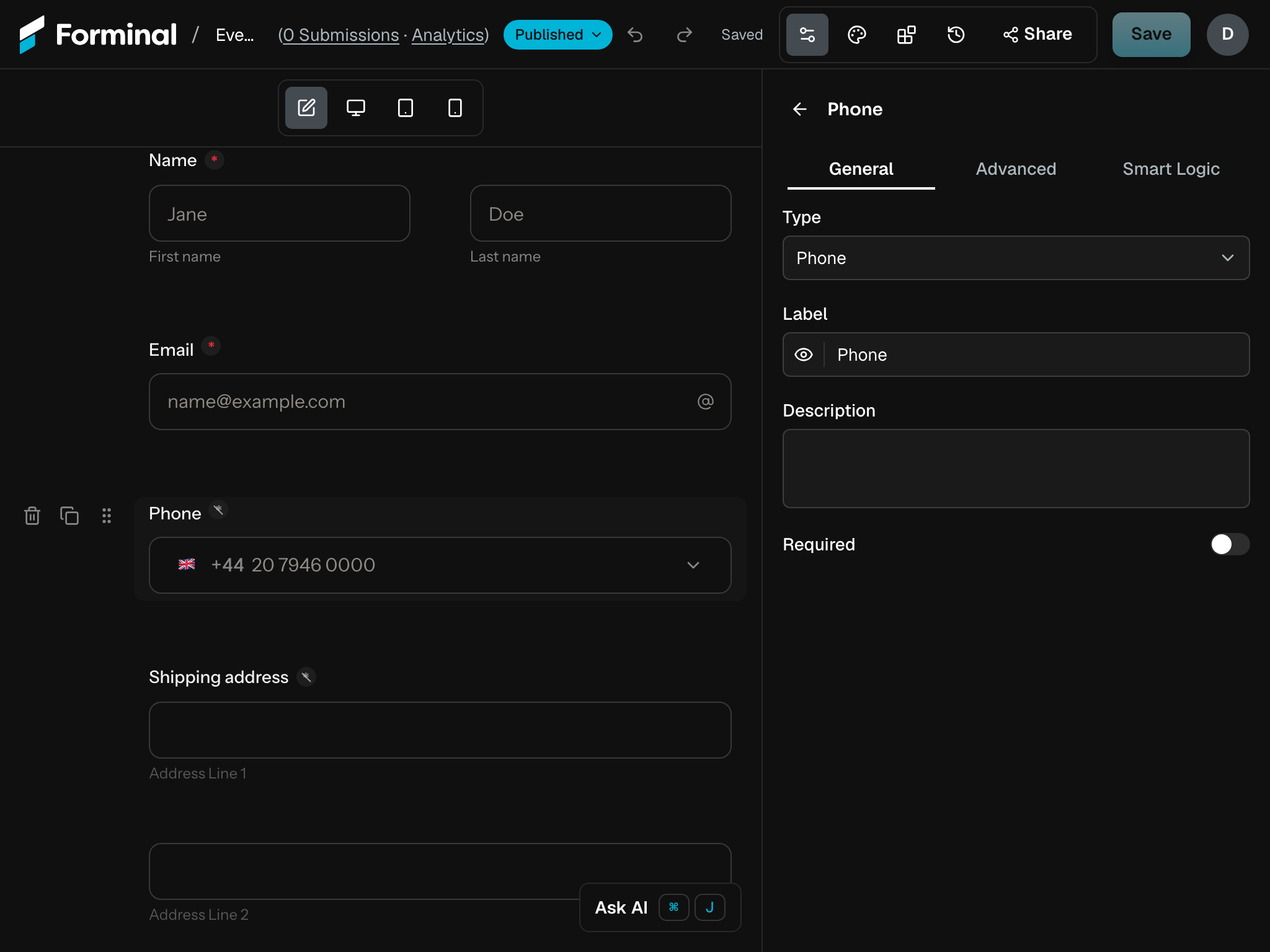
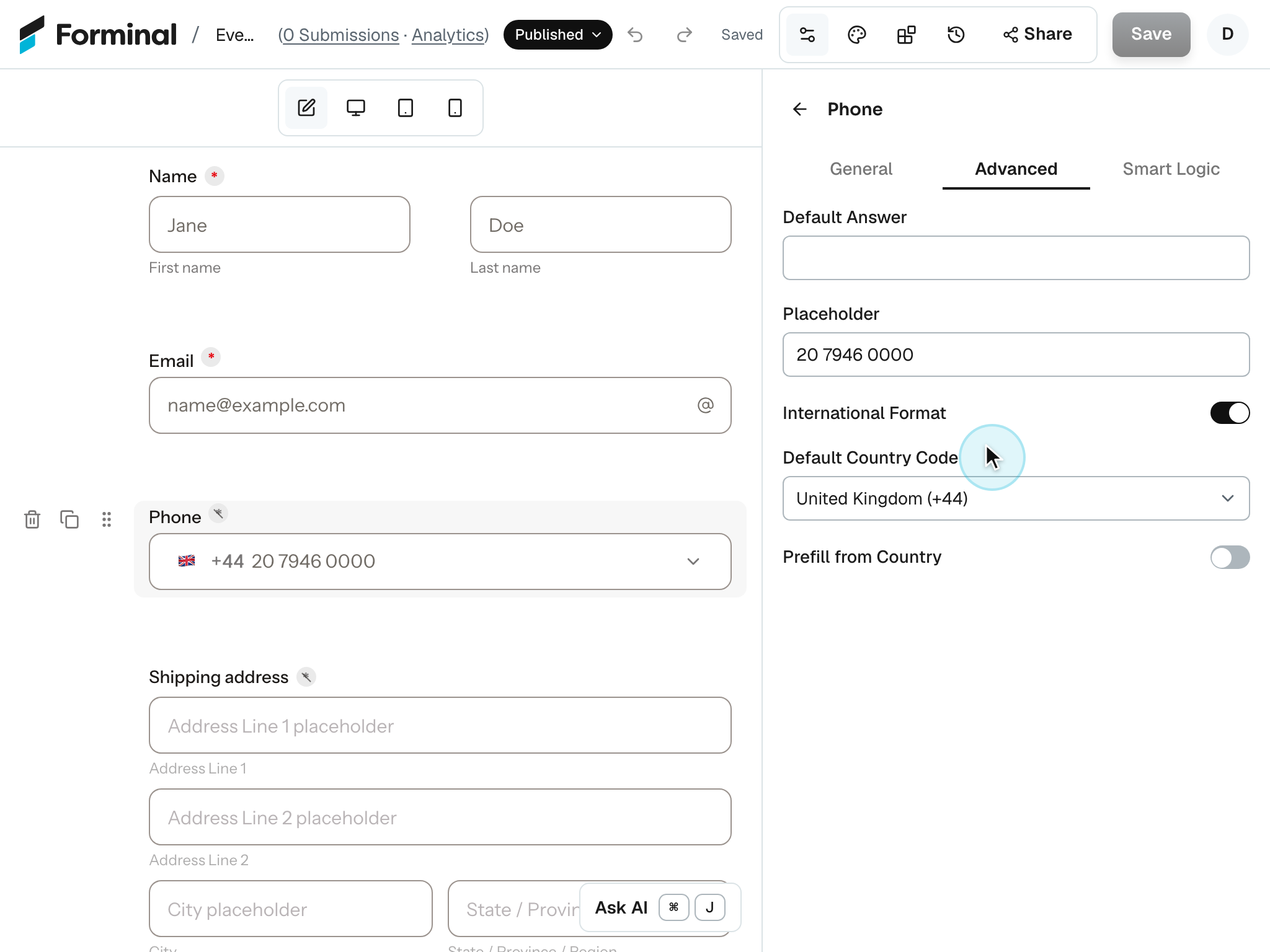
- Open the Advanced tab. International Format is on for new fields. Switch it off if you want the plain box.
- With the international format on, choose a Default Country Code, or leave it on Off.
- Set the Label, Description, Required, Placeholder and Default Answer as you need.
What people see
International format
The box shows a flag on the left and a country menu on the right, listing every country with its dial code. With a default country set, the box starts with that dial code, such as +44, and the placeholder shows an example number from that country. The dial code alone doesn’t count as an answer, so an optional field left like that stays empty.
The dial code sits inside the box, and the country follows whatever is typed. Someone can delete the code and type another, or paste a full number such as +1 212 555 0100, and the flag changes to match. Picking a different country swaps the dial code and keeps the rest of the number. The number is spaced out as they type. If it isn’t a valid number, they see “Enter a valid phone number”.


Plain input
A phone box with no picker. It accepts 7 to 20 characters made up of digits, spaces, brackets, dots, dashes and the + sign. Anything else shows “Enter a valid phone number”. New fields have the placeholder “+1 555 123 4567”.
How answers show in submissions
With the international format, the number is saved in full international form with its country code, and shows spaced out, such as +44 20 7031 3000, in the submissions table, the CSV export and notification emails. With the plain input, the number is kept exactly as typed. Smart Logic can check either with the text checks, such as starts with “+44”.
Good to know
A default answer can be up to 30 characters and has to look like a phone number. A default country only works with the international format.
Frequently asked questions
Does the phone field check that a number is real?
With International Format on, it checks that the number is valid for the country it belongs to. The plain box only checks that the answer is 7 to 20 characters of digits, spaces, brackets, dots, dashes and the + sign.
Can I set a default country code?
Choose a Default Country Code on the Advanced tab, and the box starts with that dial code, such as +44. It works only with International Format on.
Can people from other countries enter their number?
The country menu lists every country with its dial code. People can also paste a full number such as +1 212 555 0100, and the flag changes to match.
How do phone numbers appear in submissions?
With International Format, each number is saved with its country code and shows spaced out, such as +44 20 7031 3000, in the submissions table, the CSV export and notification emails. With the plain box, it’s kept exactly as typed.