Long Text gives people a textarea, so they can write a paragraph or several. Use it for feedback, cover letters and any answer that needs more than a line.
Examples
- A feedback form that asks what you could do better.
- A job application with room for a short cover letter, set to 10 rows so it looks like a page.
Add it to a form
- In the builder, point between two fields and select Add Field. On an empty form, select Start from Scratch.
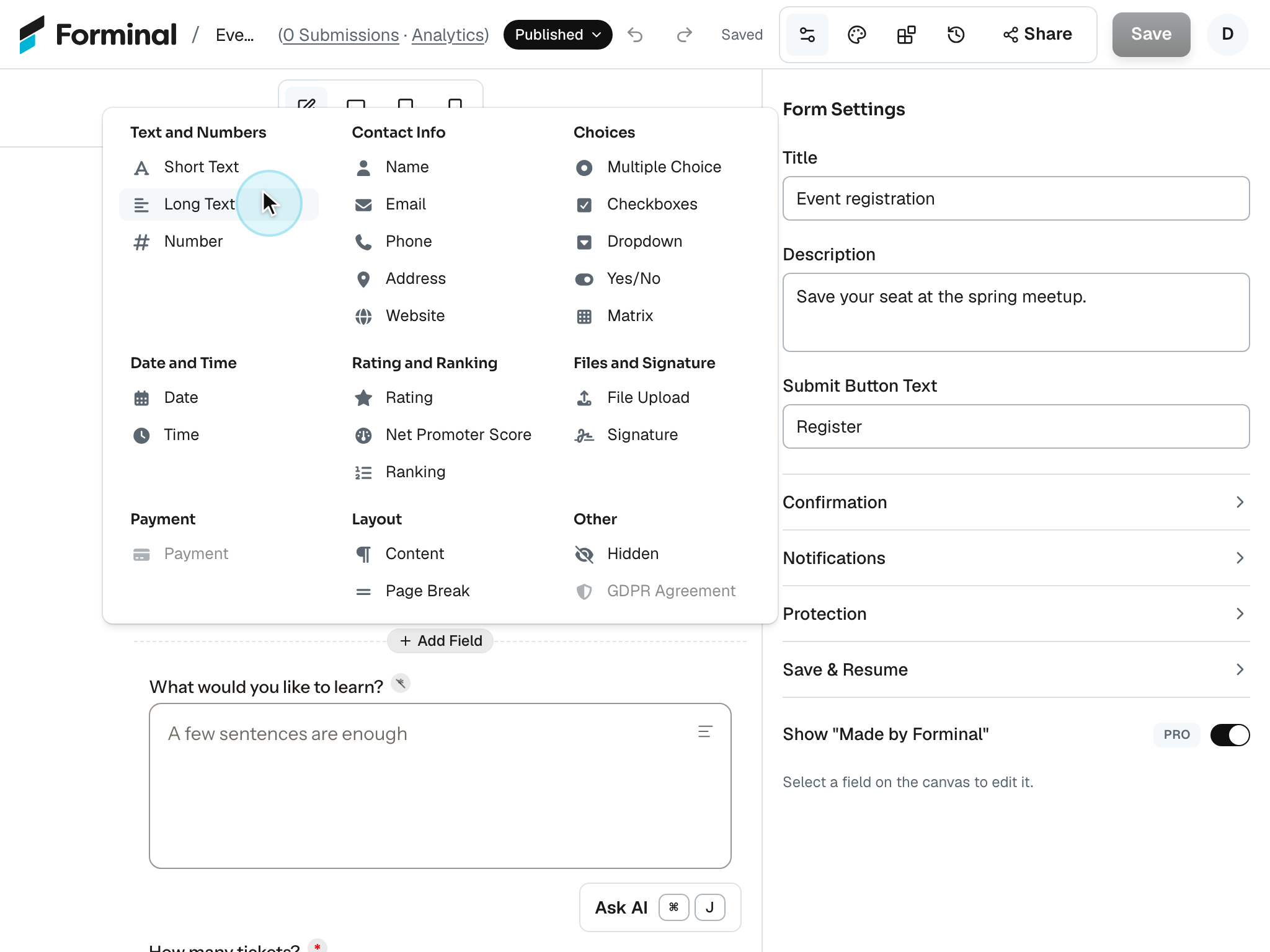
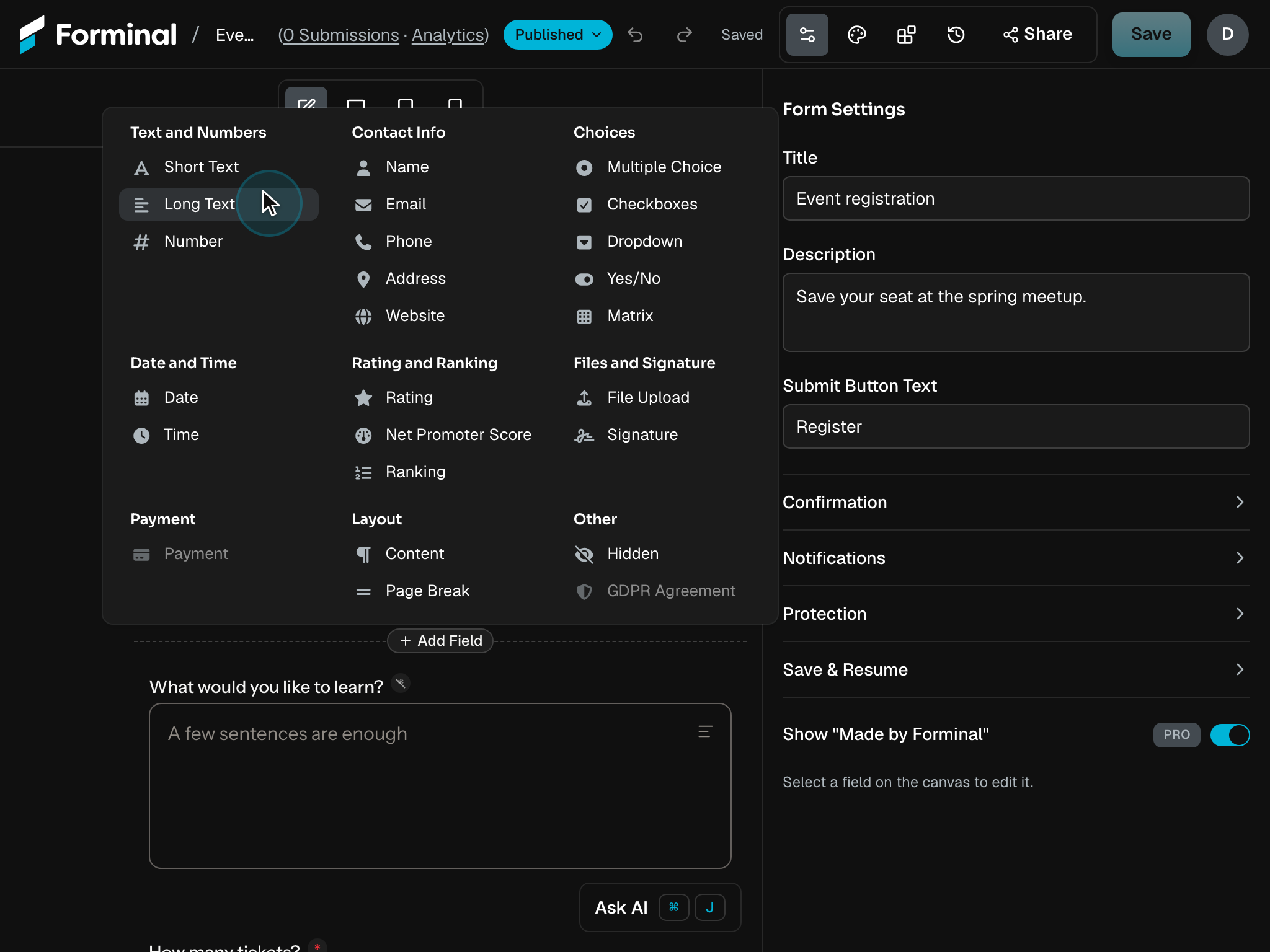
- Under Text and Numbers, select Long Text.
- Replace the label “Long answer” with your question.
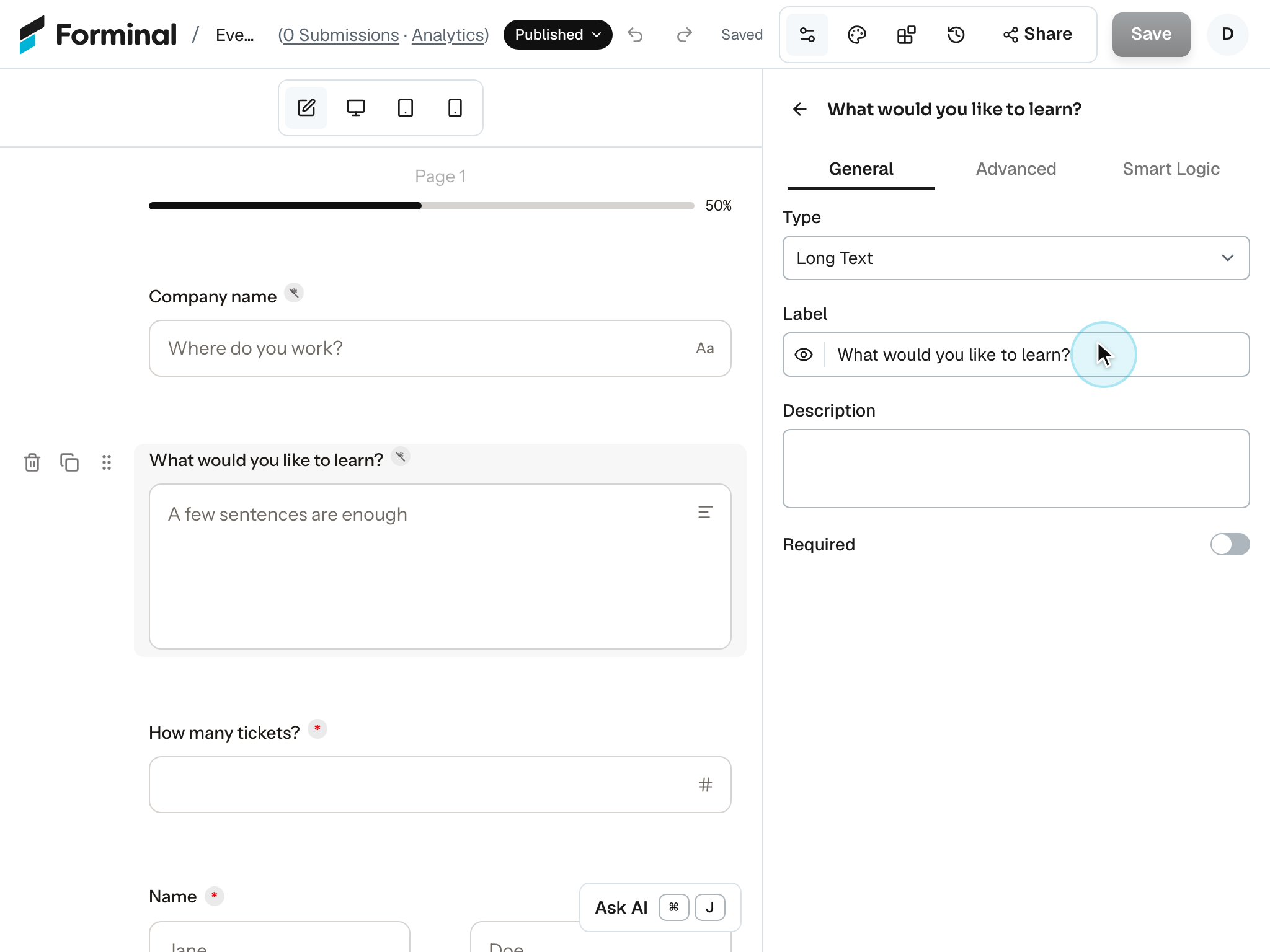
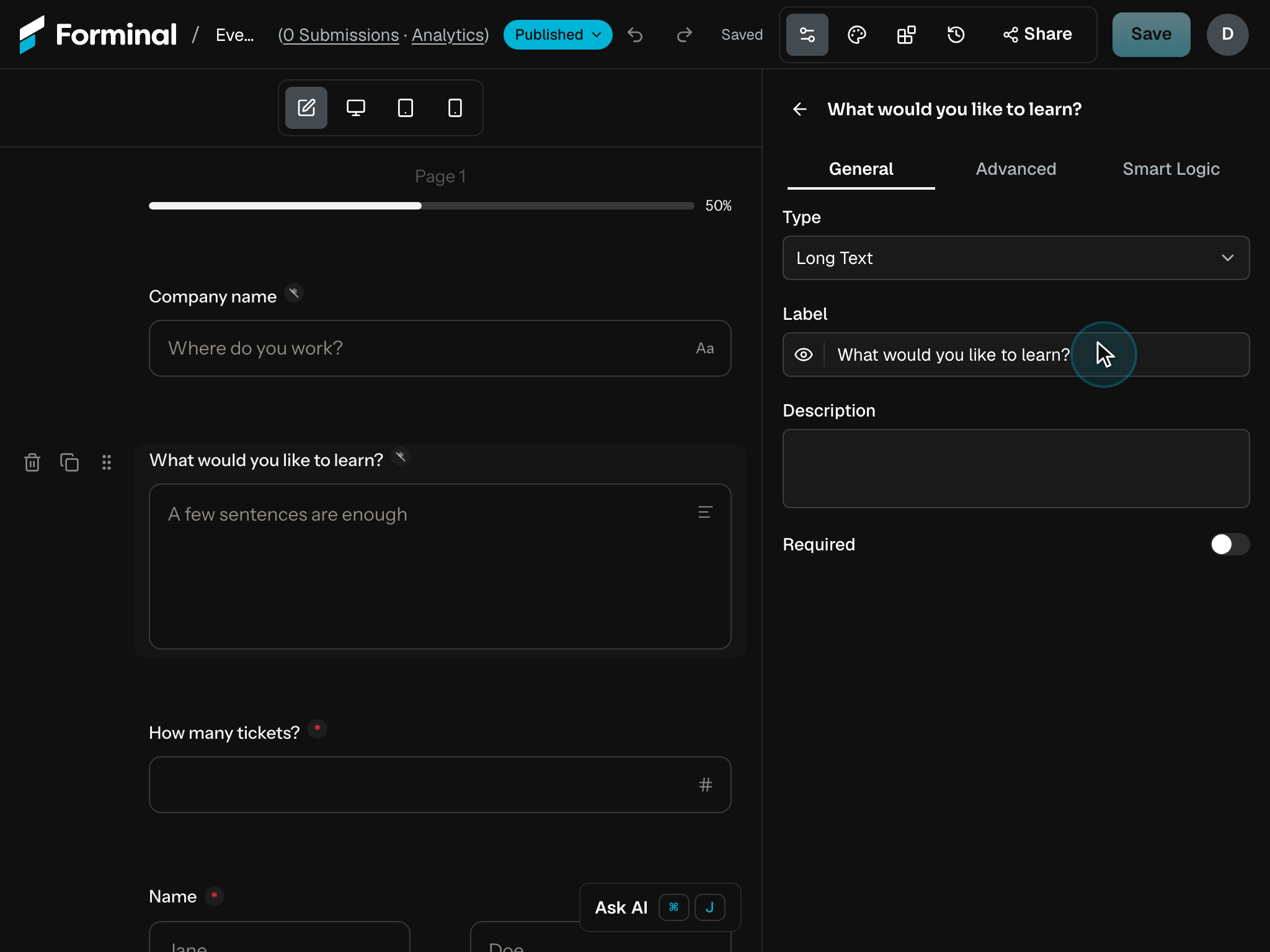
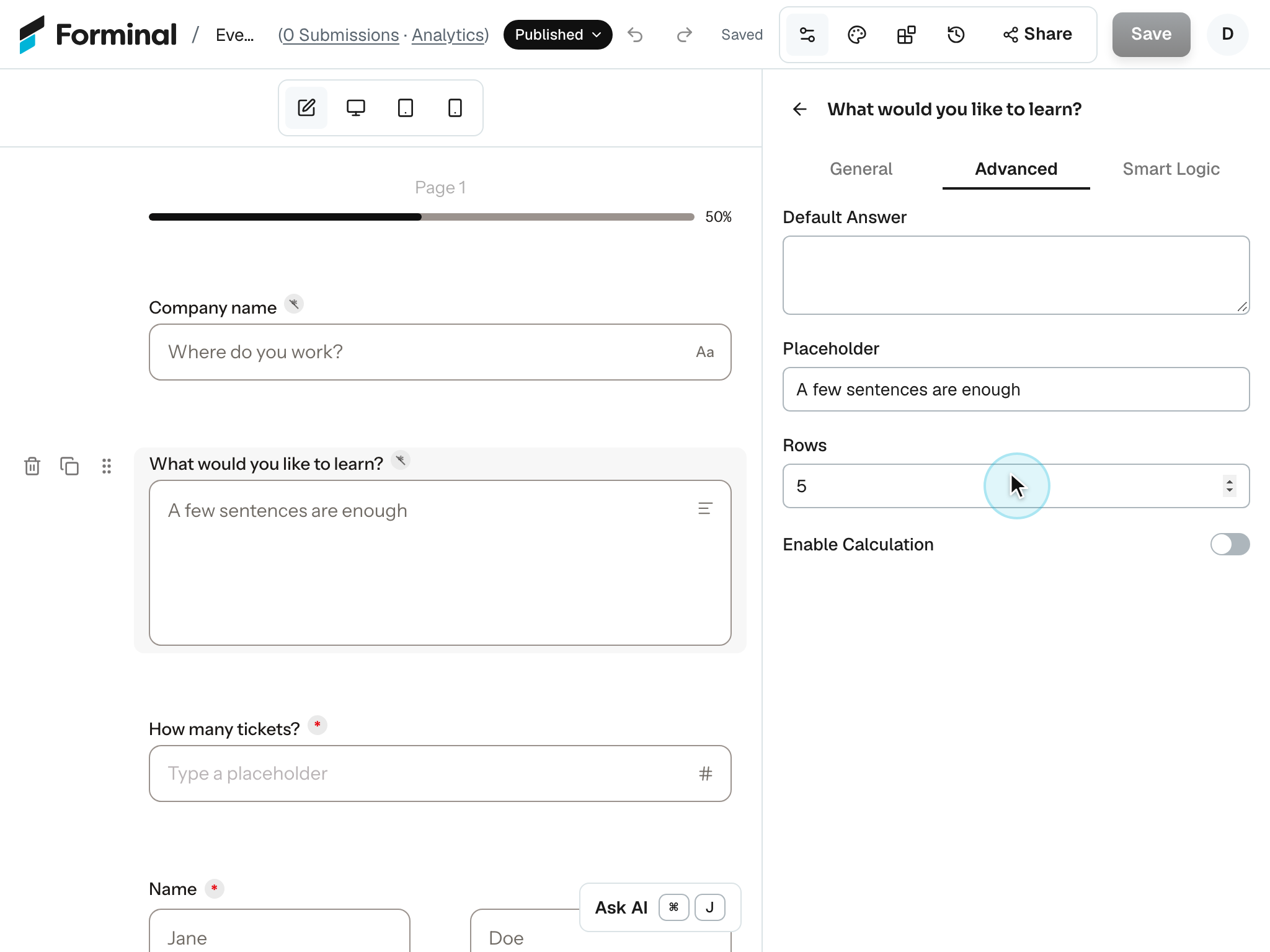
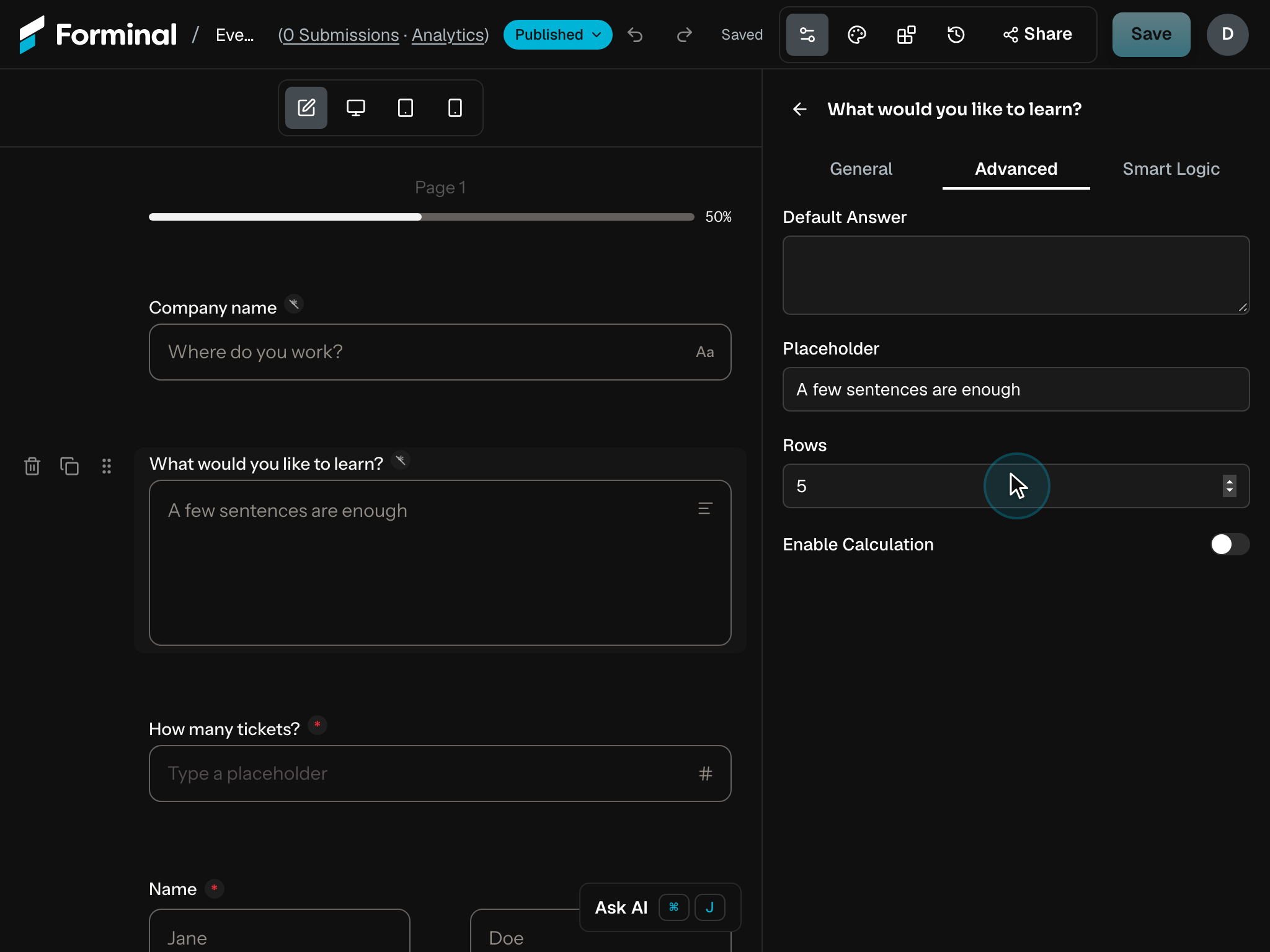
- Open the Advanced tab and set Rows to the height you want.
Settings
On the General tab you set the Label, a Description and its Description Position, and the Required switch. The Advanced tab has three more:
- Default Answer fills the box with text people can keep or replace.
- Placeholder is the grey hint shown while the box is empty, such as “Tell us what happened”.
- Rows sets how tall the box is, from 1 to 20. New fields start at 3. The box stays that height as people type, and scrolls when the text runs longer.
You can pipe earlier answers into the label, description and placeholder by typing @. In Smart Logic, other fields can check a long text answer with is, is not, contains, does not contain, starts with, ends with, empty and not empty, ignoring upper and lower case.
How answers show in submissions
Line breaks are kept. The submissions table, the submission details, the CSV export and notification emails show the text as it was written, with spaces trimmed from the start and end.
Good to know
An answer can be up to 5,000 characters, and so can the default answer. A required field left blank shows “This field is required”. Rows only changes the height of the box, not how much people can write.
Frequently asked questions
How much can people write in a long text field?
Up to 5,000 characters. The Rows setting changes only the height of the box, not how much people can type.
Does the long text box grow as people type?
No. It stays at the height you set in Rows, from 1 to 20, and scrolls once the text runs longer.
Are line breaks kept in long text answers?
They are. The submissions table, the submission details, the CSV export and notification emails show the text as it was written, with only the spaces at the start and end trimmed.
Can the AI assistant summarize long text answers for me?
You can ask the AI Assistant to summarize what people answered, and it gives counts and sample answers for each field. It works on the form’s Submissions page, among others.