Fonts lets you match the type in your form to the rest of your site. One choice sets the font for almost everything in the form: the title, labels, inputs, buttons and the thank-you message.
Examples
- Using Inter to match a product interface.
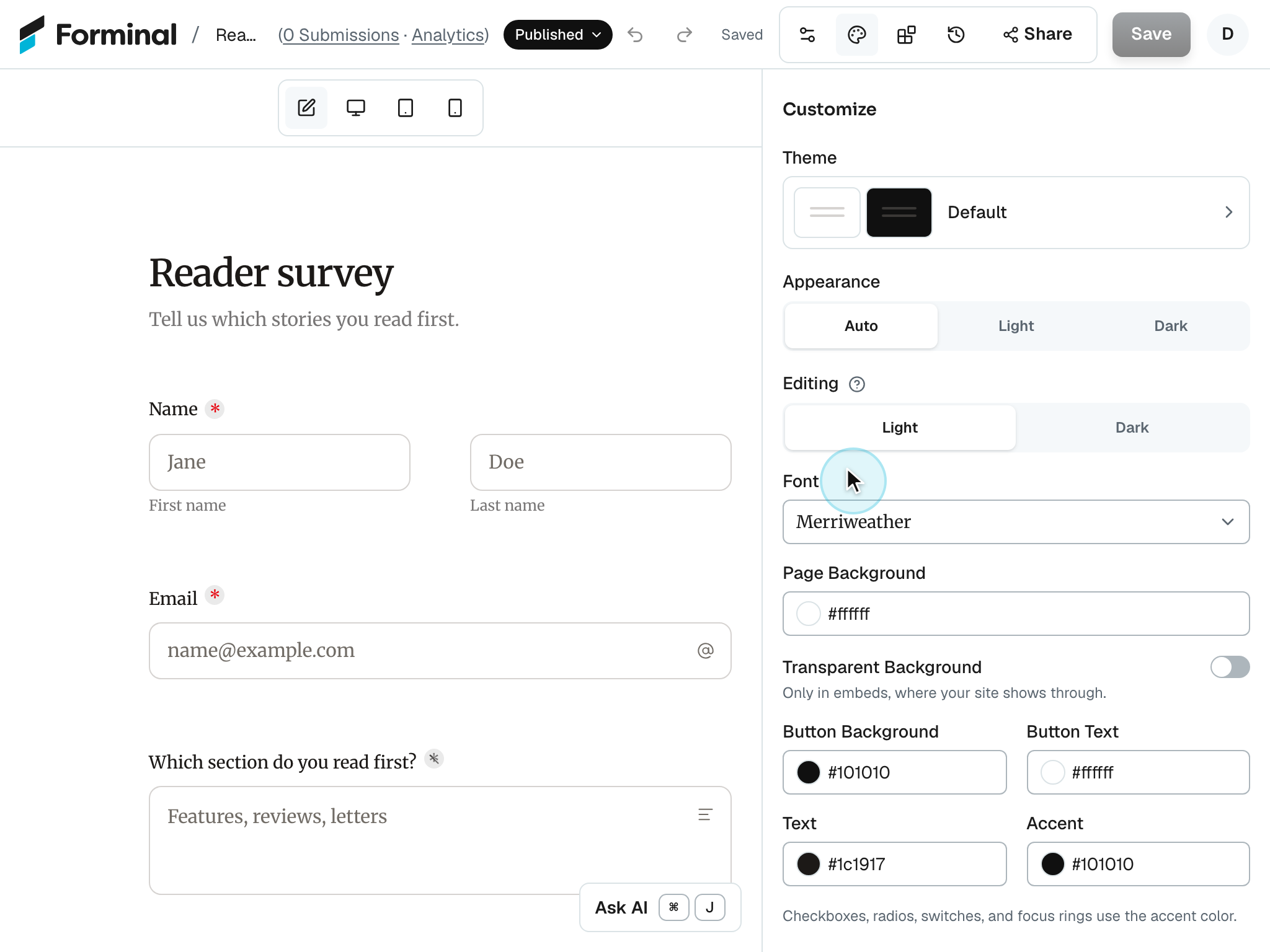
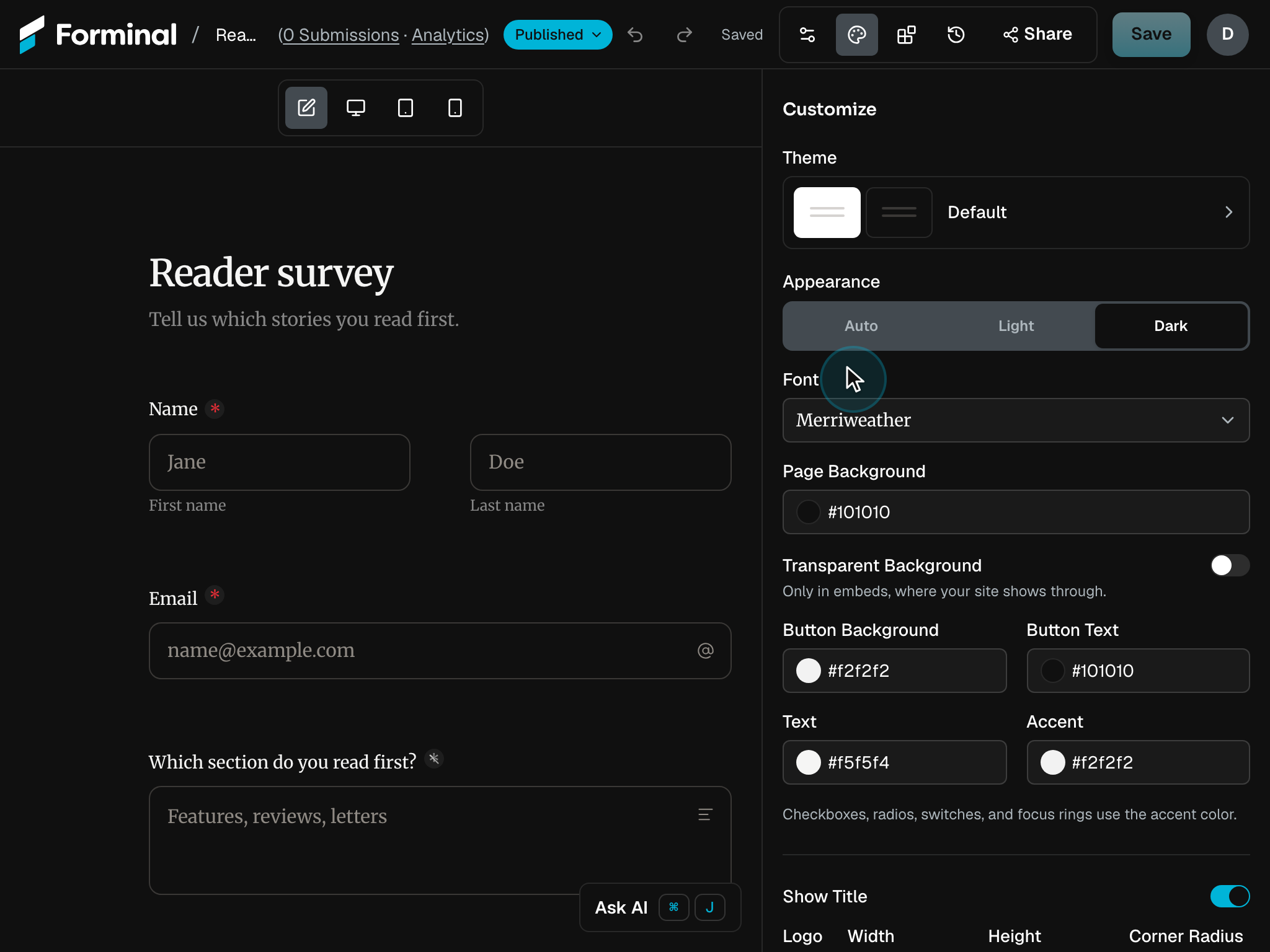
- Using Merriweather for a magazine reader survey.
Choose a font
- Open the form in the builder and select Customize in the top bar.
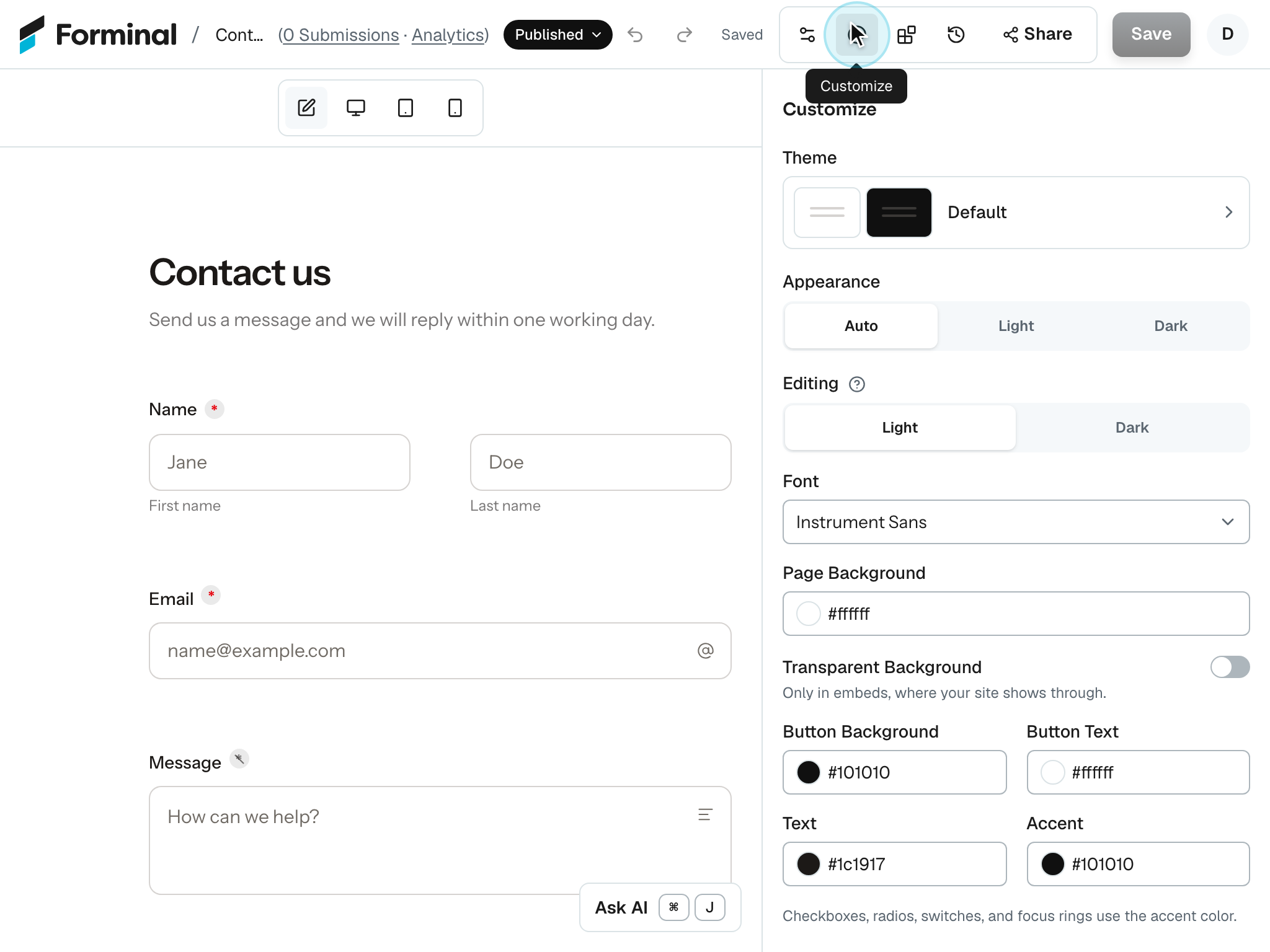
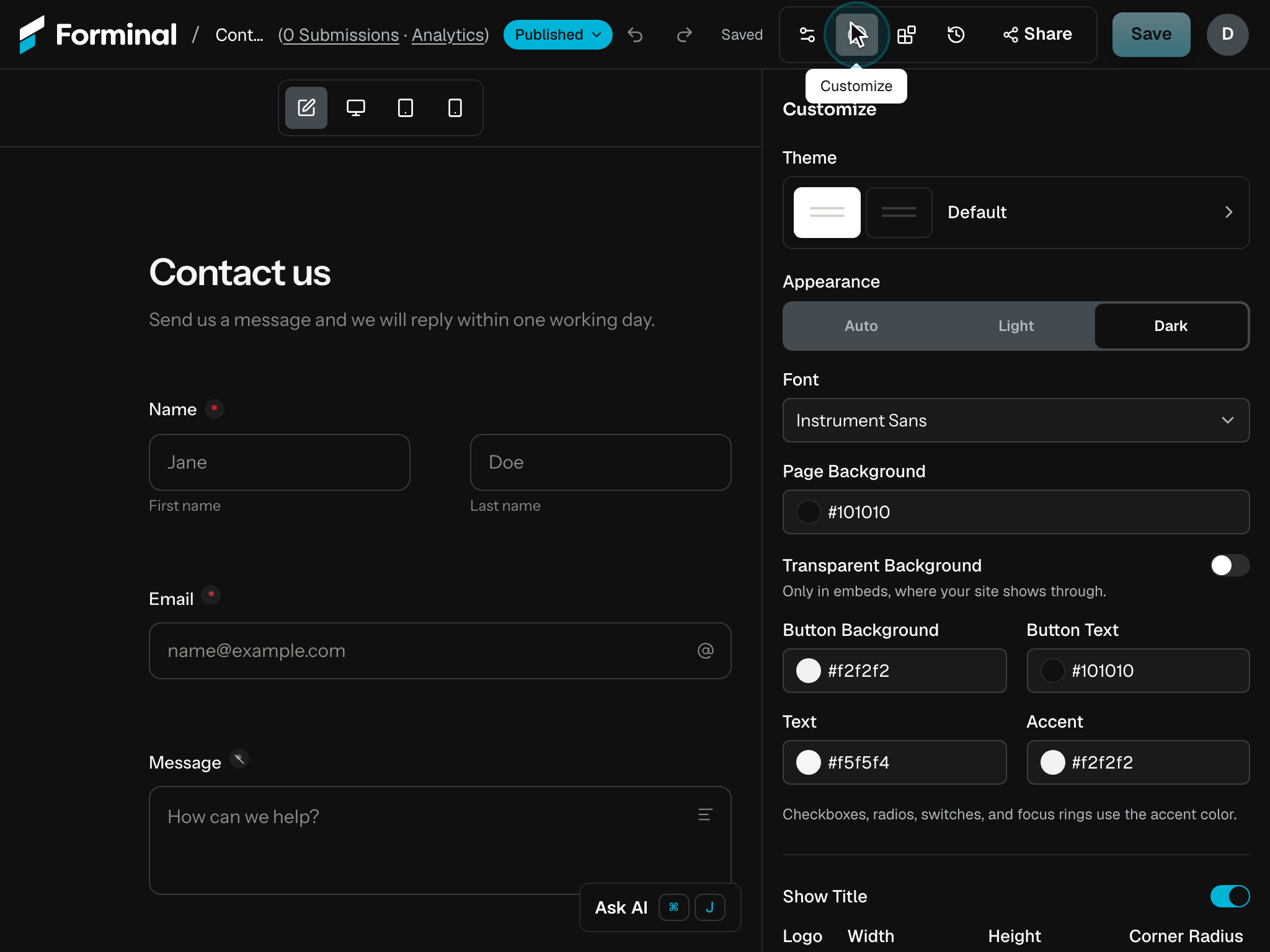
- Open the Font list. Each name is shown in its own font, so you can compare them before you pick.
- Select a font. The canvas updates as soon as you do.
The fonts you can use
- Instrument Sans is the font of a new form, set by the Default theme.
- System uses the visitor’s own device font, such as San Francisco on Apple devices or Segoe UI on Windows, so nothing extra loads.
- 20 more sans-serif fonts: Inter, Inter Tight, Roboto, Roboto Flex, Open Sans, Lato, Onest, Manrope, Geist, Albert Sans, IBM Plex Sans, IBM Plex Sans Condensed, Urbanist, Red Hat Text, Plus Jakarta Sans, Outfit, DM Sans, Schibsted Grotesk, Sora and Space Grotesk.
- Four serif fonts, for a more editorial look: Merriweather, Playfair Display, Cormorant Garamond and Newsreader.
- JetBrains Mono, a monospace font, where every letter takes the same width.
That’s 27 in all. The web fonts load with the form itself, from Forminal rather than from a font service, so your own site doesn’t need to load anything. They work the same on the form’s link, in an inline embed and in a popup.
Good to know
Each web font covers Latin letters in the weights the form uses. Text in other alphabets falls back to a similar font on the visitor’s device. To change how big the text is, use Base Font Size under Advanced Styles. You can’t upload your own font file, and custom CSS can’t load one either, because it refuses anything that loads a file, such as @import, url() or src(). Every theme comes with its own font, so picking a theme replaces the one you chose: pick the theme first, then the font. Sage, Editorial and Tint also set the form title in a display font of their own, and Blueprint sets its labels in a monospaced font.
Frequently asked questions
Can I upload my own font?
Not at the moment. You choose from the Font list, and custom CSS can’t load a font file either, because it refuses @import, url() and src().
Do I need to load the font on my website for an embedded form?
No. The web fonts load with the form itself, from Forminal, so they look the same on the form’s link, in an inline embed and in a popup.
Do the fonts support non-Latin alphabets?
The web fonts cover Latin letters. Text in other alphabets falls back to a similar font on the visitor’s device.
How do I make the text in my form bigger?
Change Base Font Size under Advanced Styles, and the rest of the text scales from it. Advanced Styles is part of the Pro plan, and Business includes everything in Pro.
Will changing the theme reset my font?
Yes. Each theme brings its own font, so switching themes replaces the one you chose. Pick the theme first and the font after it, or select Undo once to go back to the previous theme and font.