An embed puts a video, map, calendar, document or audio player right inside the form. You paste the link you would share with a person, and the form shows the content instead of the link.
Examples
- Show a short welcome video above the first question.
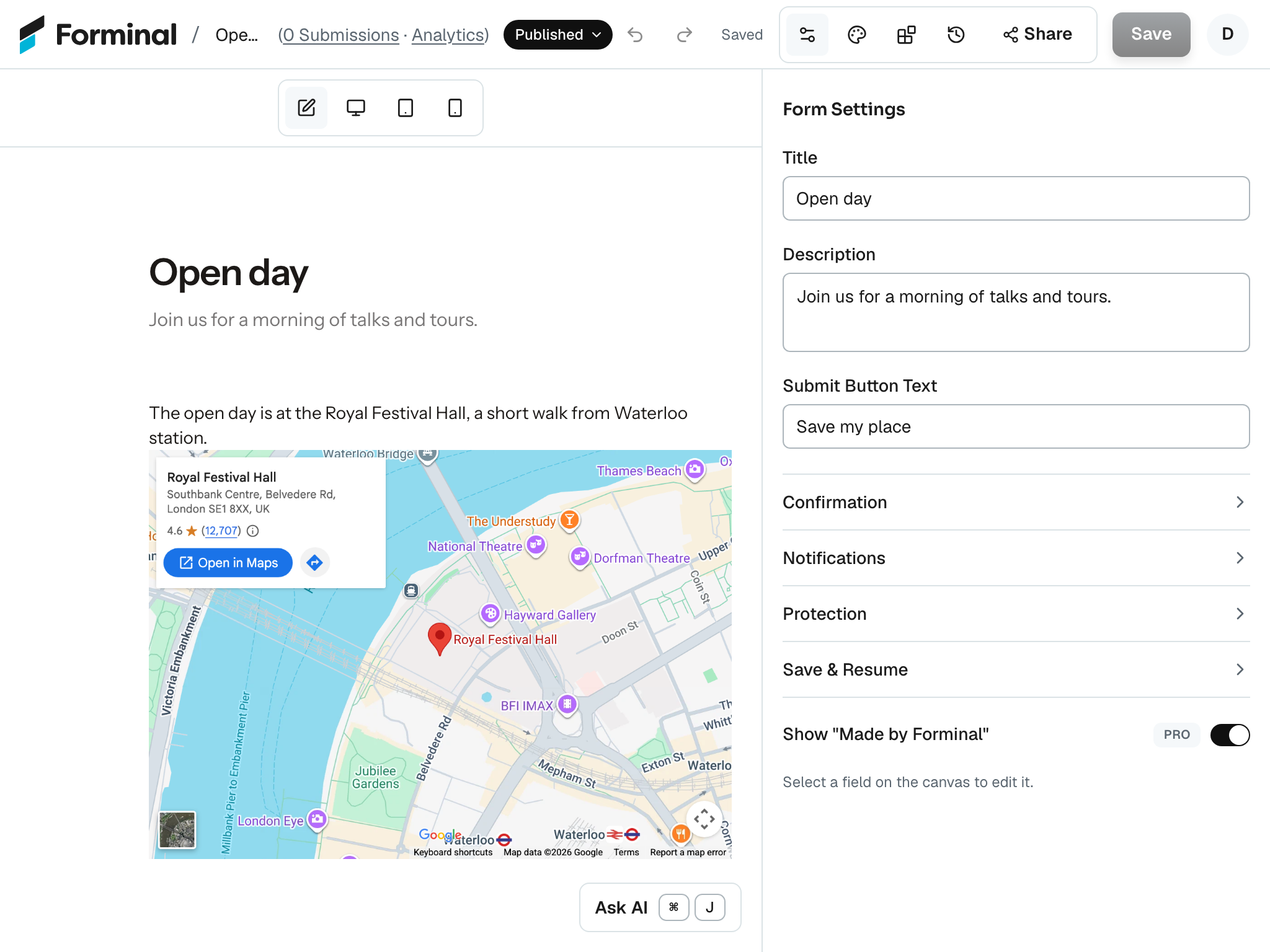
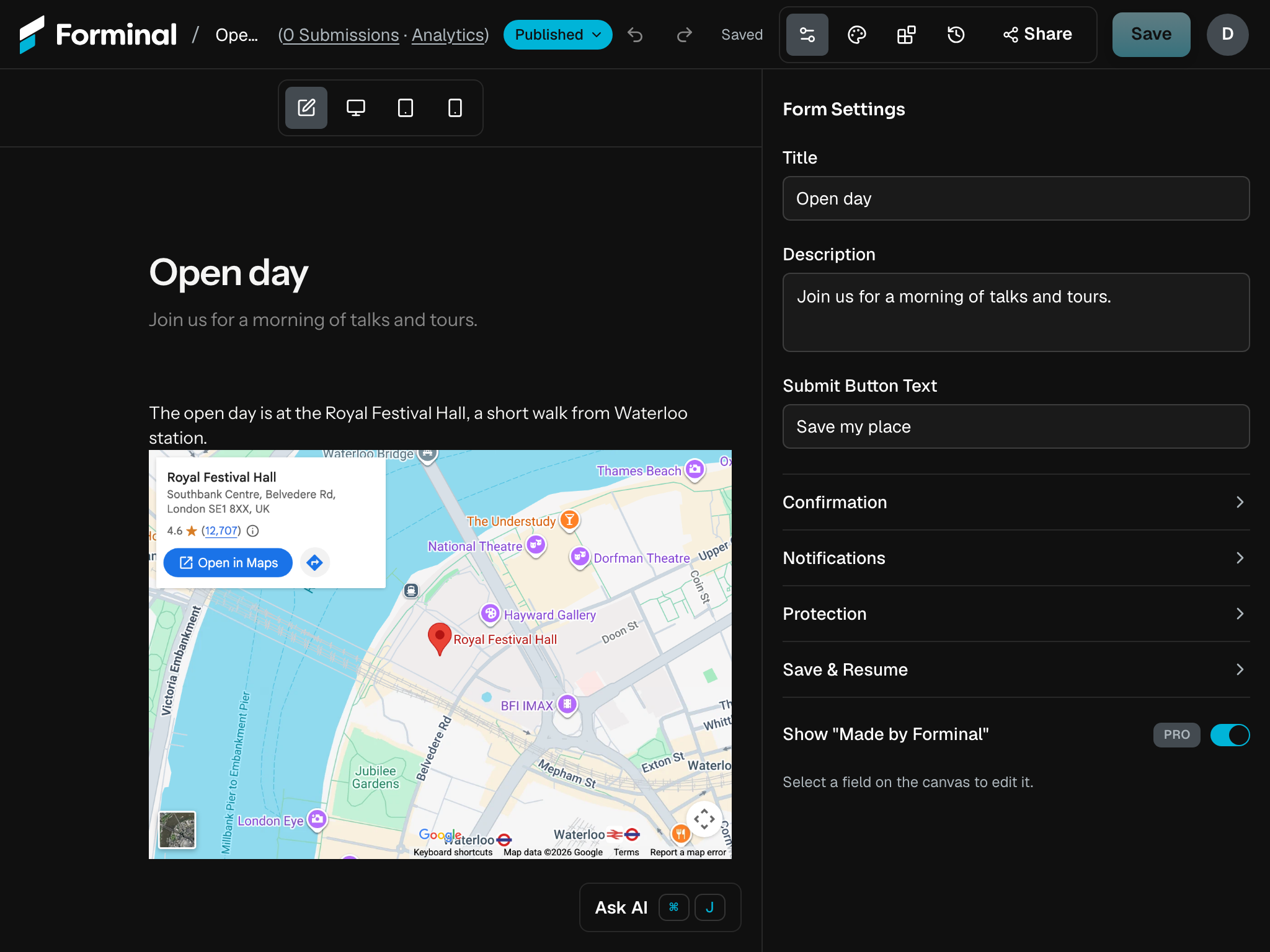
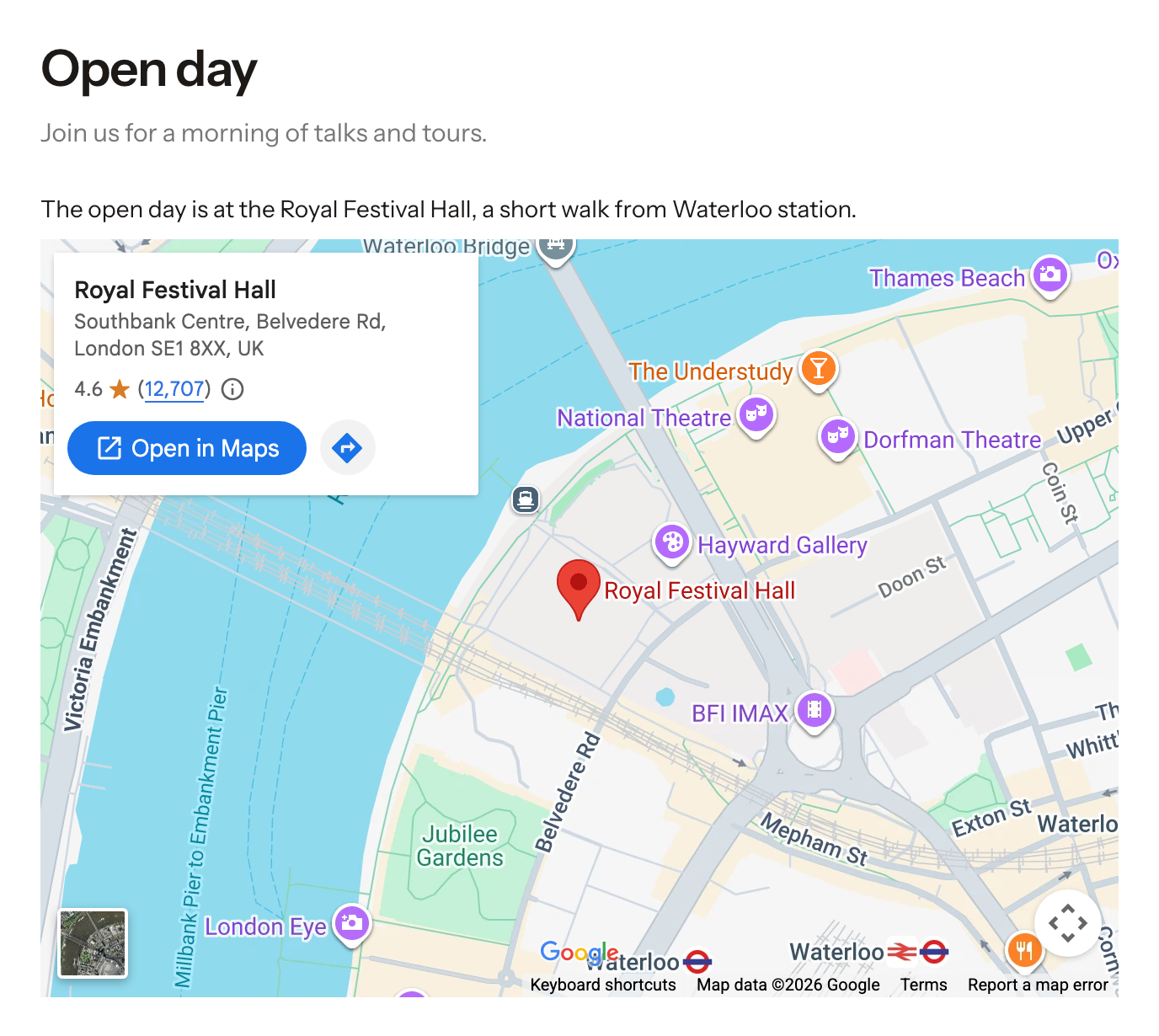
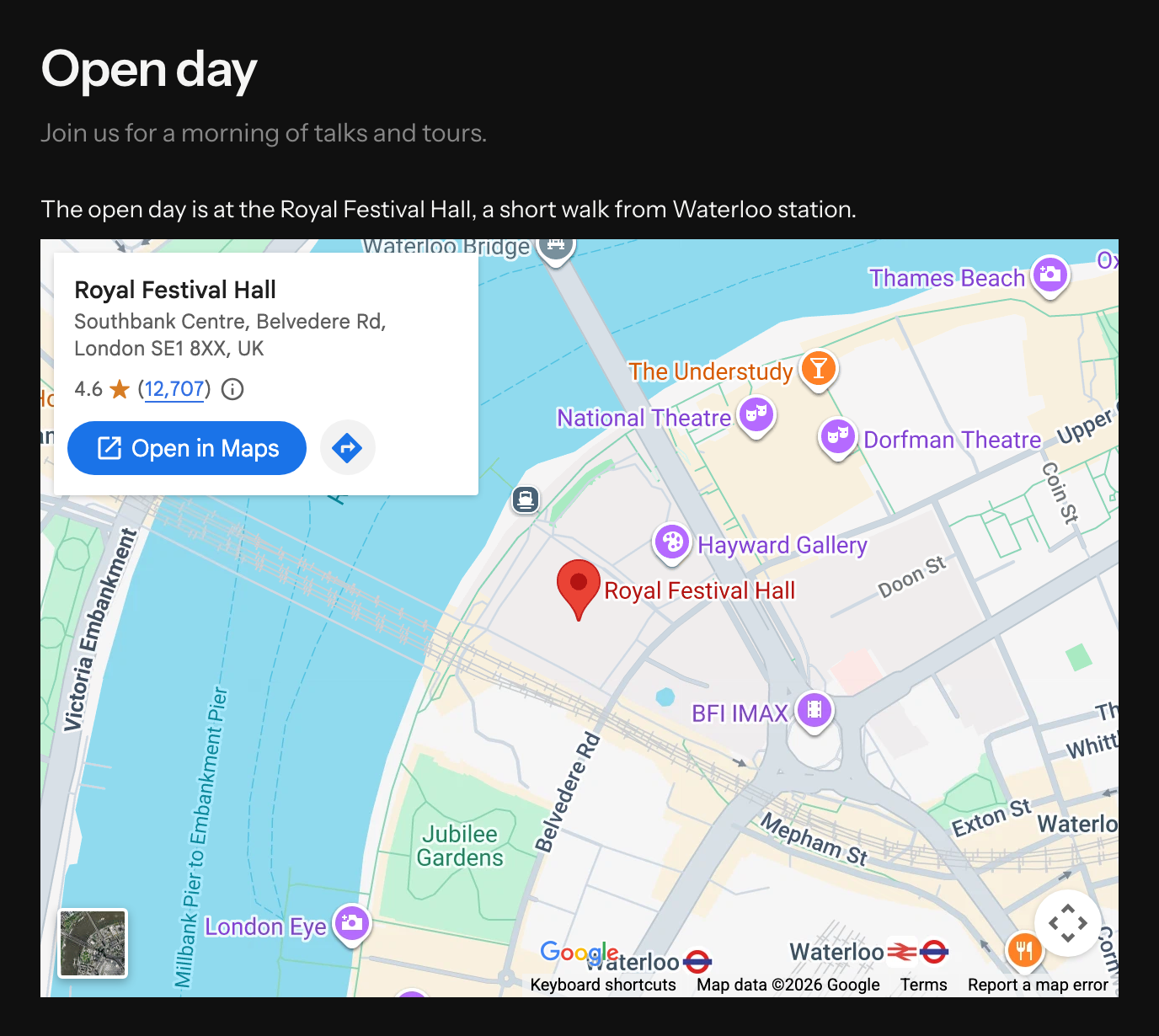
- Put a map of your office or event venue next to a registration form.
- Let people book a time with a Calendly widget after they send the form.
- Embed a Google Doc with the rules or terms people should read first.
Add an embed
- In the builder, select a Content block and click into its text where the embed should go.
- Paste the link. On an empty line, the embed takes the line’s place. Inside a line of text, it goes under that line.
- To place or size it, select the embed. The bar above it has Align left, Align center and Align right, plus W and H boxes for the width and height in pixels. W reads 100% until you set it.
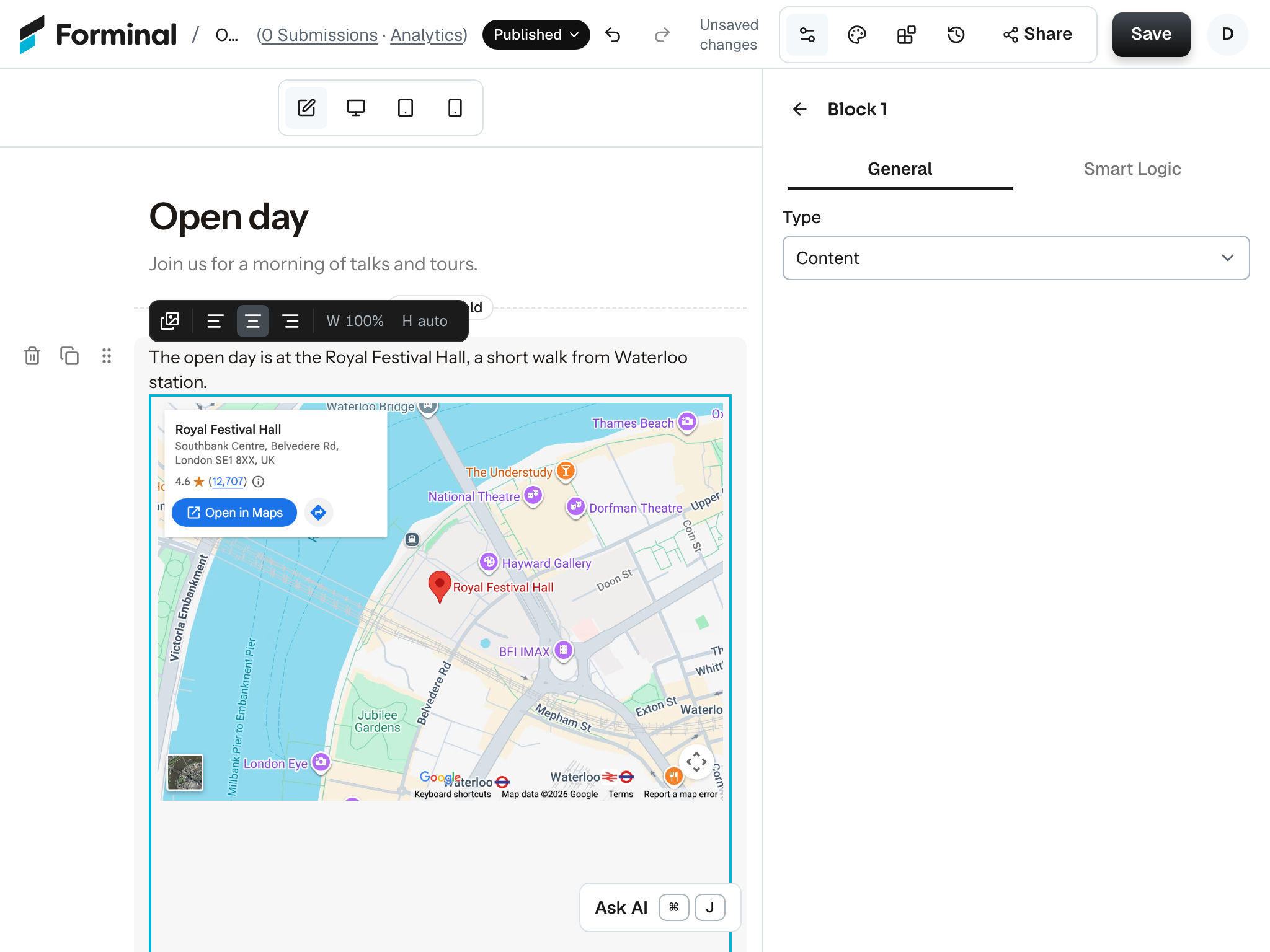
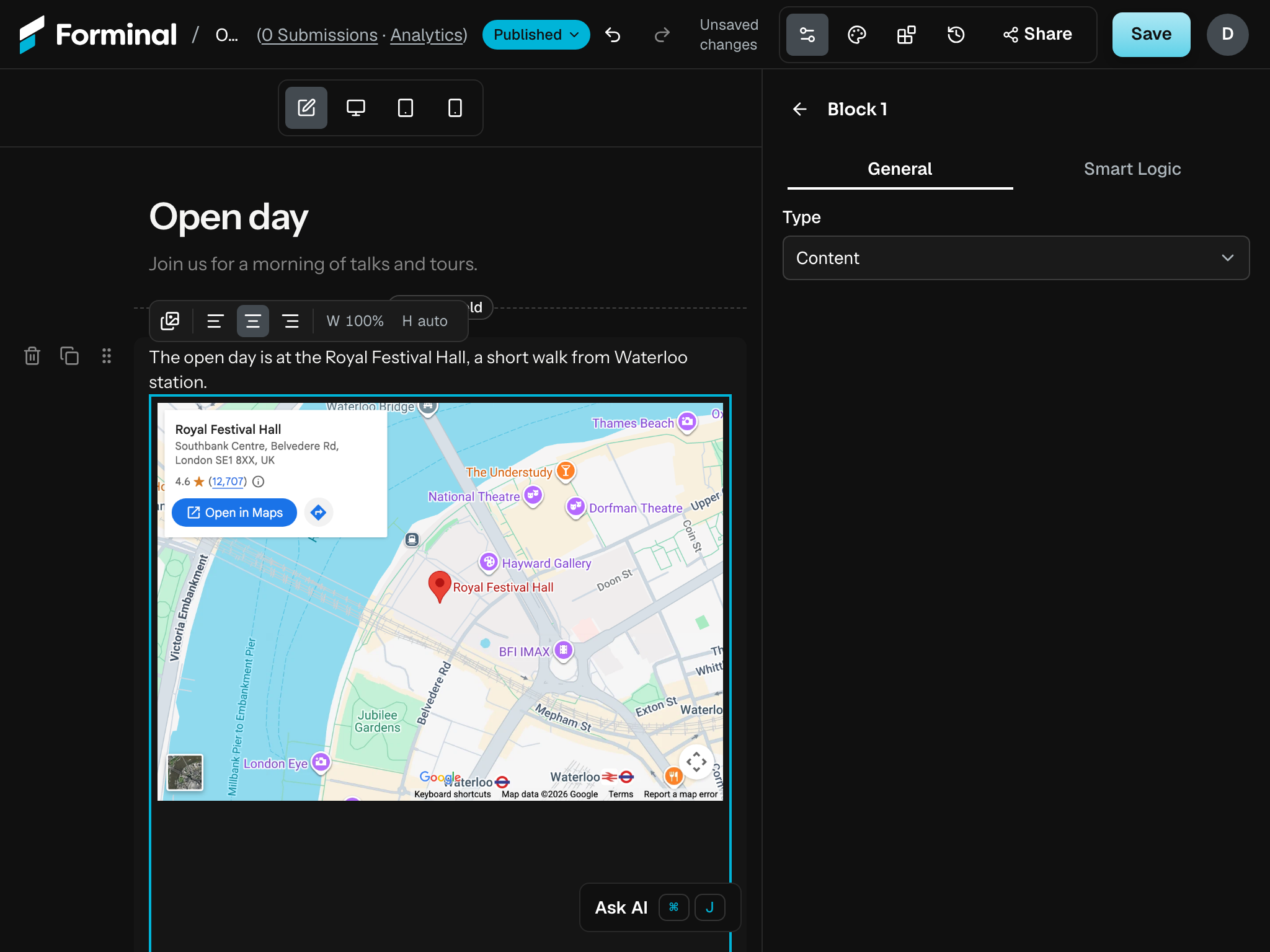
A link pasted over selected text becomes a normal link instead. Embeds work in Content blocks and in the confirmation message, so you can show a video after someone submits. Labels, descriptions and other fields keep a pasted link as plain text.
In the builder an embed is only a preview. It doesn’t play until the form is published, and the preview is not clickable.
Supported services
- Video: YouTube, Vimeo, Loom and Wistia.
- Maps: Google Maps.
- Documents: Google Docs, Sheets, Slides and Forms.
- Scheduling: Calendly.
- Audio: Spotify and SoundCloud.
- Design and whiteboards: Figma and Miro.
Use the link you would send to someone else. A link that can’t be embedded is pasted as plain text. A link can be up to 2000 characters, and it has to start with https.
What visitors see
An embed fills the width of the form until you set its width, and a set width never grows past the form. With no height set, it keeps the service’s own shape, such as 16:9 for a video. It loads when the visitor scrolls to it, so it doesn’t slow the first view of the form. YouTube videos use youtube-nocookie.com, and nothing starts playing on its own. Each embed runs in a restricted frame, so it can’t touch the rest of the page.
Where a player can’t show, such as the plain-text version of a confirmation message, the original link is printed instead. Like other Content blocks, embeds never appear in the submissions table, the CSV export or PDFs.
Ask the assistant
The assistant can add embeds when you give it links, for example “add this YouTube video under the title”. It sends the links, never embed code. If it rewrites the text of a Content block or a confirmation message, the embeds and images already there are kept below the new text.
Good to know
- Google Docs, Sheets, Slides and Forms must be shared so that anyone with the link can view them, or visitors will see a sign-in page instead of the document.
- Google Maps links shortened as maps.app.goo.gl are not supported. Open the place in Google Maps and paste the longer link from your browser’s address bar.
- Some services let their owners block embedding. If the content doesn’t show, check its sharing settings on that service.
Embeds are available on every plan.
Frequently asked questions
Which services can I embed in a form?
YouTube, Vimeo, Loom and Wistia for video, Google Maps, Google Docs, Sheets, Slides and Forms, Calendly, Spotify and SoundCloud, and Figma and Miro. If a link can’t be embedded, the builder says so and adds nothing.
Do I need embed code to add a video?
No. Paste the link you would send to a person, and the form shows the content in its place. The link has to start with https and can be up to 2000 characters.
Why does my embedded Google Doc ask visitors to sign in?
The document isn’t shared publicly. Set its sharing to anyone with the link can view, and visitors see the document instead of a sign-in page.
Can I show a video after someone submits the form?
Add the embed to the confirmation message. Embeds work there as well as in Content blocks, so the video plays on the thank-you screen.
Will an embed slow down my form?
It loads only when the visitor scrolls to it, so the first view of the form isn’t held up. Nothing starts playing on its own, and YouTube videos load from youtube-nocookie.com.
Are embeds included on the free plan?
Embeds are available on every plan, Lite included.